


Introduction
ASD Player is a lightweight multimedia app designed to play audio and video files smoothly on Android devices. It combines a clean interface, efficient playback engine, and broad codec support to make media management and viewing quick and painless for users who prefer a straightforward local player with useful advanced options.
Core features at a glance
ASD Player focuses on fast, reliable playback and a small footprint. It supports common audio and video formats, offers customizable playlists, and includes subtitle handling. The app emphasizes responsive controls and minimal interruptions so you can queue up media and jump in without waiting through slow startup times or complex menus.
Playback controls and interface
The interface keeps primary controls within thumb reach on phones and adapts neatly to tablets. Touch gestures allow scrubbing, volume, and brightness adjustments without opening menus. A compact media bar shows playback progress, repeat and shuffle options, and quick access to subtitle and audio track selectors, making it easy to switch settings while watching.
Supported formats and compatibility
ASD Player handles a wide range of codecs commonly used on Android devices, including MP4, MKV, AVI, MP3, and AAC. It recognizes embedded and external subtitle files, supporting multiple character encodings for international content. Hardware acceleration options improve performance on many devices, and compatibility extends across recent Android versions for stable playback on phones and tablets.
Organizing media and playlists
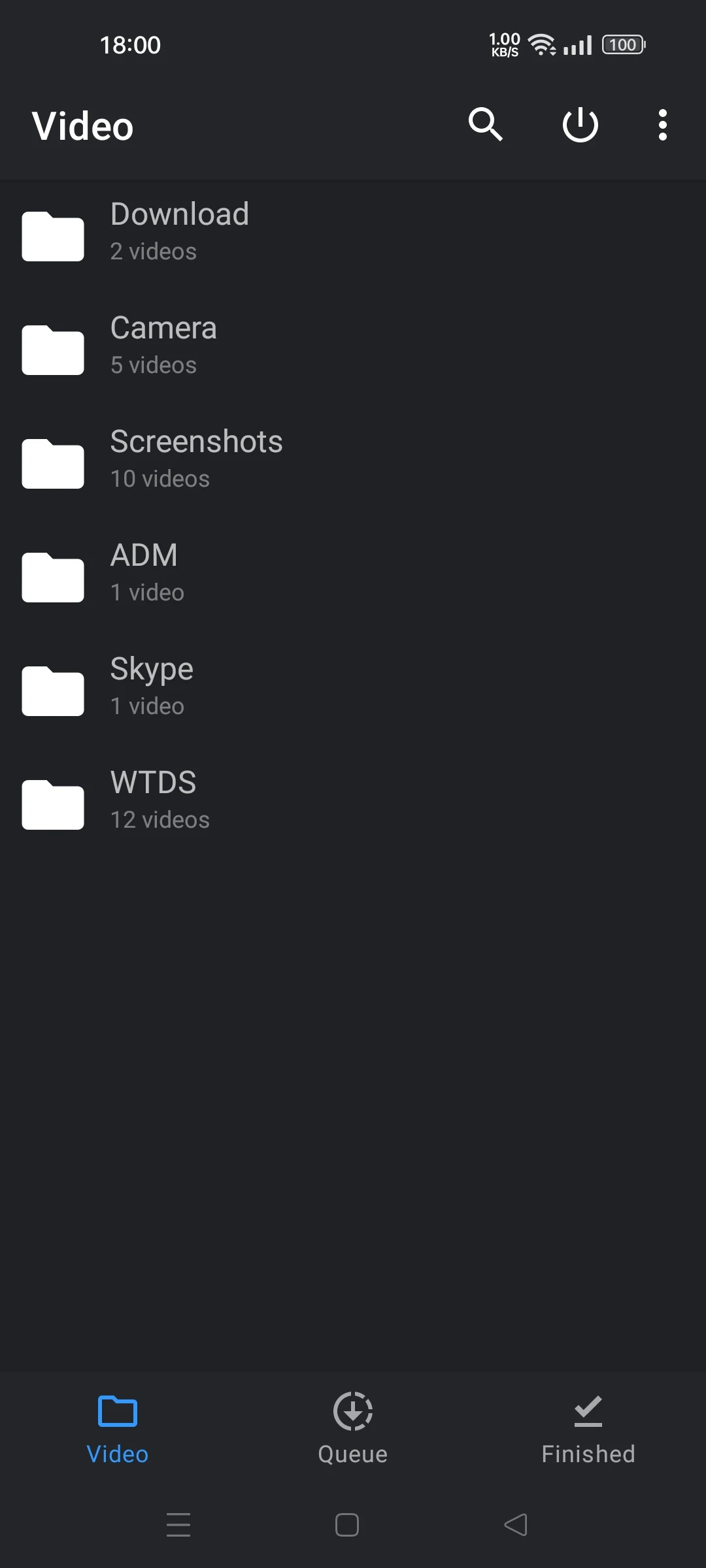
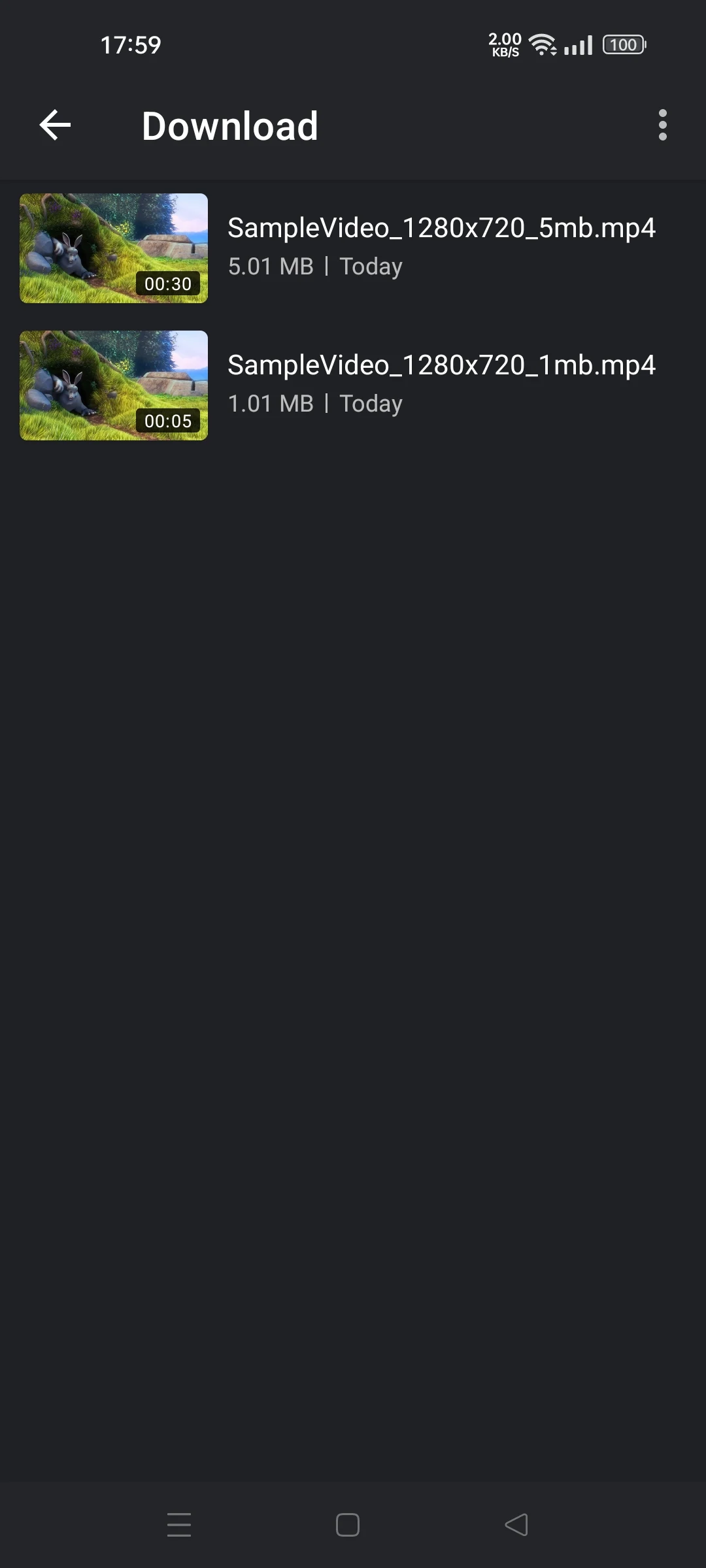
Managing a library is straightforward: scan folders, create playlists, and reorder items with drag-and-drop. The playlist editor supports saving and loading lists for different listening or viewing sessions. For users who keep large collections offline, ASD Player provides quick folder navigation and file sorting by name, date, or duration to locate files fast.
Advanced options for power users
Beyond basic playback, ASD Player includes features for fine-tuning performance. Variable playback speed aids review or language learning, while equalizer presets and manual audio adjustments let you tailor sound to headphones or external speakers. Subtitle timing and font settings can be adjusted on the fly, and codec fallback options help when a file needs software decoding.
Performance and stability
The app is designed to minimize battery impact while maintaining smooth frame rates during video playback. Background audio continues reliably when switching apps, and the player recovers gracefully from interruptions such as incoming calls. Frequent updates address compatibility and decoding improvements, keeping playback stable across device models.
Practical use cases
ASD Player works well for daily media consumption, offline travel playlists, and language study where variable speed and subtitle control matter. It also performs as a secondary player for files that other apps struggle to decode. Lightweight design makes it suitable for older devices that need efficient resource use.
Getting started tips
- Initial setup: Allow folder scanning for quick library population.
- Subtitles: Place subtitle files in the same folder as videos and match filenames for automatic pairing.
- Performance: Enable hardware acceleration if your device supports it for smoother playback.
- Customization: Save equalizer settings as presets to switch audio profiles depending on headphones or speakers.
ASD Player strikes a balance between simplicity and control, offering essential playback features with enough advanced settings to satisfy demanding users. With solid format support, responsive controls, and lightweight operation, it’s a practical choice for anyone who wants dependable local media playback on Android devices.
- No virus
- No advertising
- User protection
Information
- File size: 13.80 M
- Language: English
- Latest Version: 4.3.19
- Requirements: Android
- Votes: 416
- Package ID: com.app_mo.splayer
- Developer: app-mo
Screenshots
















Explore More
Enjoy your favorite media anywhere with our sleek new all-in-one multimedia app! Stream video, music, and podcasts online or offline, downloaded directly to your device. Customize playlists and get smart recommendations based on your tastes. Adjust audio settings and enable bass boost for the ultimate listening experience. Easily cast and share to other devices. With a gorgeous, intuitive interface, media controls at your fingertips, and no distracting ads, this is the ultimate personal media hub.

All Recovery - Photos & Videos

MX Player Codec (ARMv6)

Les Rencontres d’Arles

TriviaMaker

Billund Kommune Ældreområdet+

Estados do Brasil

Hitler Ki Wapsi Urdu Novel By Aleem Ul Haq Haqqi

Villa Club 29





























