


Introduction
Oh My Bear Cute Stickers is a playful sticker pack app that brings a family of expressive bear characters to your chats. It offers a wide selection of high-quality stickers, easy integration with popular messaging apps, and simple customization tools to personalize conversations with adorable, animated and static sticker art.
What the App Delivers
Oh My Bear Cute Stickers focuses on making messaging more expressive and fun. The collection includes hundreds of stickers ranging from silly faces and heartwarming hugs to seasonal designs. Each graphic is crafted to be lively and readable at chat sizes, so emotions translate clearly across platforms. The pack includes both static images and sticker animations to add motion to your messages.
Key Features
- Extensive Sticker Library — A broad assortment organized by mood and theme so you can find the right sticker quickly.
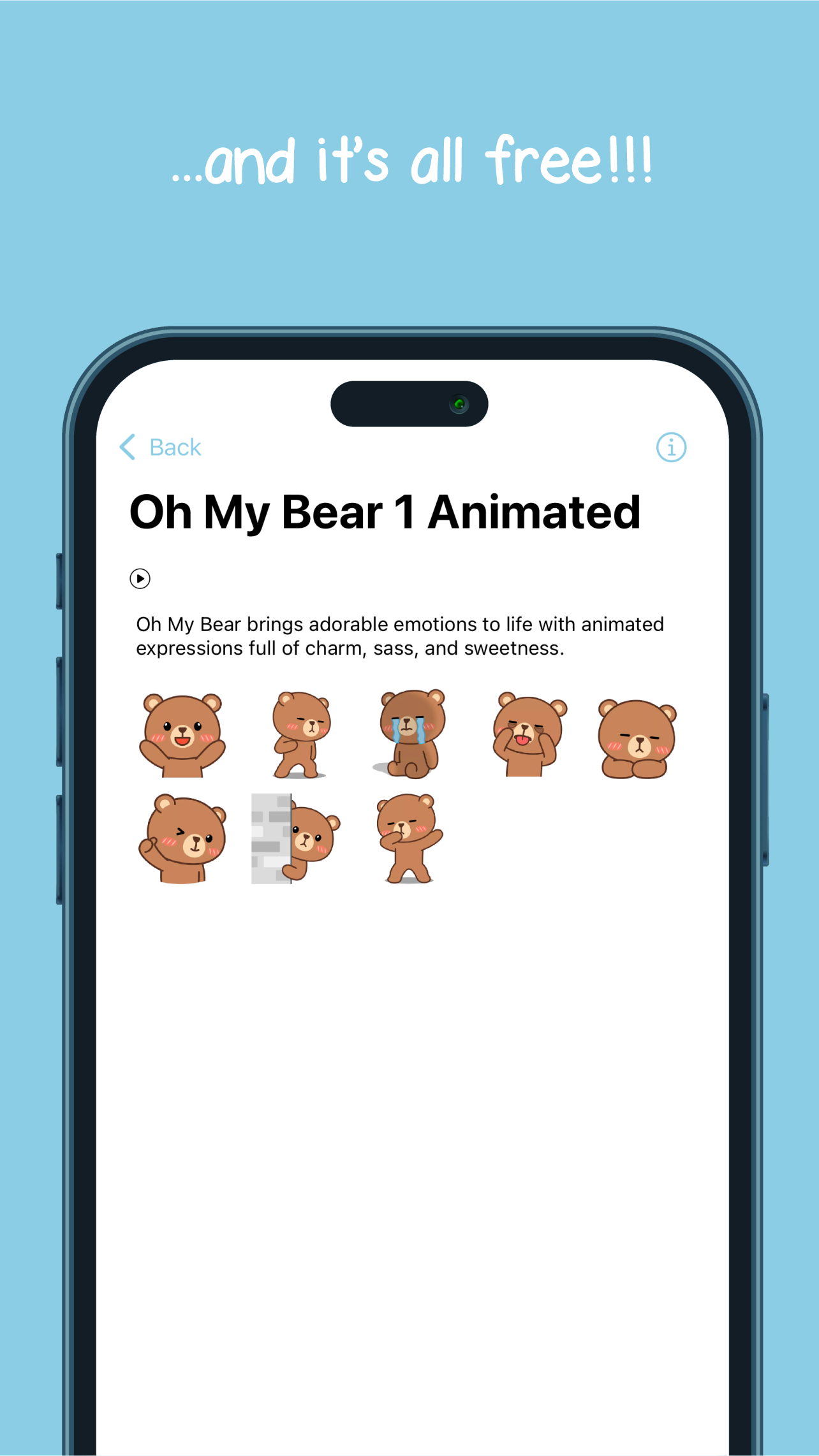
- Animated and Static Options — Mix of GIF-like stickers and single-frame images to suit different conversation styles.
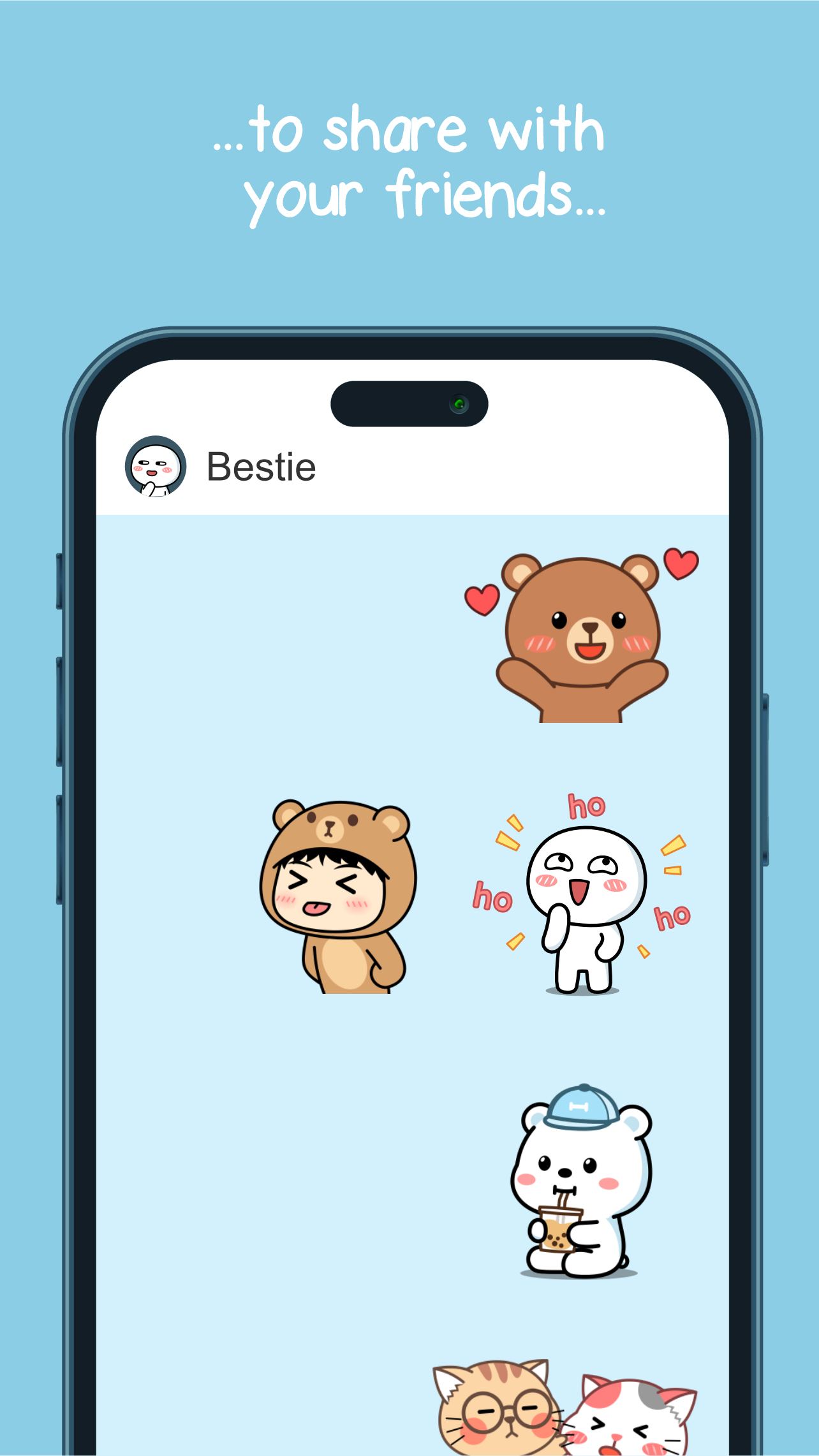
- One-tap Sharing — Add stickers to a message with a single tap; the app integrates with major messaging clients.
- Regular Updates — New seasonal and event packs are released to keep the selection fresh.
- Lightweight Installation — Designed to minimize storage and load quickly on modern phones.
How It Integrates with Messaging Apps
The installation process is streamlined to get stickers into your favorite chat apps fast. After installing Oh My Bear Cute Stickers, the app prompts you to enable its sticker pack in supported messengers. Once enabled, stickers appear inside the chat keyboard or within the stickers panel of the messaging app. Sending is as simple as selecting the desired sticker and tapping send; some platforms also allow previewing or resizing prior to sending.
Customization and Personal Touches
While primarily a curated sticker collection, Oh My Bear Cute Stickers includes basic customization tools. You can favorite frequently used stickers for quick access, organize stickers into a personalized order, and apply simple edits like adding captions or basic overlays. The favorites and organization features reduce time spent searching during active conversations and let you tailor the app to your usual reactions.
Design and Visual Quality
Artwork in Oh My Bear Cute Stickers is optimized for clarity at small sizes while maintaining character detail. The illustration style is consistent across the pack, giving conversations a cohesive look. Animations are smooth but subtle, chosen to enhance expression without being distracting. Color palettes are vibrant, ensuring the stickers stand out against different chat backgrounds.
Performance and Compatibility
Performance has been tuned for efficient battery and memory use. The app keeps resource demands low by loading sticker assets on demand and compressing animations for quick playback. Compatibility covers a wide range of Android versions and device sizes; the app detects the best format for your device and adjusts accordingly. If you use multiple messaging apps, Oh My Bear Cute Stickers works alongside them without causing noticeable slowdowns.
Practical Tips for Best Use
- Organize your favorites after installing to speed up responses.
- Use animated stickers sparingly in group chats to avoid overwhelming the thread.
- Keep the app updated to receive seasonal additions and performance improvements.
- Combine stickers with short text replies for clearer tone and context.
Why People Enjoy It
Oh My Bear Cute Stickers appeals to users who want a friendly, whimsical aesthetic for everyday messaging. The balance of animated and static designs gives flexibility for both playful and sincere moments. For users who value quick sharing, clear visuals, and ongoing updates, this sticker pack adds personality to conversations without complicating the messaging experience.
- No virus
- No advertising
- User protection
Information
- File size: 31.00 M
- Language: English
- Latest Version: 2.1
- Requirements: Android
- Votes: 93
- Package ID: com.DuduuStudio.BearSticker
- Developer: Duduu Friends
Screenshots

















Explore More
Equip yourself with our all-in-one toolbox app for everyday tasks and projects. Instantly convert between units, calculate tips, scan documents, manage files, and more with handy productivity tools. Includes a level, compass, QR code reader, ruler, speedometer, decibel meter, and flashlight. Save frequently used tools to your customizable dashboard for one-tap access. Track billable hours, wages, budgets, and invoices. Annotate screenshots, magnify labels, and sign PDFs on the go.

Board Game Stats

MEXC Global: BTC, ETH, Gamefi

MERA PROXY PRO

Domino's Pizza Sri Lanka

Hatekhori Shongkha

Connecting - Friends Near Me

Cartola

Virink





















