


Introduction
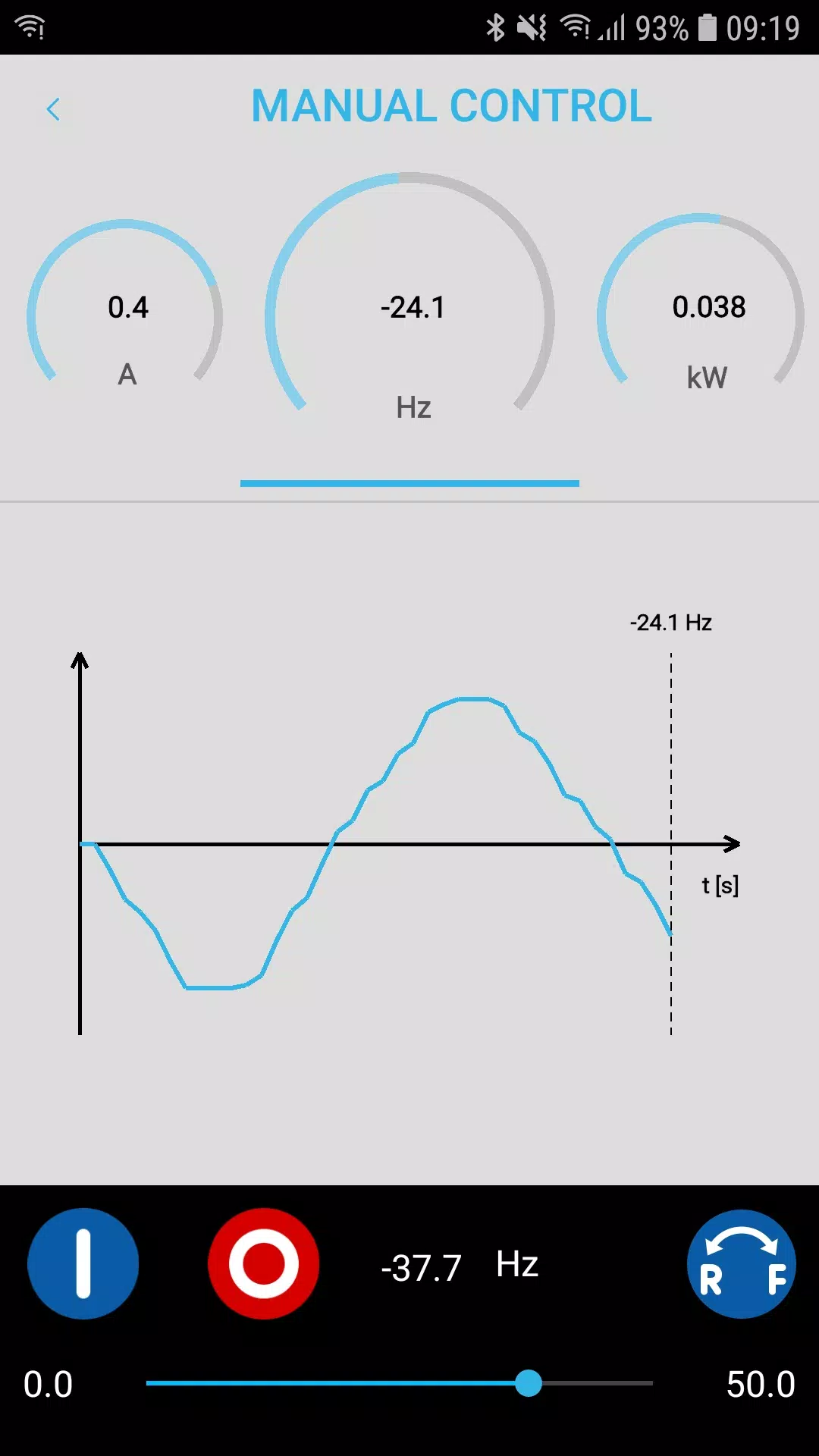
SMART Keypad turns your smartphone or tablet into a compact, portable keypad for the Lenze i500 inverter, providing on-site diagnostics, parameter editing and controller management without the need to carry a dedicated handheld device. The app connects to the i500 over its WLAN module to read live status, browse parameter lists, change values and execute controller actions; technicians can use SMART Keypad to troubleshoot faults, perform commissioning steps and save or restore full parameter sets directly from a mobile device.
Key capabilities
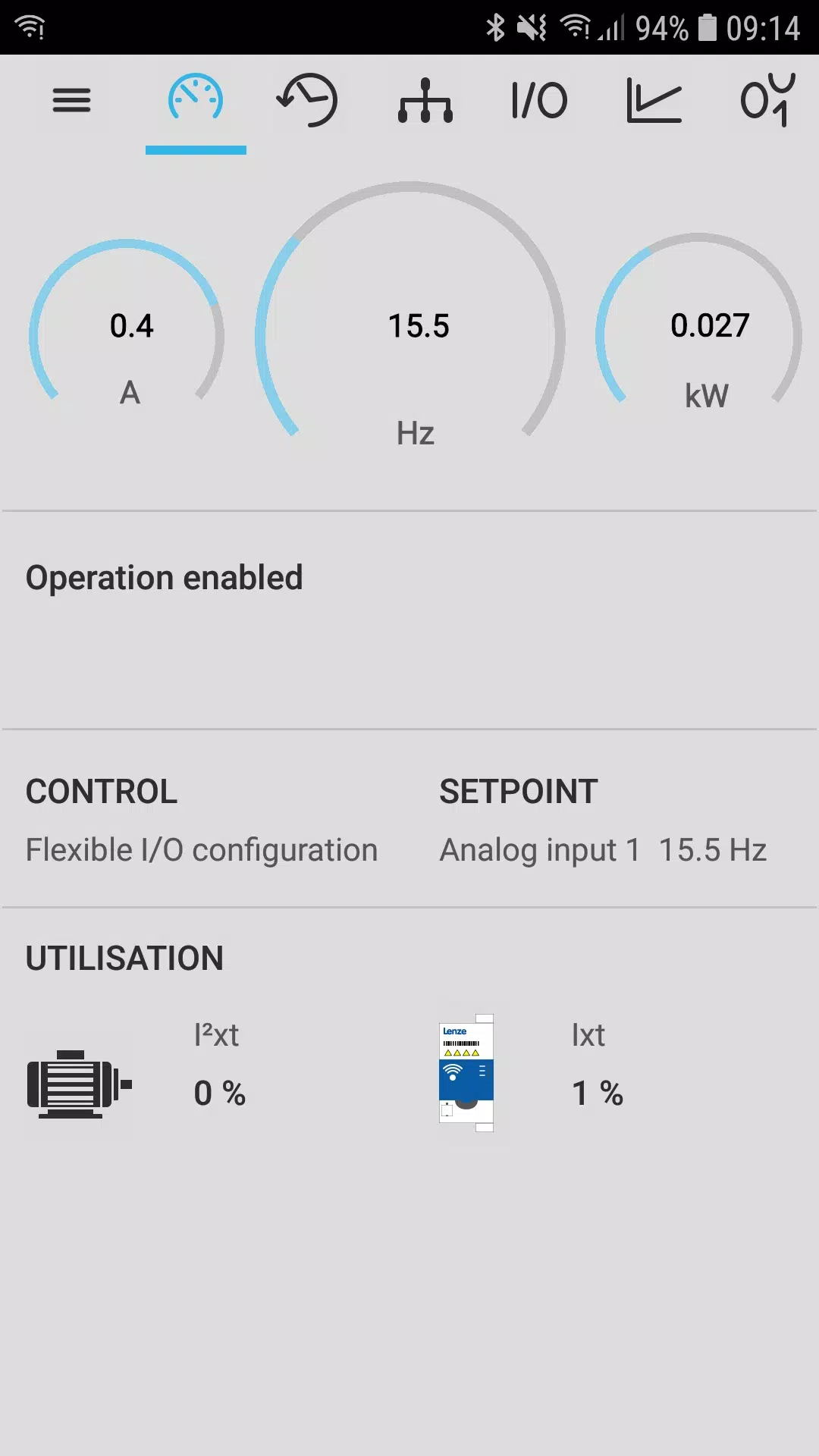
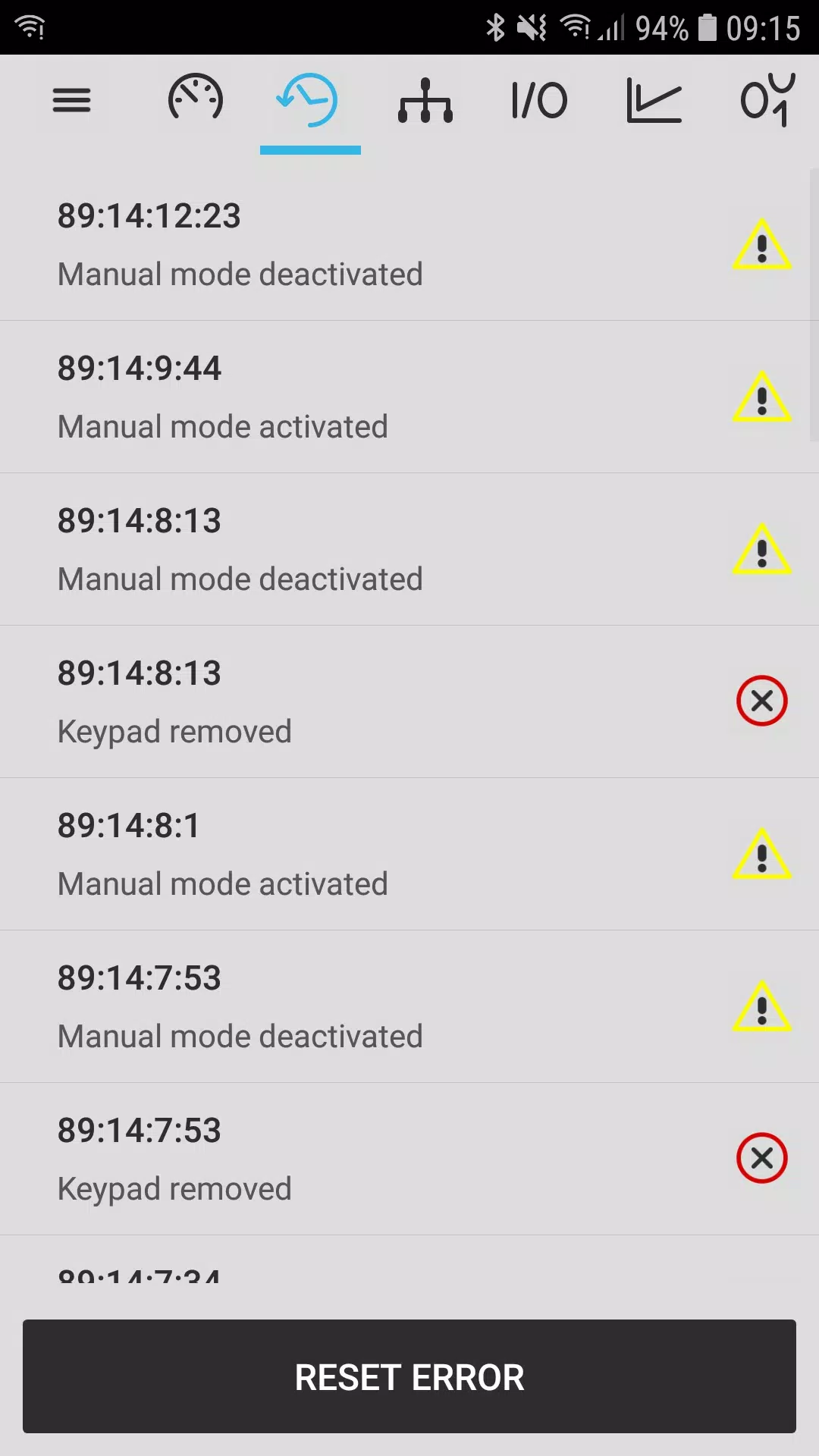
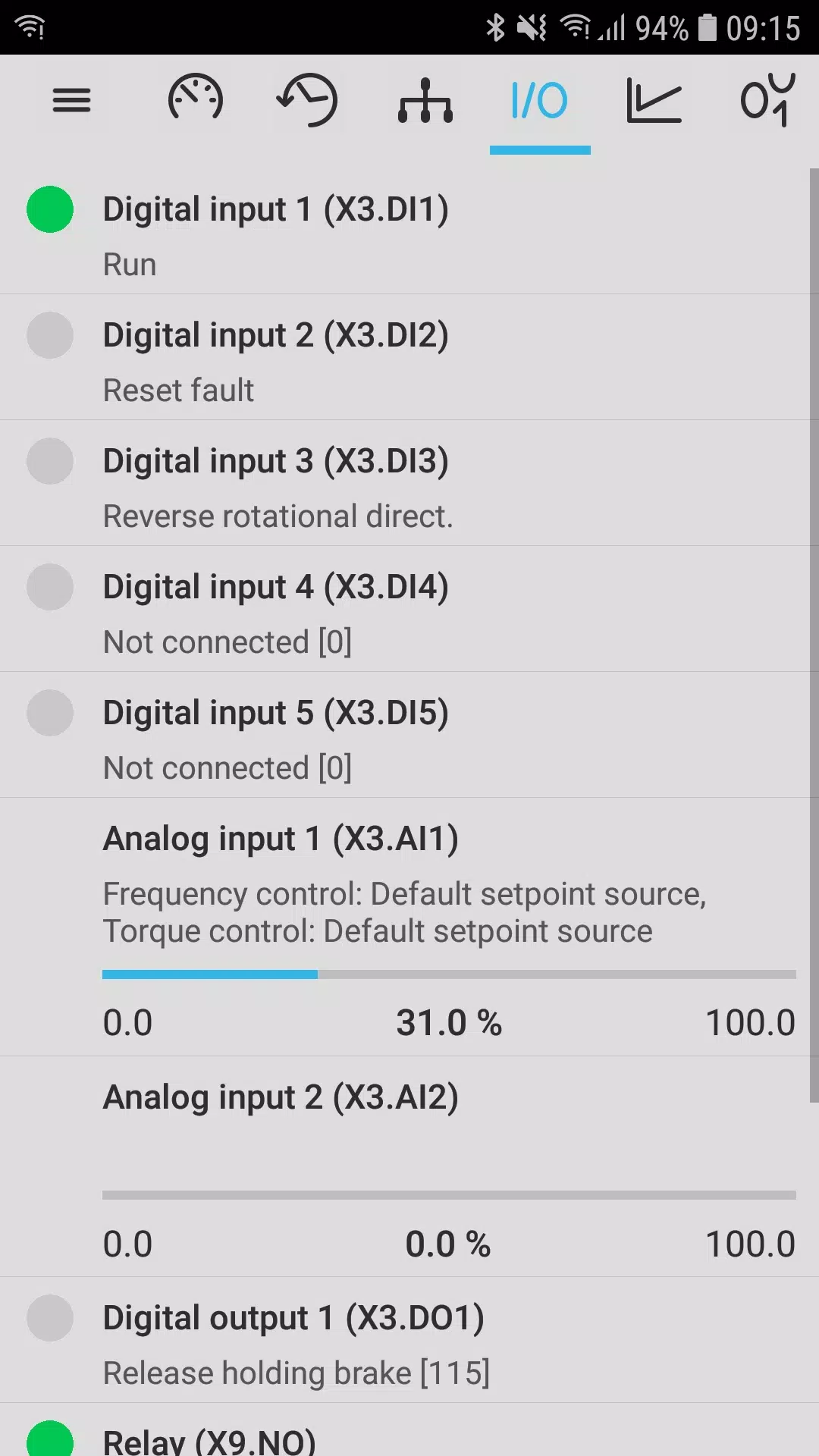
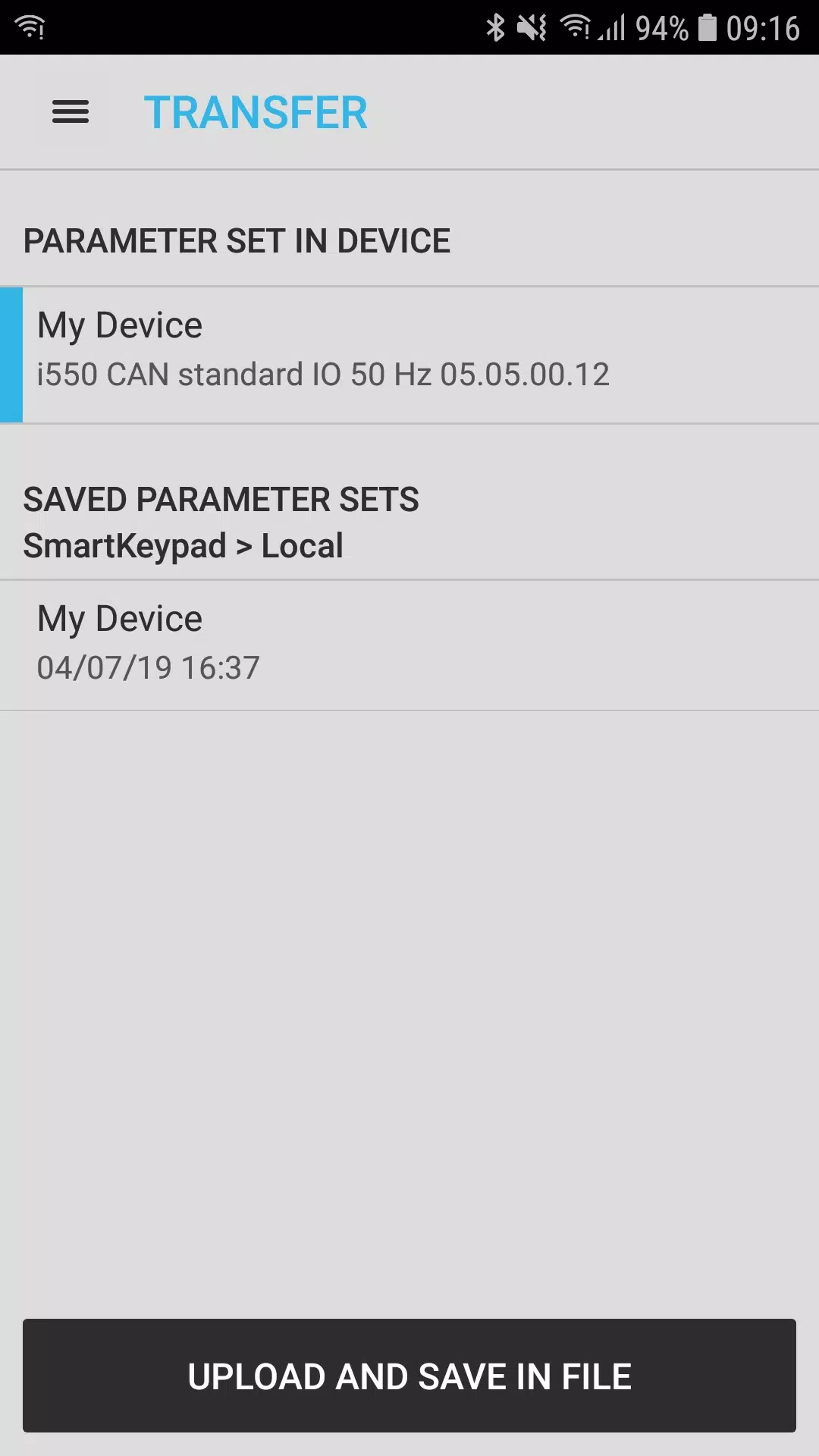
The core functionality of SMART Keypad centers on secure WLAN communication with the Lenze i500: live status readouts report operational state and active errors, parameter browsing and fast search let you find settings by name or number, and write-access allows authorized users to change parameter values on the fly. The app supports saving a device’s full parameter set to local storage and restoring it when needed, which helps protect configurations during field work and simplifies rollbacks after testing. Login and logout functionality controls access and the built-in contact options provide quick access to support by email or telephone.
Controls and workflow
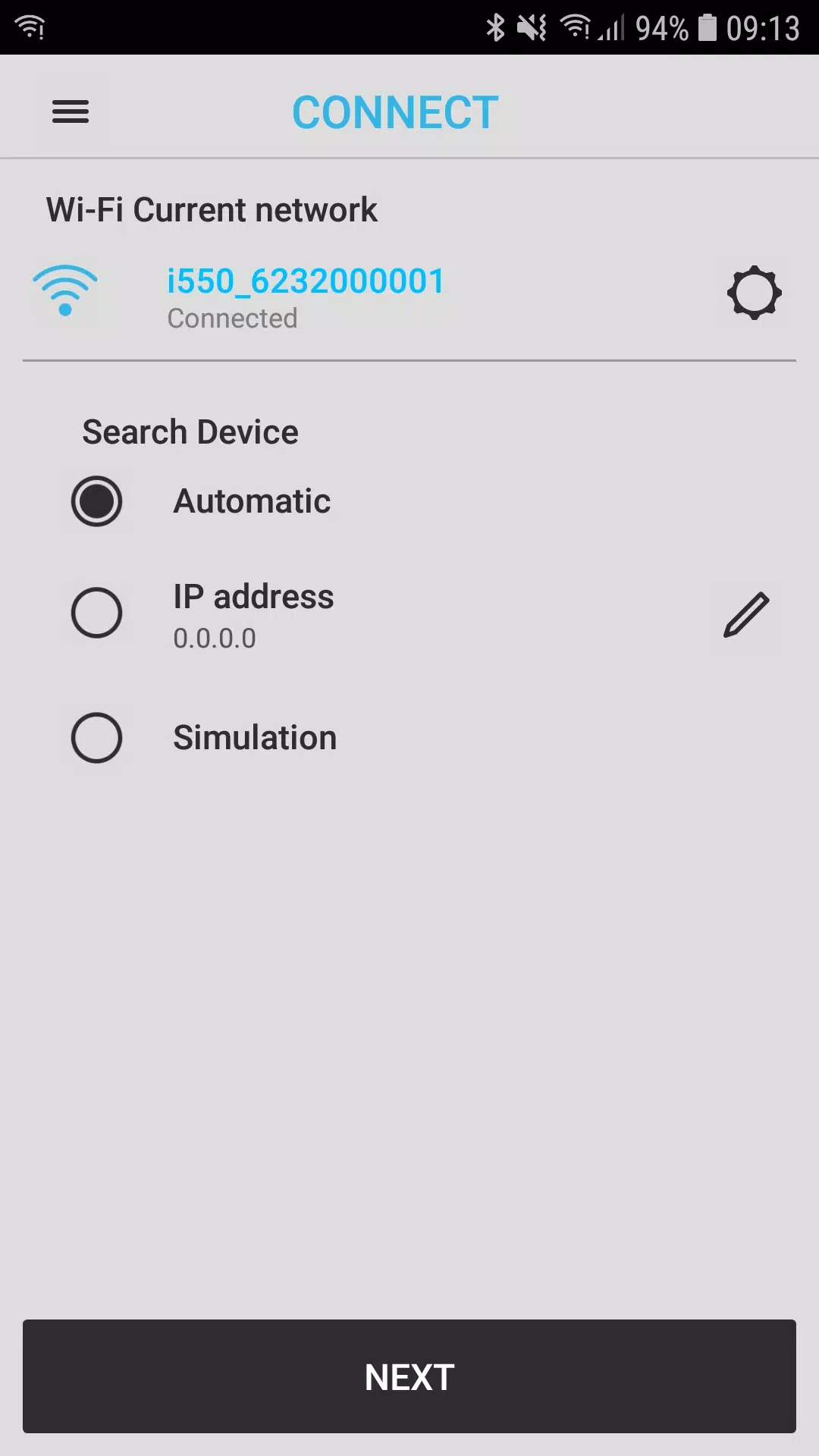
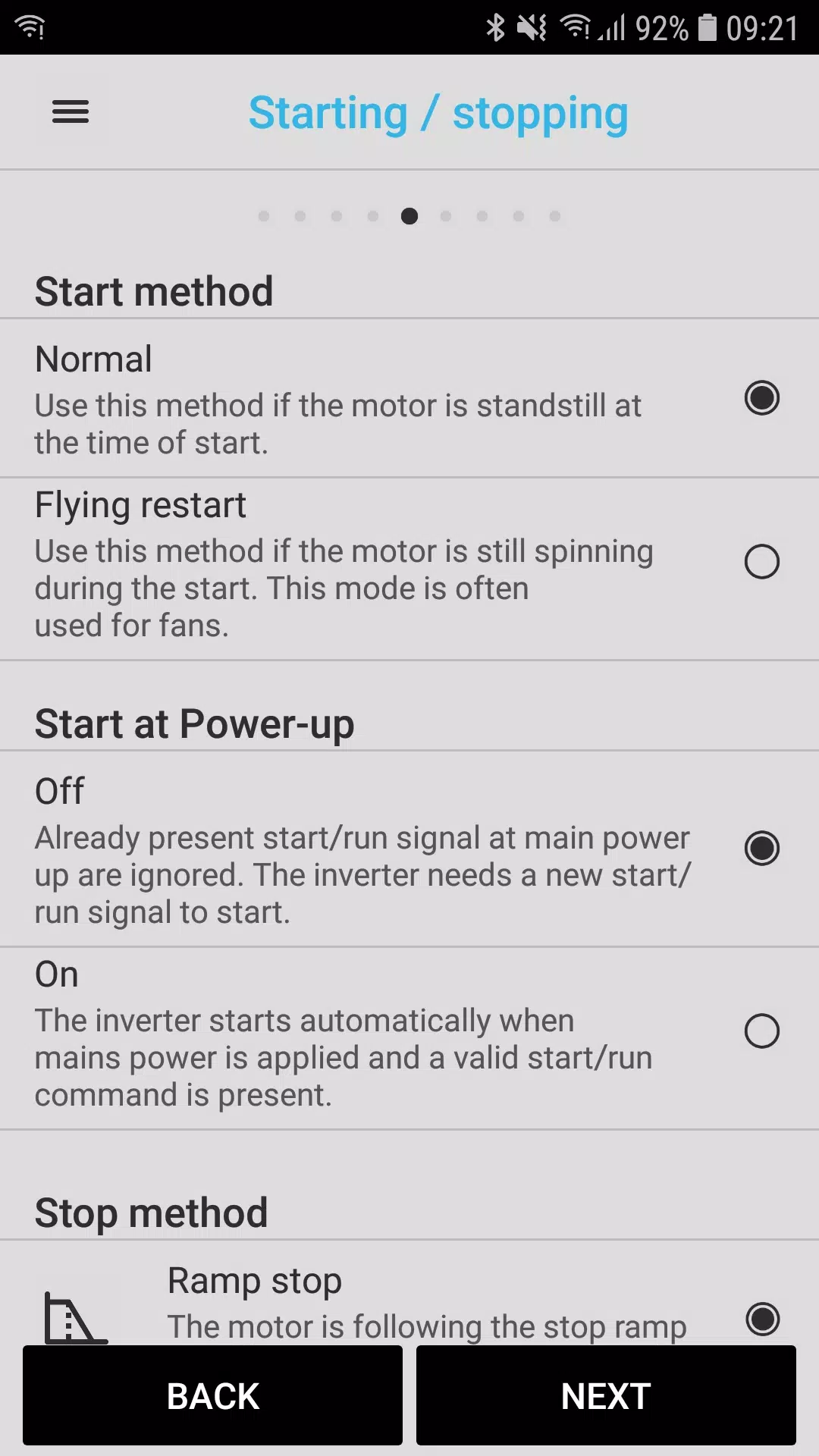
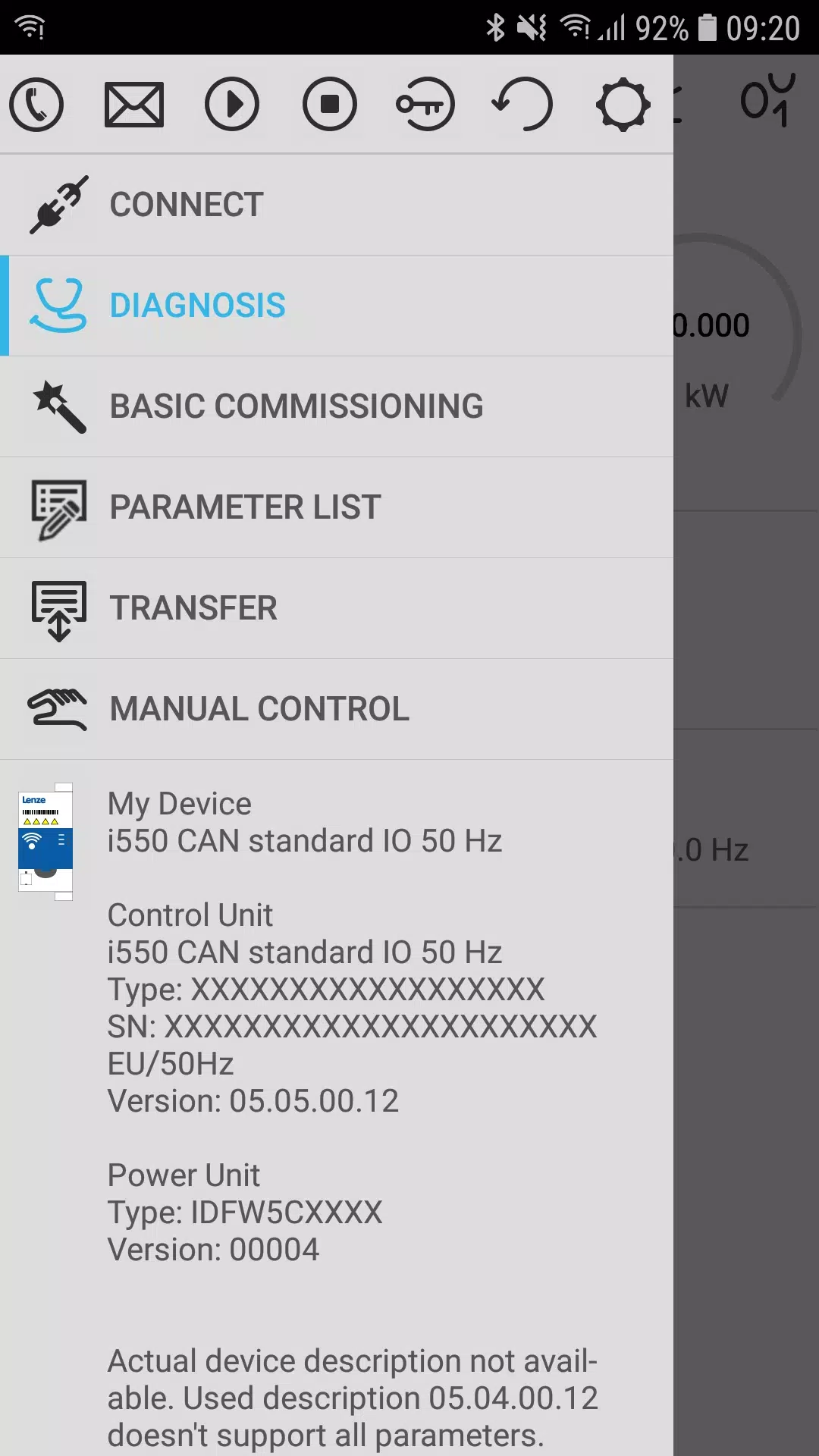
Interaction is optimized for touch: the keypad-style interface mimics familiar hardware controls while providing a modern touchscreen experience with clear on-screen buttons, confirmation dialogs and context-sensitive help. Navigation follows a simple screen hierarchy—connection setup, diagnostic overview, parameter list, parameter editor and transfer manager—so technicians can move from discovery to resolution in a few taps. Common tasks such as search-and-edit, error reset or parameter transfer are designed to minimize steps and reduce time on site, and the app maintains recent activity so interrupted operations can be resumed quickly.
Progression and task management
Rather than a game-style progression system, SMART Keypad supports a practical workflow progression that helps users complete commissioning and maintenance activities in stages: connect and verify, run diagnostics, adjust parameters, validate behavior and save the final configuration. The app records parameter changes and offers the ability to compare a current configuration with a previously saved set, making it easier to track changes across multiple visits or to multiple inverters. This structured approach reduces the chance of overlooked steps and supports consistent commissioning across field teams.
Visual design and customization
The interface favors legibility and clarity with a neutral color palette, readable fonts and color-coded status indicators that distinguish normal operation, warnings and errors at a glance. Users can adjust display settings such as units and text size where supported by the device to match site conventions and improve readability. Parameter lists can be filtered and reordered so commonly accessed settings are available quickly, and saved parameter sets are labeled to make restoration straightforward.
Replay value and repeated use
SMART Keypad is built for repeated, practical use rather than single-session activity. Technicians who support multiple machines will find value in the ability to store and recall configurations, reuse commonly applied parameter templates and quickly migrate settings between inverters. These repeatable actions reduce setup time on recurring jobs and allow teams to standardize configurations across installations.
Accessibility and offline capabilities
The app includes accessibility-minded options such as adjustable font sizes and high-contrast indicators to assist visibility in bright outdoor conditions. While real-time communication requires a Lenze i500 with the optional WLAN module, SMART Keypad supports offline access to saved parameter sets and previously logged diagnostics so technicians can review configurations and documentation even when a live connection is not available.
Limitations and practical considerations
SMART Keypad is specifically designed for the Lenze i500 family and requires that inverter to have the WLAN module installed for live control and diagnostics; the app does not provide support for other drive models. The scope of control and the ability to write parameters depend on inverter firmware and user permissions, so field users should verify network settings and authorization levels before critical operations. Because critical safety and control functions remain with the inverter hardware, SMART Keypad is intended to complement—not replace—the device’s protective and control systems.
Who benefits most
Field service technicians, commissioning engineers and maintenance staff who work with Lenze i500 inverters will benefit most from SMART Keypad’s portability and focused toolset. By centralizing diagnosis, parameter editing, error reset and parameter transfer in a single mobile interface, SMART Keypad helps reduce trips to control panels, speeds up troubleshooting and makes on-site configuration more efficient while keeping a clear record of parameter changes for future reference.
- No virus
- No advertising
- User protection
Information
- File size: 65.90 M
- Language: English
- Latest Version: 1.10.9
- Requirements: Android
- Votes: 257
- Package ID: com.lenze.smartkeypadapp
- Developer: Lenze SE
Screenshots
















Explore More
Connect deeper through meaningful conversations with our communication apps. Enjoy crystal-clear calls, video chats, messaging, and file sharing. Find the perfect emojis, GIFs, and stickers to express yourself. Keep the non-stop group banter organized in one place. Block unwanted interactions at the source. Meet new people worldwide through our global community features.

IZI: play, listen, watch, call

OnDjoss

Connecting - Friends Near Me

TryController

DATING SITES

TownSq Community

69ers

LR Store





























