

Introduction
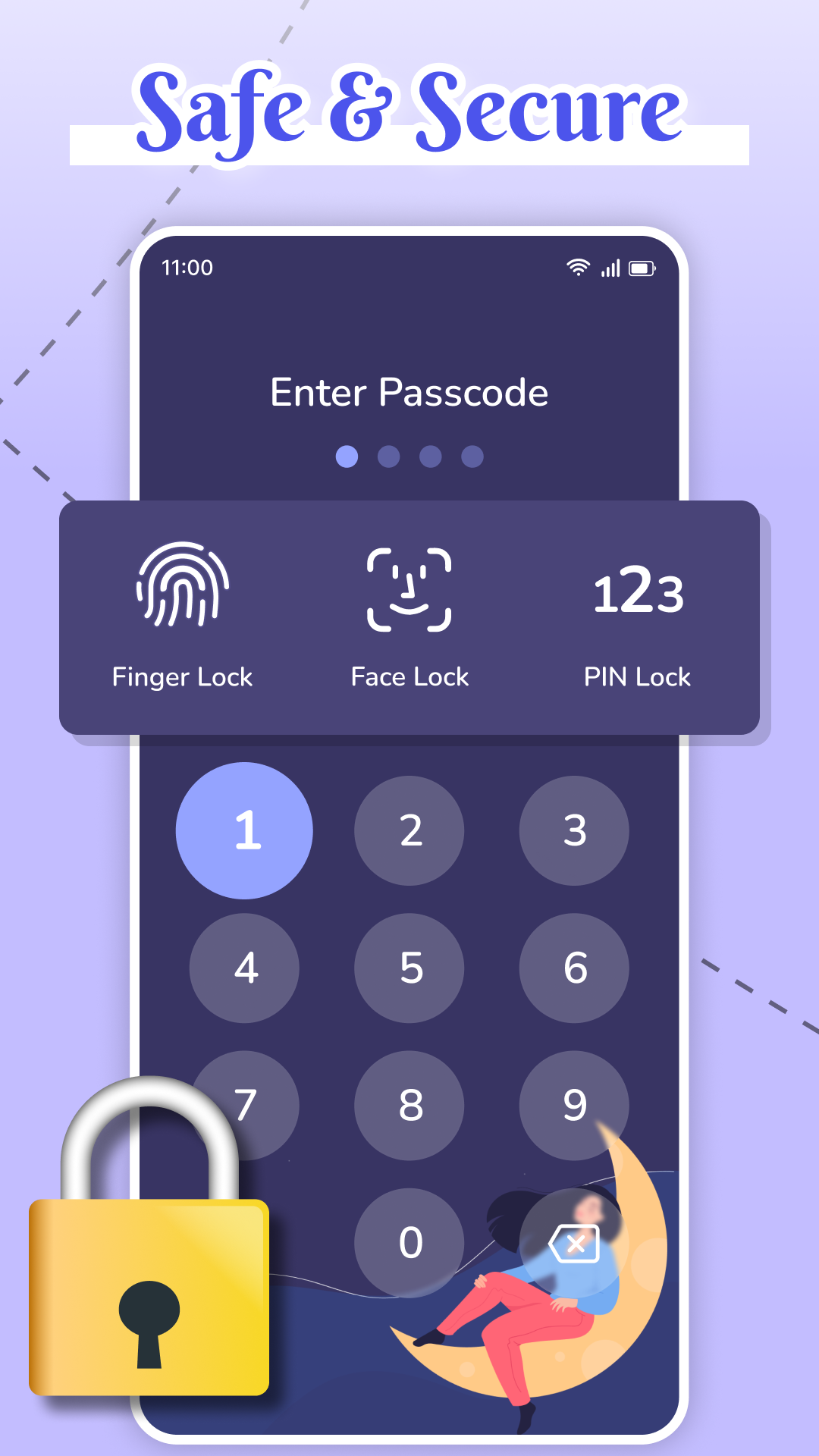
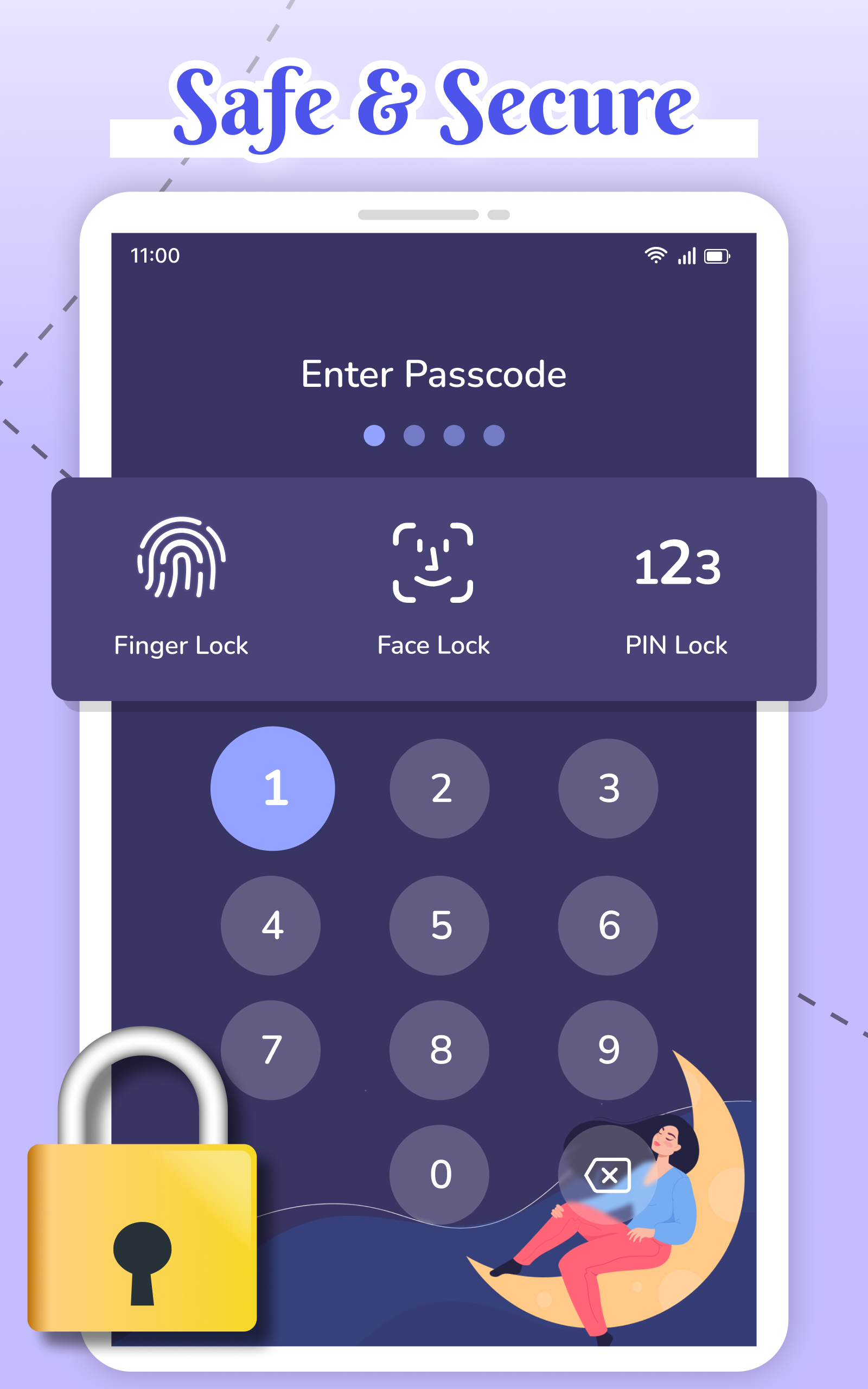
My Diary Lock - Hidden Photos is a private vault app that stores journals, pictures, and personal notes behind secure authentication. It offers PIN, pattern and fingerprint protection plus stealth modes to hide the app icon. Ideal for users who want a tidy, encrypted place for sensitive memories and documents.
Key features
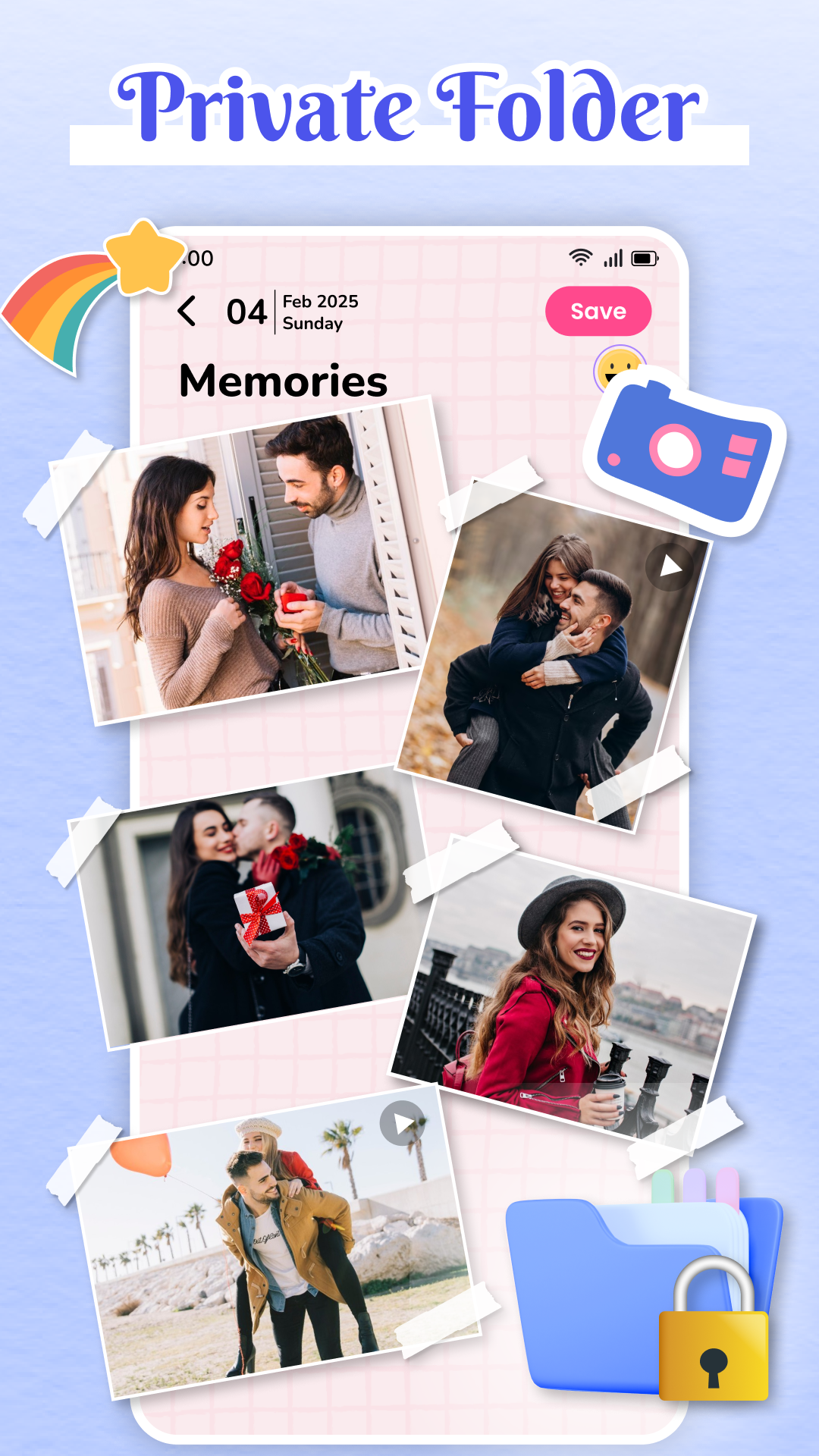
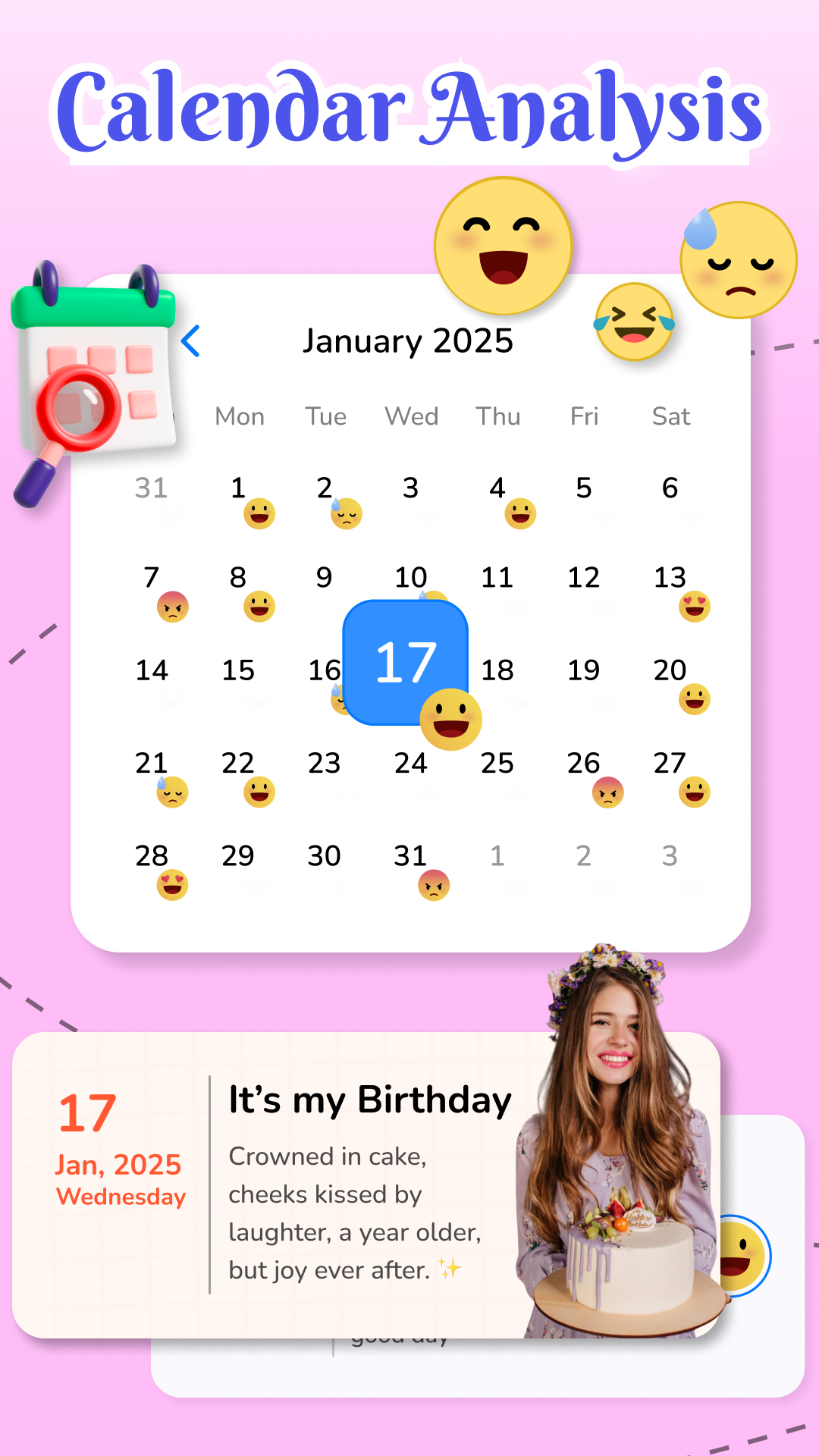
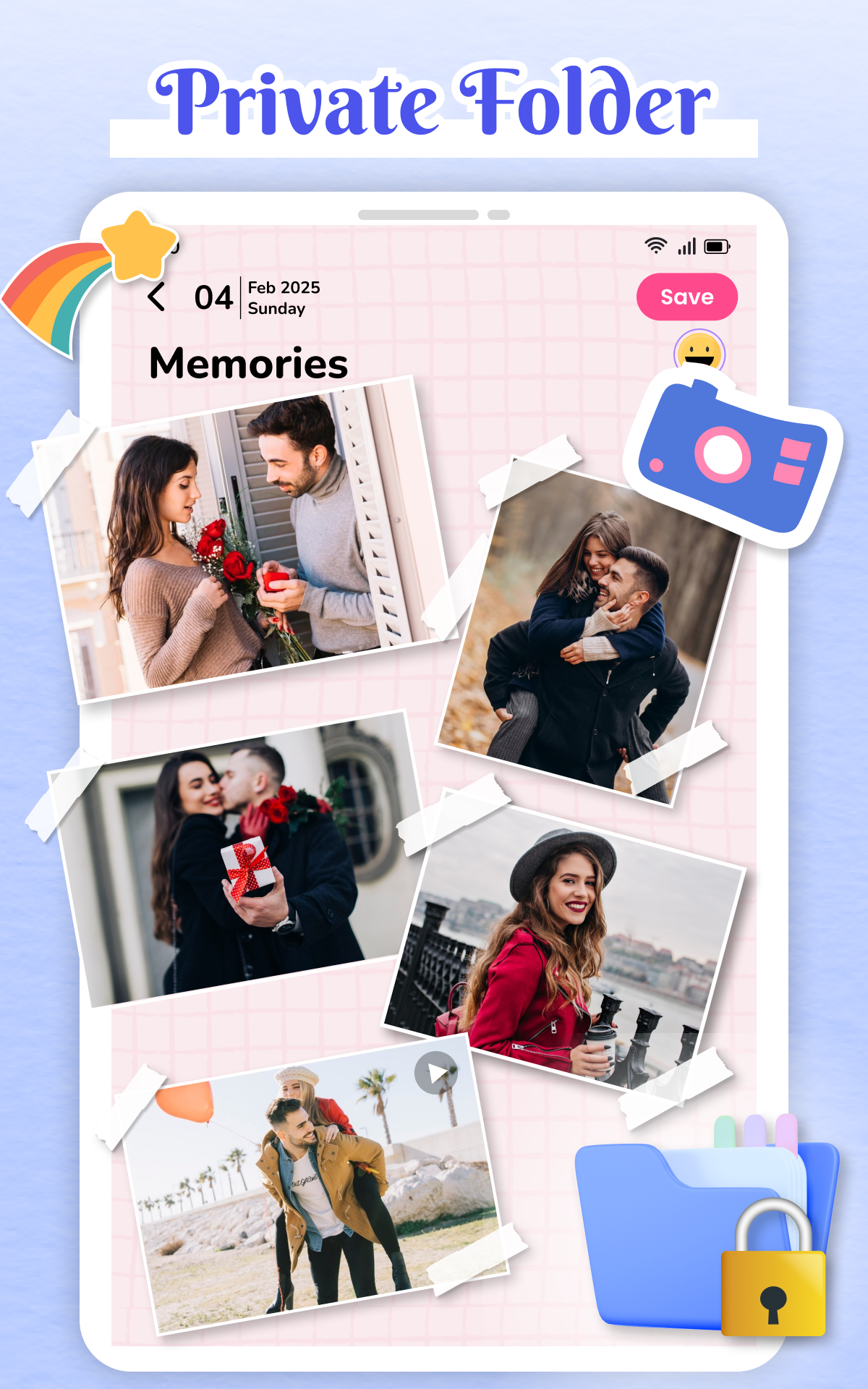
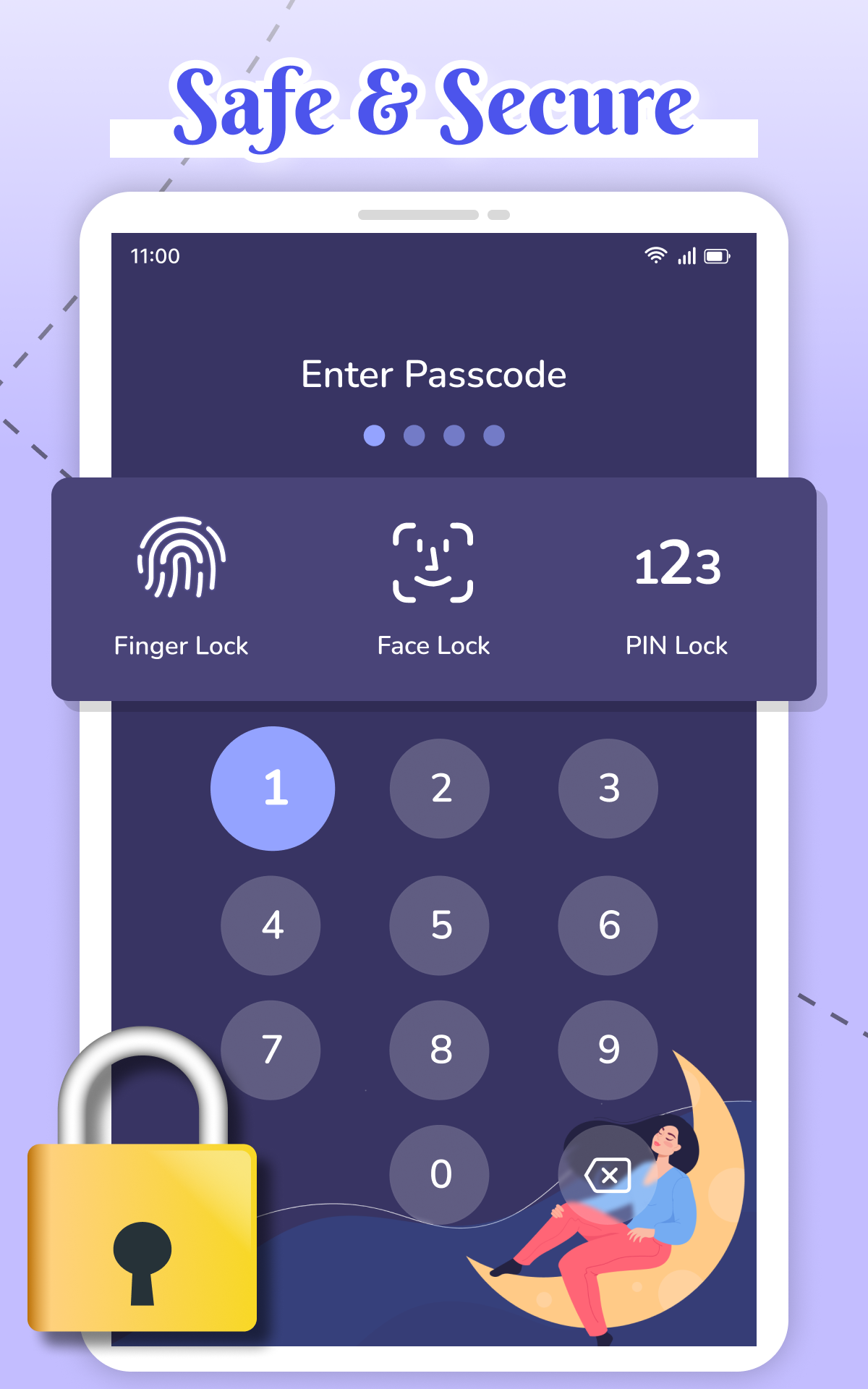
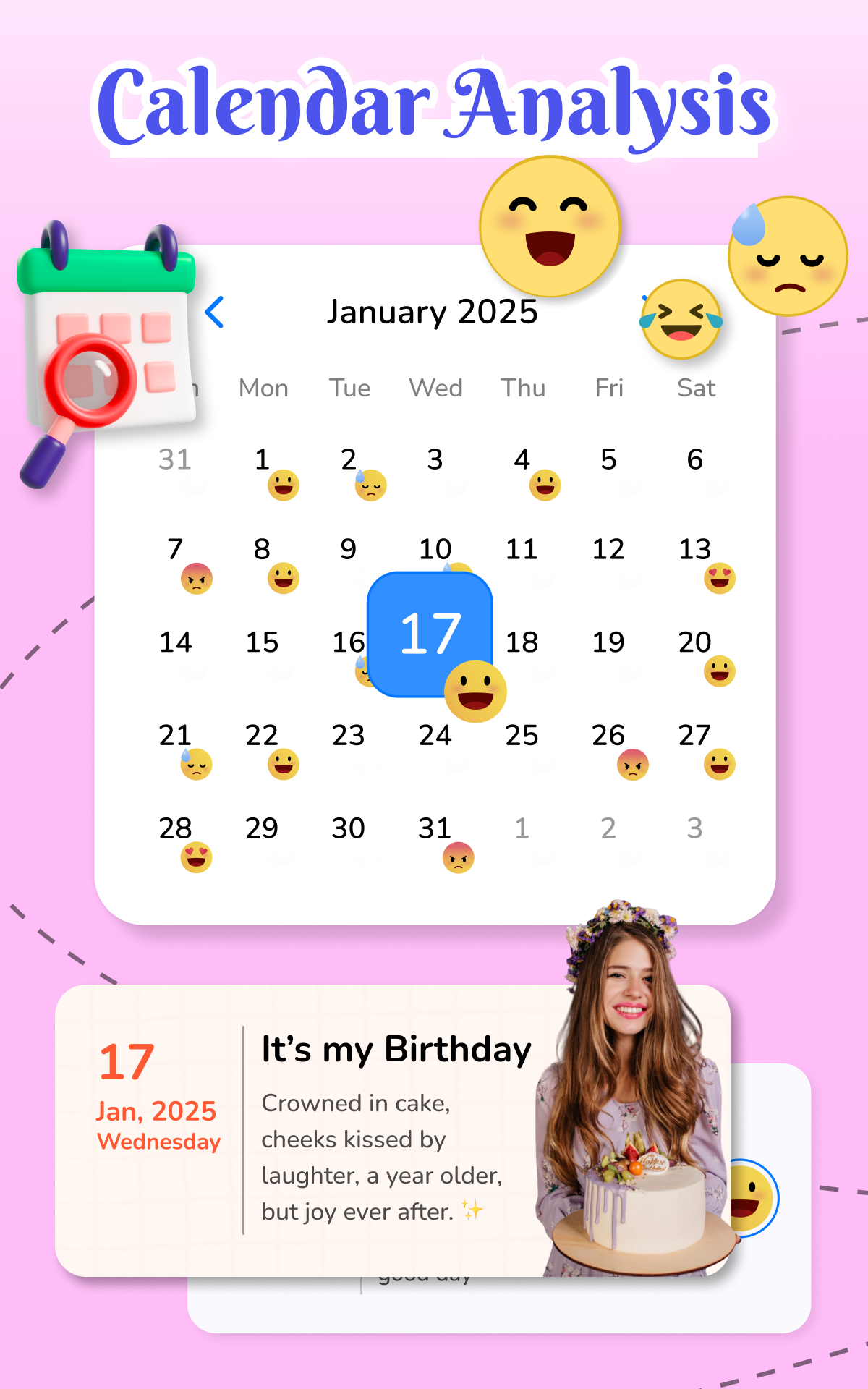
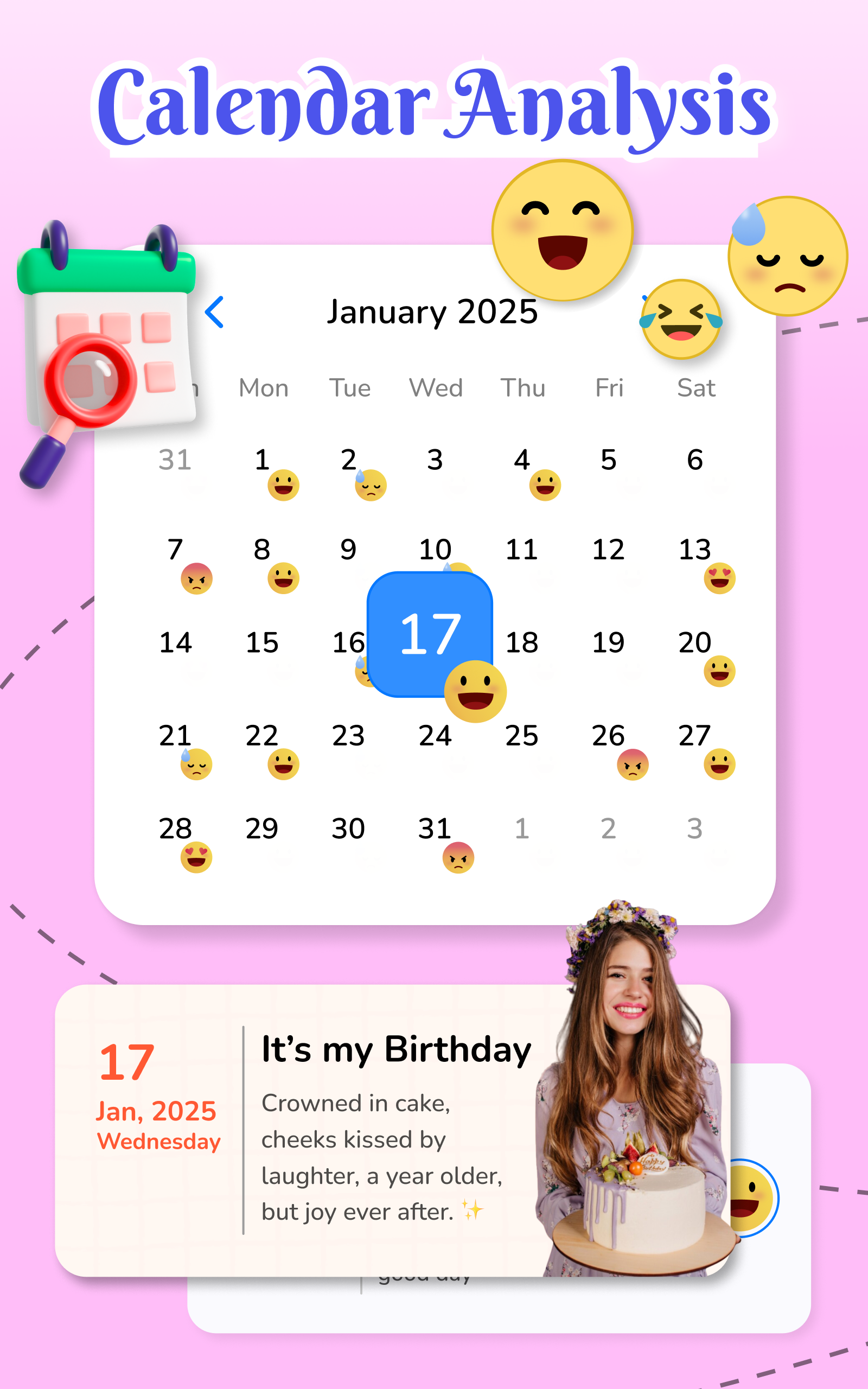
My Diary Lock - Hidden Photos provides several tools to keep personal content private: a secure diary module for text entries, an encrypted photo gallery, and a file locker for documents and videos. You can choose between multiple unlocking methods, enable automatic backups to cloud services, and set up break-in reports with the front camera to capture unauthorized attempts.
How protection works
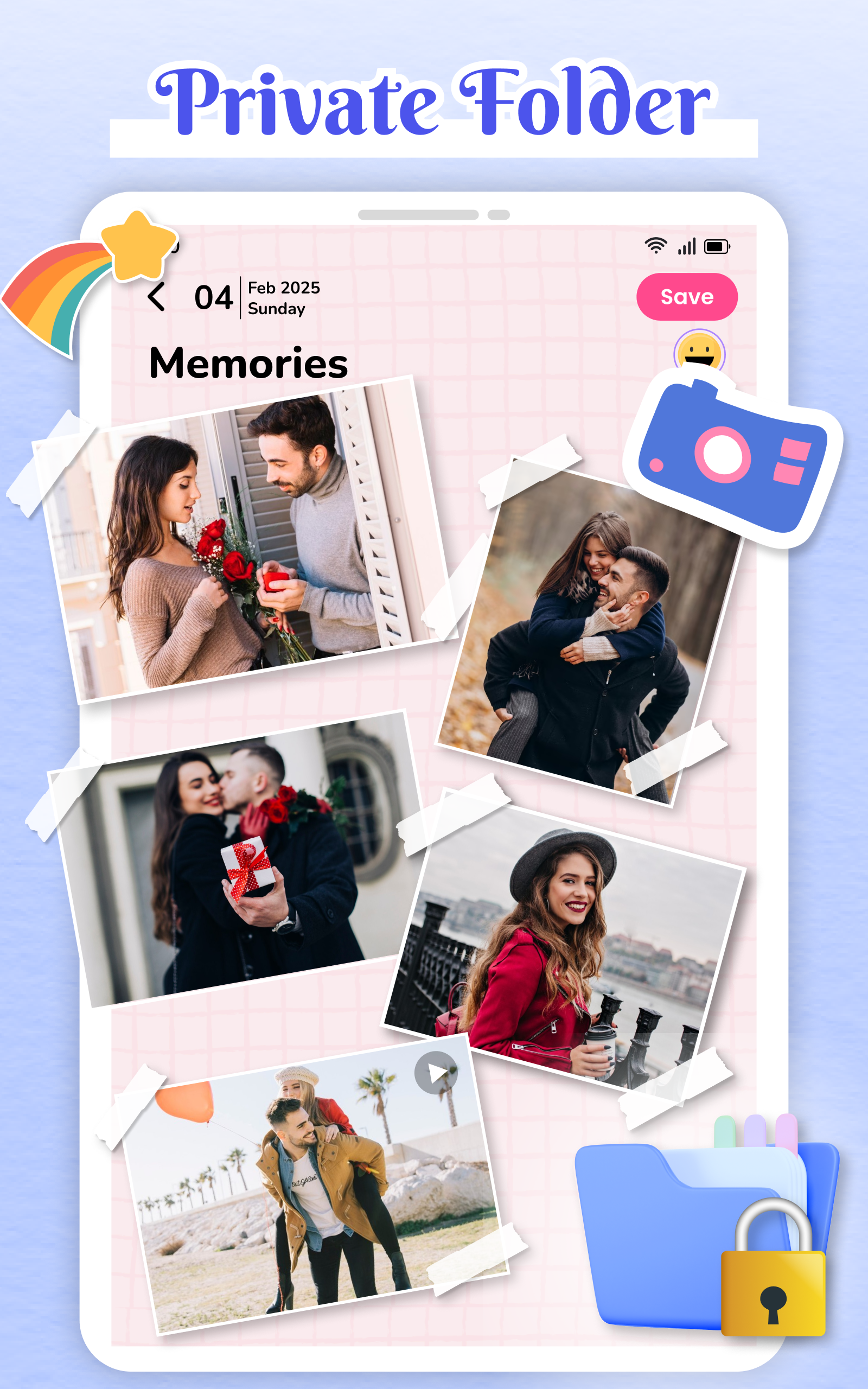
The app uses local encryption and optional cloud synchronization to balance privacy and convenience. All media and notes are stored in an encrypted container that requires authentication to access. Stealth options let you hide the app icon or disguise the vault behind a fake interface, reducing the chance that others will discover the protected content. For added assurance, change patterns and PINs regularly and enable fingerprint unlock where available.
Daily workflow and interface
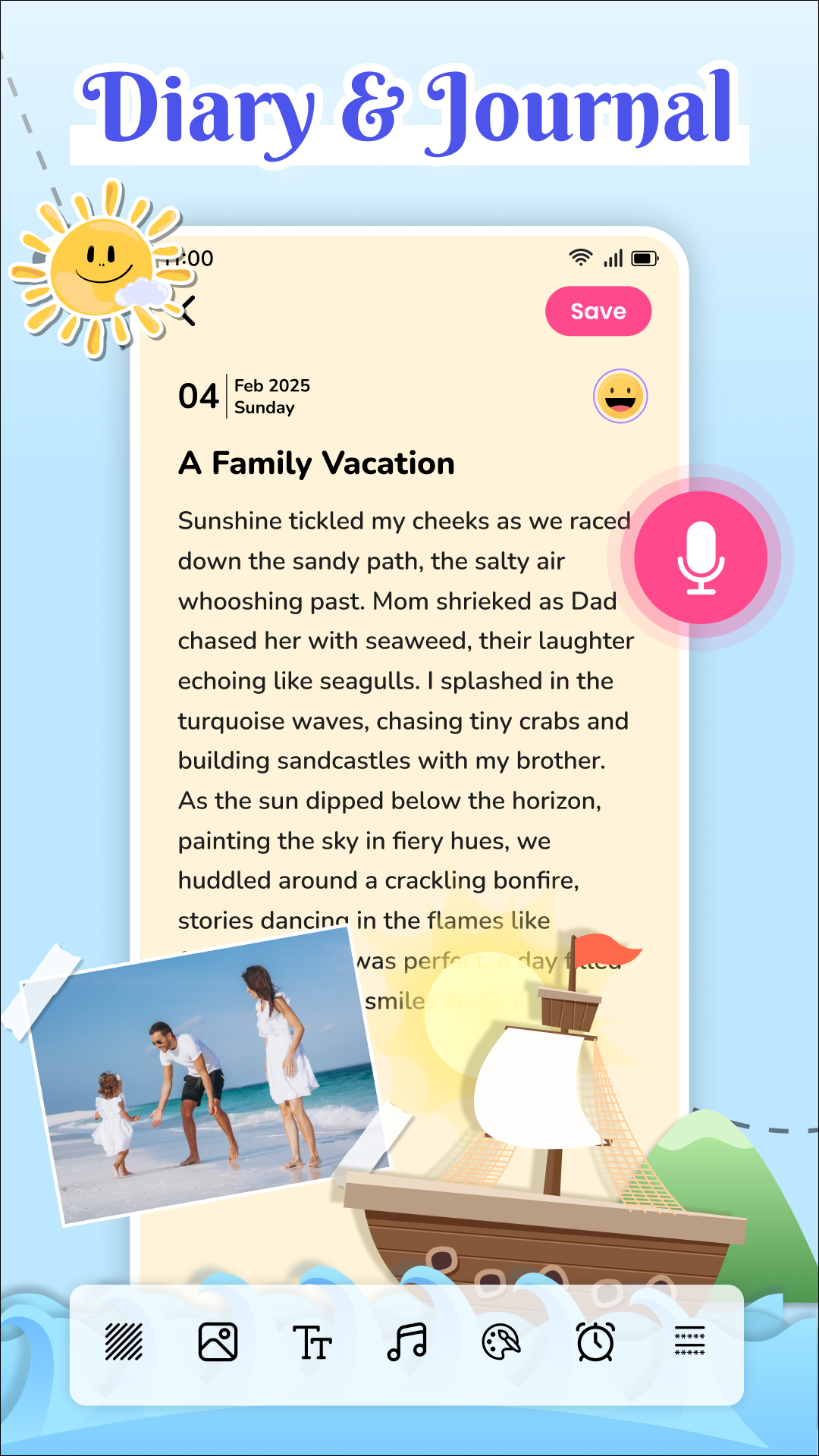
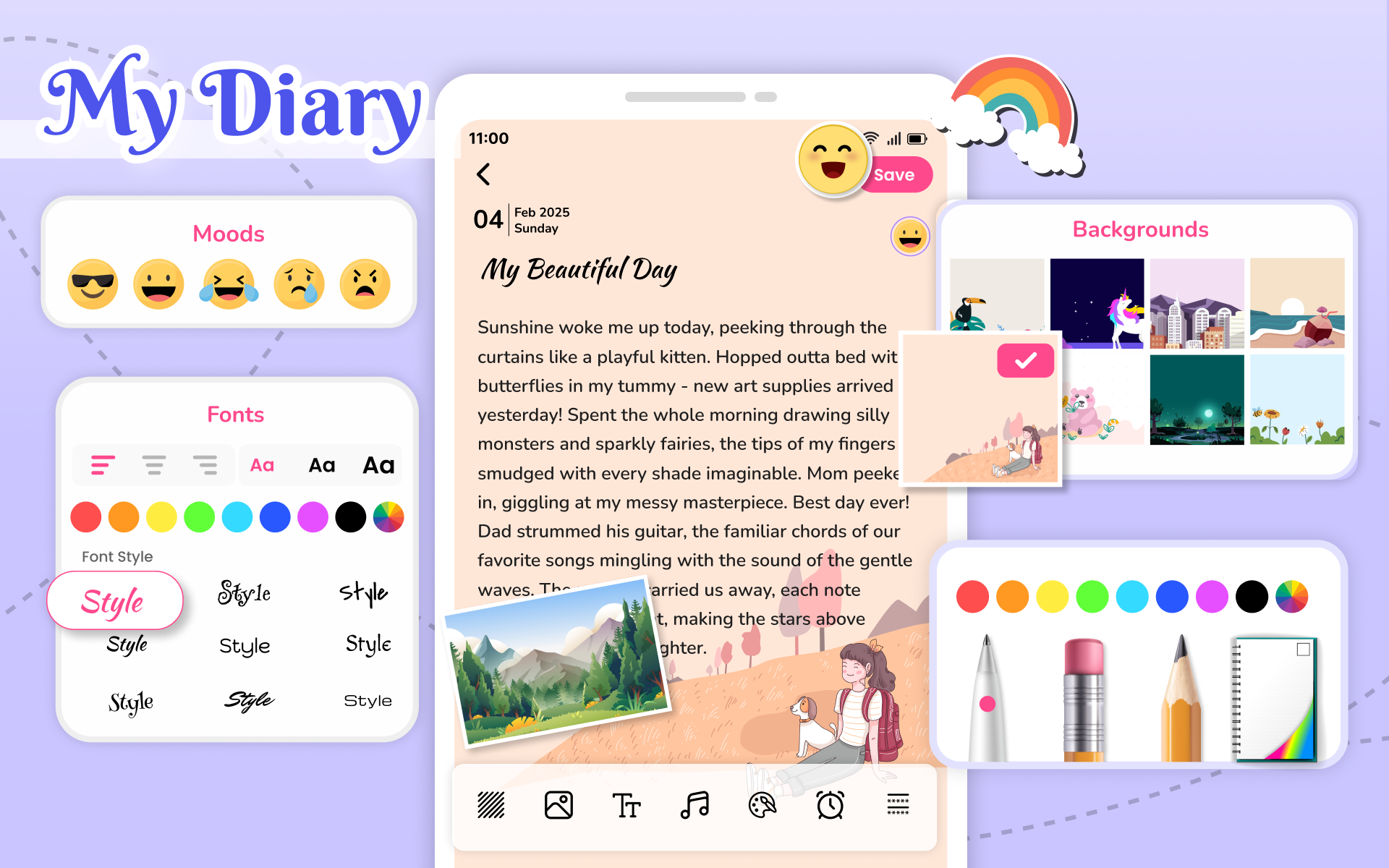
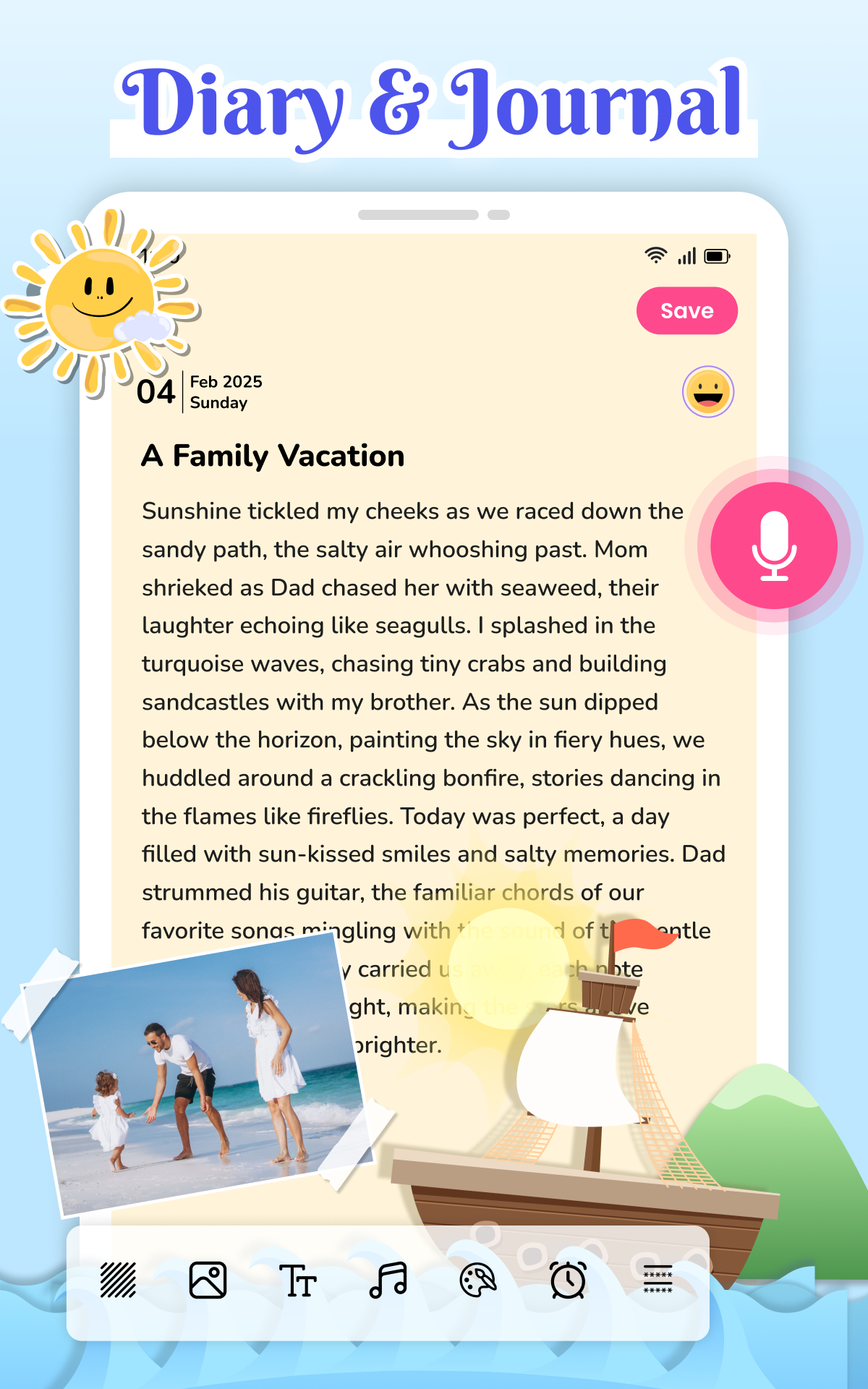
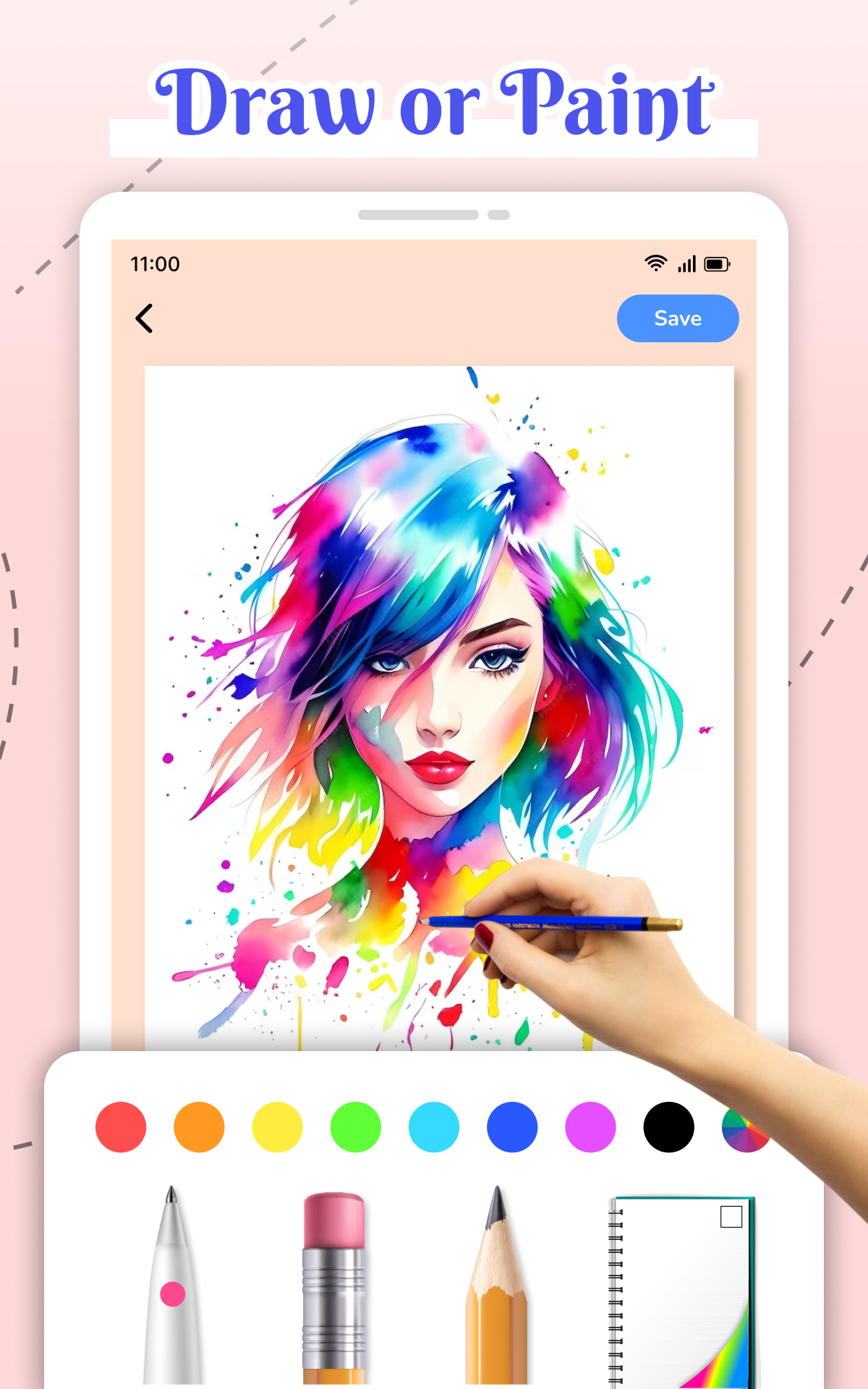
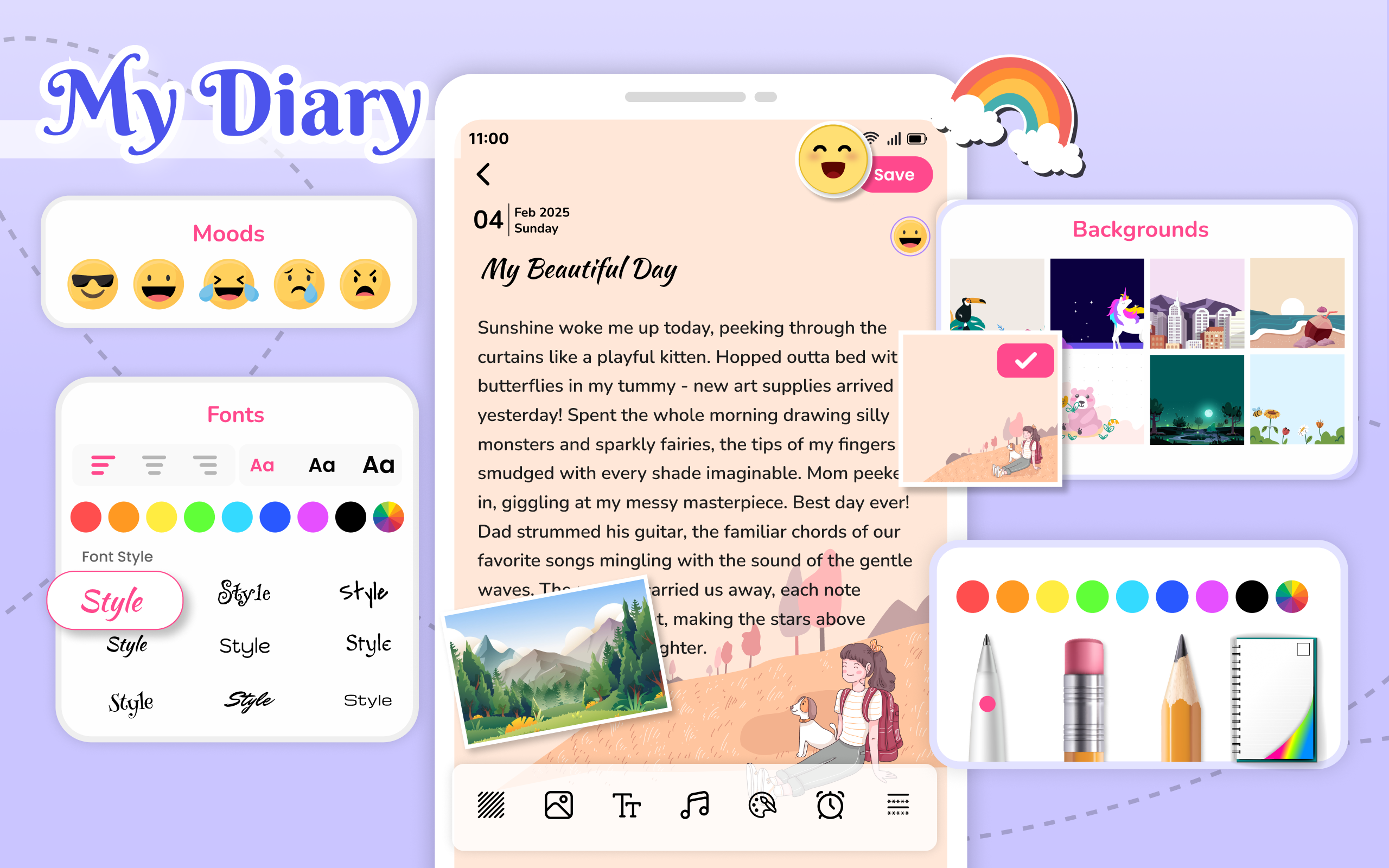
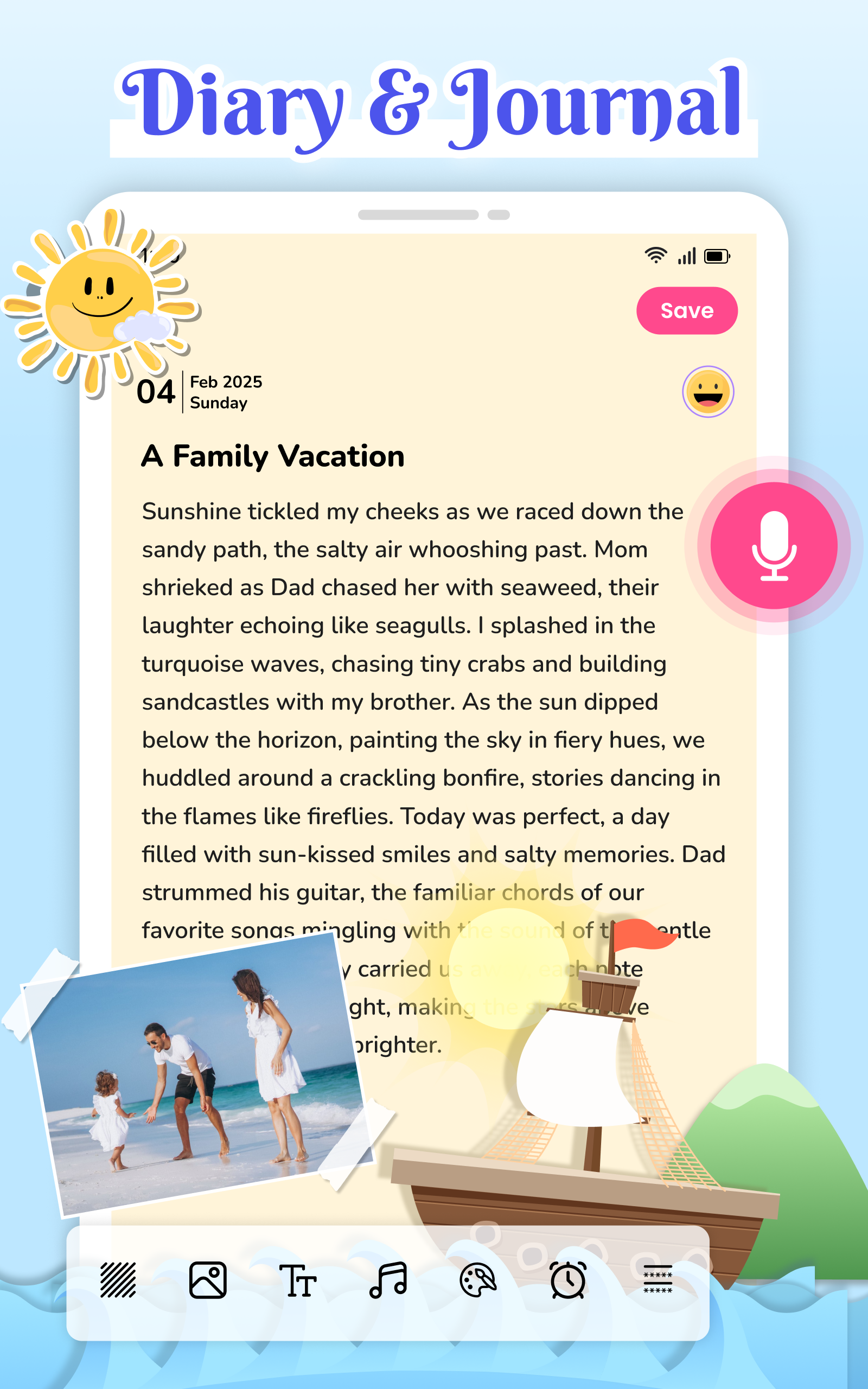
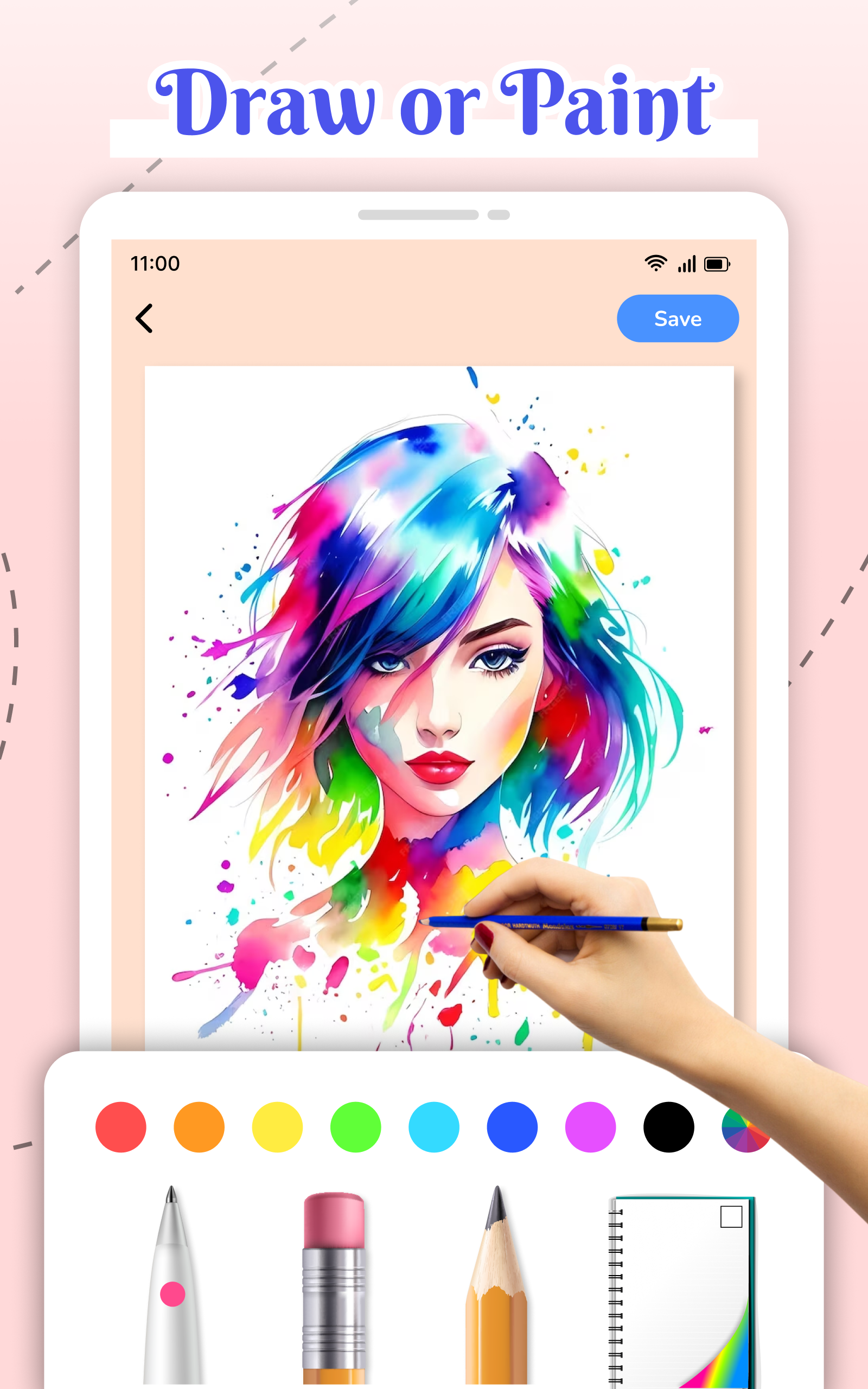
Designed with a minimal layout, My Diary Lock - Hidden Photos keeps the main actions visible and easy to use. The home screen presents quick shortcuts to create a diary entry, import photos, or capture media directly into the vault. Navigation is intuitive: tabs separate entries, images and locked files, while a search bar helps you find specific notes or images quickly. The editor supports basic formatting and tagging to make journaling fast and organized.
Organization and customization
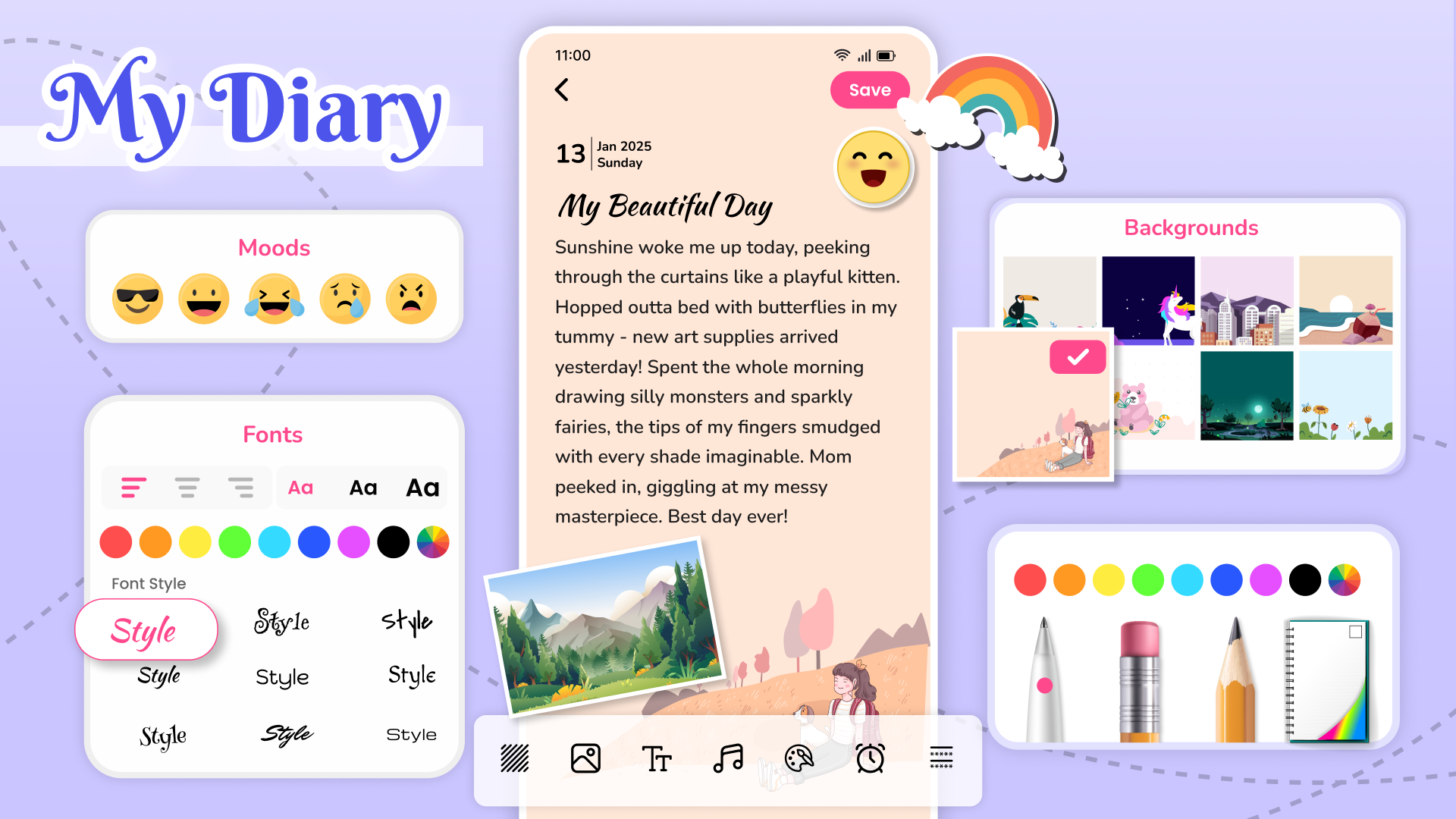
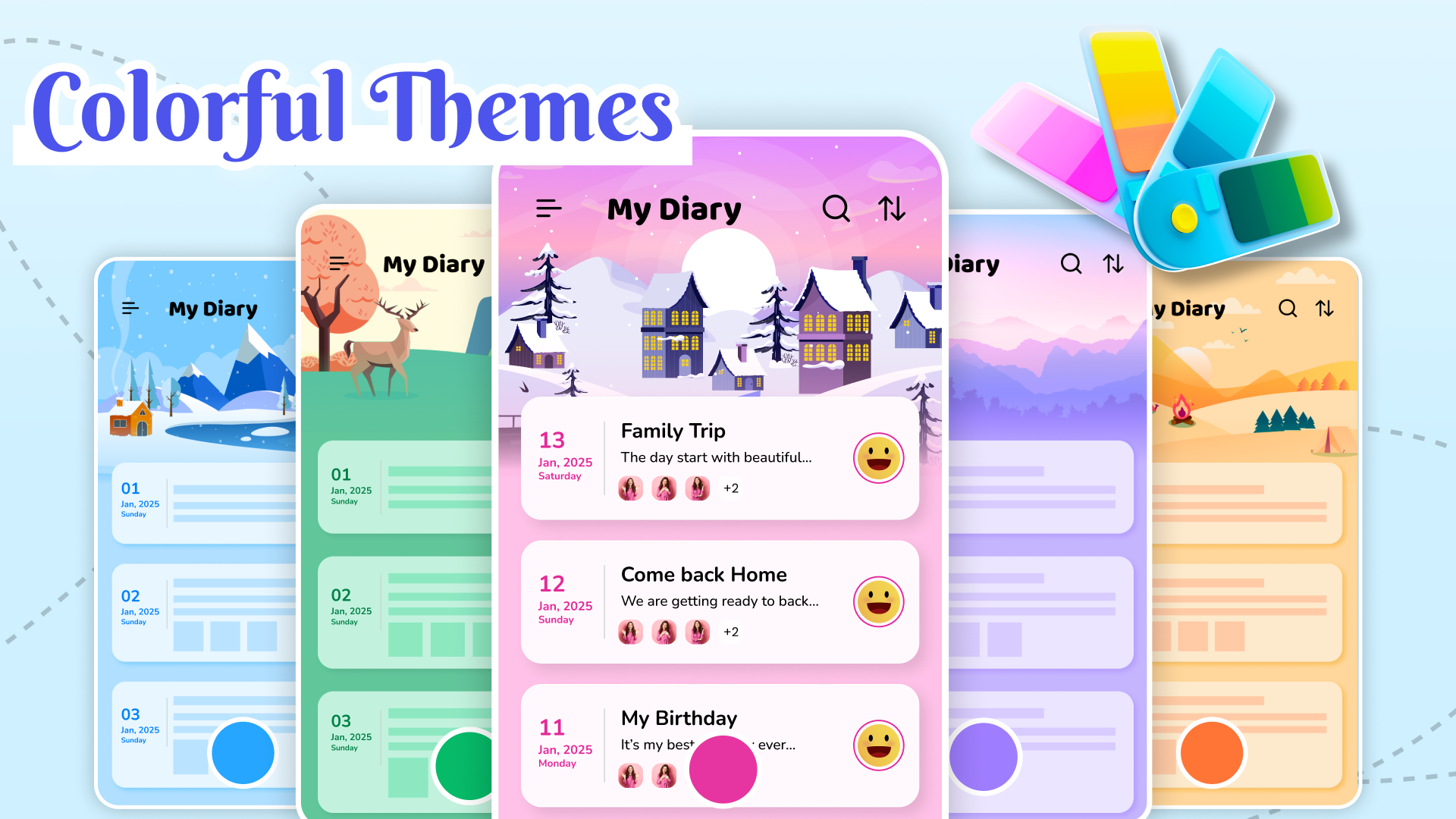
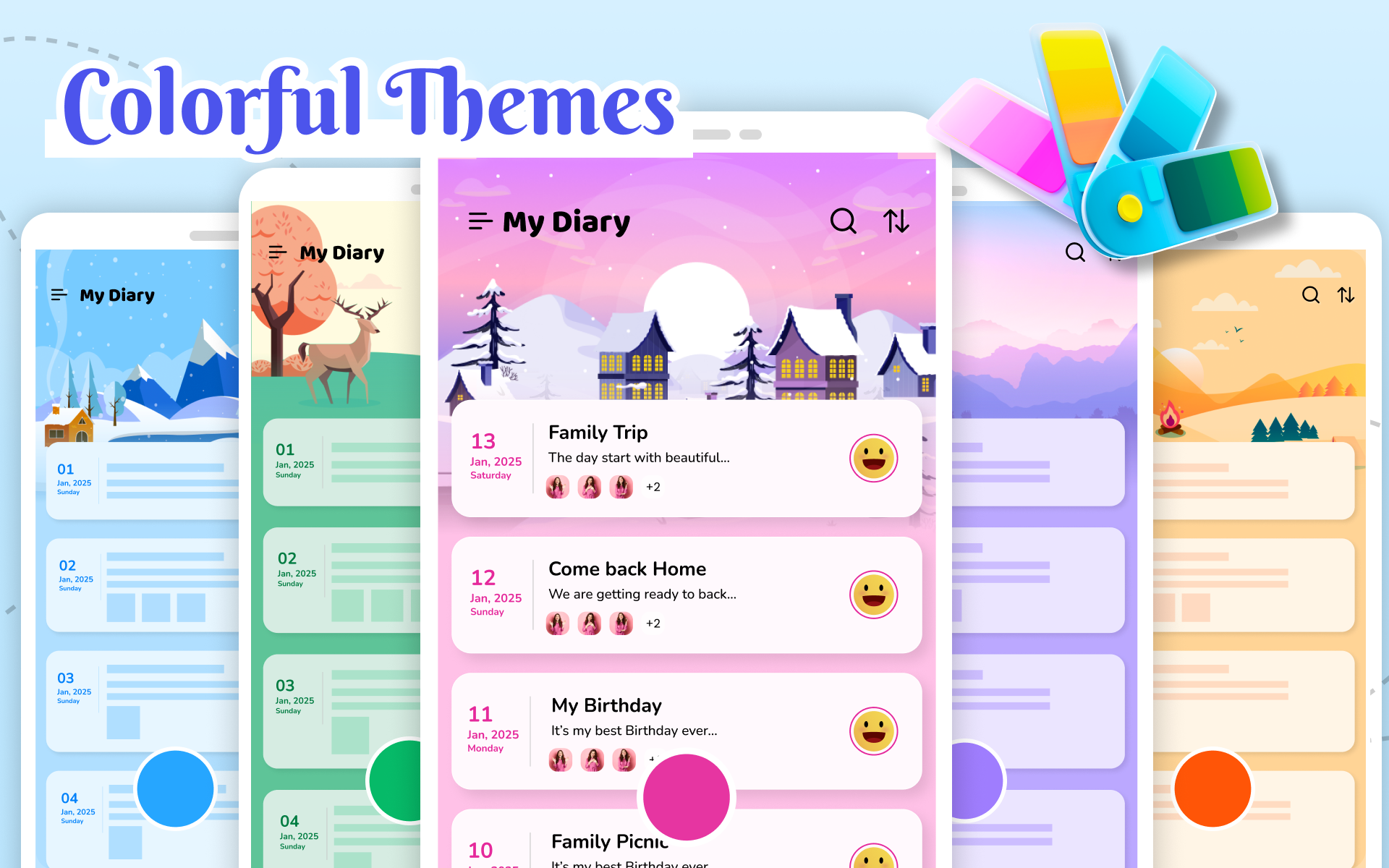
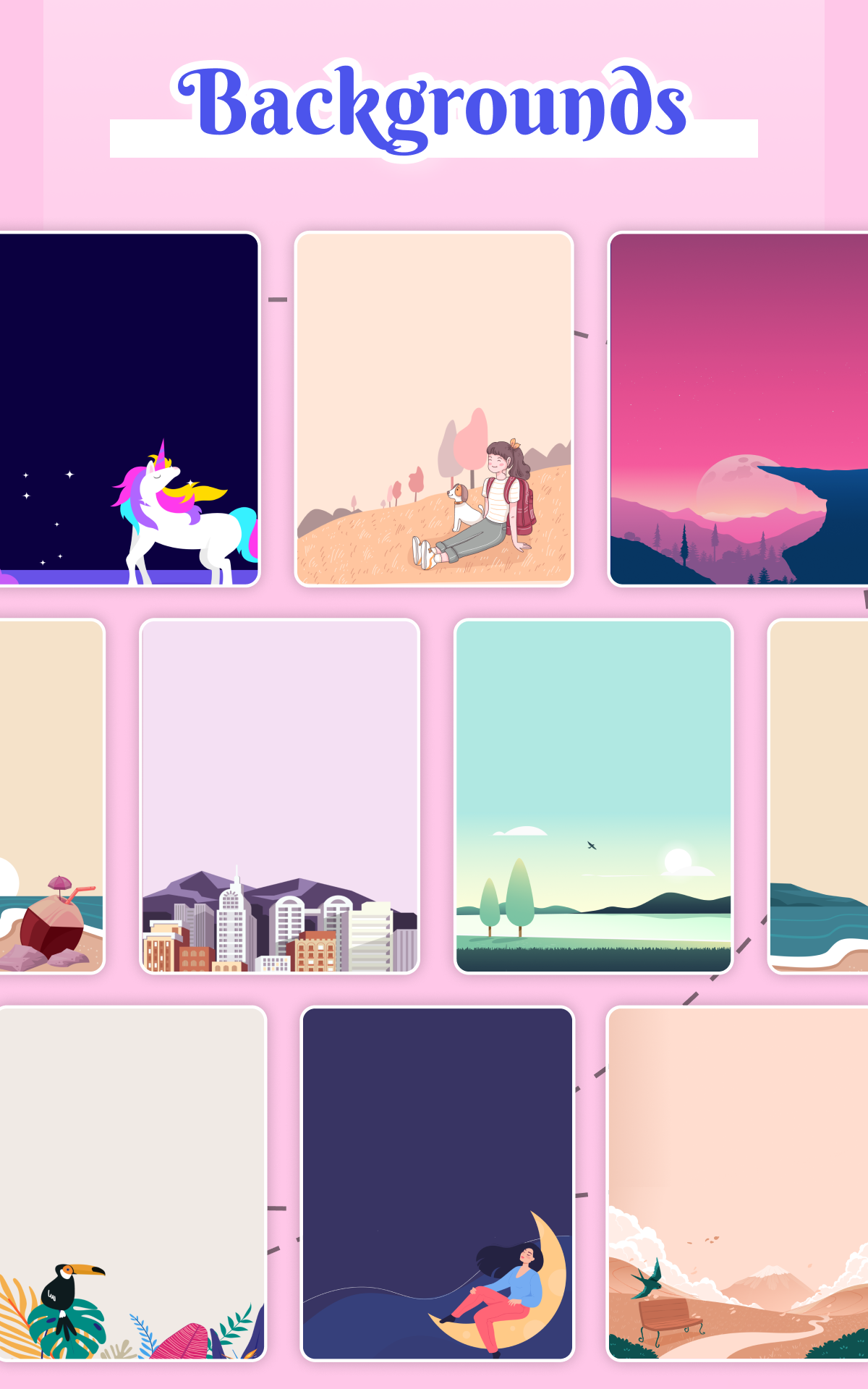
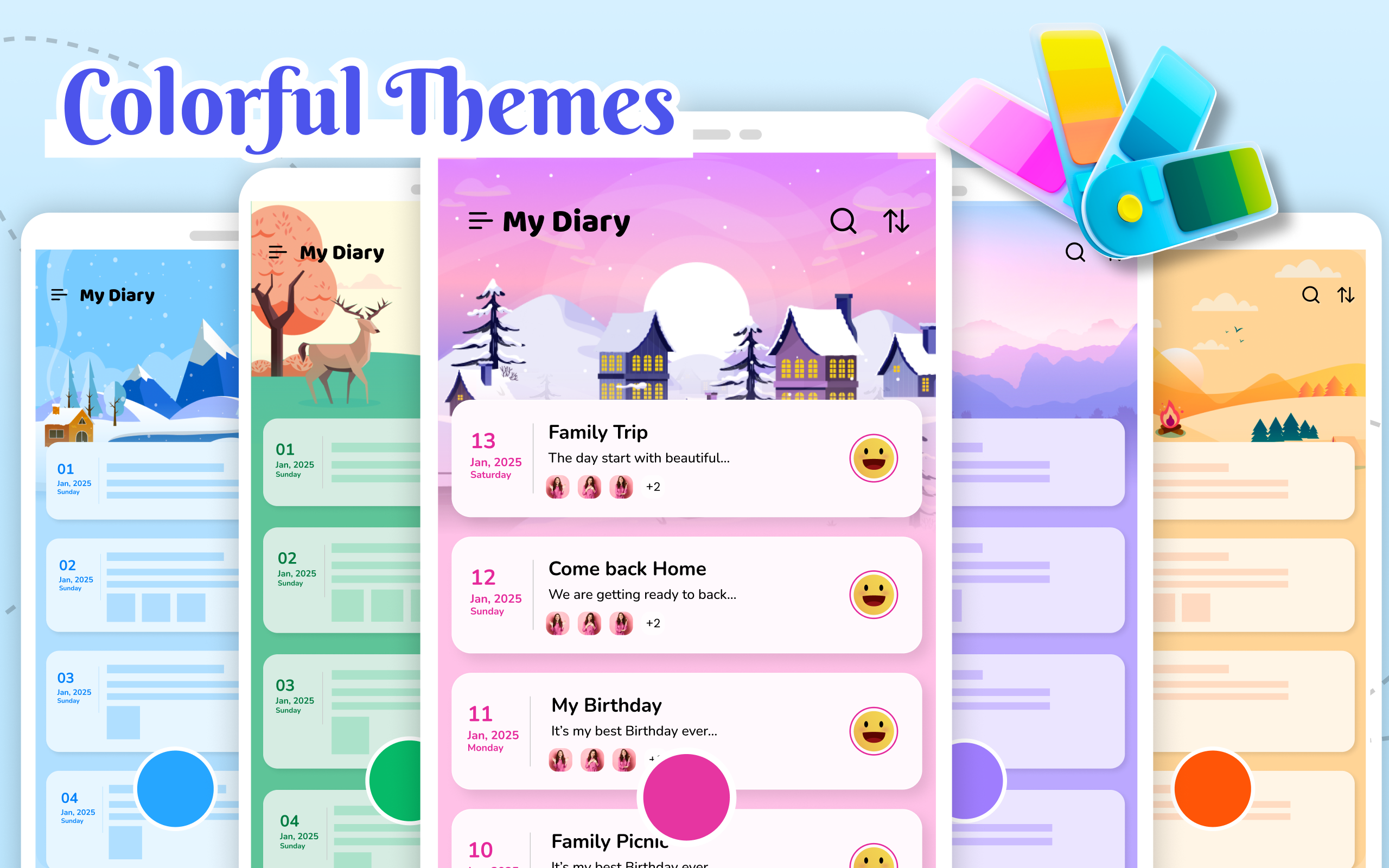
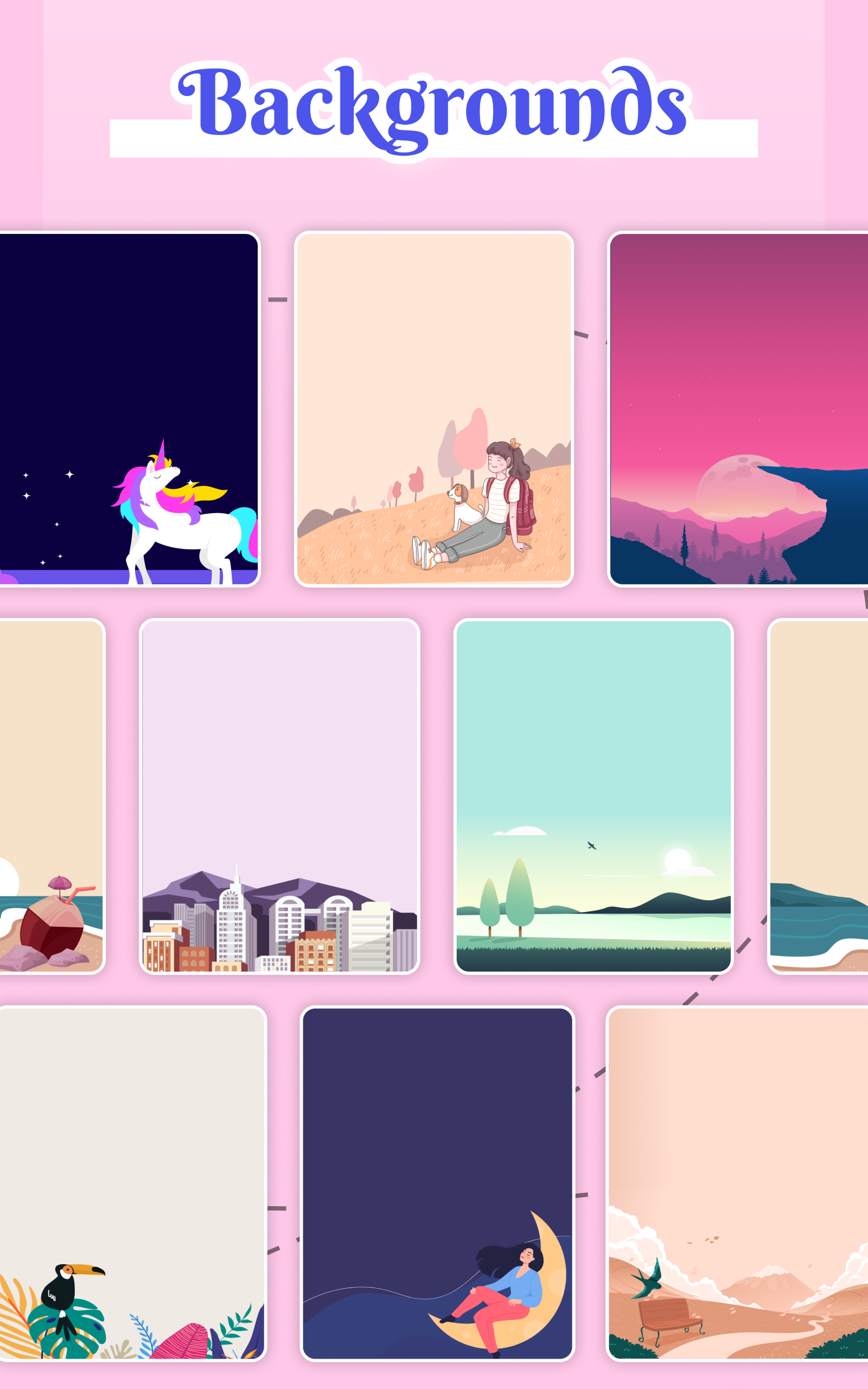
Folders, tags and custom album names make it simple to organize months of content. You can create private albums for travel, work, or family and move items between folders with a few taps. Appearance options include dark mode, theme accents, and adjustable text sizes for comfortable reading. The app also supports sorting by date, name or custom order so your most relevant items are always accessible.
Backup and recovery options
To prevent accidental data loss, My Diary Lock - Hidden Photos supports scheduled cloud backups and local export functions. Backups are encrypted and can be password-protected independently from the app lock. Recovery requires the backup password, so keep a secondary recovery method noted securely in case you forget credentials. The export feature allows you to create a secure archive for offline storage or transferring to a new device.
Performance and compatibility
The app is optimized for low battery use and fast media handling, even with large photo libraries. Thumbnails are cached locally to speed browsing, while full-resolution files remain encrypted until opened. Compatibility extends across most Android devices and versions; biometric unlock uses the system-level fingerprint APIs to ensure smooth integration. Background processes are minimized to preserve system resources and avoid lag during daily use.
Privacy-focused extras
Several thoughtful tools reinforce user privacy: an incognito keyboard option to avoid predictive text leakage, a fake PIN that opens a decoy vault, and the ability to mask notifications so no sensitive information appears on the lock screen. Break-in alerts log suspicious activity and can include a timestamp and image to help you identify unauthorized access attempts.
Getting started
Installing and configuring My Diary Lock - Hidden Photos takes just a few minutes. After granting necessary permissions, set a strong master PIN or pattern and enable biometric unlock if desired. Import existing photos or create a new diary entry to test workflows. Review backup settings and choose a cloud provider if you prefer off-device copies. Regularly update the app to benefit from security patches and new features.
Practical tips
- Use a unique master PIN that you do not reuse on other services.
- Enable scheduled backups to avoid losing important entries or photos.
- Rename critical files and use tags to speed searching.
- Test recovery steps after setup to ensure you can restore data if needed.
My Diary Lock - Hidden Photos blends strong security with everyday usability, making it a practical choice for anyone seeking a private, well-organized digital diary and media vault on Android devices.
- No virus
- No advertising
- User protection
Information
- File size: 22.50 M
- Language: English
- Latest Version: 16.0
- Requirements: Android
- Votes: 331
- Package ID: com.secretdairylocked.hiddengallerylock
- Developer: Crowding world soft tech
Screenshots

















Explore More
Make your house a home with our suite of helpful home apps. Discover clever tools to organize closets, streamline chores, and simplify cooking. Take the stress out of cleaning and maintenance with handy checklists and schedules. Enhance security and control appliances and lighting with our smart home integrations. Design, visualize, and renovate like a pro using our 3D planning software.

Metro Micro

All Recovery - Photos & Videos

Tax Calculator India 2024-2025

ClassPass: Fitness, Spa, Salon

OnDjoss

Park4Me

Scary sound effects

Home Workouts - Lose Weight





























