
Introduction
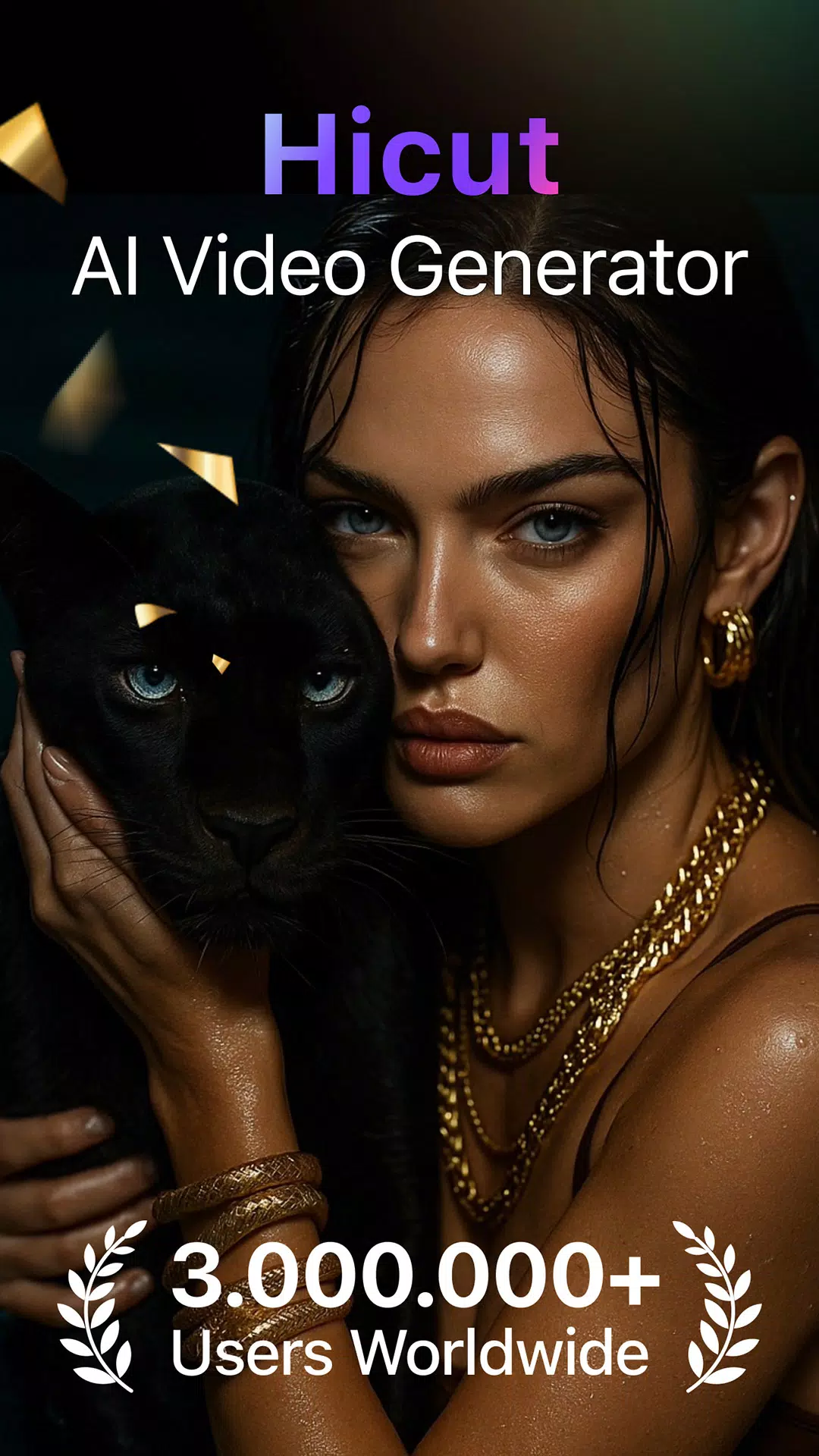
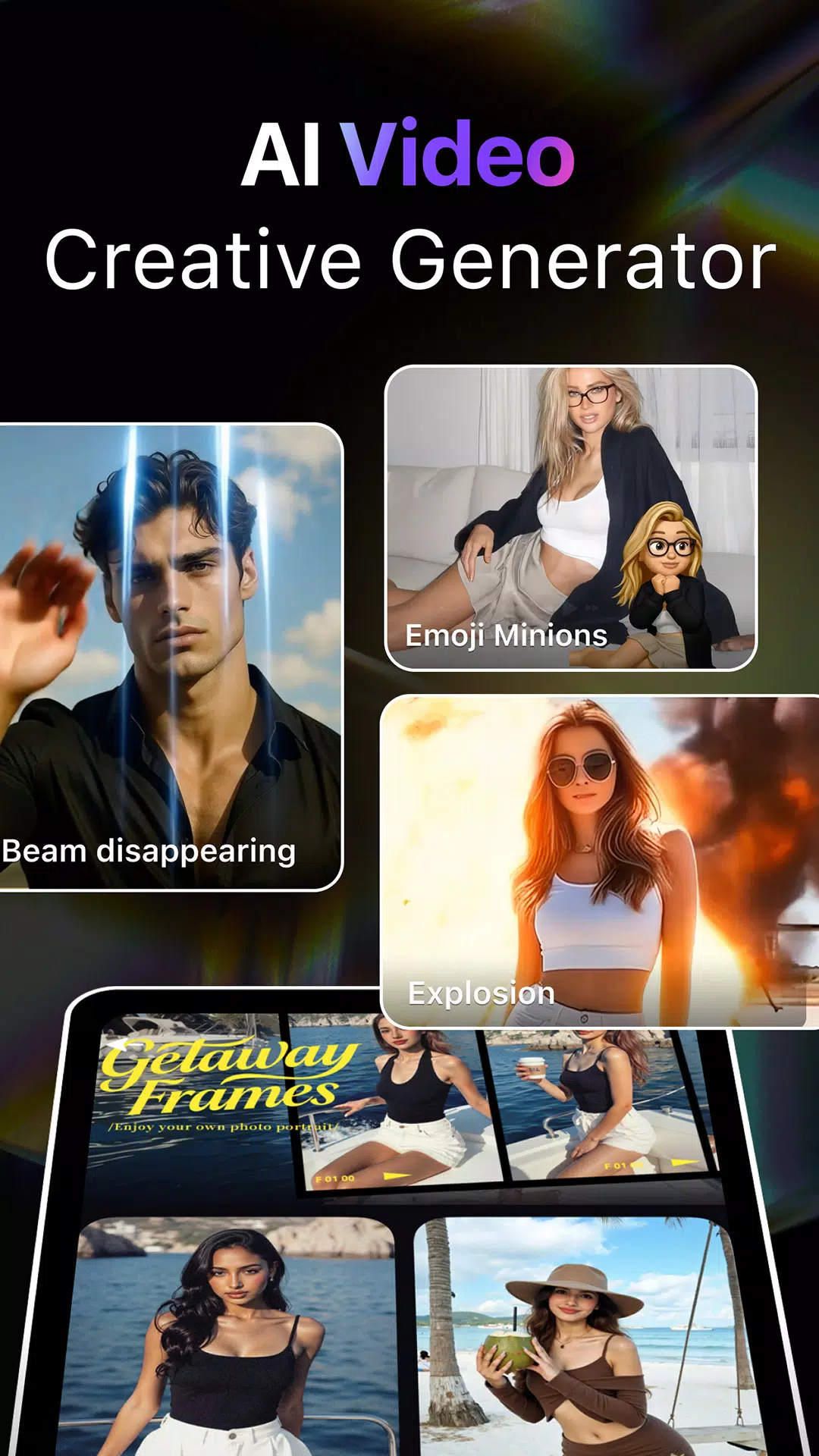
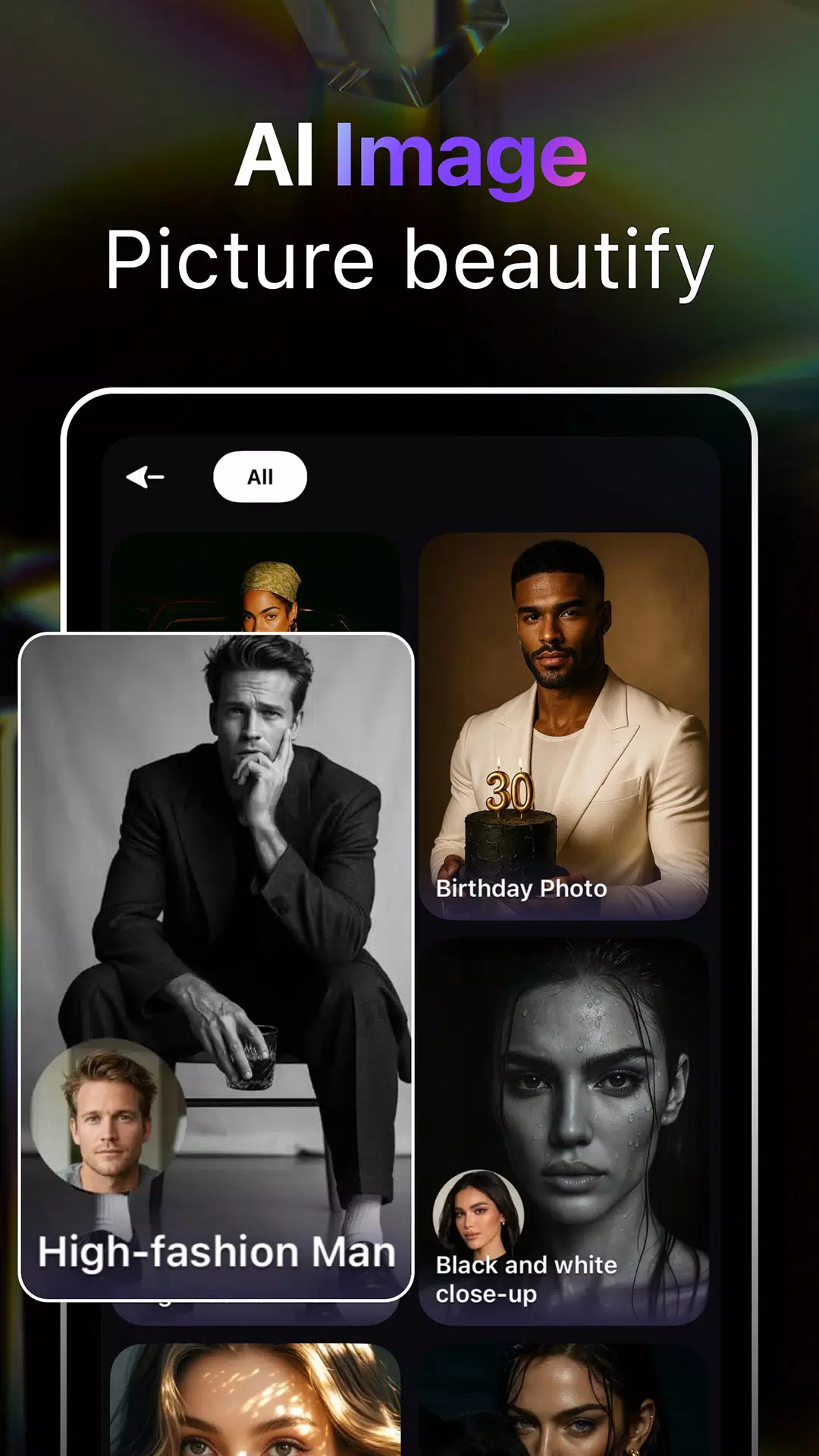
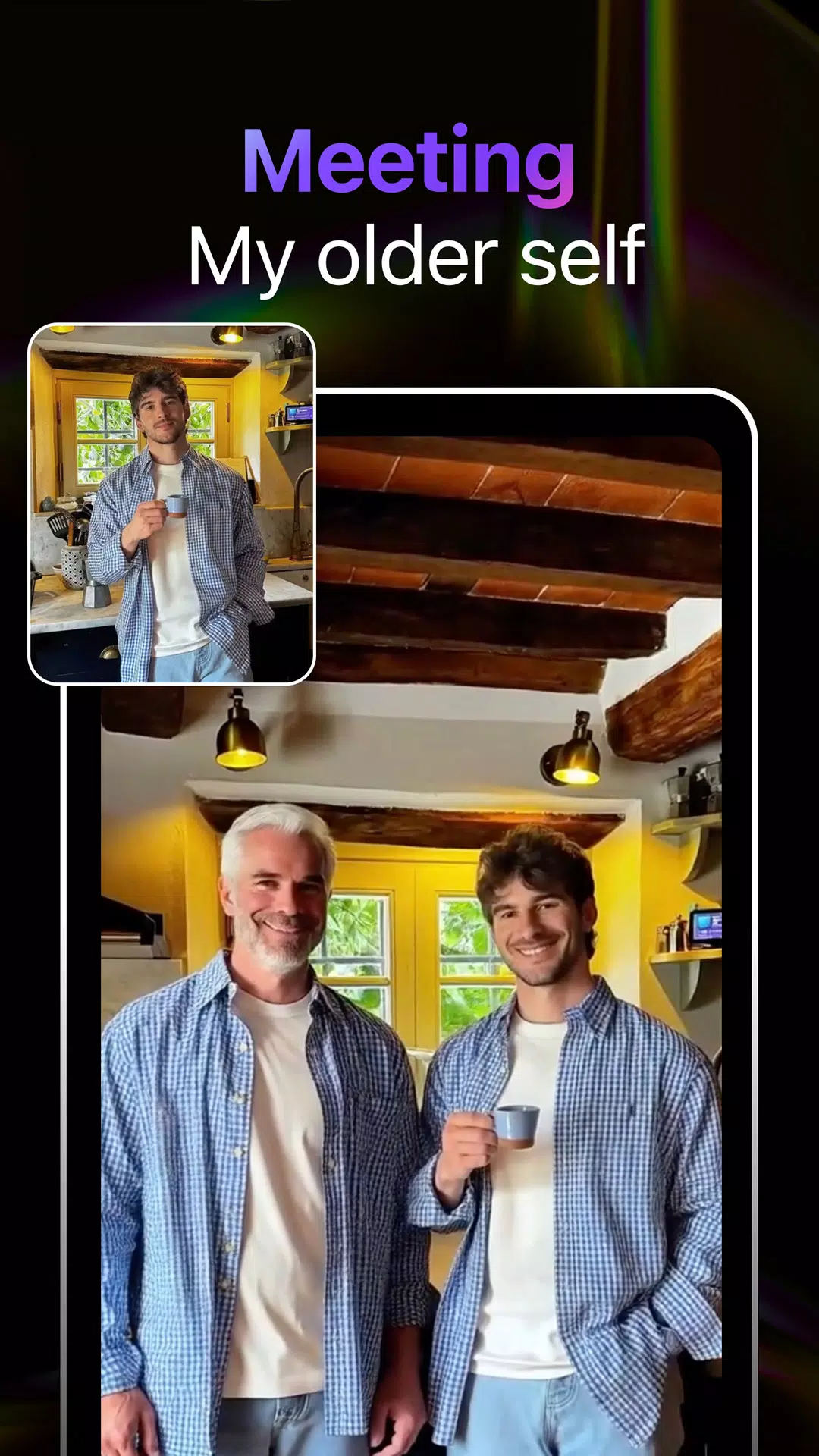
Hicut:AI Video Generator is an innovative app that harnesses the power of artificial intelligence to help users create stunning videos with ease. Whether you’re looking to generate social media content, marketing videos, or simply want to create a personal video, Hicut offers an intuitive and efficient way to transform text, images, or other media into dynamic video clips. With AI-powered editing tools, automatic transitions, and personalized templates, Hicut makes video creation accessible for users of all skill levels, no editing experience required. Perfect for content creators, marketers, and casual users alike, this app enables anyone to produce professional-looking videos in minutes.
Features of Hicut:AI Video Generator:
1. AI-Powered Editing: The app uses AI to automatically create smooth transitions, adjust timing, and optimize video flow, making video creation quick and effortless.
2. Text-to-Video Functionality: Transform text descriptions into compelling videos, perfect for storytelling or explaining concepts in a visual format.
3. Customizable Templates: Choose from a variety of templates tailored to different styles and genres, giving your video a professional touch.
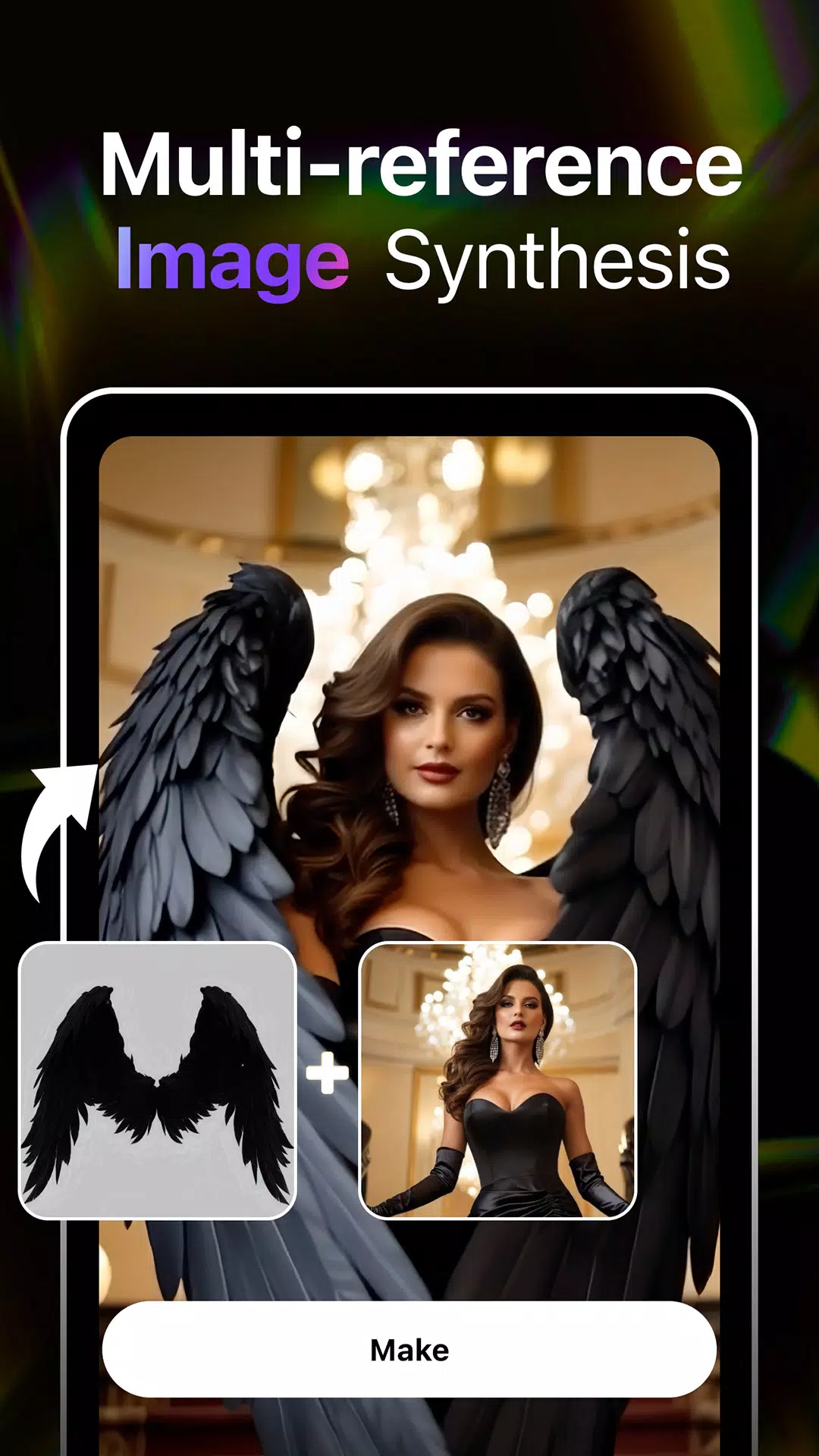
4. Easy Media Upload: Upload images, videos, and audio files directly to the app for seamless integration into your project.
5. Dynamic Transitions: Automatically generate smooth and professional transitions between clips to make your video flow effortlessly.
6. Export Options: Once your video is ready, export it in various formats optimized for different social media platforms or personal use.
Playing Tips for Hicut:AI Video Generator:
1. Start with a Template: Choose a template that fits the style and tone of your video to save time and give it a polished look.
2. Experiment with Text-to-Video: Use the text-to-video feature to turn scripts, quotes, or even personal stories into dynamic visual content.
3. Keep Your Media Organized: Upload your images, videos, and audio beforehand to make the editing process smoother and faster.
4. Adjust Video Length: Use the app’s settings to customize the length of your video, making sure it fits the purpose—whether for social media or longer presentations.
5. Use Transitions Sparingly: While automatic transitions are helpful, don’t overuse them—balance between smooth edits and moments of stillness to maintain viewer interest.
6. Preview and Edit: Always preview your video before finalizing to make adjustments and ensure everything flows smoothly.
Conclusion:
Hicut:AI Video Generator is a powerful tool for anyone looking to create stunning videos without the hassle of manual editing. Its AI-driven features streamline the video production process, making it easy for users to turn raw content into polished videos. Whether you're creating content for social media, business, or personal projects, Hicut provides the tools and templates needed to produce high-quality videos quickly. With its intuitive interface and versatile functionality, it’s the ideal app for both beginners and seasoned content creators looking to enhance their video production process with minimal effort.
- No virus
- No advertising
- User protection
Information
- File size: 55.20 M
- Language: English
- Latest Version: 2.2.6
- Requirements: Android
- Votes: 304
- Package ID: com.hicut.app
- Developer: Songzan
Screenshots
















Explore More
Equip yourself with our all-in-one toolbox app for everyday tasks and projects. Instantly convert between units, calculate tips, scan documents, manage files, and more with handy productivity tools. Includes a level, compass, QR code reader, ruler, speedometer, decibel meter, and flashlight. Save frequently used tools to your customizable dashboard for one-tap access. Track billable hours, wages, budgets, and invoices. Annotate screenshots, magnify labels, and sign PDFs on the go.

MEXC Global: BTC, ETH, Gamefi

MERA PROXY PRO

Domino's Pizza Sri Lanka

Hatekhori Shongkha

Connecting - Friends Near Me

Cartola

Virink

RegenRadar