
Introduction
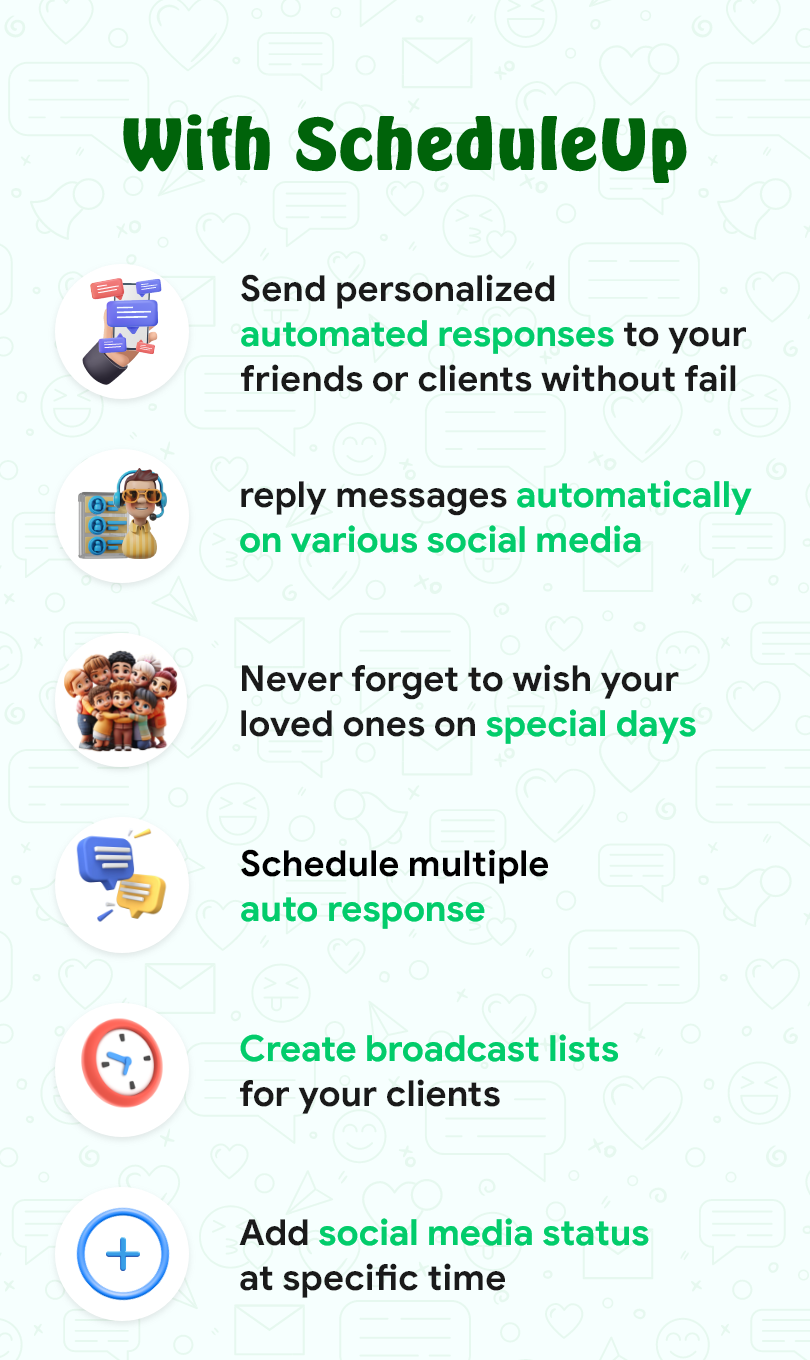
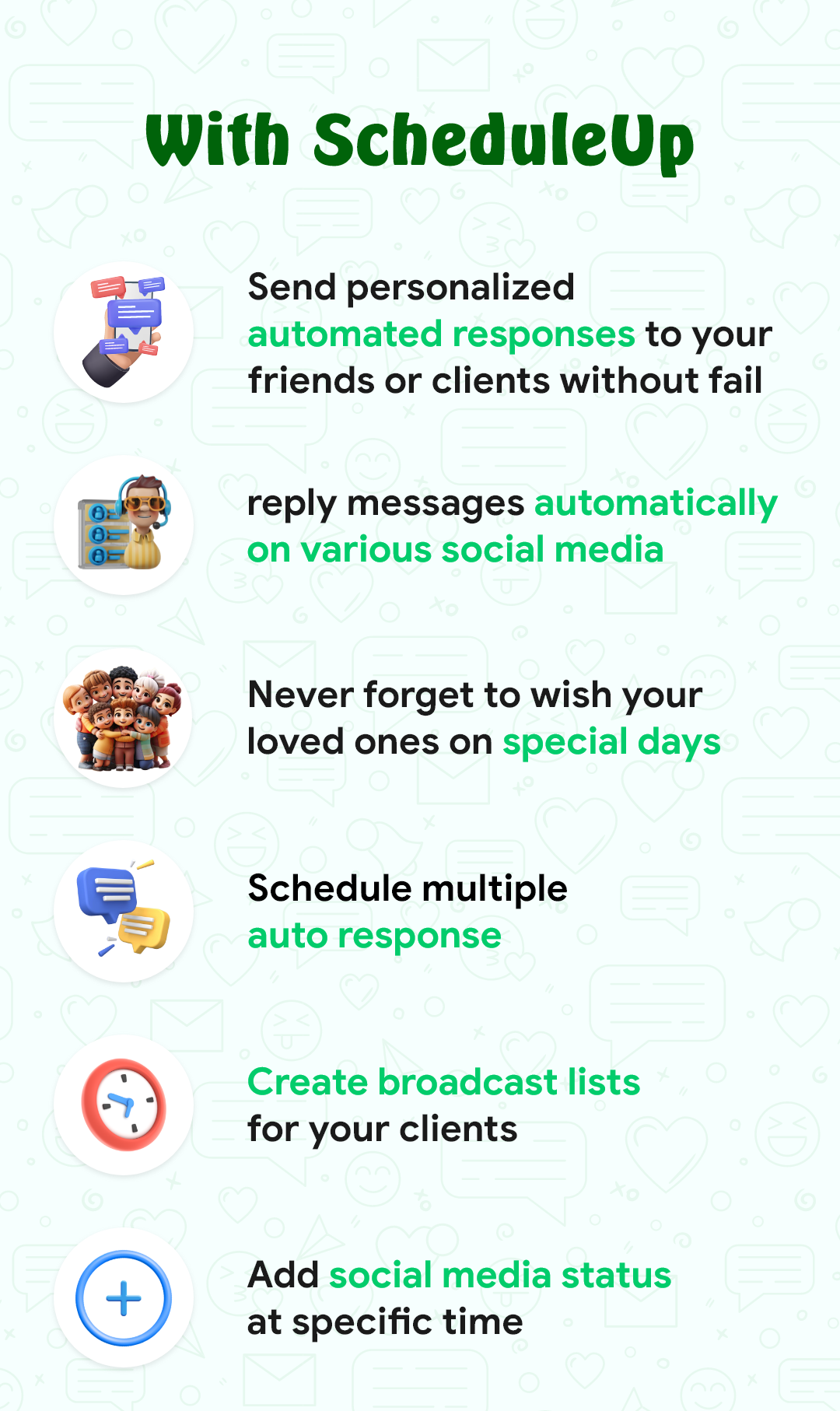
ScheduleUP: Auto Text Reply is a mobile app designed to streamline communication by automatically sending text replies based on predefined schedules or user settings. It is especially useful for busy individuals, professionals, or anyone who wants to stay responsive while managing their time efficiently. Whether you're in a meeting, on vacation, or simply need to mute notifications, ScheduleUP ensures that your contacts receive timely responses without any extra effort. The app's customizable features make it ideal for users looking to manage their availability and maintain consistent communication.
Features of ScheduleUP: Auto Text Reply:
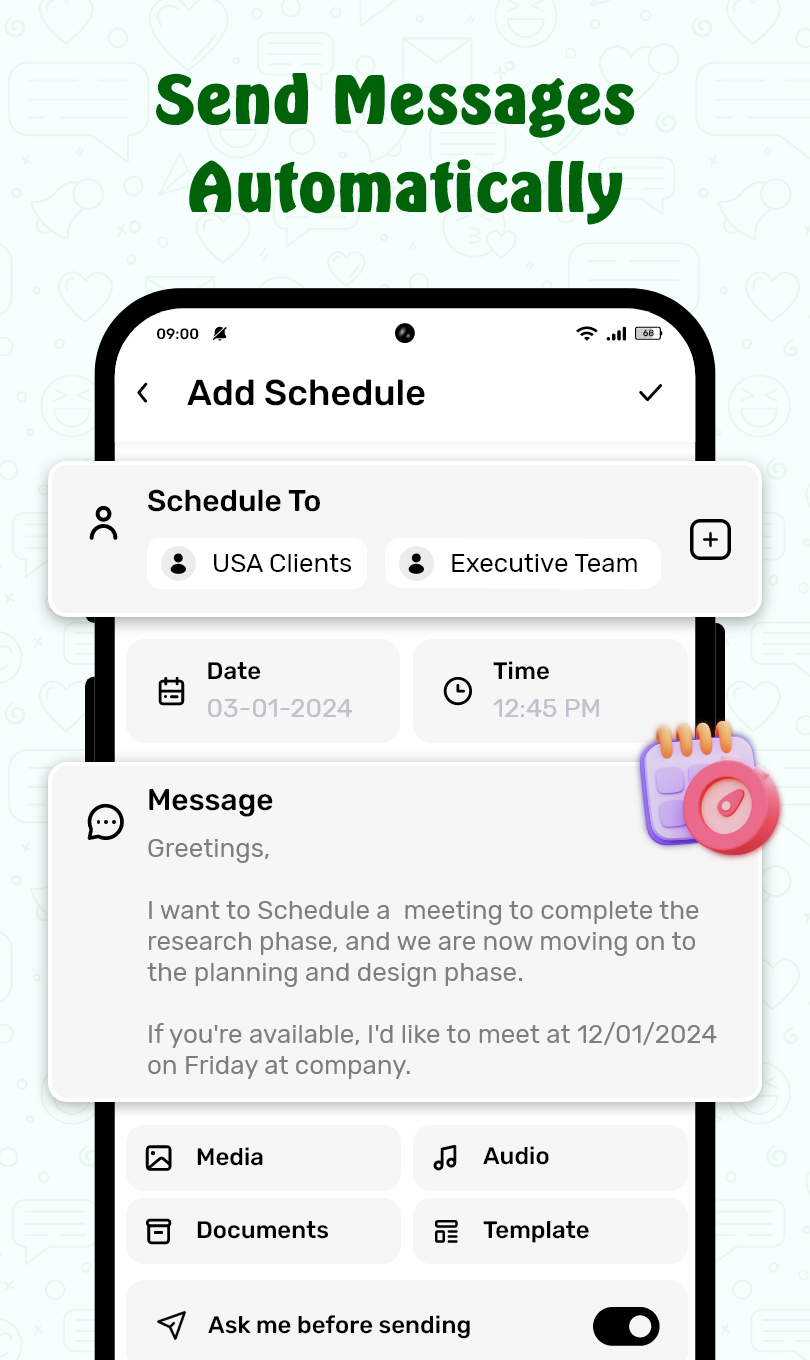
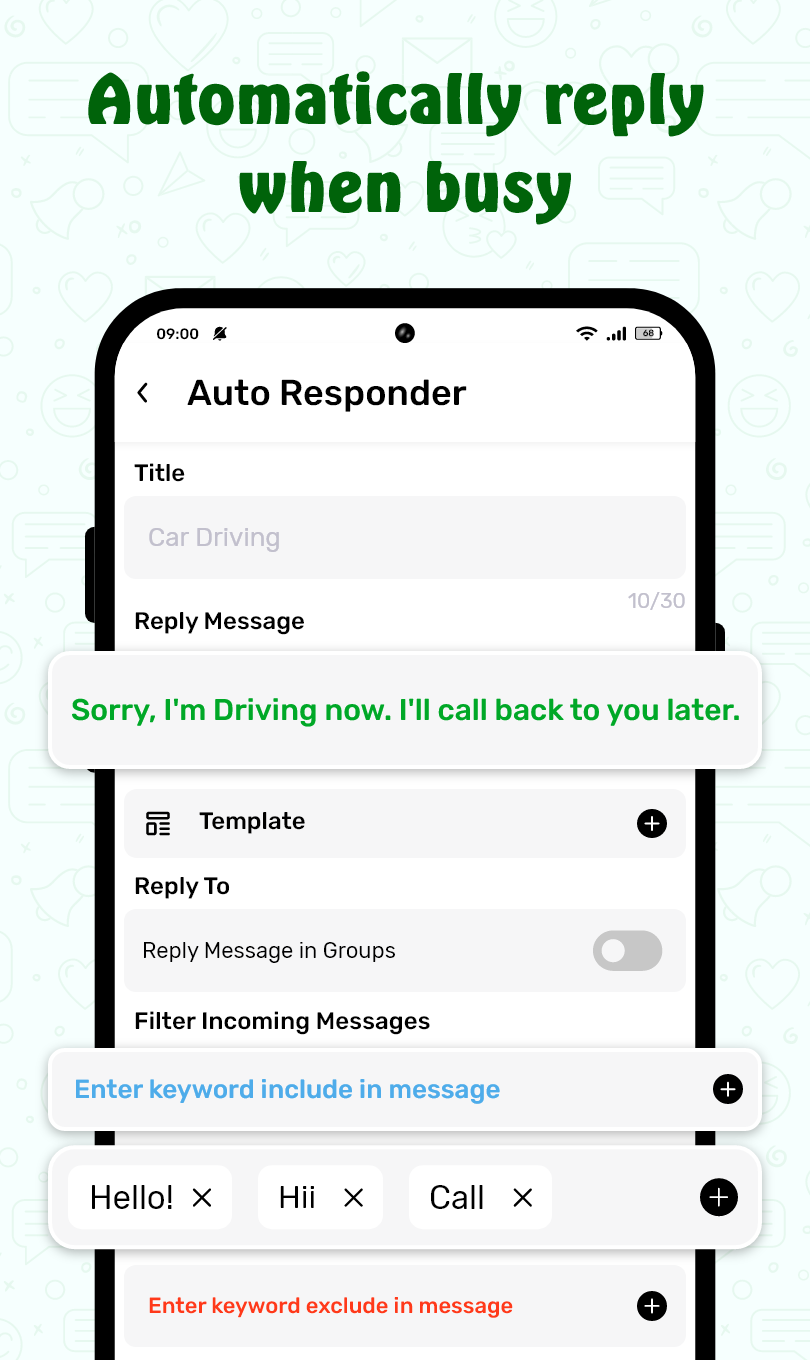
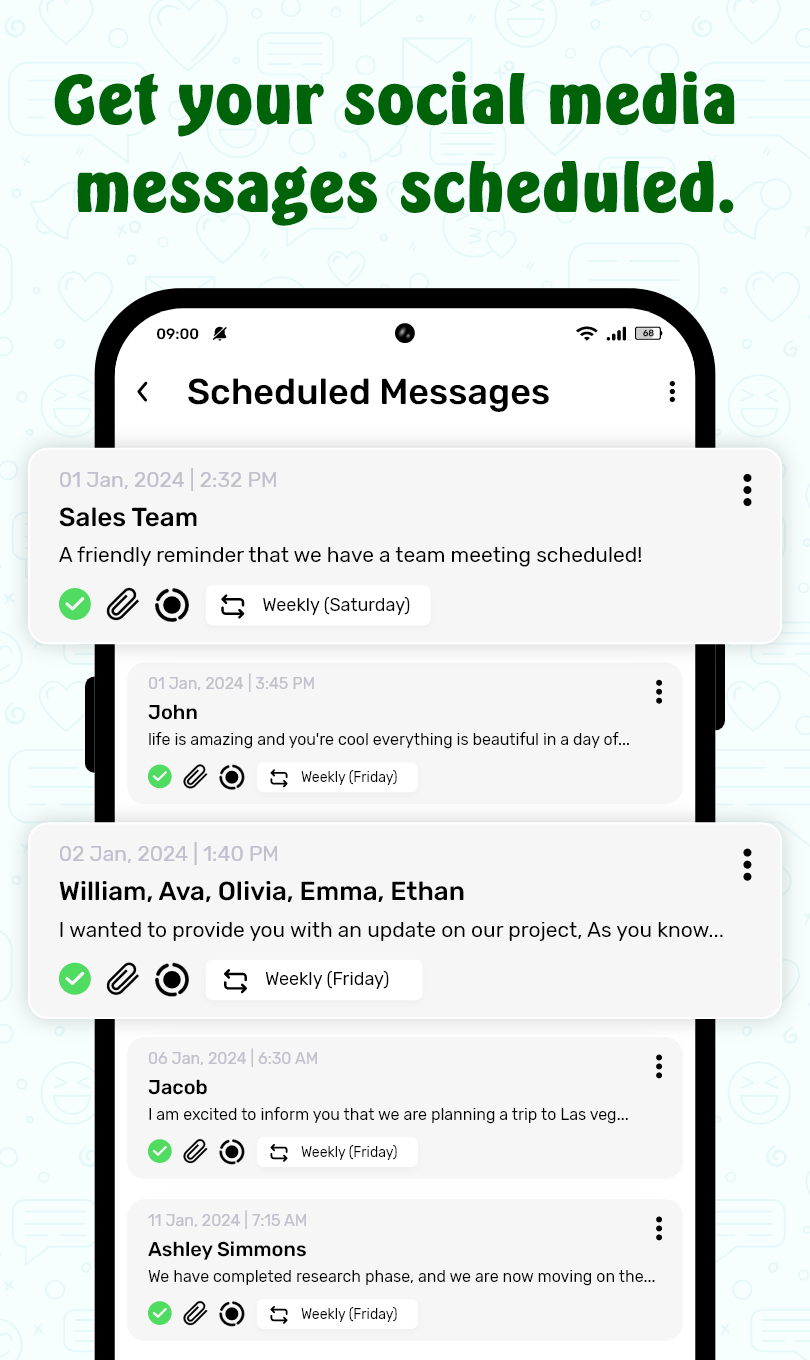
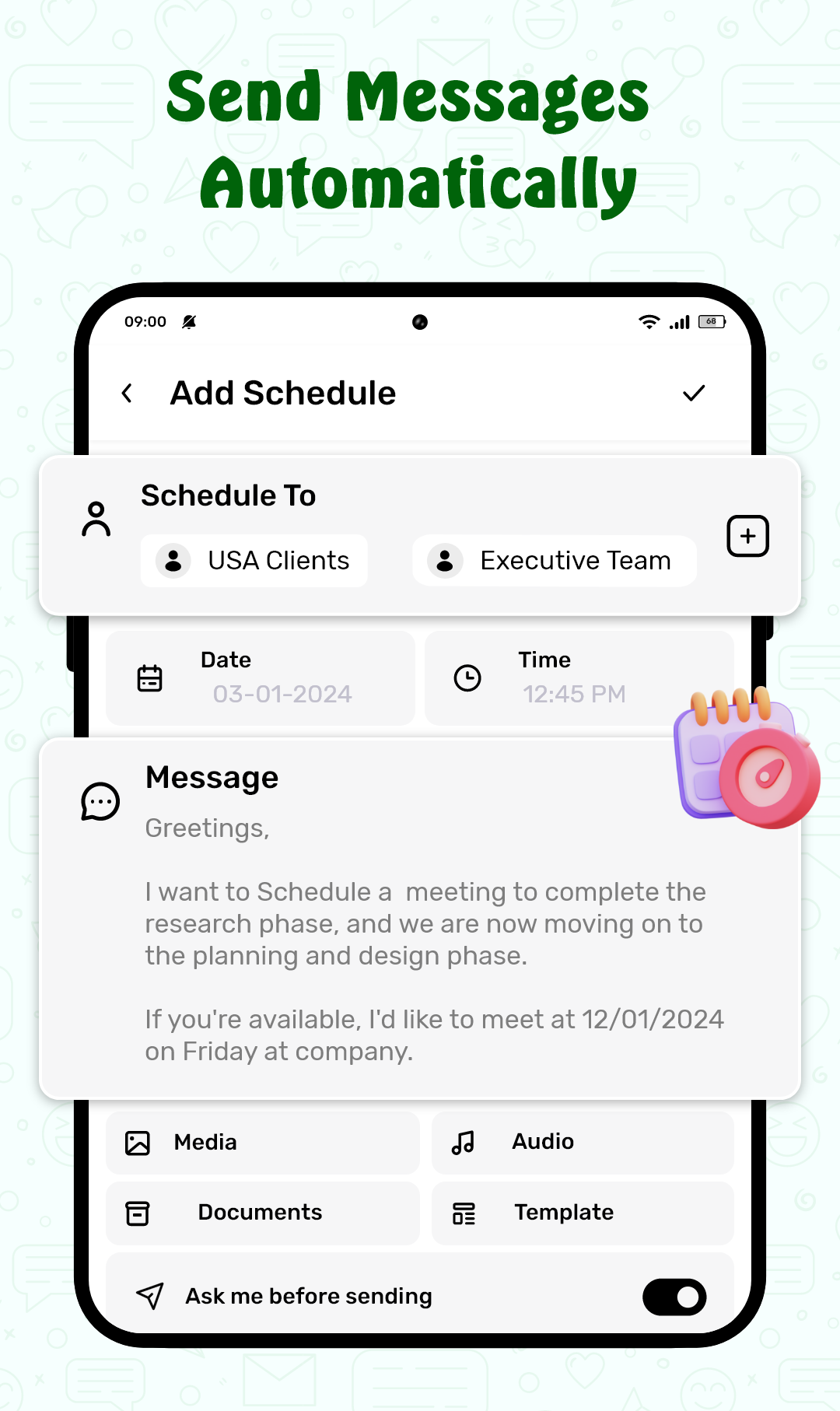
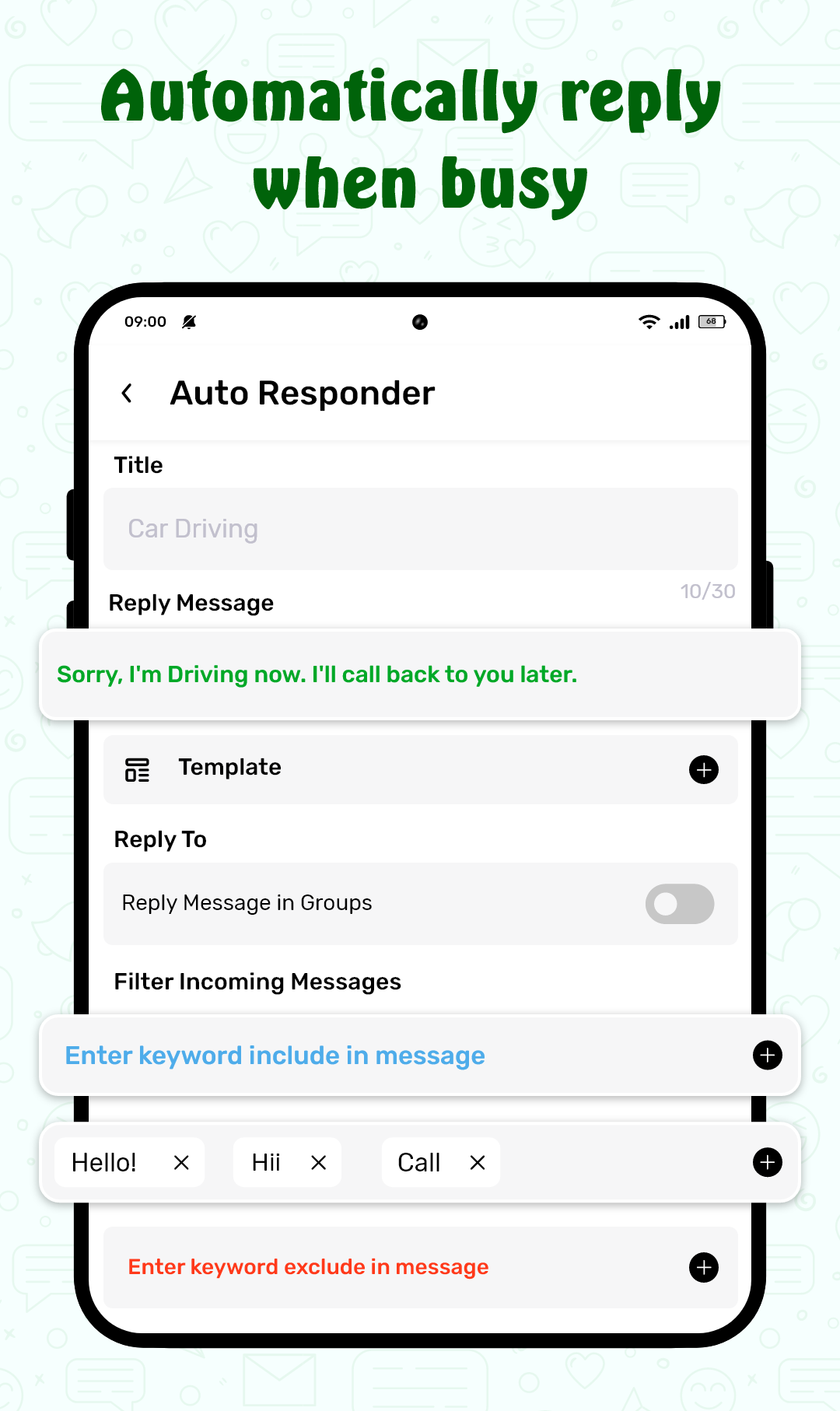
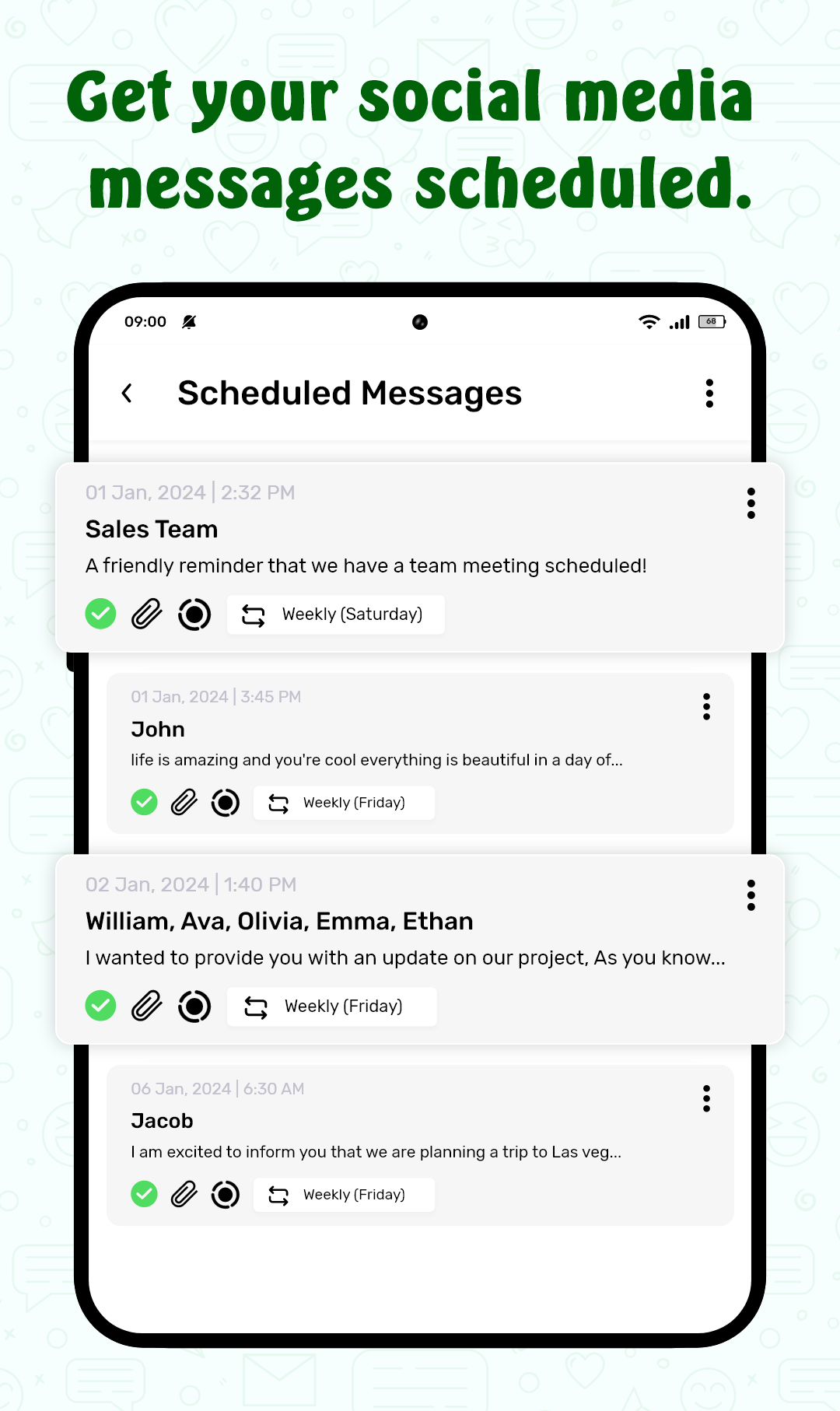
1. Predefined Text Replies: ScheduleUP allows users to set custom text replies that are automatically sent based on the time of day, calendar events, or user-defined triggers. This feature is perfect for ensuring you never miss a response, even when you're busy or unavailable.
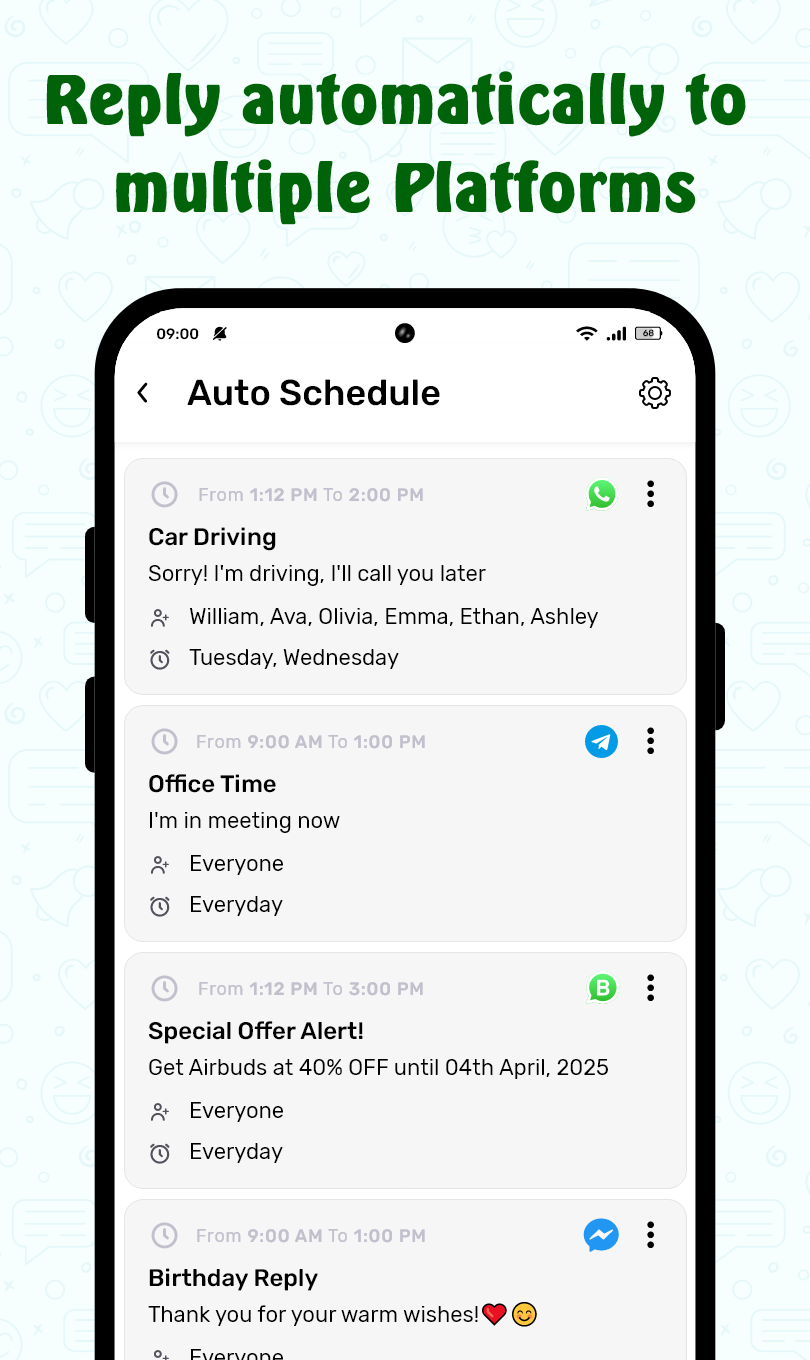
2. Schedule Customization: Users can create detailed schedules for when auto replies should be activated. Whether it’s for specific hours of the day or on particular dates, this feature offers flexibility in managing when you’re reachable and when you're offline.
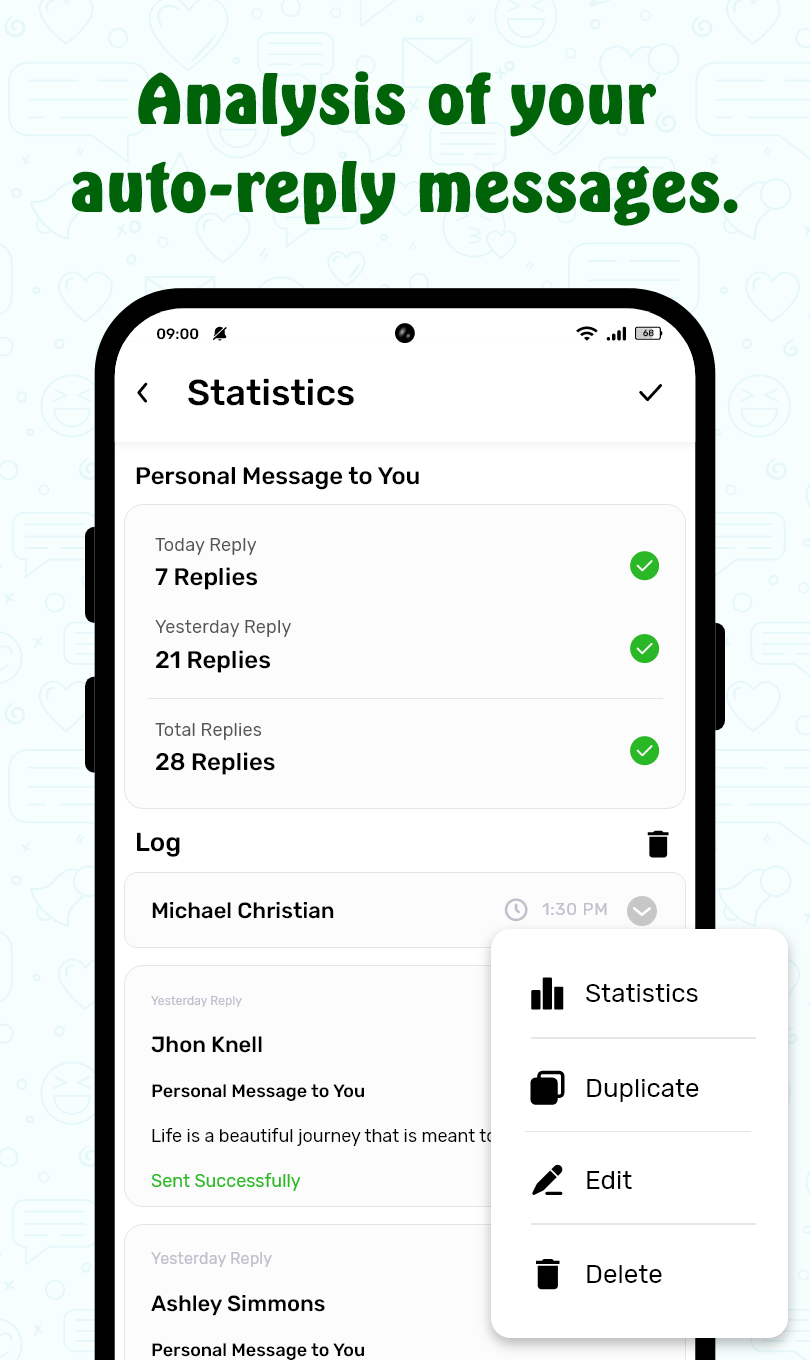
3. Automatic Detection of Incoming Messages: The app intelligently detects incoming messages and responds accordingly. You can set rules for when to reply, such as during a meeting or when traveling, ensuring that the right message is sent at the right time.
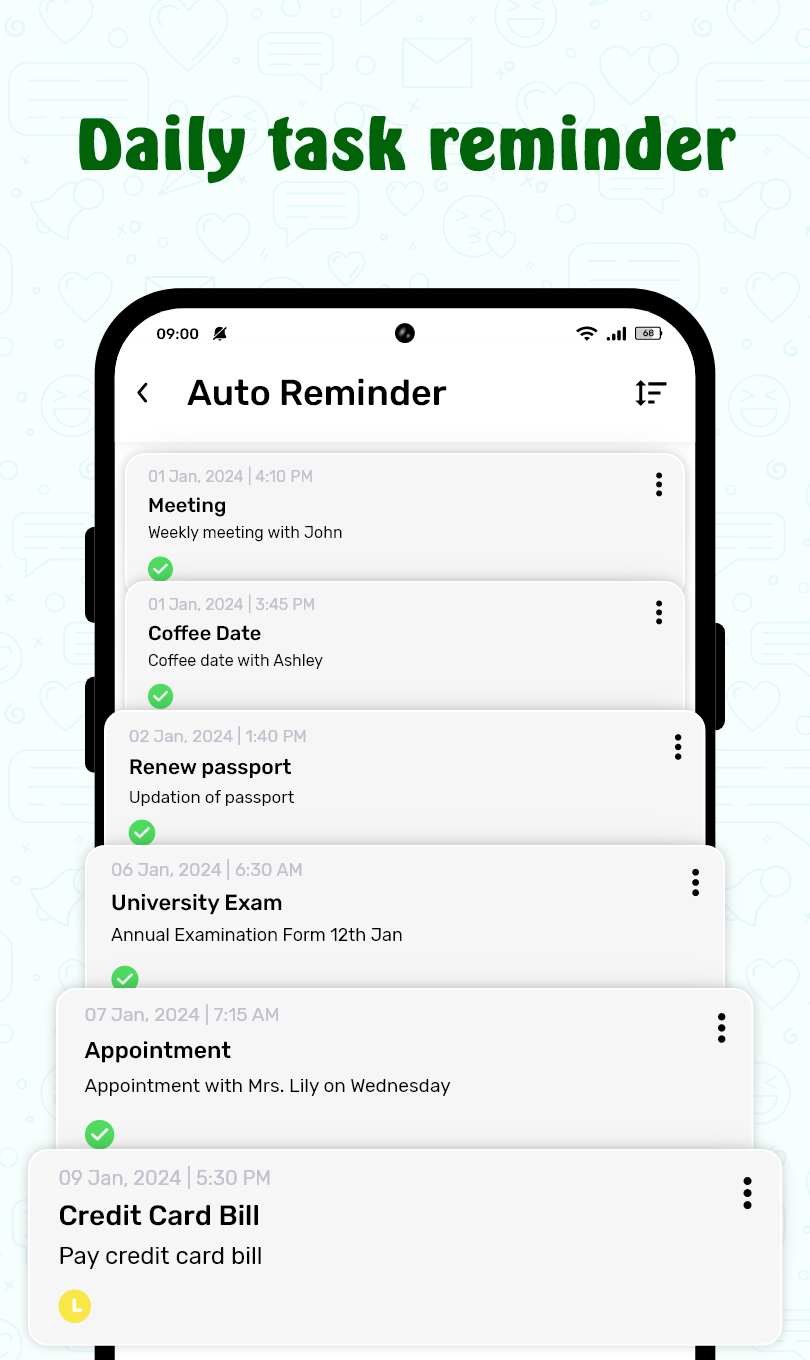
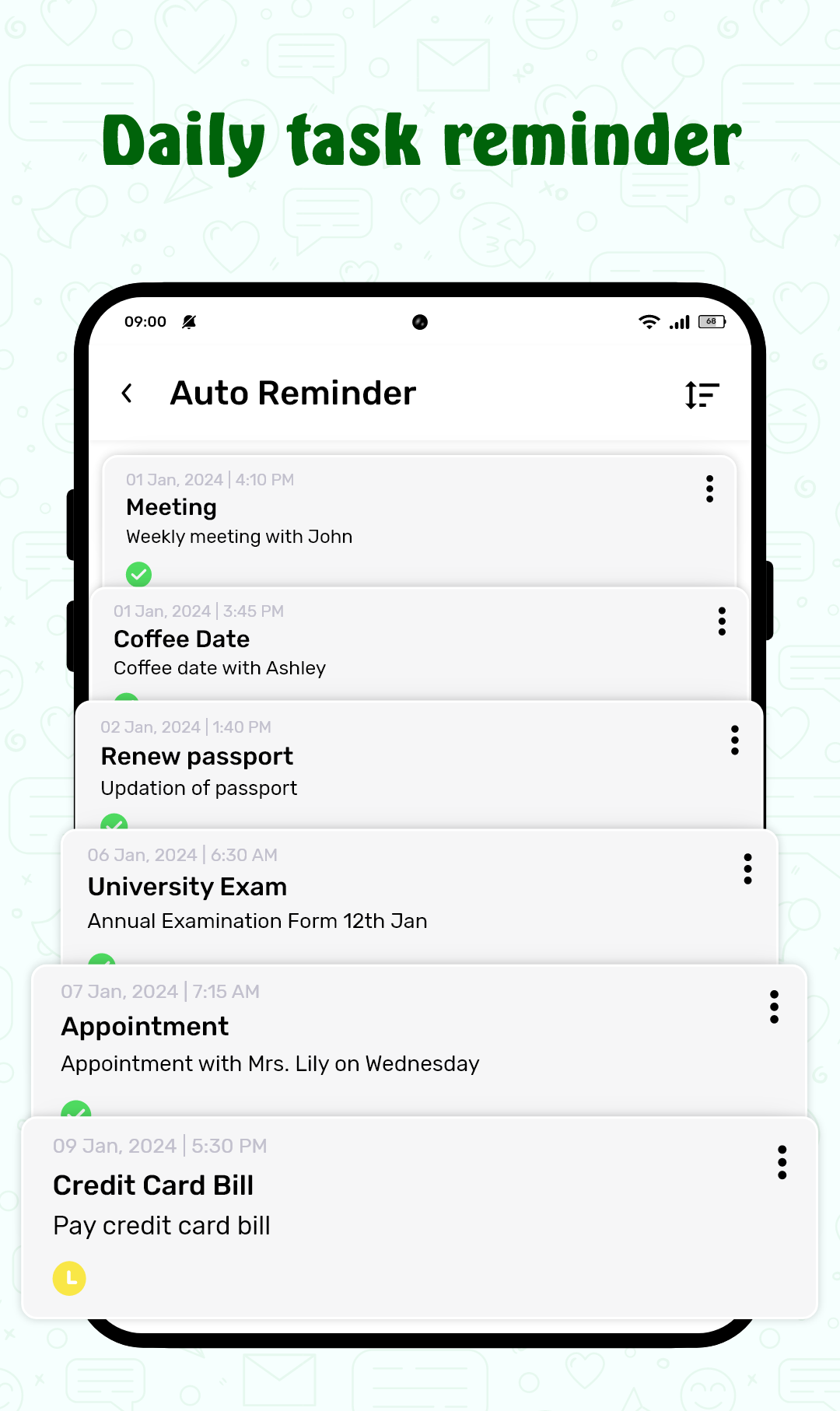
4. Integration with Calendar and Events: ScheduleUP integrates with your calendar to send automatic replies based on your appointments or meetings. This feature helps maintain professionalism by notifying others when you're unavailable due to prior engagements.
5. Easy Customization and User Interface: With a simple and intuitive interface, users can easily set up and manage their auto-replies. The app allows you to quickly switch between different templates and schedules, making it easy to stay organized and responsive.
FAQs of ScheduleUP: Auto Text Reply:
1. Which devices is ScheduleUP: Auto Text Reply compatible with?
- ScheduleUP is available on both iOS and Android devices. The app works on most smartphones, with a minimum of iOS 11 or Android 7.0 for optimal performance.
2. Can I set different replies for different contacts?
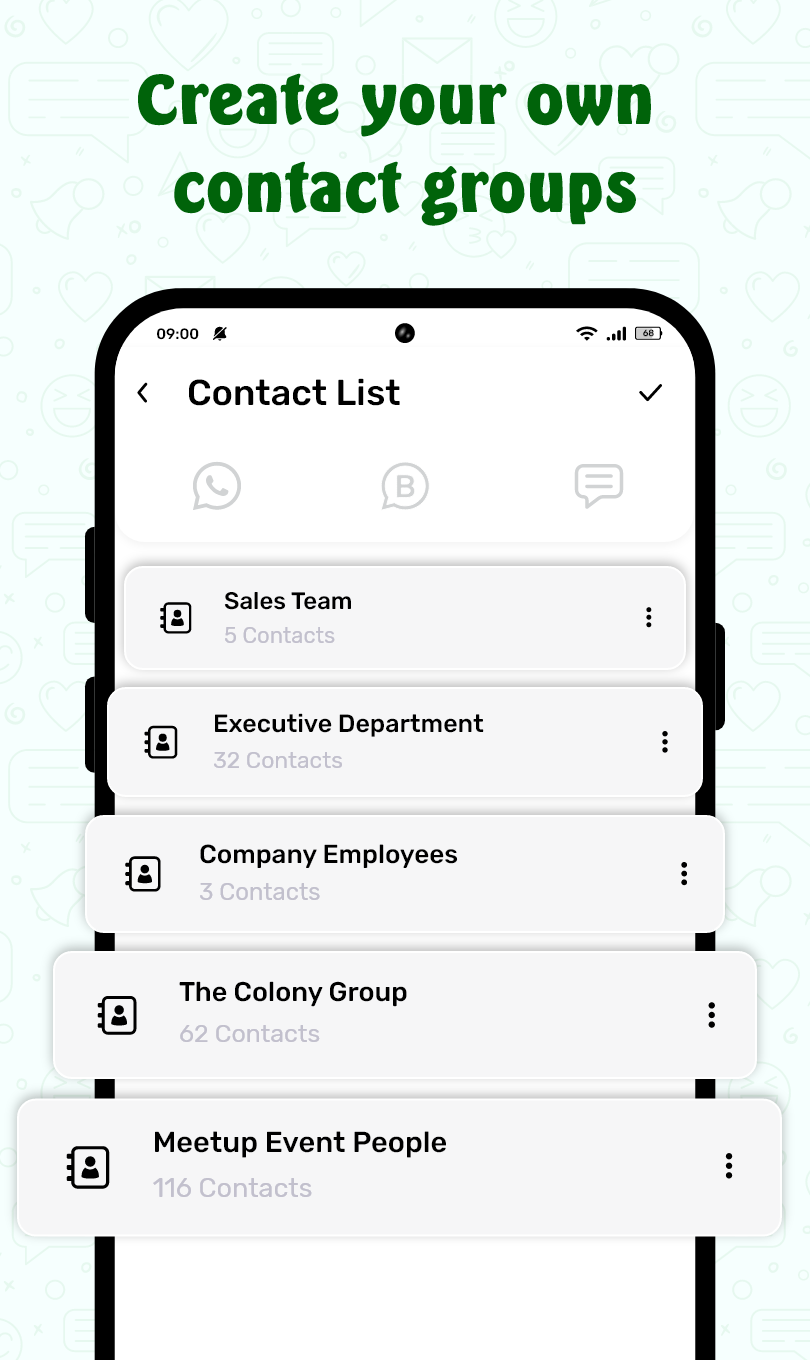
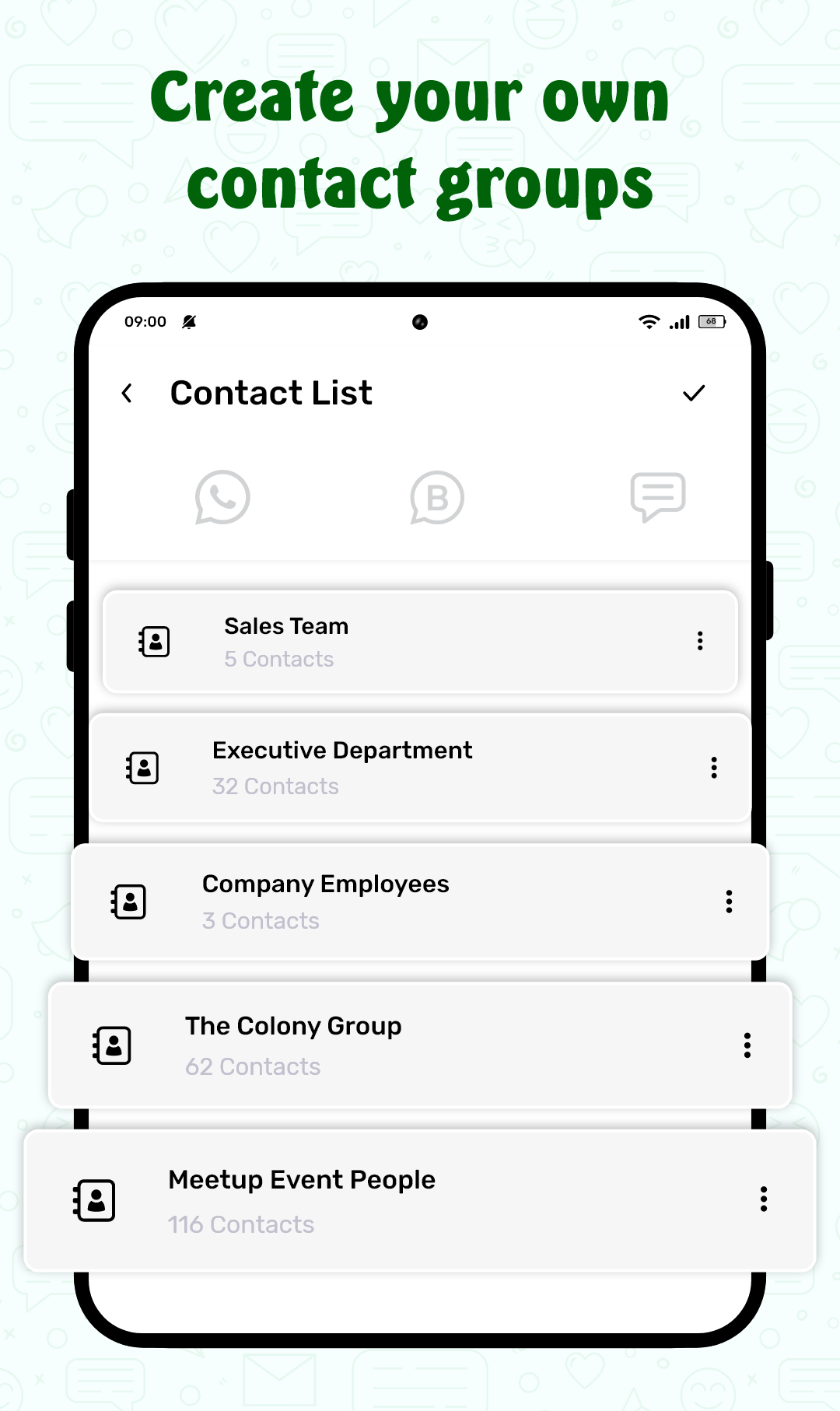
- Yes! ScheduleUP allows you to create customized replies for specific contacts or groups, ensuring that your responses are tailored based on who’s reaching out and your availability.
3. Is ScheduleUP free to use?
- The app offers a free version with basic auto-reply features. There are also premium versions available with additional features such as more advanced scheduling, templates, and priority customer support.
4. Does ScheduleUP work with all messaging apps?
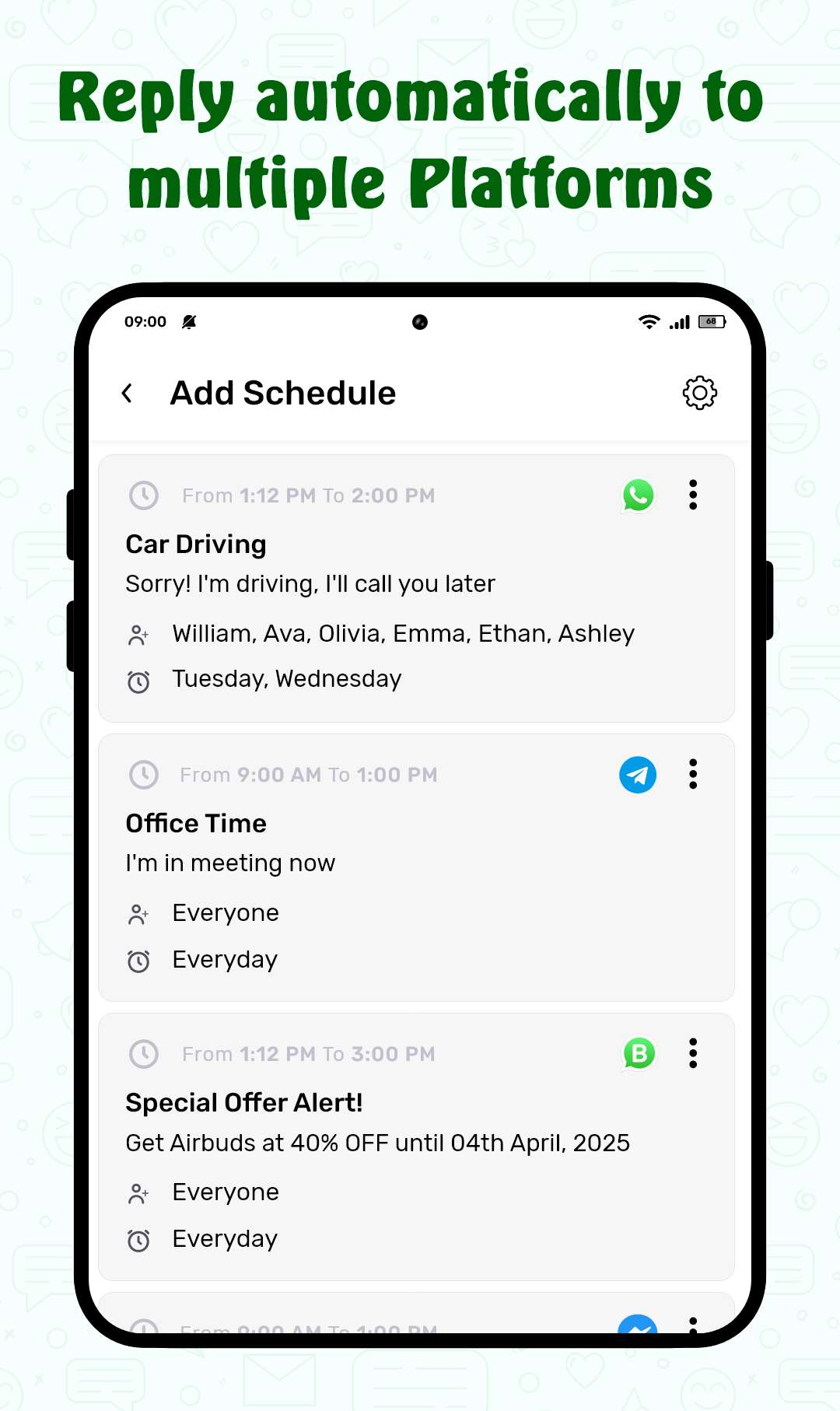
- ScheduleUP supports a wide range of messaging apps, including SMS, WhatsApp, and other popular messaging platforms. However, there may be occasional limitations with some third-party apps, depending on the device or operating system version.
5. How do I disable auto-replies when I’m available?
- You can easily disable auto-replies by turning off the app or adjusting your availability settings directly within the app. You also have the option to set a specific "Available" status to temporarily pause the auto-reply feature.
Conclusion:
ScheduleUP: Auto Text Reply is an excellent solution for anyone who needs to manage their communication while staying productive. It’s especially beneficial for professionals, busy parents, or frequent travelers who need to ensure timely responses without being constantly distracted by incoming messages. While it offers great customization options, those looking for full integration with every messaging platform or more complex automation might find some limitations. Overall, ScheduleUP is a simple, effective tool for users who want to stay responsive without sacrificing their time.
- No virus
- No advertising
- User protection
Information
- File size: 9.20 M
- Language: English
- Latest Version: 1.7.17
- Requirements: Android
- Votes: 125
- Package ID: com.automessageforwhatsapp.whatsappmessageschedule
- Developer: All Excellent Apps
Screenshots
















Explore More
Discover and share the hottest events around with our intuitive apps. Find local concerts, festivals, shows, and more based on your unique interests. Create customizable calendars of upcoming events to coordinate schedules with friends. Purchase tickets seamlessly from our integrated platforms. Check real-time transit schedules to plan your trip. Access maps, directions, and parking information for any venue.

Bloomberg Connects

Metro Micro

TVSMILES

Tax Calculator India 2024-2025

Park4Me

Scary sound effects

TryController

Home Workouts - Lose Weight