Introduction
MP4 to WMV Converter converts MP4 video files to WMV on Android devices with a minimal interface and clear output options.
Key features
- Convert MP4 to WMV locally on your device without uploading files
- Batch conversion for multiple files at once
- Adjust output resolution and bitrate to control file size and quality
- Retain the original audio track and basic metadata when possible
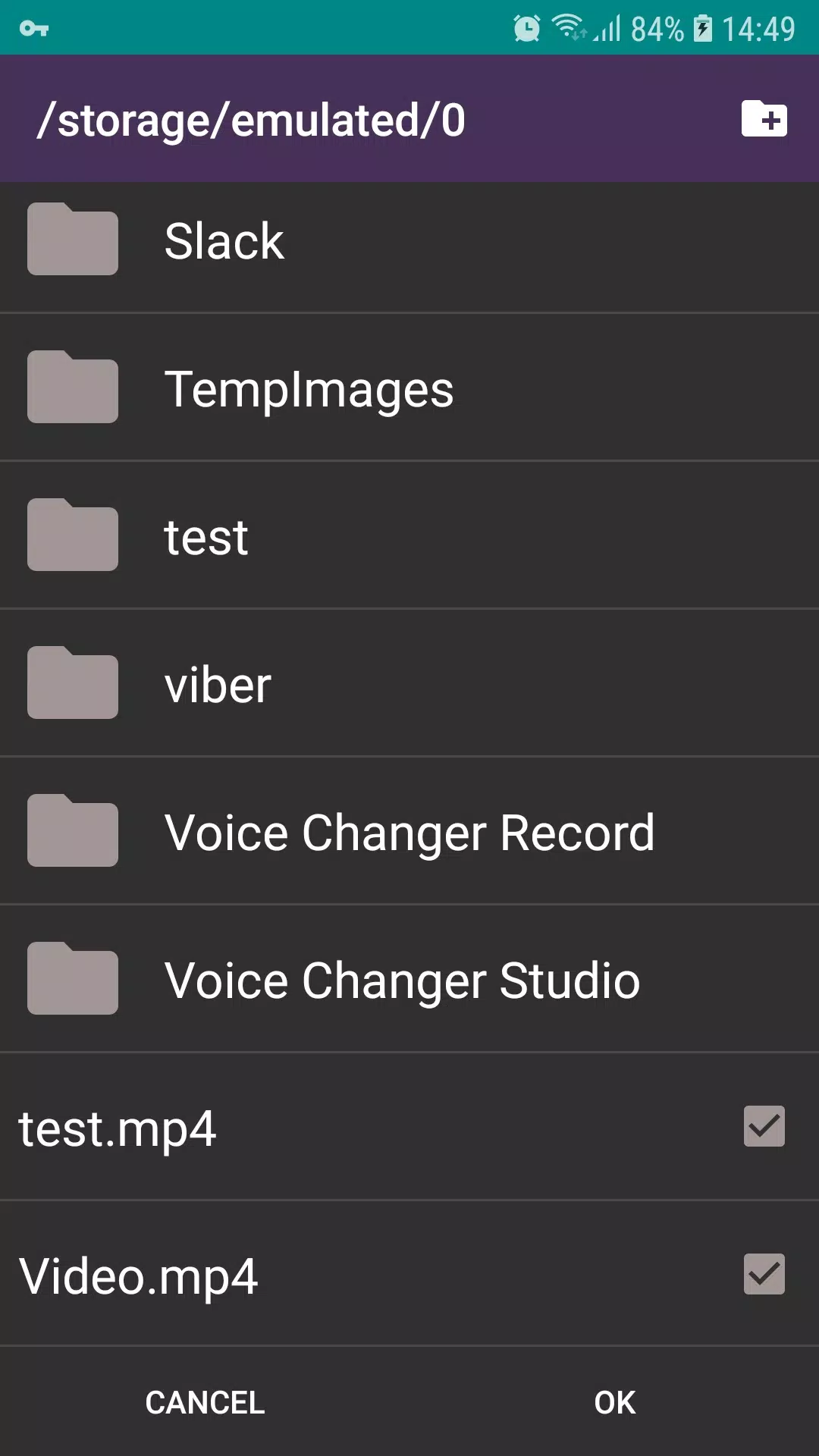
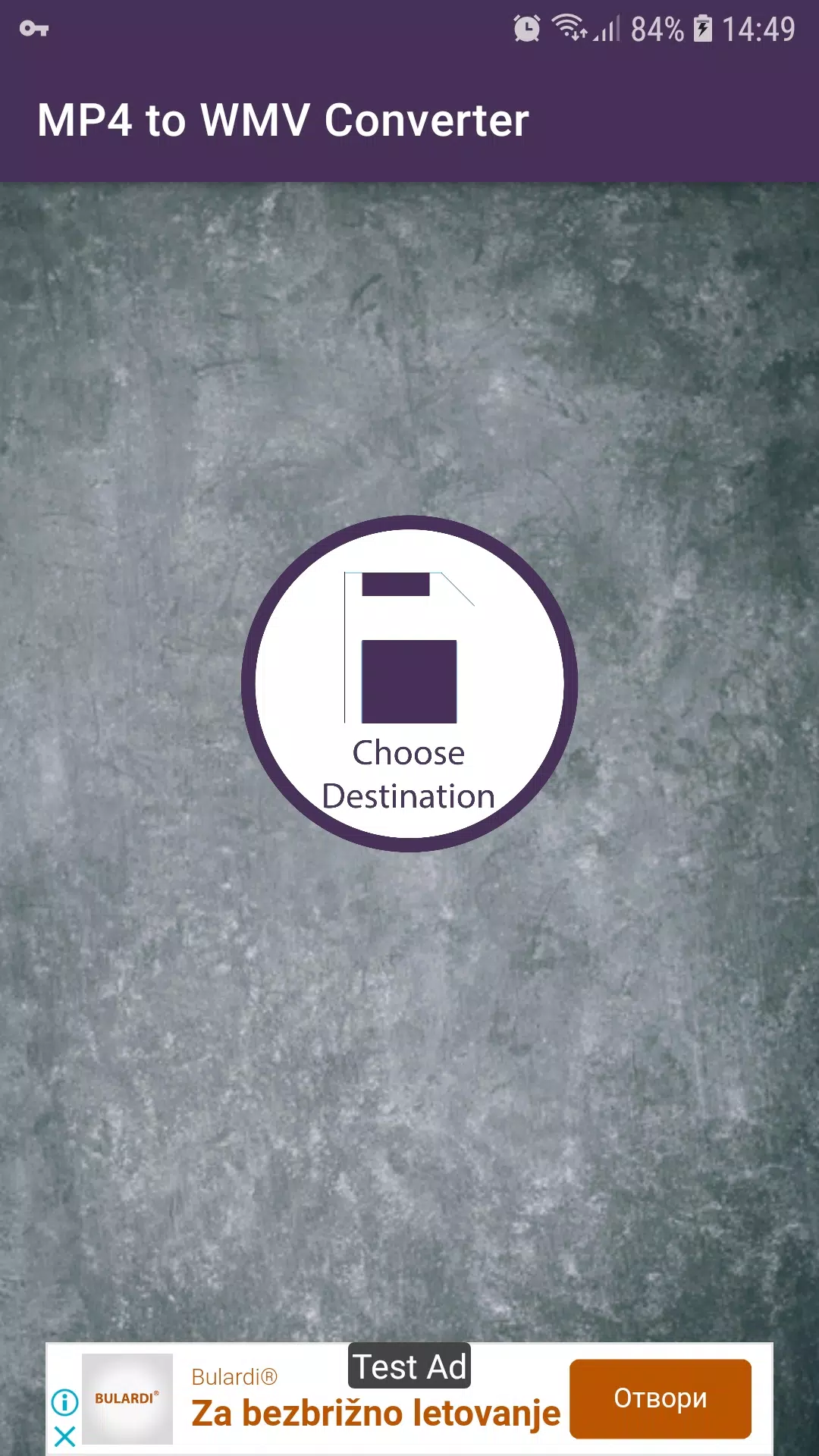
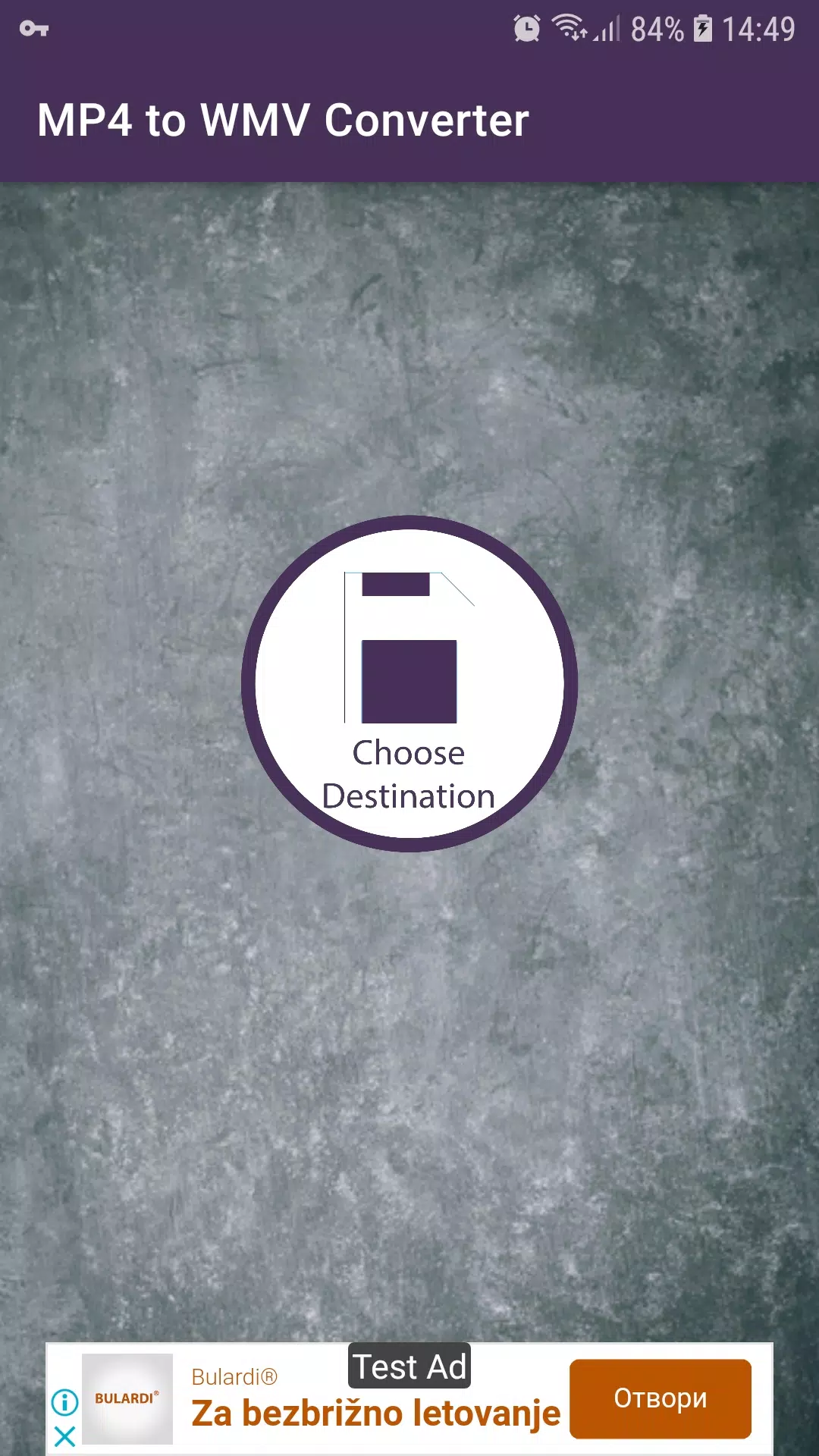
- Choose an output folder and share converted files from the app
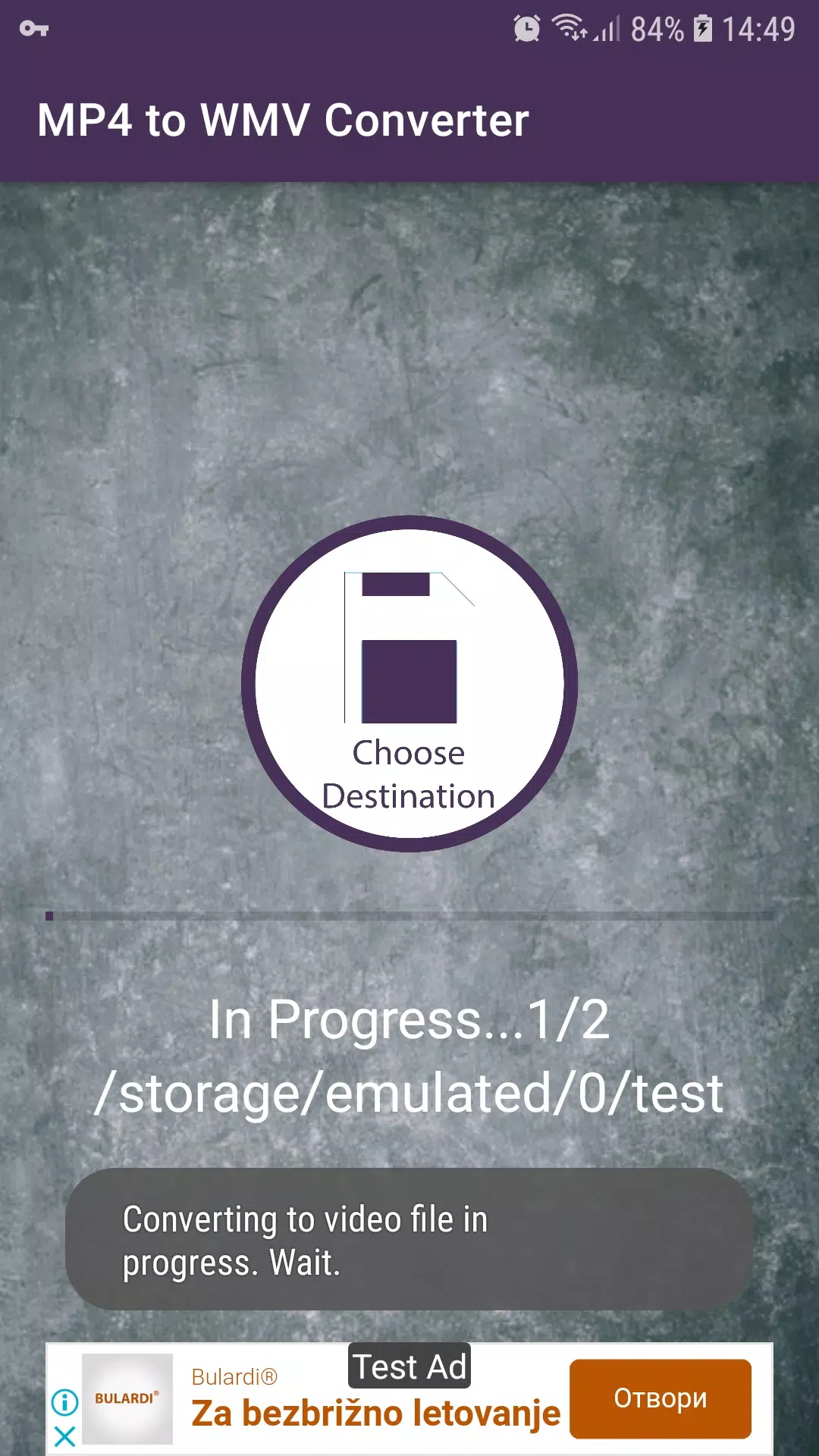
MP4 to WMV Converter includes a preview before conversion, simple progress indicators, and works offline to protect your privacy.
How to use
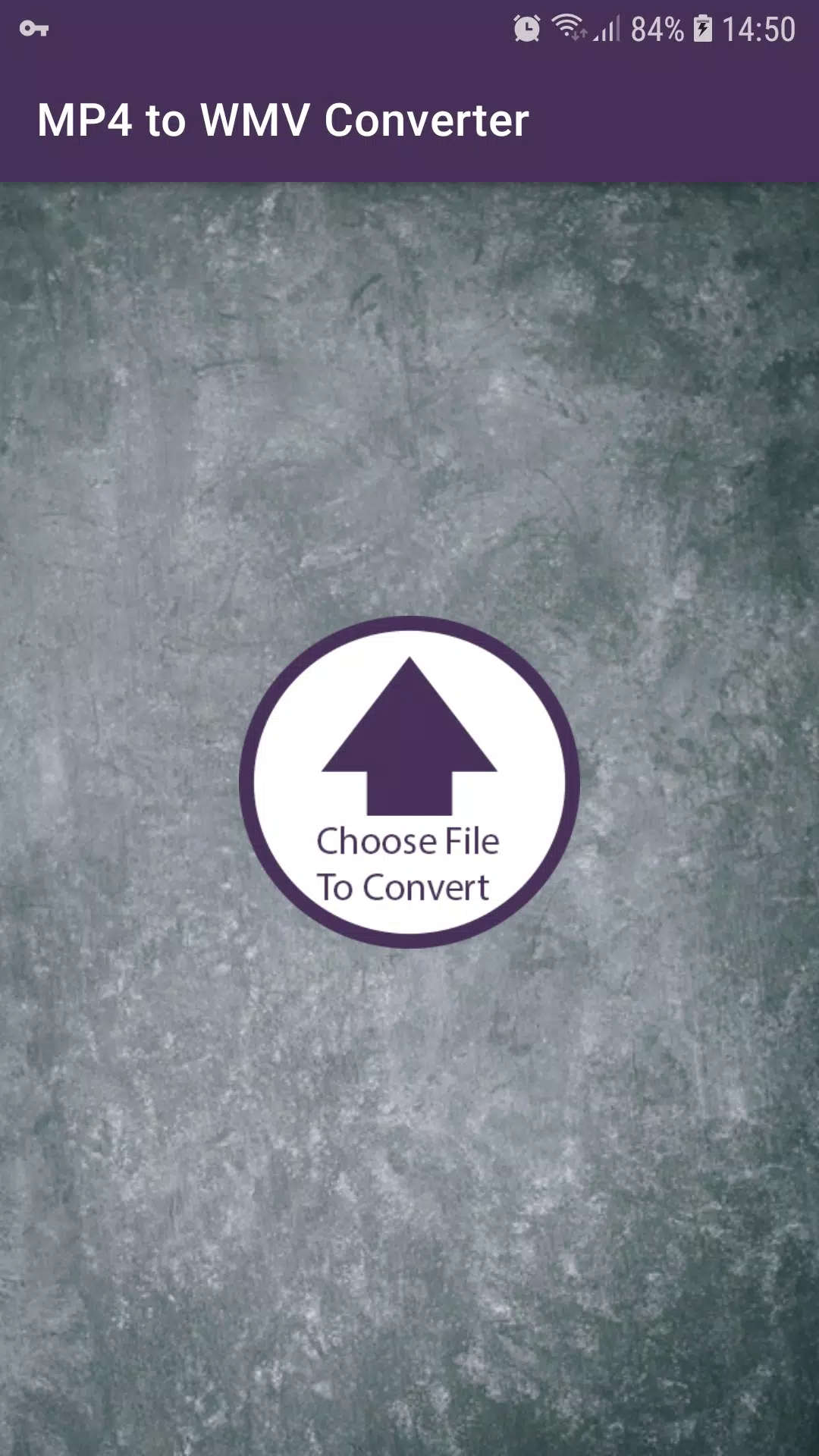
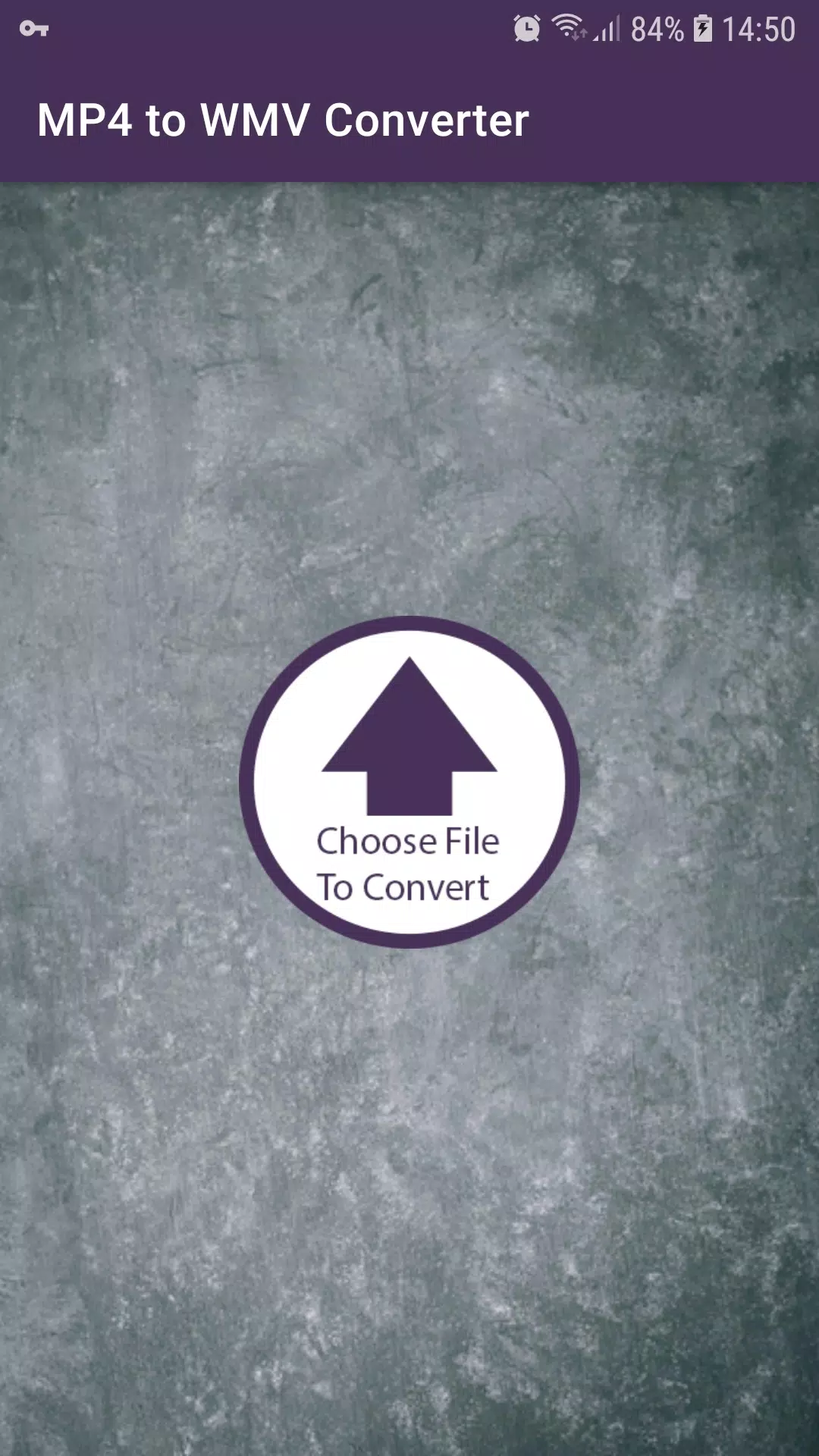
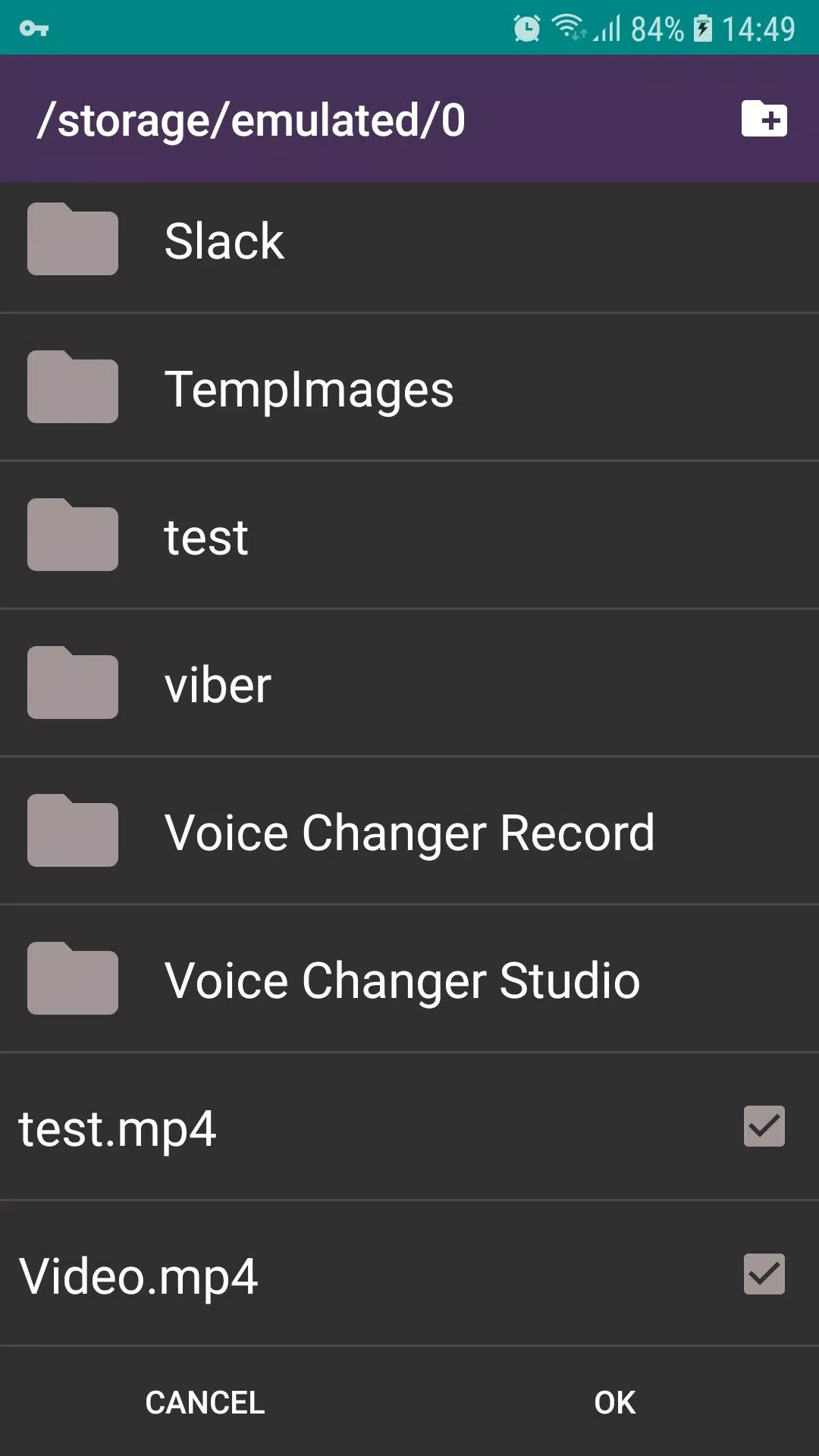
- Select one or more MP4 files from your device storage
- Choose WMV as the output format and set resolution or bitrate
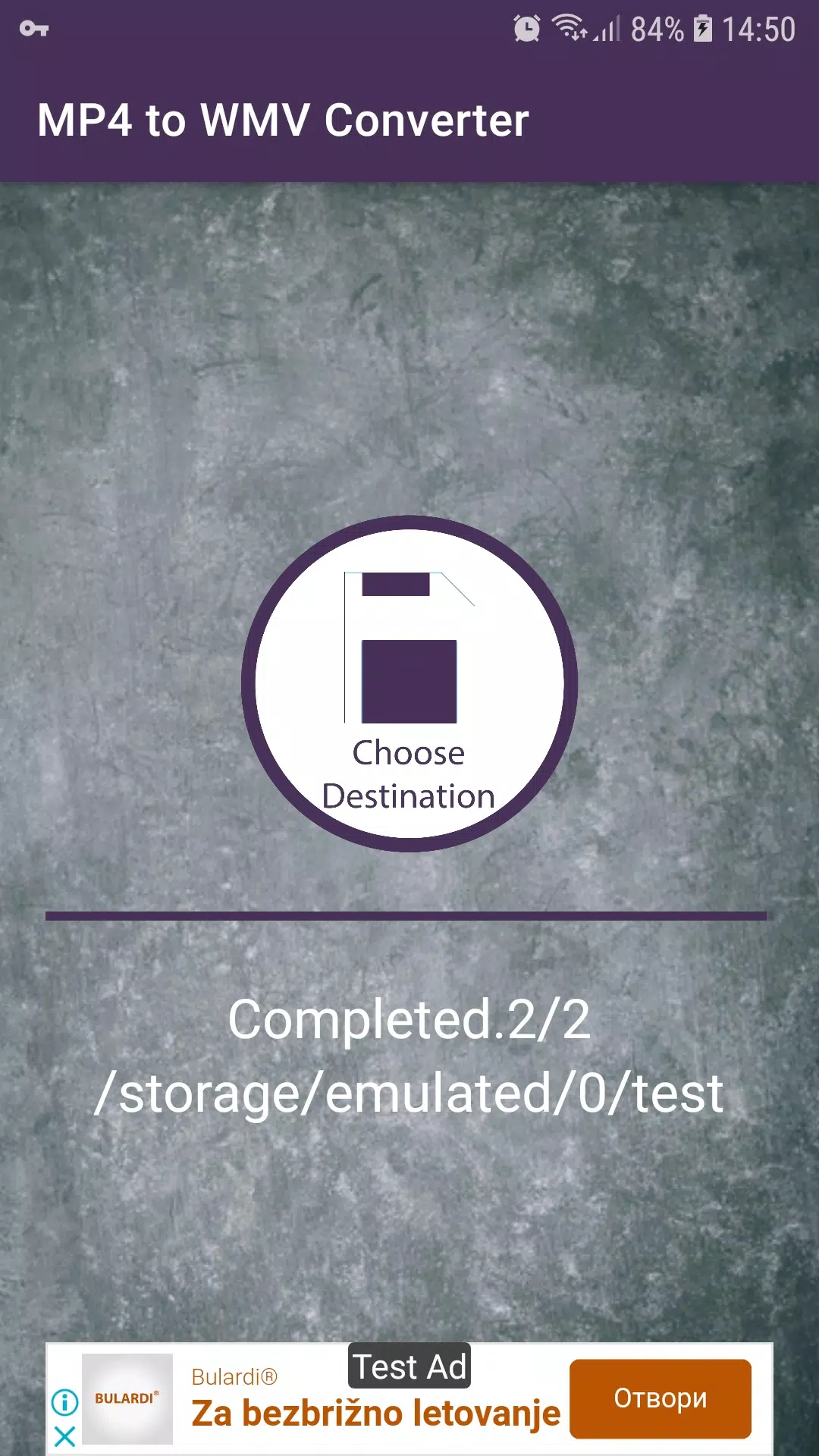
- Start conversion and find results in the selected folder
MP4 to WMV Converter is intended for straightforward format conversion when WMV files are needed for editing or playback on compatible players.
- No virus
- No advertising
- User protection
Information
- File size: 138.60 M
- Language: English
- Latest Version: 1.0
- Requirements: Android
- Votes: 294
- Package ID: com.doneredondo.android.mp4ToWmv
- Developer: Ditasoft
Screenshots
















Explore More
Immerse yourself in an audio wonderland with our exceptional audio app downloads! Escape into a world of captivating stories, immersive podcasts, and spellbinding audiobooks. Let your imagination soar as you listen to gripping narratives, engaging interviews, and mind-expanding educational content. With our vast collection of audio content, there's something for everyone.

51 Game

YAWT - Timer for Tabata, HIIT, Interval Training

Furspark

AZ Screen Recorder - Video Recorder, Livestream

XMTV Player

IPTV Player

Xena Live -Group Voice Chat

Pony Torture 2