
Introduction
RPS Личный Кабинет is a focused mobile application that connects drivers directly to their automated RPS parking account, placing session history, payment settings, and spot reservations within easy reach. From the first screen you can view active bookings, check the status of your preferred spaces and update payment preferences without visiting a kiosk. RPS Личный Кабинет is designed to reduce time spent searching for parking and to make routine parking tasks predictable and secure, whether you use the system daily or only occasionally.
Key features and everyday capabilities
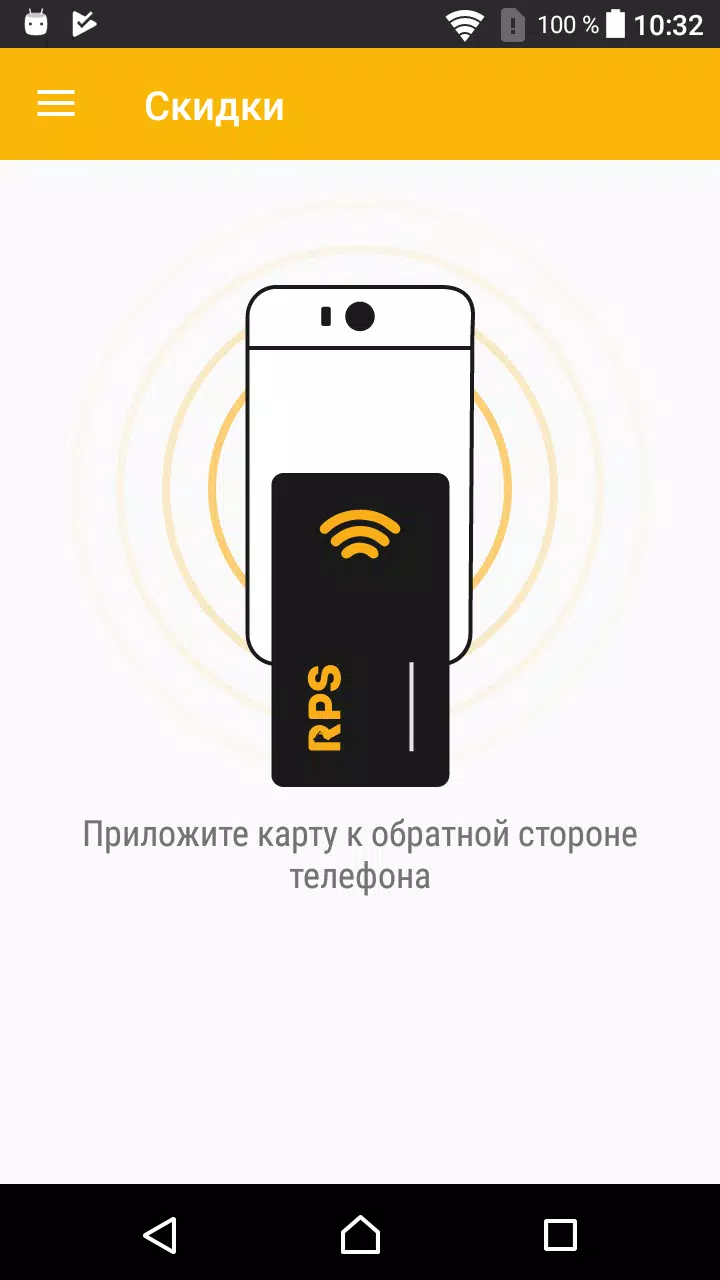
The app provides a consolidated view of your parking activity, including recent sessions, receipts, and a record of reserved spaces. Real-time availability indicators are shown when a facility is integrated with the RPS network, and push notifications can inform you of open spots or expiring sessions. Payment methods are stored securely so you can switch between cards or billing profiles, and quick reservation tools let you mark preferred spots for future visits. Built-in usage reports help you see trends in duration, cost and frequency so you can make practical choices about which locations to favor.
Controls and user experience
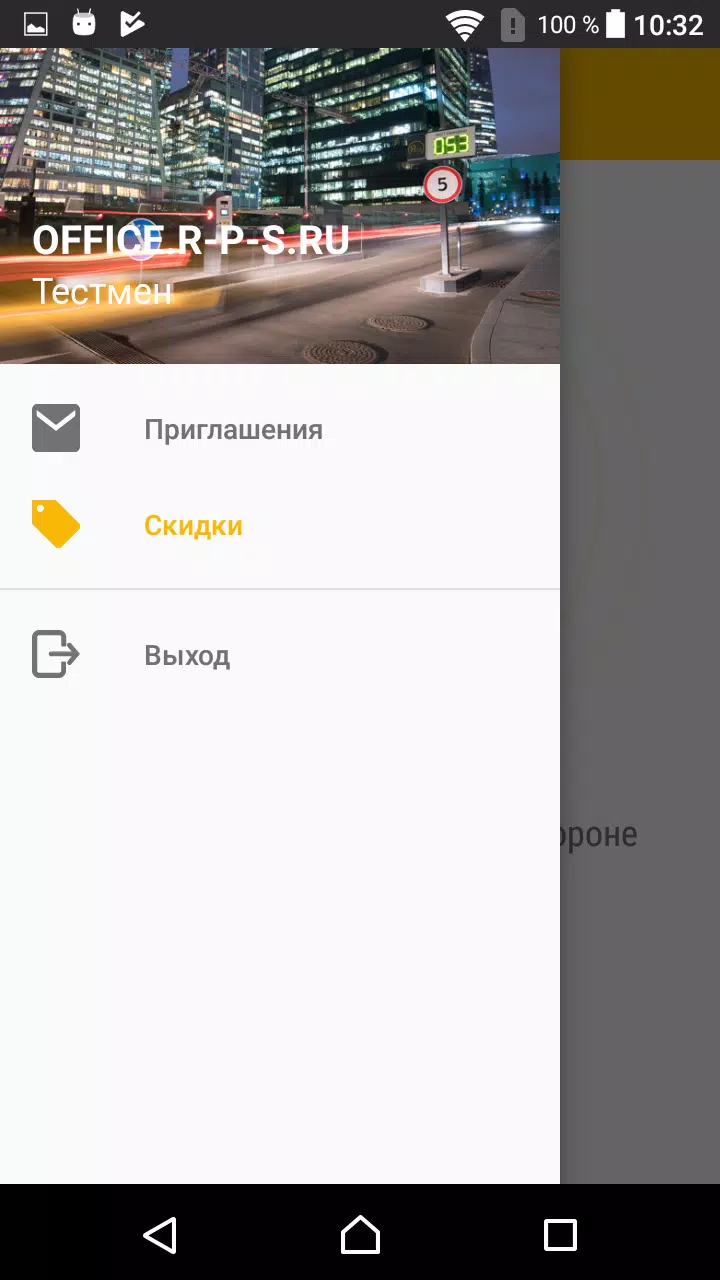
Navigation in RPS Личный Кабинет favors simple, thumb-friendly controls: a home dashboard surfaces the most relevant actions, while clearly labeled menus take you to account settings, reservations and a session history. Forms use contextual keyboards and inline validation to reduce input errors during sign-up or when updating payment details. Interactive maps and facility floorplans, when available, let you tap a zone to see its occupancy status; if maps are not supported for a location, the app falls back to a clear list view with zone names and real-time indicators where applicable.
Progression, personalization and account management
While there is no competitive progression system, the app supports gradual personalization that improves your daily workflow: marking favorite parking areas, saving preferred payment methods and creating commonly used vehicle profiles speeds routine transactions. Account-level settings let you manage notifications, linked vehicles and regional preferences. Over time the analytics section can help you reduce costs by highlighting expensive visits and suggesting alternate times or locations where availability and pricing are better aligned with your needs.
Visual style, accessibility and language support
The interface uses a clean, utilitarian visual style with high-contrast text, clear icons and legible typography to prioritize readability on small screens. Color cues indicate availability and active sessions so information is graspable at a glance. The app includes multilingual support for commonly used languages in the RPS network, and accessibility considerations such as large tappable targets and compatibility with screen readers are part of the design to accommodate a wide range of users and abilities.
Offline behavior and reliability
RPS Личный Кабинет caches recent activity and your core account settings so basic viewing of session history and saved preferences remains available when connectivity is limited. Active functions that require live data, such as up-to-the-second space availability or confirming new reservations, require a network connection and are clearly marked when offline. Emphasis on secure local storage and encrypted transmission helps protect sensitive payment and personal data while the app communicates with RPS backend services.
Typical workflows, tips and replay value
Common workflows include pre-booking a preferred spot before arrival, viewing a consolidated monthly usage summary to manage expenses, and quickly extending or ending a session from the dashboard. The app's replay value comes from the time it saves and the convenience of having reliable records when you need them; returning users benefit from progressively faster workflows as they save preferences and vehicle data. Helpful tooltips and contextual prompts reduce the learning curve for new users so routine tasks can be completed in a few taps.
Limitations and compatibility notes
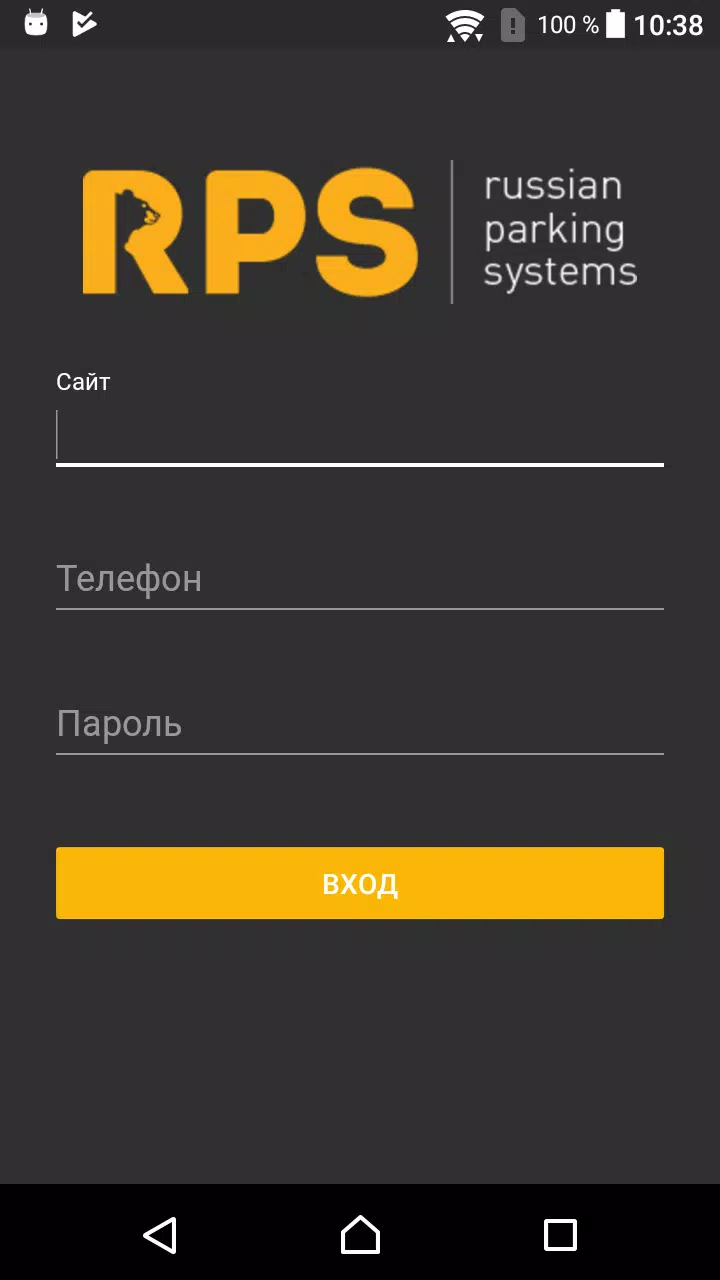
The most important limitation is that features relying on live data depend on each parking facility's integration with the RPS system; not every lot will provide real-time maps or instant reservation confirmations. Full functionality requires creating a personal account and adding payment details, so casual visitors may have an initial setup step. The app is focused on the RPS parking network and is most useful for drivers who will repeatedly access facilities that participate in that ecosystem.
- No virus
- No advertising
- User protection
Information
- File size: 137.40 M
- Language: English
- Latest Version: 1.135
- Requirements: Android
- Votes: 153
- Package ID: rps.com.evgeny.rps
- Developer: RPS Inc.
Screenshots
















Explore More
Make your house a home with our suite of helpful home apps. Discover clever tools to organize closets, streamline chores, and simplify cooking. Take the stress out of cleaning and maintenance with handy checklists and schedules. Enhance security and control appliances and lighting with our smart home integrations. Design, visualize, and renovate like a pro using our 3D planning software.

All Recovery - Photos & Videos

Tax Calculator India 2024-2025

OnDjoss

Park4Me

Scary sound effects

Home Workouts - Lose Weight

Juice Recipes

HFonts - font & emoji manager