


Introduction
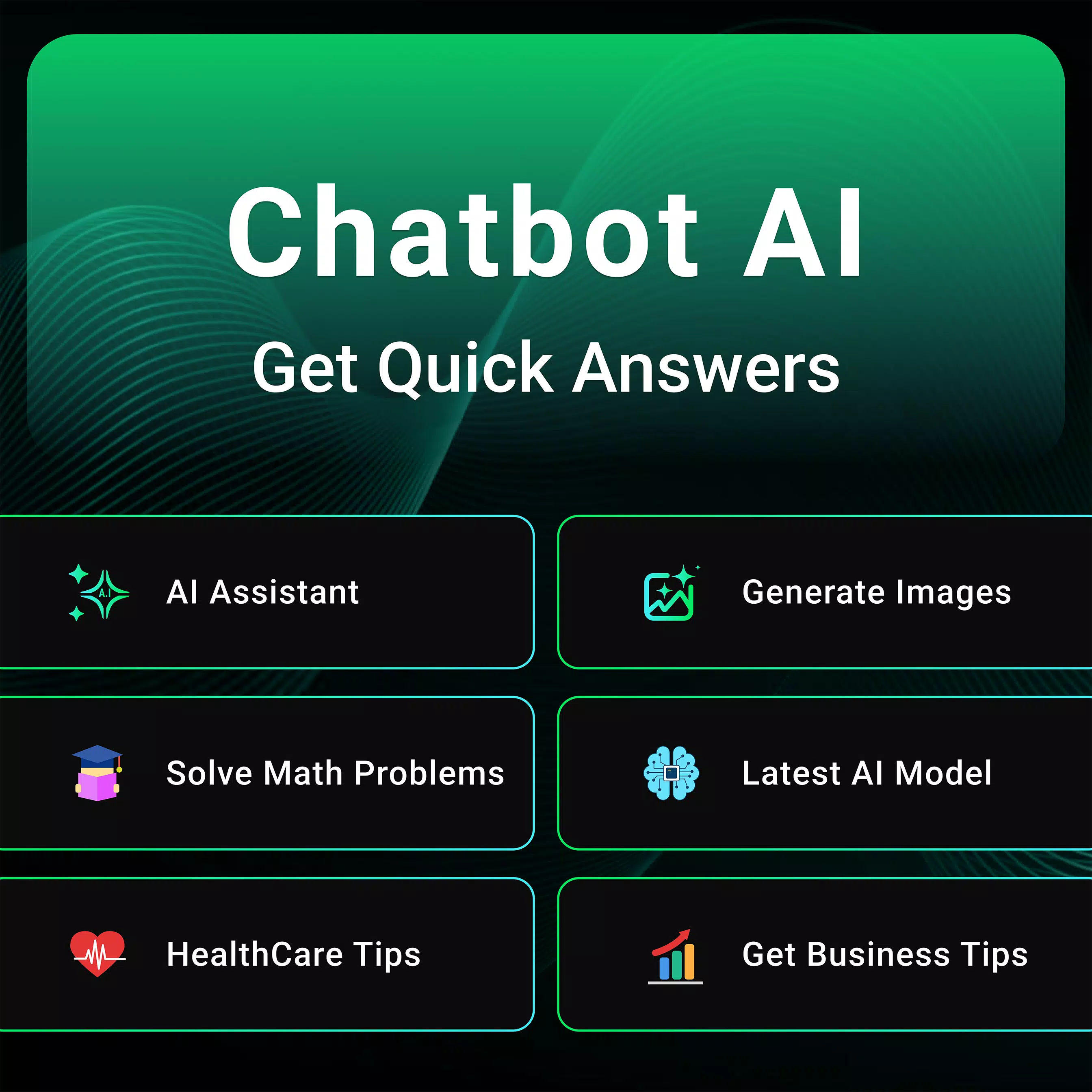
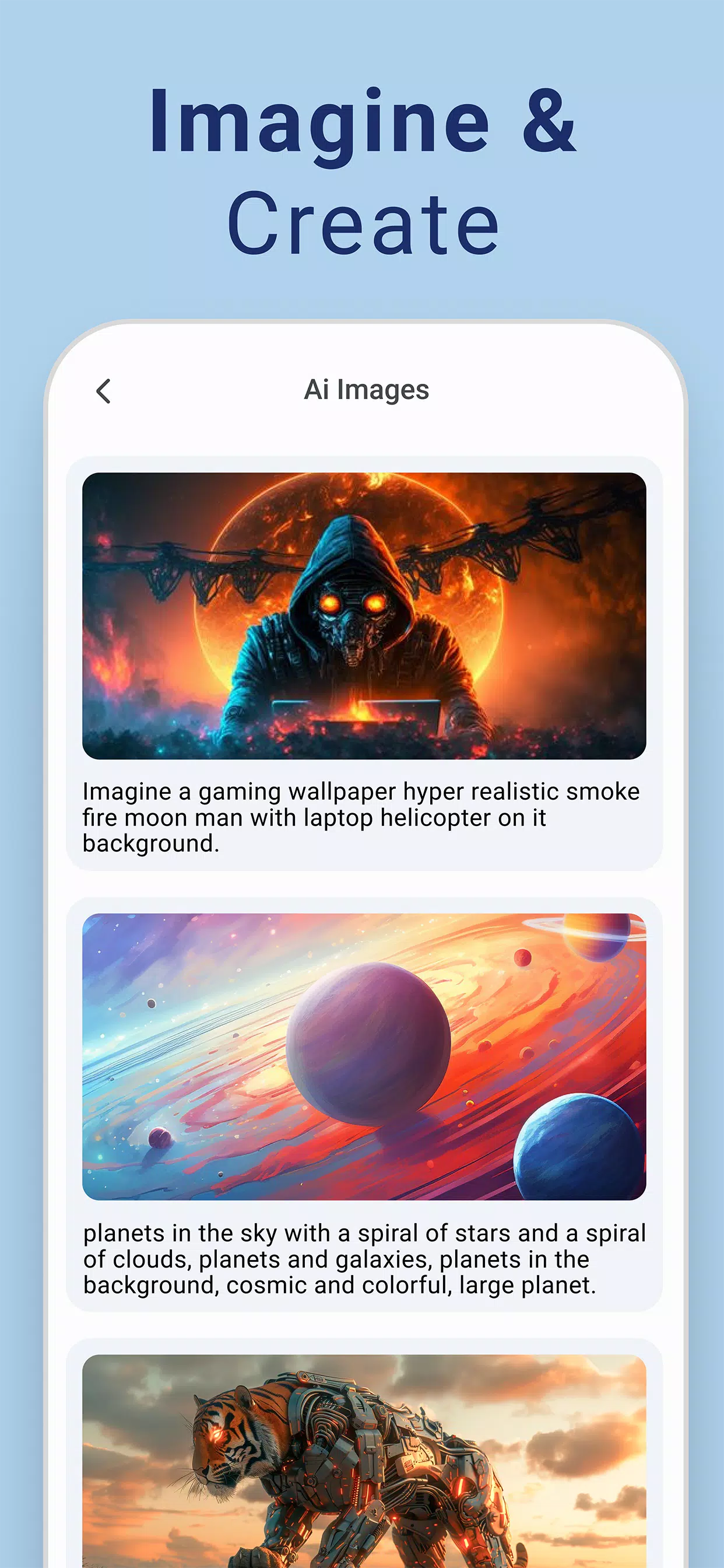
Chatbot - AI Image Generator is a mobile tool that turns text prompts into stylized images and helps users refine visuals with simple controls. Ideal for content creators and hobbyists, the app blends fast rendering, preset styles, and editable layers to produce shareable artwork directly from your Android device.
What this app does
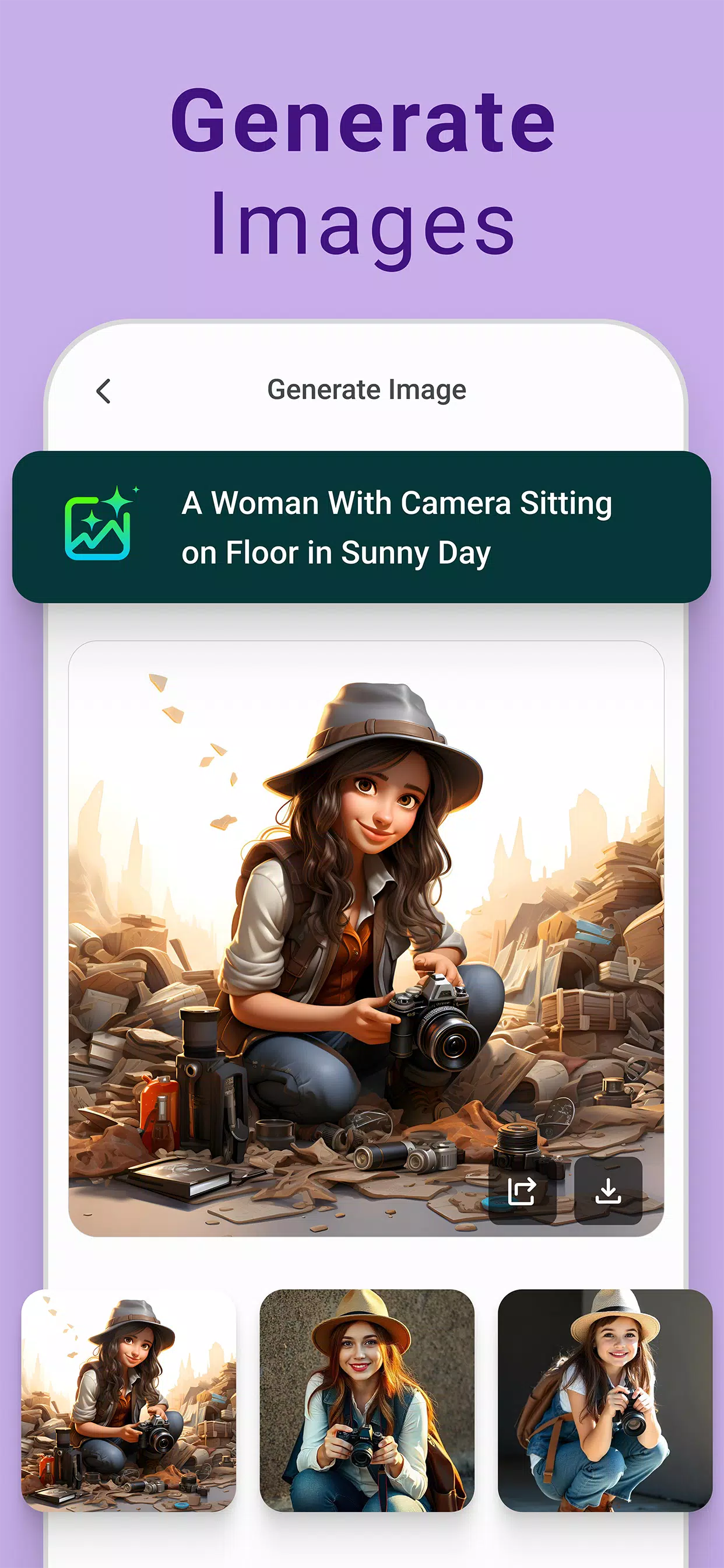
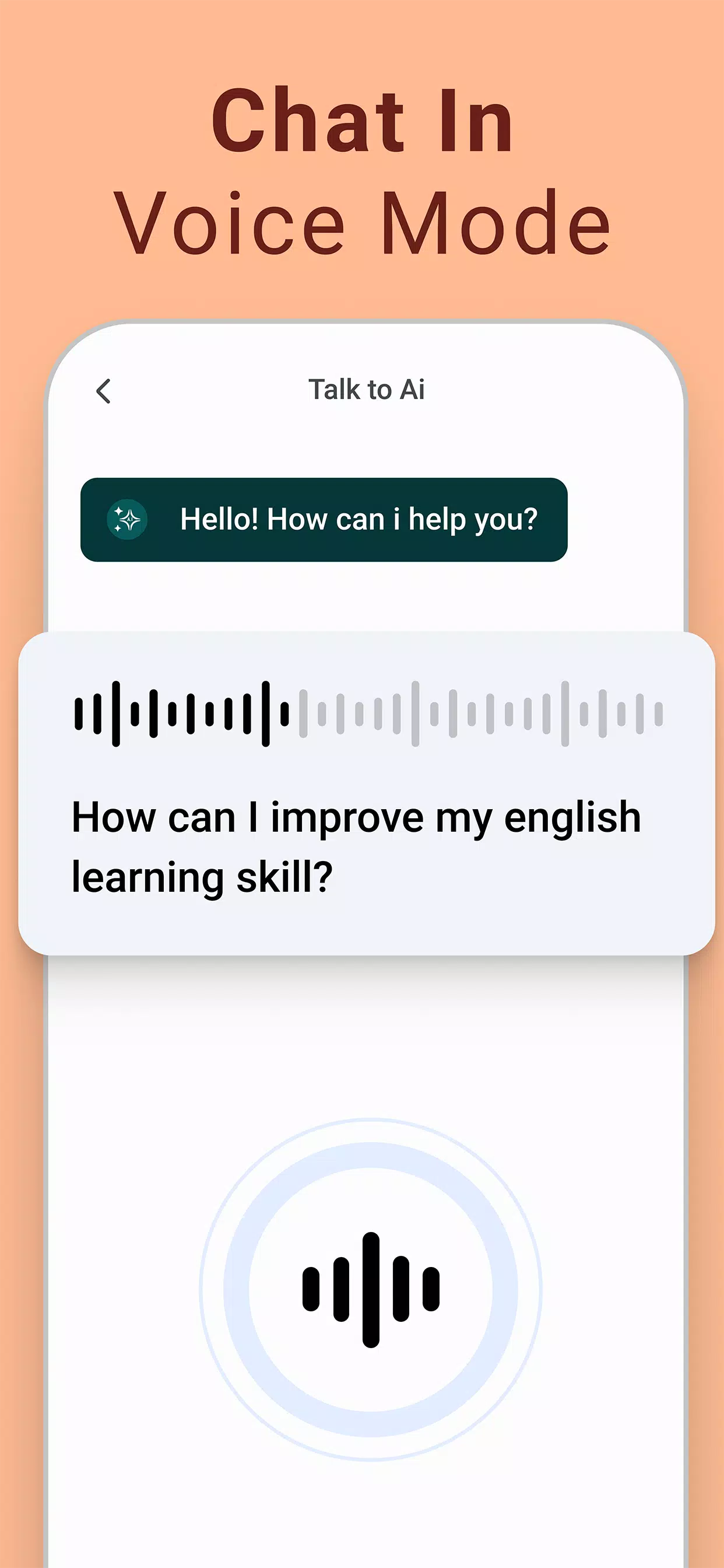
The core purpose of Chatbot - AI Image Generator is to convert natural language descriptions into images. Users type or speak a prompt, select parameters like aspect ratio and style, then generate results that can be iterated on. The app supports quick previews, seed control, and basic post-processing tools for color, contrast, and cropping.
Key capabilities
- Prompt-to-image generation: Create unique images from concise or elaborate text instructions.
- Style presets: Apply art directions such as photorealistic, watercolor, cyberpunk, or minimal illustration in one tap.
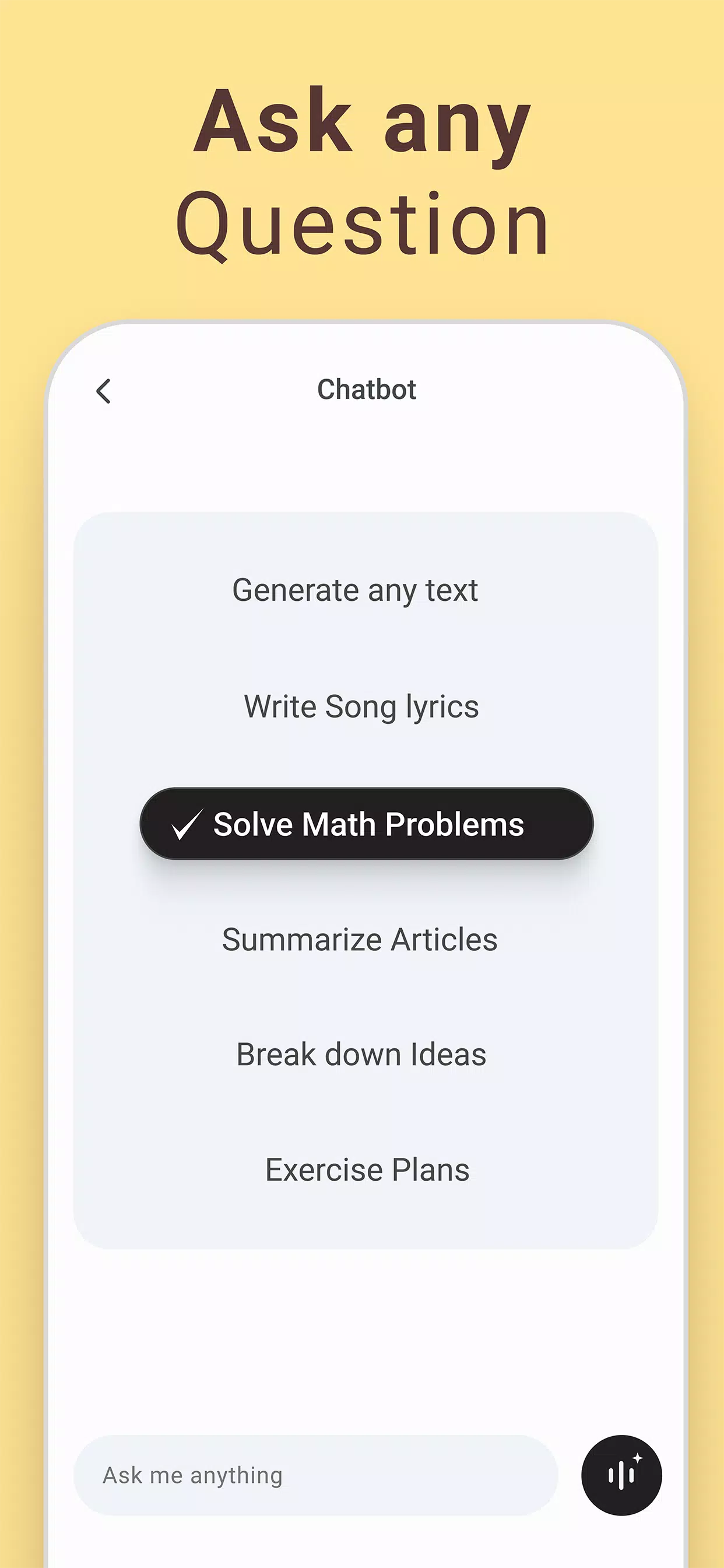
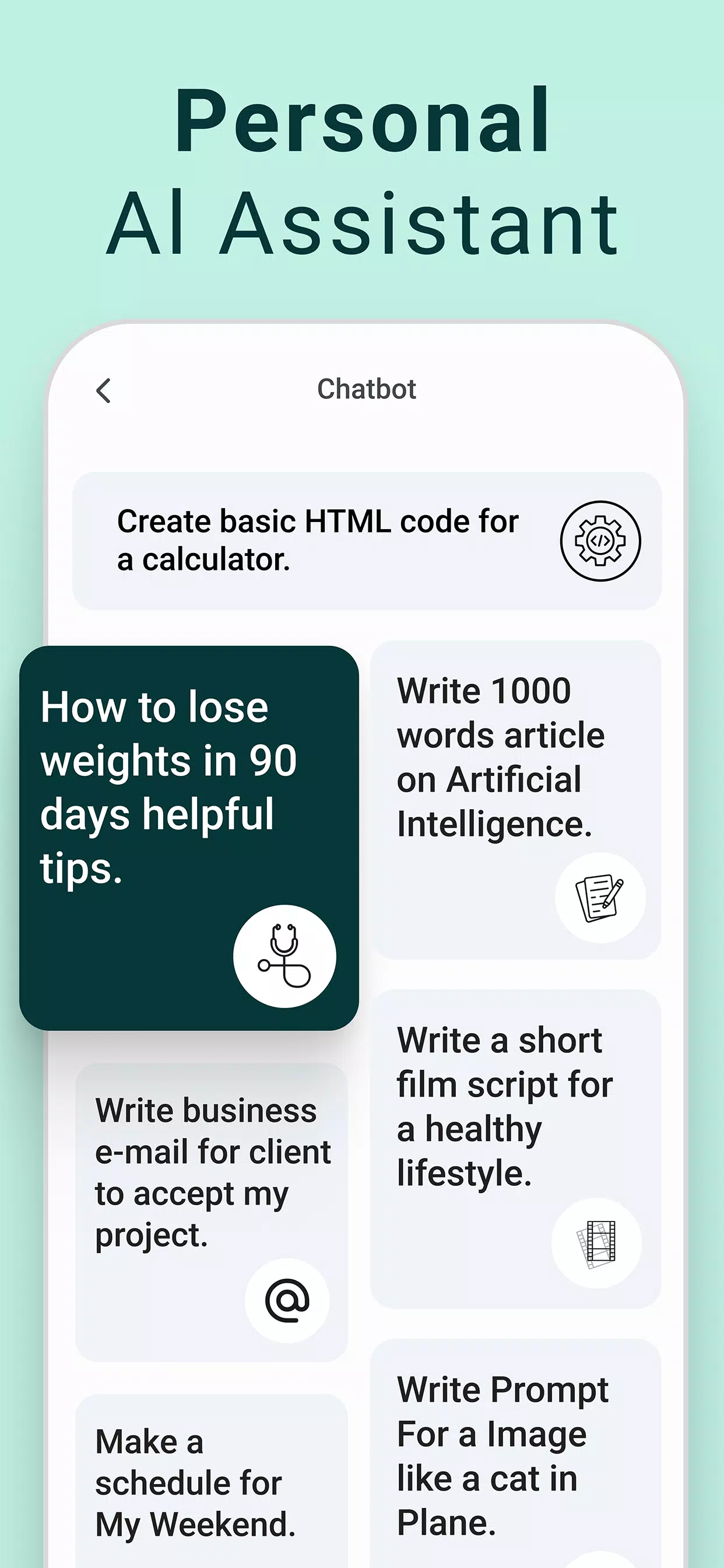
- Prompt assistant: Built-in suggestions and templates help structure inputs for more predictable outputs.
- Batch rendering: Generate multiple variations at once to compare compositions and color treatments.
- Export options: Save images in common formats, share to social apps, or export for further editing in other software.
How the workflow feels
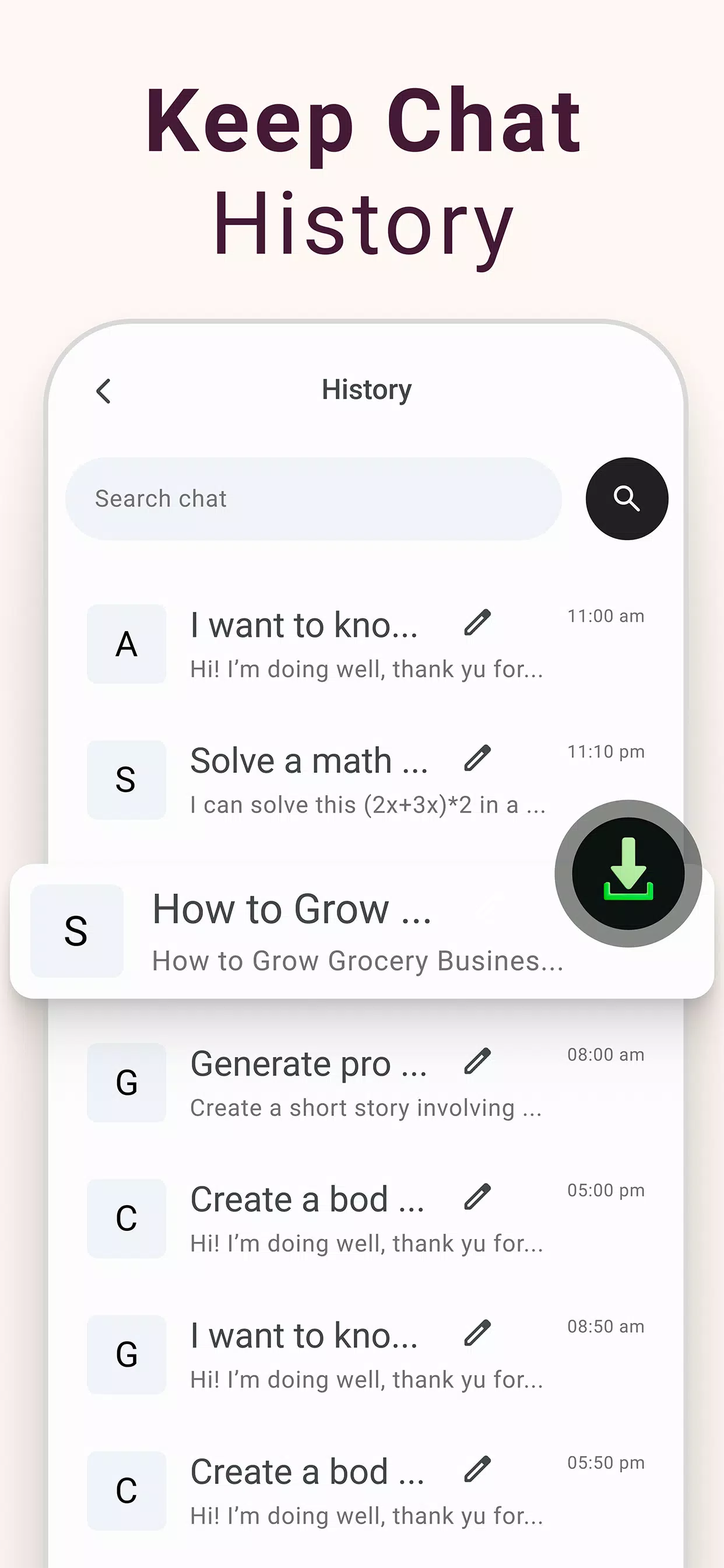
Workflow in Chatbot - AI Image Generator emphasizes iteration. Start with a base prompt or choose a template, then tweak sliders for detail strength, randomness, and aspect ratio. Each generation returns several thumbnails; tap one to enlarge, make local edits, or request variations. The app keeps a history so you can revisit earlier versions without losing progress.
Interface and performance
The interface prioritizes clarity: a single prompt field, accessible style buttons, and a preview grid occupy the main screen. Performance varies with network conditions and chosen quality settings, but lower-resolution previews appear quickly while high-fidelity renders take longer. Background generation and queued tasks make it practical to continue working on other projects while images process.
Tools for refining results
Beyond generation, the app includes lightweight editing functions. Crop and rotate tools, color balance adjustments, and a simple brush-based erase/restore feature let you polish outputs without leaving the app. For advanced users, seed controls and negative prompts reduce unwanted artifacts by excluding specific elements from the composition.
Privacy and account options
Users can operate with a free account for basic features or subscribe for higher-resolution exports and priority generation. Account settings allow you to manage saved images, clear history, and set preferences for image sharing. The app provides clear information on data handling and stores most assets under your account unless you choose local-only storage.
Who benefits most
Chatbot - AI Image Generator suits bloggers, small studios, designers testing concepts, and people exploring visual ideas quickly. It’s particularly useful when you need fast mockups or moodboard elements without opening desktop software. The balance of presets and manual controls also makes it approachable for beginners while still offering depth for more experienced users.
Practical tips for new users
- Start with a concise prompt: Use clear subject-action phrases before adding style modifiers.
- Use presets as a base: Apply a style, then reduce strength to blend the generated aesthetic with your own edits.
- Leverage batch mode: Generate several variants to discover unexpected compositions you can refine further.
- Save intermediate steps: Keep versions so you can backtrack if a later change removes a detail you liked.
Installation and first steps
Download and install from the Android store, create an account, then try a few built-in templates to learn response patterns. Explore the prompt assistant to see how modifiers affect results. If you plan to use images commercially, review license terms in settings to ensure compliance with your use case.
Final observations
Chatbot - AI Image Generator blends a straightforward interface with capable generation and editing tools. It streamlines the transition from idea to visual asset on a handheld device, offering both quick outputs and options for more deliberate refinement. For anyone wanting a portable, prompt-driven image tool, it’s a practical choice worth testing.
- No virus
- No advertising
- User protection
Information
- File size: 15.20 M
- Language: English
- Latest Version: 2.0.1
- Requirements: Android
- Votes: 241
- Package ID: com.ai.chatbot.image.generator
- Developer: RoyalCode
Screenshots
















Explore More
Equip yourself with our all-in-one toolbox app for everyday tasks and projects. Instantly convert between units, calculate tips, scan documents, manage files, and more with handy productivity tools. Includes a level, compass, QR code reader, ruler, speedometer, decibel meter, and flashlight. Save frequently used tools to your customizable dashboard for one-tap access. Track billable hours, wages, budgets, and invoices. Annotate screenshots, magnify labels, and sign PDFs on the go.

Board Game Stats

MEXC Global: BTC, ETH, Gamefi

Text Art - Write Text On Photo

Domino's Pizza Sri Lanka

Hatekhori Shongkha

Halloween Photo Editor -Makeup

Connecting - Friends Near Me

Cartola





























