Introduction
司机小秘书 is a practical utility designed for taxi and chauffeur professionals who need timely, data-driven information to improve shift efficiency and find passengers faster. 司机小秘书 aggregates live queue estimates at major transport hubs, highlights active curbside pickup zones while you are cruising, and connects with company driver-management systems that use vehicle binding. The app aims to reduce idle time and support day-to-day decision making by presenting big-data insights in a compact, map-focused interface.
Key features
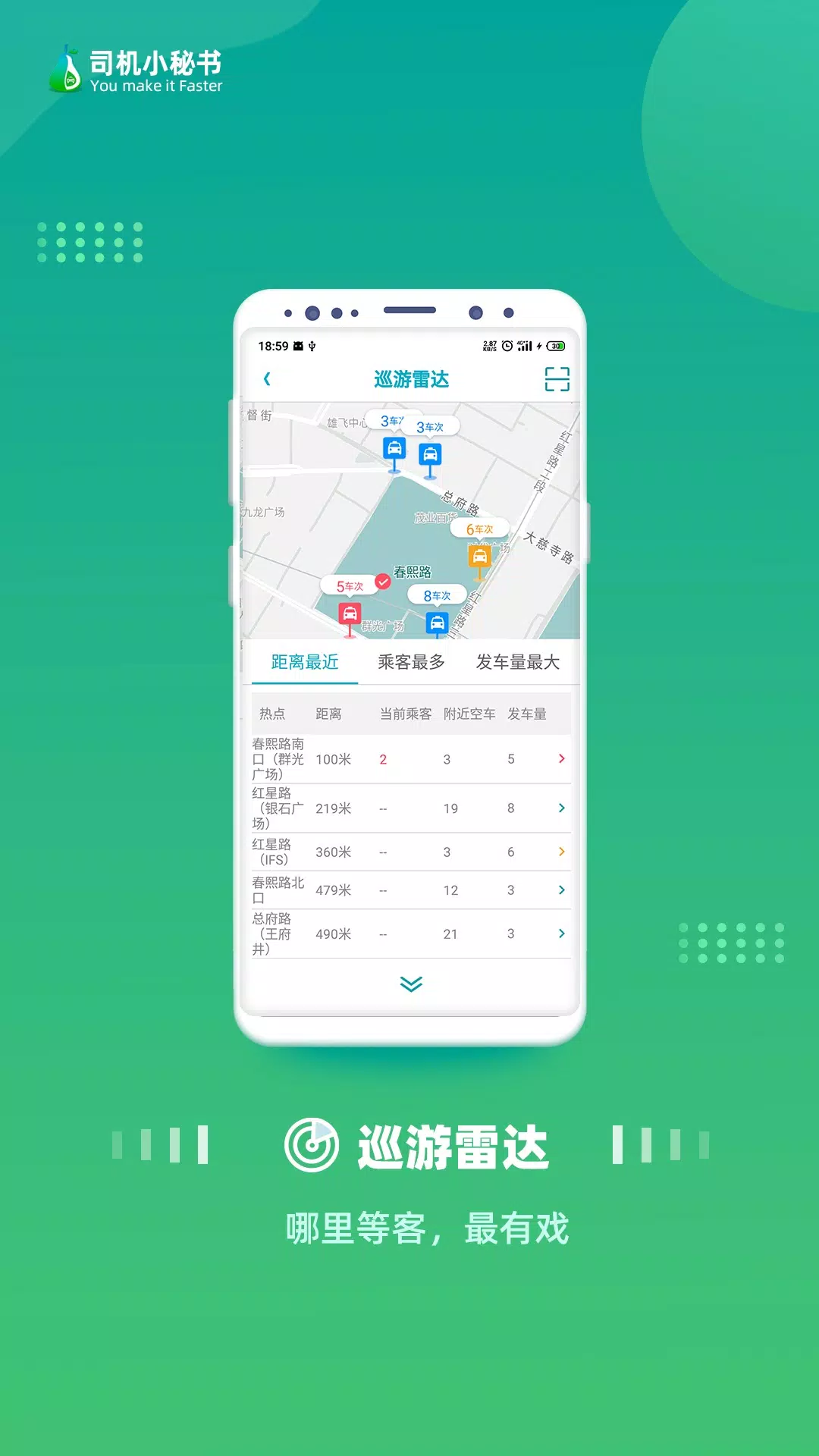
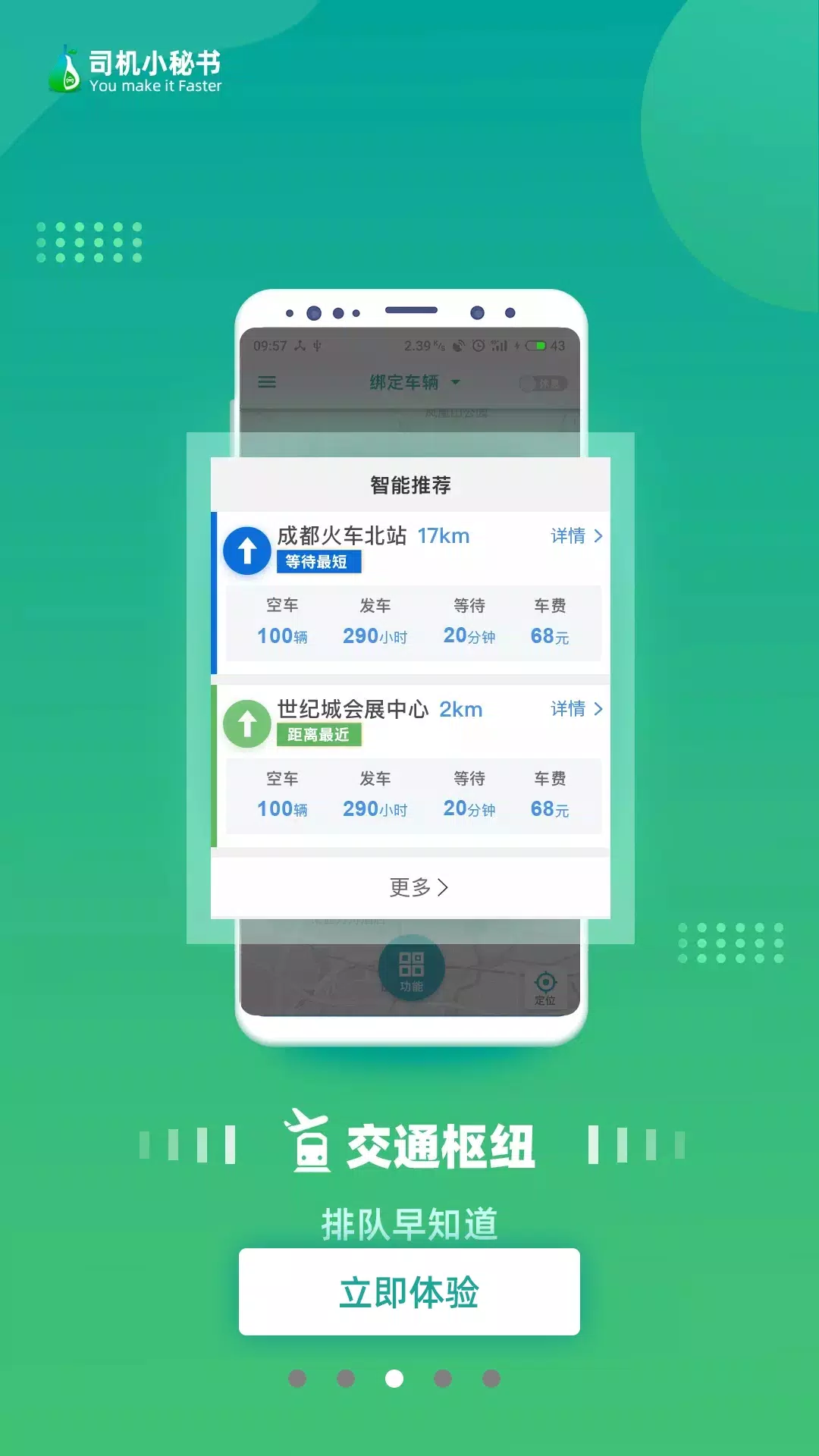
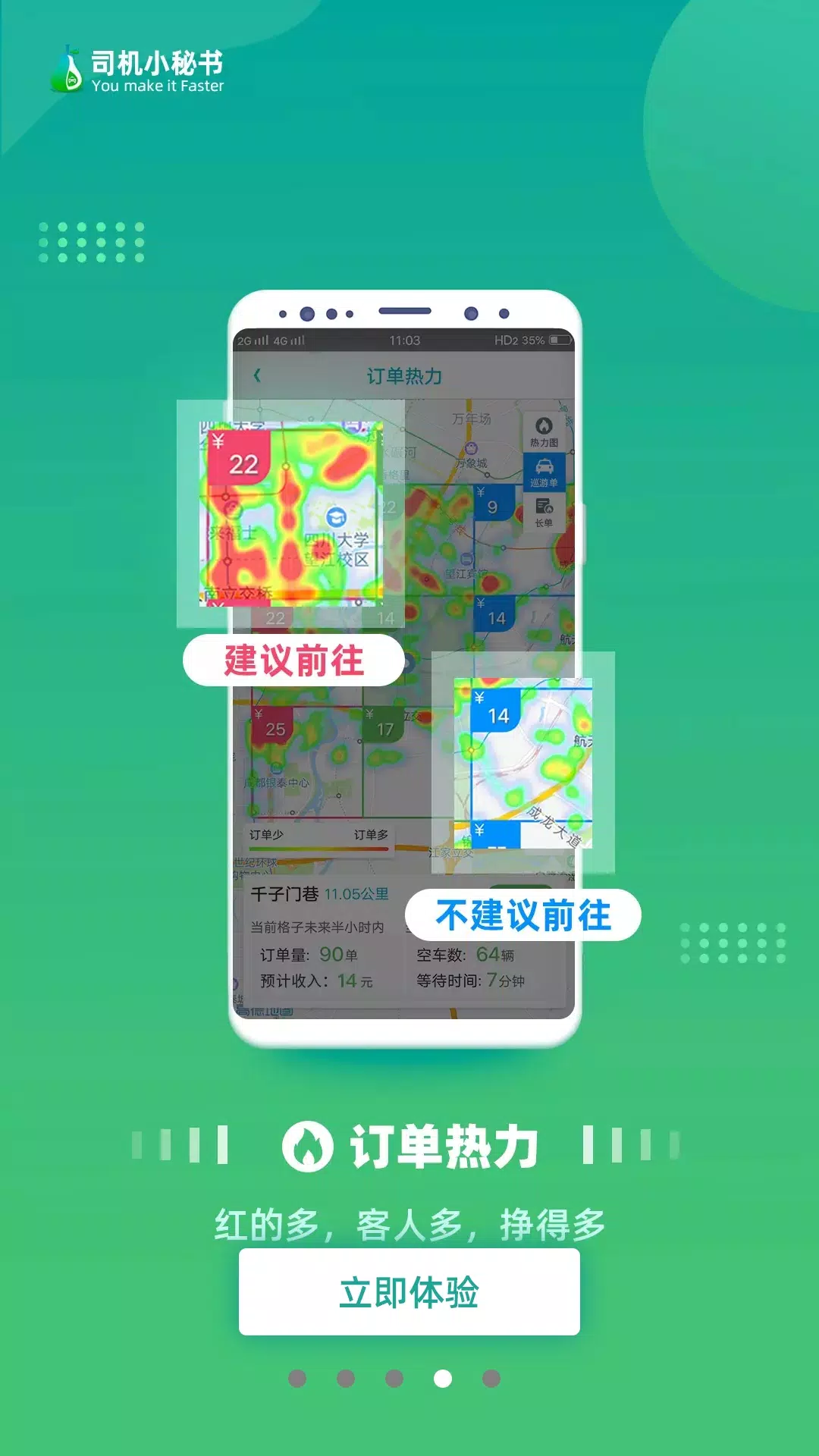
司机小秘书 delivers several core capabilities that address the most common challenges drivers face on the road. Real-time queue displays for airports and railway stations let drivers anticipate wait times and choose whether to position for pickups or avoid congestion. The hotspot map visualizes nearby areas of high passenger demand based on aggregated trip patterns and recent pickups. Integration hooks allow fleet operators to bind vehicles and synchronize assignments with company management systems. Registered drivers gain access to these advanced features without extra subscription fees, and the app supplies continuous updates so routing suggestions reflect current conditions.
Controls and interaction
The app is built for simple, one-handed operation during short pauses between trips. Map gestures such as pinch-to-zoom, single-tap for details, and long-press to mark a favorite location are used throughout. Notification and sound settings let drivers receive alerts about shifting queue conditions or nearby hotspots; those alerts can be tuned to be unobtrusive while driving. The interface prioritizes large tap targets and an uncluttered map view so essential information is available with minimal distraction.
Progression, accounts and registration
Creating an account is quick and unlocks the full set of services in 司机小秘书. Registration is required to access fleet integration and some data-driven features, but there are no hidden fees for the advanced services advertised to registered drivers. For company fleets, vehicle binding links a mobile device with a specific car so dispatch instructions, performance summaries, and company-level controls can flow to the right vehicle. Independent drivers can still use the basic live queue and hotspot tools without vehicle binding, although some fleet-centric functions will be unavailable.
Visual style and map presentation
The visual design centers on an easy-to-read digital map with color-coded overlays for queue severity and pickup hotspots. Airports and rail hubs display queue bars and estimated wait windows, while street-level hotspots appear as shaded areas that evolve as demand changes. Icons for common points—terminals, passenger drop-off points, parking zones—are kept simple to reduce on-screen clutter. Map contrast options and adjustable icon sizes improve legibility in bright daylight or low-light conditions.
Workflow, progression and daily use
司机小秘书 supports typical driver workflows across long shifts: pre-shift checks of hub queues, choosing a cruising area based on hotspot density, and reviewing daily activity after a shift. The app preserves recent activity summaries so drivers can see whether certain zones produced consistent pickups over time, which helps with planning future shifts. Regular use can reduce idle time by steering drivers toward better pickup probabilities, and the live updates encourage continual adjustments rather than static route planning.
Accessibility, connectivity and offline behavior
The app is designed to remain useful when network conditions vary: while most data is delivered in real time, essential map layers and the most recent queue snapshot are presented clearly so drivers understand current limitations. Because accurate hotspot and queue information depends on live feeds, functionality is reduced without a connection; the app makes that dependency visible so drivers can make informed choices. Controls are large, text sizes can be increased through system settings, and the streamlined interface is suitable for users who prefer a straightforward, high-contrast display.
Limitations and considerations
There are practical constraints to keep in mind when using 司机小秘书. Some features require an account and vehicle binding to integrate fully with company systems, which means independent drivers may not benefit from fleet-only functions. Real-time accuracy depends on network availability and the quality of upstream data sources, so occasional discrepancies are possible. The app is intended as a decision-support tool rather than a replacement for local knowledge or dispatch instructions.
Developer and support
司机小秘书 is developed by PaiTech, a team focused on tools for professional chauffeurs and fleet operators. The developer emphasizes reliability and practical features and provides assistance for installation and account setup. Support channels and documentation help drivers and fleet managers get connected and begin using the app’s live queue and hotspot services without delay.
- No virus
- No advertising
- User protection
Information
- File size: 48.80 M
- Language: English
- Latest Version: 5.1.1
- Requirements: Android
- Votes: 310
- Package ID: com.android.pairtaxi.driver
- Developer: 成都湃尔智芯科技有限公司
Screenshots

















Explore More
Equip yourself with our all-in-one toolbox app for everyday tasks and projects. Instantly convert between units, calculate tips, scan documents, manage files, and more with handy productivity tools. Includes a level, compass, QR code reader, ruler, speedometer, decibel meter, and flashlight. Save frequently used tools to your customizable dashboard for one-tap access. Track billable hours, wages, budgets, and invoices. Annotate screenshots, magnify labels, and sign PDFs on the go.

MEXC Global: BTC, ETH, Gamefi

Text Art - Write Text On Photo

MERA PROXY PRO

Domino's Pizza Sri Lanka

Hatekhori Shongkha

Halloween Photo Editor -Makeup

Connecting - Friends Near Me

Cartola