


Introduction
APP Técnicos is a mobile application designed for field technicians who service Tennant cleaning equipment, offering a compact toolkit to receive, manage and complete service work orders with clear equipment details and contextual job information.
What APP Técnicos does
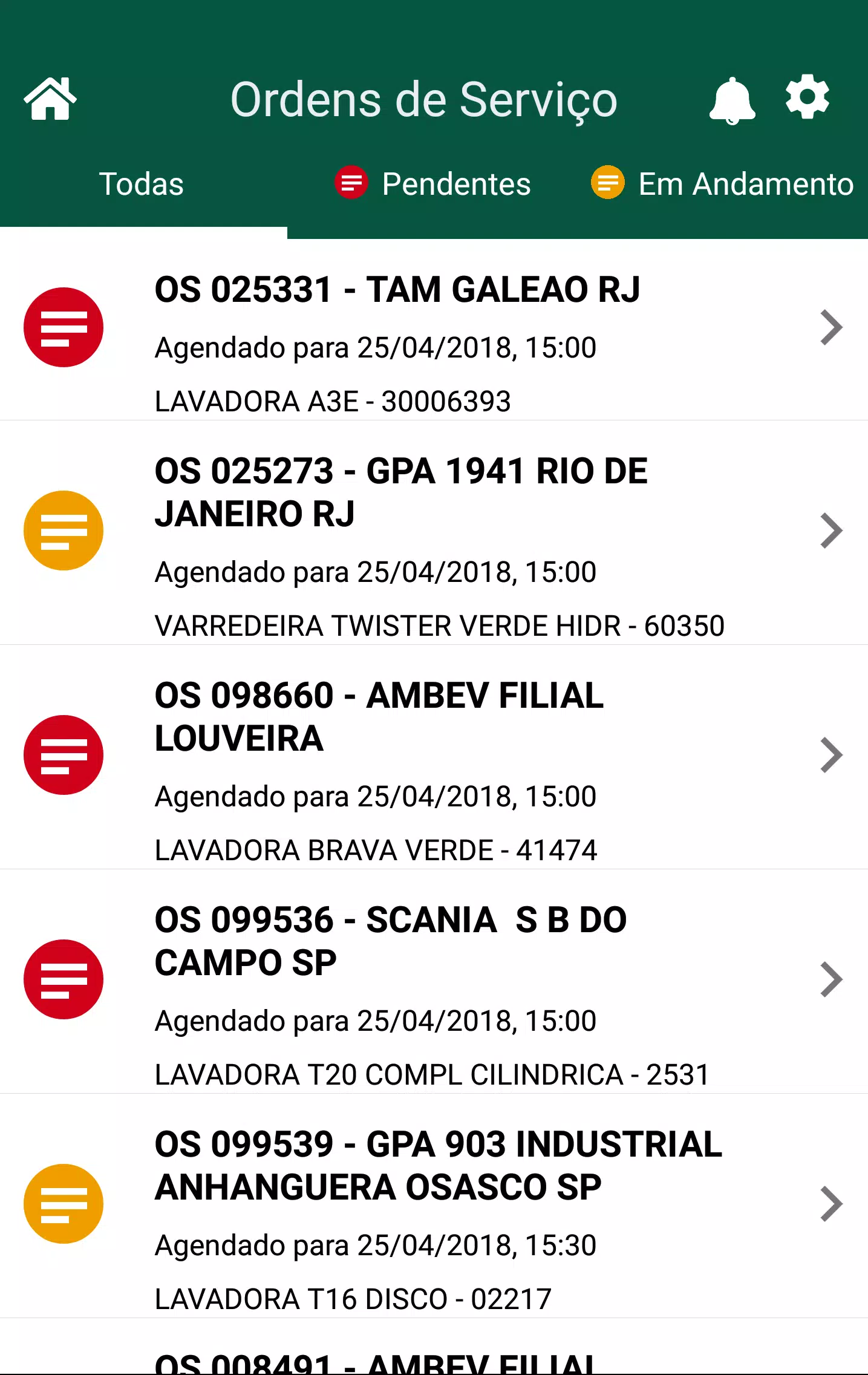
APP Técnicos delivers assigned work orders to technicians in the field with relevant model and serial number data, reported faults, customer contact details and location notes so technicians can prepare before arriving on-site. The app supports attaching photos to document pre-existing conditions or completed repairs, recording freeform notes for later review, and marking job status updates that keep the office and customer informed. A local queue stores activity when connectivity is poor and automatically synchronizes changes when a reliable connection is re-established, which reduces duplicated paperwork and helps maintain an accurate service history.
How the workflow and controls work
The app’s workflow follows a clear job lifecycle so technicians can move an assignment from accepted to in-progress to completed with a few taps. Controls are optimized for field use with large action buttons, concise form fields and a photo capture interface integrated into each work order. Navigation centers on a prioritized job list, a single-job detail view and a history screen, letting technicians filter by location or status without deep menus. Text entry supports both short notes and longer diagnostic descriptions, and photo attachments can be annotated or reordered to match the repair narrative.
Progression, task management and job structure
Technicians progress through each job using step-based task entries that reflect a typical service visit, such as initial diagnostics, parts checked, repairs performed and final verification steps. Each step creates an audit trail that can be referenced later for warranty, compliance or billing purposes. Work orders contain structured fields for key data points so teams maintain consistent records, and the app groups related jobs by customer, equipment or date to make daily planning and follow-up efficient. Over time, teams can trace maintenance trends using the searchable digital history kept for each machine.
Visual style and readability
The user interface prioritizes clarity and legibility with plain, functional layouts that make equipment identifiers, fault descriptions and required actions easy to scan under field conditions. Color and iconography are used sparingly to signal status changes or urgent items so technicians can react quickly without distraction. Photo previews, timestamped notes and succinct job headers reduce cognitive load during busy service shifts and support rapid decision-making on the job.
Customization and user preferences
APP Técnicos supports basic personalization so technicians can adjust notification preferences, sort orders and default filters to match their daily routes. The app adapts to individual work habits by remembering recent searches and allowing users to pin frequently referenced customers or machines for faster access. These small customization options help technicians reduce repetitive taps and spend more time on actual repairs.
Offline use and synchronization
An important design priority is reliable operation with intermittent connectivity. Core functionality, including viewing assigned jobs, adding notes and capturing photos, works offline and queues changes locally. When the device regains a connection, the app synchronizes pending updates with Tennant systems, resolving conflicts by preserving the most recent field entries and providing a clear reconciliation log so technicians and dispatchers can confirm what changed.
User experience, accessibility and training
The app aims to be approachable for new users while remaining efficient for experienced technicians by combining short contextual help prompts with a shallow learning curve. Accessibility considerations include high-contrast text elements and touch-friendly controls for technicians who use the app while standing or carrying tools. Initial setup and familiarization are straightforward, and teams typically adapt to the mobile workflow after a few field visits. Clear status messages and error handling minimize confusion when connectivity or permissions limit functionality.
Security, access and restrictions
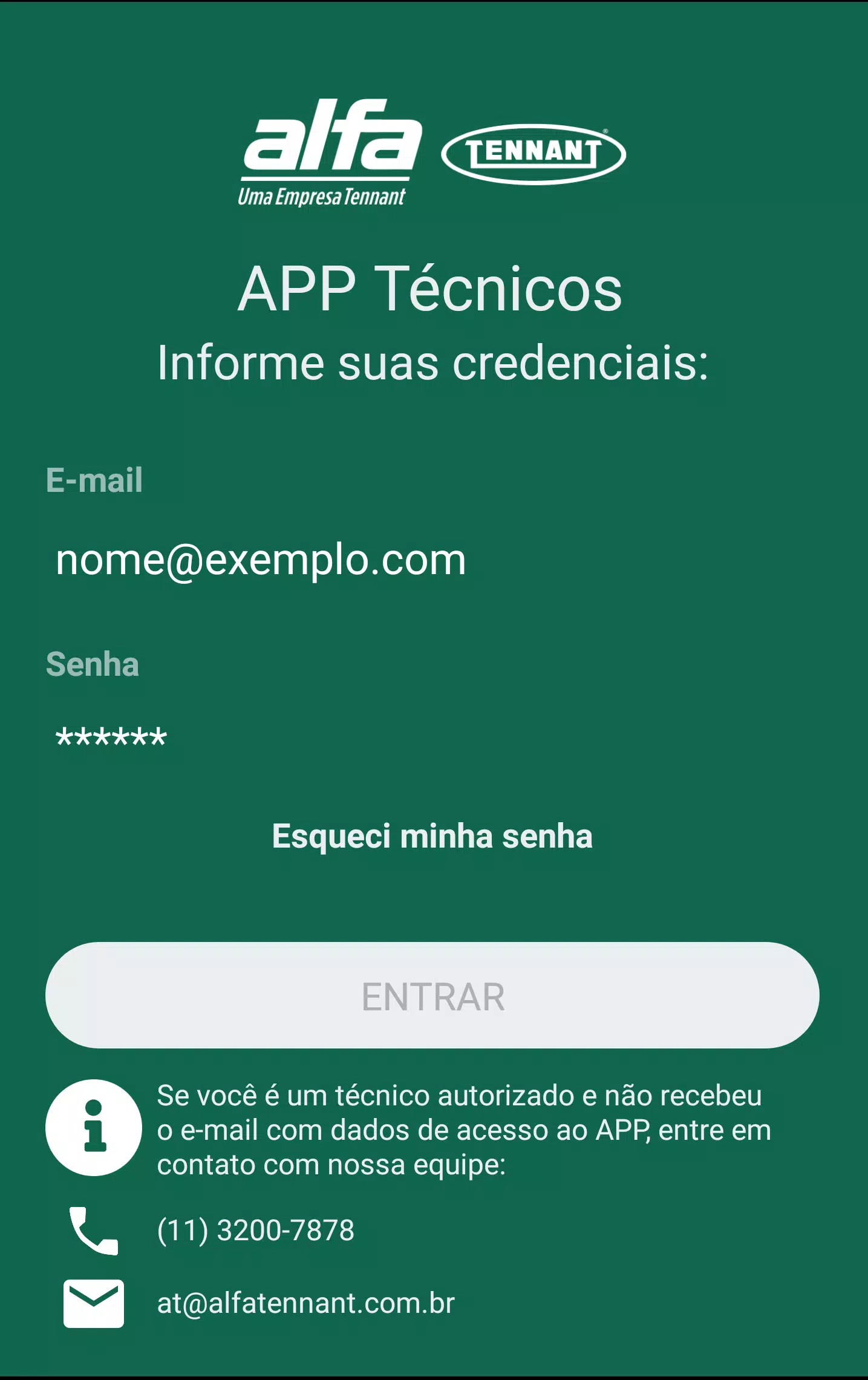
Access to sensitive service data requires Tennant-issued credentials, so only authorized technicians can view or update work orders and equipment records. This controlled access helps protect customer information and preserve the integrity of service histories. Because the app is intended for field service staff, it is not available to the general public and requires an organizational account to operate.
Why teams use it
For service organizations that maintain Tennant cleaning equipment, APP Técnicos reduces paperwork, improves communication between field and office, and creates a searchable digital history that supports faster diagnostics and better customer communication. It is designed to help technicians spend more time fixing equipment and less time managing forms, while providing managers with timely status updates and reliable records for future maintenance planning.
- No virus
- No advertising
- User protection
Information
- File size: 41.90 M
- Language: English
- Latest Version: 3.9
- Requirements: Android
- Votes: 128
- Package ID: com.appt_cnicos
- Developer: Alfa Tennant
Screenshots
















Explore More
Connect deeper through meaningful conversations with our communication apps. Enjoy crystal-clear calls, video chats, messaging, and file sharing. Find the perfect emojis, GIFs, and stickers to express yourself. Keep the non-stop group banter organized in one place. Block unwanted interactions at the source. Meet new people worldwide through our global community features.

IZI: play, listen, watch, call

TryController

69ers

LR Store

What's Up

Video Call Advice and Live Chat with Video Call
SMART Keypad

Komstar





























