


Introduction
HTC Video Chat Enhance is a compact enhancement layer that upgrades ordinary video calls by adding intelligent face tracking, screen sharing, and real-time annotation tools to the apps you already use. HTC Video Chat Enhance keeps your face centered in the frame as you move, lets you share documents or slides live, and provides a simple drawing tool for on-screen notes so conversations feel clearer and more collaborative. Designed to work alongside familiar video chat services, this app focuses on improving camera framing and on-call communication without forcing you to change platforms.
Key Features
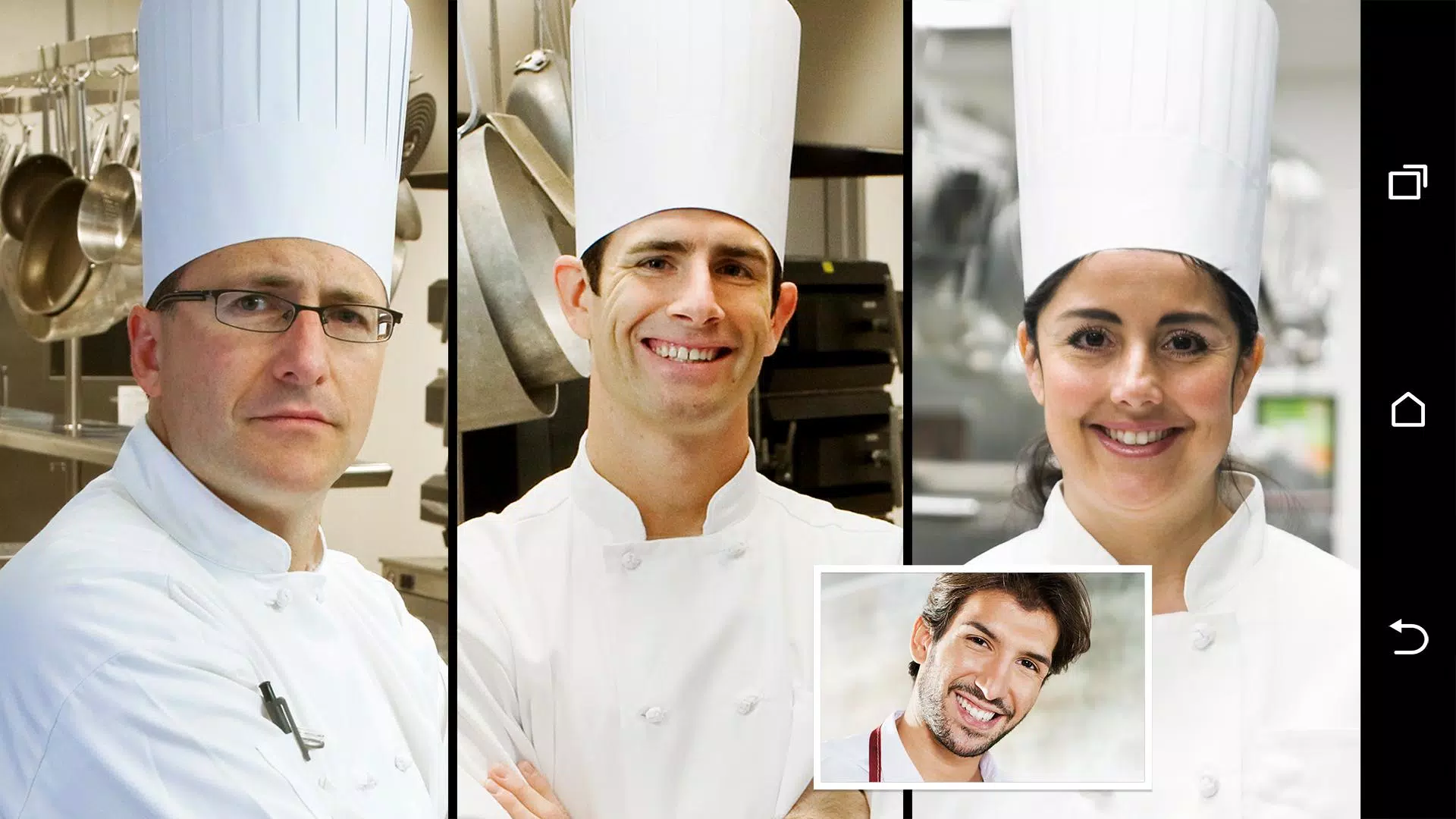
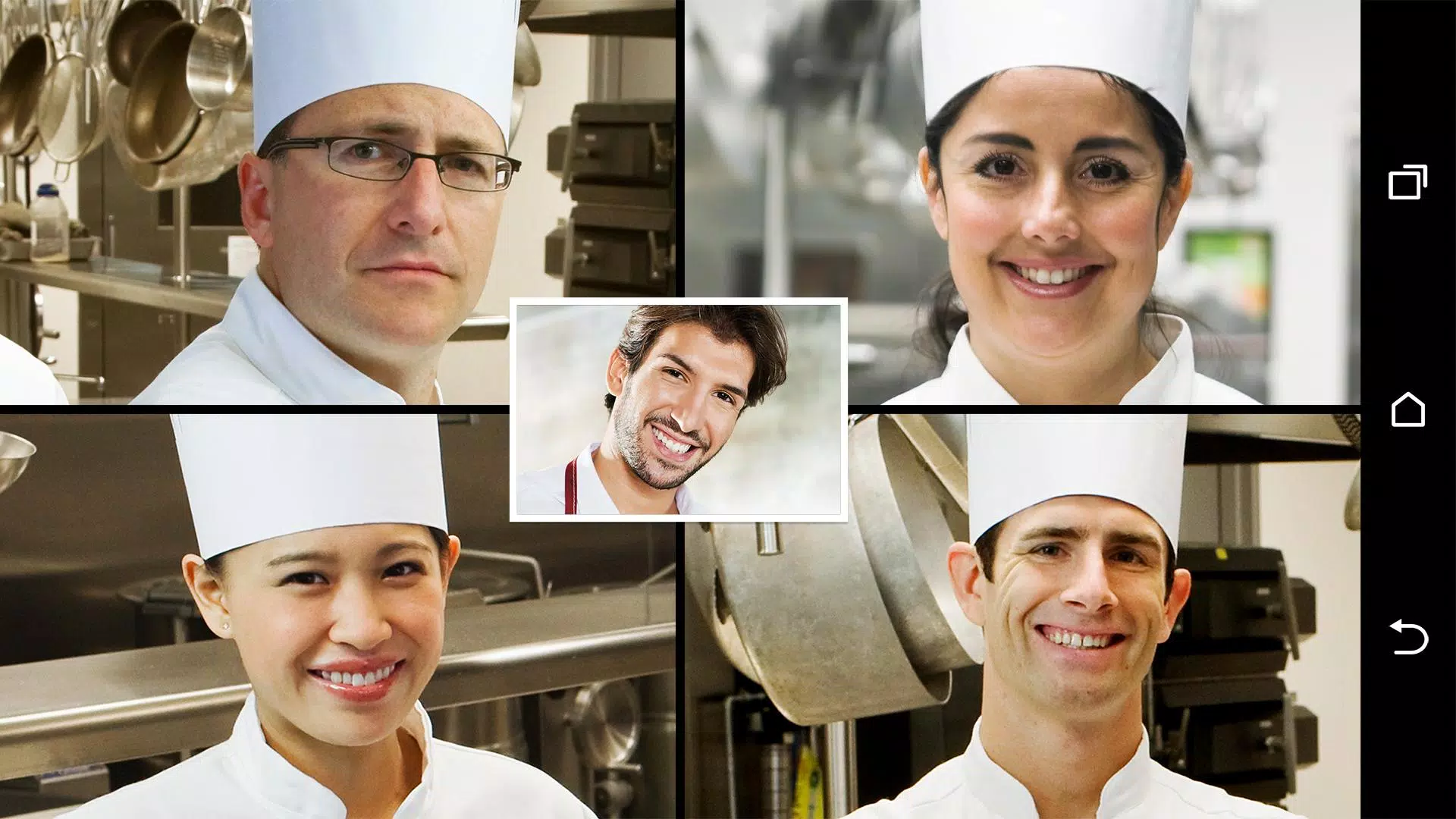
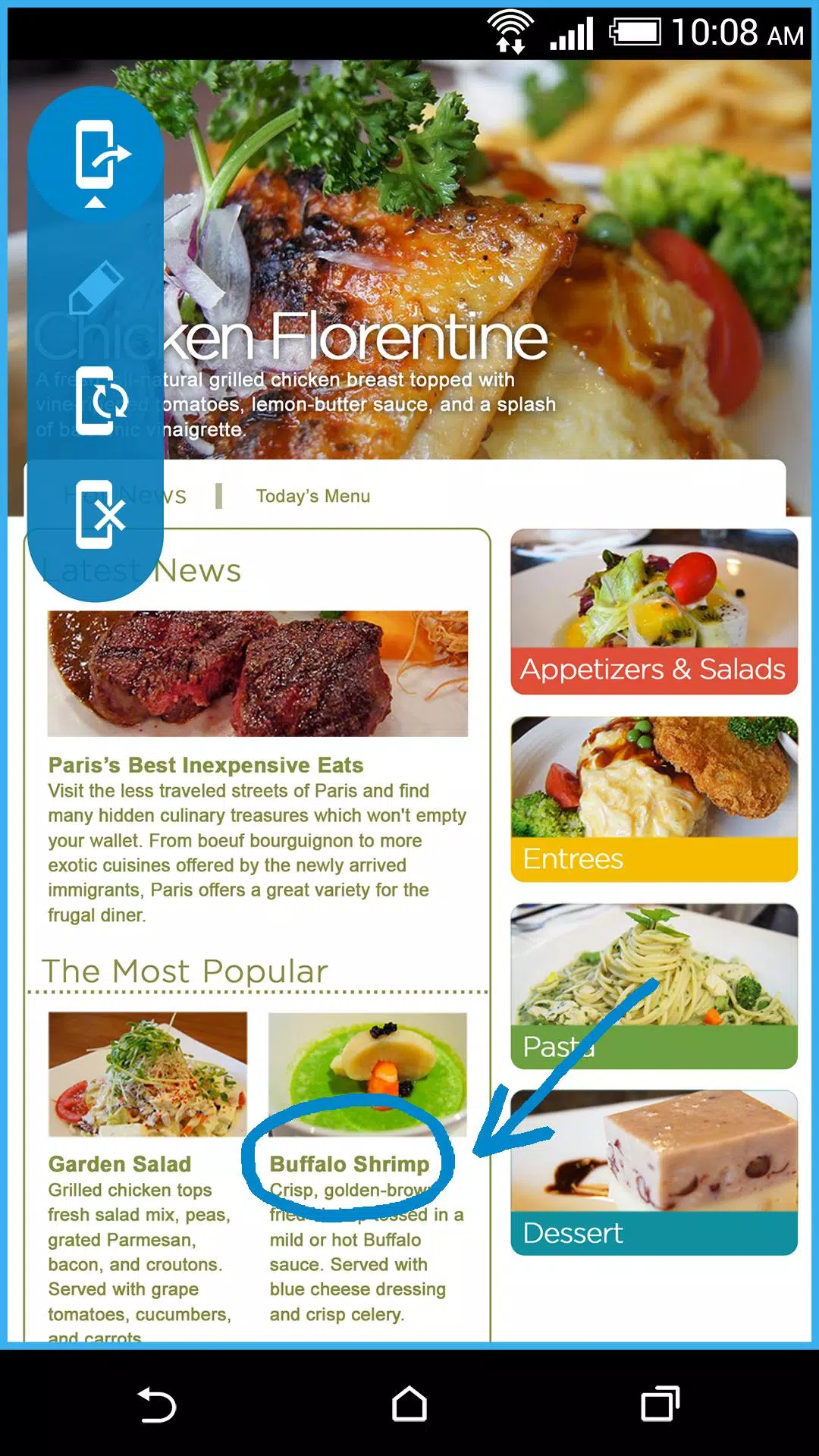
The core functionality of HTC Video Chat Enhance centers on three practical features: adaptive face tracking that maintains framing as participants move, a screen sharing layer to broadcast documents and applications, and a lightweight annotation tool for marking up shared content in real time. Face tracking uses device camera data to keep the subject centered and reduce awkward framing; screen sharing streams the active window or presentation to other participants while maintaining privacy controls that let you choose which app or window is visible. The annotation tool behaves like a digital whiteboard, offering simple pen, highlighter, and erase controls so you can emphasize points during lessons, meetings, or family calls.
Controls and User Interface
Controls are designed for clarity and speed: HTC Video Chat Enhance appears as an overlay with unobtrusive buttons that you can dock or hide based on your workflow. Common actions such as toggling face tracking, starting a screen share, and switching to annotation mode are accessible with single taps or configurable hotkeys when the host application allows it. The interface places frequently used controls near the camera view to minimize distraction, and options panels let you adjust sensitivity, annotation color, and overlay opacity without interrupting an active call.
Progression, Presets, and Profiles
Rather than a game-style progression, HTC Video Chat Enhance provides a progression of usability through presets and profiles that you can build over time. Users can create named profiles for different scenarios—for example, "Meeting," "Teaching," and "Family Call"—each storing camera framing preferences, annotation pen sizes, sharing permissions, and performance modes. Loading a profile adapts the overlay instantly so repeat setups are quick and consistent, which is helpful for regular presenters, instructors, and remote workers who switch between devices or contexts.
Visual Style and Overlay Design
The visual style emphasizes minimalism and readability. Overlays use semi-transparent panels so the underlying call interface remains visible; face tracking smoothing avoids sudden jumps so motion appears natural on camera; and annotation marks are simple vector strokes to remain clear at any resolution. You can adjust font sizes, contrast, and color palettes for annotations and on-screen helpers, which keeps the presentation legible to all participants and works well on both phones and larger tablets or foldable devices.
Customization and Replay Value
Customization is where HTC Video Chat Enhance earns repeated use. Beyond basic presets, the app allows you to save frequently used annotation templates, frame guides, and multi-window layouts so the most helpful configurations are a tap away. The replay value comes from saved workflows: once you’ve configured the overlay for a lecture, customer demo, or family slideshow, reusing that setup reduces setup time and helps every session feel smoother and more professional.
Performance, Offline Use, and Accessibility
The overlay is intentionally lightweight to limit CPU and battery impact. Most processing is local to your device, which means core features work offline and no cloud dependency is required for face tracking or on-device annotations. For low-power situations there is a "conserve" mode that reduces tracking frequency and simplifies rendering. Accessibility considerations include adjustable control sizes, high-contrast annotation colors, and the ability to reposition or scale the overlay to avoid blocking native assistive UI elements provided by your device.
Compatibility, Limitations, and Installation Notes
HTC Video Chat Enhance installs as a companion layer that integrates with supported third-party video chat applications. Compatibility depends on the host app’s interface permissions and platform restrictions: some services allow full overlay interaction, while others limit access to certain windows or block hotkeys. The app is most effective with desktop-class apps and modern mobile clients that permit overlays. If a specific feature behaves differently, the built-in diagnostics and profile system help you tailor settings toward the best possible experience on your device.
Overall, HTC Video Chat Enhance is aimed at remote professionals, educators, and everyday users who want to reduce awkward framing, speed up collaboration, and add lightweight presentation tools without changing their primary video chat platform. It focuses on predictable, device-friendly enhancements rather than forcing cloud workflows, giving you flexible controls and reusable profiles that improve each call you make.
- No virus
- No advertising
- User protection
Information
- File size: 1.60 M
- Language: English
- Latest Version: 1.0.844352
- Requirements: Android
- Votes: 90
- Package ID: com.htc.vte
- Developer: HTC Corporation
Screenshots



















Explore More
Connect deeper through meaningful conversations with our communication apps. Enjoy crystal-clear calls, video chats, messaging, and file sharing. Find the perfect emojis, GIFs, and stickers to express yourself. Keep the non-stop group banter organized in one place. Block unwanted interactions at the source. Meet new people worldwide through our global community features.

IZI: play, listen, watch, call

TryController

69ers

LR Store

What's Up

Video Call Advice and Live Chat with Video Call

SMART Keypad

Komstar





























