

Introduction
Anime Wallpaper HD Offline is a compact, offline-first Android app that delivers a curated collection of high-resolution anime backgrounds you can browse and apply without a network connection. The app stores categorized artwork on-device so browsing is fast and private; you can preview, crop and set wallpapers with minimal steps while keeping your data usage low. This editor-style introduction explains how the app organizes images, where controls and customization live, and what to expect from regular updates.
Key features and tools
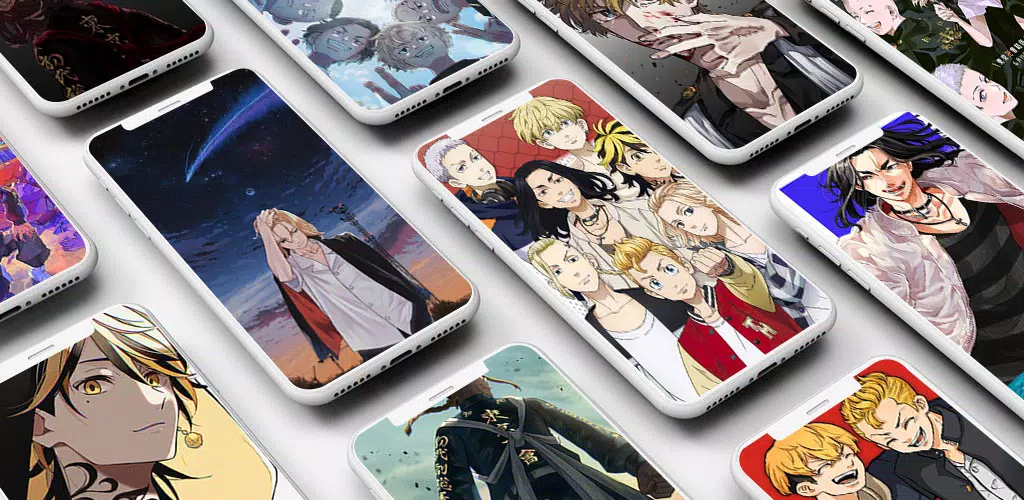
The core of the experience centers on a tidy gallery with clear visual thumbnails and smart caching to make previews instantaneous on most phones. Built-in editing tools include pinch-to-zoom cropping, rotation and an auto-fit mode that adjusts images to common phone aspect ratios. Tag-based filters and a favorites folder let you assemble personal sets quickly, and optional small seasonal packs add new artwork without obligating continuous downloads. The design emphasizes simple, reliable tools rather than a crowded feature list.
Interface and controls
Navigation follows familiar Android patterns so new users can get comfortable immediately: a persistent bottom bar switches between categories, trending sets and recent additions while swipe gestures move between full-screen previews. Tap a thumbnail to open a preview, pinch to crop and drag to reposition the framing. Clear Apply controls let you set an image as the home screen, lock screen or both and preview results before committing. Thumbnails and previews are optimized to keep the interface responsive even on older devices.
Organization, progression and discovery
Images are grouped into theme-driven sets and tagged by character, color palette, season and art style such as watercolor or clean line art. Progression in the app is non-competitive and personal: you build a library by favoriting images, creating sequences of coordinated wallpapers and saving edited versions for later. As your library grows, discovery tools surface related images and seasonal collections so you can refine a look for different moods or occasions without repeating the same selection process.
Customization and visual style
Customization is designed to respect image composition while offering enough control to fit modern screens. Cropping tools offer precise framing options for wide or tall displays and include center-crop and full-screen fit modes to preserve important details. Image formats are selected for a balance between visual fidelity and storage impact, letting the gallery contain varied styles from delicate watercolor illustrations to crisp, high-contrast digital paintings. Edited results can be saved as new files so originals remain unchanged.
Performance, offline play and compatibility
Because all artwork is available offline, the app works well for users with limited or intermittent connectivity. Images are compressed with attention to quality and stored efficiently so large galleries remain practical on-device. Lightweight code paths minimize memory overhead and the app detects screen resolution before applying a wallpaper to prevent unwanted scaling on unusual displays. Compatibility covers a wide range of current Android releases to ensure the app runs smoothly on both newer and older phones.
Privacy, permissions and maintenance
Privacy is treated conservatively: the app requests only the permissions required to set wallpapers and save edited images to local storage, and it does not perform background tracking or automatic downloads. Catalog refreshes and optional packs are initiated by the user and cached for offline access. A routine maintenance process clears stale thumbnail caches while keeping frequently used images ready for immediate preview to reclaim space when needed.
Accessibility and user experience
Accessibility features include a dark-mode interface that pairs well with darker wallpapers and helps conserve battery on OLED screens, plus large tap targets and consistent iconography to aid navigation. Search supports text queries and tag filters so users with specific visual preferences or limited dexterity can find suitable images quickly. The preview screen emphasizes contrast and legible controls to reduce the chance of accidental changes when applying wallpapers.
Workflow: from discovery to home screen
Typical workflows are short and predictable: browse categories or search by tag, tap a thumbnail to enter full-screen preview, use pinch and drag to adjust framing, then choose to set the image as a home or lock screen and check the live preview. This straightforward flow keeps changes reversible and encourages regular rotation of wallpapers. The app also supports saving multiple edited variations so you can switch between curated looks without repeating edits.
Catalog updates, replay value and personalization
Replay value comes from assembling themed sets, rotating looks across home and lock screens, and experimenting with different crop and fit settings to produce varied presentations from the same image. Optional small updates add seasonal or curated packs that expand the collection without forcing large downloads. Over time you can build a personalized portfolio of favorites and edited images that reflect changing tastes and device form factors.
Getting started
To get started with Anime Wallpaper HD Offline install the app, grant the minimal permissions required to set wallpapers and browse the preloaded gallery. Use tags and search to discover styles you like, save favorites to create a personal archive and try the crop and auto-fit options to match images to your screen. Anime Wallpaper HD Offline is designed to be a reliable, privacy-conscious tool for anyone who wants high-quality anime imagery on their phone with simple, intuitive controls and practical offline performance.
- No virus
- No advertising
- User protection
Information
- File size: 55.30 M
- Language: English
- Latest Version: 1.0.1
- Requirements: Android
- Votes: 155
- Package ID: com.nabelstudio.animewallpaperhdoffline
- Developer: Nabel Studio
Screenshots
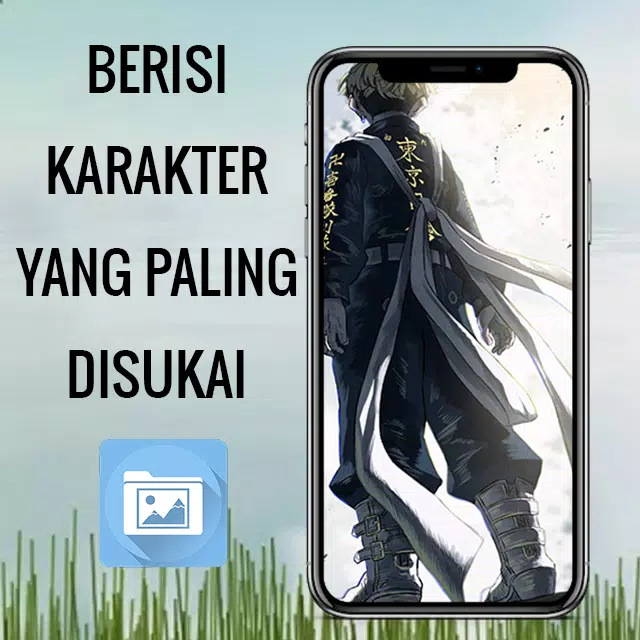
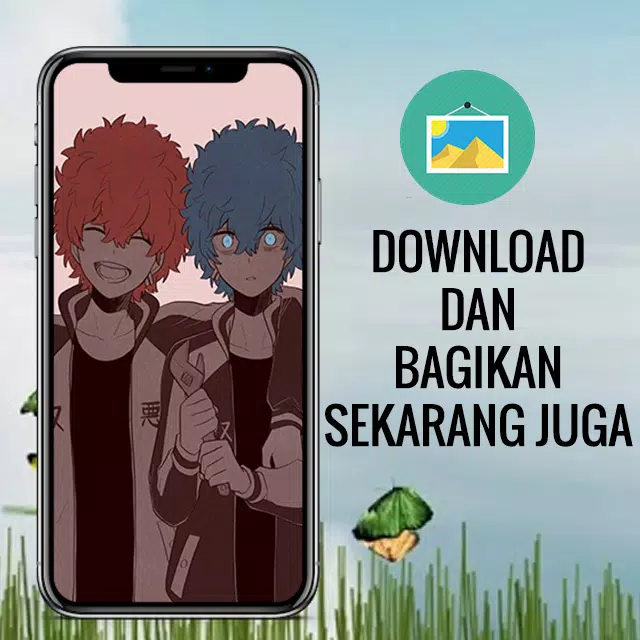
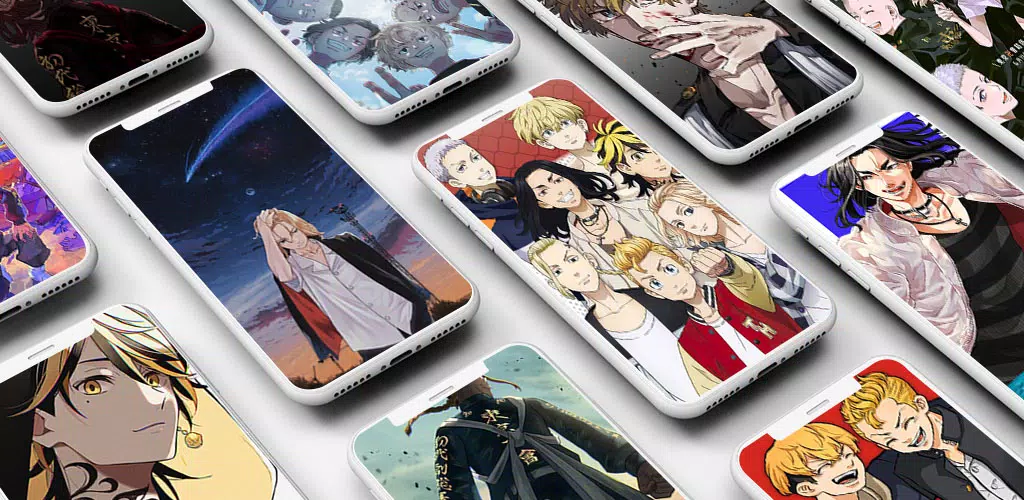
















Explore More
Make your house a home with our suite of helpful home apps. Discover clever tools to organize closets, streamline chores, and simplify cooking. Take the stress out of cleaning and maintenance with handy checklists and schedules. Enhance security and control appliances and lighting with our smart home integrations. Design, visualize, and renovate like a pro using our 3D planning software.

Metro Micro

All Recovery - Photos & Videos

Tax Calculator India 2024-2025

ClassPass: Fitness, Spa, Salon

OnDjoss

Park4Me

Scary sound effects

Home Workouts - Lose Weight





























