

Introduction
NWP Action Center is a centralized notification and control hub for Android devices, designed to streamline alerts, quick settings, and workflow shortcuts. It consolidates notifications, prioritizes urgent messages, and provides customizable tiles and widgets so users can respond faster and keep their device organized.
Key features at a glance
NWP Action Center brings together essentials you need to manage daily device activity. Notifications are grouped intelligently by app, sender, and importance, reducing clutter. Quick action tiles let you toggle connectivity, launch routines, or trigger automation with a single tap. A built-in dashboard surfaces battery, data usage, and privacy indicators, while a unified search helps locate messages, settings, and recent files instantly.
Interface and controls
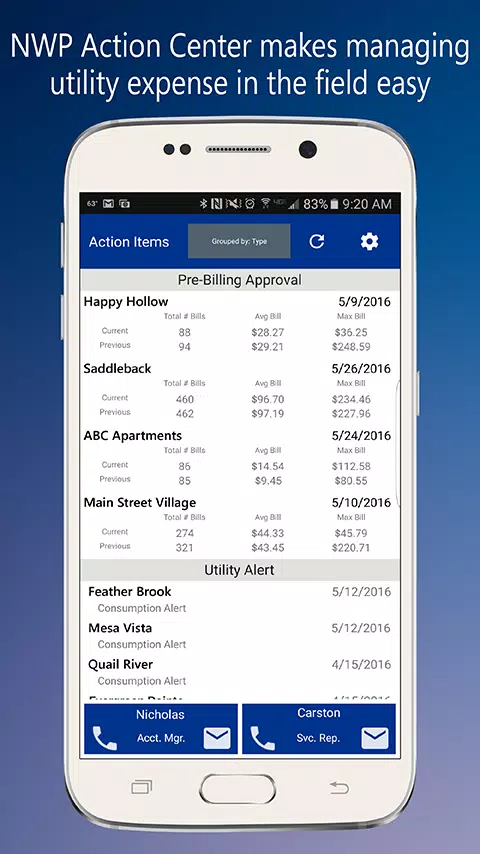
The interface focuses on clarity and speed. A two-pane layout separates high-priority alerts from routine updates, and swipe gestures handle dismissal, snoozing, or expanding items for details. Controls are large enough for one-handed use, and icons adapt to your system theme for a cohesive look. Accessibility options include adjustable text size, contrast modes, and haptic feedback for critical alerts.
Workflow integration
Designed for professionals and power users, the app connects with calendars, email, messaging platforms, and task managers. Actionable notifications let you respond to invitations, mark messages read, or create todo items without opening multiple apps. Integrations support popular services and custom URL schemes so you can plug NWP Action Center into existing workflows and automation tools.
Customization and personal shortcuts
Personalization is central to the experience. Create custom tiles to run macros, launch apps, or execute system commands. Widget presets allow multiple layouts that can be switched based on time, location, or user profile. Color coding and filter rules help highlight work-related alerts during office hours while muting nonessential notifications at night.
Security and privacy controls
Security features are built in to protect sensitive content. Notification previews can be hidden on the lock screen, and granular permissions allow you to choose which apps can surface actionable items. Encrypted storage protects locally saved logs and settings, and a privacy mode temporarily silences notifications and blocks visual interruptions during meetings or presentations.
Performance and battery impact
Engineered for efficiency, the app minimizes background activity while maintaining timely updates. Adaptive sync reduces polling when the device is idle, and a compact memory footprint avoids slowdowns even on mid-range phones. Developers provide performance tuning tools so users can adjust sync intervals, background tasks, and cache sizes to match their device capabilities.
Compatibility and device support
NWP Action Center supports a wide range of Android versions and hardware profiles. It detects device features like dual-SIM, foldable displays, and custom manufacturer skins to optimize layout and behavior. Regular updates add compatibility for new APIs and popular third-party services, and a diagnostic mode helps troubleshoot issues across different models.
User experience and real-world scenarios
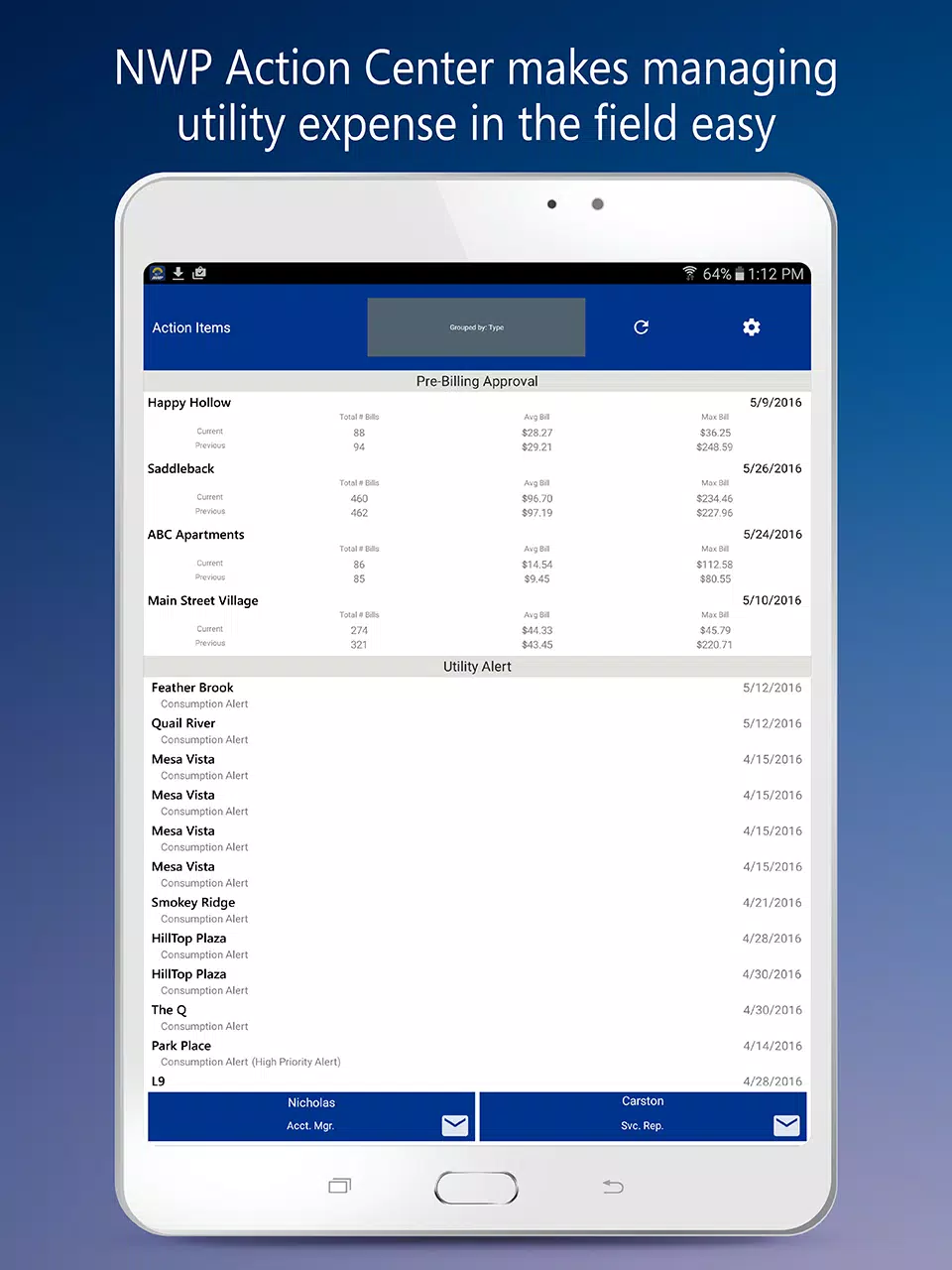
For commuters, notifications can be condensed into a morning digest and expanded on demand. Remote workers can set status-aware filters that reduce distractions during focused work blocks. Field technicians benefit from quick access to maps, job orders, and voice notes using dedicated tiles. The app balances immediate access with the ability to control when and how interruptions appear.
Getting started
Install and grant notification access, then follow the guided setup to import preferences from your existing notification settings. Create a profile for work and personal use, add favorite tiles, and configure Do Not Disturb exceptions. Templates and presets accelerate configuration, while an onboarding tour explains key gestures and shortcuts so you can be productive from the first day.
Why choose this app
NWP Action Center is geared toward users who want a smarter, more flexible notification hub without sacrificing performance or privacy. With deep integration, robust customization, and attention to accessibility, it helps keep important information front and center while reducing noise. Try the customizable tiles and workflow connectors to see how your daily routines can become faster and less distracting.
- No virus
- No advertising
- User protection
Information
- File size: 34.60 M
- Language: English
- Latest Version: 1.1.0
- Requirements: Android
- Votes: 236
- Package ID: com.nwpsmart.actionCenter
- Developer: NWP Labs Development
Screenshots
















Explore More
Empower learning and research with our innovative reference apps. Access dictionaries, thesauruses, encyclopedias, and more with our comprehensive databases. Get homework help, study tips, and writing guides from our academic resources. Learn new skills by browsing how-to videos and manuals. Stay up-to-date with latest news, data, and facts curated by our editors.

Bloomberg Connects

Metro Micro

TVSMILES

ClassPass: Fitness, Spa, Salon

OnDjoss

Kyrgyz Russian Translation

Domino's Pizza Sri Lanka

Bollinger 1829





























