


Introduction
BlockCaller Plus puts a modern call management toolkit on your Android device to reduce interruptions from spam, robocalls and nuisance numbers while giving you fast access to caller ID, a smart T9 dialer and clear controls for how incoming calls are treated. BlockCaller Plus combines automated detection with three configurable filter levels so unwanted callers are handled automatically, and it also shows approximate caller location, a tidy call log and theme options to make daily calling less distracting.
Key features and detection
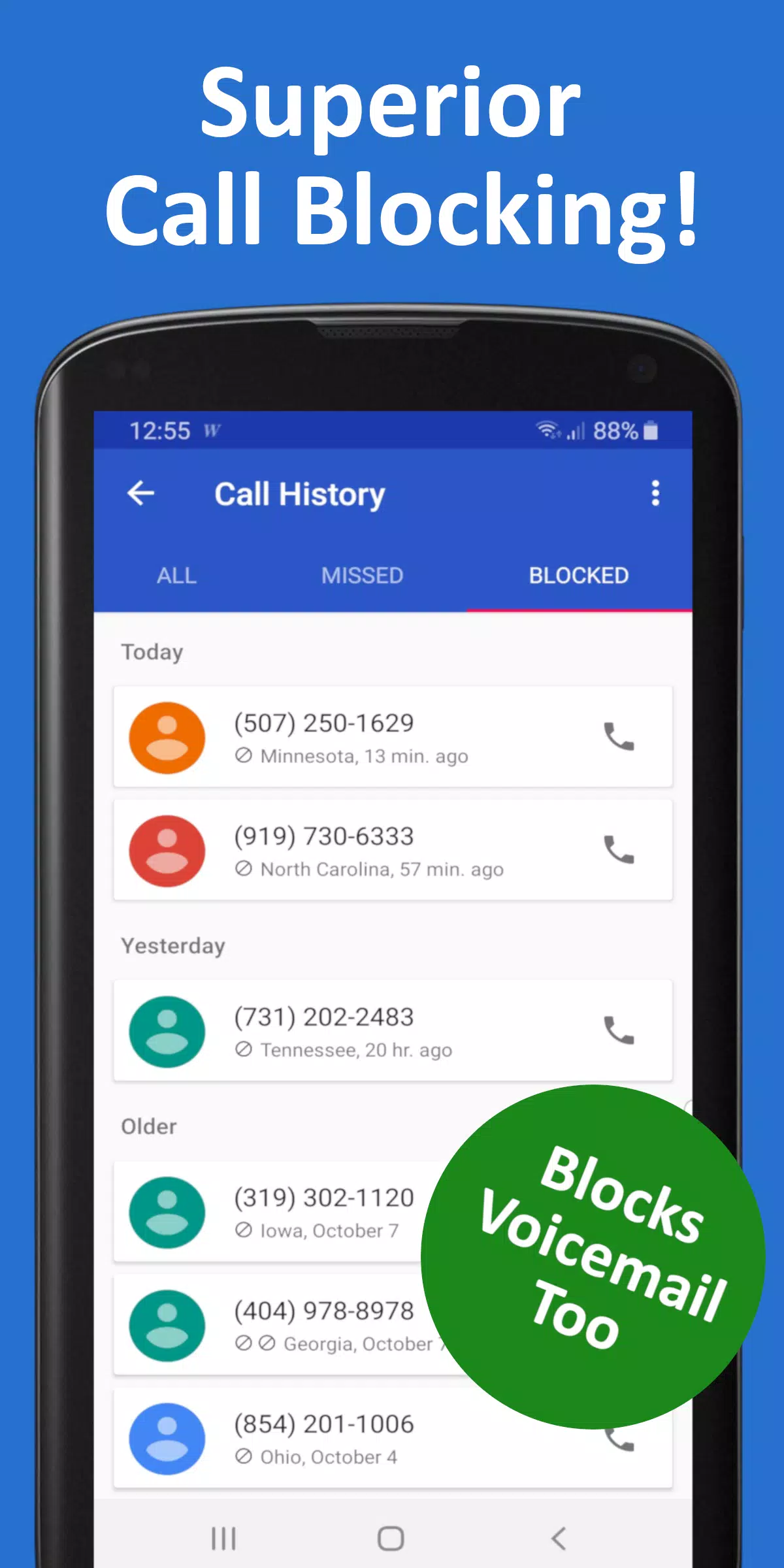
The app relies on a machine-learning detection engine that evaluates call attributes in real time to identify likely spam and automated calls. Detection works across three user-selectable blocking levels so you can choose conservative filtering that only removes obvious robocalls, or more aggressive filtering that blocks a broader set of nuisance numbers. The system is designed to minimize manual list maintenance: instead of building long block lists yourself, the detection engine updates its decisions based on patterns and reports while still allowing you to inspect and override results.
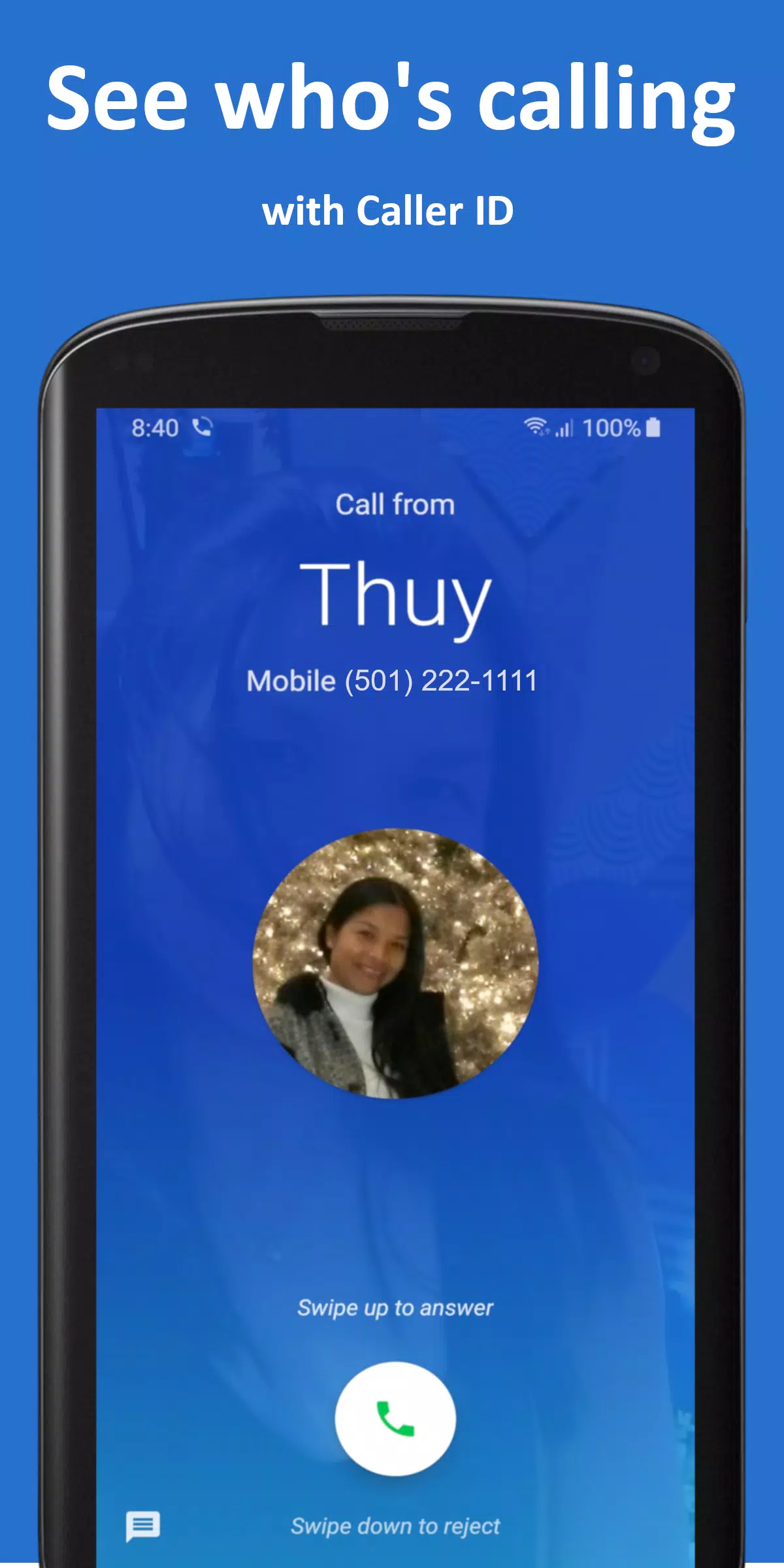
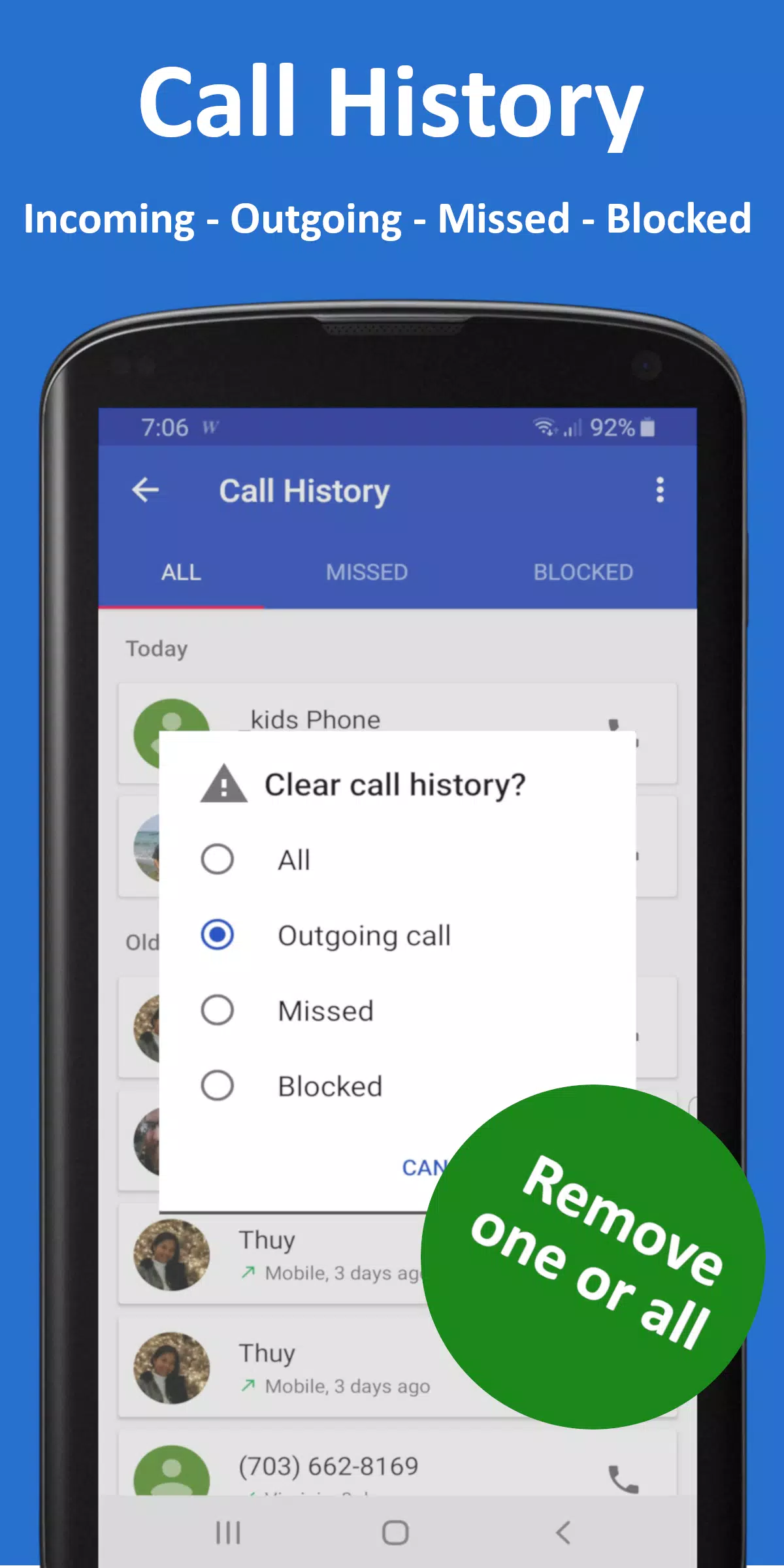
Real-time caller identification displays a likely name and approximate location before you answer, which helps you decide whether to pick up an unknown number. Caller details are shown in a compact, readable format and are stored in a tidy call log so you can review missed or blocked calls later without sifting through clutter.
Controls, dialing and customization
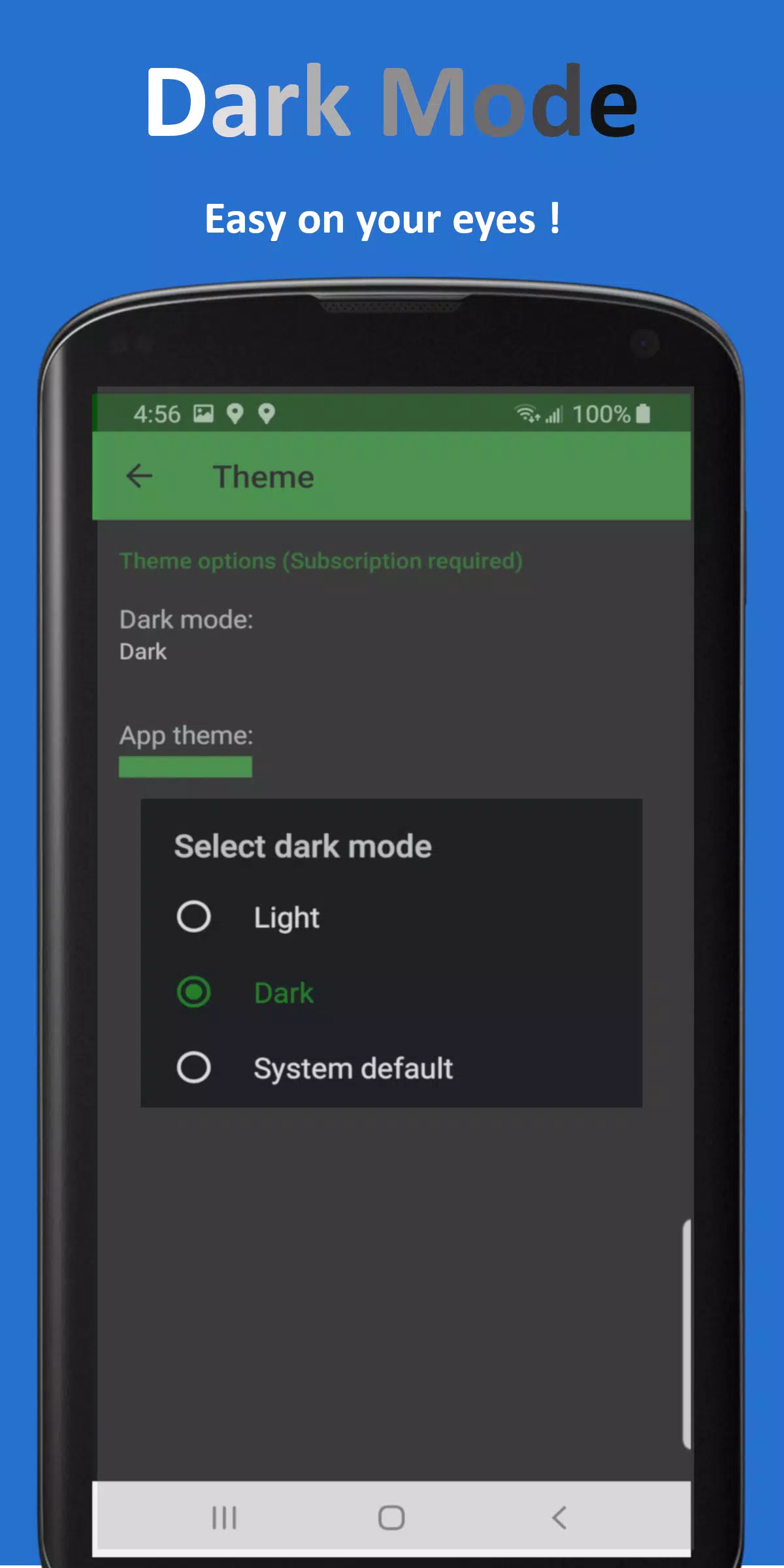
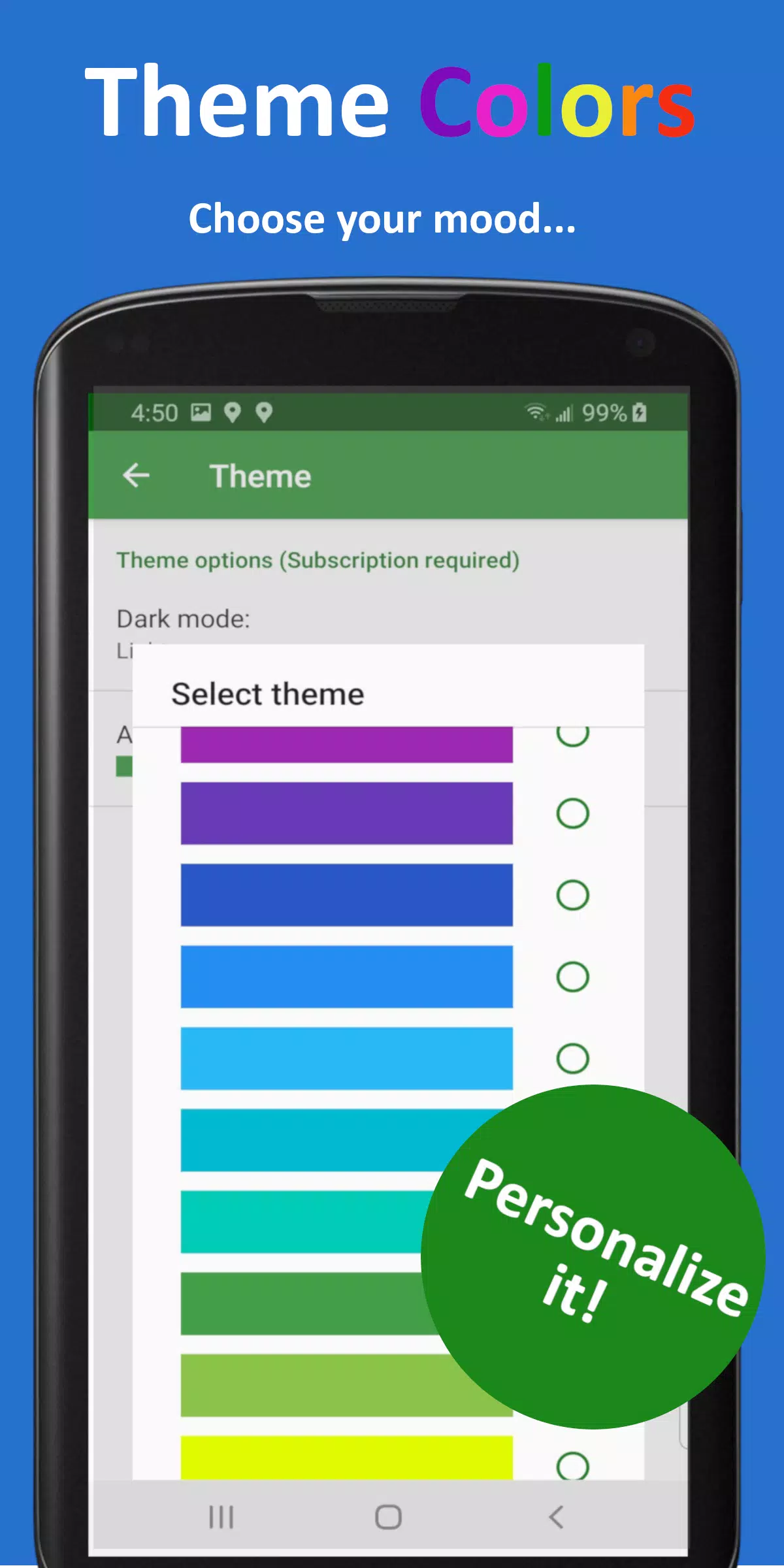
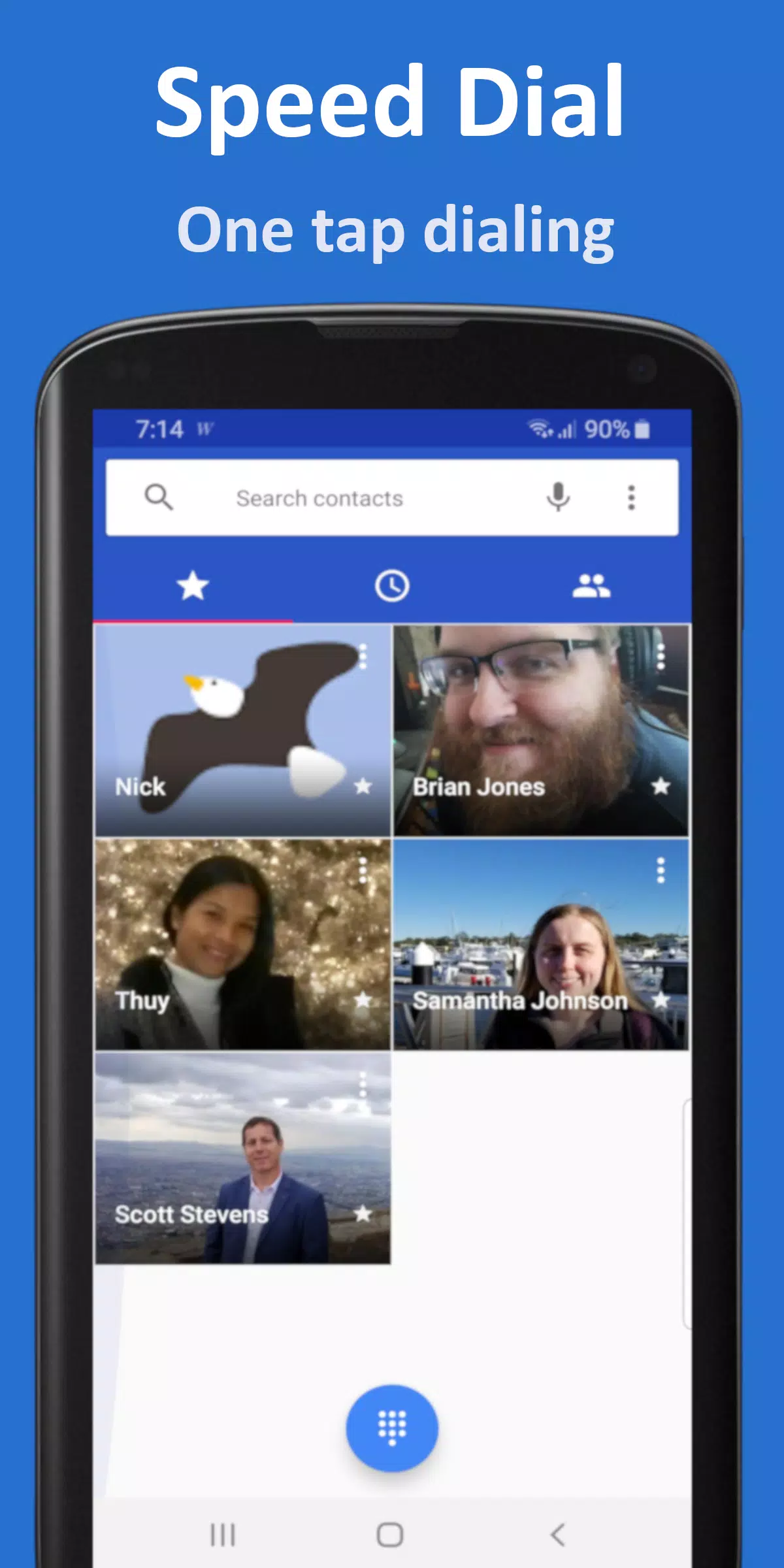
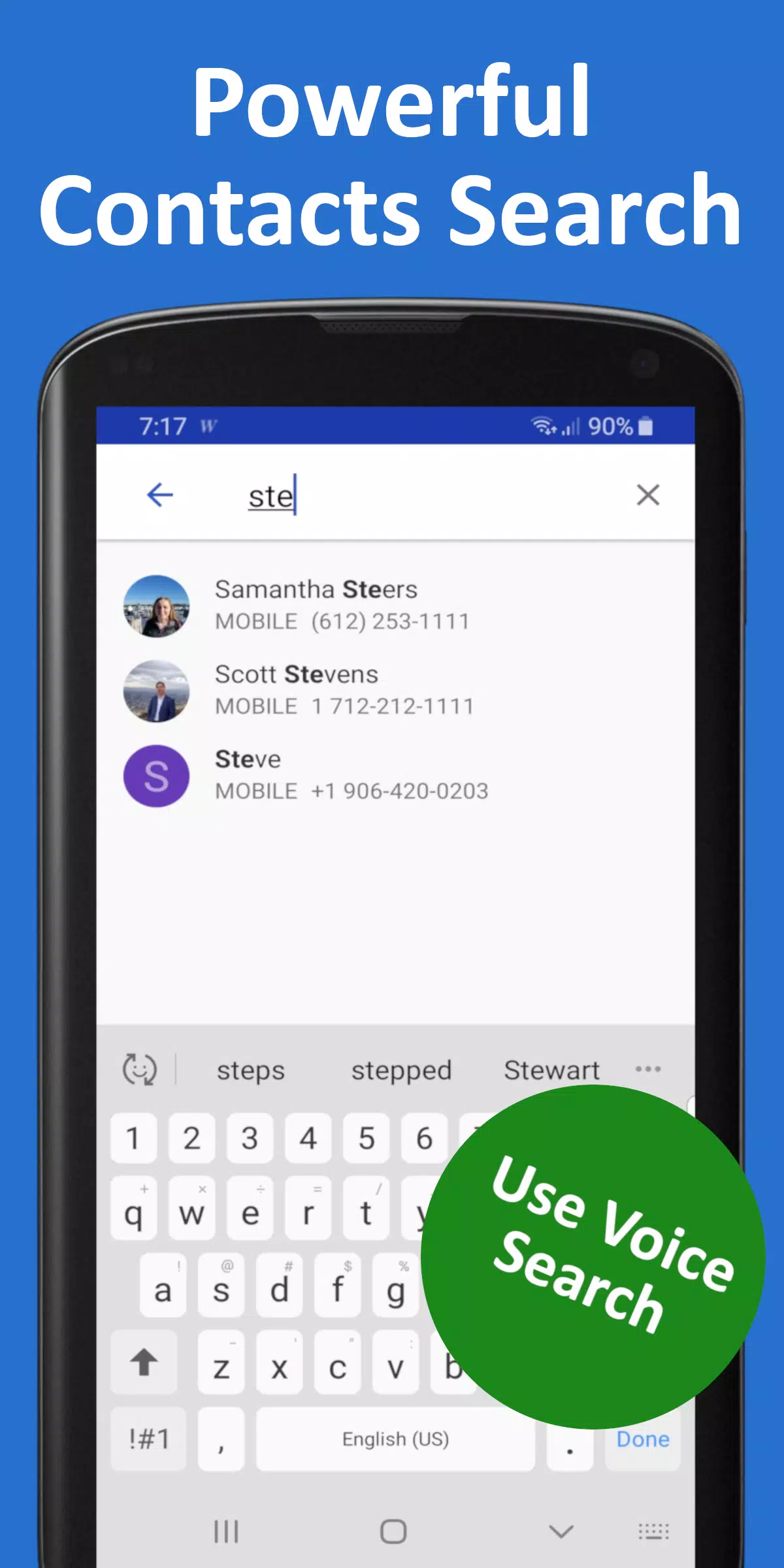
Interaction with the app is simple and designed for quick one-handed use: tap to accept or decline, swipe to reveal contextual actions, and long-press on an entry for advanced options such as adding a number to the whitelist or creating a speed-dial shortcut. The built-in T9 smart dialer speeds up searching across contacts and call history, and speed-dial slots let you reach important contacts with a single tap. Dark mode and multiple theme colors let you adapt the visual style for battery savings or personal preference; some theme options are part of the optional subscription.
Progression, learning and fine-tuning
Instead of traditional game-like progression, BlockCaller Plus offers an adaptive protection model: the longer you use the app, the more accurate the filtering becomes because the system learns from your choices and from common community signals. You can influence that learning directly by marking calls as allowed or blocked, which refines future behavior. For power users there are granular settings for sensitivity and a temporary pause option that disables blocking for a set period when you are expecting calls from new contacts.
Privacy, offline use and accessibility
Privacy is a practical concern for call-management tools. Many core functions of BlockCaller Plus—for example local call logging, manual whitelists and the T9 dialer—work entirely on the device so they remain available offline. Network-based features such as community-based spam signals and some AI improvements will require connectivity, but basic blocking and caller history remain functional without an internet connection. Accessibility considerations include scalable text sizes, high-contrast themes and touch-friendly controls to support different user needs.
Error handling and managing false positives
No automated filter is perfect, so the app provides clear recovery paths when a legitimate call is blocked. A detailed blocked-call log lists recent actions with timestamped entries, and you can restore any number to your allowed list with a single tap. The temporary pause or lowered sensitivity settings are useful when you expect calls from unknown numbers and want to avoid missing important contacts. These options aim to reduce the frustration of false positives while maintaining robust protection.
Premium tools and subscription details
Certain advanced conveniences are available as part of an optional subscription: premium themes, additional voicemail blocking, and enhanced callback handling for unknown numbers. The description makes clear which functions are free and which require a subscription so you can evaluate the value before purchasing. Core protection—automatic detection, blocking levels, caller ID previews and the T9 dialer—remains available in the free tier.
User experience and updates
The interface emphasizes clarity and speed: concise on-screen prompts, a focused call history, and quick access to filter settings reduce friction during everyday use. Regular updates deliver improved detection rules, bug fixes and occasional feature refinements based on user feedback. If you prefer minimal interruptions, the app provides an ad-free mode to keep the interface clean.
BlockCaller Plus is intended for users who want a practical, configurable way to regain control of incoming calls without constantly curating block lists. If you value clear caller information, adaptive filtering and convenient dialing tools, installing BlockCaller Plus will make managing calls simpler and less time consuming.
- No virus
- No advertising
- User protection
Information
- File size: 12.10 M
- Language: English
- Latest Version: 36.0
- Requirements: Android
- Votes: 197
- Package ID: com.appsbym.dialer
- Developer: Apps By M
Screenshots

















Explore More
Empower learning and research with our innovative reference apps. Access dictionaries, thesauruses, encyclopedias, and more with our comprehensive databases. Get homework help, study tips, and writing guides from our academic resources. Learn new skills by browsing how-to videos and manuals. Stay up-to-date with latest news, data, and facts curated by our editors.

Bloomberg Connects

Metro Micro

TVSMILES

ClassPass: Fitness, Spa, Salon

Kyrgyz Russian Translation

Domino's Pizza Sri Lanka

Bollinger 1829

TANTRI : QR Menu & POS





























