


Introduction
Bend Pill Box is a practical medication management tool that helps people organize doses, set reliable reminders, and keep a clear history of adherence. The app places scheduling and simple logging at the center of the experience so users can focus on following treatment plans rather than managing complicated menus. Designed for everyday routines and occasional complex regimens, Bend Pill Box blends a calendar view with quick controls to make dose management straightforward and dependable.
Core features and interaction
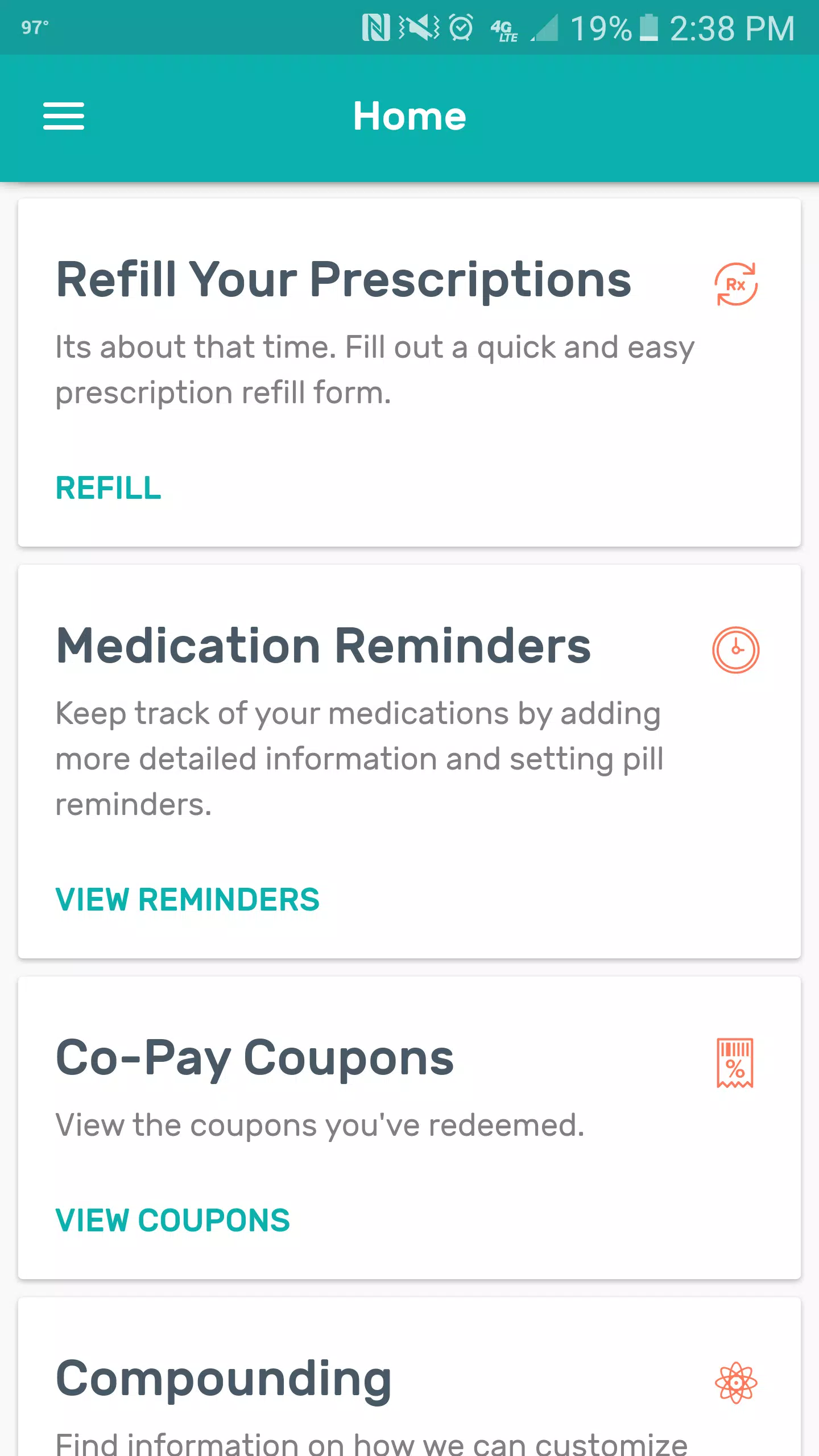
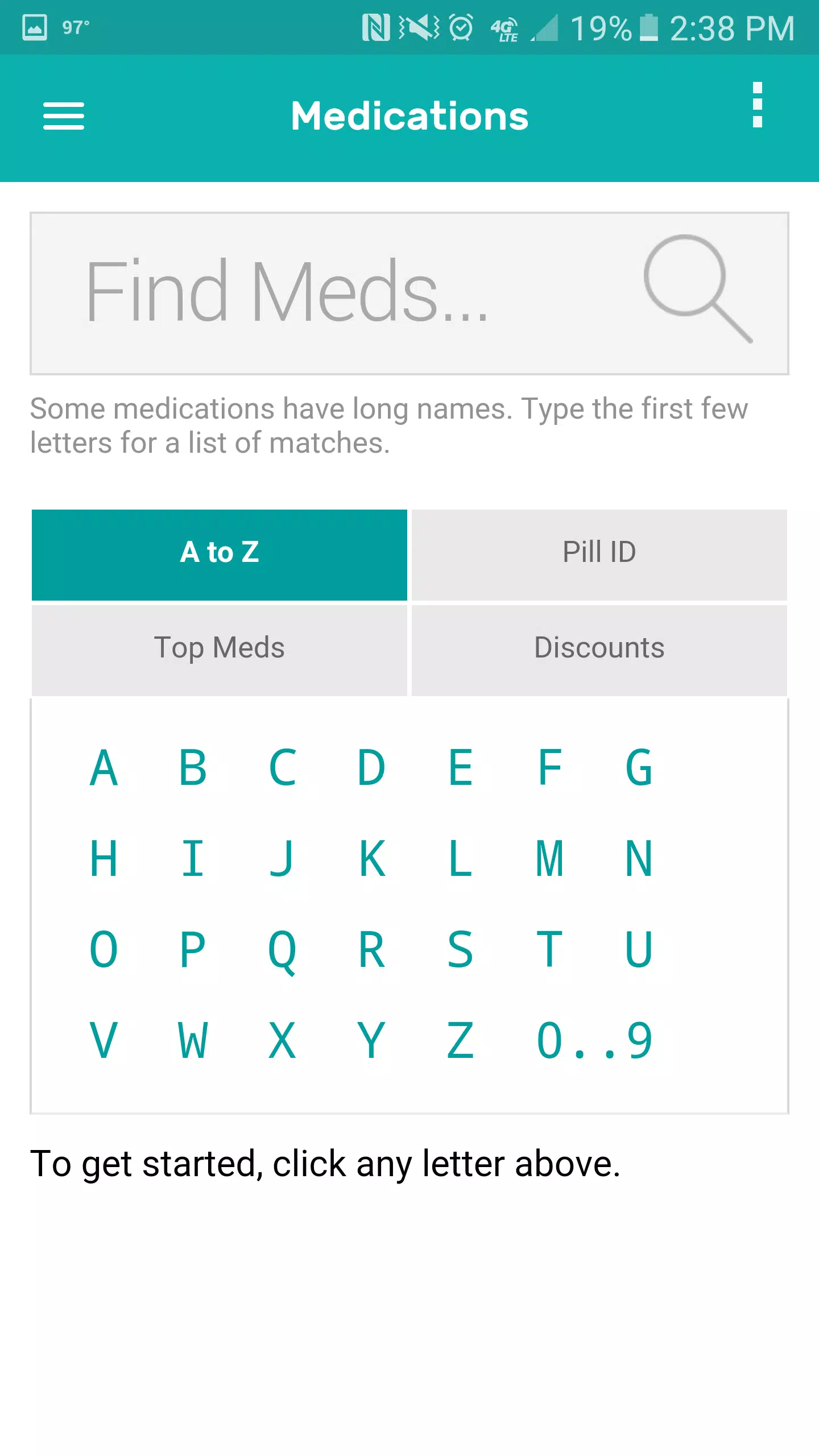
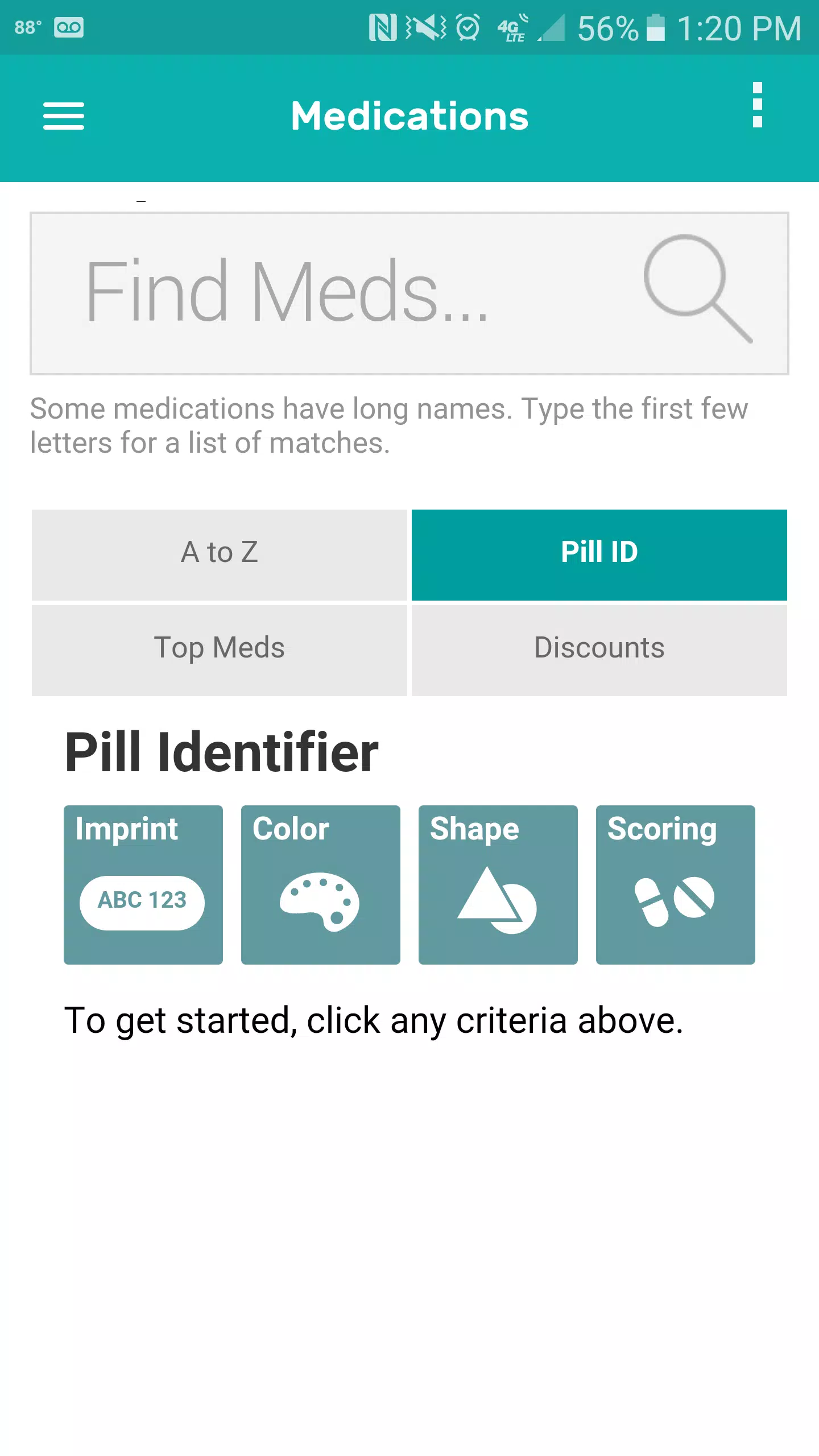
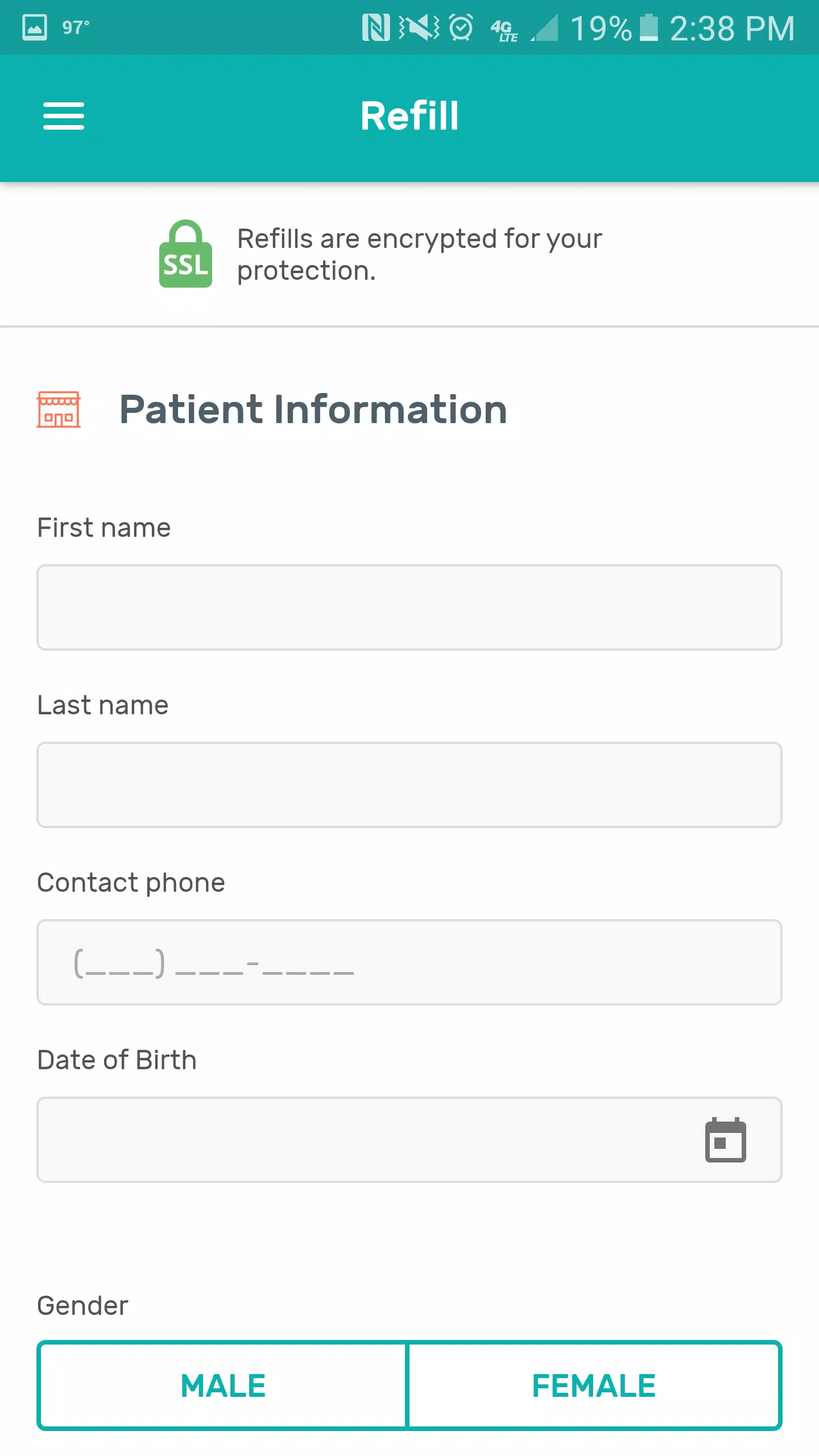
The application emphasizes real-world interactions: adding a medication walks you through naming the pill, choosing dose size and frequency, and setting a start date and time window. Primary controls are intentionally simple—tap to add a dose, swipe or tap to mark it taken, and hold-to-edit for quick adjustments—so the common tasks stay one or two actions away. The built-in scheduler supports both single-shot reminders and sophisticated recurring patterns such as every other day, specific weekdays, or time-windowed doses for flexible regimens.
Reminders, timing, and offline reliability
Notifications are generated locally which ensures reminders still arrive when a network connection is absent. Users can choose from different alert tones, enable vibration, and set snooze behavior to match daily habits. Quiet hours limit late-night interruptions while adherence sensitivity settings let you define what counts as on-time, late, or missed so reporting matches clinical expectations or personal tolerance. These options keep the reminder behavior aligned with real life rather than forcing one-size-fits-all rules.
Tracking progress and progression systems
Adherence tracking in Bend Pill Box operates as a gentle progression system: daily and weekly charts visualize consistency, and a timeline view highlights streaks or recurring gaps. This progression model helps users see improvements over time and identify problematic days or doses that need attention. Rather than gamifying adherence, the app offers objective patterns and summaries that support conversations with caregivers or clinicians and motivate steady improvement through clear, actionable data.
Customization and visual design
The interface favors clarity and speed, with color and icon choices that make medications immediately recognizable on the day view. Users can assign a color and an icon to each medication for at-a-glance identification, adjust theme brightness for readability, and choose whether the home screen shows a compact list or an expanded timeline. Visual cues indicate upcoming doses, overdue items, and recently logged actions so the most important information is always in focus without visual clutter.
User experience and accessibility
Accessibility is treated as part of core design: large tap targets, readable type sizes, and simple gesture shortcuts help people with limited dexterity or vision to manage pills more easily. Tooltips and a brief walkthrough reduce friction for first-time users while persistent labels and consistent layouts aid those returning daily. The app avoids deep nested menus so essential tasks stay reachable, and the settings allow tailoring of notification intensity and interface scale for individual needs.
Data, privacy, and offline handling
Privacy is handled transparently: data is stored locally by default and export tools let users produce common file formats for sharing with providers or for personal backup. The app requests only the permissions necessary to deliver reminders and save entries. A clear privacy section explains what is stored, how to remove logs, and how to export or back up data. These local-first choices reduce reliance on external servers and enhance user control over sensitive medication history.
Performance and device compatibility
Built to run efficiently across a wide range of Android devices, the app minimizes battery impact by batching background work and relying on system scheduling for notifications. It supports recent Android versions and adapts layouts to different screen sizes so the experience is consistent on compact phones and larger displays. Regular updates address compatibility and stability to keep reminders reliable over time.
Getting started and practical tips
To begin with Bend Pill Box, install and complete the short setup that asks about notification preferences and time zone. Add your first medication by tapping the add button, fill in the dose details, and set reminder times. Try setting one or two quiet hours and a single snooze option so you can test how notifications feel in daily use. Export a short history after a week to share with a care provider if useful, and adjust adherence sensitivity to match clinical instructions.
Who benefits most
People managing daily prescriptions, caregivers coordinating multiple schedules, and anyone with complex or variable dosing will find the app valuable. It supports multi-dose regimens and shifting schedules where manual tracking becomes error-prone, and it is equally useful for short courses of treatment and long-term medication plans. Bend Pill Box is designed to reduce the cognitive load around taking medicines and to provide clear, shareable history when that information is needed by family or clinicians.
- No virus
- No advertising
- User protection
Information
- File size: 9.40 M
- Language: English
- Latest Version: 7.4.8
- Requirements: Android
- Votes: 372
- Package ID: com.rxwikiplus.a5413821454
- Developer: Digital Pharmacist Inc.
Screenshots

















Explore More
Make your house a home with our suite of helpful home apps. Discover clever tools to organize closets, streamline chores, and simplify cooking. Take the stress out of cleaning and maintenance with handy checklists and schedules. Enhance security and control appliances and lighting with our smart home integrations. Design, visualize, and renovate like a pro using our 3D planning software.

All Recovery - Photos & Videos

Tax Calculator India 2024-2025

OnDjoss

Park4Me

Scary sound effects

Home Workouts - Lose Weight

Juice Recipes

HFonts - font & emoji manager





























