


Introduction
Eye Health Manager is a comprehensive mobile tool designed to protect and improve visual comfort through personalized reminders, eye exercises, and screen-time insights. The app helps users establish healthier habits, reduce digital eye strain, and track progress with simple daily routines and clear visual reports.
What Eye Health Manager Offers
Eye Health Manager combines health science with easy-to-use mobile design to deliver practical features for anyone who spends long hours in front of screens. It includes timed break reminders, guided eye relaxation exercises, blue light recommendations, and an adaptive schedule that learns your daily patterns. The focus is on building consistency rather than imposing strict regimens.
Key Features and Tools
- Custom Break Scheduler: Create work-rest cycles based on your preferences with gentle notifications that nudge you to step away or change focus.
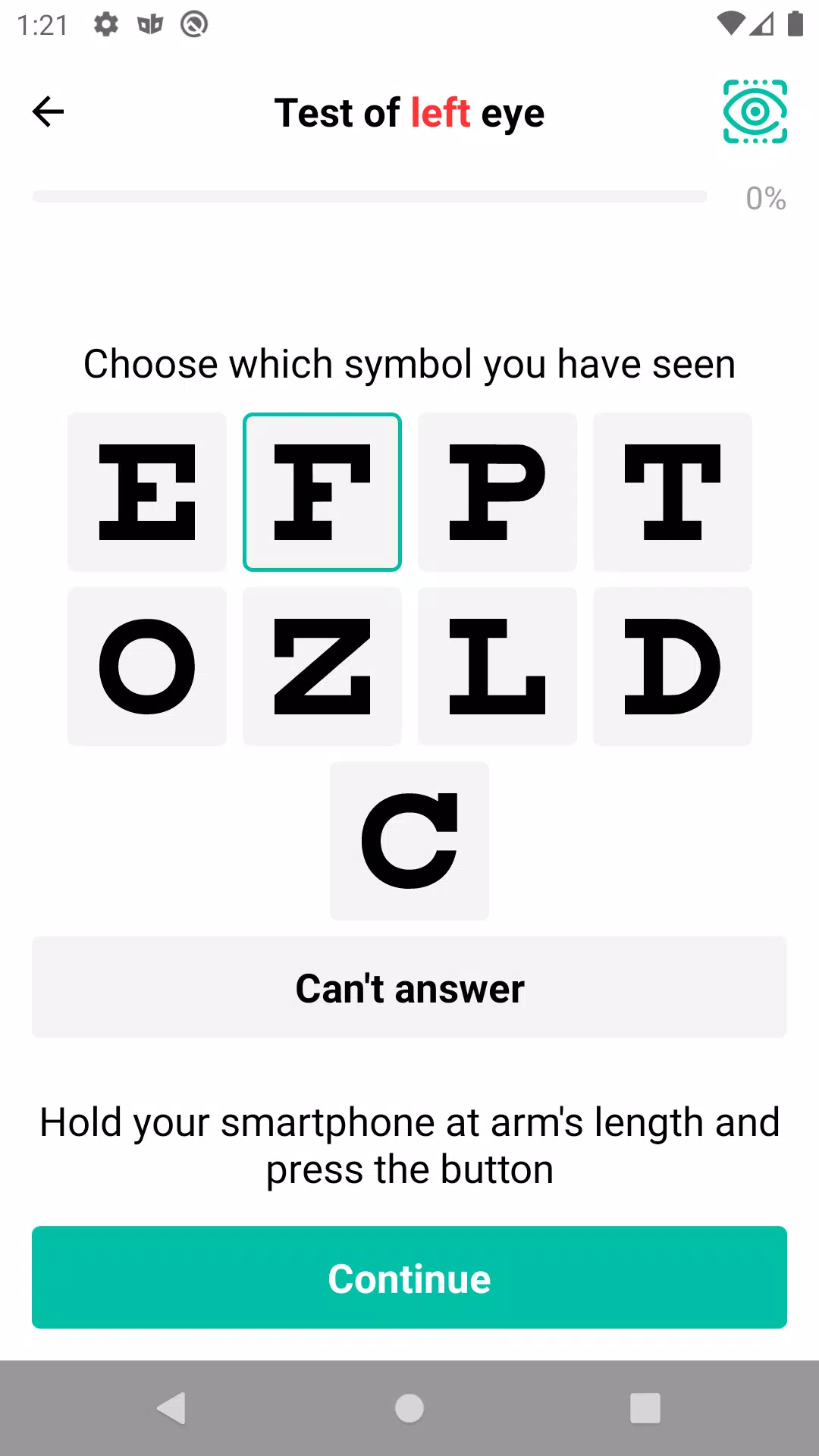
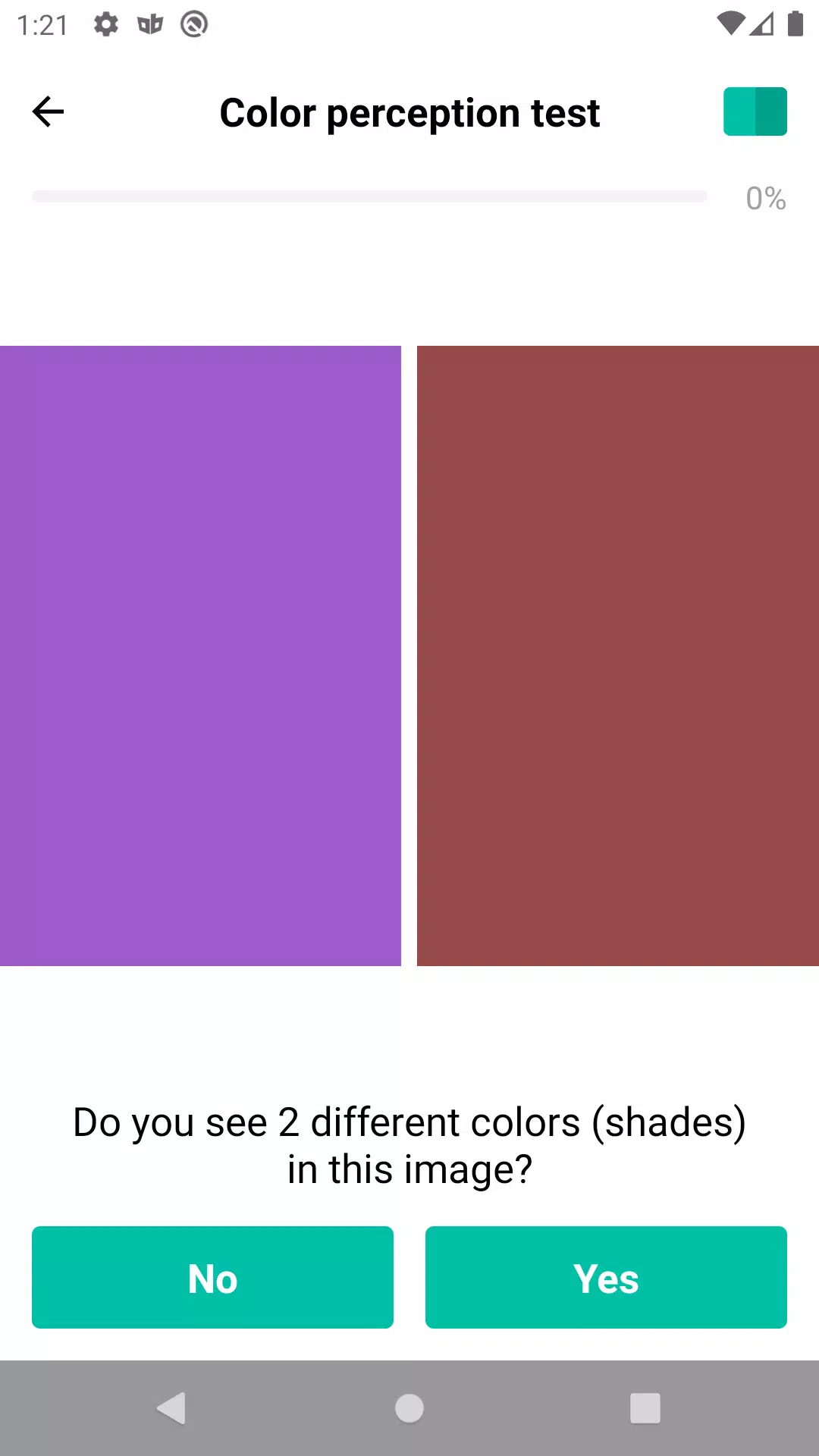
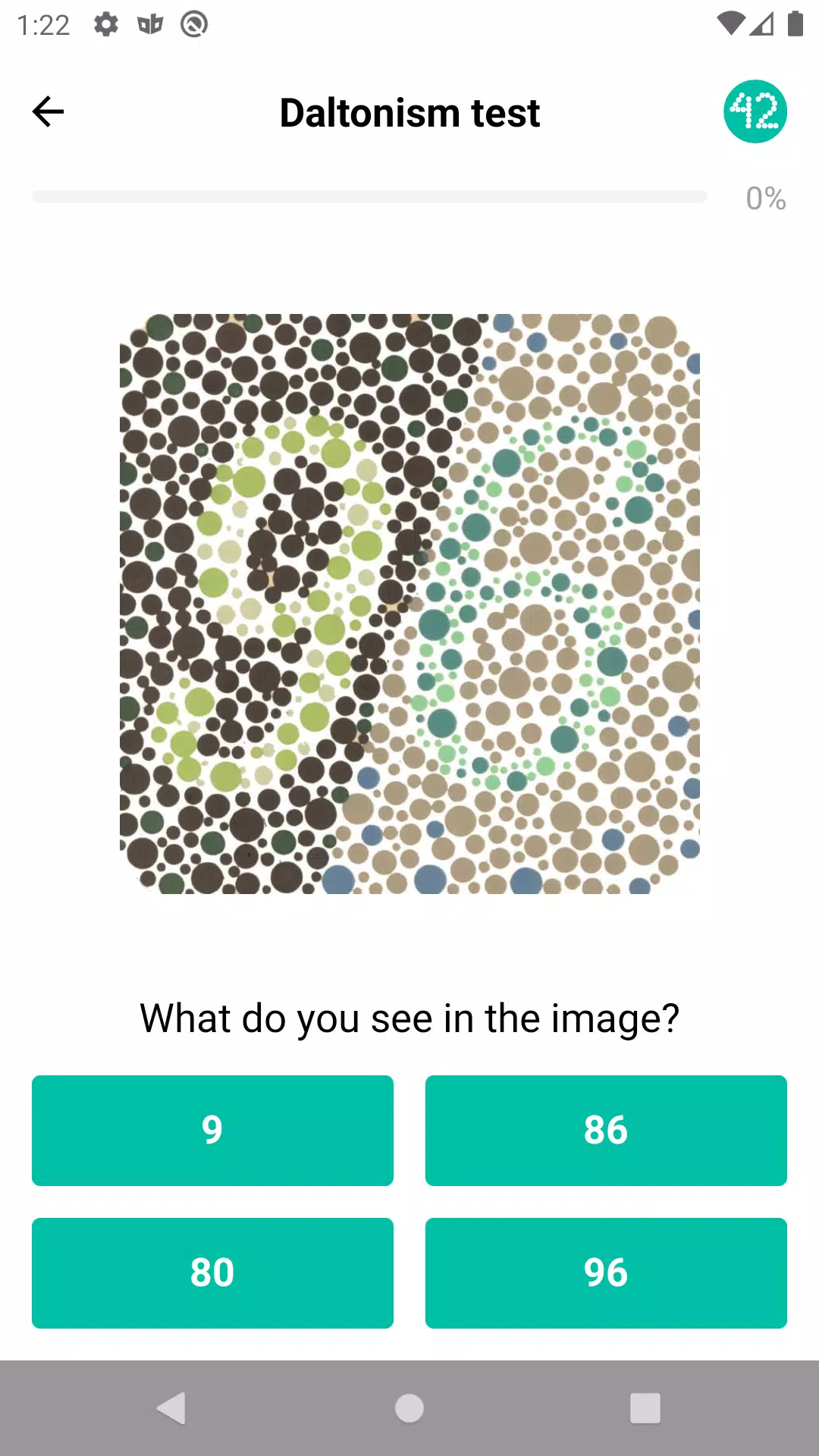
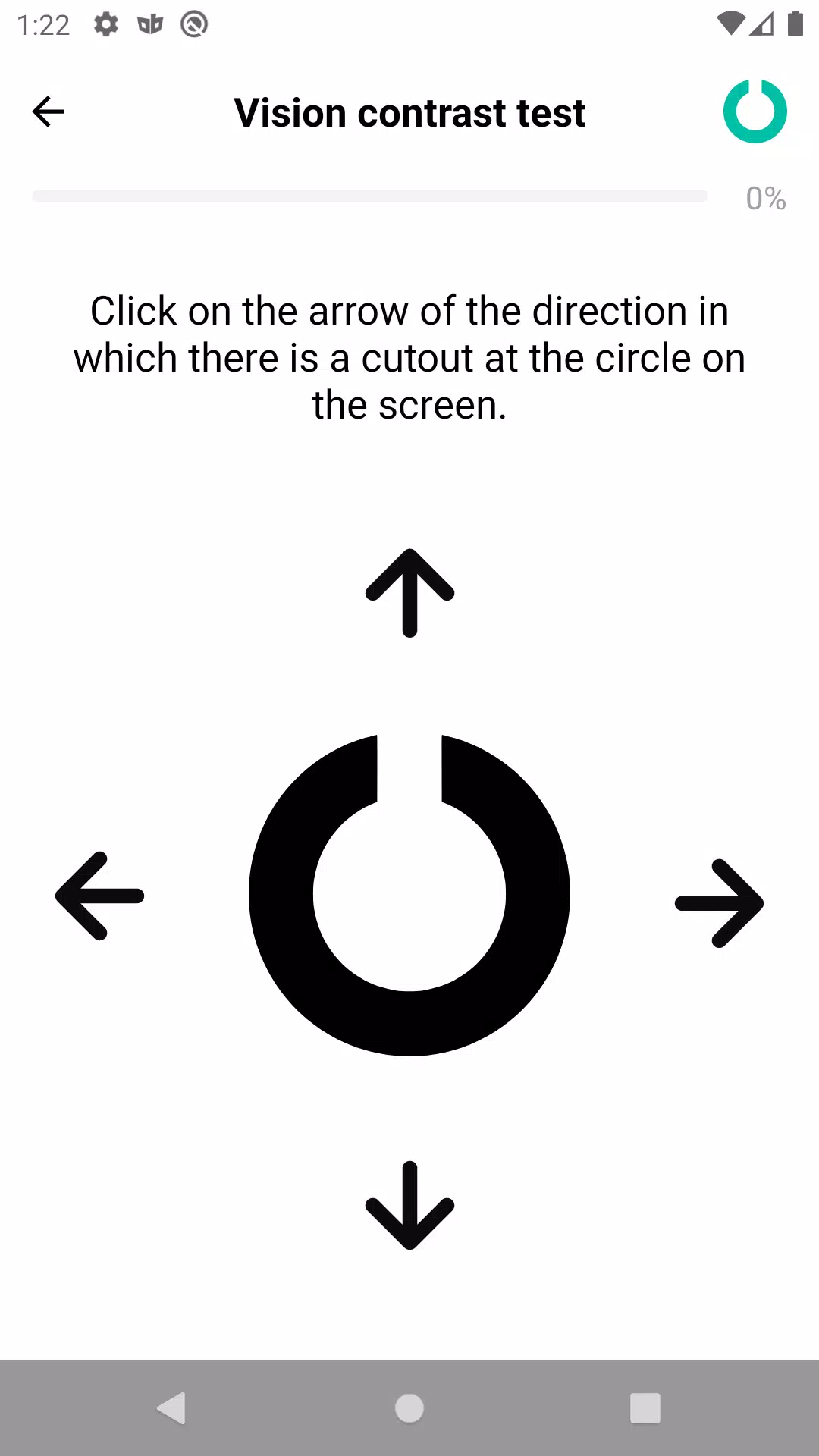
- Guided Eye Exercises: Short, evidence-informed routines such as palming, focus shifts, and tracking exercises that improve comfort and reduce fatigue.
- Screen-Time Insights: Visual reports show daily and weekly screen usage, highlight high-risk periods, and suggest adjustments to reduce strain.
- Ambient Adjustments: Recommendations for screen brightness and color temperature to minimize blue light exposure during evening hours.
- Progress Tracking: Simple logs and streaks help motivate consistent practice and let you monitor subjective improvements in comfort and sleep.
How the System Works
The app runs quietly in the background, using minimal battery and memory while monitoring screen activity and interaction. When a scheduled break is due, Eye Health Manager displays a subtle notification and launches a short routine if you choose. Exercises are narrated and illustrated for clarity, and the app adapts timing based on whether you actually take breaks or dismiss reminders.
Personalization and Accessibility
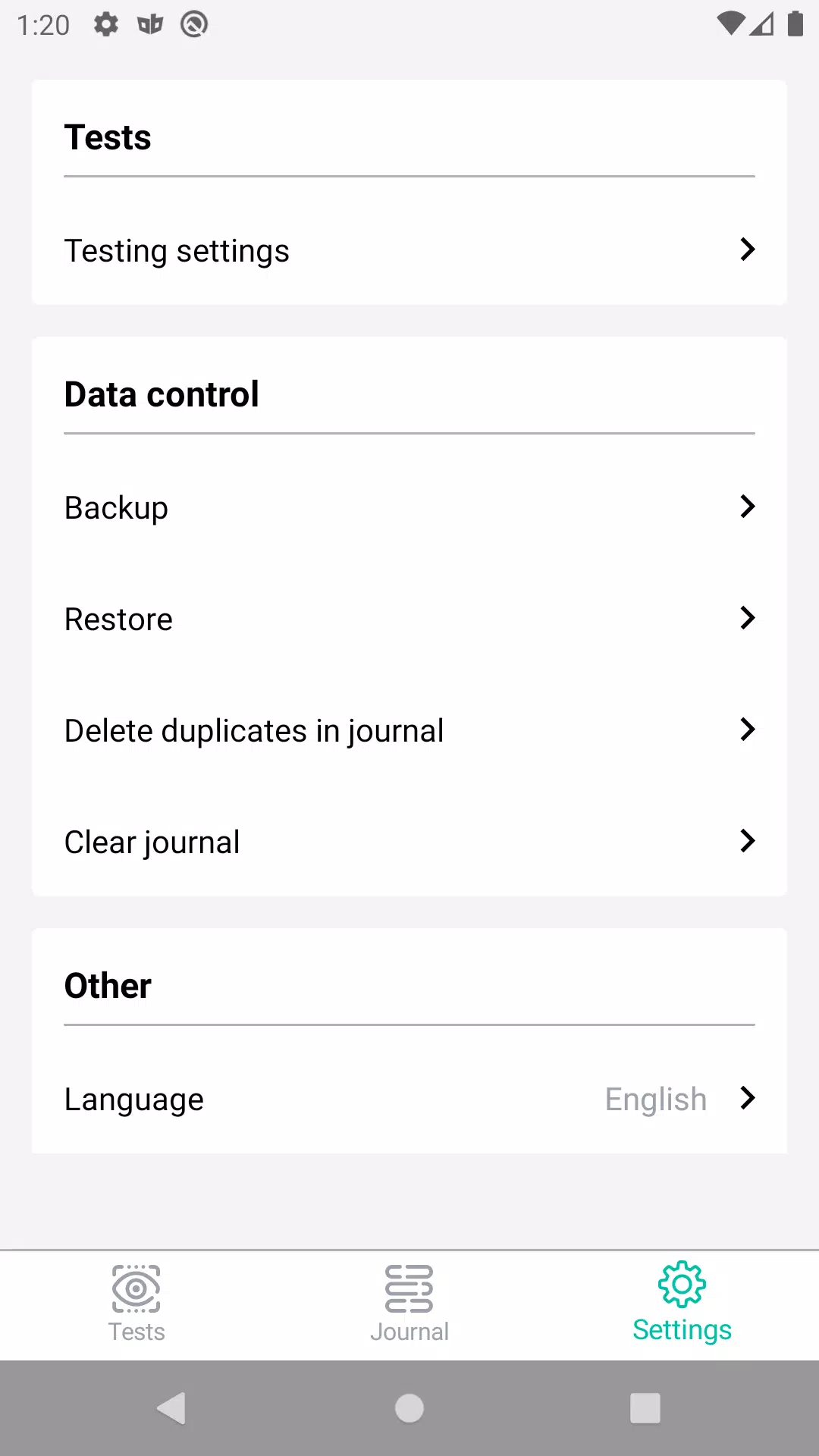
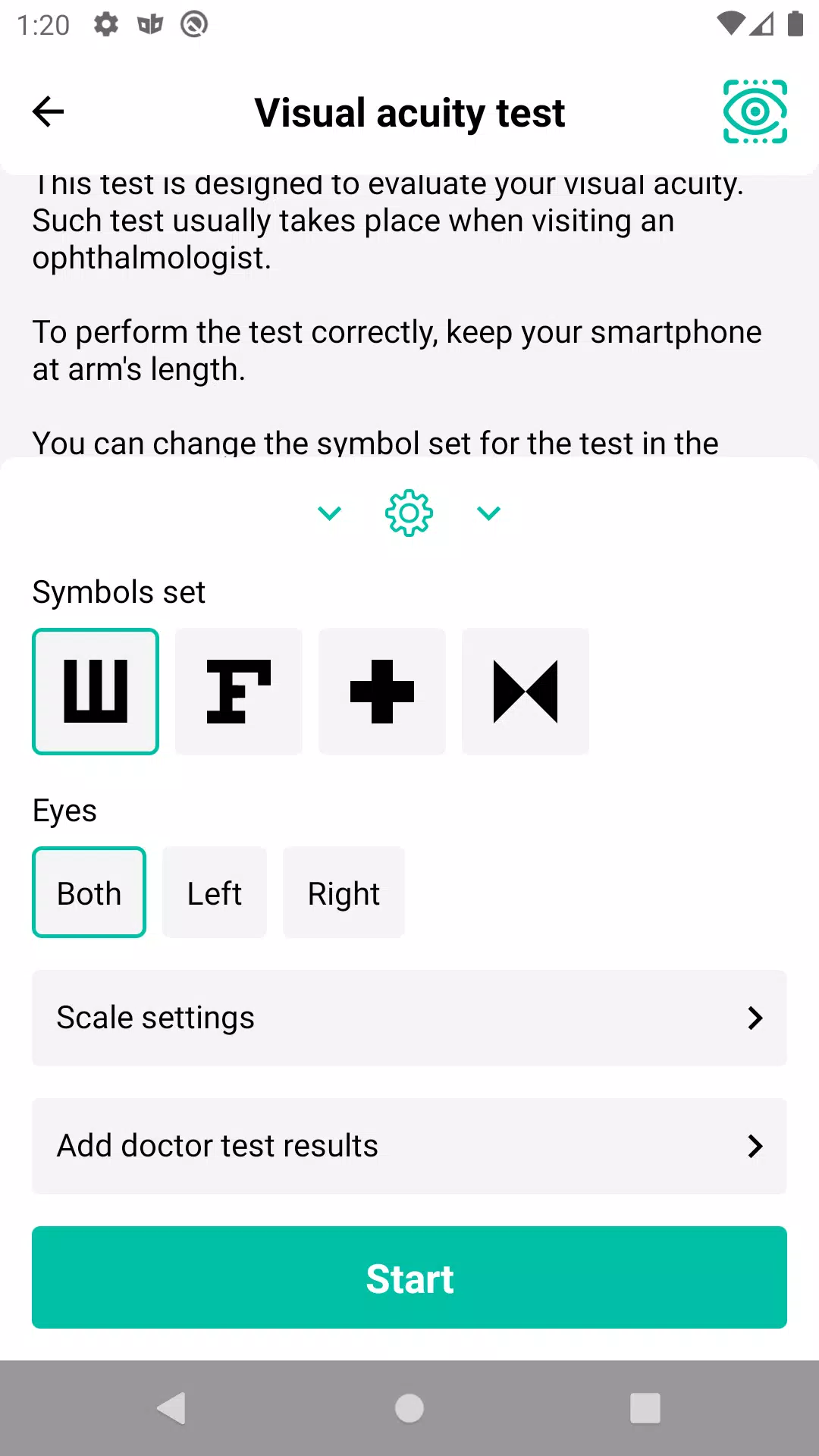
Customization is central to the user experience. Configure reminder frequency, silence windows, exercise length, and notification style. Accessibility options include large text, high-contrast mode, and voice guidance so users with varying needs can benefit. The interface avoids clutter, prioritizing clear controls and quick access to the most-used tools.
Practical Use Cases
For students, Eye Health Manager offers study-session timers and short focus-change activities to maintain concentration without overtaxing the eyes. Remote workers gain a flexible way to incorporate health breaks into busy schedules, while creative professionals can set intervals that align with deep work sessions. Parents can also enable family settings to guide children toward healthier screen habits.
Performance and Compatibility
Built to be lightweight and efficient, the app minimizes background CPU and battery consumption. It supports a wide range of Android versions and screen sizes, ensuring consistent behavior across phones and tablets. Regular updates refine algorithms that detect active usage and improve the accuracy of screen-time reporting without accessing unnecessary personal data.
User Experience and Interaction
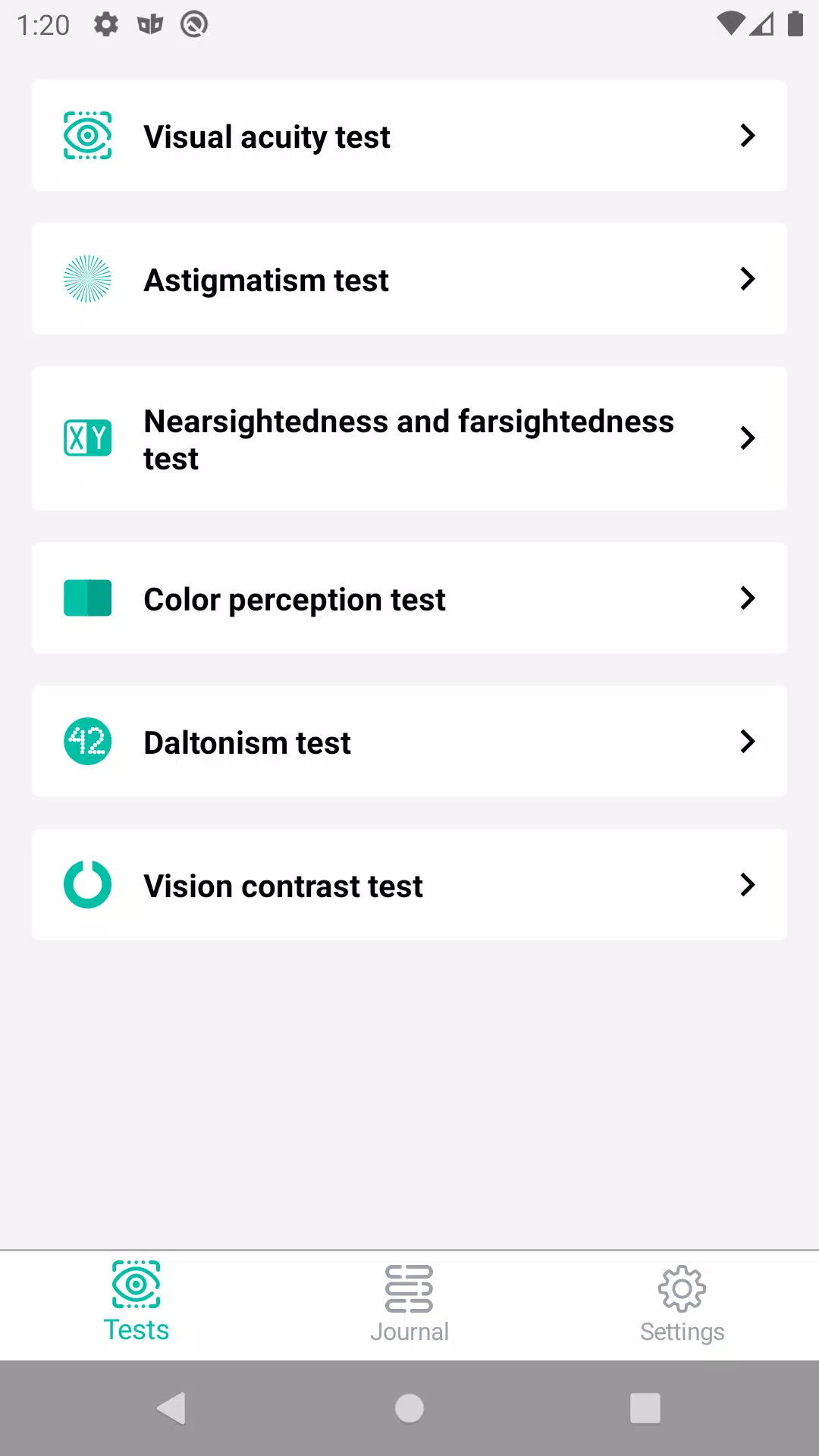
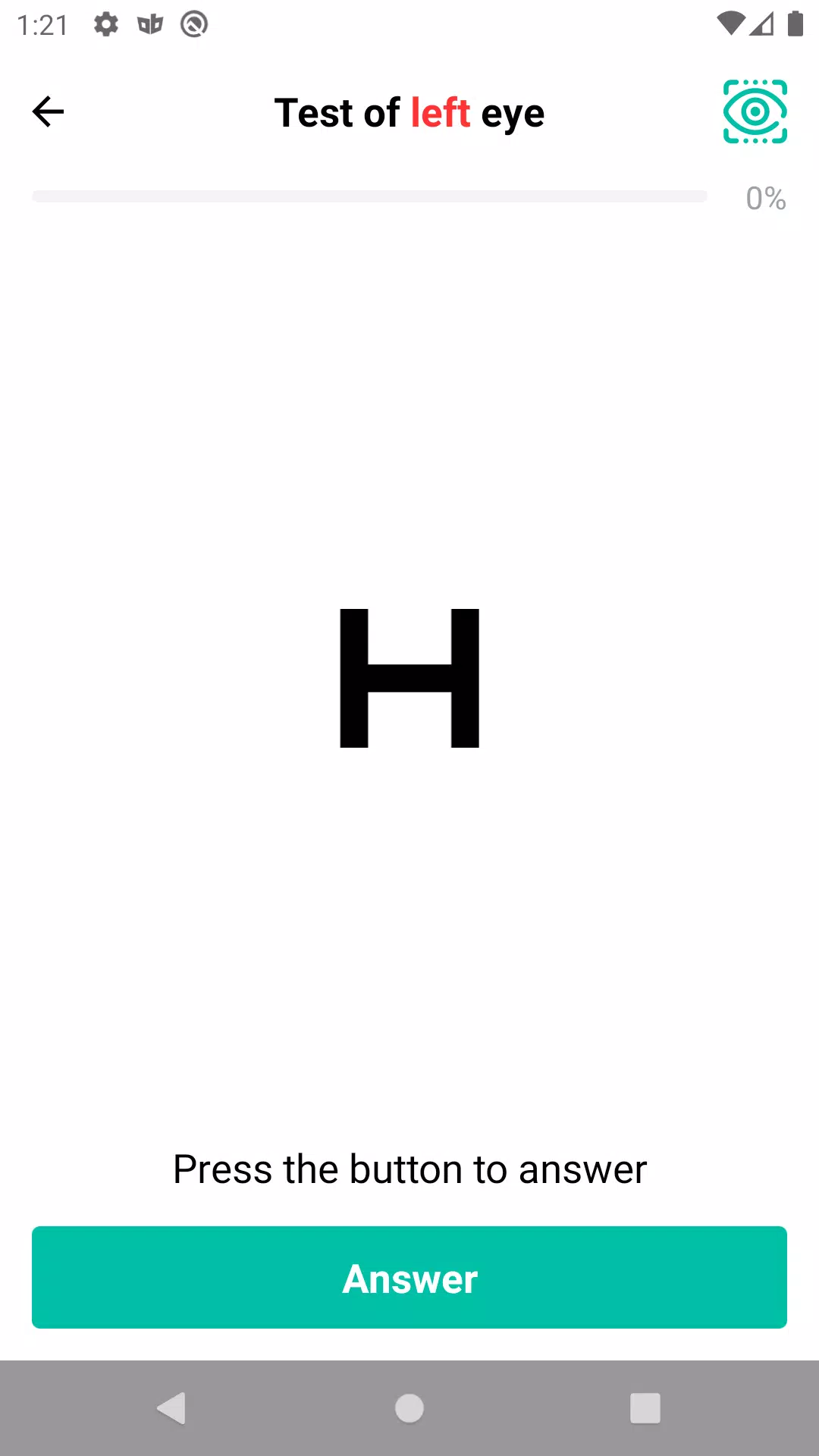
Navigation is intuitive: the main dashboard summarizes today’s schedule, upcoming breaks, and a snapshot of comfort trends. Exercise guides are short and clearly demonstrated, making it easy to follow along during a quick pause. Notifications are configurable and designed to be low-friction so users can adopt healthier routines without interruption.
Safety and Data Handling
Eye Health Manager focuses on privacy-conscious data collection, storing usage statistics locally and offering explicit controls for sharing any logs. There are no medical diagnoses or claims of curing vision problems; the app is a wellness assistant that encourages better habits and complements professional eye care.
Getting Started
Begin by granting the minimal permissions required, set a daily schedule that matches your workflow, and try a few short exercises to see what fits. Use the analytics tab to review patterns after a week and adjust reminders based on real behavior. With modest daily commitment you can reduce symptoms of digital eye strain and improve overall comfort.
- No virus
- No advertising
- User protection
Information
- File size: 19.90 M
- Language: English
- Latest Version: 2.3.0.18
- Requirements: Android
- Votes: 245
- Package ID: ru.rznnike.eyehealthmanager
- Developer: Nikita Tiart
Screenshots
















Explore More
Take charge of your wellbeing with our innovative health and fitness apps. Monitor your activity, sleep, nutrition and more using our advanced tracking tools. Access personalized insights to develop healthy habits. Check symptoms, manage medications, and connect with doctors through our telehealth services. Follow customized workout plans for any fitness level with our virtual coaching.

Tap vpn - fast and safe

Half Marathon Trainer 13.1 21K

DWP Fitness - Diet & Workout

MaaS360 MDM for Android

AD Program

Health Connect (Beta)

Kidcare – Parental Control App

Ultimate IPTV Playlist Loader





























