Introduction
AD Program is a compact mobile training app from PT Di Masi that brings guided workouts and clear visual instruction to your device so you can practice anywhere. AD Program uses high-quality 3D demonstration videos to break down movement patterns and emphasize safe, repeatable form, while built-in tracking tools let you record basic progress over time without paper logs. The interface focuses on self-directed learning: users can follow step-by-step visual cues, replay or slow demonstrations as needed, and keep a simple record of completed sessions and improvements.
Key Features
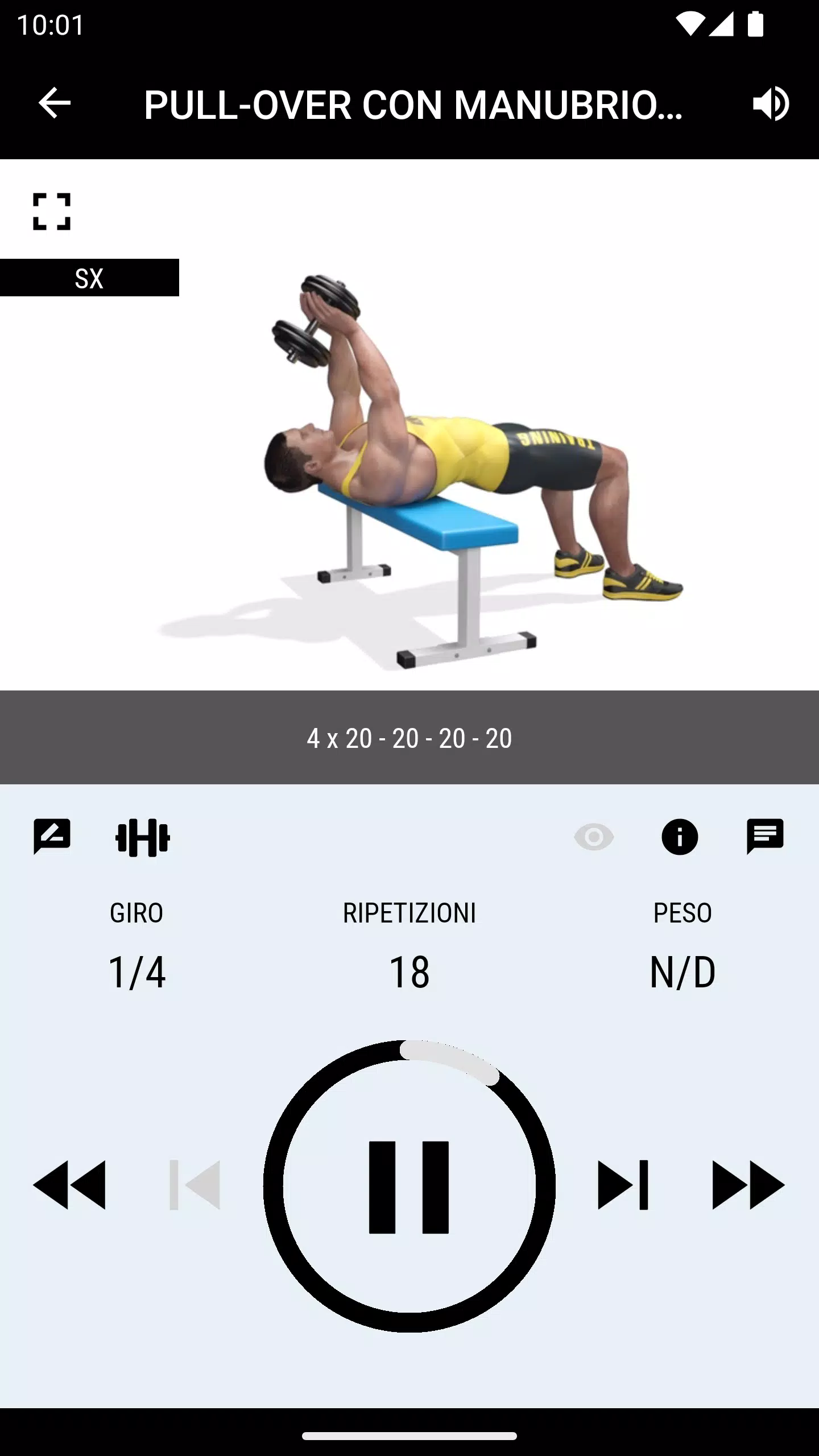
The app centers on 3D instructional videos that show each exercise from multiple angles to help users understand correct posture, joint alignment, and typical common mistakes. Workouts are presented as short sessions that combine several movements into a focused routine, and explanatory cues guide pacing and repetitions. Playback controls let you pause, rewind and play in slower motion so you can study technique. Built-in session notes and a lightweight progress log record session dates, duration and subjective completion, which makes it easy to track changes across weeks.
How it Works
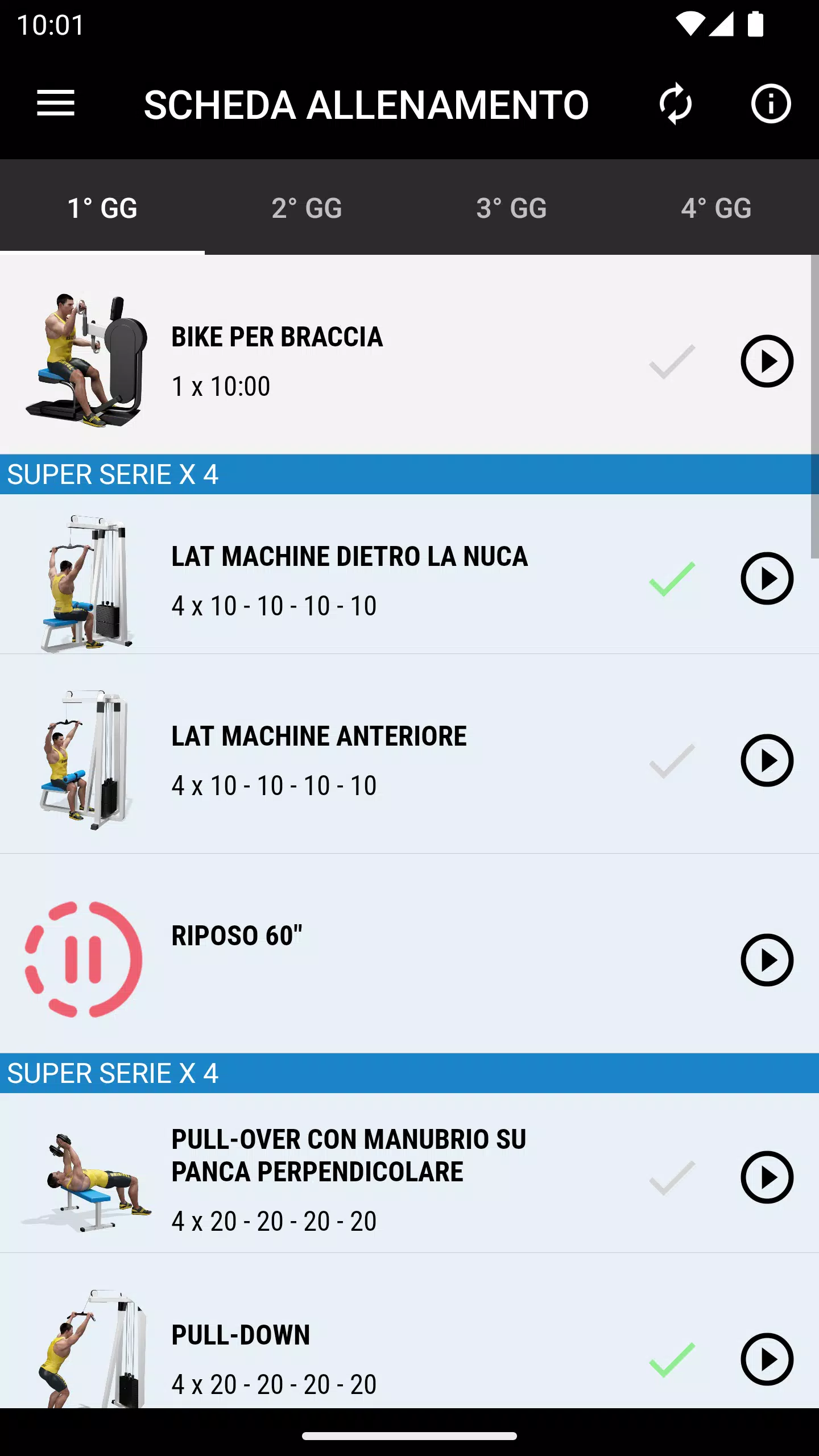
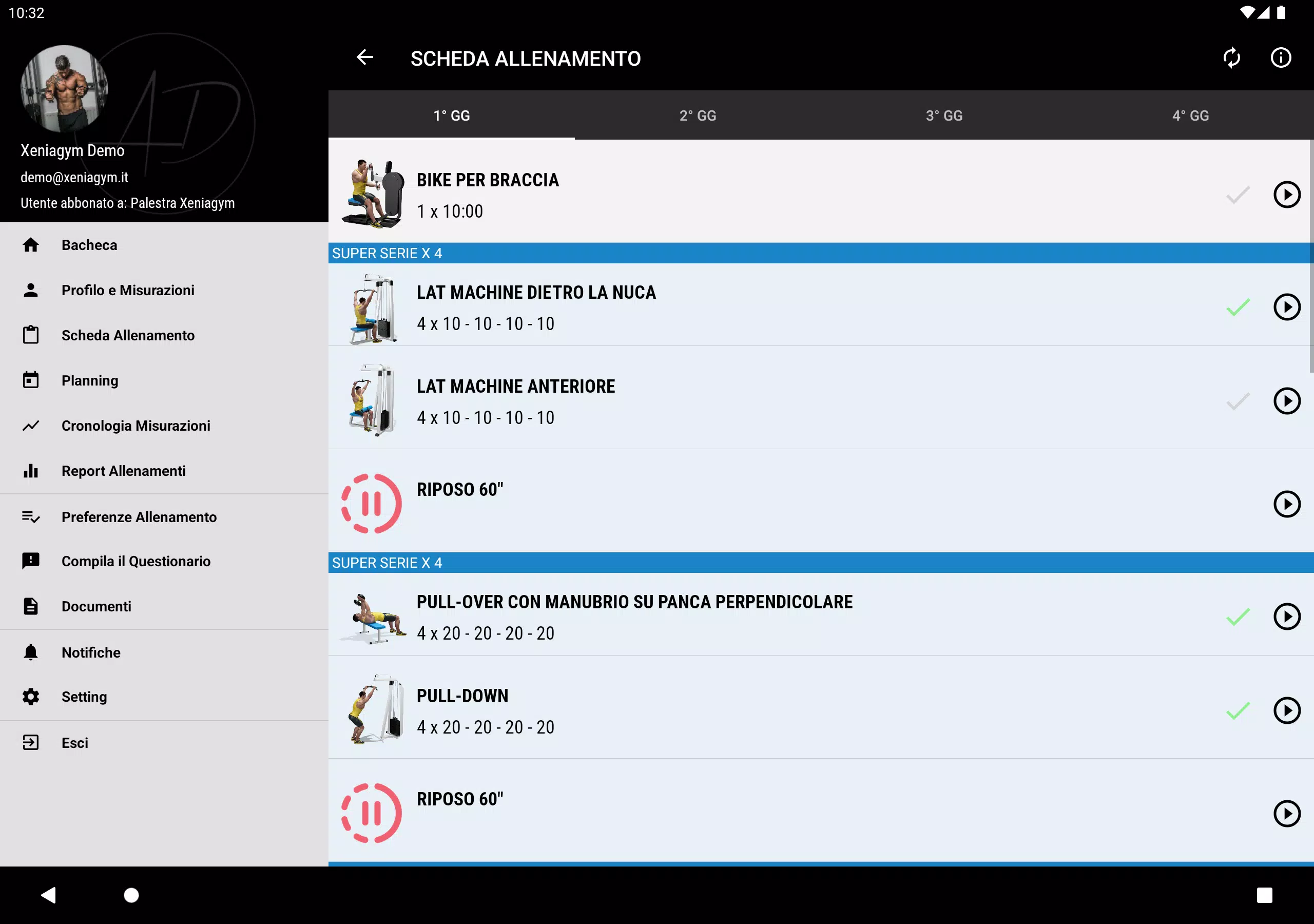
Each workout in AD Program is designed to be self-paced: select a session, follow the visual demo, and use on-screen controls to mark sets or adjust tempo. The step-by-step layout places demonstrations and brief instructional text on the same screen to reduce cognitive load during practice. Exercises are grouped into progressive sessions that emphasize repeatable practice rather than exhaustive routines, so beginners and more experienced users can return to the same exercises while aiming for steadier improvements. The combination of visual demonstration and simple tracking supports deliberate practice without requiring external notes or spreadsheets.
Controls, Customization and Accessibility
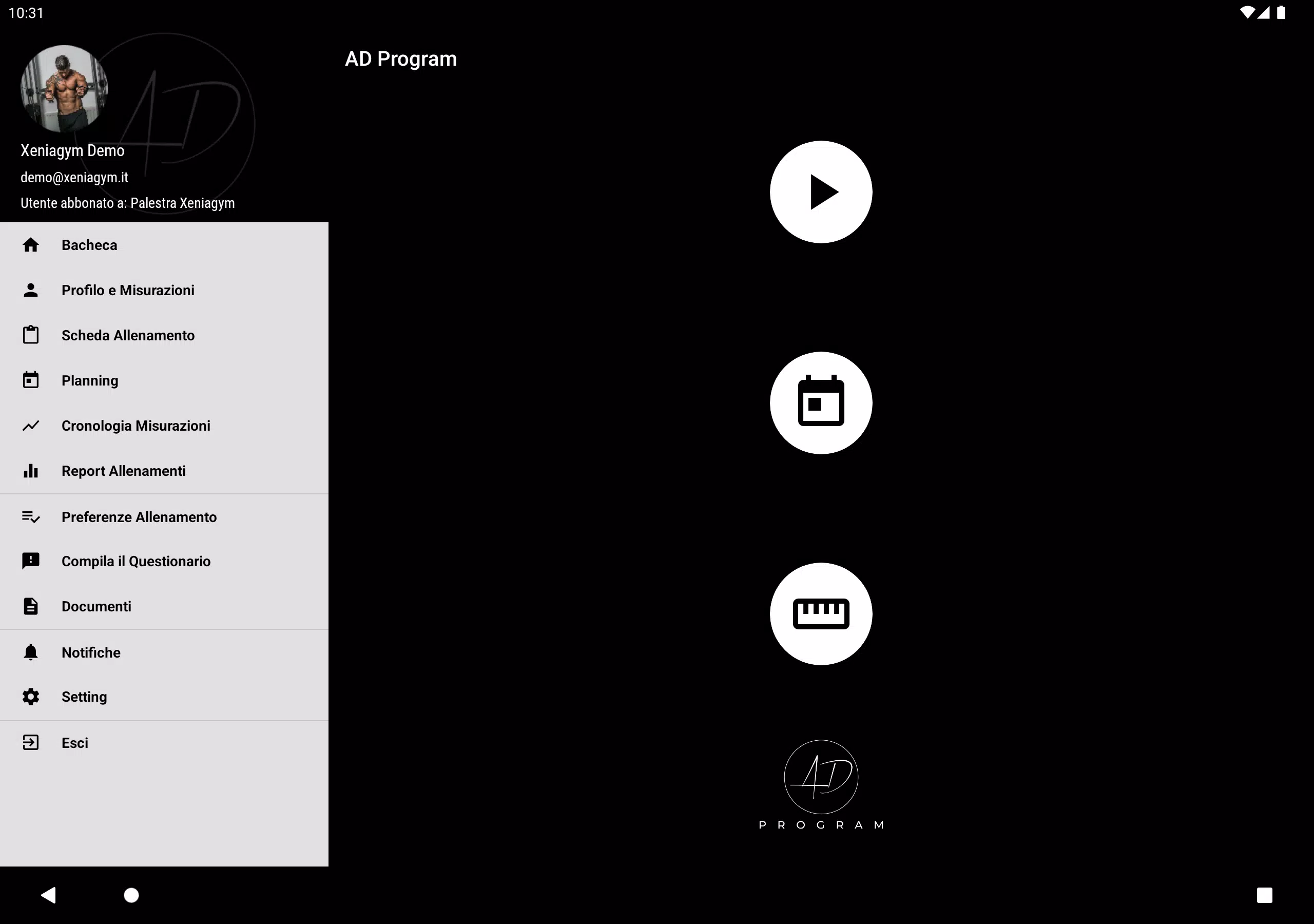
The app is optimized for touch controls: tap to play or pause demonstrations, swipe to move between exercises, and use on-screen buttons to log sets or rest periods. Basic customization allows you to choose session length and focus area so each workout can fit into a short break or a longer practice slot. Visual aids include clear model overlays and optional slow-motion playback to support different learning speeds. Where supported by the device, previously viewed demonstrations remain available for offline review so users can continue practicing when a connection is intermittent. AD Program also aims to be accessible: readable on-screen labels, consistent iconography and the ability to slow down demonstrations help users with different learning needs follow the material more comfortably.
Progression, Replay Value and Challenge
Progress tracking in AD Program records session history and basic metrics such as number of completed sessions and cumulative practice time, helping you spot trends without complex analytics. Replay value comes from the ability to return to individual movements, refine technique, and re-run sessions to improve consistency. The app supports gradual challenge through session sequencing and repeated practice rather than sudden intensity jumps, encouraging incremental improvement and safer adaptation. Milestones and personal notes allow you to mark meaningful improvements so practice feels purposeful over weeks and months.
Visual Style and User Experience
The visual presentation relies on clear 3D-rendered demonstrations set against uncluttered backgrounds, so the focus remains on movement detail. The UI design favors simple navigation and minimal text during playback to reduce distractions while exercising. Onboarding introduces the app flow quickly so first-time users can locate workouts, play demonstrations, and start logging progress with minimal setup. Overall, the experience emphasizes clarity, repeatability and a smooth practice loop: watch, imitate, log, and review.
Limitations and Safety
AD Program is intended as a self-directed training aid and not a replacement for hands-on supervision by a qualified professional, particularly for complex or clinical situations. The public description does not list exhaustive program prescriptions, clinical diagnoses, or individualized therapy plans; users with injuries or special medical needs should consult a healthcare provider before following any exercise routine. The app focuses on visual instruction and simple progress tracking rather than medical-grade assessment.
Development Team
The app is developed and maintained by PT Di Masi as their official training application, with updates that refine demonstrations and usability. PT Di Masi continues to iterate on instructional clarity and tracking convenience so AD Program remains a straightforward tool for users who prefer visual, self-directed practice and uncomplicated progress monitoring.
- No virus
- No advertising
- User protection
Information
- File size: 38.00 M
- Language: English
- Latest Version: 1.2.0
- Requirements: Android
- Votes: 432
- Package ID: it.softwarepalestre.dimasifitness
- Developer: Xeniasoft s.r.l.
Screenshots
















Explore More
Equip yourself with our all-in-one toolbox app for everyday tasks and projects. Instantly convert between units, calculate tips, scan documents, manage files, and more with handy productivity tools. Includes a level, compass, QR code reader, ruler, speedometer, decibel meter, and flashlight. Save frequently used tools to your customizable dashboard for one-tap access. Track billable hours, wages, budgets, and invoices. Annotate screenshots, magnify labels, and sign PDFs on the go.

Board Game Stats

Text Art - Write Text On Photo

MERA PROXY PRO

Domino's Pizza Sri Lanka

Hatekhori Shongkha

Halloween Photo Editor -Makeup

Connecting - Friends Near Me

HFonts - font & emoji manager