Introduction
Health Connect (Beta) centralizes fitness and medical data from multiple apps and devices into a single secure hub, simplifying tracking and sharing with healthcare providers. Designed for Android, it streamlines permissions and data flows so users can manage steps, sleep, heart rate, and records without juggling multiple settings or accounts.
What it does at a glance
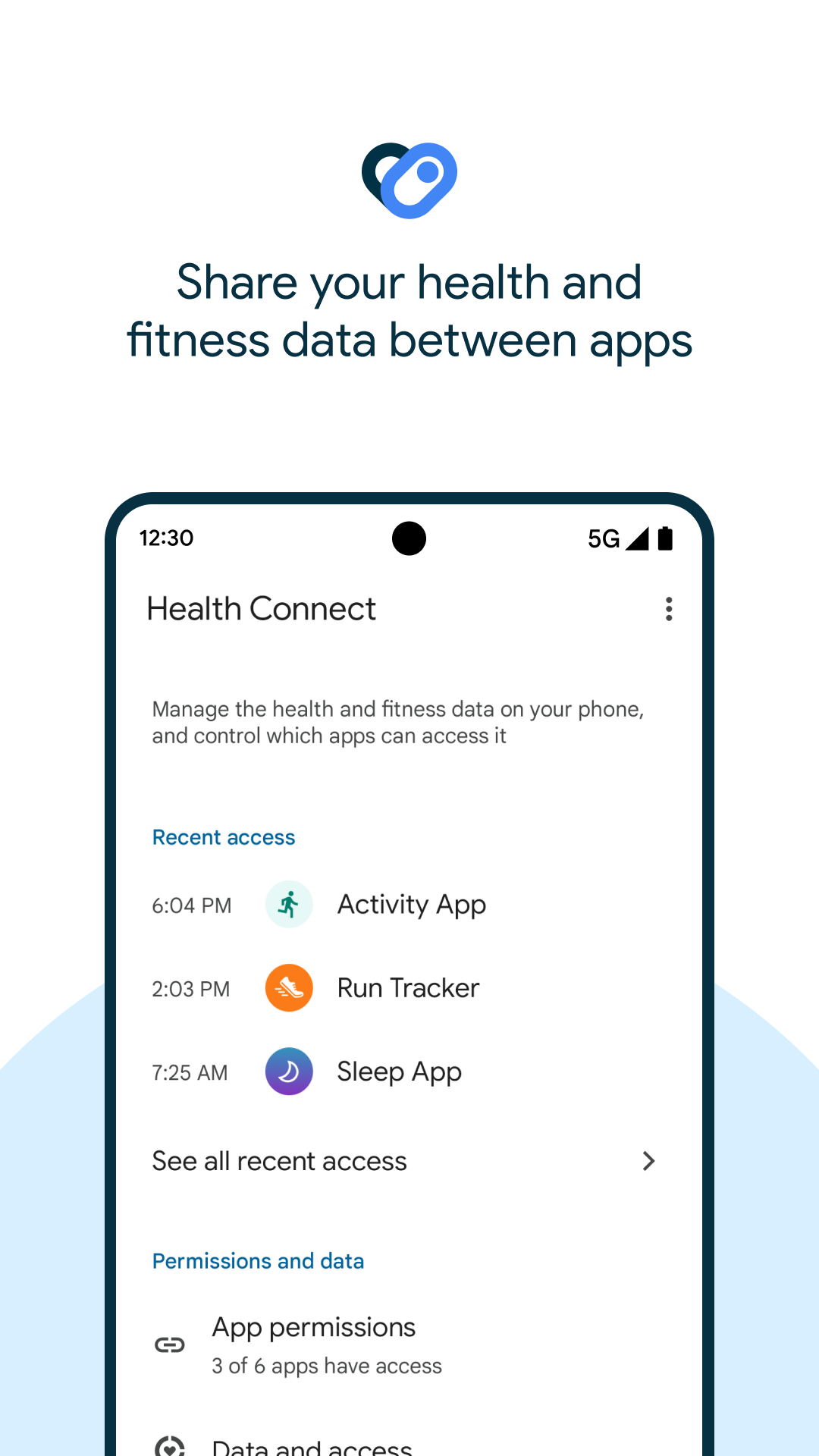
Health Connect (Beta) acts as a mediator between apps that generate health information and apps that need to consume it. Instead of copying data between platforms or granting broad permissions to every tool, users can route specific categories — like activity, vitals, or sleep — through a single trusted layer. That makes it easier to keep a clean audit trail of who accessed what and when.
Core functionality
- Unified data store: A central repository holds structured health records that other apps can read or write with explicit consent.
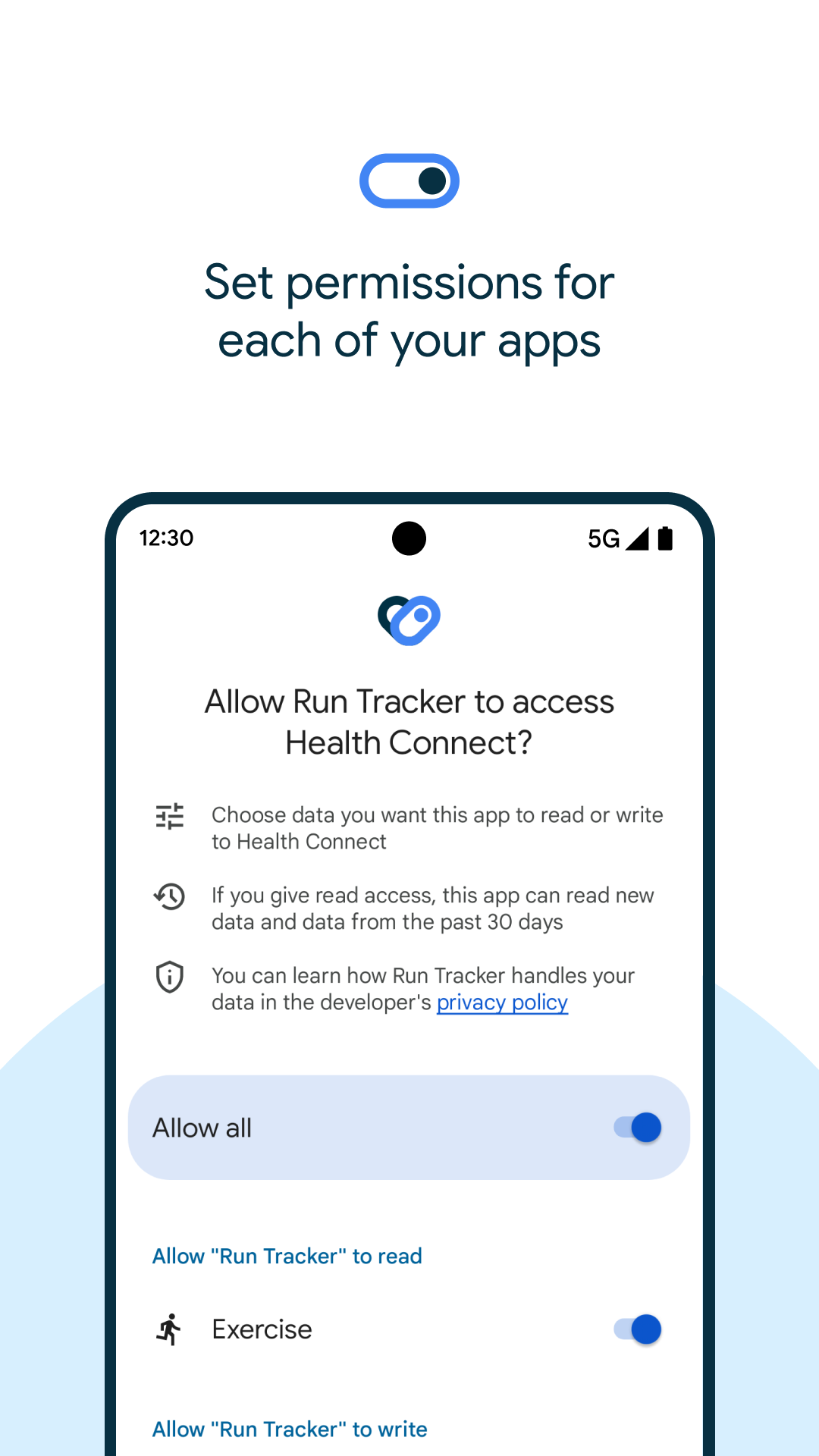
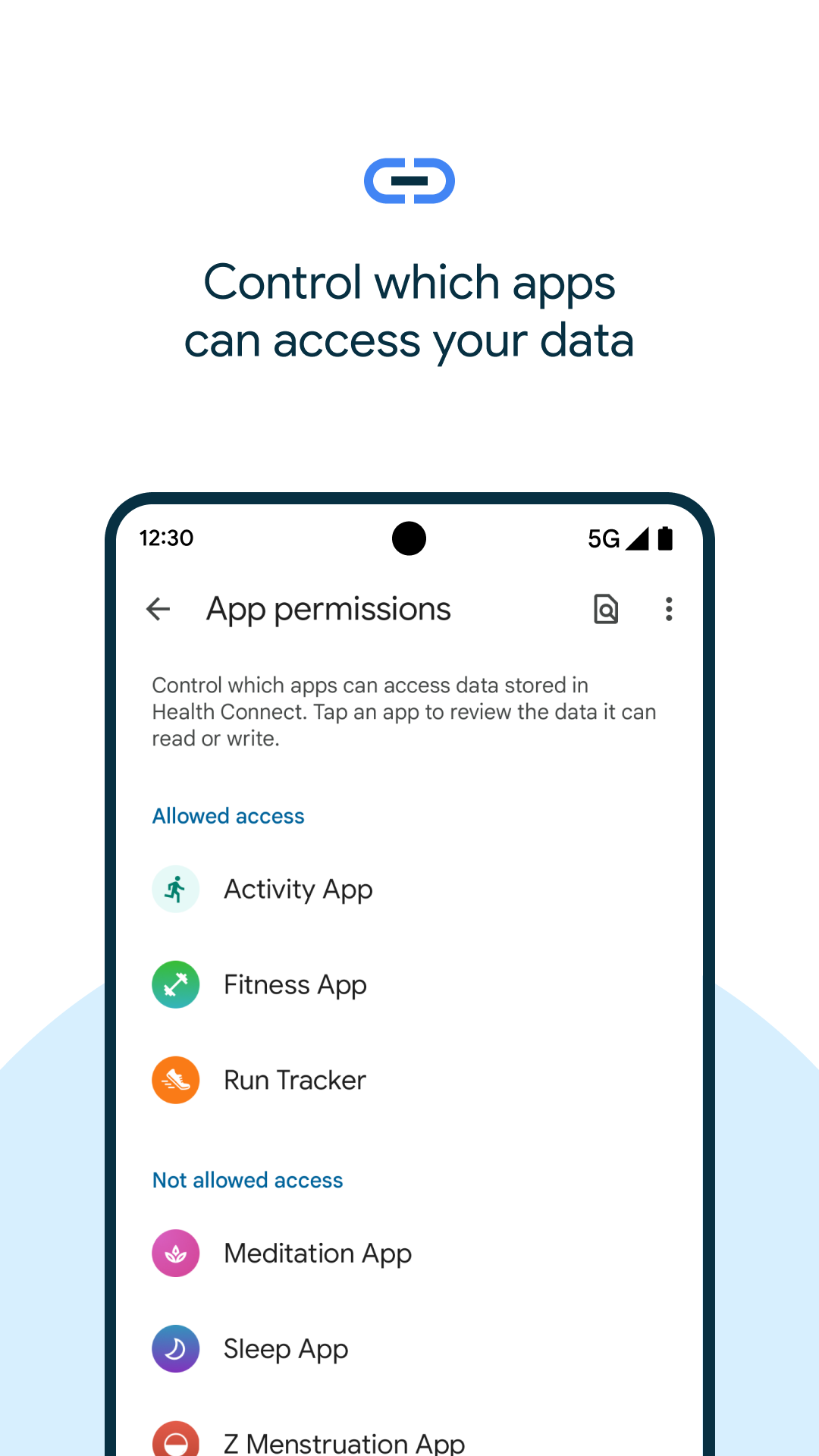
- Fine-grained permissions: Grant access by data type and by app, reducing unnecessary exposure of sensitive information.
- Cross-app compatibility: Works with trackers, medical apps, nutrition logs, and clinical tools that support the Health Connect framework.
How it integrates with your workflow
Integration is designed to be low friction. When you install a supporting app, Health Connect (Beta) prompts you to authorize access to selected categories. Developers can use documented APIs to map their internal metrics to the standard data types, allowing information to flow without manual exports. For users, that means fewer menus to navigate and fewer background sync tasks to manage.
Security and privacy model
Privacy is central to the design. Health Connect (Beta) separates the act of data storage from access control: data remains on-device unless an app explicitly requests permission to export. Permission dialogs make the requested scope obvious, and you can revoke access at any time from a single settings screen. For users who share health summaries with clinicians, the app produces clear consent records and timestamps.
Interface and performance
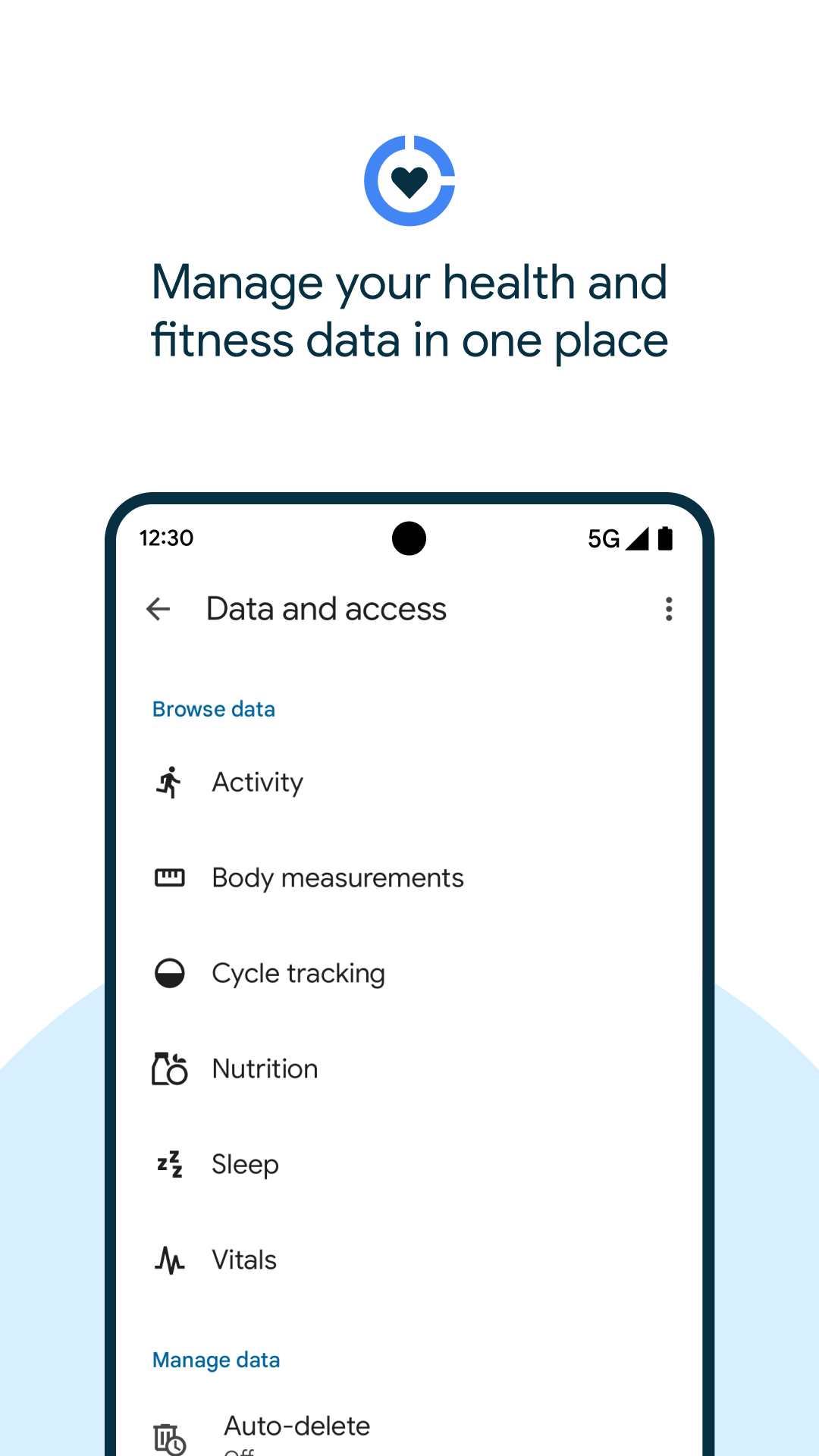
The interface favors clarity over bells and whistles. Key metrics are presented in lists and simple charts that update as connected apps write new entries. Resource usage is modest; background synchronization is event-driven to limit battery impact. The settings panels are grouped by data categories, so managing what each app can see or write is quick even on smaller screens.
Customizing data flows
For power users, Health Connect (Beta) supports selective routing. You can allow a running app to write step counts while blocking it from reading sleep records. Some apps expose additional toggles for aggregation frequency or retention period, and the core platform respects these preferences to keep data usage predictable.
User experience and support
Onboarding walks new users through the most common categories to protect, like activity and heart rate. Contextual help links explain why each permission matters and which apps commonly request it. Because this is a beta release, feedback tools are integrated so users can report sync problems or suggest improvements directly from the settings area.
Tips for first-time users
- Start with one or two trusted apps and grant minimal permissions; expand access once you confirm behavior.
- Use the activity log to verify when an app wrote data and to which categories.
- Revoke access immediately for apps you no longer use to reduce attack surface.
Why adopt Health Connect (Beta) now
Adopting a central connector reduces duplicate data collection and simplifies consent management. For people balancing multiple trackers and health services, Health Connect (Beta) becomes a practical layer that preserves privacy while enabling richer cross-app experiences. Developers also benefit from a single integration point that increases compatibility with other health ecosystems.
Getting started
Installation is straightforward from the Play Store. After installing, grant the minimum permissions required for your use case and connect a couple of companion apps to test sync behavior. Regularly check the permissions dashboard to keep visibility on which apps have access to your health information.
- No virus
- No advertising
- User protection
Information
- File size: 4.10 M
- Language: English
- Latest Version: 2025.04.17.00.releas
- Requirements: Android
- Votes: 144
- Package ID: com.google.android.apps.healthdata
- Developer: Google LLC
Screenshots
















Explore More
Take charge of your wellbeing with our innovative health and fitness apps. Monitor your activity, sleep, nutrition and more using our advanced tracking tools. Access personalized insights to develop healthy habits. Check symptoms, manage medications, and connect with doctors through our telehealth services. Follow customized workout plans for any fitness level with our virtual coaching.

Tap vpn - fast and safe

Half Marathon Trainer 13.1 21K

DWP Fitness - Diet & Workout

MaaS360 MDM for Android

AD Program

Kidcare – Parental Control App

Ultimate IPTV Playlist Loader

Calorie