
Introduction
Homesuite is a mobile productivity app designed to centralize household tasks, bills, and schedules in one place, helping families and roommates coordinate chores, budgets, and appointments. It blends task management, shared calendars, and smart reminders with an easy-to-navigate interface for smoother day-to-day home organization.
Overview and Purpose
Homesuite targets users who want a structured way to manage domestic responsibilities without juggling multiple apps. It consolidates to-do lists, recurring payments, and events into a single dashboard so households can reduce friction and avoid missed deadlines. The app focuses on collaboration, transparency, and reducing the cognitive load of running a home.
Core Tools and Features
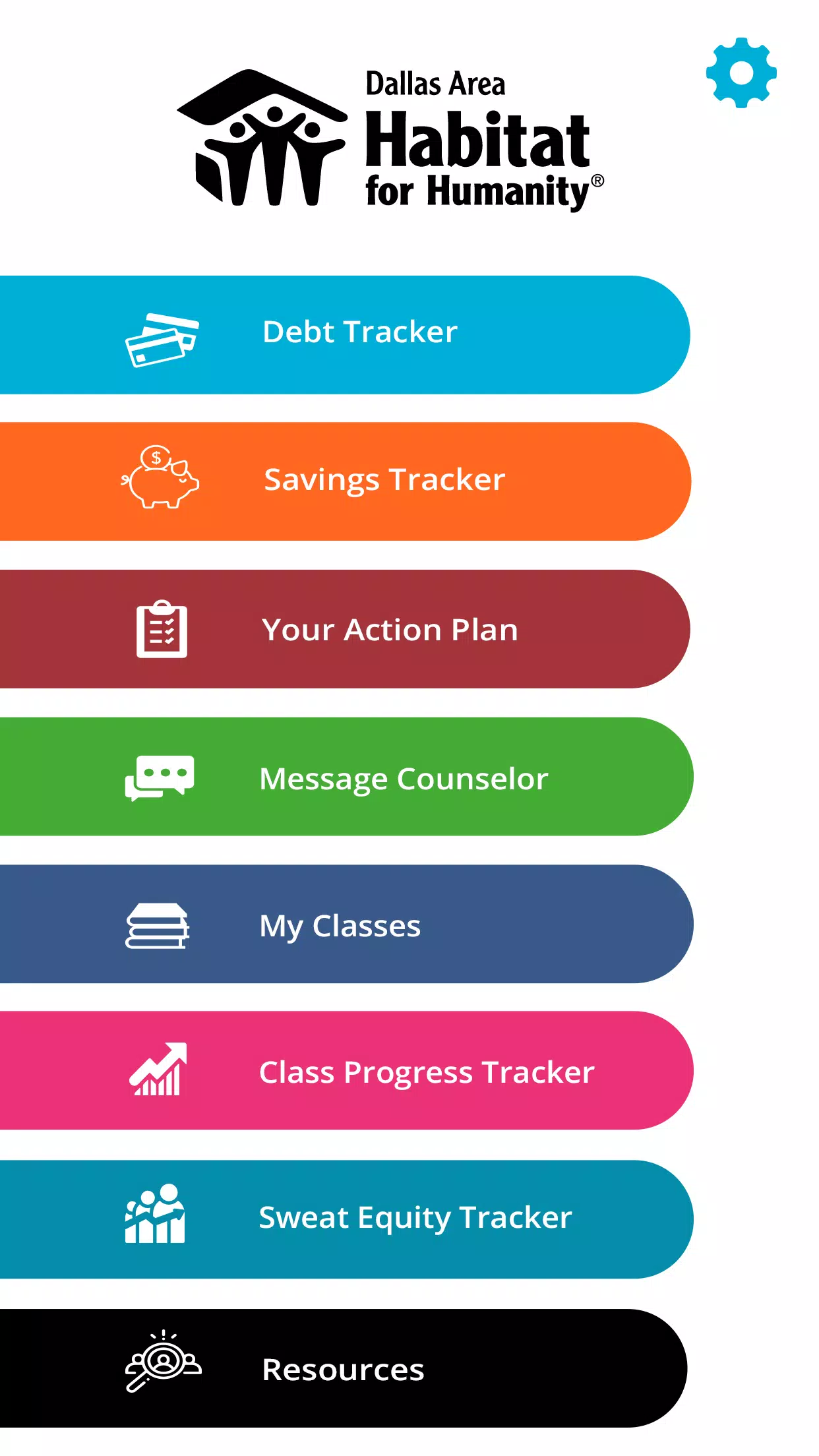
The app groups core utilities into clear modules. Users get a shared calendar that supports color-coded entries, a chores board with assignment and progress tracking, and a bill manager that records due dates and amounts. Notifications and push reminders ensure everyone stays informed. Homesuite also supports attachments and notes for each task, making it simple to include receipts, photos, or instructions.
How It Works Day-to-Day
Homesuite uses straightforward workflows that mirror real household routines. Create a repeating task once — for example, weekly trash pickup — and assign it to a household member. The app will automatically remind them when the task approaches. For bills, add a repeat schedule and payment details; the system will alert responsible parties ahead of due dates and record payment confirmations for history and accountability.
Interface and Usability
The user interface emphasizes clarity. The home screen surfaces urgent items and upcoming events so users can act quickly. Navigation is handled through a simple tab bar and contextual menus. Options to filter tasks by person, category, or due date keep lists manageable. Homesuite balances functionality with minimal visual clutter, letting users configure which modules appear on their dashboard.
Customization and Personalization
Personalization options allow each household to adapt Homesuite to their needs. Create custom chore categories, set different reminder intervals, and apply unique labels for rooms or priorities. The app supports multiple household profiles so roommates, family members, or caregivers can maintain individual preferences while sharing core responsibilities.
Collaboration and Permissions
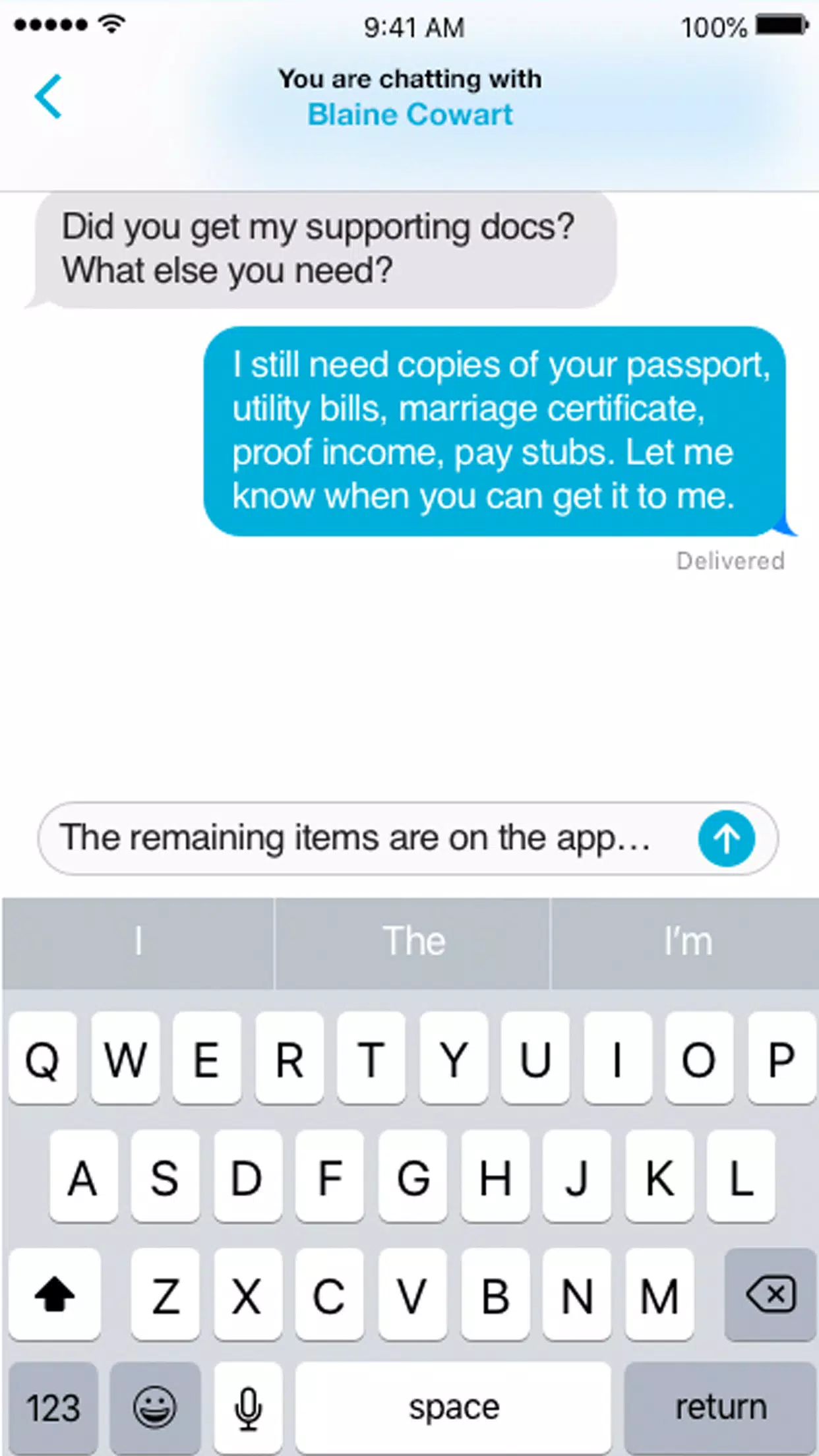
Collaboration is central to the experience. Owners can invite members via email or shareable links, then assign roles with specific permissions. For example, some users can manage tasks and bills, while others have view-only access. Activity logs record changes and completion history so disputes are minimized and accountability is clearer.
Performance and Reliability
Homesuite is engineered to run smoothly on a wide range of devices. Data sync happens in the background to ensure that all members see up-to-date information across phones and tablets. Offline support allows basic viewing and editing when a connection is unavailable; changes sync automatically once connectivity returns. Battery and data usage are optimized for continuous daily use.
Security and Privacy Considerations
Security features include encrypted data transmission and optional passcode or biometric locks for app access. Shared items are protected by role-based permissions, and account settings let administrators manage who can invite new members. Homesuite provides clear options for exporting or deleting household data to comply with user preferences.
Tips for New Users
- Start small: Begin with a few high-impact recurring tasks like pay rent or weekly cleaning to demonstrate value quickly.
- Assign clear ownership: Tag responsible members to reduce overlap and confusion.
- Use labels: Apply consistent labels for rooms or priorities to keep lists scannable.
- Set realistic reminders: Schedule alerts early enough to allow action, not right when tasks are due.
Why People Adopt Homesuite
Users often praise Homesuite for reducing household friction and improving communication. The ability to centralize schedules, payments, and chores reduces the number of arguments about forgotten tasks. Its clean design and collaborative features make it suitable for couples, families, and shared living situations.
Getting Started
Installation is straightforward: download, create a household, and invite members. The onboarding tutorial highlights key areas and helps set up the first recurring tasks and bills. Frequent updates add refinements and new integrations, keeping Homesuite aligned with typical household workflows.
For anyone looking to simplify home management, Homesuite offers a cohesive set of tools that turns scattered to-dos into a coordinated plan. With structured collaboration, flexible customization, and reliable reminders, it helps everyday households run a little more smoothly.
- No virus
- No advertising
- User protection
Information
- File size: 3.30 M
- Language: English
- Latest Version: 1.1.1
- Requirements: Android
- Votes: 229
- Package ID: com.homesuite
- Developer: Dallas Area Habitat for Humanity
Screenshots

















Explore More
Make your house a home with our selection of innovative apps. Discover programs to simplify cleaning, organize closets, and manage home maintenance. Take the hassle out of chores and keep your space running smoothly. Design, visualize, and renovate like a pro using our augmented reality and 3D modeling tools. Enhance security and monitor your property 24/7 with our connected home tech.

Scary sound effects

カウシェ

Baby songs free Nursery rhymes

Kaspersky Password Manager

Kidcare – Parental Control App

OTT Navigator IPTV

MTS Link

Origin Energy Gas Internet LPG