
Introduction
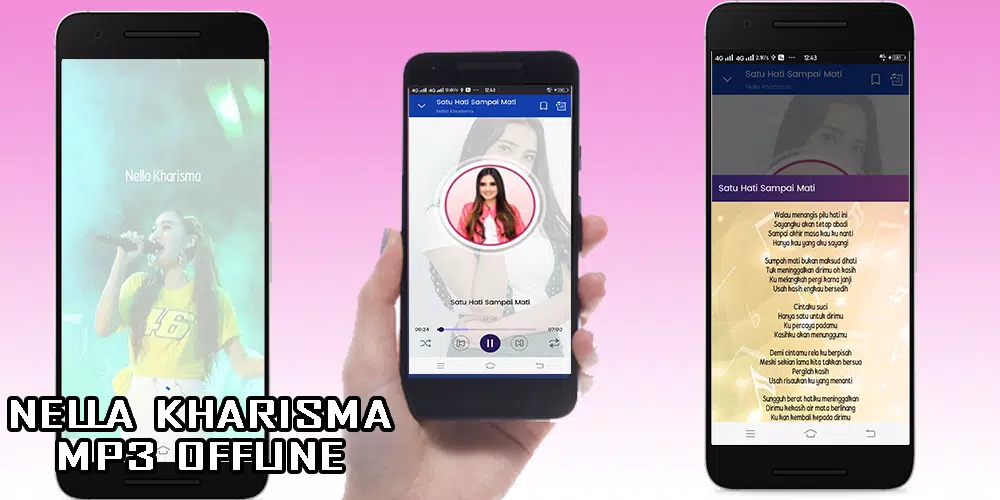
Nella Kharisma is a dedicated fan app that brings the singer's music, videos, and updates into a single polished interface. Designed for listeners who want quick access to tracks, lyrics, concert news, and curated playlists, the app balances media playback with social features and easy navigation for everyday use.
Overview of the app experience
The Nella Kharisma application focuses on streamlined access to content associated with the artist, prioritizing playback stability and clear organization. It combines an audio player, a short video section, and an events feed so fans can stay informed without switching platforms. The layout guides users from discovery to listening in a few taps.
Key functions at a glance
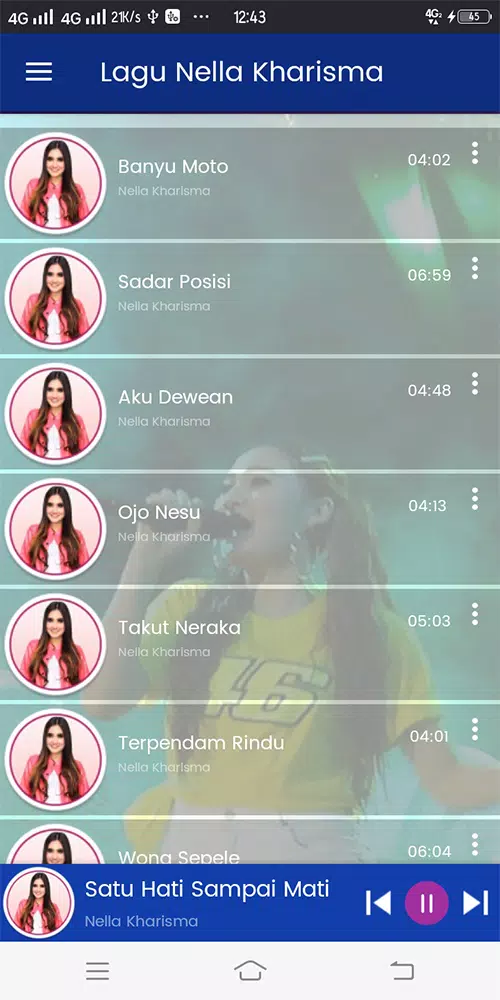
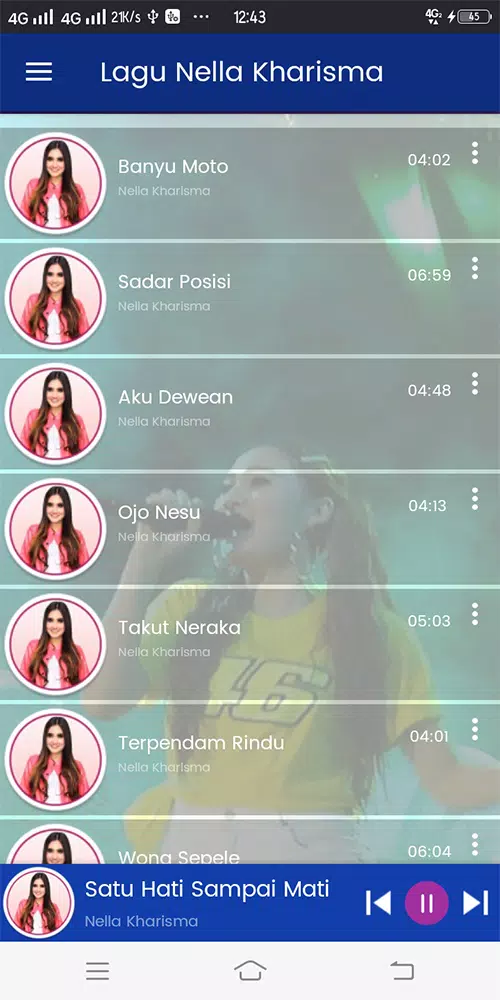
- Music Library: A sortable catalog of official tracks and popular singles grouped by album and release date.
- Video Clips: Short performance videos and music clips optimized for mobile viewing.
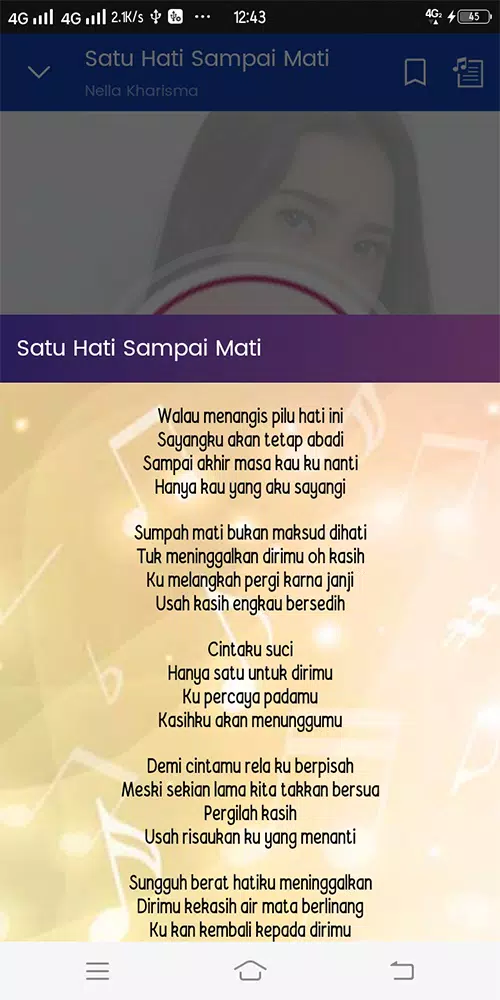
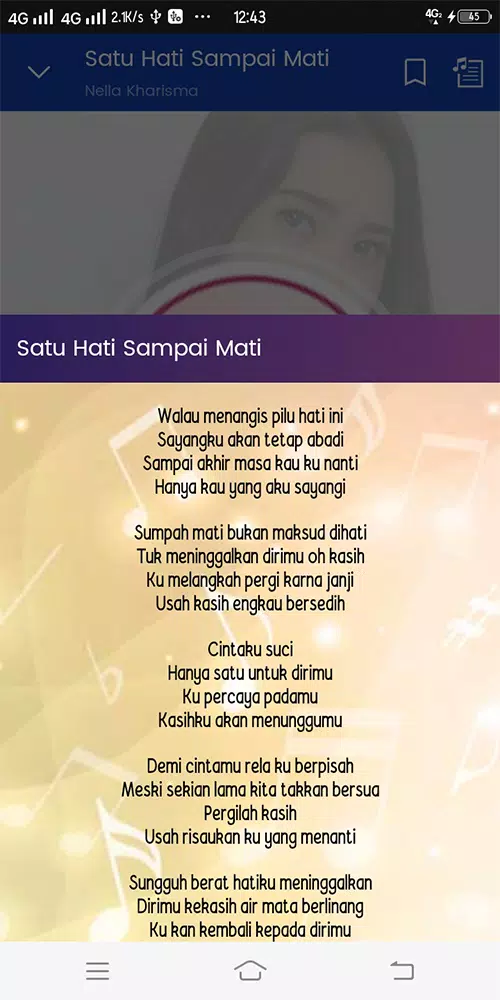
- Lyrics & Song Credits: Synchronized text and contributor information for each track.
- Event Notices: Notifications and details about upcoming concerts, meet-and-greets, and livestreams.
- Offline Mode: Save selected songs and playlists for listening without network access.
Interface and performance
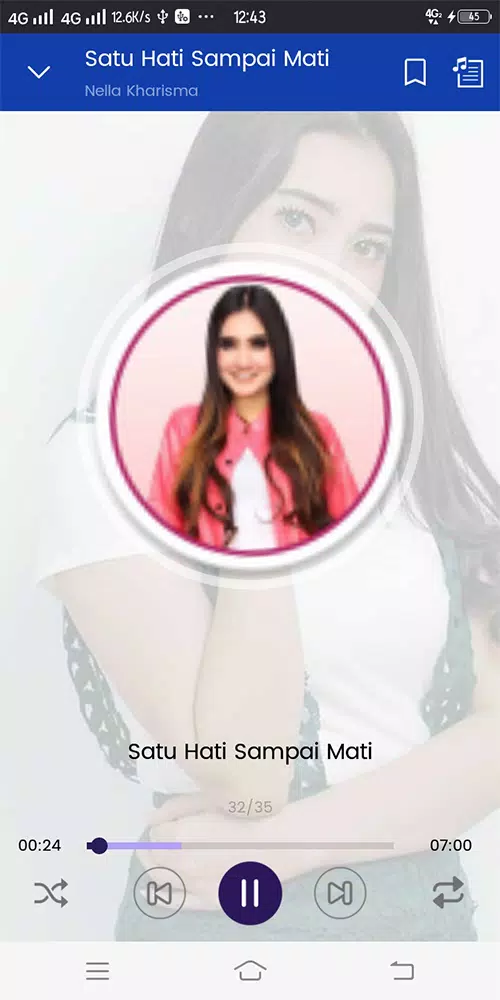
Visual design is clean and icon-driven to reduce clutter. Large album art, high-contrast typography, and clear playback controls help users focus on content. The app remains responsive across older mid-range devices thanks to efficient caching and adaptive image loading. Battery management and background playback are handled so listening sessions don't drain resources unexpectedly.
How the player works
The audio player supports gapless playback, queue reordering, and basic equalizer presets. Users can create and edit custom playlists, add favorites with a single tap, and shuffle or repeat tracks. The app also remembers last-played position and resumes playback when reopened. Controls are reachable from a persistent mini-player that collapses or expands for detailed options.
Content discovery and organization
Navigational tools emphasize discovery. A "For You" section surfaces recommended tracks and playlists based on listening history, while curated collections highlight hit singles, slower ballads, and live performances. Tagging and metadata enable quick filtering by mood, year, or concert recording.
Customization and personalization
Personalization settings let users tailor the experience. Toggle themes, choose default audio quality, and set download preferences for Wi-Fi-only or mobile data. Users can also prioritize videos or audio in their home feed, and rearrange sections to surface the features they use most.
Social features and engagement
Social tools encourage community without overwhelming the app. Shareable song cards, comment threads beneath video posts, and simple reaction options create a lightweight interaction layer. Event RSVPs and calendar sync make it easy to follow live shows and receive timely reminders.
Safety and data handling
Privacy controls are straightforward: control visibility of profile activity, manage push notification categories, and clear cached downloads. The app requests only necessary permissions, such as storage for offline content and calendar access for event integration.
Tips for new users
- Start by favoriting five tracks to improve recommendations quickly.
- Enable offline mode before traveling to save mobile data.
- Use the equalizer presets to match the audio to your headphones or speakers.
- Subscribe to event alerts to get the earliest ticket and livestream information.
Why fans keep returning
Fans appreciate how Nella Kharisma centralizes disparate content into one consistent experience. The app reduces friction between finding a song and playing it, while curated sections and regular updates keep the catalog feeling fresh. Lightweight social features help fans connect around new releases without leaving the app.
Getting started
Installation is straightforward: download, sign in with a minimal profile, and grant optional permissions for downloads and calendar sync. New users can import external playlists or begin with suggested collections to build a personal library in minutes.
- No virus
- No advertising
- User protection
Information
- File size: 91.00 M
- Language: English
- Latest Version: 1.0.12
- Requirements: Android
- Votes: 358
- Package ID: com.ngalap.nellakharisma
- Developer: ngalap
Screenshots

















Explore More
Make your house a home with our suite of helpful home apps. Discover clever tools to organize closets, streamline chores, and simplify cooking. Take the stress out of cleaning and maintenance with handy checklists and schedules. Enhance security and control appliances and lighting with our smart home integrations. Design, visualize, and renovate like a pro using our 3D planning software.

Metro Micro

All Recovery - Photos & Videos

Tax Calculator India 2024-2025

ClassPass: Fitness, Spa, Salon

OnDjoss

Park4Me

Scary sound effects

Home Workouts - Lose Weight