

Introduction
TV Argentina Channel Data provides a fast, organized directory of Argentine television channels and program schedules, geared toward viewers and developers who need structured metadata. The app aggregates channel identifiers, broadcast times, and technical details into a searchable interface for quick access and reference.
Overview
Designed as a compact reference tool, TV Argentina Channel Data helps users locate up-to-date channel information across Argentina’s broadcast and cable landscape. It focuses on clarity and utility: channel names, frequencies, virtual numbers, genres and schedule blocks are presented so you can find what you need without sifting through cluttered guides.
Core features at a glance
- Searchable database — fast keyword lookups for channel names, cities, or program titles.
- Technical metadata — includes frequency, multiplex, and stream details for enthusiasts and integrators.
- Program guide snapshots — concise schedules and time slots to help plan viewing.
- Offline access — cached entries keep key data available when you’re offline.
- Export options — ability to copy or export entries for developer or archival use.
How it works
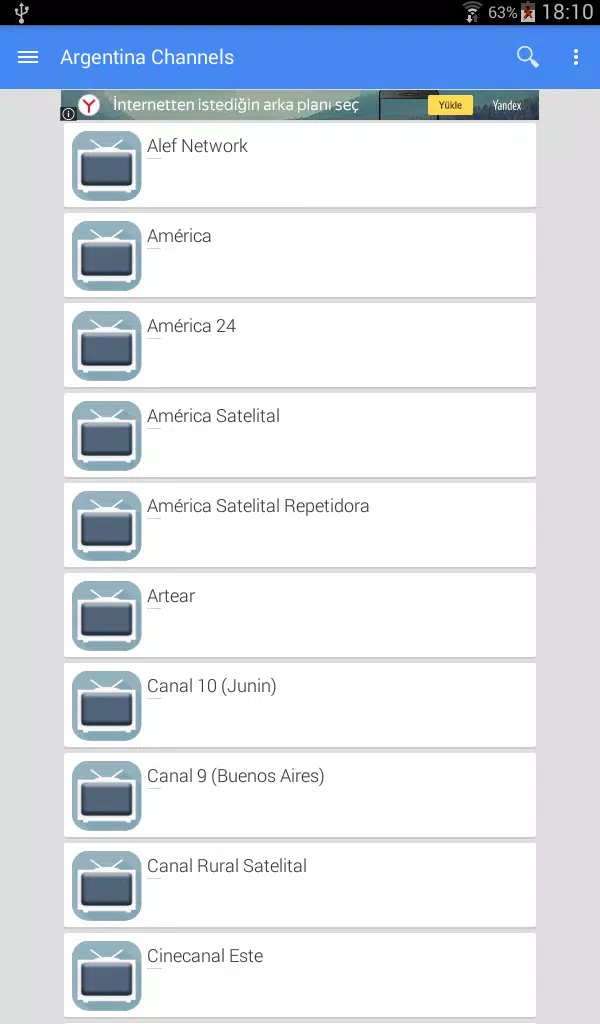
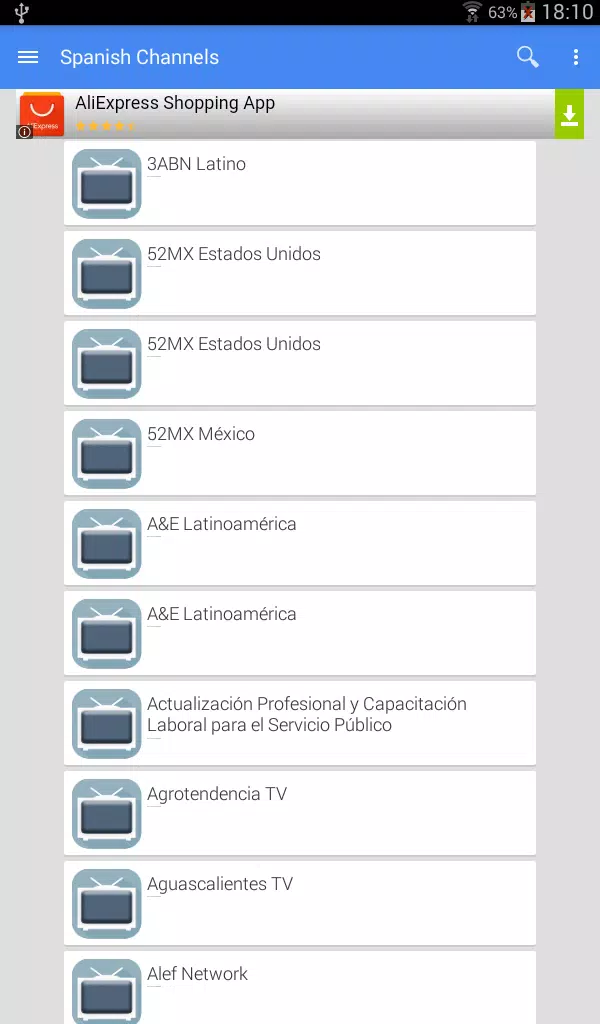
Information in TV Argentina Channel Data is organized into clear records. Open the app, enter a station name or location, and results populate with channel-specific cards. Tapping a card reveals technical fields and recent schedule entries. The interface favors quick scanning: bold labels and short lines make it straightforward to compare channels or pinpoint broadcast details.
Interface and performance
The layout is built for speed. A lightweight design minimizes loading times and keeps memory usage low on older devices. Lists render quickly, and the search function delivers incremental results as you type. Visual elements are restrained so the focus stays on data — color accents highlight genres and live/recorded indicators.
Practical tools for different users
Whether you’re a casual viewer, a hobbyist seeking frequency data, or a developer integrating channel lists into a third-party guide, the app adapts to your workflow. The export feature creates plain-text snippets or structured CSV entries. Filtering tools let you narrow results by region, broadcast type (terrestrial, cable, satellite), or content category.
Tips for new users
- Start with your city — filter by location to reduce noise and get locally relevant channels.
- Use keywords — program titles, presenter names, and genre tags improve search accuracy.
- Save frequent queries — bookmarking a search speeds up repeat lookups.
- Verify schedules — consult channel pages for live updates before planning recordings.
Customization and settings
Settings let you control update frequency and data retention. Choose automatic refresh intervals to keep schedules current, or opt for manual sync to conserve bandwidth. Display options adjust font size and highlight colors for readability. These small adjustments make TV Argentina Channel Data more comfortable to use over extended sessions.
Use cases and workflow examples
For a television hobbyist, the app can be part of a routine to catalog signals and compare coverage maps. A content curator might export channel lists to populate a program planner. For ordinary viewers, the app is an easy way to confirm what’s on air and when, without opening multiple broadcaster sites.
Reliability and updates
Data accuracy depends on regular updates from broadcasters and aggregators. The app includes a feedback mechanism to report missing channels or incorrect entries. Frequent minor updates keep the directory aligned with schedule changes and channel reassignments.
Getting started
Installing and configuring TV Argentina Channel Data is straightforward. Grant optional permissions for offline caching if you want local copies. Begin with a quick sync, set your preferred region, and save a couple of bookmarks to get immediate benefit. The learning curve is minimal, and the interface supports progressive discovery of deeper features.
With a focus on usability and practical metadata, TV Argentina Channel Data is a useful addition to anyone’s toolkit when navigating Argentina’s television landscape.
- No virus
- No advertising
- User protection
Information
- File size: 6.40 M
- Language: English
- Latest Version: 1.1.0
- Requirements: Android
- Votes: 189
- Package ID: com.kumralapps.tvargentina
- Developer: Peker Computer
Screenshots
















Explore More
Discover your next great read with our innovative book apps. Access millions of ebooks, audiobooks, and comics on any device. Get personalized recommendations from our advanced algorithms so you always have your next great story lined up. Track your reading habits and browse curated lists for inspiration. Join online book clubs to connect with fellow bibliophiles. Listen to samples and download seamlessly with our integrated stores.

MEXC Global: BTC, ETH, Gamefi

Bloomberg Connects

Metro Micro

IZI: play, listen, watch, call

ClassPass: Fitness, Spa, Salon

Kyrgyz Russian Translation

Park4Me

Juice Recipes





























