


Introduction
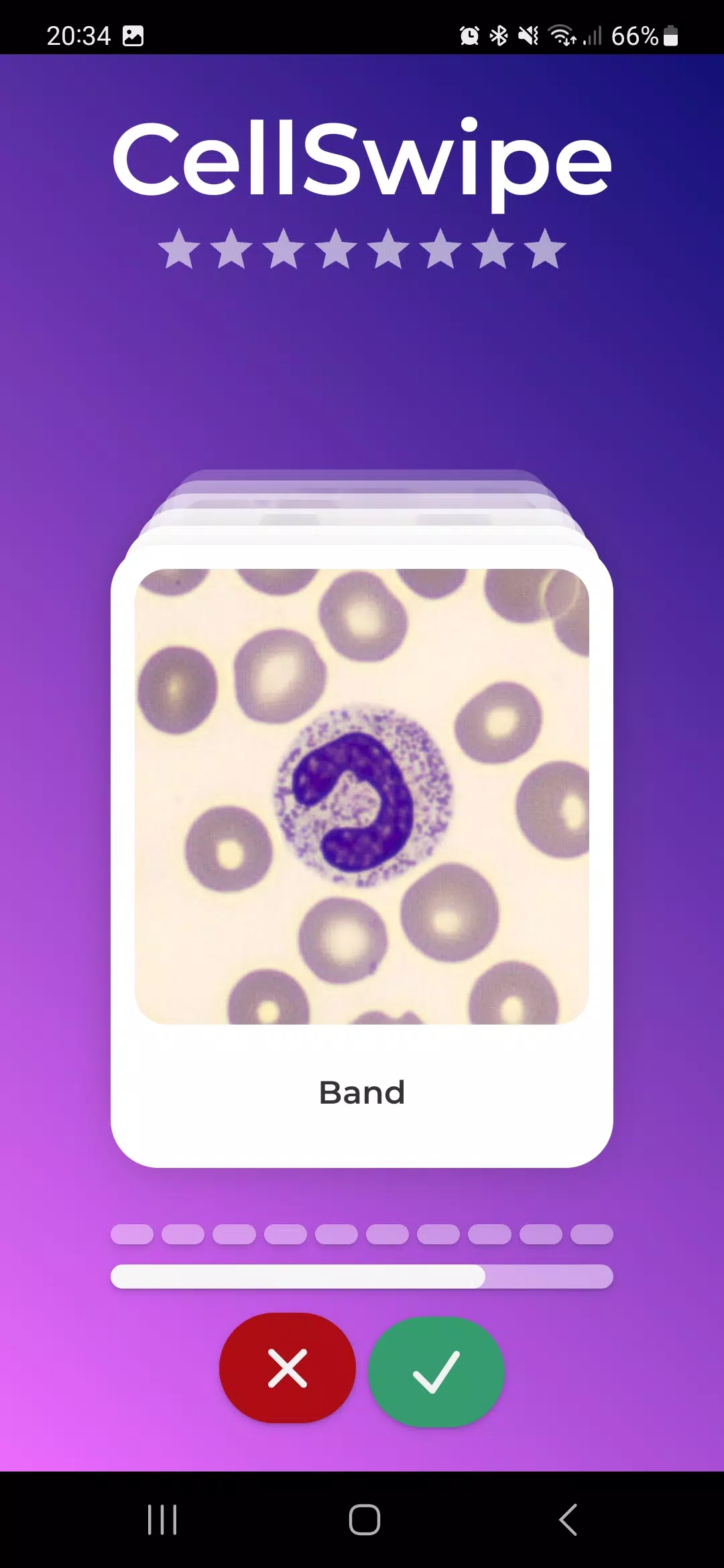
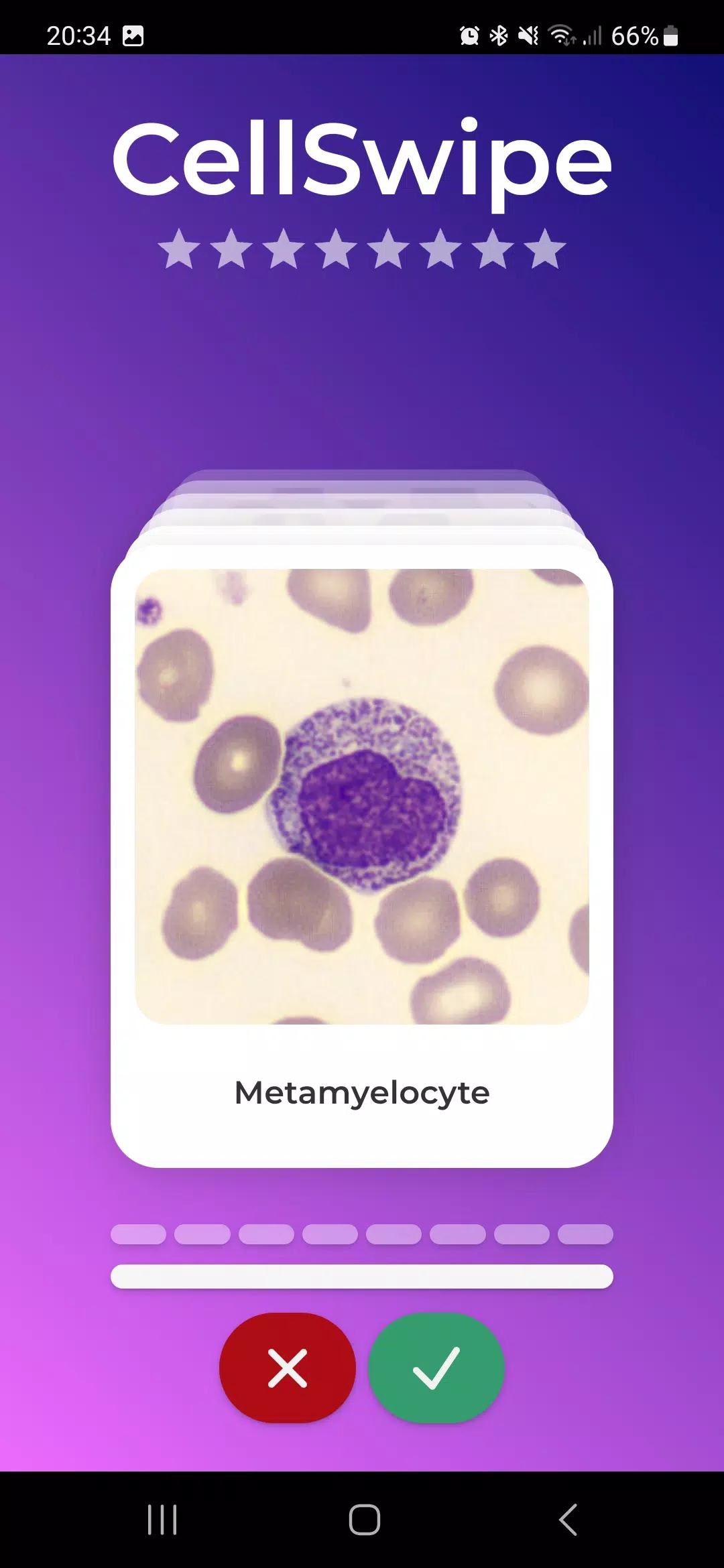
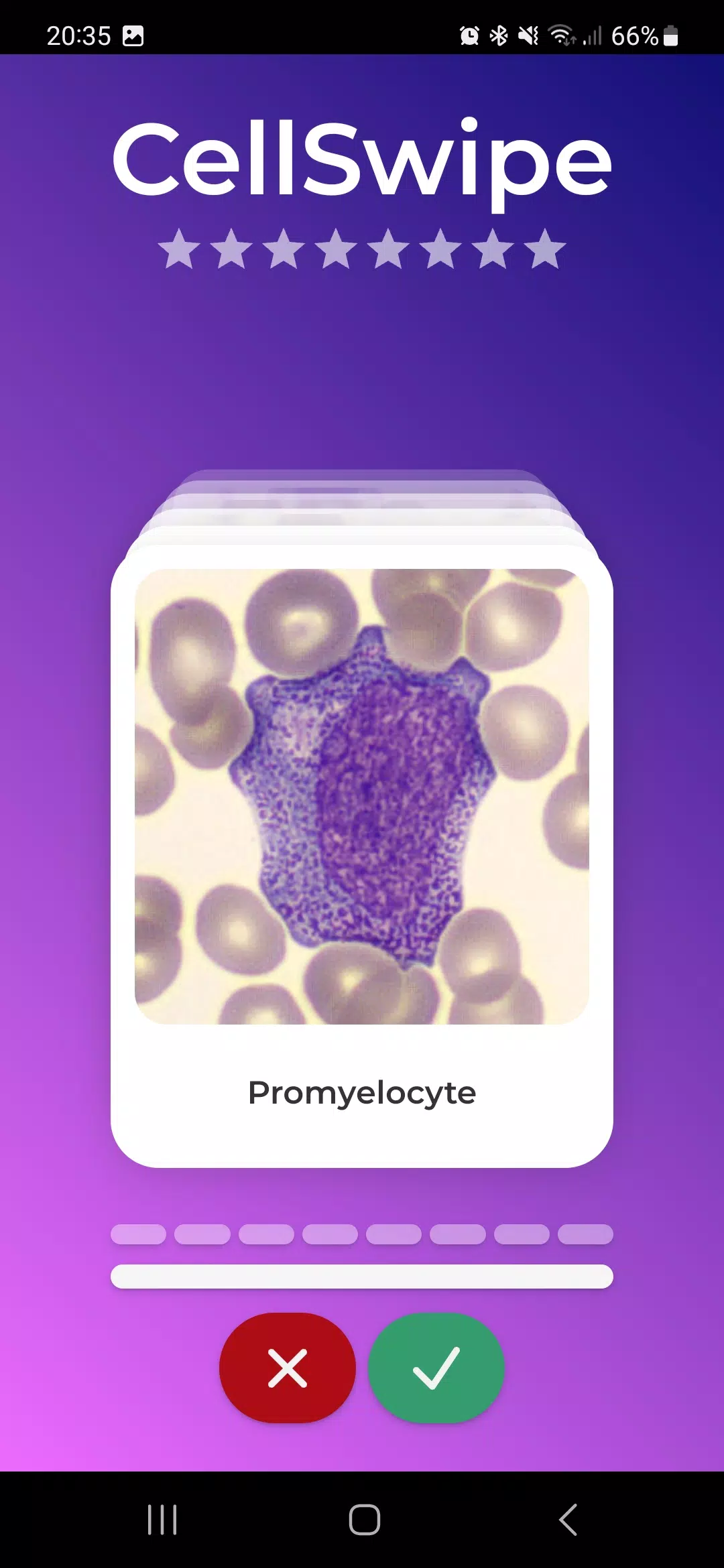
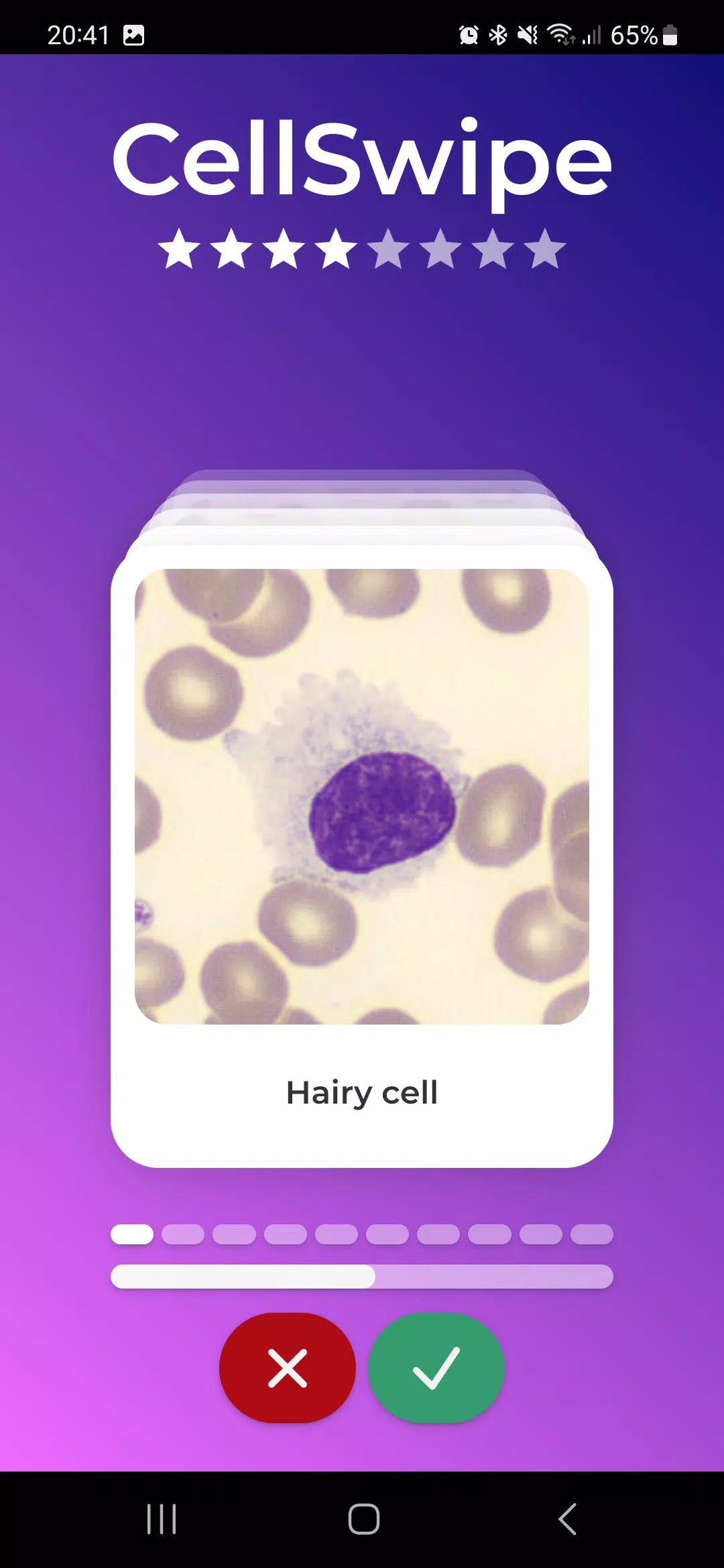
CellSwipe is a fast-paced puzzle-action game that challenges you to clear dynamic cellular grids by swiping, matching, and combining colored cells. With short levels, evolving mechanics, and power-ups, CellSwipe blends strategy and reflexes into bite-sized challenges that reward planning and quick decisions.
Core gameplay
At its heart, CellSwipe asks you to read the board and execute efficient swipes. Levels consist of compact grids filled with a variety of cell types: standard color blocks, locked cells, boosters, and special tiles that change behavior when combined. Each move shifts multiple pieces, creating chain reactions and opportunities for big clears. Timing matters—some stages introduce hazards that force you to think two or three moves ahead.
Progression and level design
The game advances through a series of themed worlds with increasingly complex layouts. Early stages focus on teaching mechanics like swiping horizons, combining identical cells, and using single-use power-ups. Later levels layer mechanics such as gravity, tile transformation, and time-limited objectives. Progression rewards both skill and experimentation: completing side objectives and earning high scores unlocks modifiers, new board shapes, and alternative challenge modes.
Power-ups and special tiles
A signature feature of CellSwipe is its variety of special tiles and boosters. Some power-ups clear entire rows or columns, others convert nearby cells to a single color, and a few trigger local explosions that clear clusters. Special tiles may merge to create upgraded effects—strategic combinations can turn a small advantage into a decisive board wipe. Managing when and where to deploy these abilities is often the difference between a one-star finish and a top score.
Strategy and tactics
Success in CellSwipe relies on pattern recognition and resource management. Scan for potential cascades before committing to a swipe, and prioritize moves that open up the board rather than those that offer an immediate small gain. Preserve multipliers and boosters for stages with restrictive objectives, and use locked-cell clears to create breathing room. The game rewards players who develop a rhythm: set up two- or three-move sequences that activate in succession to maximize points and clear pressure quickly.
Characters, skins, and customization
While the main focus is puzzle-solving, CellSwipe includes cosmetic options to personalize the experience. Players can unlock skins, color palettes, and animated backgrounds to change the look of boards and cells. Cosmetic items have no effect on gameplay balance but help keep long sessions feeling fresh. Occasional seasonal themes introduce limited-time visuals and challenge boards with unique twists.
Controls and performance
Controls are designed for touch: swipe gestures move cells fluidly and are responsive even on lower-end Android devices. Visual feedback highlights potential matches and shows predicted tile movement, which is helpful for new players. The game runs smoothly across a wide range of hardware thanks to optimized rendering and adjustable visual settings. Frame rate and battery usage remain stable during extended play.
Modes and replayability
CellSwipe offers multiple modes to keep gameplay varied. The standard campaign provides structured challenges and a steady progression curve. Timed runs test your speed and precision, while puzzle modes present a fixed board that must be solved in a limited number of moves. Daily challenges and weekly leaderboards add competitive incentives, encouraging repeat plays to climb ranks and earn exclusive rewards.
Getting started tips
- Learn the swipe patterns: Spend the first few levels getting comfortable with multi-tile movement.
- Save powerful boosters: Use them on stages with restricted moves or high obstacle density.
- Look for cascades: Set up chain reactions to clear more with fewer moves.
- Explore modes: Try timed and puzzle modes to sharpen different skills.
CellSwipe combines accessible controls with layered strategy, delivering short, satisfying rounds that scale into deep puzzles. Whether you aim to perfect levels for three stars or experiment with creative tile combos, the game offers a steady stream of new challenges and visual refreshes that keep gameplay engaging.
- No virus
- No advertising
- User protection
Information
- File size: 0.20 M
- Language: English
- Latest Version: 1.0.2
- Requirements: Android
- Votes: 287
- Package ID: net.cellwiki.swipe.twa
- Developer: LabThings
Screenshots

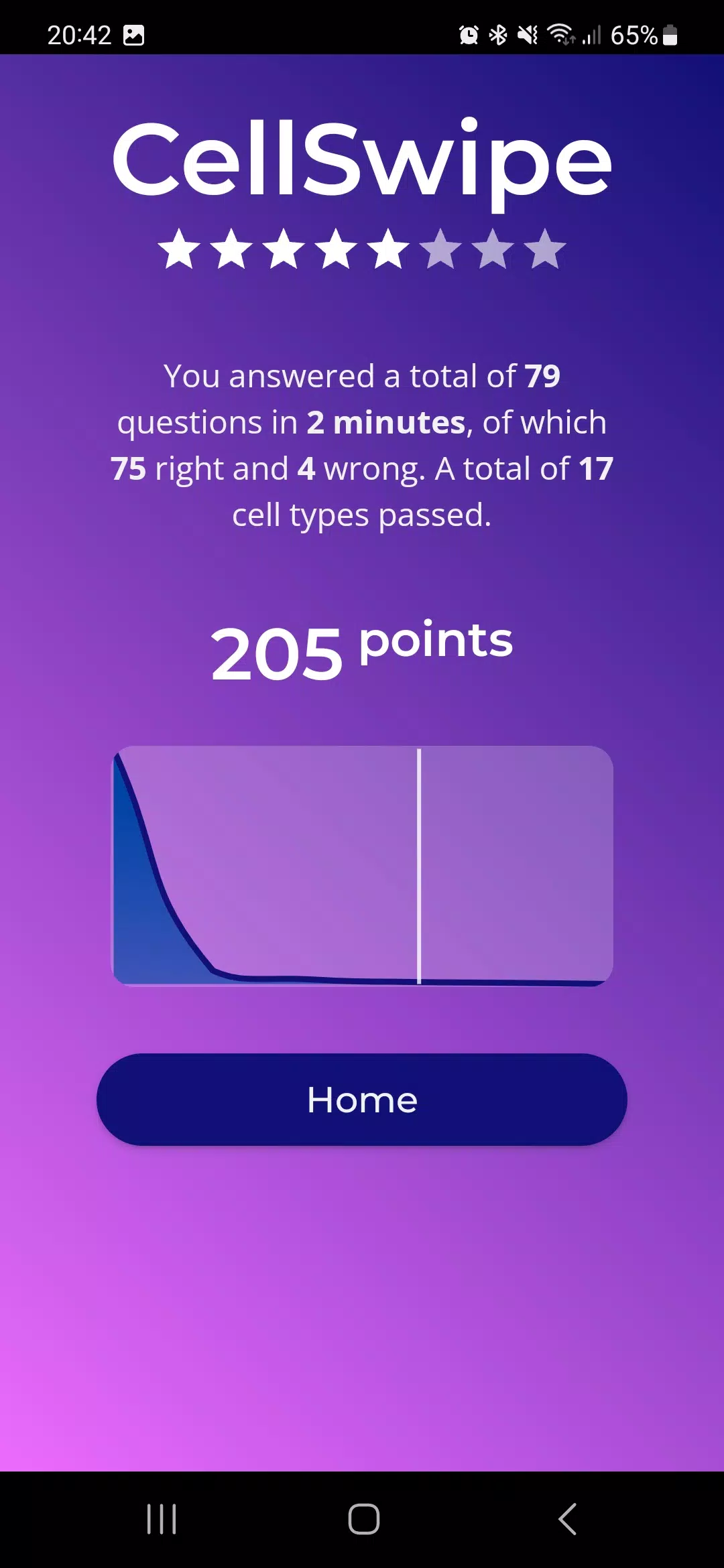
















Explore More
Explore an immersive world of entertainment with our media software. Watch, listen, and engage with your favorite shows, music, movies, and more. Access exclusive content, personalized recommendations, and innovative formats. Enhance your experience with our suite of cutting-edge applications. Discover hidden gems tailored to your unique tastes. Create, share, and connect over personalized playlists, reviews, and forums.

MEXC Global: BTC, ETH, Gamefi

Talking Cat Vs. Mouse

OLX Portugal

ScratchJr

Background Remove & Replace

AppLock Theme Tulip

Physics Lab

Netflix Premium





















