


Introduction
The Daily Kit is a coaching companion that brings guided, customizable activities and prompts to families, educators, and coaches who want short practical exercises to build connection and social-emotional skills. The Daily Kit pairs a clean digital interface with optional physical card sets and a library of age- and context-organized sessions so you can open the app and run a quick activity with minimal prep. It is designed to remove friction from regular practice: templates, suggested discussion prompts, and flexible timing make it easy to incorporate a meaningful exercise into a busy routine at home, in the classroom, or during one-on-one coaching.
Key features and user experience
The app presents a searchable library of activities organized by age group, learning goals, and context so facilitators find suitable prompts quickly. Each activity includes an estimated session length, recommended group size, and a clear set of facilitator steps that you advance with simple touch controls such as tap to continue or swipe to shuffle prompts. Visuals are intentionally minimal and high-contrast to keep focus on the interaction rather than flashy effects; optional calming animations and gentle transitions help pacing without distracting learners. Integration with optional card decks lets teams combine tactile tools with on-screen instructions for a hybrid workflow, and built-in timers, explicit reflection cues, and suggested follow-up questions guide the conversation from start to finish.
How sessions are structured and controlled
Sessions in The Daily Kit follow a predictable structure to support repeatable practice: a short warm-up, a core activity or prompt, and a closing reflection. Facilitators can select a session length—quick (3–7 minutes), standard (8–15 minutes), or extended (15+ minutes)—and the app adapts prompts and challenge level accordingly. Controls are straightforward: tap to move through steps, press and hold to access an explanation or variation, and use on-screen sliders to change difficulty or pace. Many activities include optional challenge settings, such as time-limited responses or follow-up tasks, which you can toggle on for older children or teams and turn off for younger participants.
Customization, progression, and replay value
Customization is central to sustained use: you can save favorite activities, create themed session lists, and adjust language or difficulty to match developmental needs. Progression is supported through local session history and simple completion tracking so facilitators can review which activities have been used, how often, and which reflections followed. Rather than a gamified ranking system, progression in The Daily Kit emphasizes gradual skill-building: repeated short sessions, incremental increases in challenge, and variation in prompts to deepen reflection. Replay value comes from multiple prompt banks, interchangeable session templates, and the ability to rewrite or localize wording to suit your group, keeping activities fresh even after repeated use.
Accessibility, offline use, and practical controls
The Daily Kit includes accessibility options such as adjustable text size, color contrast presets, and spoken instructions for key prompts so activities remain usable for a wide range of learners. Many activities and their related media can be downloaded for offline use, allowing facilitators to run sessions without a network connection once materials are stored on the device. Controls remain responsive offline: timers, step navigation, and saved session lists continue to work, and local reminders can be set to nudge consistent practice without requiring synchronisation or sign-in.
Visual style, classroom flow, and implementation tips
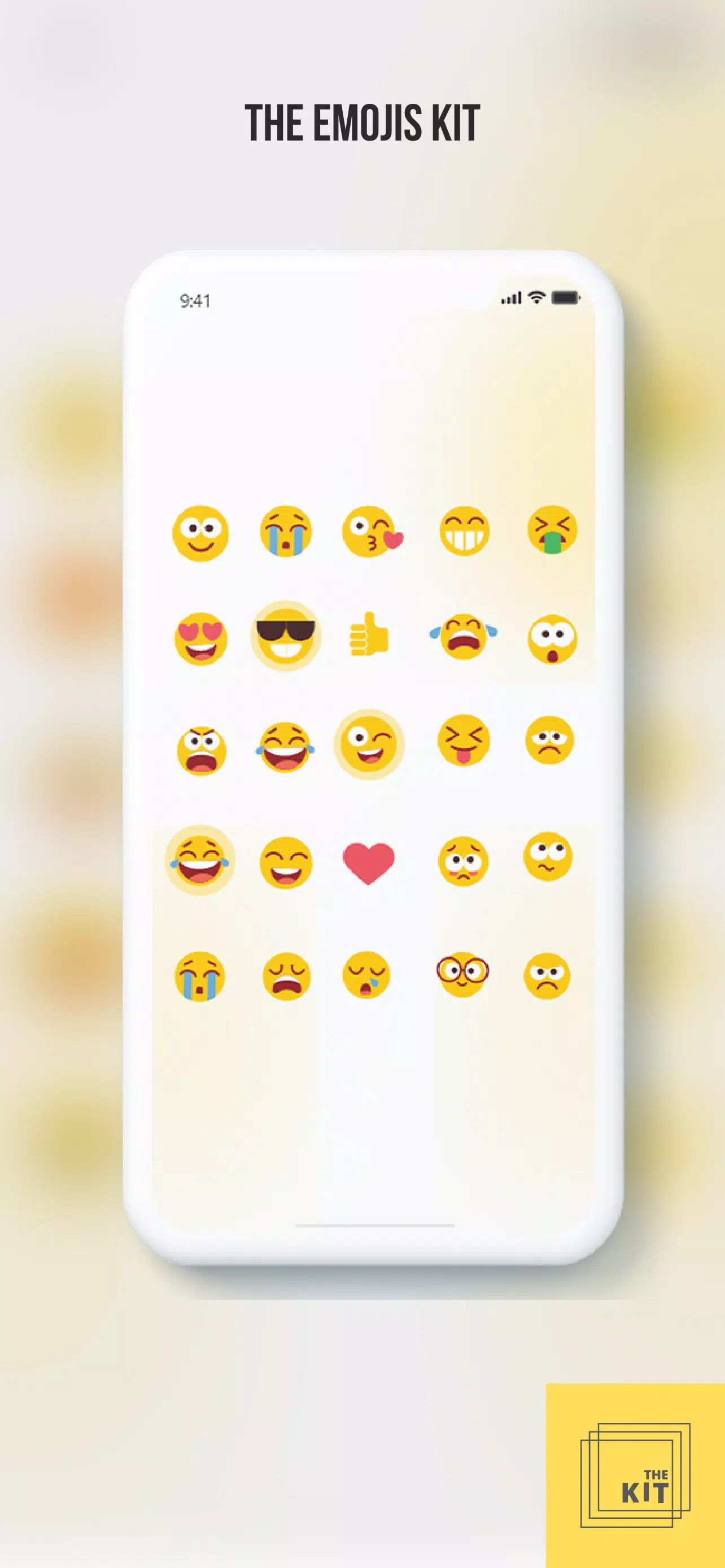
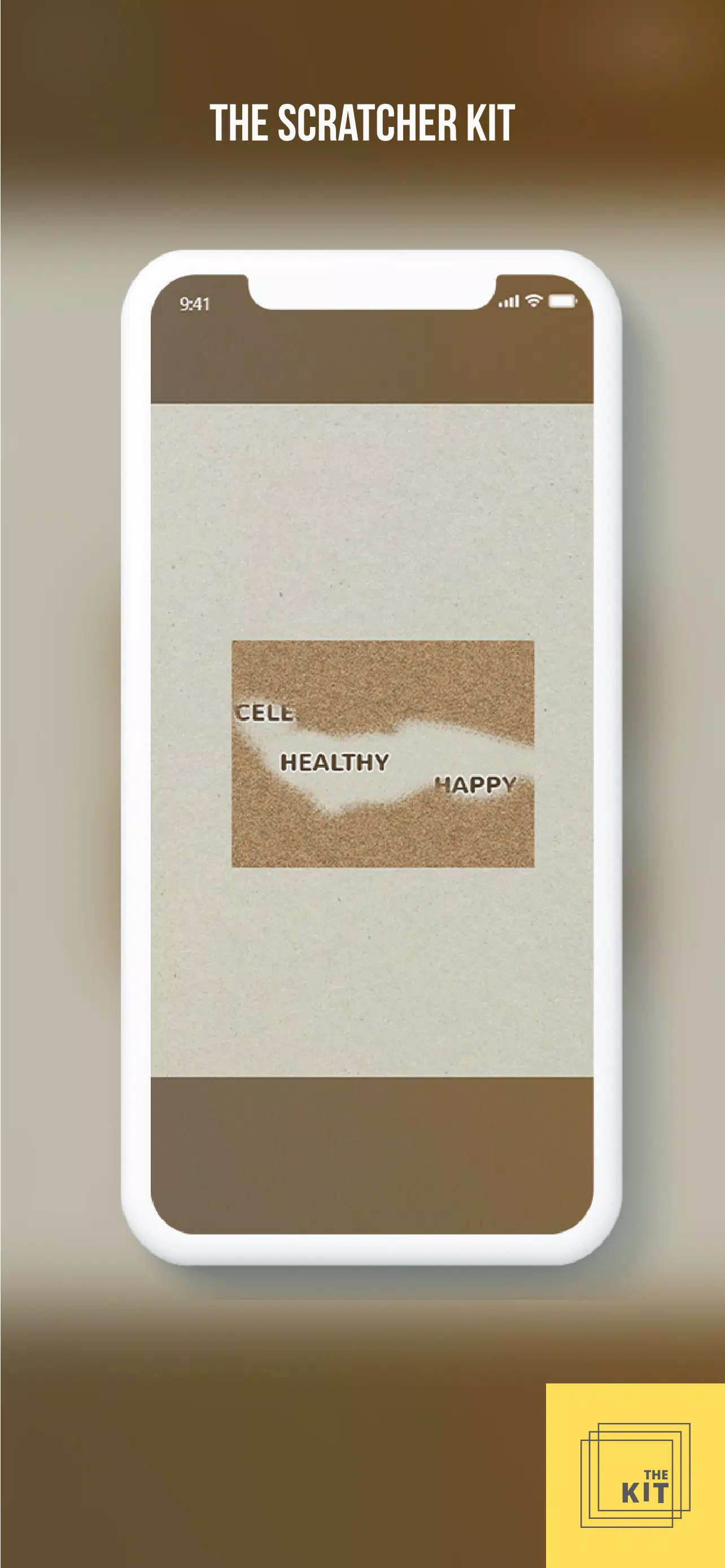
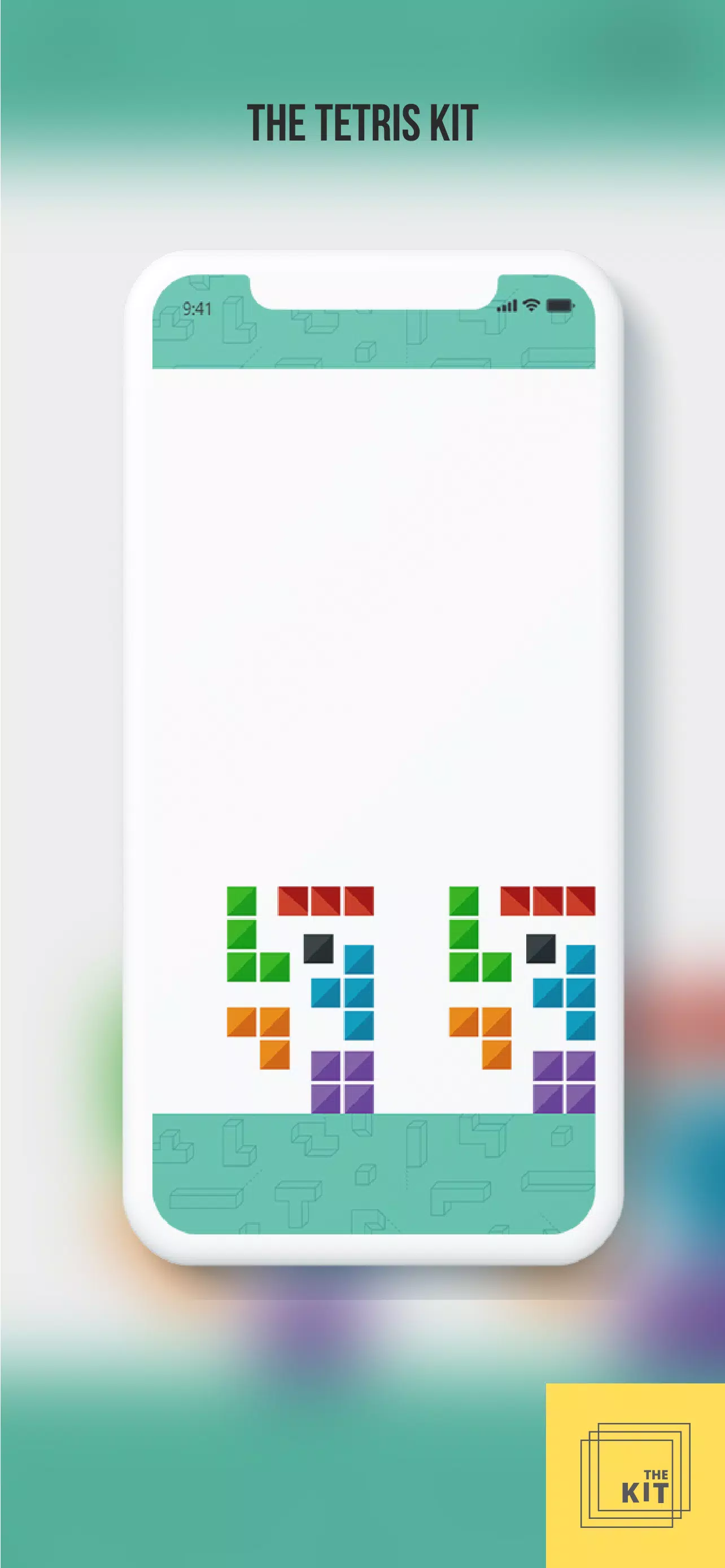
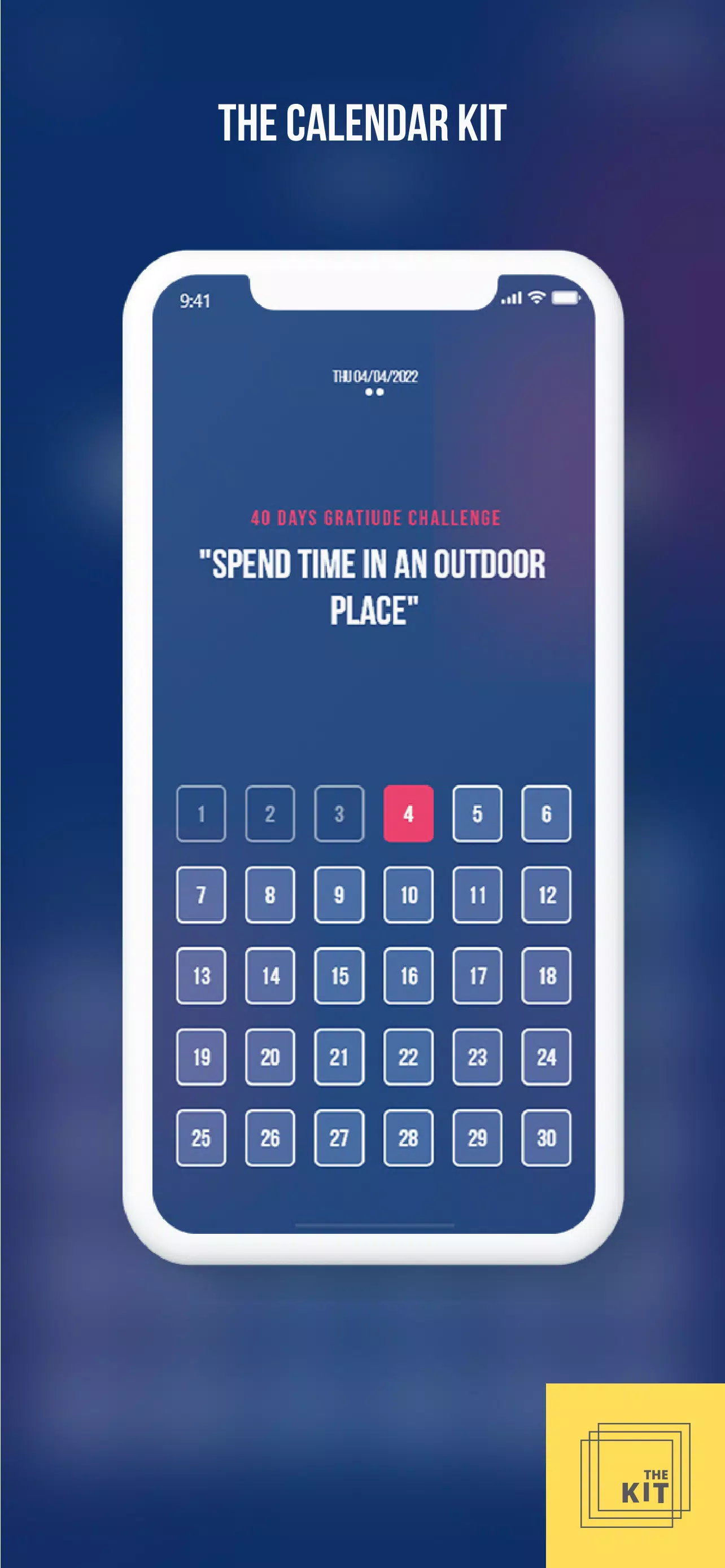
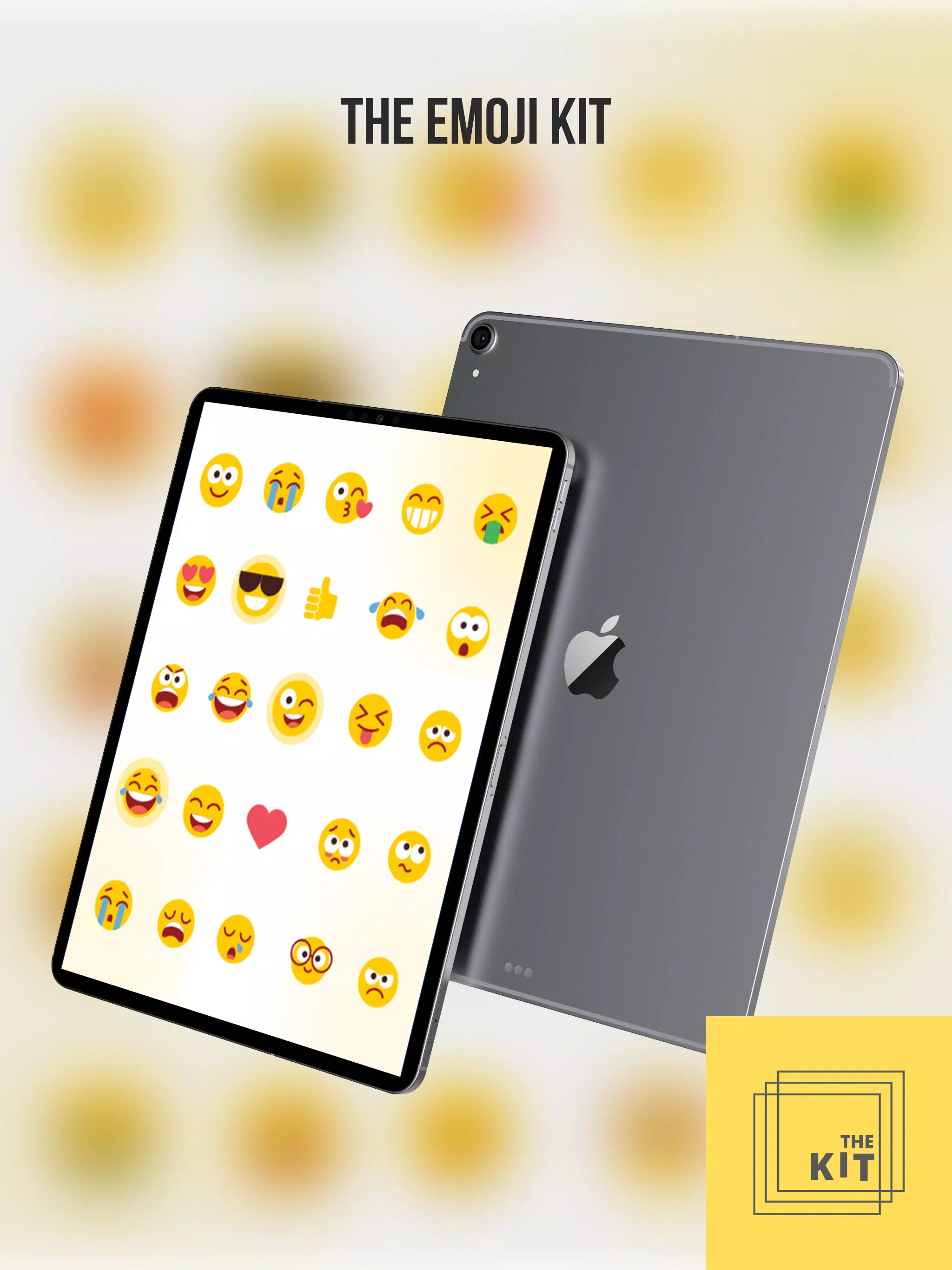
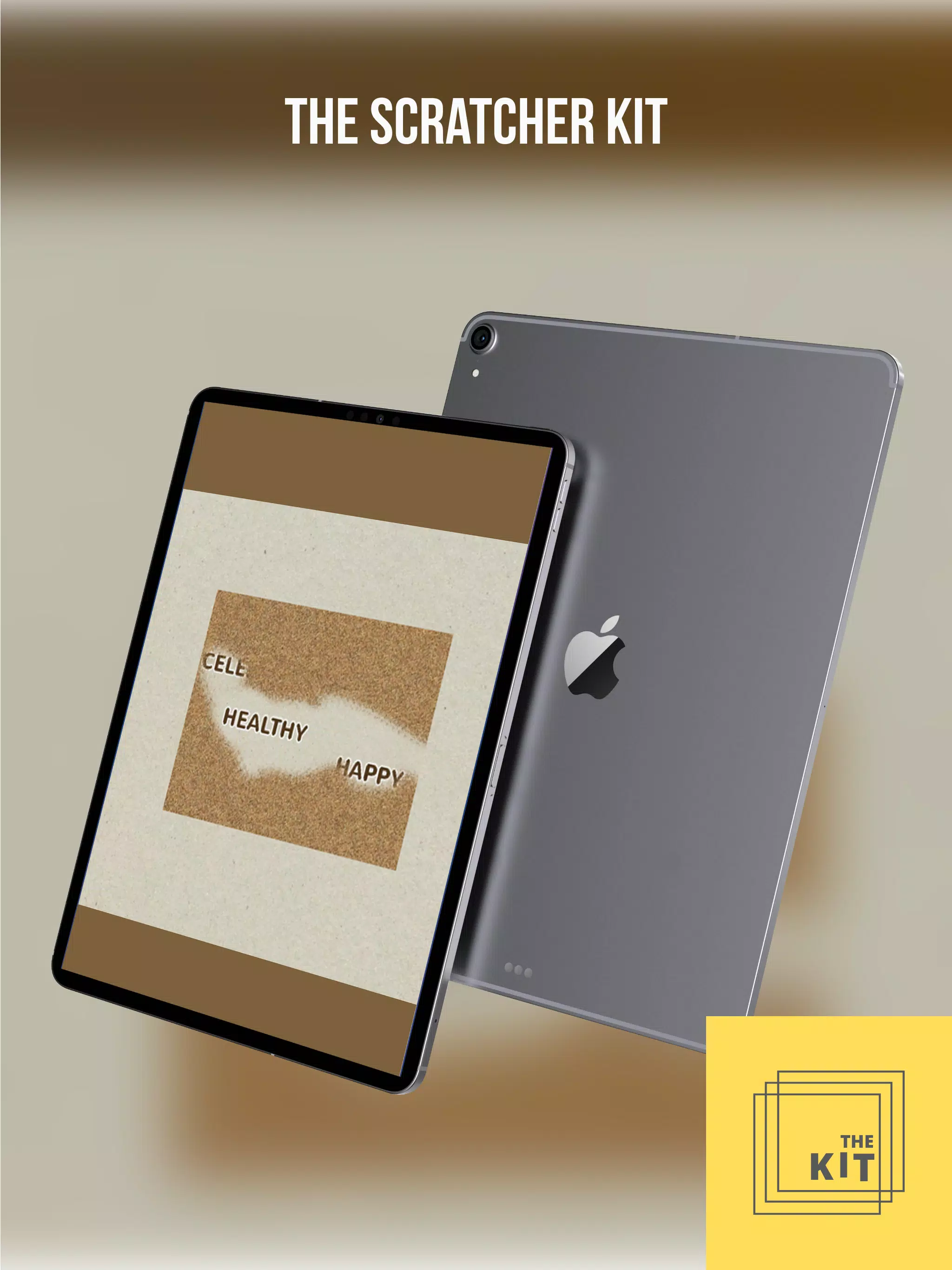
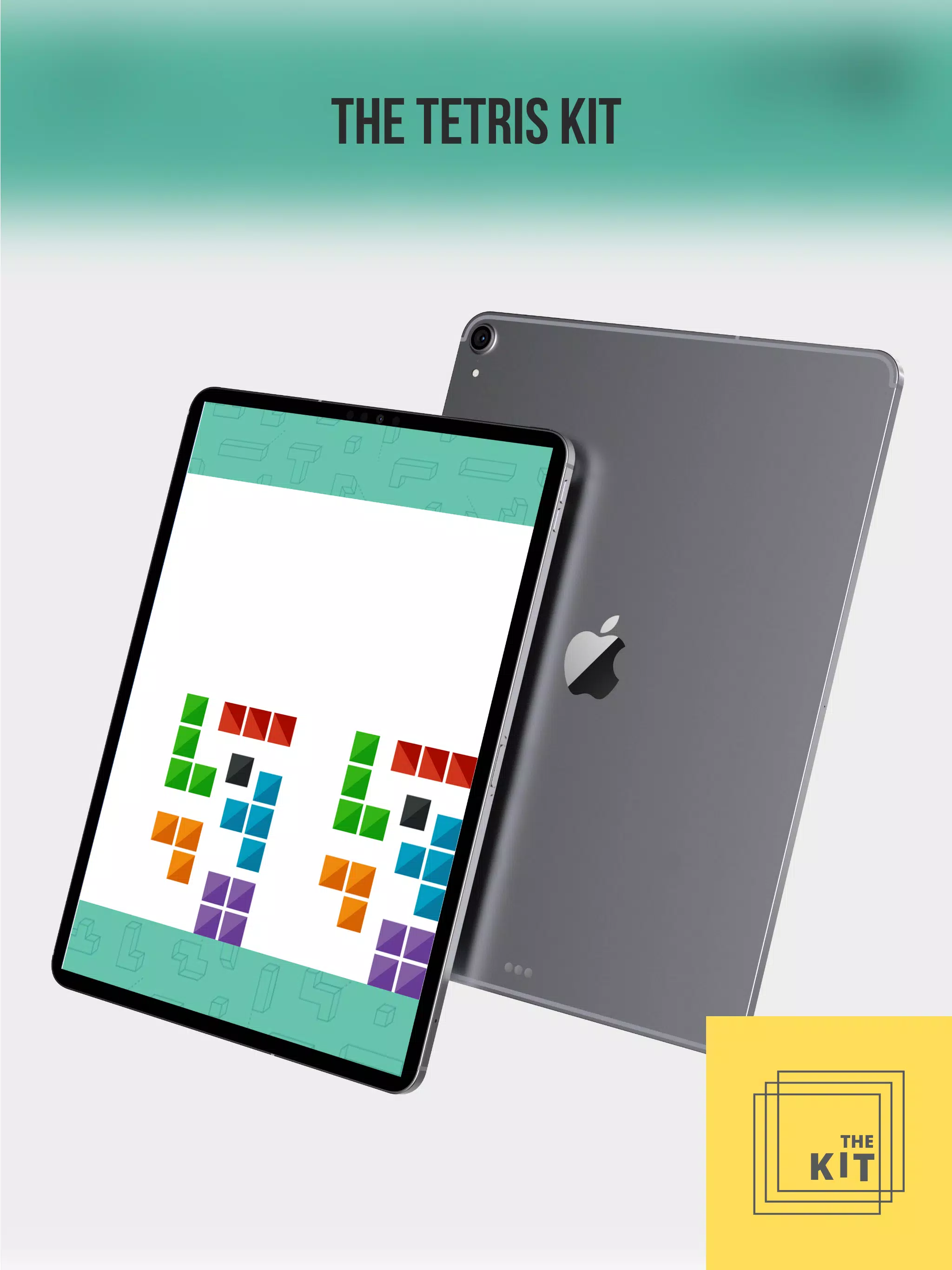
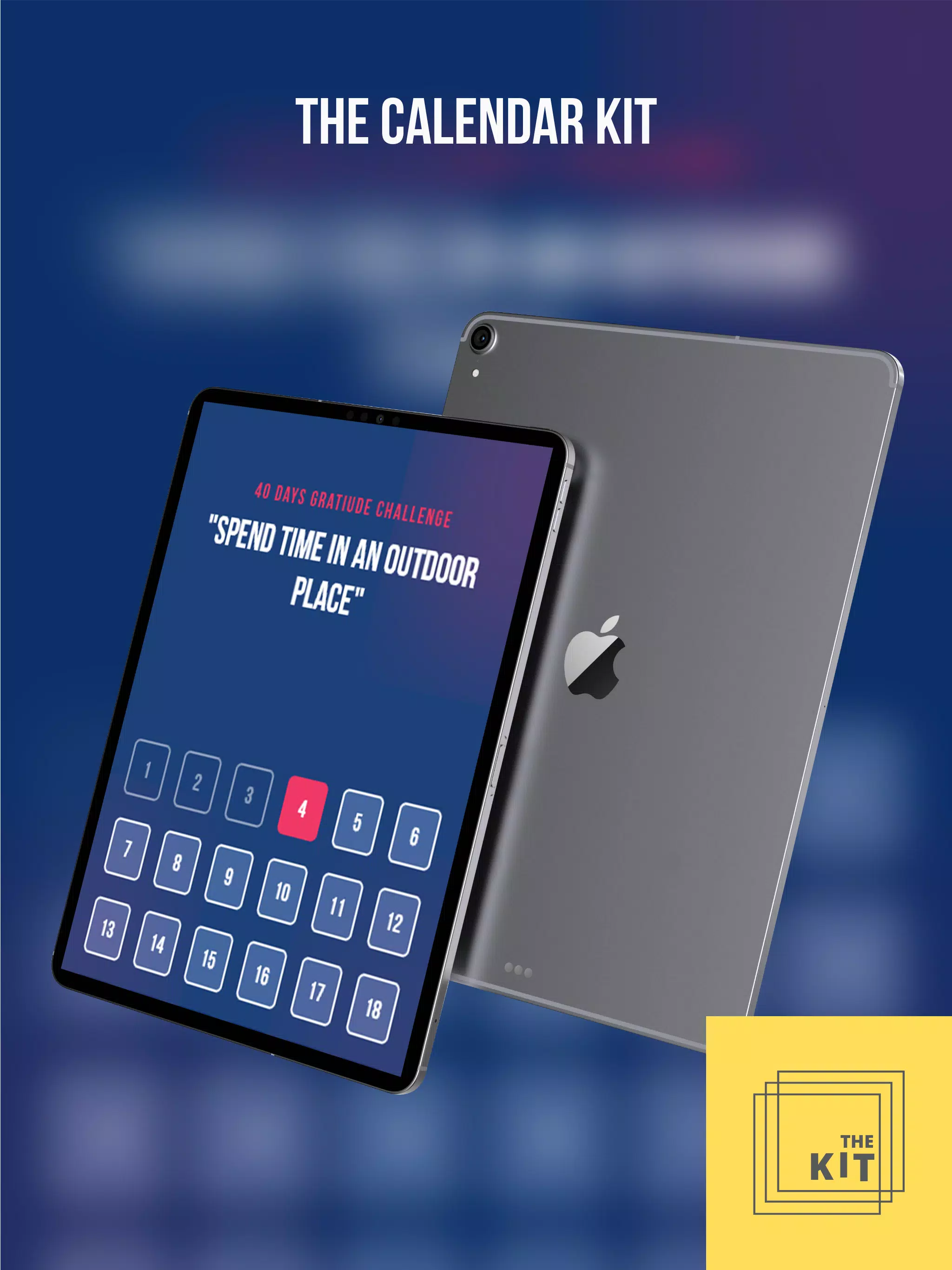
The app’s visual style favors clear typography, uncluttered screens, and card-like content blocks that mirror the optional physical decks; this makes it easy to project or mirror the interface for whole-class activities. A typical classroom flow starts with a brief attention-getter, moves into the core activity guided by on-screen cues, and ends with a short reflection prompt that teachers can adapt for discussion or written response. For coaches, the same structure supports one-on-one check-ins and brief skill-building moments during sessions. The combination of digital prompts and tactile cards helps sustain engagement and offers multiple entry points for diverse learners.
Who benefits from this app
The Daily Kit is aimed at parents who need low-prep ways to practice emotional skills at home, educators seeking ready-made lesson starters, and coaches who want on-the-fly exercises for individual or small-group work. Its flexibility supports single-user routines, classroom transitions, and small-team activities without requiring extensive setup or specialized training. Optional physical card decks are available separately for facilitators who prefer a hybrid analog-digital approach, but the core app remains a capable stand-alone resource for consistent, intentional practice.
- No virus
- No advertising
- User protection
Information
- File size: 89.40 M
- Language: English
- Latest Version: 8
- Requirements: Android
- Votes: 361
- Package ID: com.oprojects.dailyKit
- Developer: ARooh
Screenshots
















Explore More
Equip yourself with our all-in-one toolbox app for everyday tasks and projects. Instantly convert between units, calculate tips, scan documents, manage files, and more with handy productivity tools. Includes a level, compass, QR code reader, ruler, speedometer, decibel meter, and flashlight. Save frequently used tools to your customizable dashboard for one-tap access. Track billable hours, wages, budgets, and invoices. Annotate screenshots, magnify labels, and sign PDFs on the go.

Board Game Stats

MEXC Global: BTC, ETH, Gamefi

Text Art - Write Text On Photo

MERA PROXY PRO

Domino's Pizza Sri Lanka

Halloween Photo Editor -Makeup

Connecting - Friends Near Me

Cartola





























