


Introduction
Stylish Name Maker is a compact and approachable name editor that helps you transform ordinary names into personalized designs for social profiles, keepsakes, and handmade gifts. Stylish Name Maker opens with a straightforward workspace where you choose a frame, pick a font, and refine text size and style—bold or italic—so you can see how each change affects the overall look. Designed for fast everyday use, the app is ideal whether you are testing baby-name ideas, creating a nickname graphic, or preparing a signature-style image to print or share.
Key features
The core feature set centers on frame-based templates and typography controls. The app includes approximately 100 decorative frames that span themes such as hearts and playful dolls to scenic and minimalist backgrounds, arranged in clear categories for quick browsing. A broad selection of fonts ranges from modern geometric faces to hand-lettered scripts and calligraphy-inspired options, letting you match a style to the occasion. Simple text controls let you adjust size and toggle common styles like bold and italic, while an instant preview updates as you work so you can compare variants without extra steps. Export and sharing options make it easy to save an image or send it directly to social apps or messaging, helping you move from design to use with minimal friction.
How it works and controls
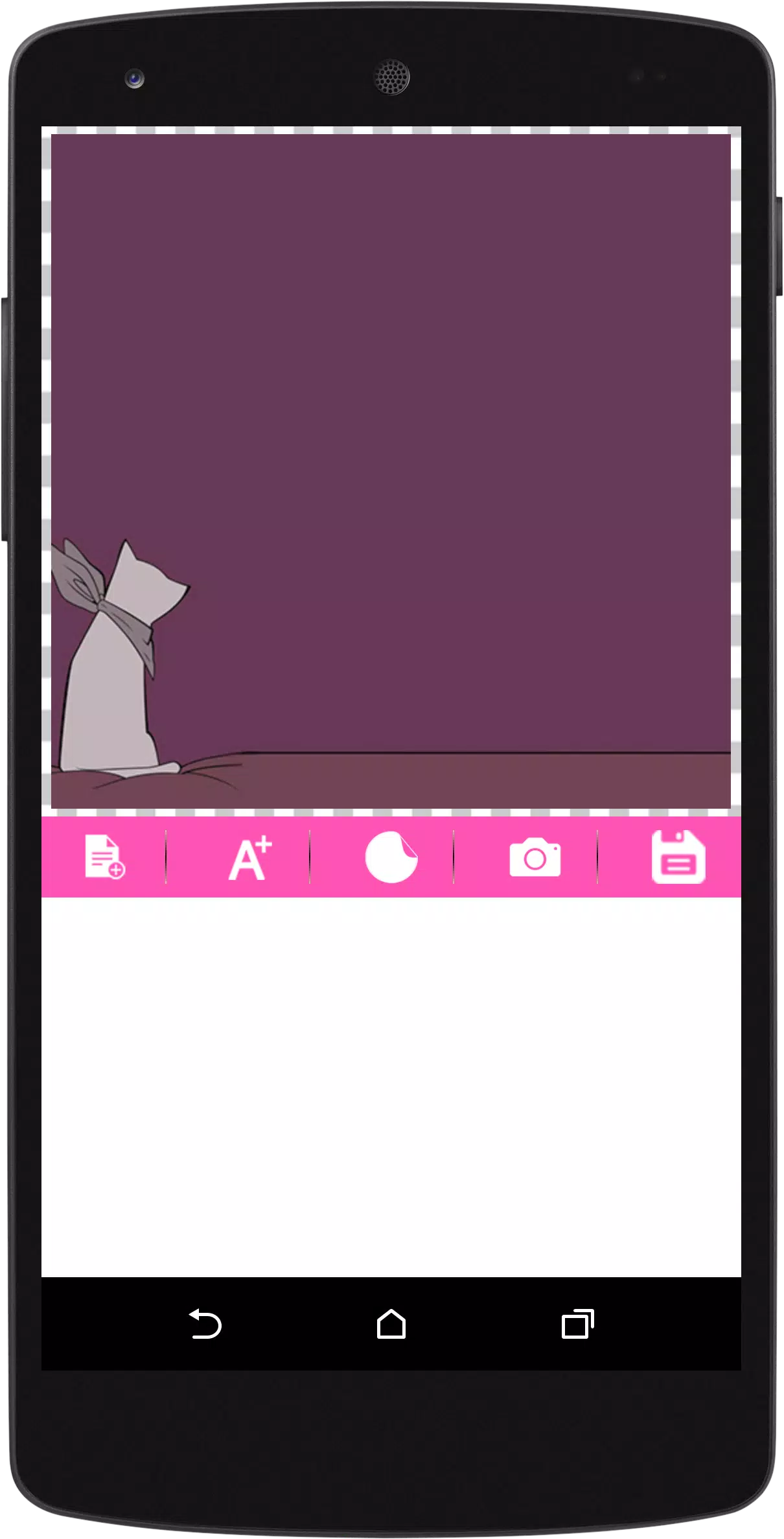
Workflows in Stylish Name Maker follow a practical, step-by-step path: pick a template category, choose a frame, enter the name, select a font, and refine size and styling. Controls are optimized for touch: tap to select frames and fonts, drag a slider to change text size, and use clear on-screen buttons to apply bold or italic styles. Preview updates happen in real time so you can test variations quickly. The interface avoids complex menus, focusing instead on visible controls and intuitive gestures so new users can create polished results without a learning curve. Because the app is built for single-device editing, you can use it offline to draft ideas on the go and then export or share when connected.
Customization and visual style
Customization in Stylish Name Maker is practical rather than overwhelming. Frames are grouped by theme, which helps you navigate the template library and locate a look that fits a social avatar, baby announcement, or gift tag. Fonts are sampled in the selection view so you can compare letterforms and spacing before committing. While the app emphasizes readability and aesthetic balance, it also encourages experimentation: try mixing a calligraphy-style font with a minimalist frame or a bold geometric face with a scenic background to discover unusual contrasts. The visual presentation aims for broad appeal with clean layouts and frame previews that show how the final image will appear at common sizes for profiles and prints.
Progression, replay value, and creative workflow
Rather than offering game-like levels, progression in this editor is about refining a personal workflow and building a library of successful layouts. Users often begin by trying multiple frame categories, save a handful of favorites externally, and iterate on font and size until a signature look emerges. The app’s fast previewing and low-friction controls give it high replay value for creative tasks: you can revisit the same name repeatedly with different themes, experiment with seasonal looks, or create a set of matching images for social media. The design process becomes a simple loop of choose, preview, refine, and export, which supports exploration without requiring advanced technical skills.
User experience, accessibility, and limitations
Stylish Name Maker prioritizes clarity and accessibility: controls are large enough for comfortable tapping, typography samples are visible so users can judge legibility, and the preview area is sized to reflect typical display proportions. The app runs offline for basic editing, which is convenient for travel or situations without stable connectivity. On the limitation side, the focus is deliberately narrow; this is a name-styling editor rather than a full graphic design suite, and it emphasizes a curated set of features—about 100 frames and essential font controls—over exhaustive customization or multi-layer image editing. Users seeking advanced compositing or professional typography tools may find the feature set compact by design.
Who benefits most
Stylish Name Maker is well suited to parents exploring baby-name designs, social media users creating personalized avatars, craft makers preparing labels or gift tags, and anyone who wants to turn a nickname or signature into a simple, shareable graphic. The app’s intuitive controls, template organization, and instant preview workflow make it a practical choice for quick projects and repeated experimentation, giving you a straightforward editor that helps names stand out with minimal effort.
- No virus
- No advertising
- User protection
Information
- File size: 24.40 M
- Language: English
- Latest Version: 1.0.0
- Requirements: Android
- Votes: 302
- Package ID: com.eyestar.stylishtextmaker3d
- Developer: Eye Star
Screenshots
















Explore More
Make travel planning effortless with our all-in-one trip companion app! Get insider tips from locals on top attractions, hidden gems, restaurants, and accommodations at your destination. Book flights, rental cars, and hotels at the lowest prices. Access maps offline; track bookings, itineraries, and reservations; create shared group trips; and auto-translate menus, signs, and conversations abroad. Our clever algorithms surface personalized recommendations everywhere you go.

Photo Editor Background Change

ADO Boletos de Autobús

Guide Lego Ninjago Tournament

Clock

اخبار العرب

Fake Live Location | GPS

Temptation: True Romance Story

Spottly





























