


Introduction
Mert İstihbarat is a compact intelligence and productivity app that centralizes data collection, task tracking, and secure notes for field agents and analysts alike. It streamlines information workflows with real-time synchronization, customizable dashboards, and offline access, helping professionals capture actionable insights quickly and reliably.
Overview of the app
Mert İstihbarat focuses on turning scattered inputs into structured, searchable records. Designed for teams that need fast data intake and clear audit trails, the app balances robust feature sets with a clean, mobile-first interface. It is suitable for corporate research teams, incident response units, and professional analysts who demand both speed and accuracy.
Core tools and capabilities
The application bundles a set of practical tools aimed at improving productivity and situational awareness. Key components include:
- Structured Forms: Create reusable templates to capture consistent fields from interviews, site visits, or surveys.
- Secure Notes: Encrypted notes with tagging and version history for context and traceability.
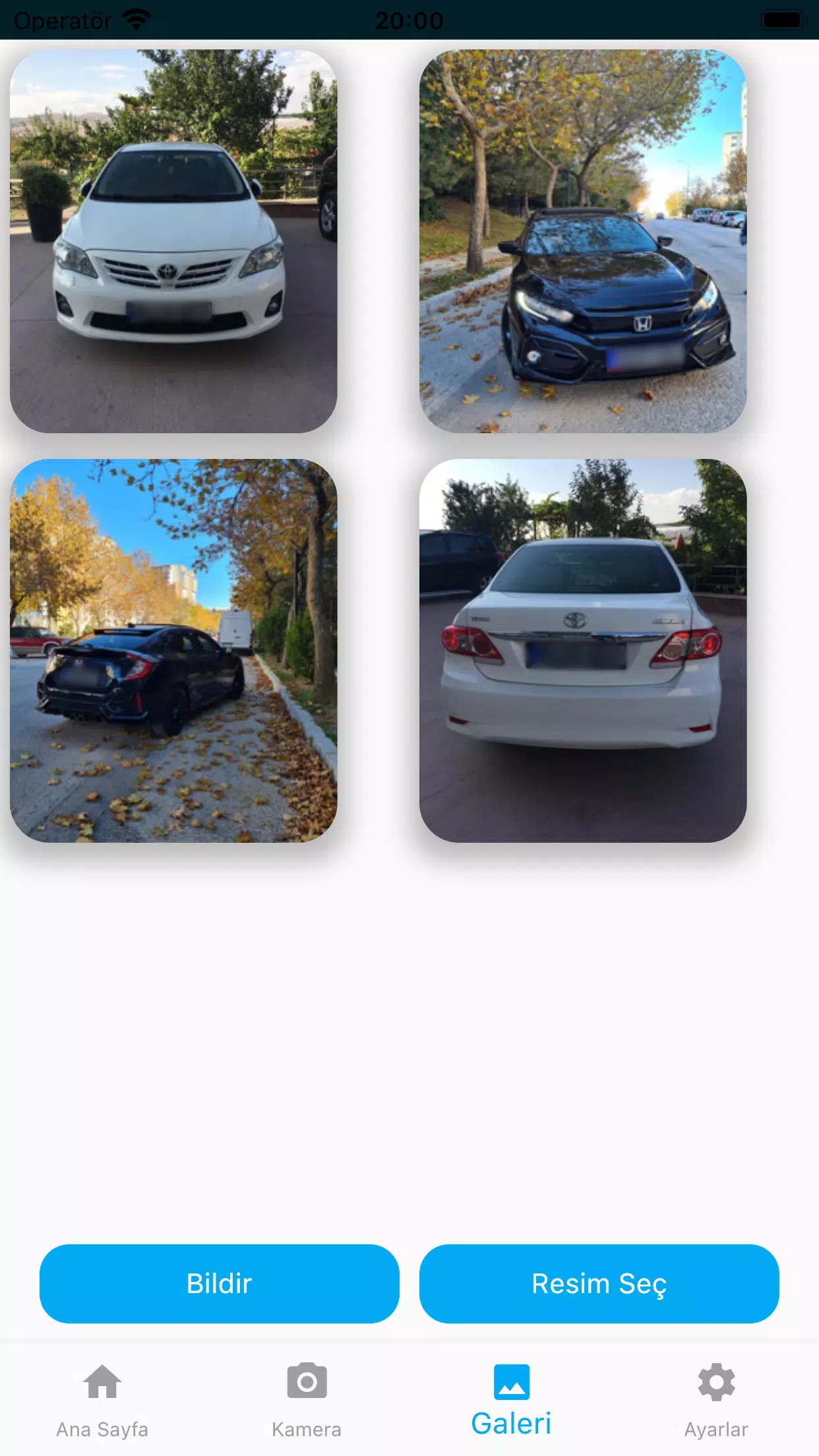
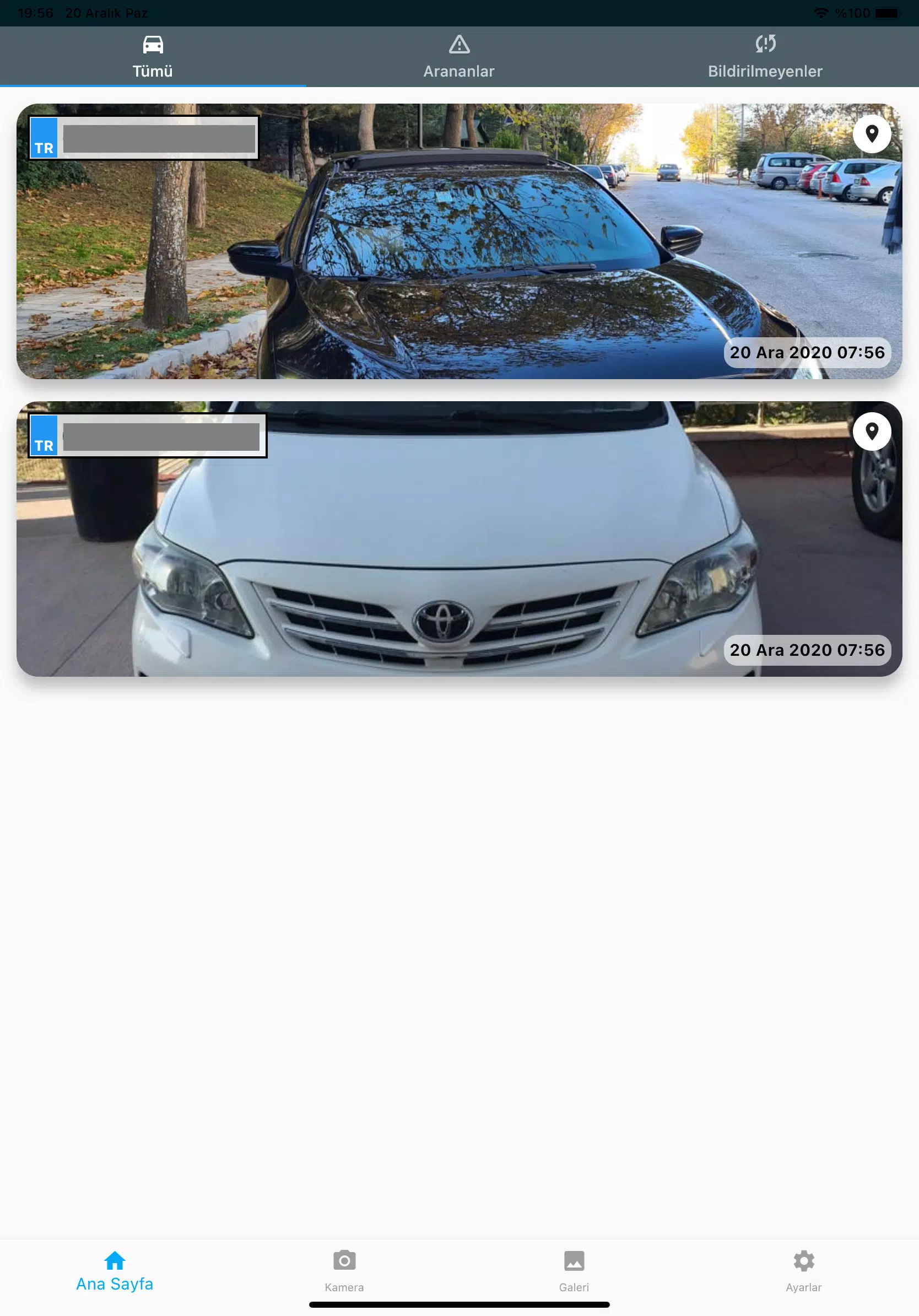
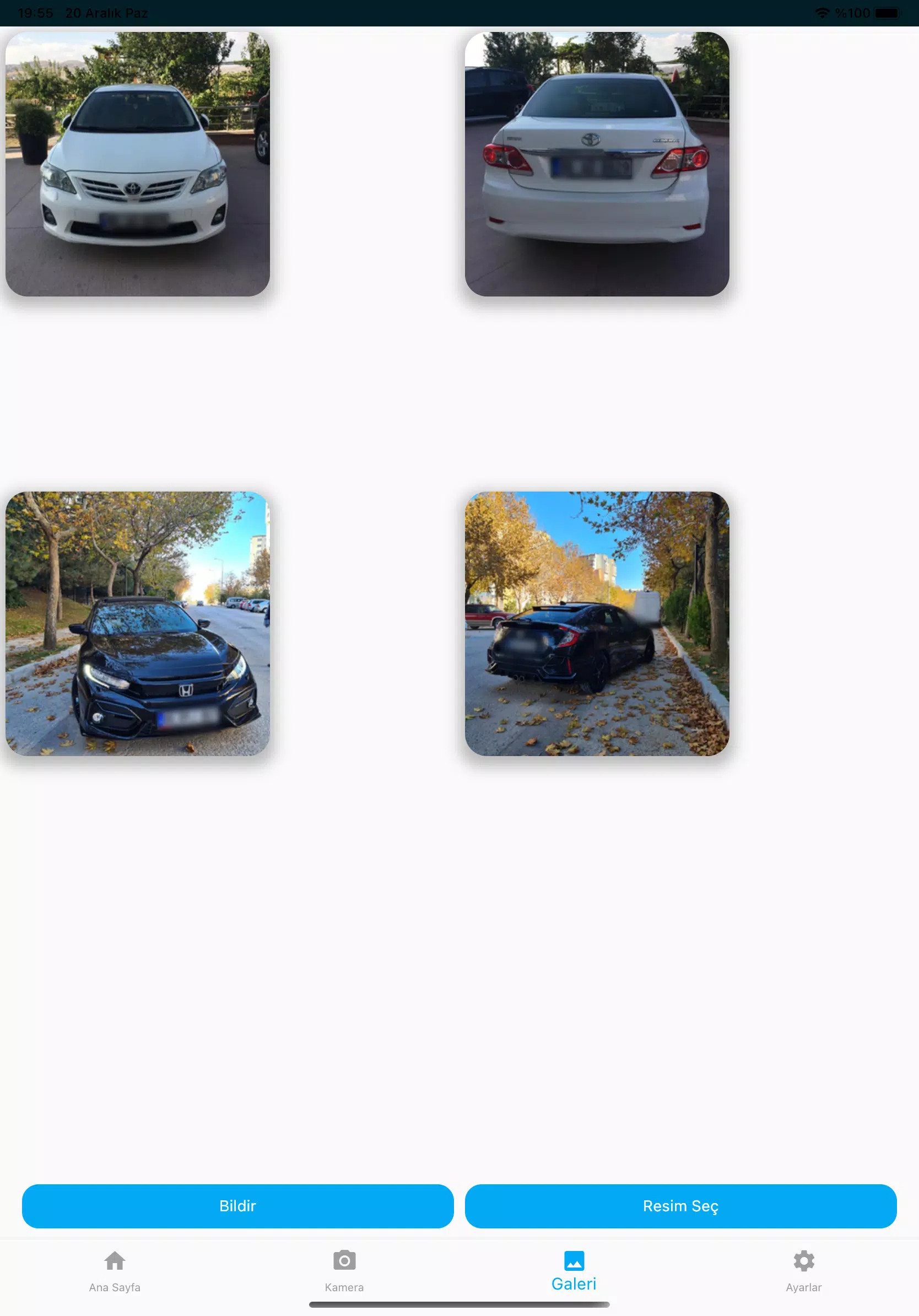
- Media Capture: Attach photos, audio, and short videos to any record, with automatic timestamping and geotag options.
- Advanced Search: Instant filtering by tags, dates, or custom metadata to find specific entries in large datasets.
How it works in daily use
Mert İstihbarat guides users through a predictable workflow: capture, tag, sync, and analyze. Data capture is designed to be quick on a phone, while the tagging system creates cross-references that help in later review. Synchronization can be configured to occur automatically when a connection is available or manually for tighter control over data flow.
User interface and performance
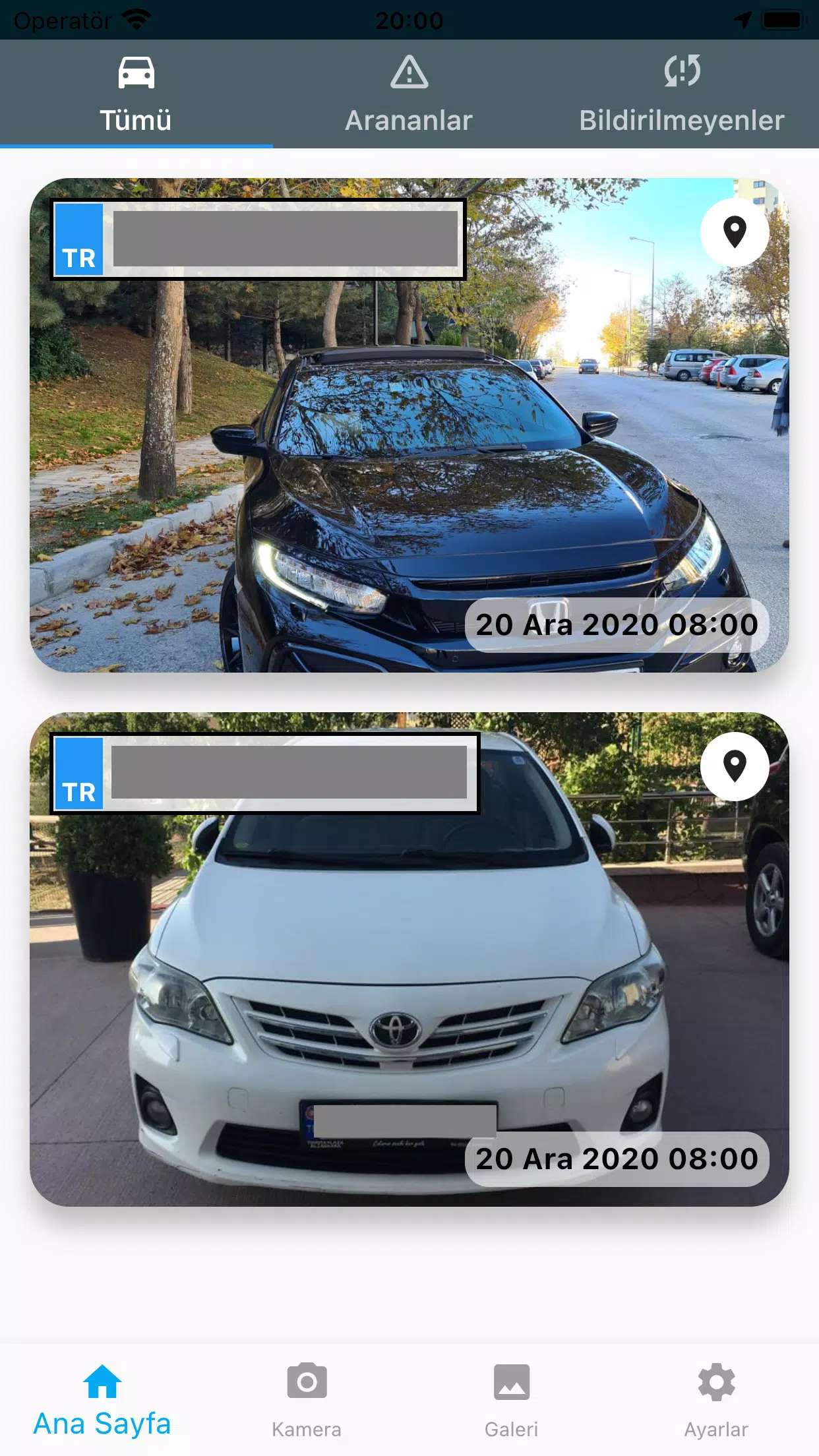
The interface prioritizes clarity. Dashboard widgets surface recent activity and pending tasks, while list views present records with compact summaries. Performance is optimized for mobile hardware; the local database indexes entries for fast retrieval and minimizes battery drain by batching network operations. You can expect responsive scrolling even with extensive media attachments.
Security and privacy measures
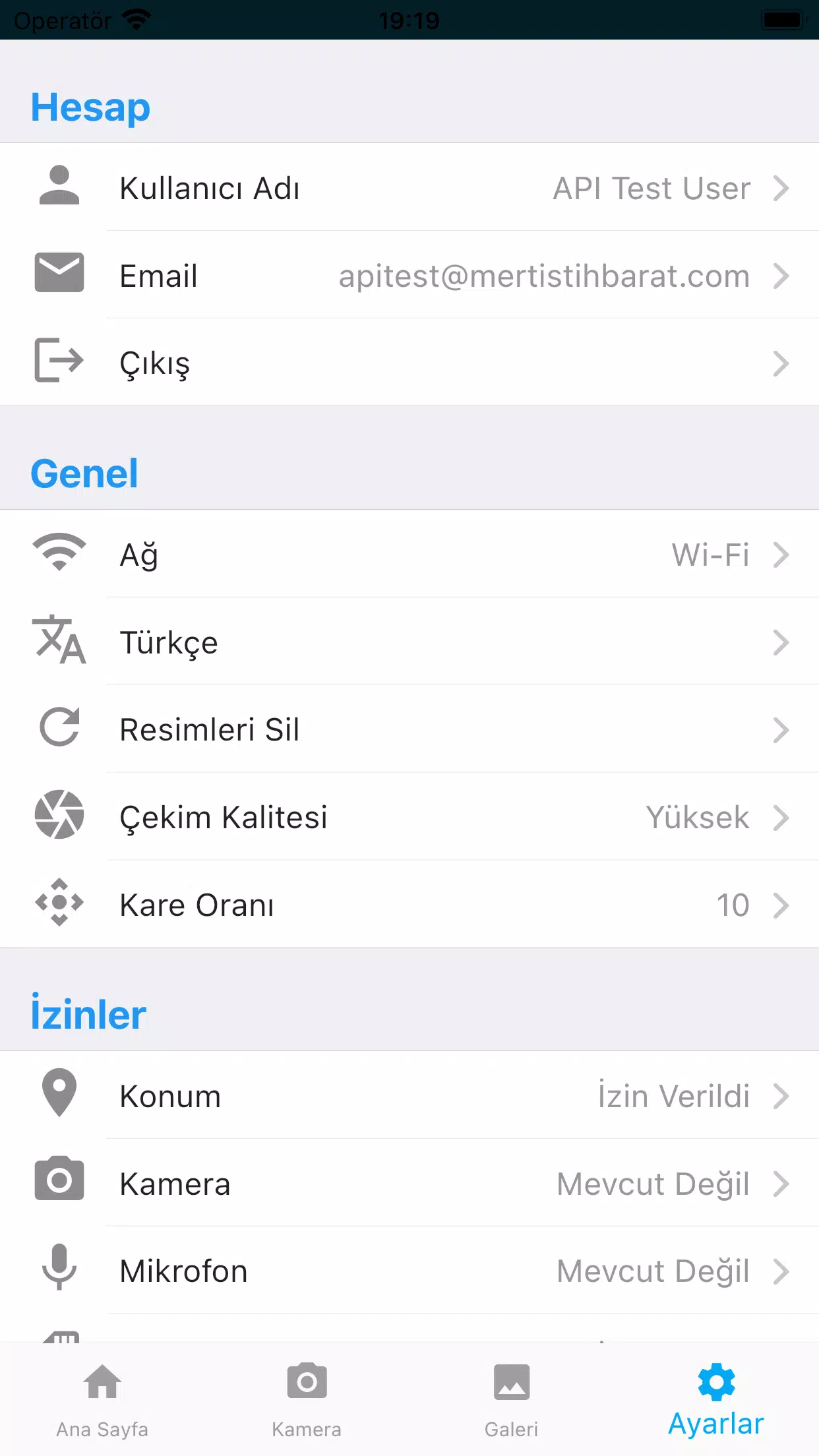
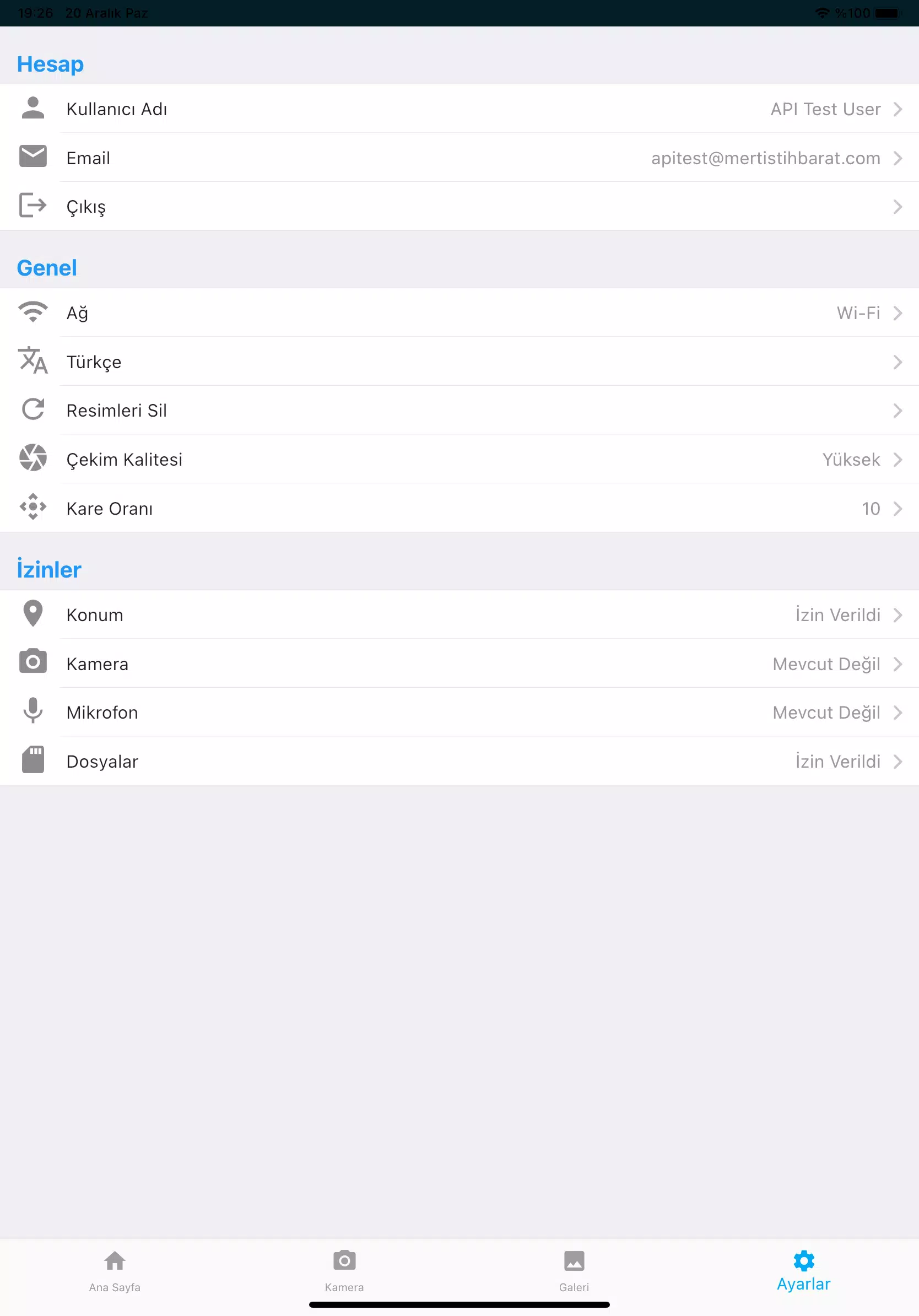
Security is a central consideration in Mert İstihbarat. Data at rest and in transit can be encrypted with enterprise-grade protocols. Role-based access controls and audit logging help administrators manage who sees what and when. Optional biometric authentication provides another layer of protection on supported devices. The app also offers settings to limit metadata exposure, such as stripping location tags from shared media.
Customization and integrations
Customization is straightforward: create custom fields, set validation rules for form entries, and compose export templates for CSV or JSON outputs. Mert İstihbarat integrates with common workplace tools via API endpoints and supports scheduled exports to cloud storage. These options let teams feed collected data into analytics pipelines or reporting systems without manual reformatting.
Workflow tips for new users
Begin by building a small set of templates that reflect your most frequent use cases. Use consistent tagging conventions and train team members on shorthand that makes later filtering predictable. Schedule regular sync windows to avoid conflicts and keep backups enabled so no data is lost if a device is replaced or reset. Periodically prune unused templates to keep the app streamlined.
Installation and getting started
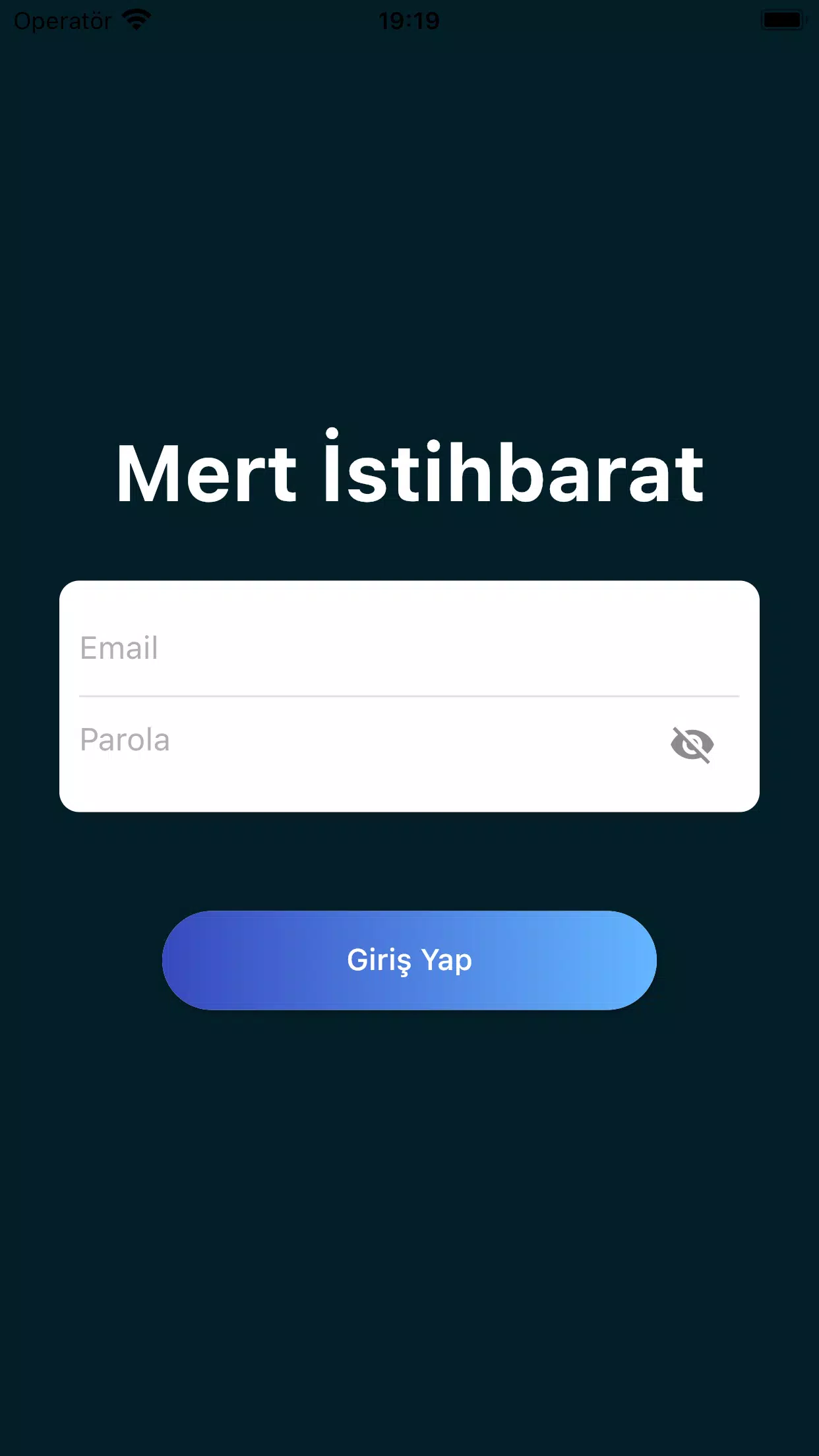
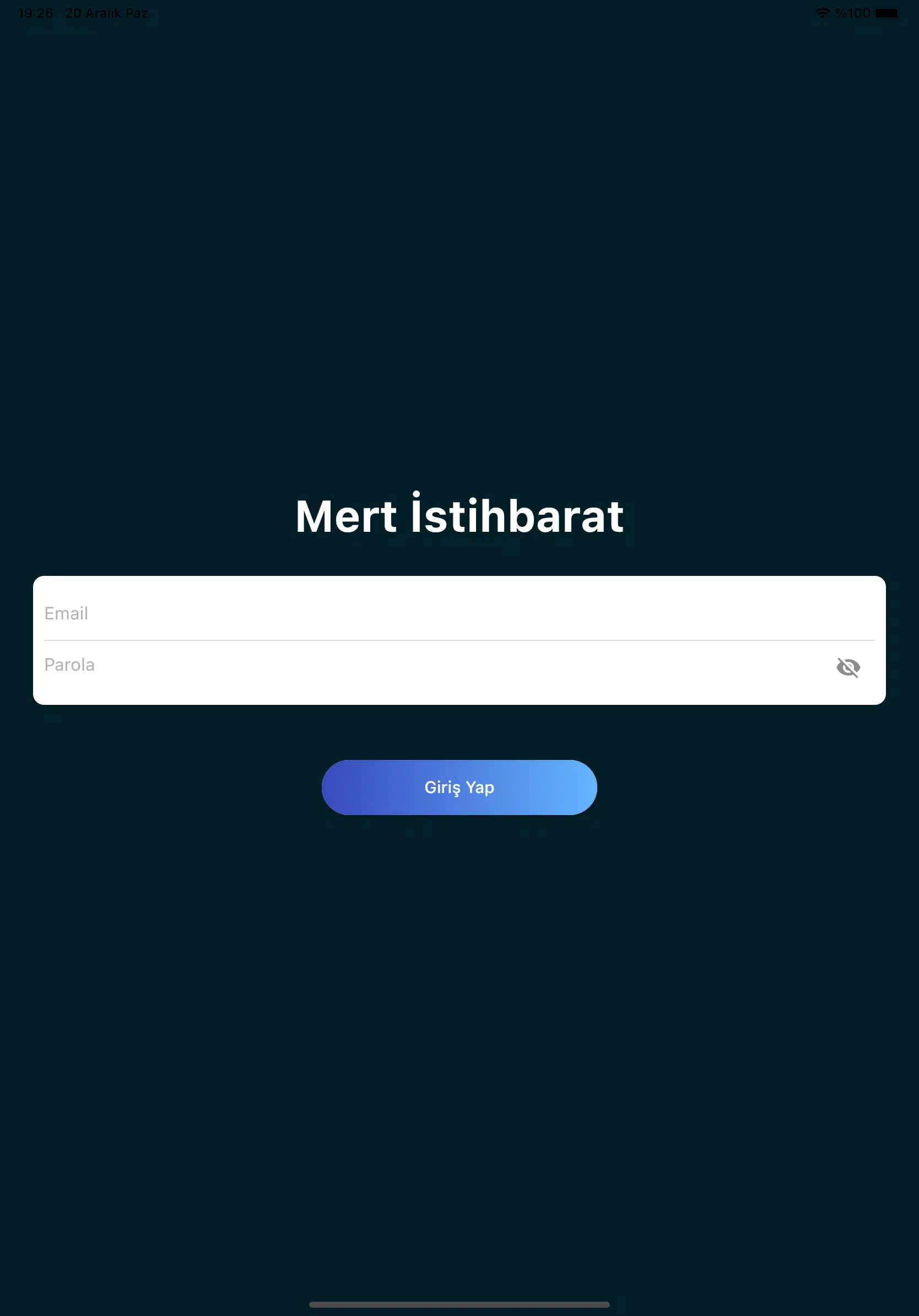
To start with Mert İstihbarat, download the app from a trusted distribution channel and review permission requests before installation. During initial setup, configure your organization settings, invite teammates, and set up at least one synchronization endpoint. A guided tour inside the app highlights form creation, media capture, and export features to shorten the learning curve.
Why teams choose it
Teams gravitate toward Mert İstihbarat because it combines field-ready capture tools with enterprise-level controls. The balance of offline capabilities, rapid search, and secure sharing makes it a practical choice for real-world operations where context and timing matter. Its modest learning curve helps teams adopt it quickly while still supporting complex workflows as needs grow.
Whether you're preparing for structured interviews, coordinating multi-person responses, or building a centralized knowledge base, Mert İstihbarat offers a pragmatic toolset to improve accuracy, reduce duplication of effort, and keep sensitive information protected.
- No virus
- No advertising
- User protection
Information
- File size: 27.30 M
- Language: English
- Latest Version: 3.0.0
- Requirements: Android
- Votes: 255
- Package ID: com.mertistihbarat.pts
- Developer: Mertistihbarat
Screenshots
















Explore More
Empower learning and research with our innovative reference apps. Access dictionaries, thesauruses, encyclopedias, and more with our comprehensive databases. Get homework help, study tips, and writing guides from our academic resources. Learn new skills by browsing how-to videos and manuals. Stay up-to-date with latest news, data, and facts curated by our editors.

Bloomberg Connects

OnDjoss

Kyrgyz Russian Translation

Domino's Pizza Sri Lanka

Bollinger 1829

TANTRI : QR Menu & POS

Vi2Go

DATING SITES





























