

Introduction
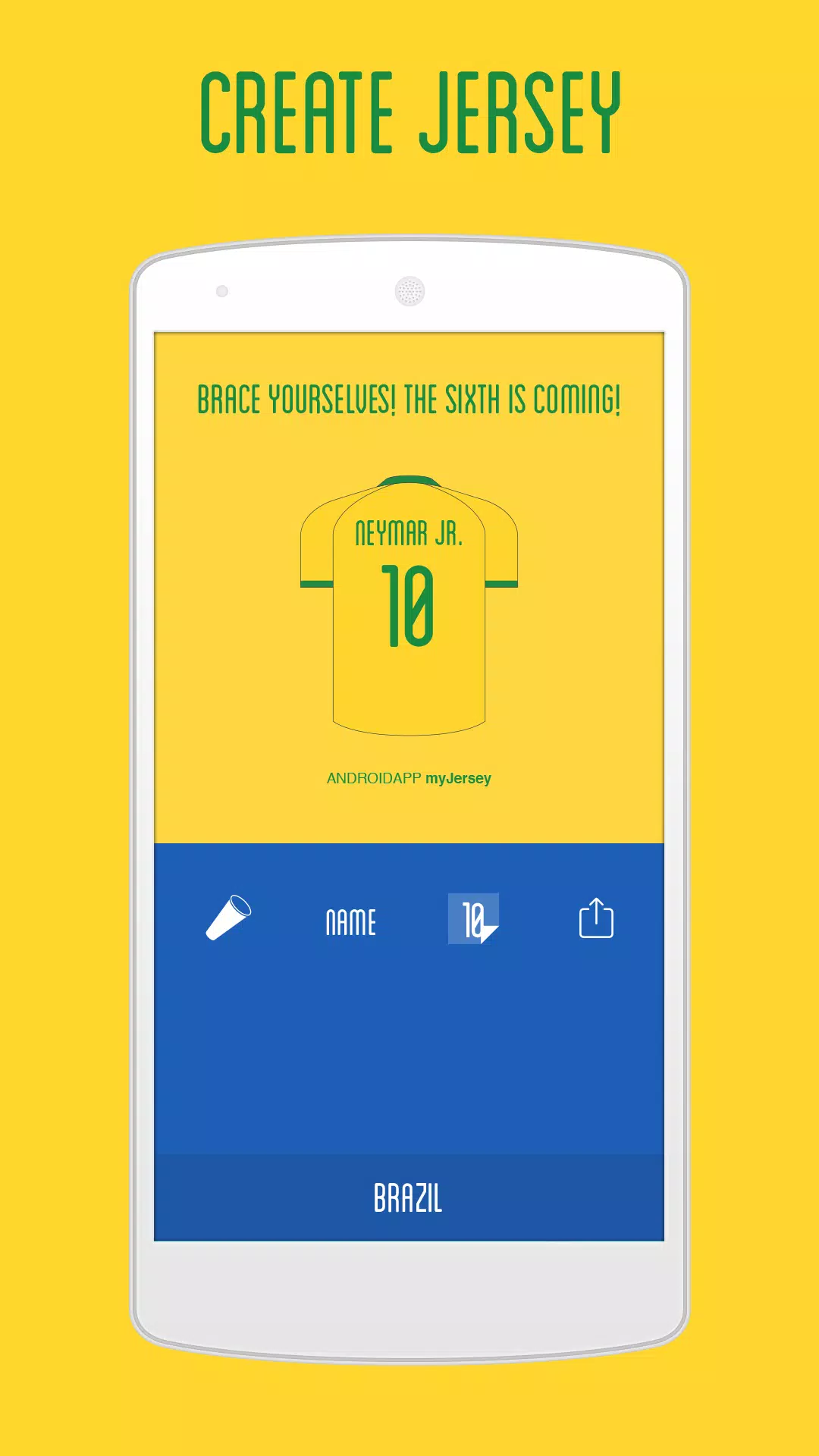
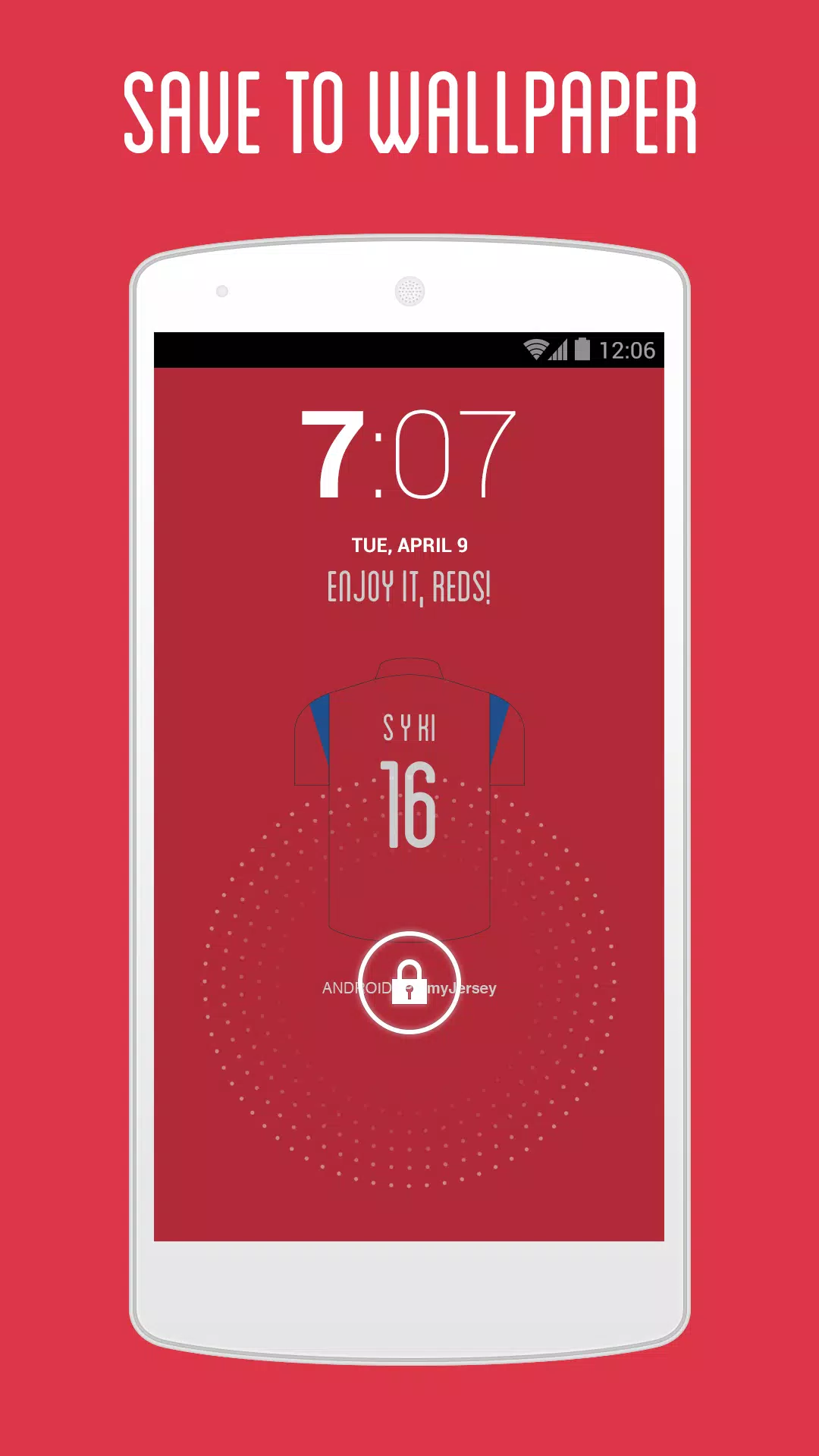
myJersey is a compact design editor that helps football fans create digital jerseys, profile pictures and high-resolution phone wallpapers. myJersey places official national team templates and clear customization controls at the front so you can build polished visuals quickly, whether you want a simple match-day graphic or a more detailed kit concept for a fan account.
Editor mechanics and interaction
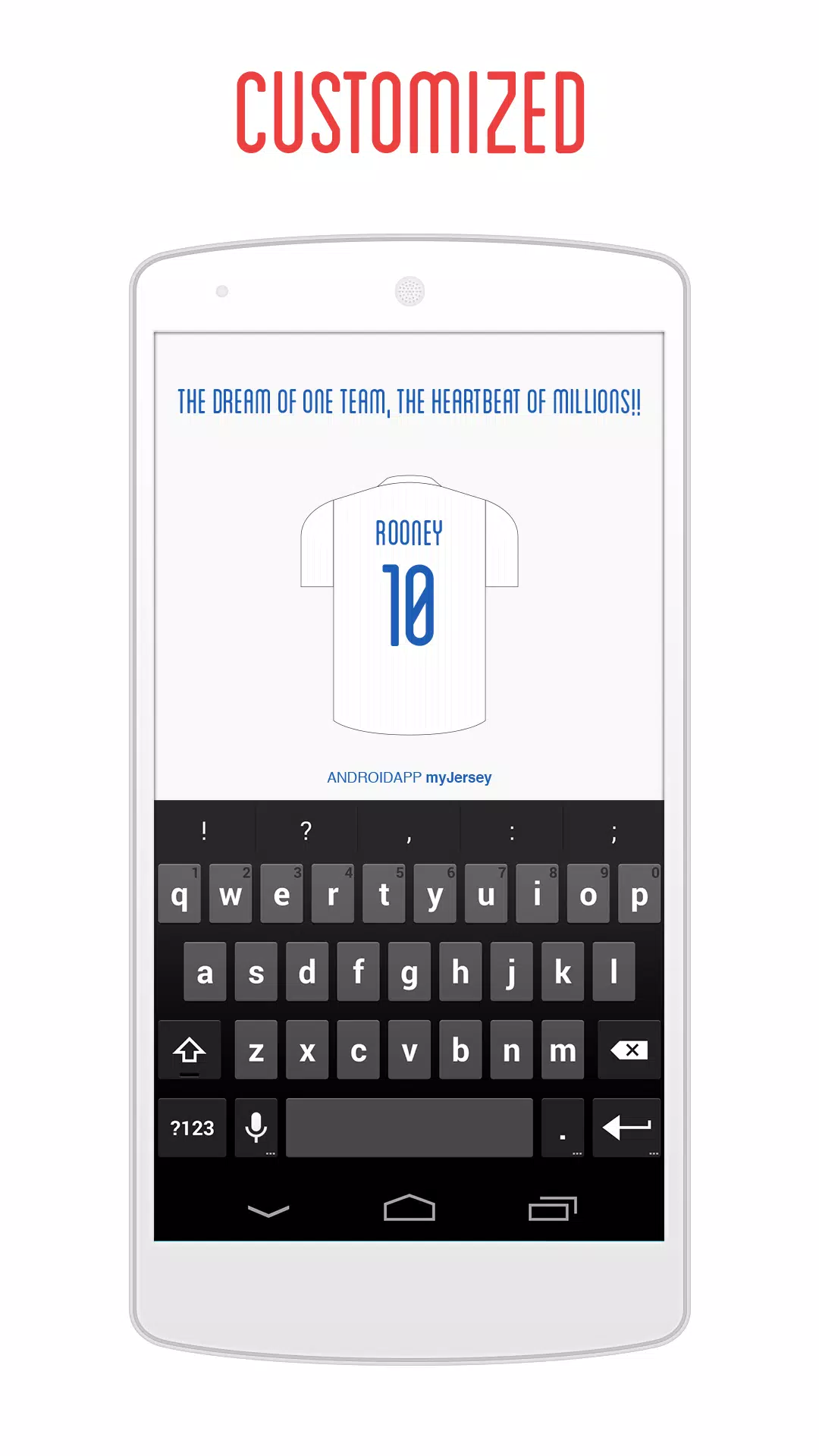
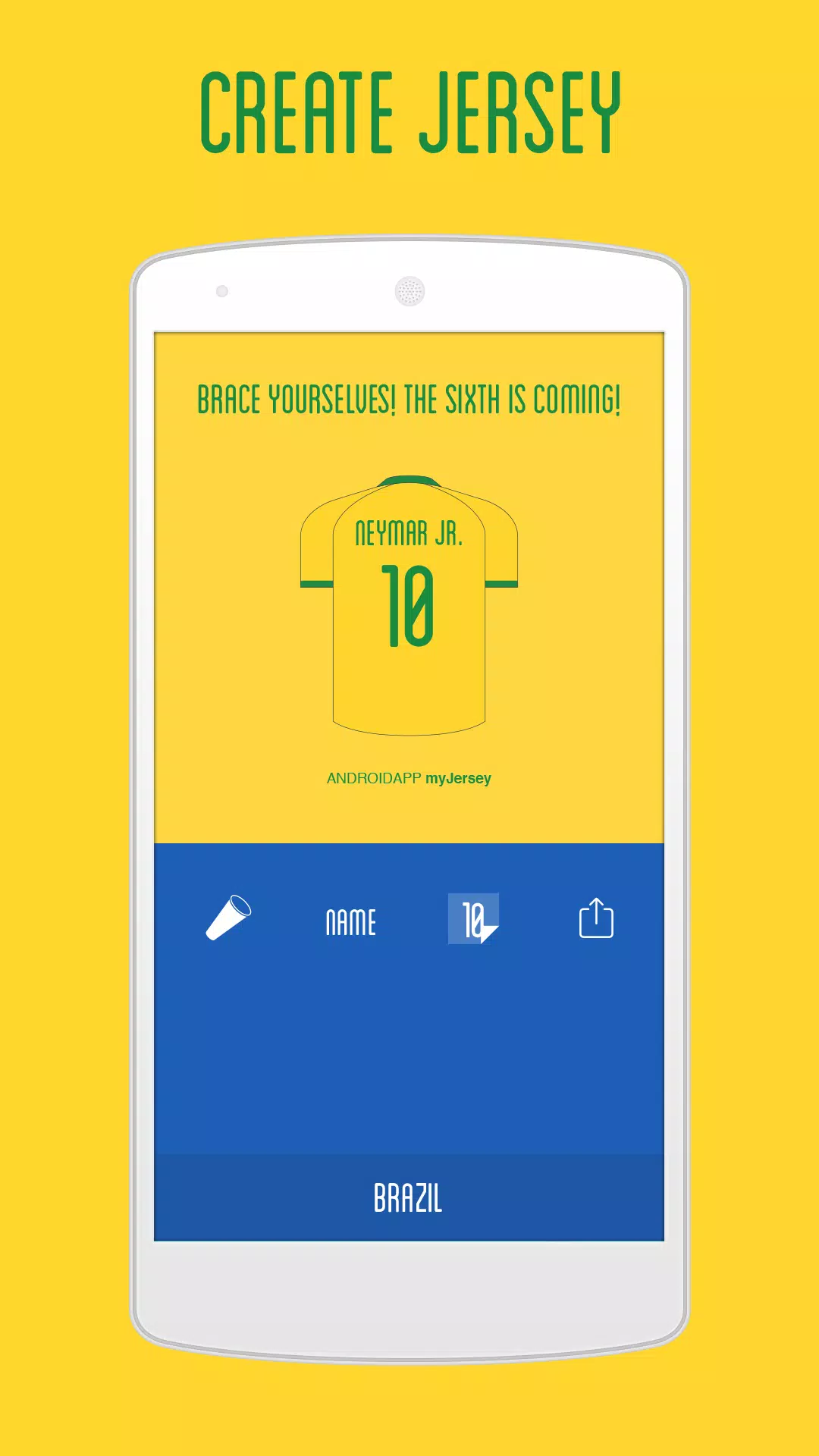
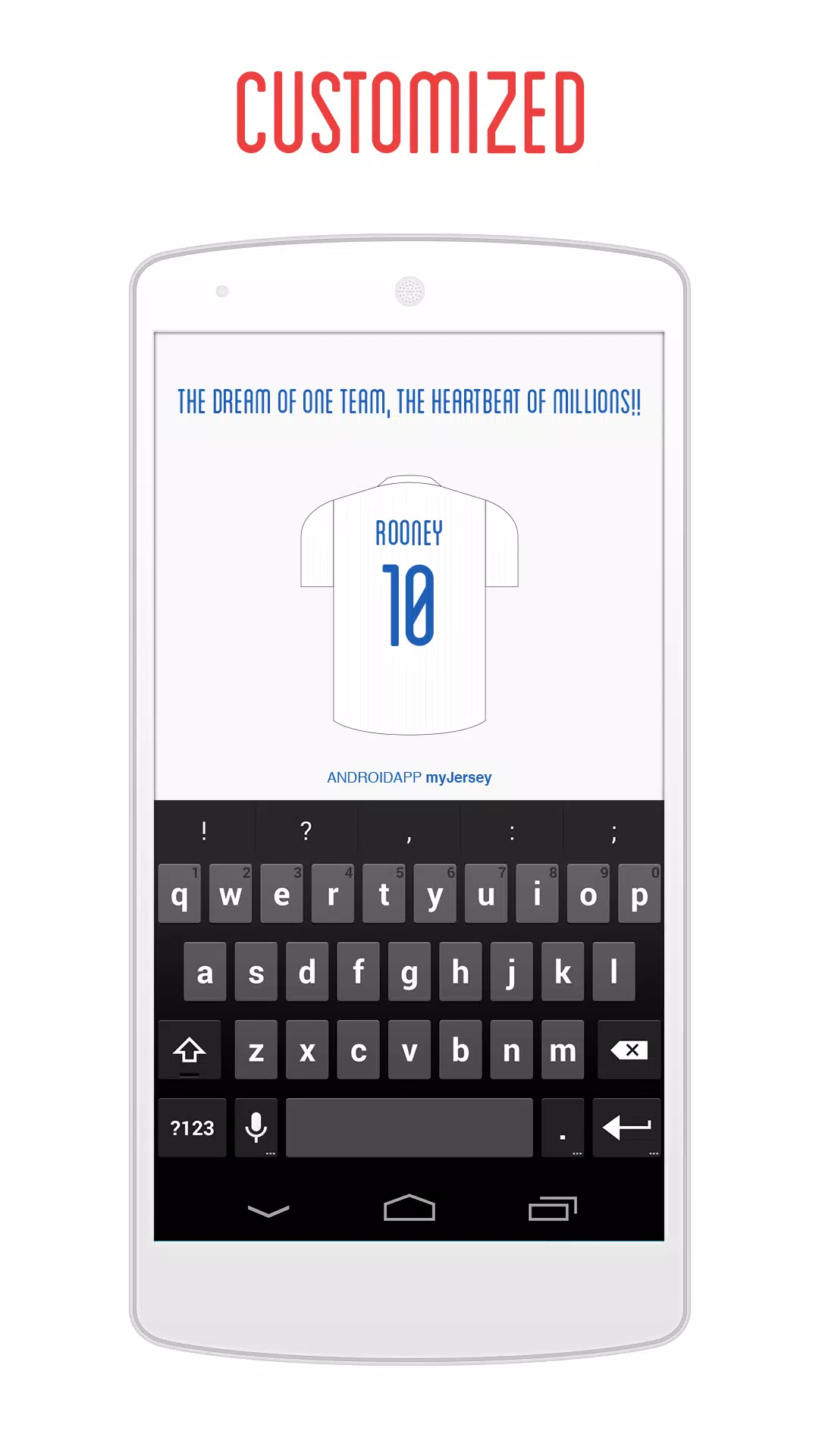
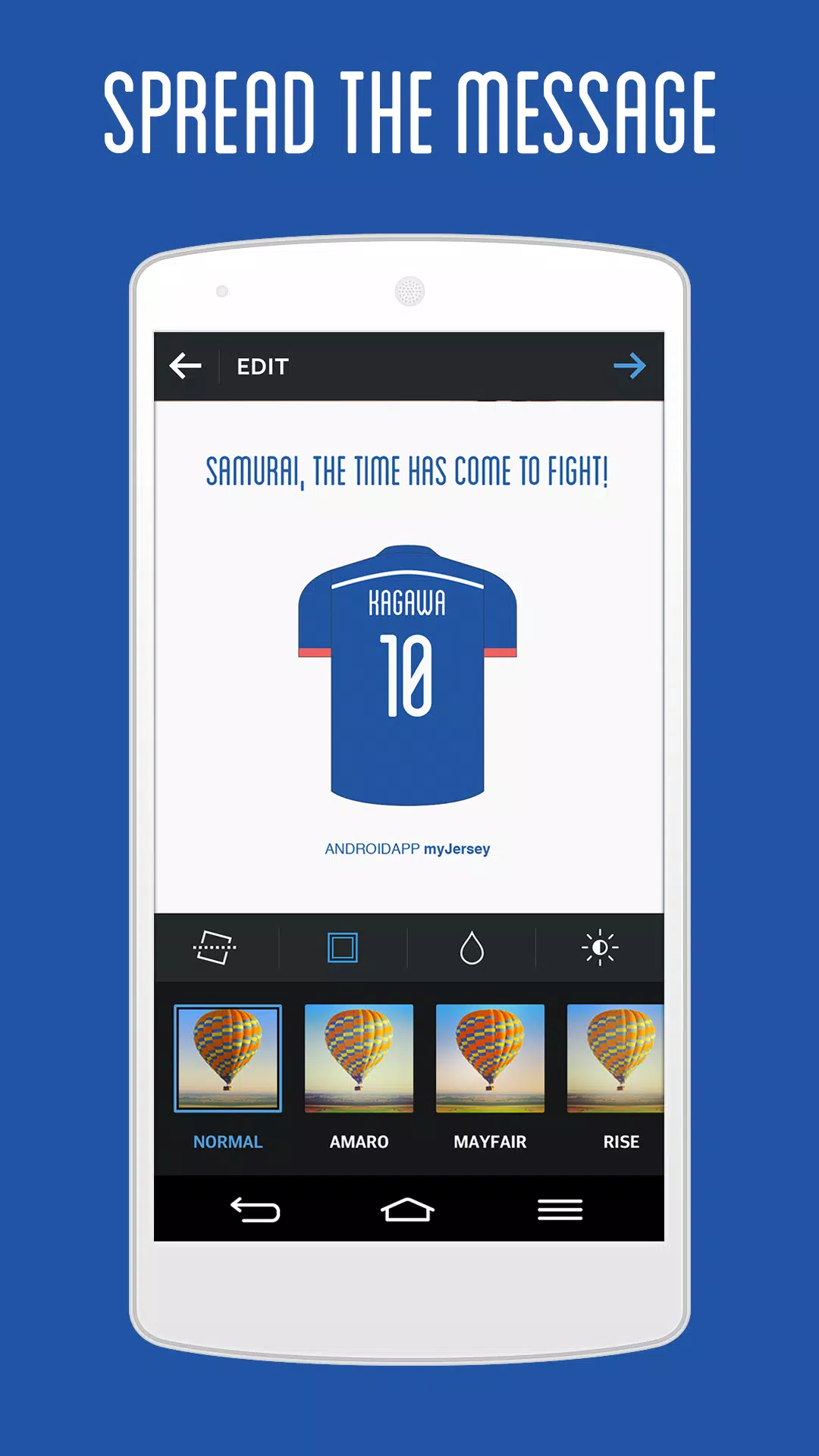
The app works like a focused visual editor rather than a full illustration suite: you assemble a shirt mock-up from layered elements and refine each piece with straightforward gestures. Tap to select components, drag to move emblems or sponsor shapes, pinch to scale badges, and use on-screen sliders to change color saturation, brightness and contrast. Text fields let you add player names and numbers while alignment guides and snap-to-grid keep typography and graphics neatly arranged. Non-destructive editing means changes can be undone and multiple versions of the same project can be saved for comparison.
Controls, toolset and efficiency
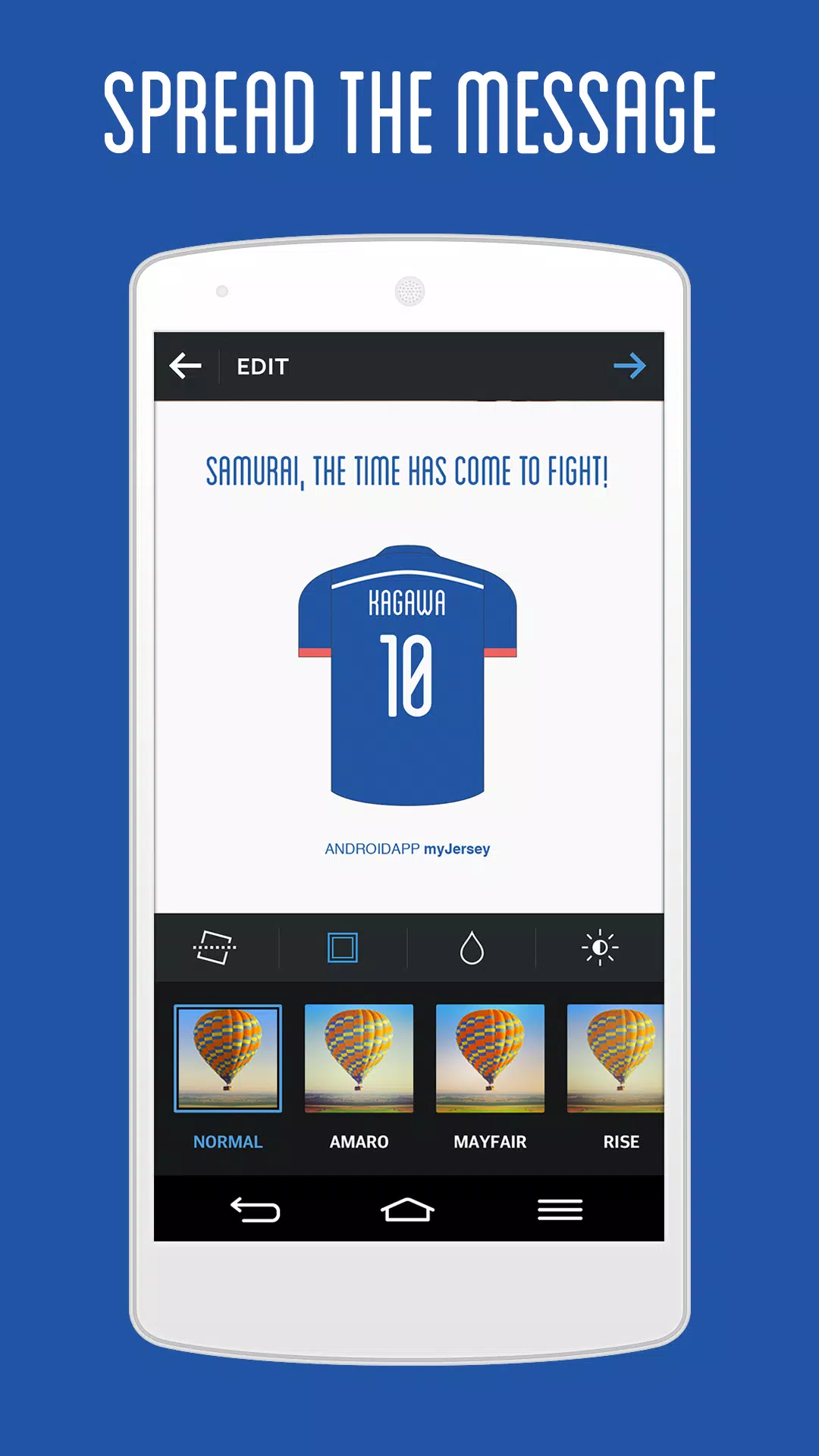
Controls are optimised for touch screens: a contextual toolbar surfaces the most relevant tools, and quick gestures speed common tasks such as duplicating an element or rotating an emblem. Tooltips appear the first time you encounter each control, and short in-app prompts explain how layers, opacity and text controls interact. Export presets reduce friction when preparing assets for social networks or phone backgrounds, producing consistent results without manual resizing or cropping.
Progression, projects and level structure
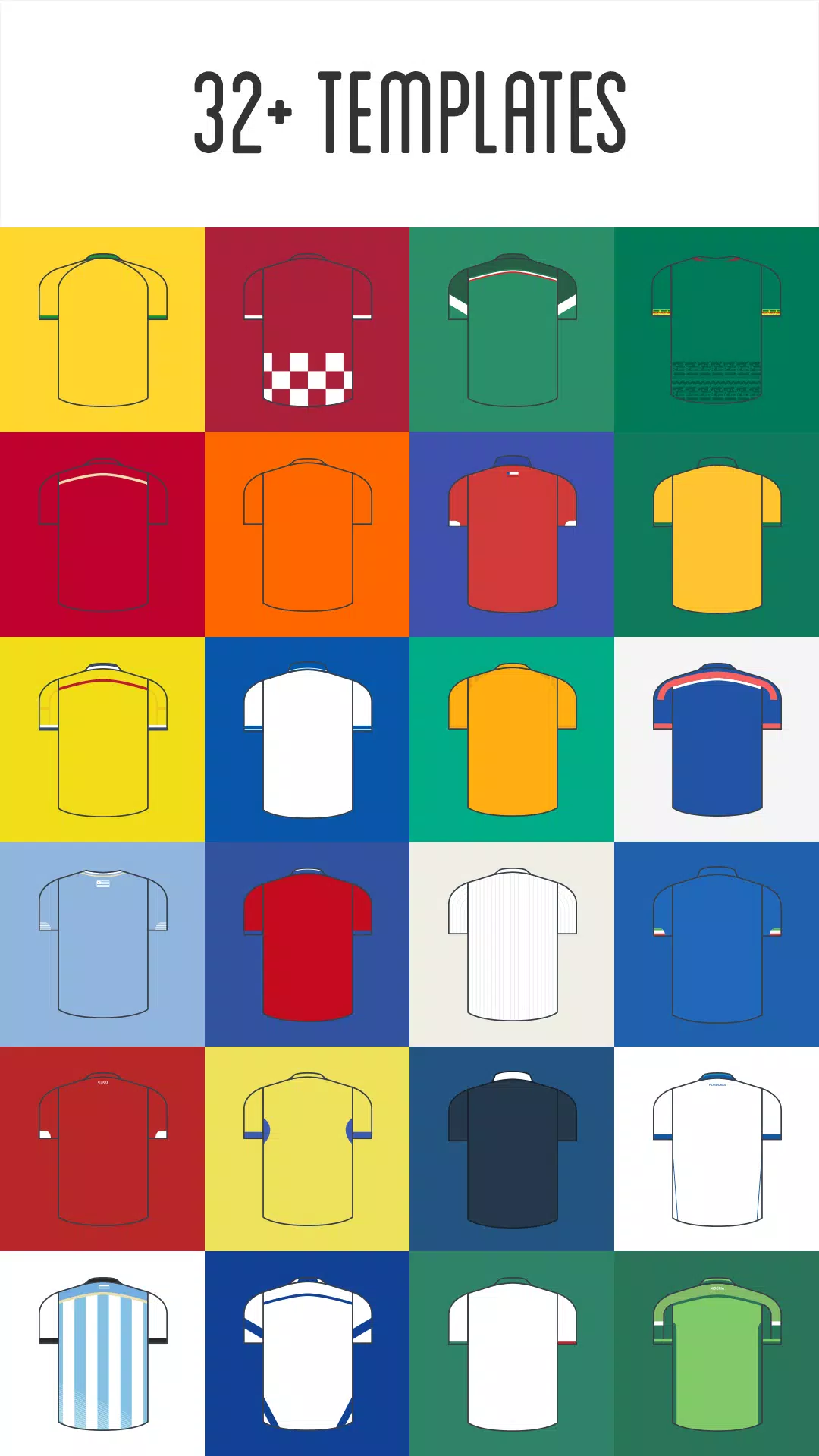
Instead of game levels, myJersey organises creative progression through project stages and template complexity. Templates are grouped by complexity—basic, intermediate and detailed—so beginners can start with a simple shirt and experienced users can choose kits with collars, sleeve accents and sponsor panels. The intended workflow is linear: pick a template, draft an initial design, refine details and export final assets. A local project history lets you revert to earlier drafts, duplicate projects to create variations, and maintain an organised library of finished images.
Customization and visual style
The visual approach mixes photographic shirt mock-ups with flat vector badges and numbers to keep exports crisp on modern displays. Personalization focuses on colours, emblems, typography and subtle patterns: swap emblems, adjust base hues, change typefaces from a curated set and apply fabric-like patterns or badge overlays. Color choices are constrained to respect each national team’s identity while still offering meaningful variation, so your designs remain visually coherent and recognisable.
Replay value and creative challenges
Replay value stems from iterative design rather than competitive play. You can revisit teams to create alternate kits, retro-style concepts, tournament-day wallpapers or seasonal themes. The app supports personal challenge systems such as themed series, constrained palettes or timed design sessions to push creativity. Saved presets and reusable elements make it straightforward to produce coordinated image sets for events or social posts.
User experience, accessibility and onboarding
The interface is designed for clarity with readable labels, large touch targets and a predictable layout suited to one-handed phone use. Short onboarding tips and contextual help guide new users through the core workflow, and the layered workspace with alignment aids keeps compositions tidy. Accessibility considerations include high-contrast UI elements and clear iconography to support users with visibility needs; text sizes and control spacing are chosen to reduce accidental taps on smaller screens.
Offline use and practical limits
Most editing features work offline so you can create and export assets without a continuous internet connection; connectivity is only required for sharing to social networks or downloading optional asset packs. myJersey is intended for digital fan art and screen-optimised wallpapers rather than professional garment manufacturing, and it focuses on included national team templates rather than a full catalogue of club or commercial brand kits.
Who this is for
This editor is aimed at casual fans, content creators and social account managers who want a quick, reliable way to craft team-branded visuals. myJersey balances ease of use with enough depth to reward repeated use: whether you want a single profile image or a coordinated set of match-day graphics, the template-driven workflow and export-ready outputs make creating and sharing polished visuals straightforward and efficient.
- No virus
- No advertising
- User protection
Information
- File size: 2.10 M
- Language: English
- Latest Version: 1.0.5
- Requirements: Android
- Votes: 441
- Package ID: com.superjeresy.myjersey
- Developer: HARDGRND Inc.
Screenshots
















Explore More
Equip yourself with our all-in-one toolbox app for everyday tasks and projects. Instantly convert between units, calculate tips, scan documents, manage files, and more with handy productivity tools. Includes a level, compass, QR code reader, ruler, speedometer, decibel meter, and flashlight. Save frequently used tools to your customizable dashboard for one-tap access. Track billable hours, wages, budgets, and invoices. Annotate screenshots, magnify labels, and sign PDFs on the go.

Board Game Stats

Text Art - Write Text On Photo

MERA PROXY PRO

Domino's Pizza Sri Lanka

Hatekhori Shongkha

Halloween Photo Editor -Makeup

Connecting - Friends Near Me

HFonts - font & emoji manager





























