


Introduction
My Solar D is a mobile app that helps homeowners monitor and manage solar energy systems with real-time data, production forecasts, and system diagnostics. Designed for clarity, it consolidates panel output, battery levels and consumption trends so users can track performance, estimate savings and detect issues from a single dashboard.
Key capabilities at a glance
My Solar D focuses on practicality and straightforward reporting. The app provides live generation figures, historical charts, outage alerts and an energy balance view that contrasts production with household consumption. It also includes schedule-aware forecasts so you can anticipate sunny-day production versus cloudy conditions.
- Real-time monitoring: Immediate readouts for PV arrays, string-level output and inverter status.
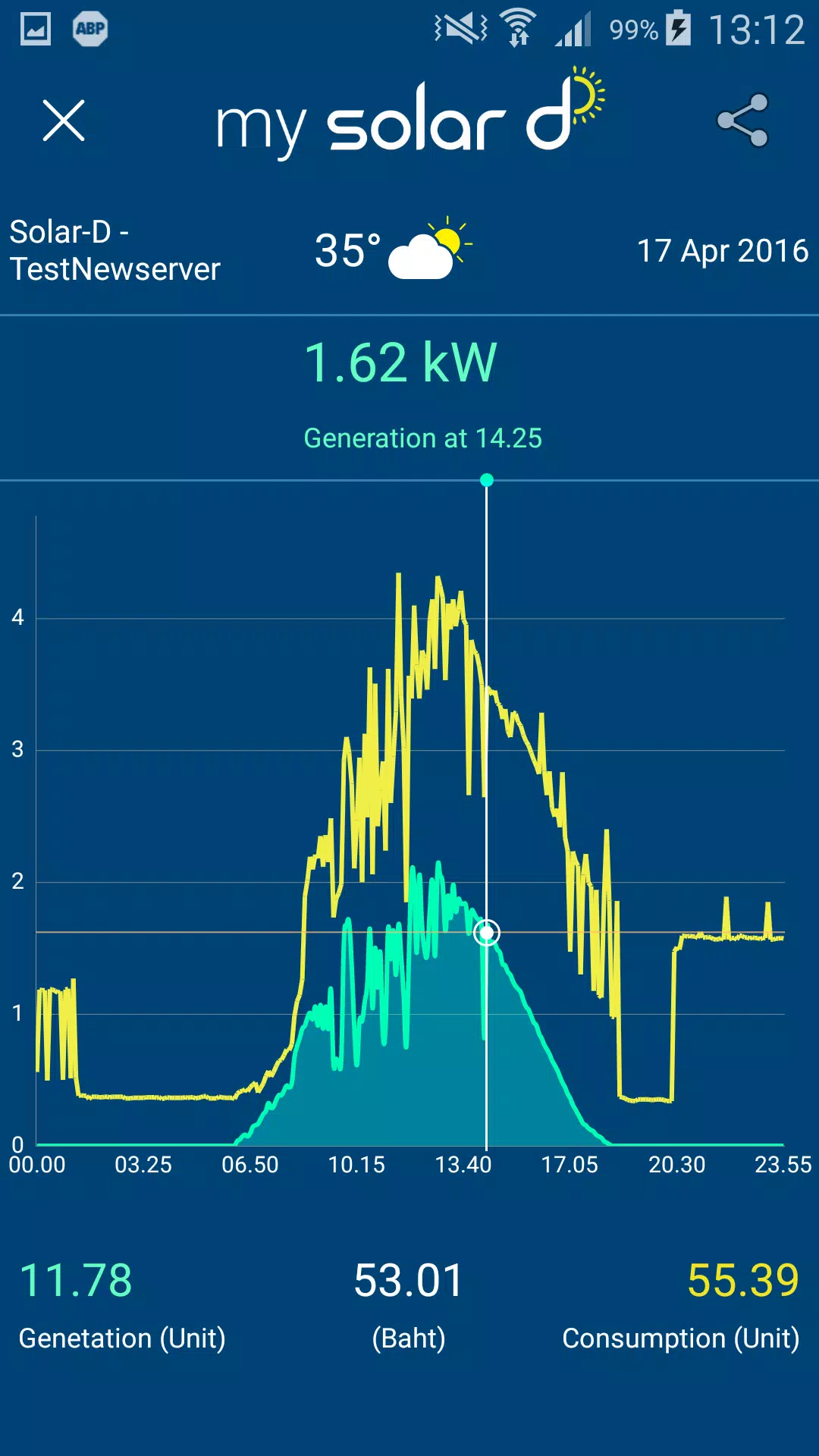
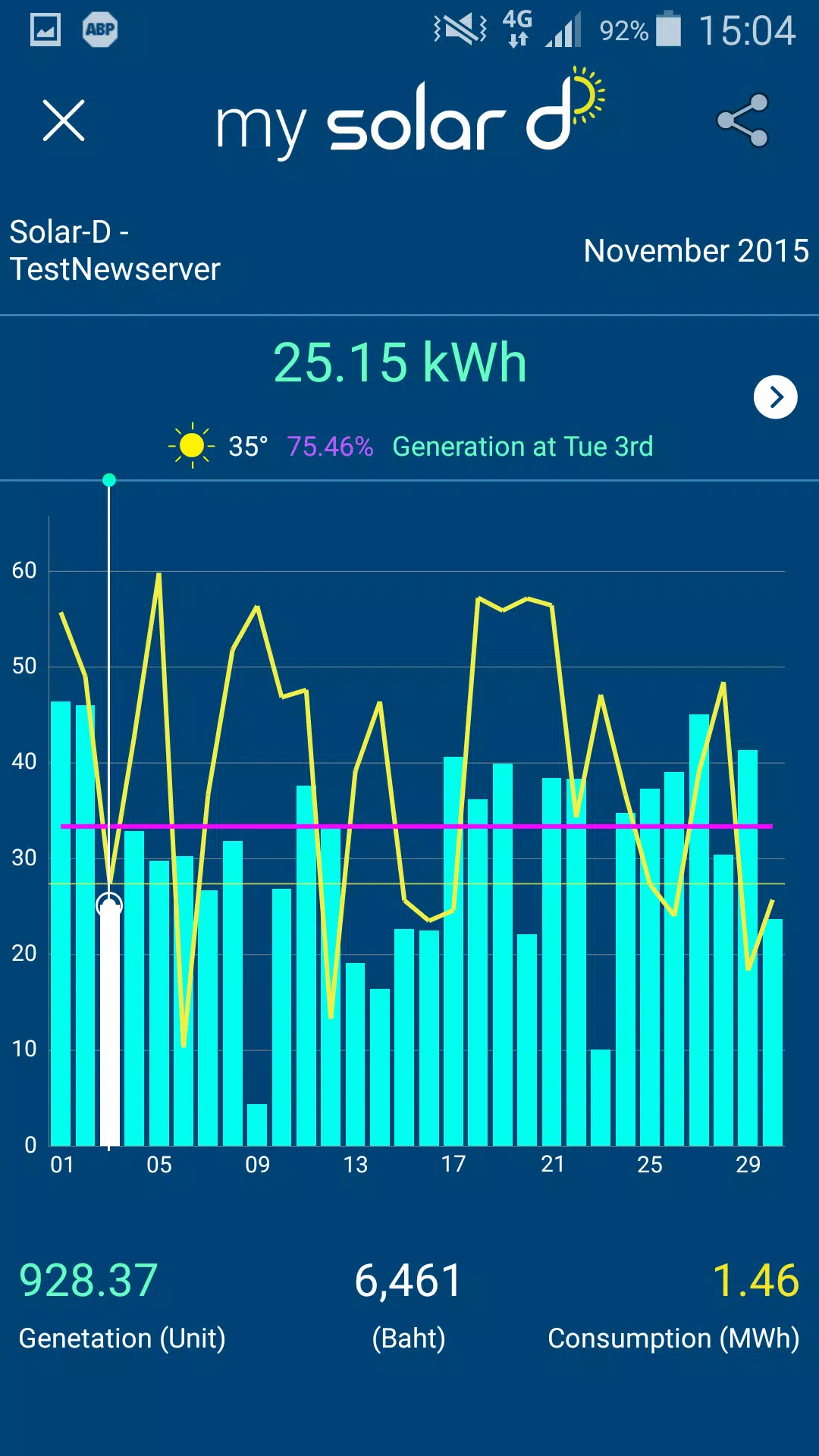
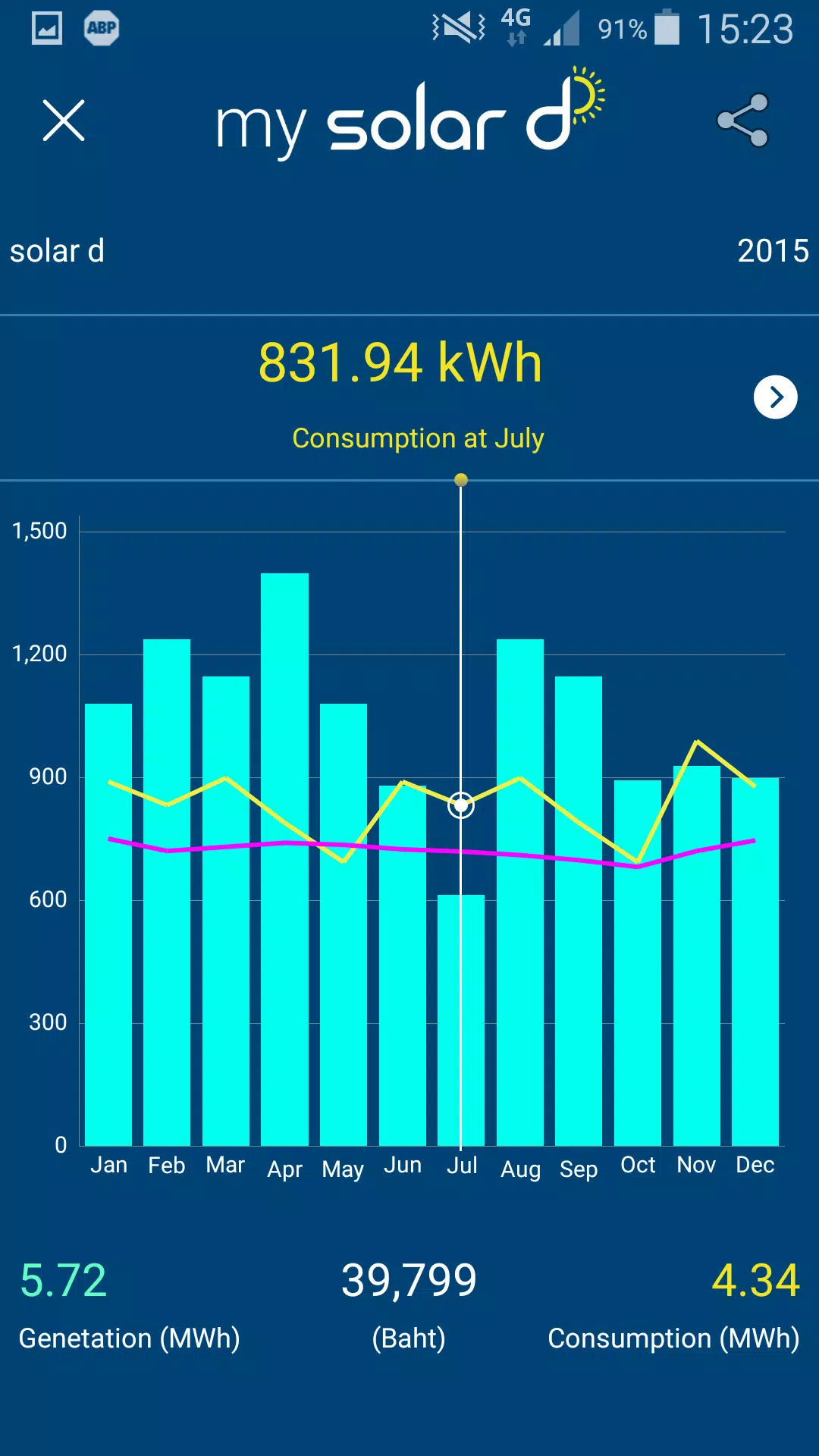
- Historical analysis: Day, week, month and year views with exportable CSV summaries.
- Forecasting: Short-term weather-based production estimates and longer-term trend projections.
- Battery management: State-of-charge display, charge/discharge cycles and estimated autonomy time.
- Alerts & diagnostics: Notifications for underperformance, inverter faults and connection drops.
How the system operates
My Solar D connects to a variety of smart inverters, battery systems and monitoring gateways through Wi-Fi or cloud integrations. Data is ingested continuously and normalized, allowing the app to present consistent metrics regardless of brand. Users can pair multiple installations—useful for monitoring a home system and a second property or an off-grid site.
The app balances local reading with cloud-synced backups: when a local gateway is available it offers the lowest latency, and when it's offline cloud fallbacks preserve historical trends and alerts. This architecture gives reliable access whether you are onsite or checking from another city.
Interface and usability
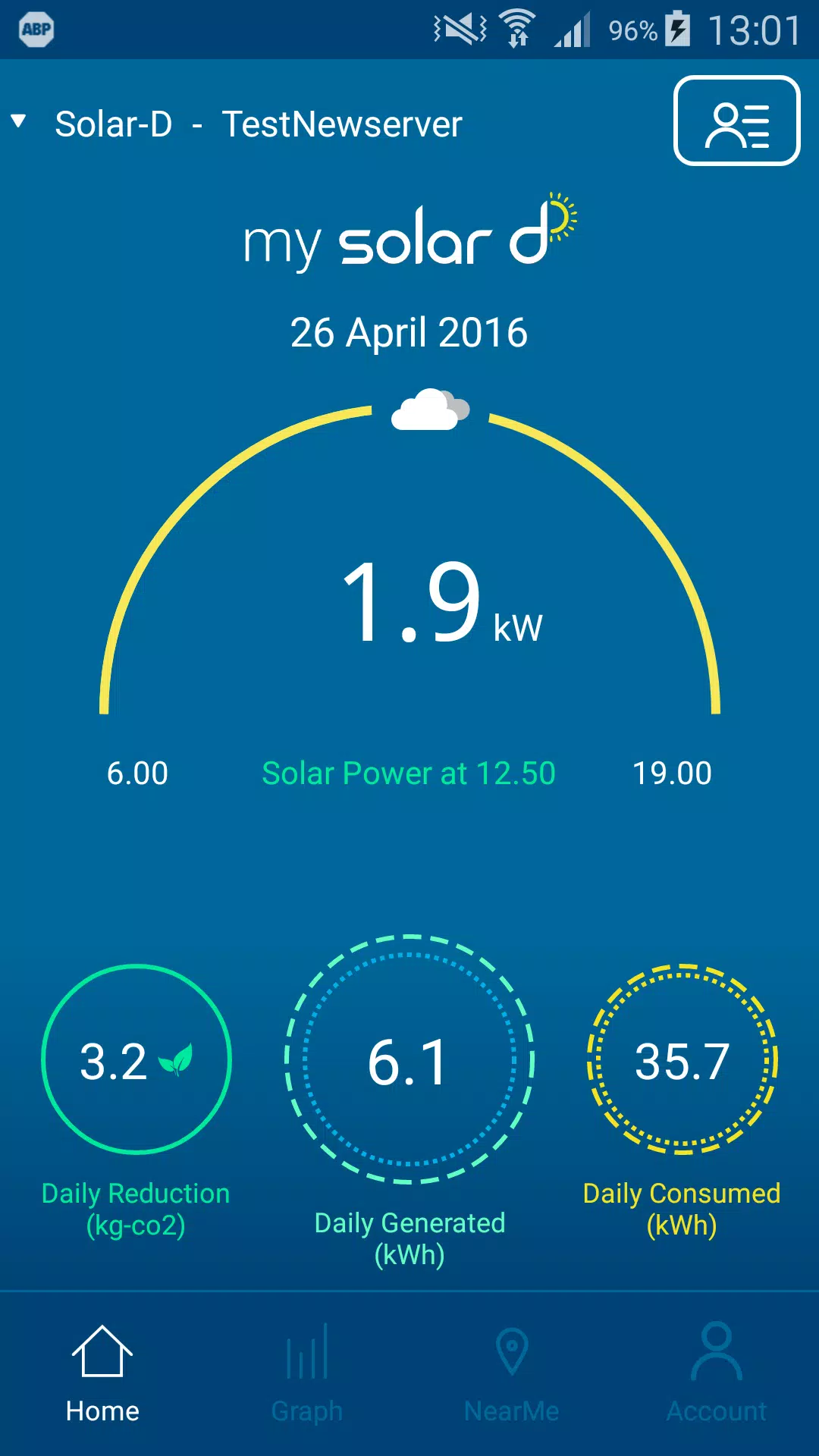
Navigation is organized around three main screens: Live, History and Settings. Live shows a concise overview with a visual gauge for current generation and a simple energy flow diagram. History expands into interactive charts that respond to pinch and drag gestures, making comparison across timeframes intuitive.
Key metrics are surfaced as tiles, and custom dashboards can pin the most important widgets. The design emphasizes legibility: large numerals for power and percentage readouts for battery, color-coded indicators for charging/discharging and simple icons to identify system components.
Installation, compatibility and requirements
Installation is straightforward: download the app, create an account and follow the guided device pairing. My Solar D supports leading inverter manufacturers and common protocols such as Modbus, HTTP API endpoints and select cloud platforms. Minimum requirements are modest, and most modern Android devices handle the UI fluidly.
If you manage multiple systems, account-level organization lets you add sites, name them and set location-specific settings. The onboarding wizard checks for firmware compatibility and recommends updates or configuration tips where applicable.
Practical scenarios for everyday use
Homeowners can use My Solar D to optimize usage: schedule high-draw appliances when production peaks, or limit charging when tariffs are high. For small installers and system owners, the app delivers quick verification during commissioning and a simple way to hand over ongoing monitoring to clients.
- Track seasonal production differences to validate expected yields.
- Detect gradual performance drops indicating soiling or shading issues.
- Monitor battery cycles to plan replacement and preserve warranty conditions.
Performance, security and support
Performance is tuned to keep data transfers efficient and avoid excessive battery consumption on mobile devices. Communications are encrypted and account access includes optional multi-factor authentication. Data retention policies allow users to manage how long detailed metrics are stored locally or in the cloud.
Support channels include in-app help, a knowledge base and a streamlined reporting tool to submit diagnostics. Push notifications and email alerts can be configured so critical issues reach the right person immediately.
Getting started tips
- During setup, perform a full systems scan to ensure all inverters and meters are detected.
- Customize the dashboard to surface the three metrics you check most often.
- Enable alerts for inverter faults and low battery thresholds to receive timely warnings.
- Review historical exports monthly to spot gradual changes in output or efficiency.
My Solar D is built to simplify solar system oversight, offering a balance of detailed telemetry and user-friendly presentation so both casual owners and technical users can make informed decisions about energy production and consumption.
- No virus
- No advertising
- User protection
Information
- File size: 10.90 M
- Language: English
- Latest Version: 2.2.1
- Requirements: Android
- Votes: 253
- Package ID: com.appman.solar.d
- Developer: Solar D Corporation Co., Ltd.
Screenshots
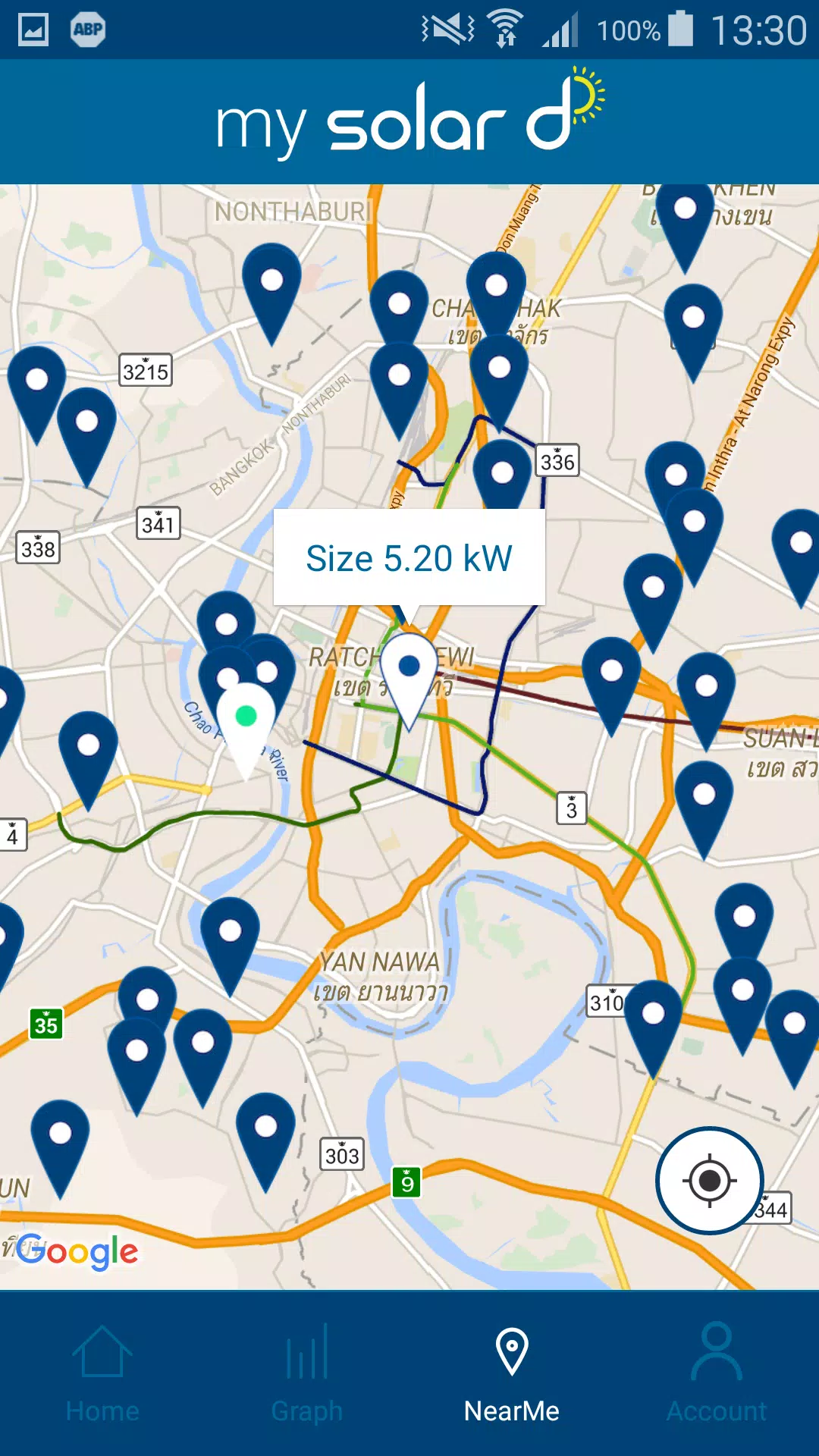
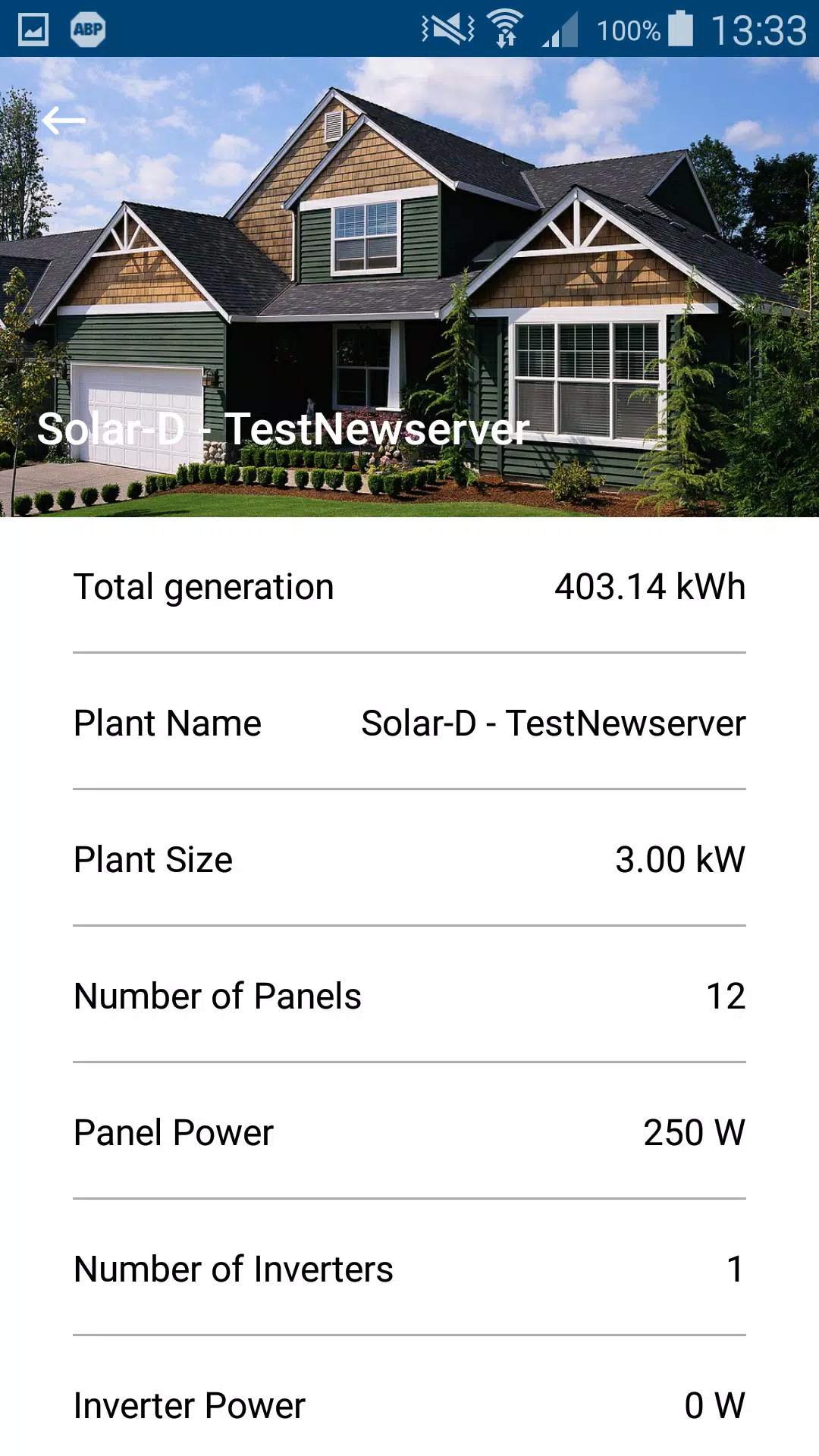
















Explore More
Make your house a home with our selection of innovative apps. Discover programs to simplify cleaning, organize closets, and manage home maintenance. Take the hassle out of chores and keep your space running smoothly. Design, visualize, and renovate like a pro using our augmented reality and 3D modeling tools. Enhance security and monitor your property 24/7 with our connected home tech.

Scary sound effects

カウシェ

Baby songs free Nursery rhymes

Kaspersky Password Manager

Kidcare – Parental Control App

OTT Navigator IPTV

MTS Link

Origin Energy Gas Internet LPG





























