


Introduction
Tik - Study Planner is an offline-first daily planner designed for focused studying and simple routines. It brings task lists, timetables, a Pomodoro timer, a mood diary and clean progress statistics into one lightweight interface so students and self-learners can stay organised and motivated without distractions. Use it to plan tasks, glance at what’s coming up, build deep-work habits with timed sessions, and record how you feel each day. The app also supports exporting timetables and progress charts as images or PDFs and includes a compact today & tomorrow widget for quick access.
Key Features
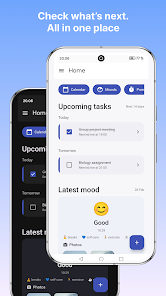
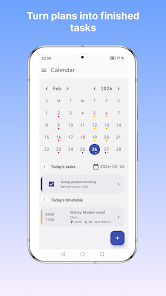
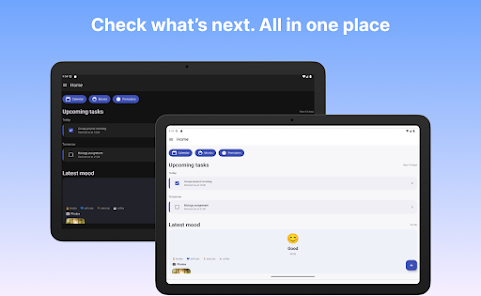
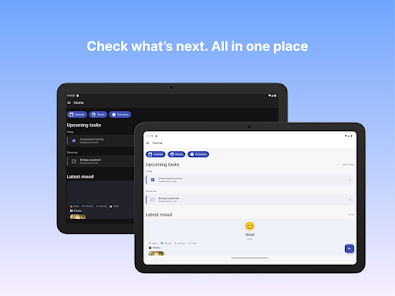
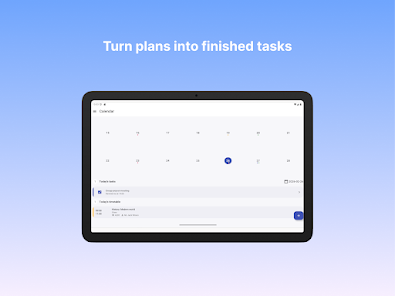
⭐ Create and manage tasks, mark them complete and get a quick view of upcoming items — Tik - Study Planner keeps your daily workload visible.
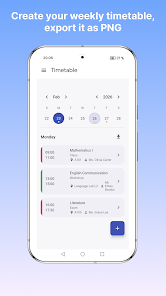
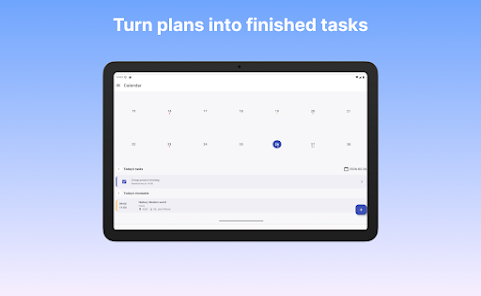
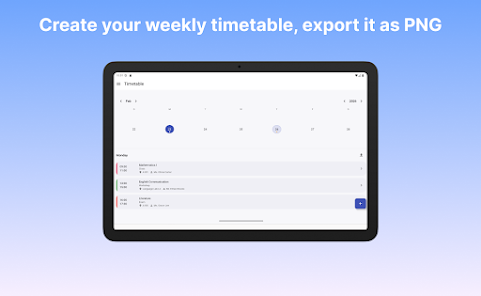
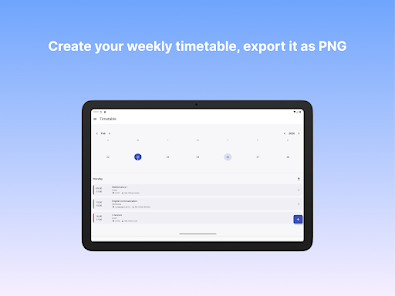
⭐ Build a one-time schedule or a repeating weekly timetable and export it as a PNG image to share or save.
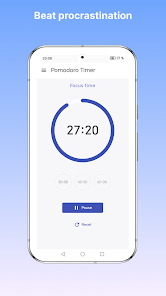
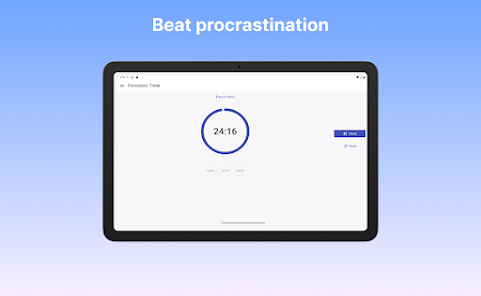
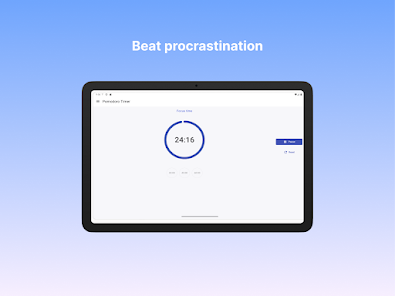
⭐ Use a built-in Pomodoro focus timer to structure deep work sessions and improve concentration.
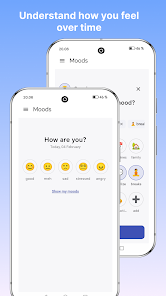
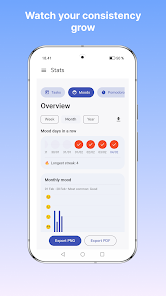
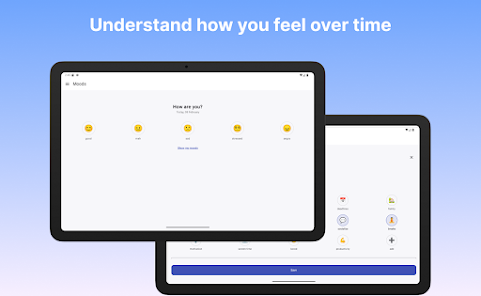
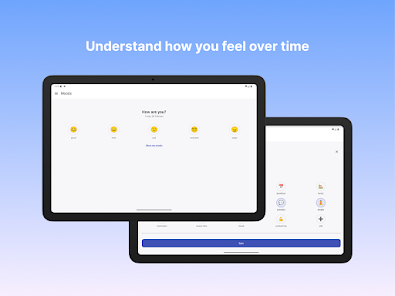
⭐ Log moods quickly with an integrated mood tracker to spot emotional patterns over time.
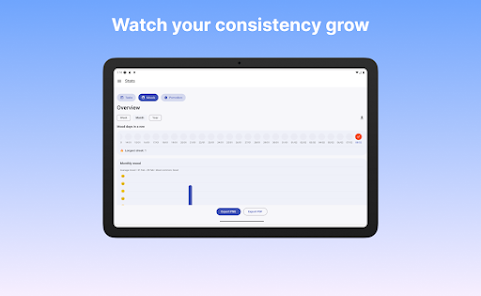
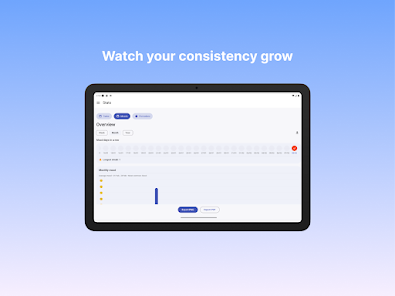
⭐ Review clear statistics and progress charts, then save or share your reports as PNG or PDF files.
⭐ Add a compact today & tomorrow widget and pin up to three tasks for each day for immediate access.
Advantages
✅ Tik - Study Planner is offline-first, so you can plan and focus without relying on an internet connection.
✅ The app combines task lists, timetables, timers and mood tracking in a simple, distraction-free interface.
✅ Export options make it easy to share timetables and progress charts with classmates or tutors.
✅ Small widget and clear daily views help build consistent study habits whether preparing for exams or forming routines.
Disadvantages
❎ The today & tomorrow widget allows up to only three pinned tasks per day, which can feel restrictive for heavy workloads.
❎ Exports are provided as PNG or PDF images, so raw data formats like CSV are not available for advanced analysis.
- No virus
- No advertising
- User protection
Information
- File size: 62.00 M
- Language: English
- Latest Version: 1.0.9
- Requirements: Android
- Votes: 332
- Package ID: com.burcu.studyplanner
- Developer: Burcu Koyluoglu
Screenshots
















Explore More
Explore an immersive world of entertainment with our media software. Watch, listen, and engage with your favorite shows, music, movies, and more. Access exclusive content, personalized recommendations, and innovative formats. Enhance your experience with our suite of cutting-edge applications. Discover hidden gems tailored to your unique tastes. Create, share, and connect over personalized playlists, reviews, and forums.

MEXC Global: BTC, ETH, Gamefi

Talking Cat Vs. Mouse

OLX Portugal

ScratchJr

Background Remove & Replace

AppLock Theme Tulip

Physics Lab

Netflix Premium





















