
Introduction
LM NET is a mobile networking utility that helps Android users monitor connections, test speeds, and secure traffic with a built-in VPN and diagnostics tools. It provides real-time charts, detailed logs, and one-tap optimizations to keep Wi-Fi and mobile data running smoothly.
What LM NET Does
LM NET combines connection monitoring, performance testing, and privacy features into a compact toolkit. The app tracks upload and download throughput, measures latency, and records historical trends so you can spot flaky networks or data-hungry apps. It also offers a lightweight VPN option to encrypt traffic when you need extra protection on public hotspots.
Key Features at a Glance
- Live Speed Tests: Run quick checks for download/upload rates and ping times, with visual charts for immediate interpretation.
- Real-Time Monitoring: See current bandwidth usage by app and interface, with alerts for unexpected spikes.
- Connection Diagnostics: Identify packet loss, DNS issues, and gateway problems using step-by-step tests.
- Built-in VPN: Optional secure tunnel for safer browsing on unsecured networks.
- Detailed Logs: Exportable session logs and historical graphs for troubleshooting or analysis.
User Interface and Workflow
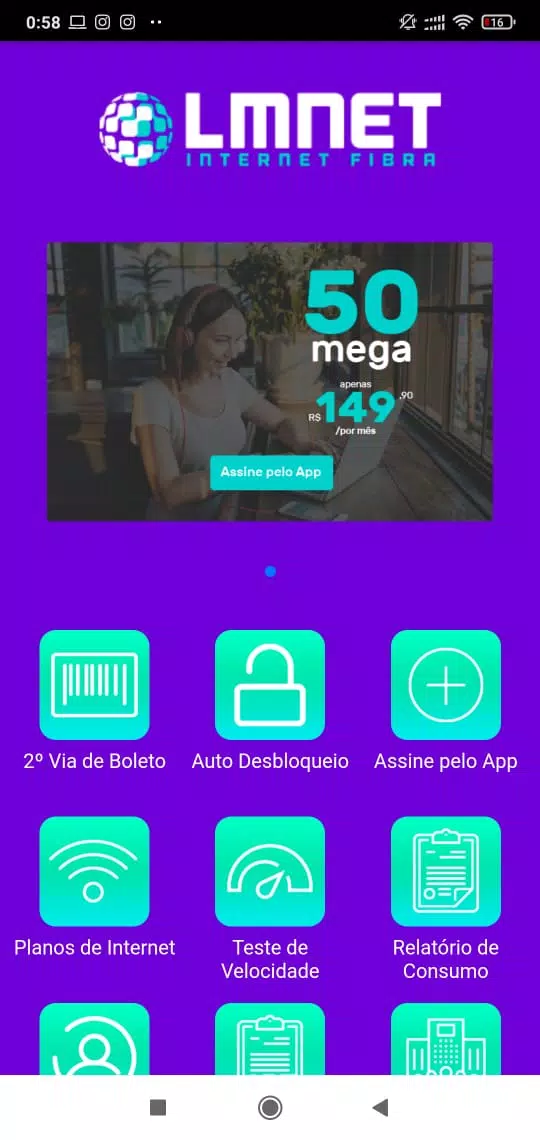
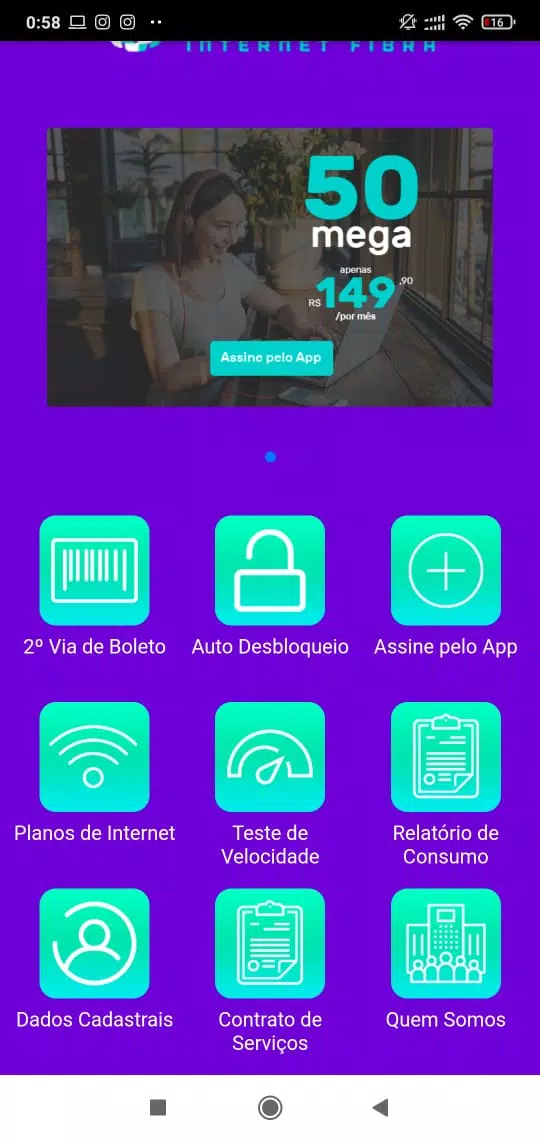
LM NET keeps the interface uncluttered. The home screen highlights the active network and shows a compact speed gauge. Deeper tabs divide tools into Monitoring, Tests, and Settings. Running diagnostics is a three-tap process: select the interface, start the diagnostic, and view recommendations. Controls are designed for quick access so everyday checks take seconds rather than minutes.
Performance and Resource Use
The app is optimized to minimize battery and CPU drain while monitoring continuously. Sampling intervals are adjustable, allowing you to balance granularity and power consumption. Background monitoring uses low-priority threads and reduces sample frequency when the device enters low-power states. On mid-range devices LM NET remains responsive, and large log files can be trimmed automatically to control storage use.
Security and Privacy
LM NET’s optional VPN encrypts data in transit and prevents casual interception on public Wi-Fi. The app requests only necessary permissions for network access and traffic analysis and offers clear controls for data retention. Logs can be stored locally or removed after a configurable interval. For users with strict privacy needs, the app provides an option to disable any analytics collection.
Compatibility and Requirements
LM NET supports a wide range of Android versions and hardware configurations. It detects Wi-Fi, cellular, and VPN interfaces automatically and adapts measurement methods to available capabilities. The app is lightweight and does not require rooted devices. It is compatible with most third-party VPN services when used purely as a diagnostics tool.
Practical Use Cases
For commuters who connect to varied public Wi-Fi, LM NET quickly reveals slow or congested networks and helps select safer connections. Small business owners can monitor office Wi-Fi performance, spot bandwidth hogs, and validate ISP speeds. Mobile developers and support staff will find the trace and log features useful for reproducing intermittent connectivity problems.
Getting Started Tips
Begin by running an initial speed test on your home Wi-Fi to set a baseline. Enable background monitoring for a day to collect usage patterns, then review the logs to identify any unexpected data usage. If you use public hotspots frequently, turn on the VPN feature when connecting to untrusted networks. Keep the app updated to take advantage of improved diagnostic algorithms and expanded protocol support.
Troubleshooting and Support
If a test returns inconsistent results, rerun it at different times and from different locations to rule out temporary congestion. Use the export function to share logs with your ISP or IT support. The settings menu includes options to clear caches, reset network analyses, and adjust sampling frequency for more precise measurements.
LM NET delivers a balanced blend of monitoring, testing, and security tools in a compact Android package. Its clear visualizations, adjustable settings, and modest resource footprint make it a practical choice for users who need reliable insight into their mobile and Wi-Fi connections.
- No virus
- No advertising
- User protection
Information
- File size: 10.50 M
- Language: English
- Latest Version: 3.0.5
- Requirements: Android
- Votes: 144
- Package ID: com.app.w5f8757742b6d95301e4b3902
- Developer: Simples de Criar
Screenshots
















Explore More
Make your house a home with our suite of helpful home apps. Discover clever tools to organize closets, streamline chores, and simplify cooking. Take the stress out of cleaning and maintenance with handy checklists and schedules. Enhance security and control appliances and lighting with our smart home integrations. Design, visualize, and renovate like a pro using our 3D planning software.

Metro Micro

Tax Calculator India 2024-2025

ClassPass: Fitness, Spa, Salon

OnDjoss

Park4Me

Scary sound effects

Home Workouts - Lose Weight

Juice Recipes