


Introduction
NOAA Weather Unofficial is a focused weather utility that brings timely forecasts, radar maps, and alerts to Android users in an approachable interface. The app condenses NOAA feeds into portable tools for planning, offering clear radar imagery, customizable alerts, and concise forecasts that help users make decisions quickly.
What NOAA Weather Unofficial Does
NOAA Weather Unofficial collects official meteorological data from the National Oceanic and Atmospheric Administration and presents it with user-friendly controls. It is not a consumerized media product; instead, it emphasizes raw, reliable feeds such as radar loops, storm warnings, and hourly forecast grids so users can assess conditions without clutter.
Core Capabilities
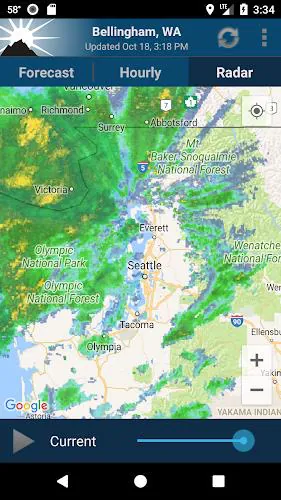
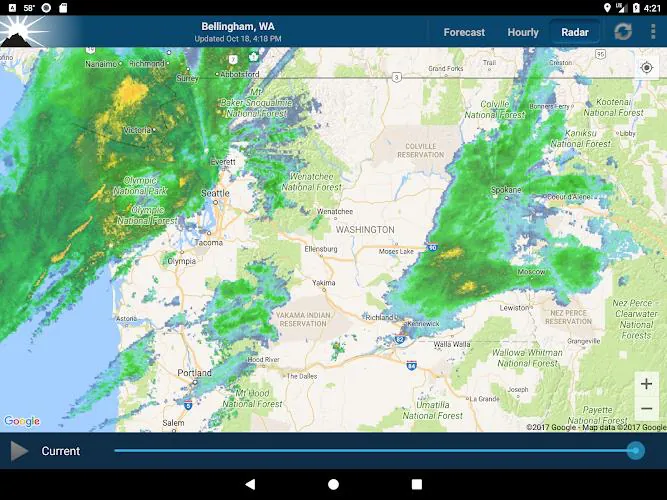
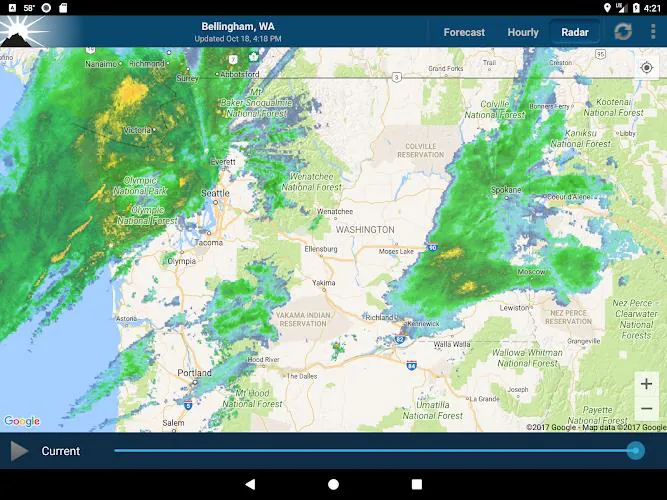
- Real-time radar: Animated radar tiles and precipitation overlays give immediate insight into storm movement and intensity.
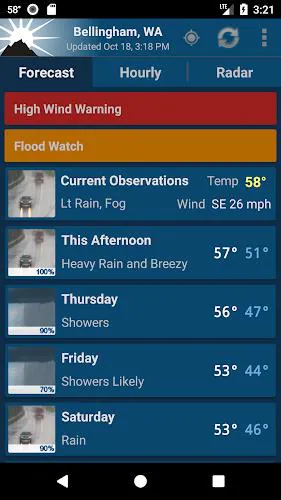
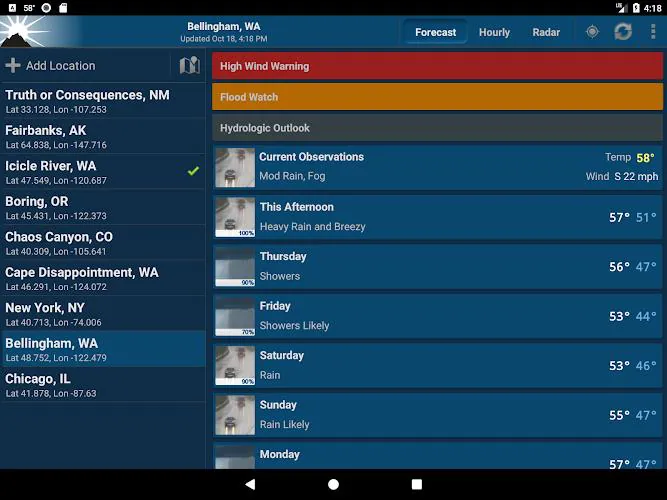
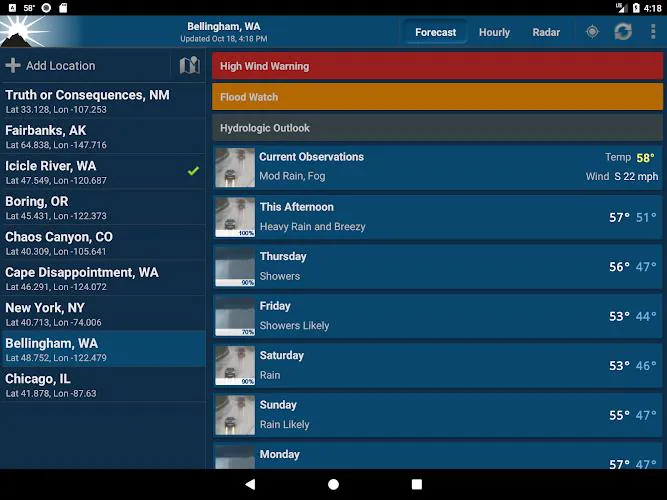
- Warnings & alerts: Push notifications for watches, warnings, and advisories keep you informed about severe weather near your location.
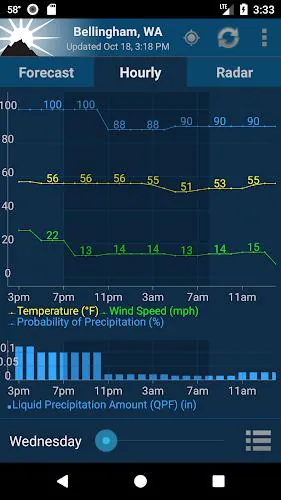
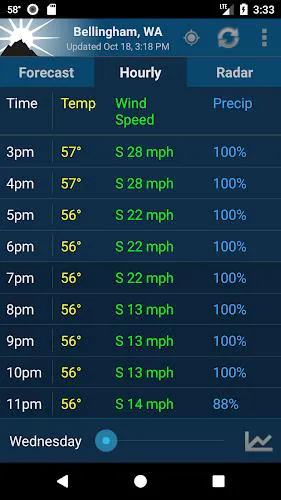
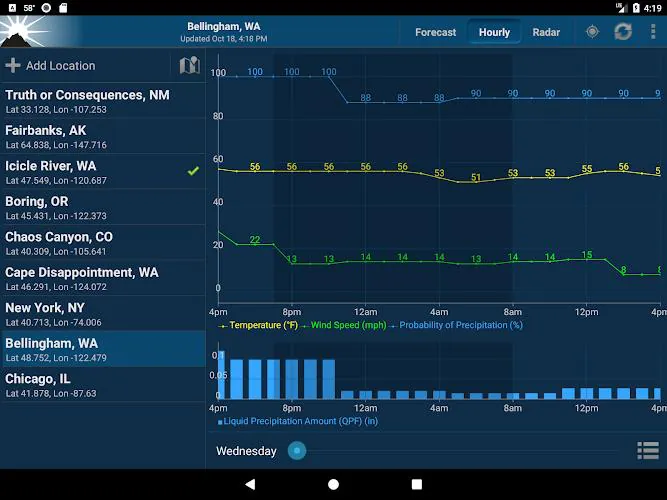
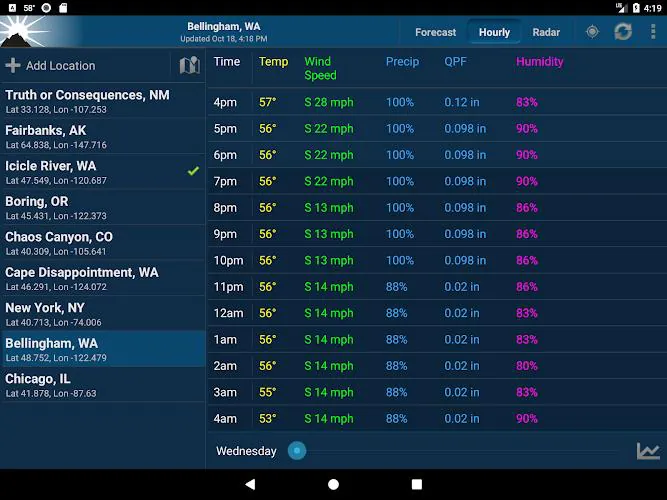
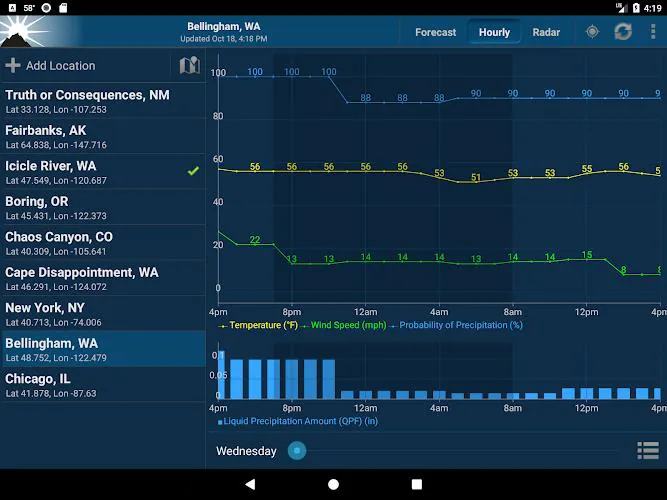
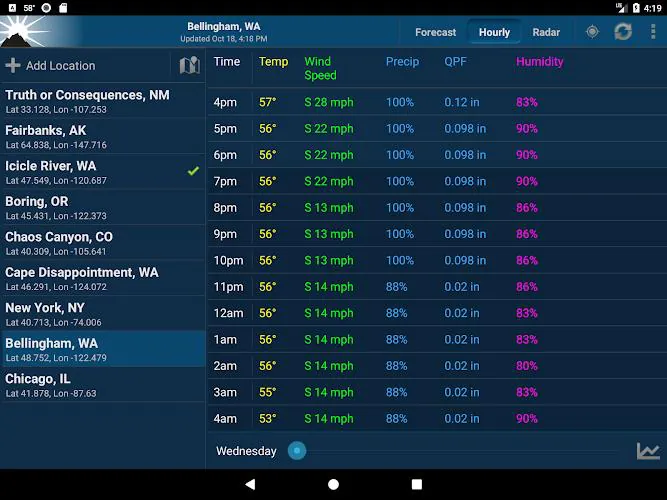
- Forecast detail: Hourly and daily summaries draw on NOAA model outputs to display temperature, wind, and precipitation probabilities.
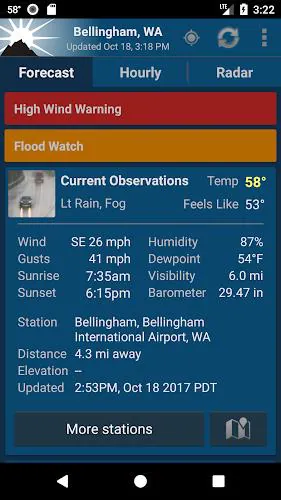
- Station data: Observations from nearby weather stations provide current temperature, pressure, and dew point readings.
How the App Works
NOAA Weather Unofficial retrieves public NOAA datasets and converts them into compact displays optimized for mobile. The app's backend periodically polls source endpoints, caches images and metadata, and then renders radar frames and text summaries with minimal latency. This approach balances freshness with bandwidth efficiency, which helps when cellular connections are variable.
Navigation and Workflow
Users can switch between map views and list views. The map mode overlays radar, storm tracks, and lightning on zoomable tiles. The list mode surfaces active alerts and the day-by-day forecast in concise rows. Settings allow the user to adjust polling frequency, map layer opacity, and which alert types trigger notifications.
Interface and Performance
The design favors clarity over decoration. Controls are laid out for quick access: a map with basic gestures, a toggle panel for layers, and a compact alert center. Performance-wise, NOAA Weather Unofficial is optimized to load only visible map tiles and to reuse cached assets when possible, reducing battery and data impact during extended use.
Visual and Usability Notes
- Map rendering is smooth on modern devices, with clear legend elements for radar intensity and storm severity.
- Color schemes are chosen for contrast and quick interpretation, which helps users discern rain bands and severe cells at a glance.
- Customizable update intervals let you prioritize immediacy or conserve resources.
Customization and Settings
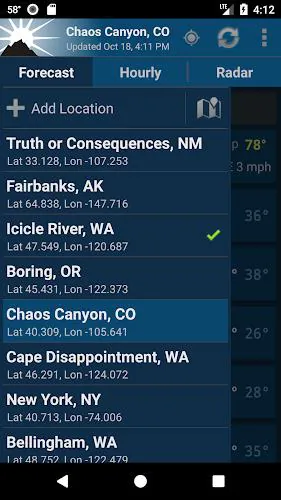
Customization is a standout. NOAA Weather Unofficial lets you define locations, choose alert types, and set radar animation speed. You can also select units for temperature, wind, and pressure, and determine how long radar loops are retained in cache. These options make the app adaptable for commuters, outdoor enthusiasts, and professionals who need uninterrupted situational awareness.
Tips for New Users
- Start by adding your home and work locations so alerts are sent only for areas you care about.
- Adjust radar loop length and animation speed to match how quickly systems move in your region.
- Set alert filters to avoid unnecessary noise while still catching severe weather watches and warnings.
Why People Choose This App
People who select NOAA Weather Unofficial often value data fidelity and straightforward presentation. The app strips away advertising and narrative overlays, letting the underlying NOAA products speak for themselves. Whether you need a reliable morning commute forecast or near-real-time radar while outdoors, it gives a compact, no-nonsense toolkit.
Practical Use Cases
- Commuters checking delays due to heavy rain or snow.
- Event organizers monitoring storms before outdoor gatherings.
- Field workers and emergency managers watching for rapid changes in severe weather.
Getting Started and Installation
Installation follows standard Android app procedures: download, grant location permissions if you want automatic local alerts, and configure notification preferences. For privacy-conscious users, permissions can be limited while still enabling manual location searches and map interaction.
NOAA Weather Unofficial is a practical tool for anyone who prefers direct access to NOAA data presented in a lightweight, efficient mobile app. Its combination of radar clarity, alert controls, and customizable settings makes it a preferred choice for users who need dependable weather information without unnecessary extras.
- No virus
- No advertising
- User protection
Information
- File size: 15.11 M
- Language: English
- Latest Version: 2.14.5
- Requirements: Android
- Votes: 430
- Package ID: com.nstudio.weatherhere.free
Screenshots
















Explore More
Make your house a home with our suite of helpful home apps. Discover clever tools to organize closets, streamline chores, and simplify cooking. Take the stress out of cleaning and maintenance with handy checklists and schedules. Enhance security and control appliances and lighting with our smart home integrations. Design, visualize, and renovate like a pro using our 3D planning software.

All Recovery - Photos & Videos

Tax Calculator India 2024-2025

OnDjoss

Park4Me

Scary sound effects

Home Workouts - Lose Weight

Juice Recipes

HFonts - font & emoji manager





























