


Introduction
Buttons Remapper is a compact Android utility that lets you reassign physical buttons and gamepad inputs to custom actions, shortcuts, or macros. It simplifies control customization for phones, tablets, and controllers without complex setup, enabling productivity, accessibility improvements, and tailored gameplay controls with minimal fuss.
What Buttons Remapper Does
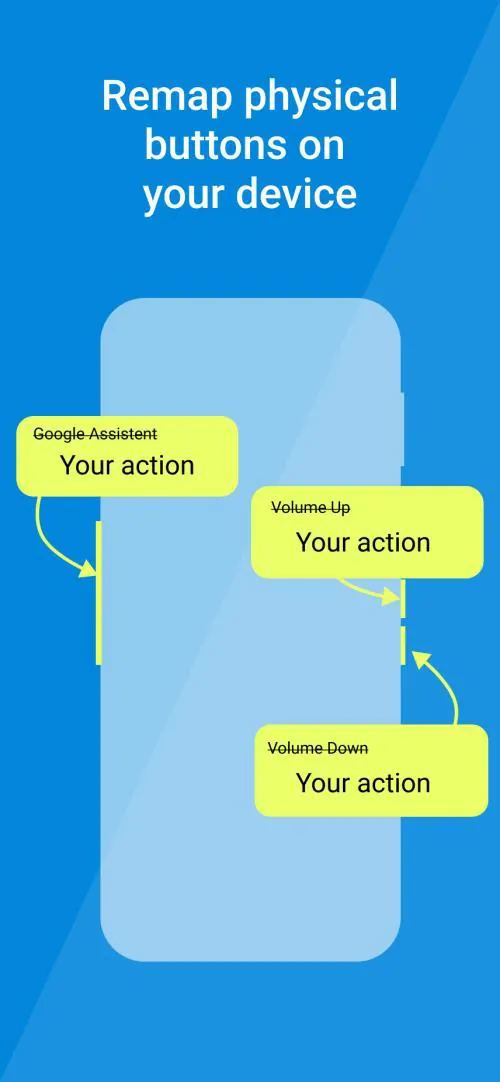
Buttons Remapper converts your device hardware keys into useful shortcuts or repeated sequences. Volume keys, power buttons, Bixby or assistant keys, and connected gamepads can trigger single taps, long presses, sequence macros, or launch apps. The app is built to bridge gaps between default OS behavior and what advanced users need.
Key Features
- Button reassignment for physical and Bluetooth controller inputs.
- Profile management to switch mappings based on app, location, or time.
- Macro support allowing chained actions with delays and repeats.
- Gesture integration to combine button presses with swipes or touch patterns.
- Root optional operation: many functions work without root while advanced hooks are available if you choose to grant elevated permissions.
- Accessibility and shortcuts for users who need alternative ways to interact with the device.
How the System Works
At its core, Buttons Remapper intercepts hardware events and maps them to chosen outputs. You create profiles that define what each physical control should do. The app runs as a background service and watches for input signals, then triggers the linked action: open an app, simulate a key event, send media controls, or execute a custom macro sequence.
Customization Options
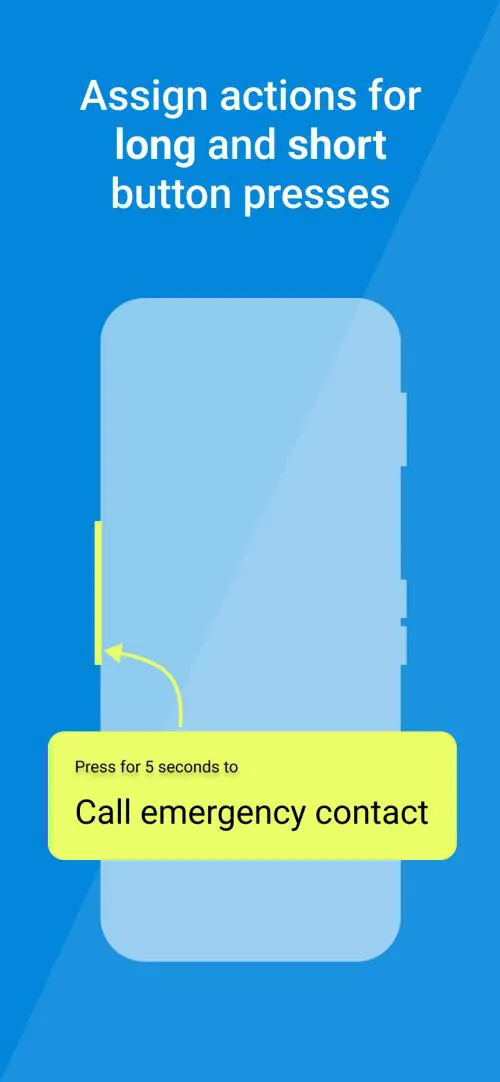
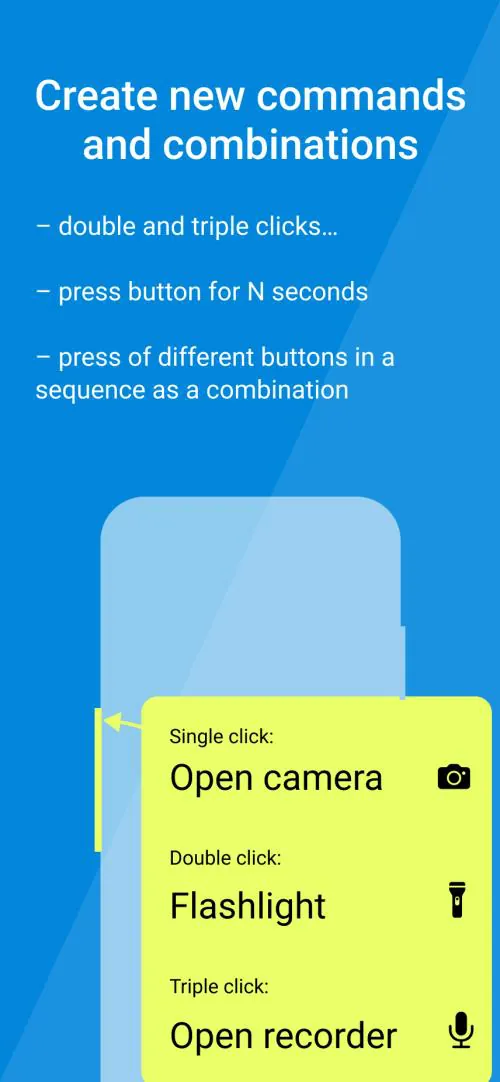
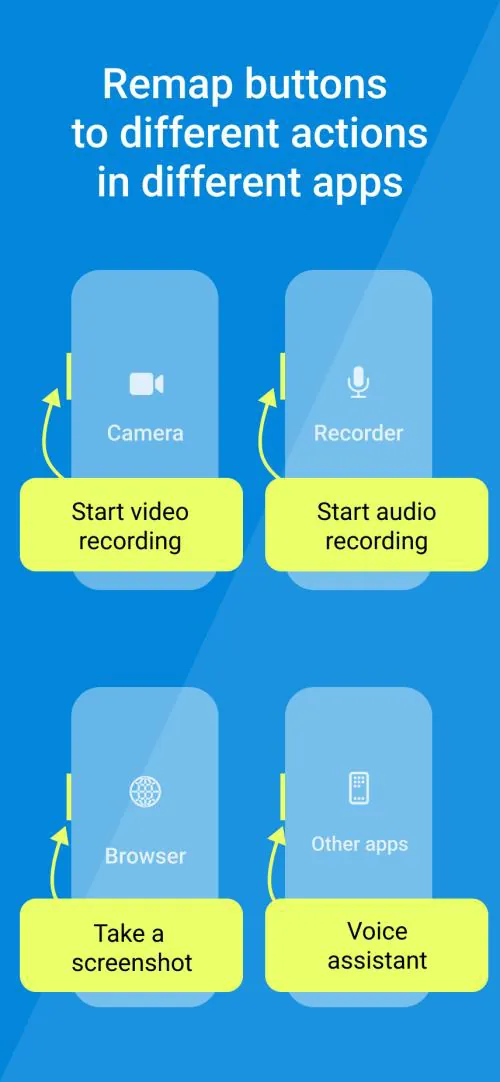
Customization is extensive yet approachable. Each button entry supports multiple actions depending on press type: single tap, double tap, long press, and release. Delay timers and repeat options let you tune responsiveness for games or accessibility tools. Profiles can include app-specific mappings so controls change automatically when a game or productivity app is in focus.
Practical Uses and Workflows
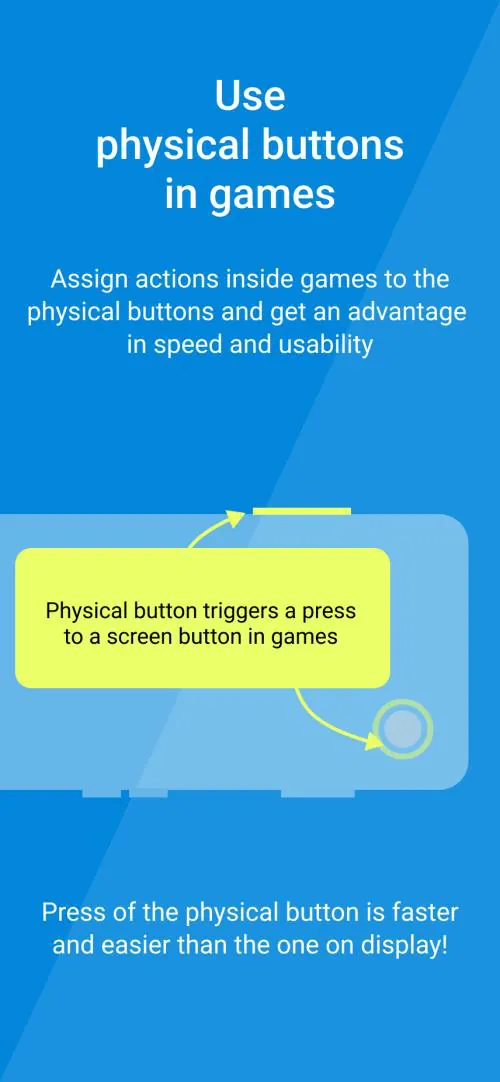
Users adopt Buttons Remapper for many everyday tasks. Gamers remap volume and shoulder keys to in-game actions when controller layouts are limited. Power users bind long-press volume to launch camera or voice assistant. Accessibility-minded people configure single-button navigation to navigate menus or trigger text-to-speech. Developers and testers use mapped inputs to reproduce touch sequences or automate multi-step tasks.
Performance and Compatibility
The app is optimized to be lightweight and battery-conscious. It maintains low memory overhead while running persistently so responsiveness stays high. Compatibility covers a wide range of Android versions and popular controllers; however, exact behavior can depend on device firmware and manufacturer-imposed restrictions. Root access can unlock deeper integration on models where standard hooks are restricted.
Security and Privacy
Buttons Remapper requests only the permissions required to intercept inputs and execute assigned actions. Profiles and mappings are stored locally on your device; there is no need to upload sensitive configurations to cloud servers unless you choose to export or backup. Permission prompts are clear about why each access is needed.
Tips for Best Results
- Start with one or two simple mappings to test responsiveness before creating complex macros.
- Use profiles tied to apps to avoid conflicts between game and productivity setups.
- Enable haptic feedback for mapped actions so you receive tactile confirmation of a trigger.
- Backup your profiles before experimenting with root-level features or system modifications.
Getting Started
Begin by granting the app the minimal permissions it requests and creating a new profile. Assign an action to a physical key and test it immediately. Refine timing parameters for long presses and delays to match your usage. Buttons Remapper includes an in-app help section and sample profiles to speed up setup while you customize the controls to fit your daily routine.
Whether you want a smarter phone workflow, improved accessibility, or a more flexible gaming setup, Buttons Remapper provides a practical toolbox for reshaping hardware controls into functions that make sense for how you use your Android device.
- No virus
- No advertising
- User protection
Information
- File size: 3.91 M
- Language: English
- Latest Version: 1.24.2
- Requirements: Android
- Votes: 99
- Package ID: com.irishin.buttonsremapper
Screenshots
















Explore More
Equip yourself with our all-in-one toolbox app for everyday tasks and projects. Instantly convert between units, calculate tips, scan documents, manage files, and more with handy productivity tools. Includes a level, compass, QR code reader, ruler, speedometer, decibel meter, and flashlight. Save frequently used tools to your customizable dashboard for one-tap access. Track billable hours, wages, budgets, and invoices. Annotate screenshots, magnify labels, and sign PDFs on the go.

Board Game Stats

Text Art - Write Text On Photo

MERA PROXY PRO

Domino's Pizza Sri Lanka

Hatekhori Shongkha

Halloween Photo Editor -Makeup

Connecting - Friends Near Me

HFonts - font & emoji manager





























