


Introduction
Spotify for Creators is a mobile companion designed for musicians, podcasters and audio producers, offering analytics, content management and audience tools in a compact interface. It helps creators monitor streaming trends, schedule releases, and connect with listeners, turning raw data into actionable steps for growing an engaged audience.
Overview of the platform
Spotify for Creators packages essential creator-facing functions into a single app that emphasizes clarity and speed. Instead of opening multiple dashboards or spreadsheets, you get quick access to performance metrics, audience insights and messaging tools tailored to the needs of independent artists and show hosts. The app is optimized to support ongoing content workflows, from planning a launch to tracking reactions after release.
Core features and why they matter
- Real-time analytics: See plays, saves and follower trends so you can react quickly to spikes or dips.
- Audience details: Demographics and listening locations help target promotion and plan tours or episodes.
- Release management: Schedule or preview upcoming drops and monitor how new tracks or episodes perform over their first critical days.
- Profile control: Update artist or podcast pages, add bio links and manage images without leaving the app.
How the workflow feels
The app focuses on short, repeatable tasks. A tap on a metric reveals context and historical comparison, while swipe gestures move you between shows, tracks and time ranges. That makes habitual checks fast: glance at daily changes on the commute, dive deeper on breaks, and export or share insights with collaborators when needed. For busy creators this reduces friction and helps maintain momentum.
Tools that support promotion
Beyond raw numbers, Spotify for Creators features several tools that directly aid promotion. Pitching new songs or episodes to editorial playlists, accessing handy promo links, and generating shareable assets are all part of the toolkit. Those features bridge the gap between strategy and execution, letting creators turn observations into concrete outreach actions without desktop-only steps.
User interface and performance
The interface emphasizes legibility: large charts, clear labels and consistent color cues limit cognitive load. Performance is tuned for mobile, so charts load quickly and background syncs minimize waiting. Notifications can be customized so creators only receive alerts about milestones they care about — such as a jump in listeners or a playlist add — keeping the app useful rather than noisy.
Practical tips for beginners
- Check trends daily: Small, regular reviews catch momentum early and inform short-term promotion choices.
- Use audience data: Target posts and ad spend toward cities and age groups that show strong engagement.
- Link everything: Make sure bios, merch and mailing lists are updated to convert listeners into supporters.
Collaboration and management
Spotify for Creators streamlines tasks that used to require multiple tools. Invite team members to review analytics, coordinate release timing and assign promotional duties. The app serves as a lightweight command center where creators, managers and marketers can align around the same set of up-to-date stats.
Why creators return to it
Creators appreciate that this app reduces guesswork. By bringing analytics and release tools into one place, Spotify for Creators shortens feedback loops and clarifies which activities actually move the needle. It’s particularly useful for independent artists and small teams who need quick, actionable insight without complex setup.
Getting started
Signing up is straightforward: connect your existing artist or podcast account, grant analytics access, and explore the most recent performance cards. Spend a few minutes customizing notification preferences and linking external pages. Within a week you’ll see how the regular habit of checking the app informs better decisions about promotion, scheduling and fan engagement.
For creators focused on growth, Spotify for Creators functions as a compact studio assistant that adapts to daily workflows. With precise measurements, practical outreach tools and an interface built for mobile use, it helps creators spend less time guessing and more time creating.
- No virus
- No advertising
- User protection
Information
- File size: 118.40 M
- Language: English
- Latest Version: 5.18.0
- Requirements: Android
- Votes: 102
- Package ID: fm.anchor.android
- Developer: Anchor FM Inc.
Screenshots
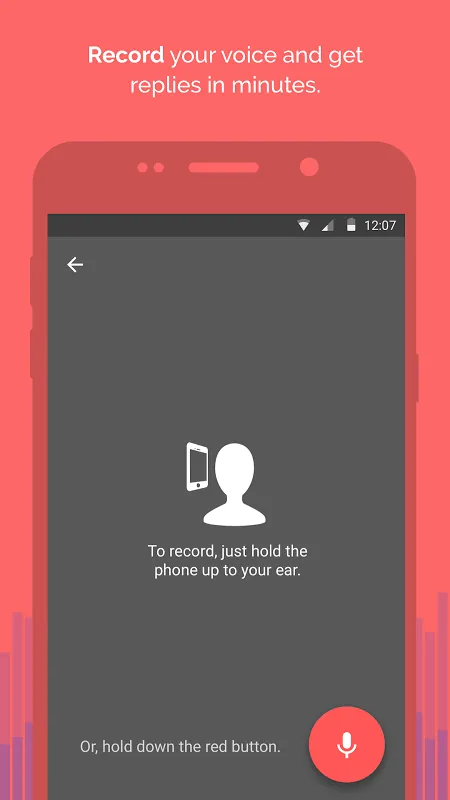
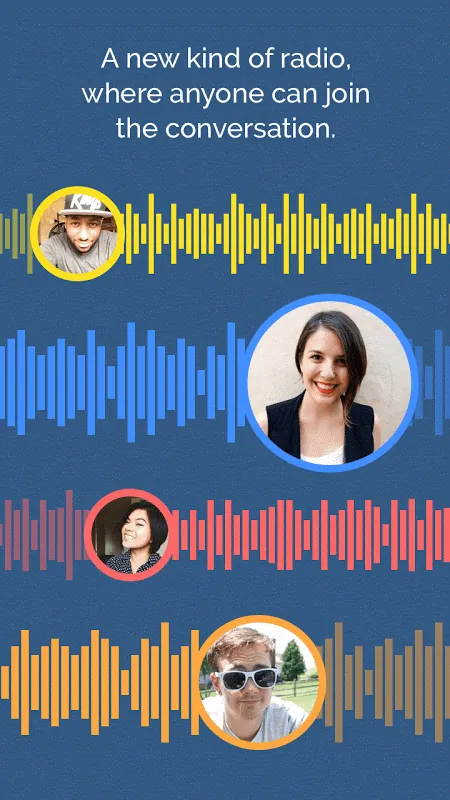
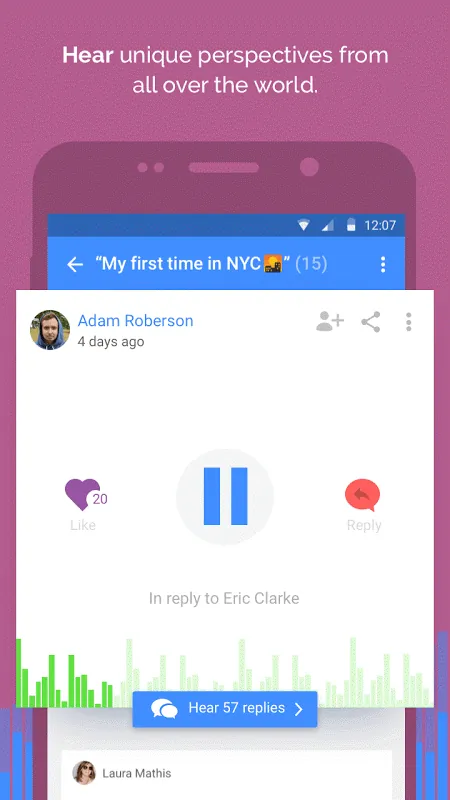
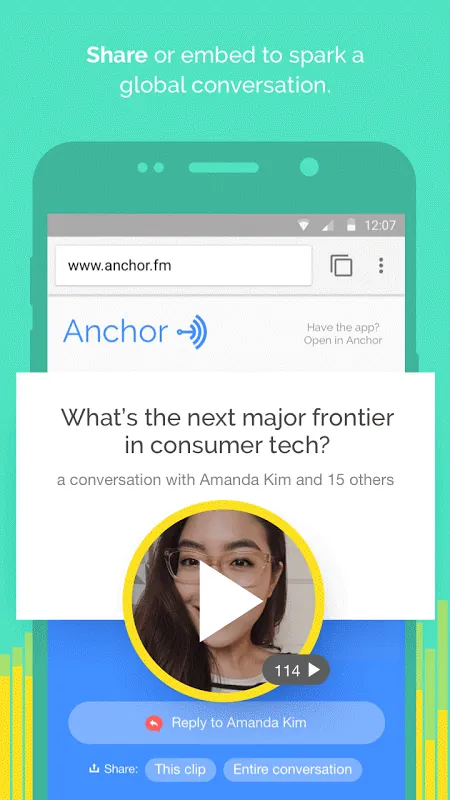
















Explore More
Equip yourself with our all-in-one toolbox app for everyday tasks and projects. Instantly convert between units, calculate tips, scan documents, manage files, and more with handy productivity tools. Includes a level, compass, QR code reader, ruler, speedometer, decibel meter, and flashlight. Save frequently used tools to your customizable dashboard for one-tap access. Track billable hours, wages, budgets, and invoices. Annotate screenshots, magnify labels, and sign PDFs on the go.

MEXC Global: BTC, ETH, Gamefi

Text Art - Write Text On Photo

MERA PROXY PRO

Domino's Pizza Sri Lanka

Hatekhori Shongkha

Halloween Photo Editor -Makeup

Connecting - Friends Near Me

Cartola





























