Introduction
AppLock Theme Universe is a customization companion for AppLock that helps you change the look and feel of your lock screens and privacy panels. It supplies themed wallpapers, icon packs, and animated effects to refresh AppLock’s appearance while keeping security settings intact and easy to manage.
What this app does
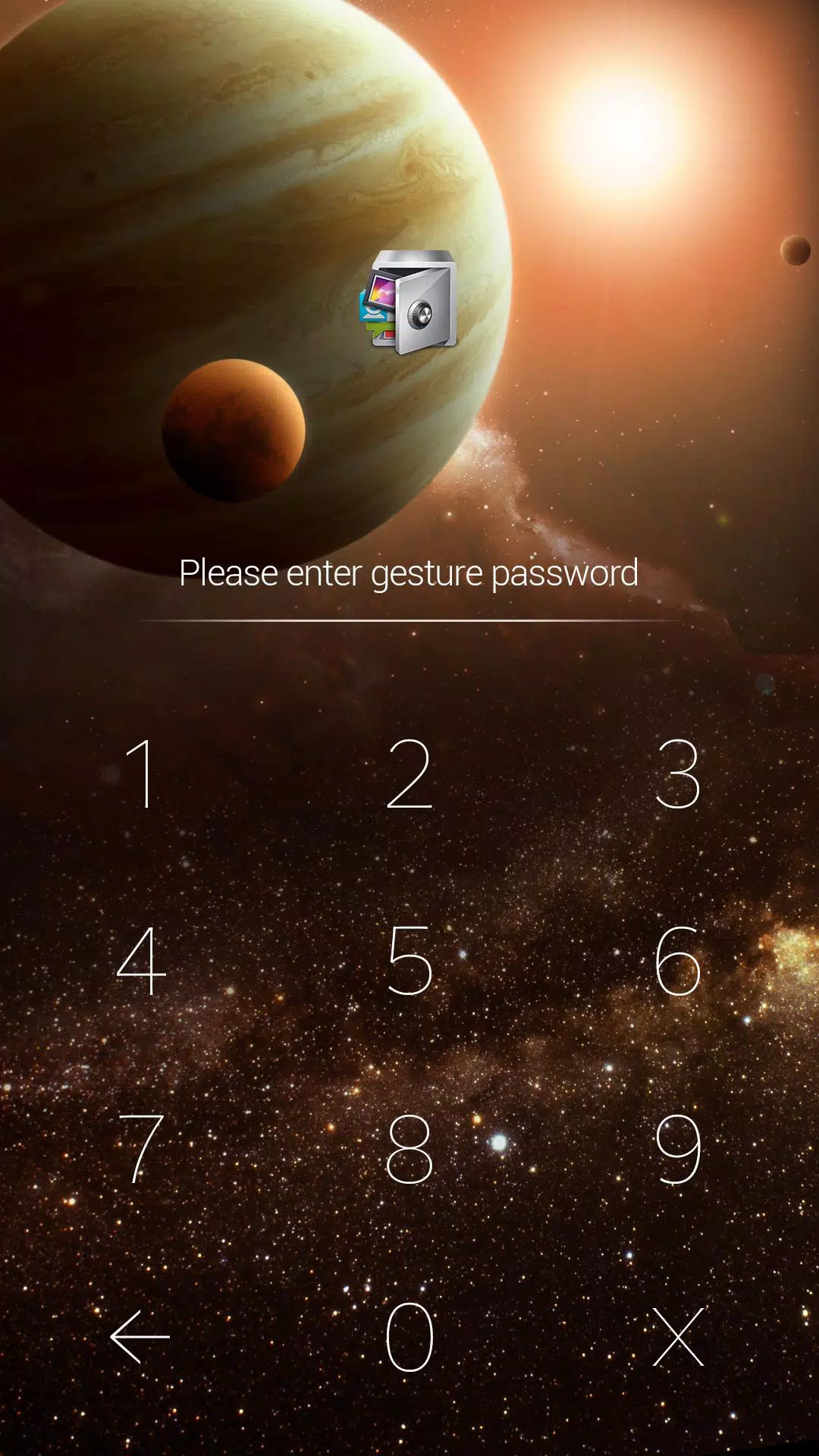
AppLock Theme Universe focuses on visual personalization rather than altering core security. It integrates with AppLock to present themed templates for lock screens, pattern styles, and fingerprint animations. Users can preview themes, apply them in seconds, and toggle elements without losing previously configured passcodes or app locks.
Primary features at a glance
The app organizes options into clear categories so you can find styles quickly. Highlights include:
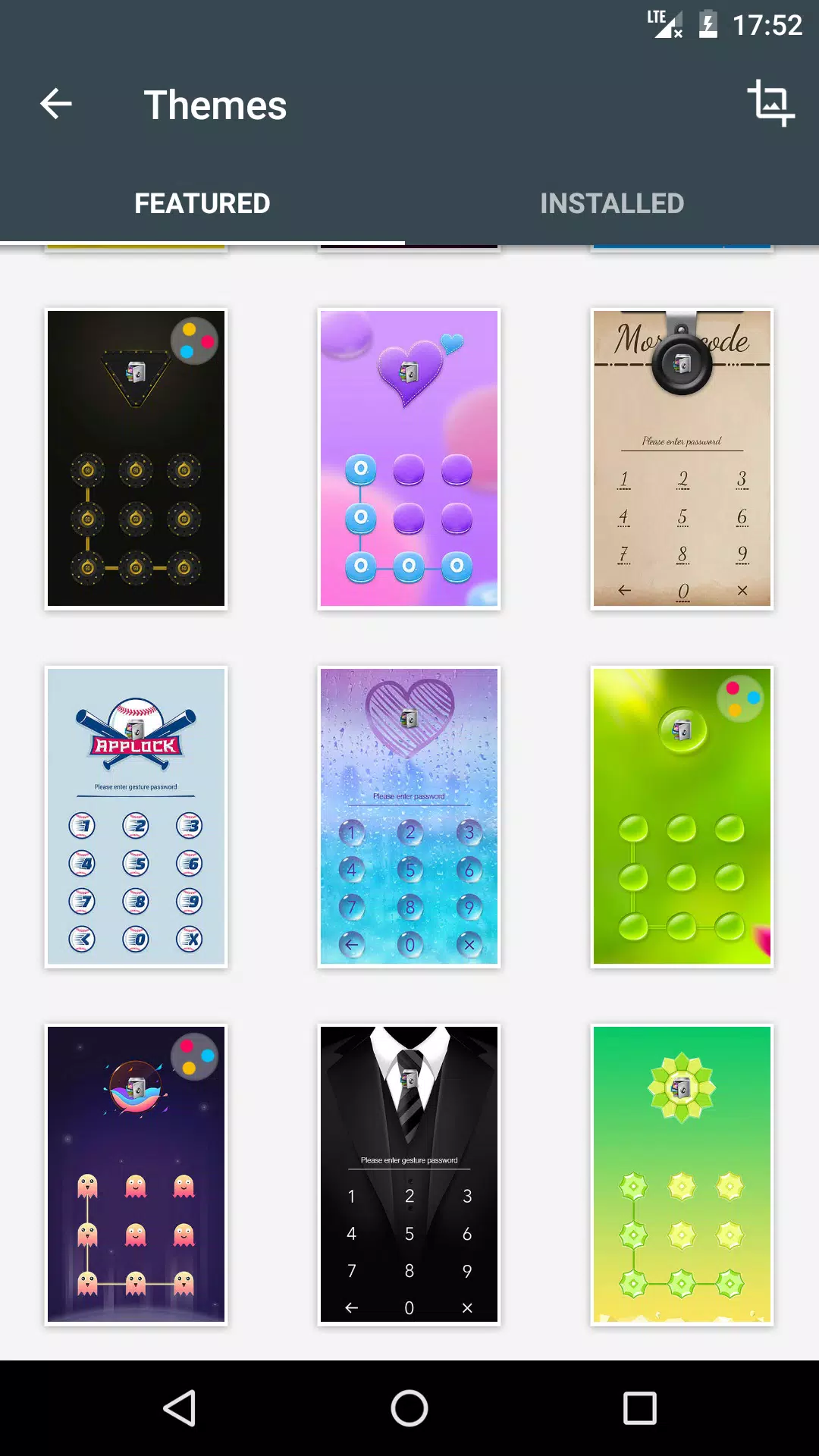
- Theme library: A curated collection of modern, minimalist, and playful themes updated regularly.
- Animated effects: Background motion and lock transitions that add subtle polish.
- Icon & button skins: Replace default lock widgets with themed buttons to match your wallpaper.
- Preview mode: Try a theme live before committing, including orientation and color variants.
- Backup & restore: Save your favorite setups and reapply them after reinstalling AppLock.
How it integrates with AppLock
Once installed, AppLock Theme Universe detects the presence of AppLock and lists compatible customization targets. It does not request elevated permissions beyond what is necessary to change visual elements. Applying a theme updates only the cosmetic layer; your underlying AppLock profiles, PINs, and protected apps remain unchanged and secure.
Customization options and workflows
Customization is modular. Pick a wallpaper, then choose a matching pattern or PIN pad skin, and finally select transitional animations. The interface presents these as separate tiles so you can mix and match pieces from different collections. Color filters and a basic editor let you adjust hue and brightness without needing a separate image editor.
Performance and design
Design prioritizes responsiveness and low battery impact. Themes are optimized for smooth transitions and minimal CPU usage, and animated backgrounds include settings to reduce frame rate when the battery is low. The layout follows Android design guidelines for readable controls and accessible touch targets, ensuring themes look polished on both phones and tablets.
User experience and accessibility
Menus are straightforward, with a guided first-run experience that shows how to apply a theme. Text contrast options and larger touch targets support accessibility needs. For users who prefer simplicity, a one-tap ‘Classic’ bundle applies a conservative theme with high contrast and no animation.
Tips for new users
Start with these practical tips to get the most from AppLock Theme Universe: preview every theme before applying, enable the backup feature to save your custom setups, and use the battery-friendly animation mode if you notice drain. If a theme doesn’t align with your wallpaper, try the color filter tool to harmonize the palette.
Why people choose this app
Users appreciate the balance between personalization and safety. AppLock Theme Universe gives visual variety without compromising privacy features already configured in AppLock. The frequent additions to the theme store and the option to save custom combos are commonly cited as deciding factors.
Getting started and installation
Installation is straightforward: download AppLock Theme Universe from your app store, open it, and follow the onboarding prompts. Grant only requested permissions necessary for theme application. If AppLock is already installed, the theme app will offer direct links to manage or preview themes. For first-time AppLock users, the app links to setup instructions that explain how themes interact with lock settings.
Whether you want a subtle refresh or a bold lock-screen overhaul, AppLock Theme Universe streamlines customization while keeping privacy controls intact. Regular updates and a simple interface make it a practical choice for users who value both form and function.
- No virus
- No advertising
- User protection
Information
- File size: 4.20 M
- Language: English
- Latest Version: 1.2
- Requirements: Android
- Votes: 425
- Package ID: com.domobile.aut.cuniverse
- Developer: AppLock@DoMobile
Screenshots

















Explore More
Explore the real potential of personalization with our exceptional mobile software downloads! Set your imagination free and customize your smartphone to perfectly reflect your unique personality. Our amazing assortment of options caters to a diverse range of tastes. Choose from trendy themes, exclusive wallpapers, inventive widgets, and personalized ringtones to truly make your phone your own. Elevate your mobile experience and make a statement.

Good Morning and Good Night

Tronsmart

Whatsapp News &Android Updates

Gem Space

Orion TV

Crosshair & Nickname Generator

掌上KD

Nebben