
Introduction
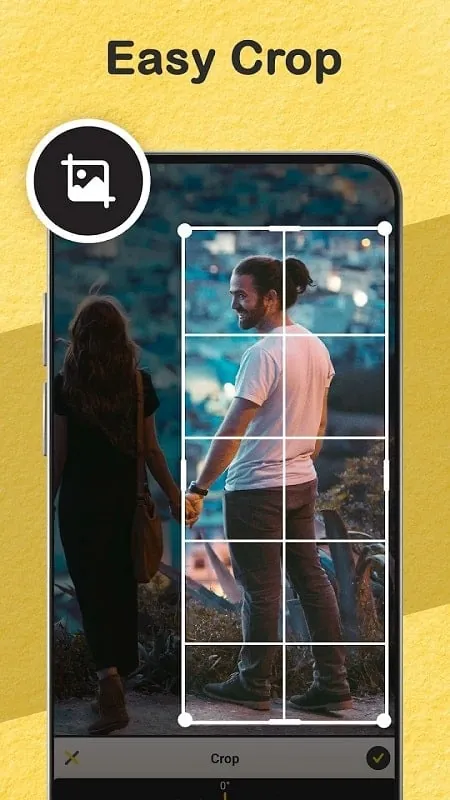
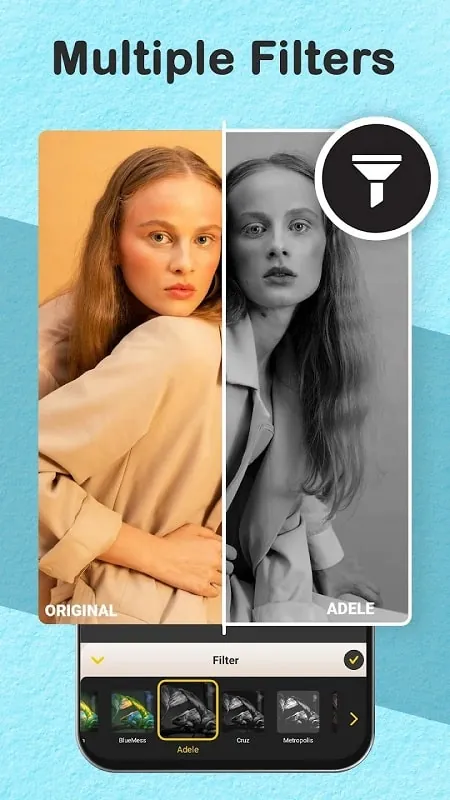
Gallery: Photo Editor, Collage is a convenient and powerful app that combines image management and editing tools in one place. With a built-in gallery, users can easily organize and view their entire media library and make quick edits to their photos. The app offers a range of features, including categorizing images into albums, creating secret collections for private images, and creating stunning photo collages using various frame templates and editing tools. Users can also enhance their images with different effects, filters, and adjustments to create unique and visually appealing photos. Gallery: Photo Editor, Collage is the perfect choice for users looking for a comprehensive solution to manage, edit, and enhance their image collections.
Features of Gallery: Photo Editor, Collage:
- All-in-One Solution: Gallery: Photo Editor, Collage provides users with a convenient all-in-one solution to manage their images and perform editing operations seamlessly.
- Customizable Albums: Users can categorize images into multiple albums and libraries, making it easy to sort and search for specific photos.
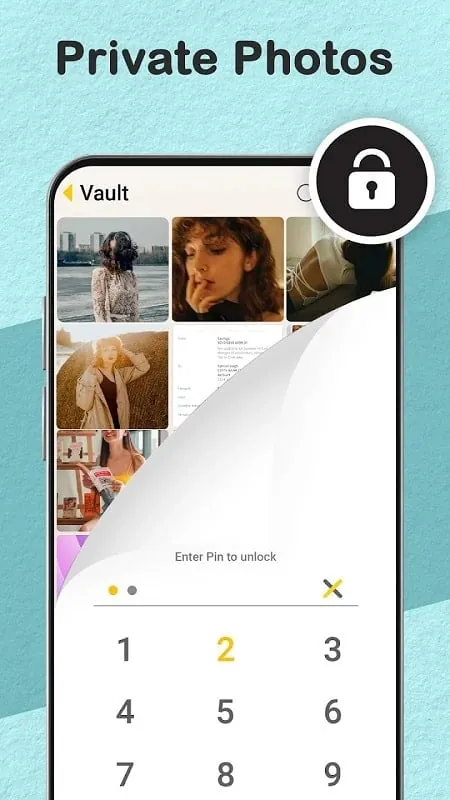
- Secure Private Collections: The app allows users to create secret collections with multiple layers of passwords to keep private images secure and private.
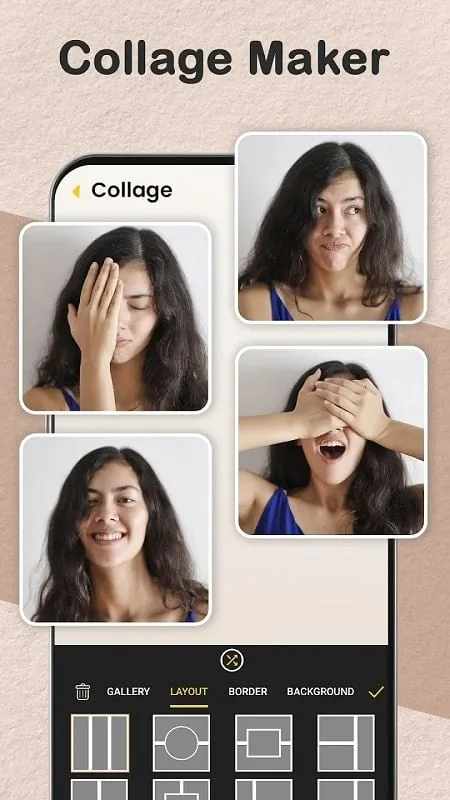
- Photo Collage Tools: Users can create beautiful collages with various frame templates and editing options to make their images stand out.
FAQs of Gallery: Photo Editor, Collage:
- Can I access the photo editing features without leaving the gallery interface?
Yes, Gallery: Photo Editor, Collage allows users to access the built-in photo editor directly from the gallery interface for quick editing.
- Is it easy to create custom frame templates for photo collages?
Yes, users can design custom frame templates to suit their preferences and enhance their collage creations.
- How secure are the private collections in the app?
The private collections in Gallery: Photo Editor, Collage are protected with multiple layers of passwords to ensure user privacy and security.
Conclusion:
Gallery: Photo Editor, Collage is a versatile and user-friendly application that offers a comprehensive solution for managing images, creating collages, and editing photos. With customizable albums, secure private collections, and a variety of editing tools, users can easily enhance their images and create stunning visual works. Download Gallery: Photo Editor, Collage now to elevate your photo editing and collage-making experience.
- No virus
- No advertising
- User protection
Information
- File size: 32.00 M
- Language: English
- Latest Version: 3.1.0.374
- Requirements: Android
- Votes: 440
- Package ID: com.rocks.photosgallery
- Developer: ASD Dev Video Player for All Format
Screenshots
















Explore More
Equip yourself with our all-in-one toolbox app for everyday tasks and projects. Instantly convert between units, calculate tips, scan documents, manage files, and more with handy productivity tools. Includes a level, compass, QR code reader, ruler, speedometer, decibel meter, and flashlight. Save frequently used tools to your customizable dashboard for one-tap access. Track billable hours, wages, budgets, and invoices. Annotate screenshots, magnify labels, and sign PDFs on the go.

Nghe Nhạc Vàng - Nhạc Trữ Tình

Beat Jam - Music Maker Pad

وهشام سماتي- عشقنا راه في خطر

Mazetools Soniface Pro

Oldies But Goldies Radio App

Enrique Iglesias - El Perdón

Stream on Screen for Price Tag

荐片播放器