Introduction
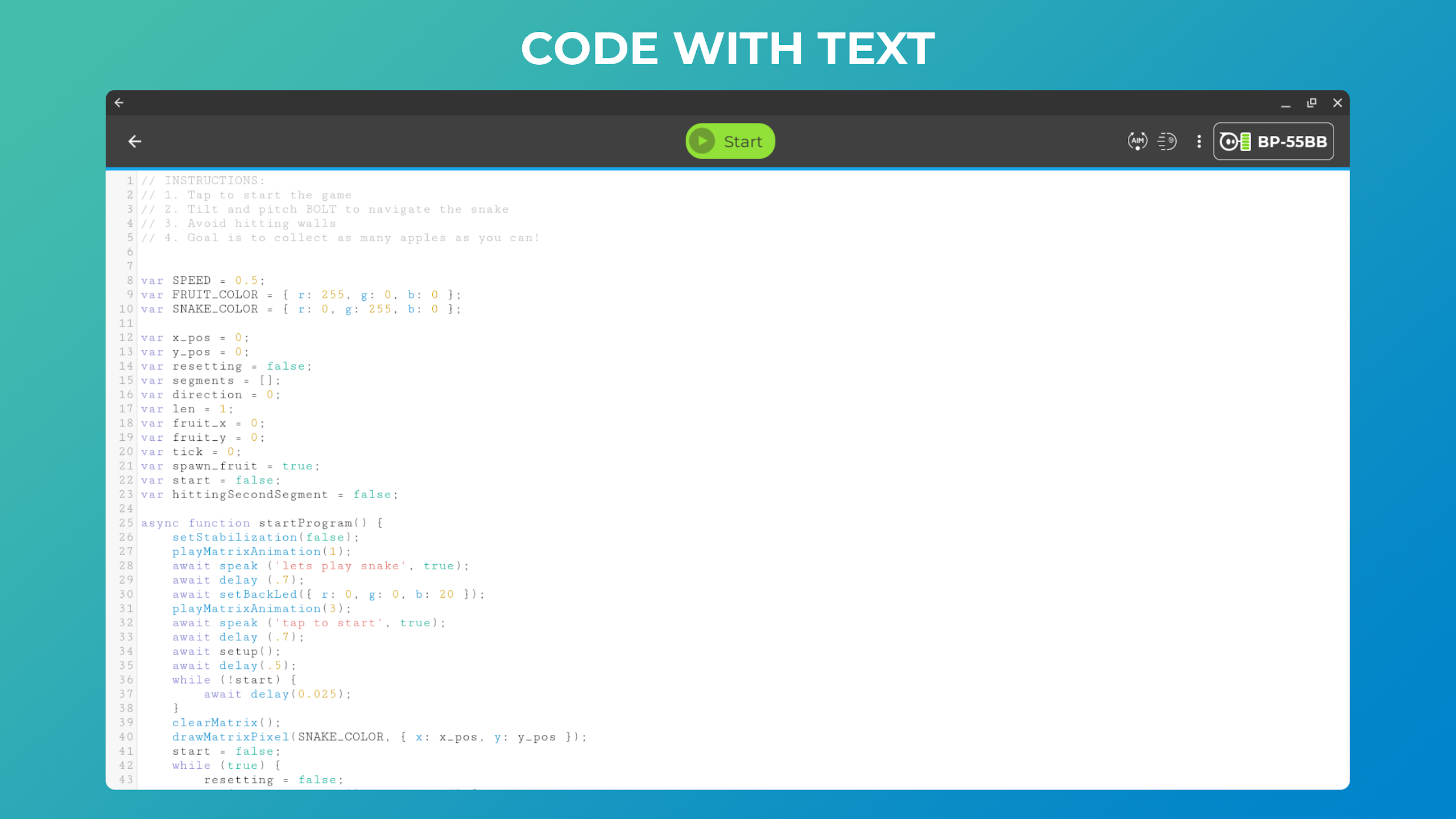
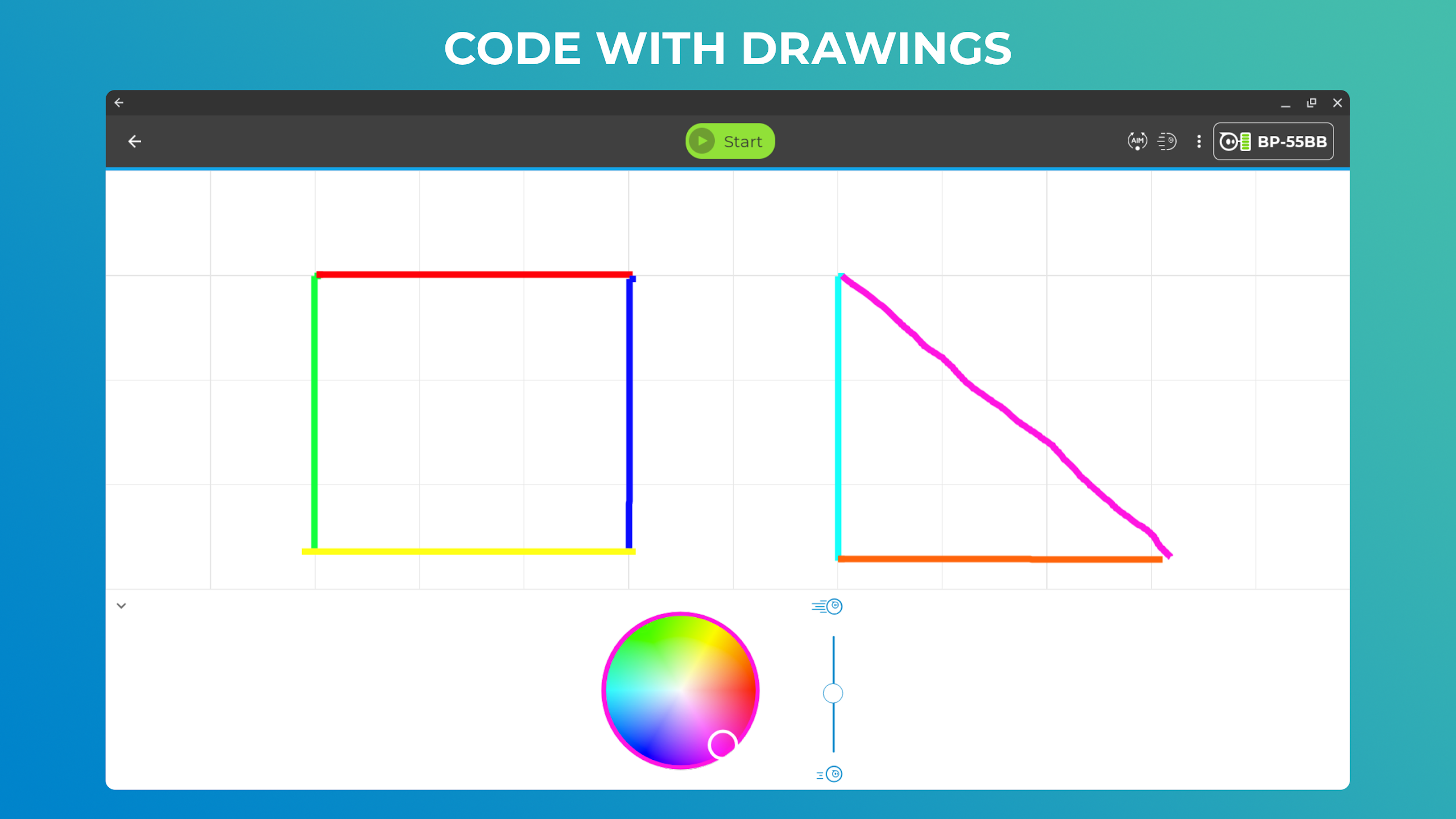
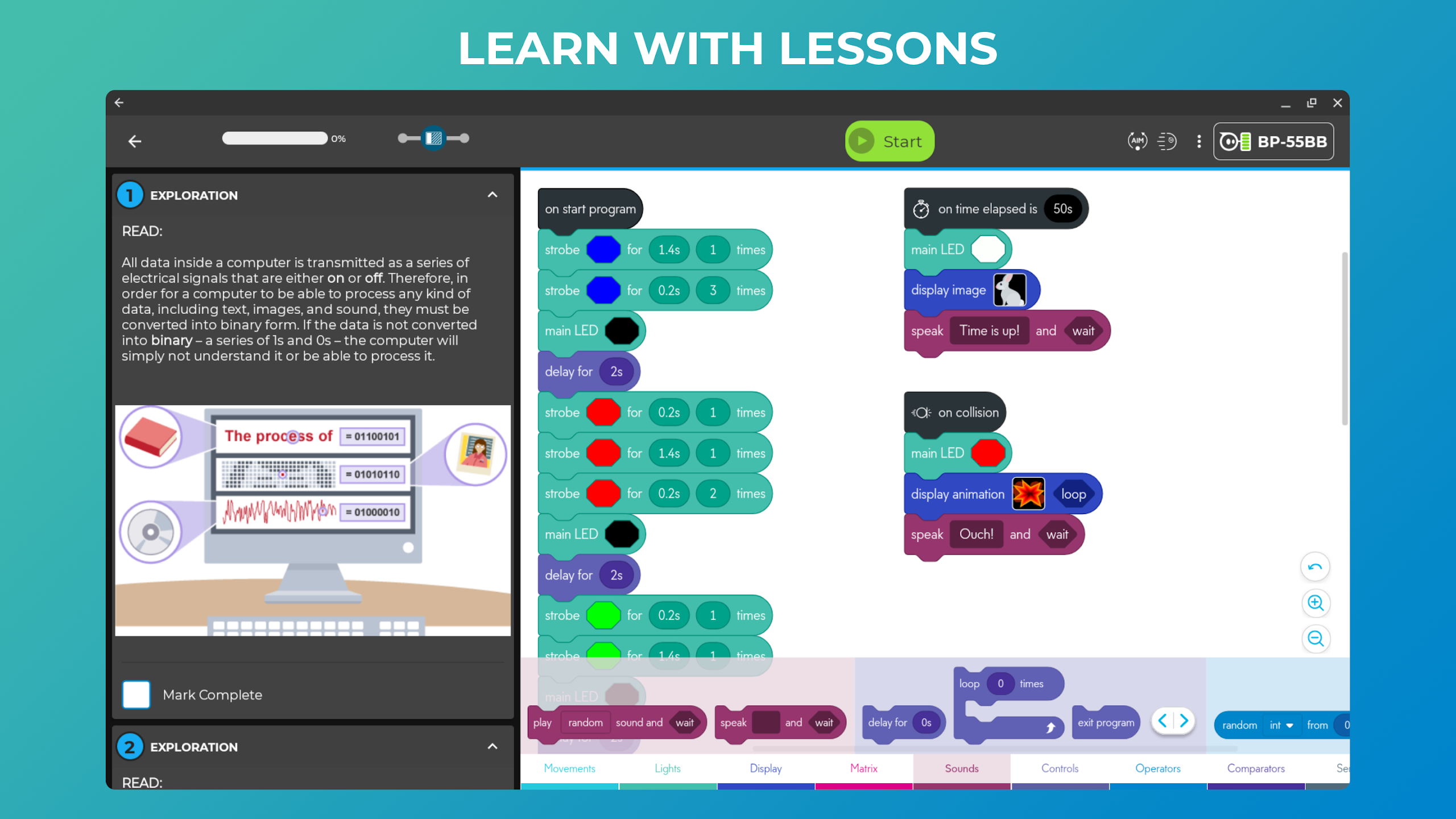
Sphero Edu redefines learning by offering a versatile platform for students, teachers, parents, and makers to explore STEAM concepts through interactive lessons with Sphero robots. Whether you're a beginner sketching routes for your robot, an intermediate user utilizing Scratch blocks, or an advanced programmer writing JavaScript code, Sphero Edu provides a seamless learning experience. Monitor progress, save work, and access lessons from anywhere while enjoying features like drive mode, sensor data graphs, and assignment tracking. With compatibility for a range of Sphero robots and integrations with Google and Clever accounts, Sphero Edu makes learning fun and engaging while preparing students for the future.
Features of Sphero Edu:
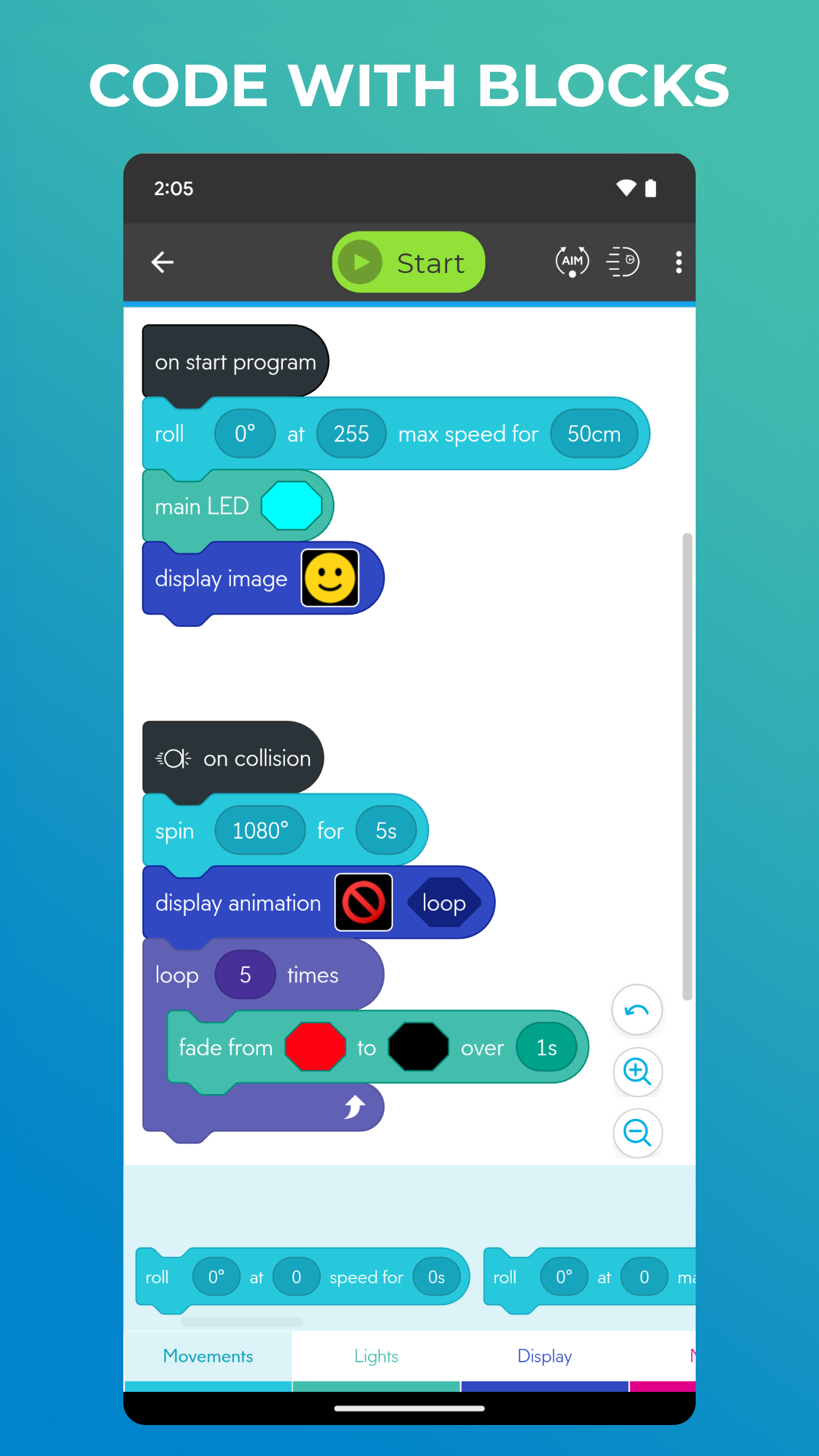
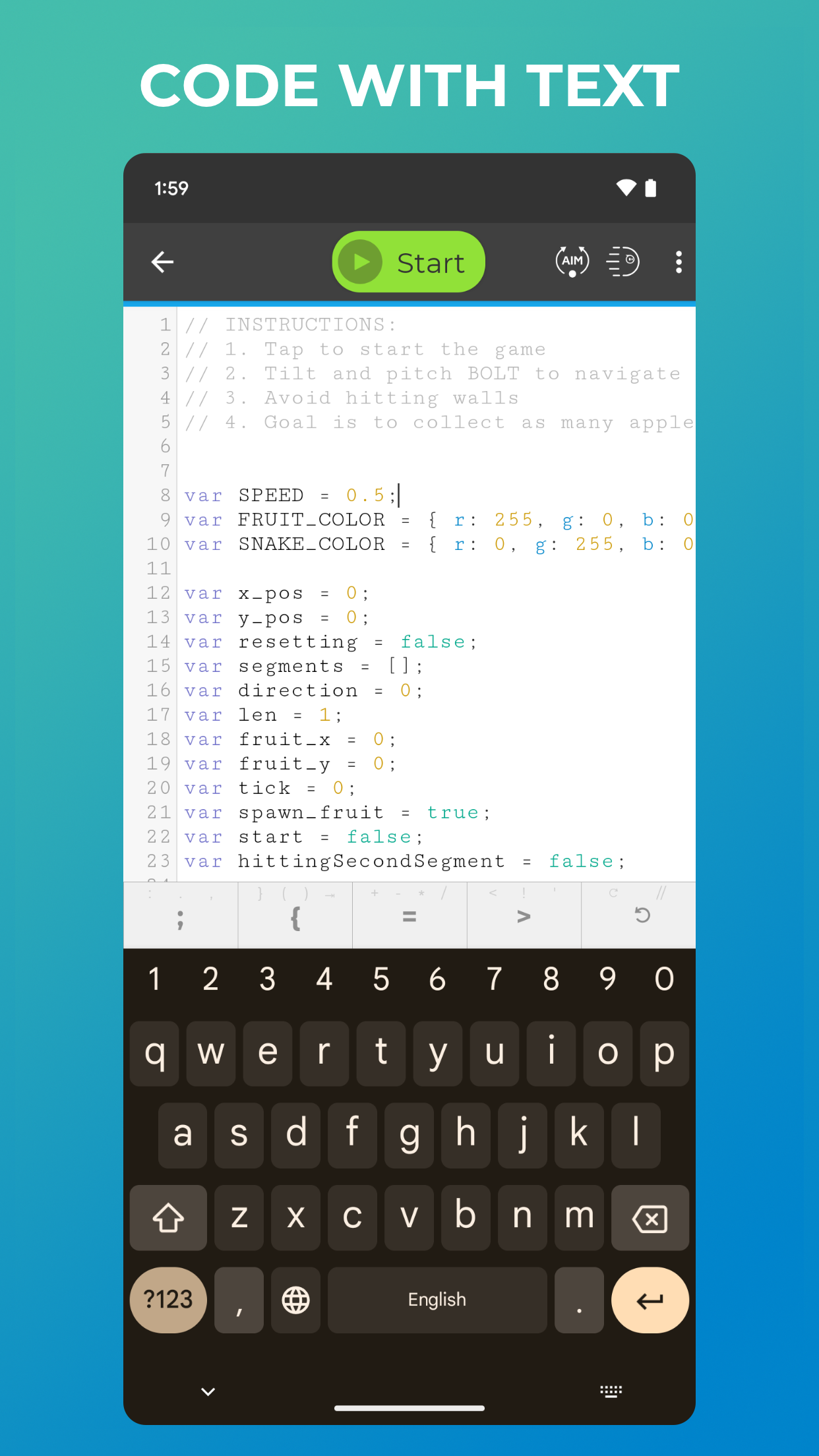
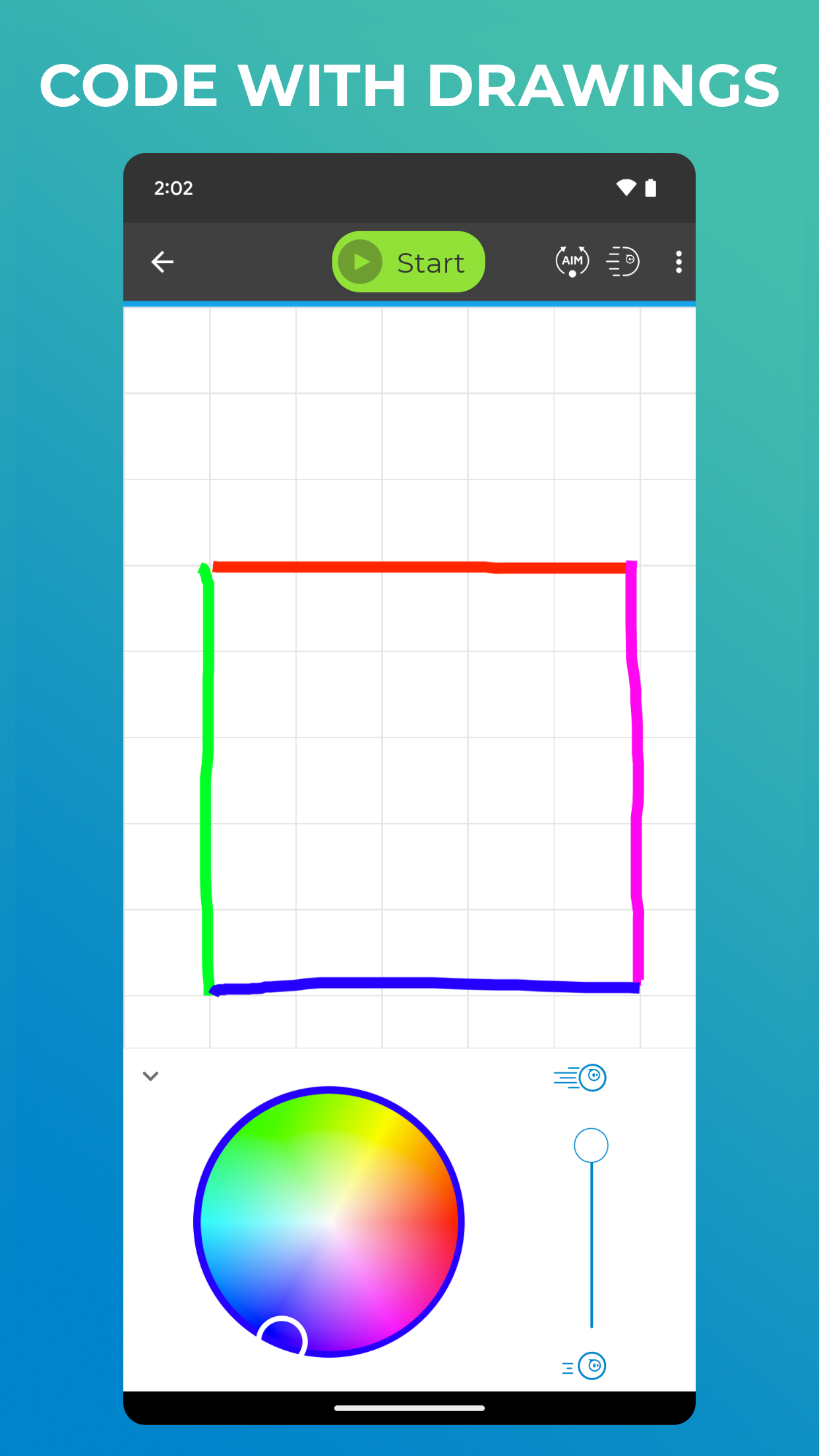
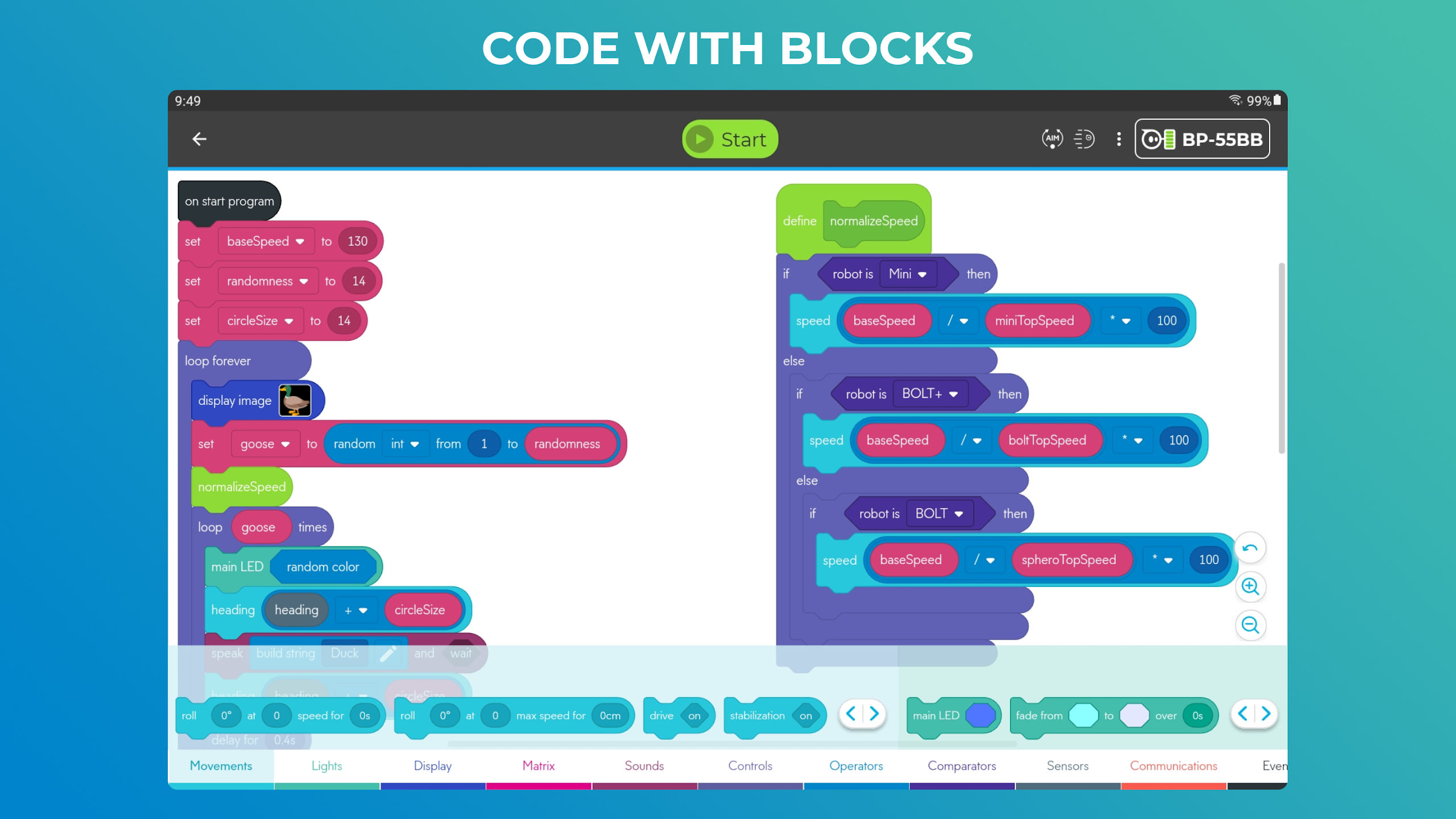
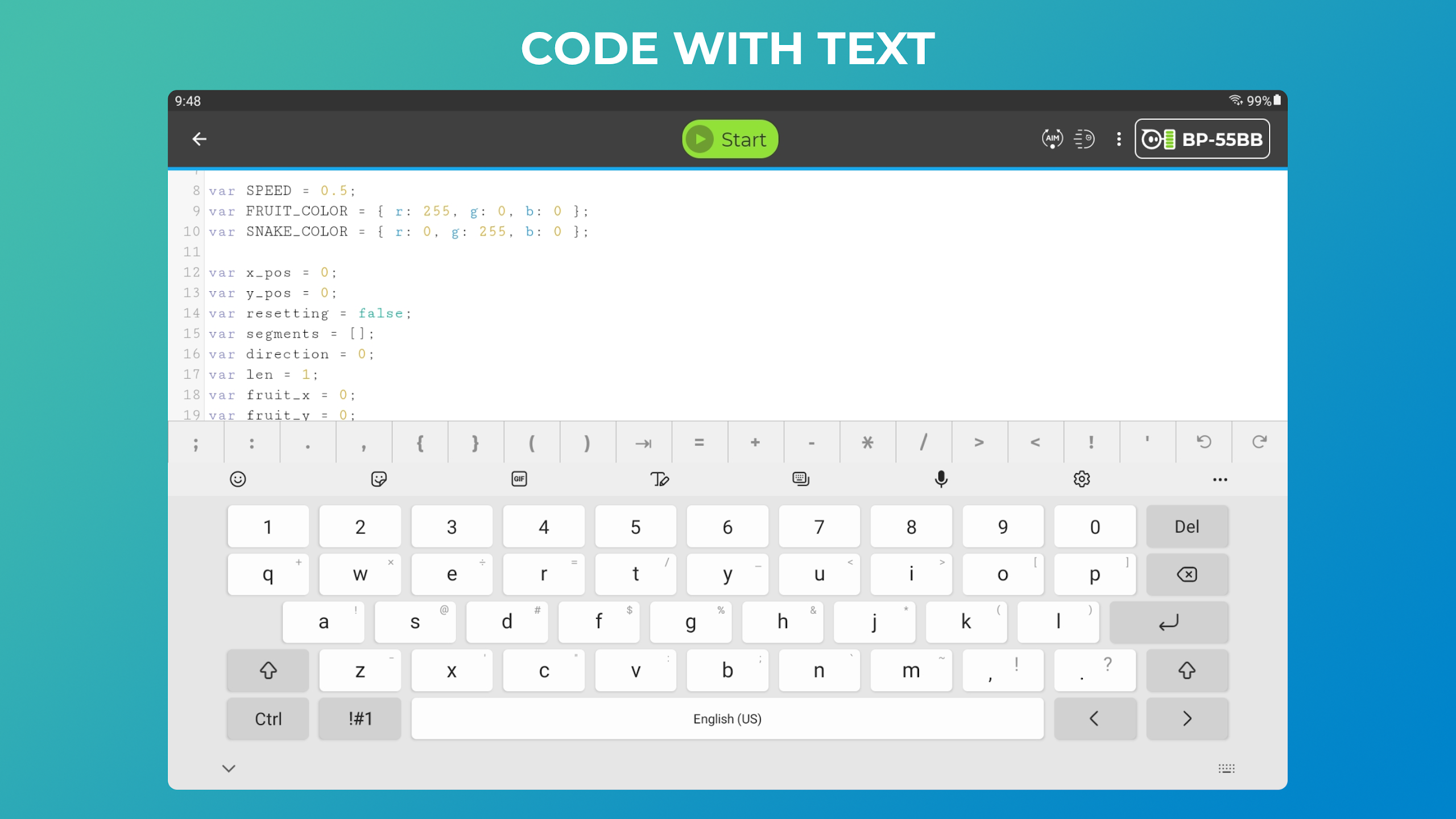
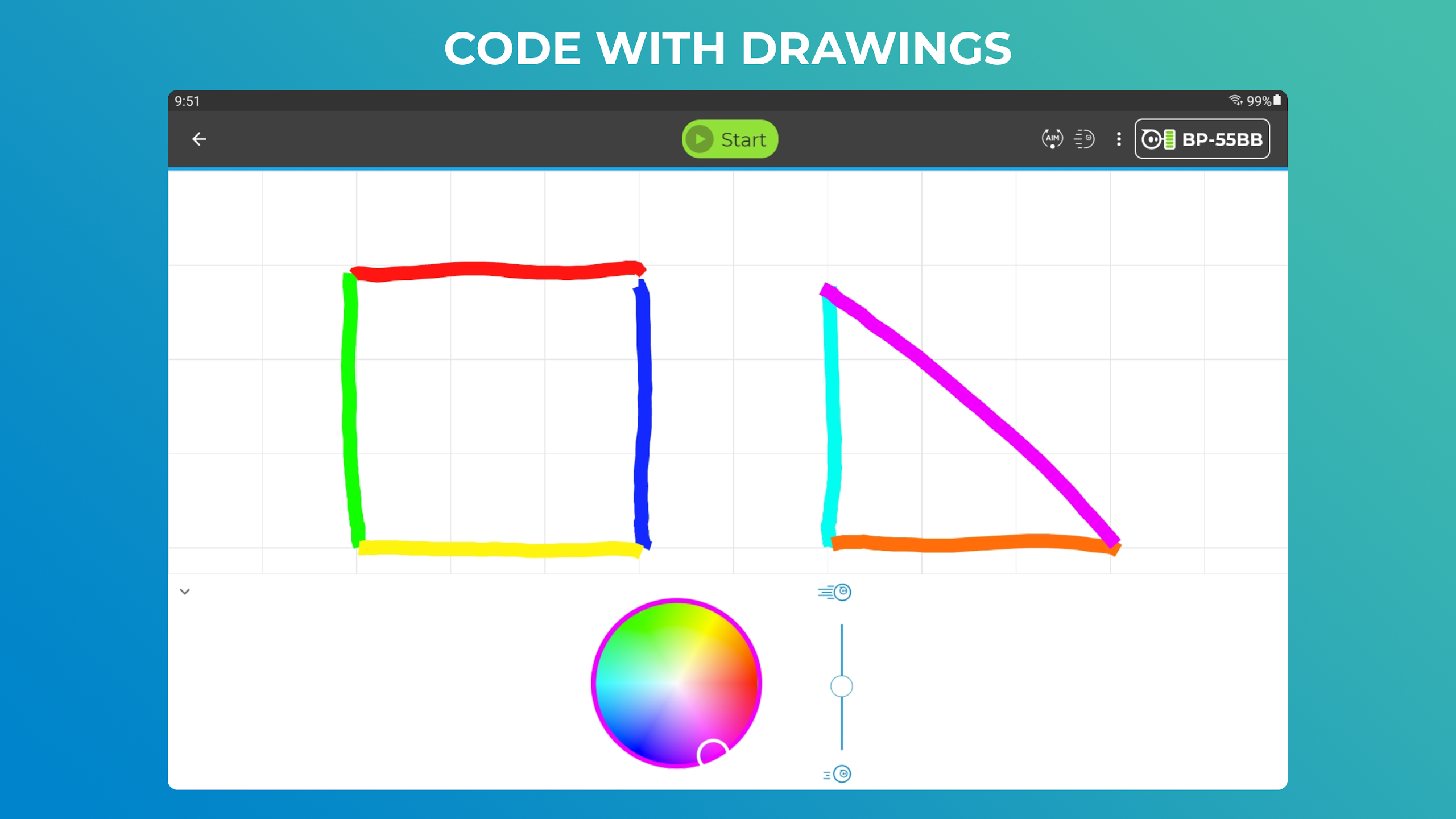
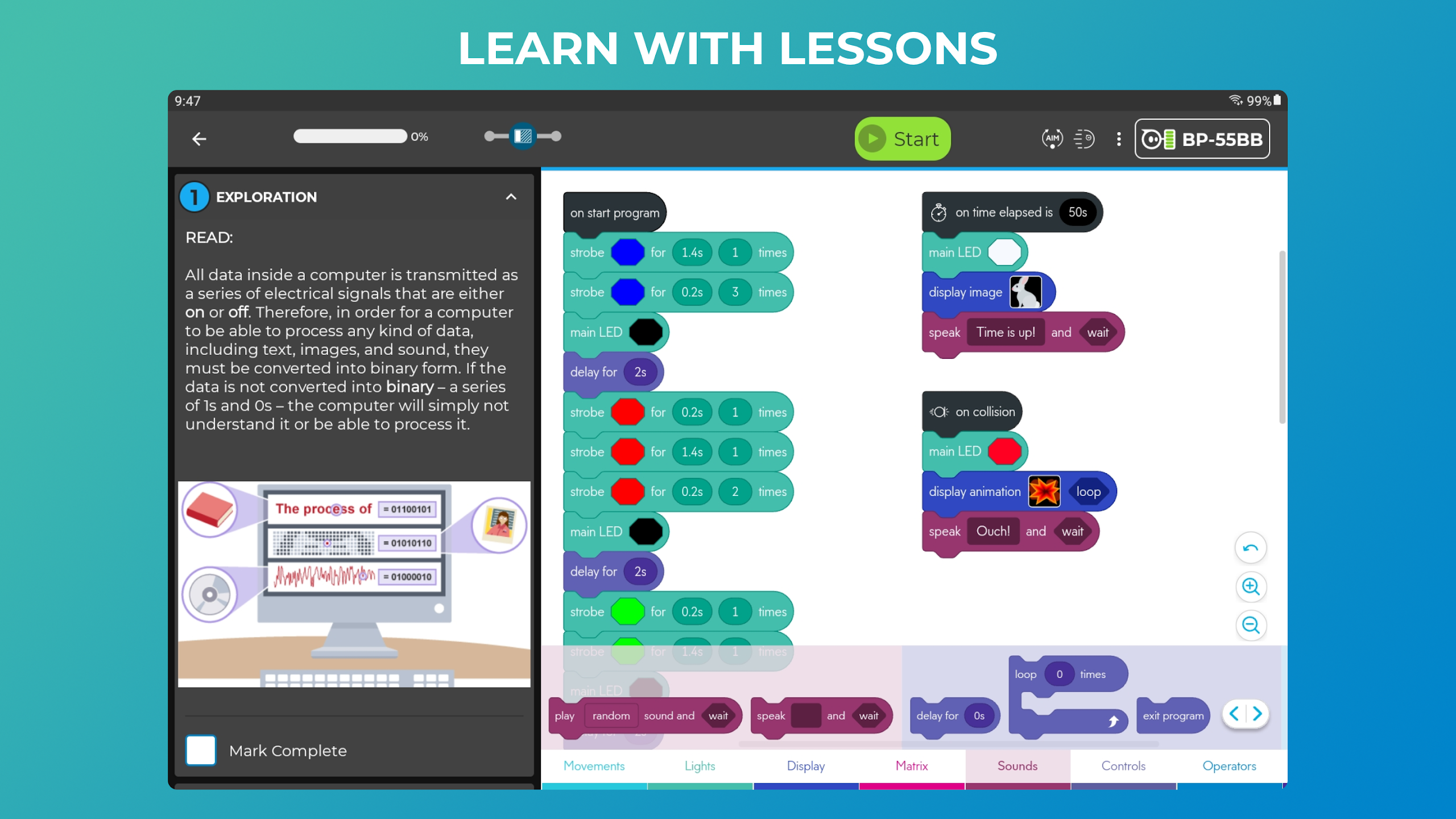
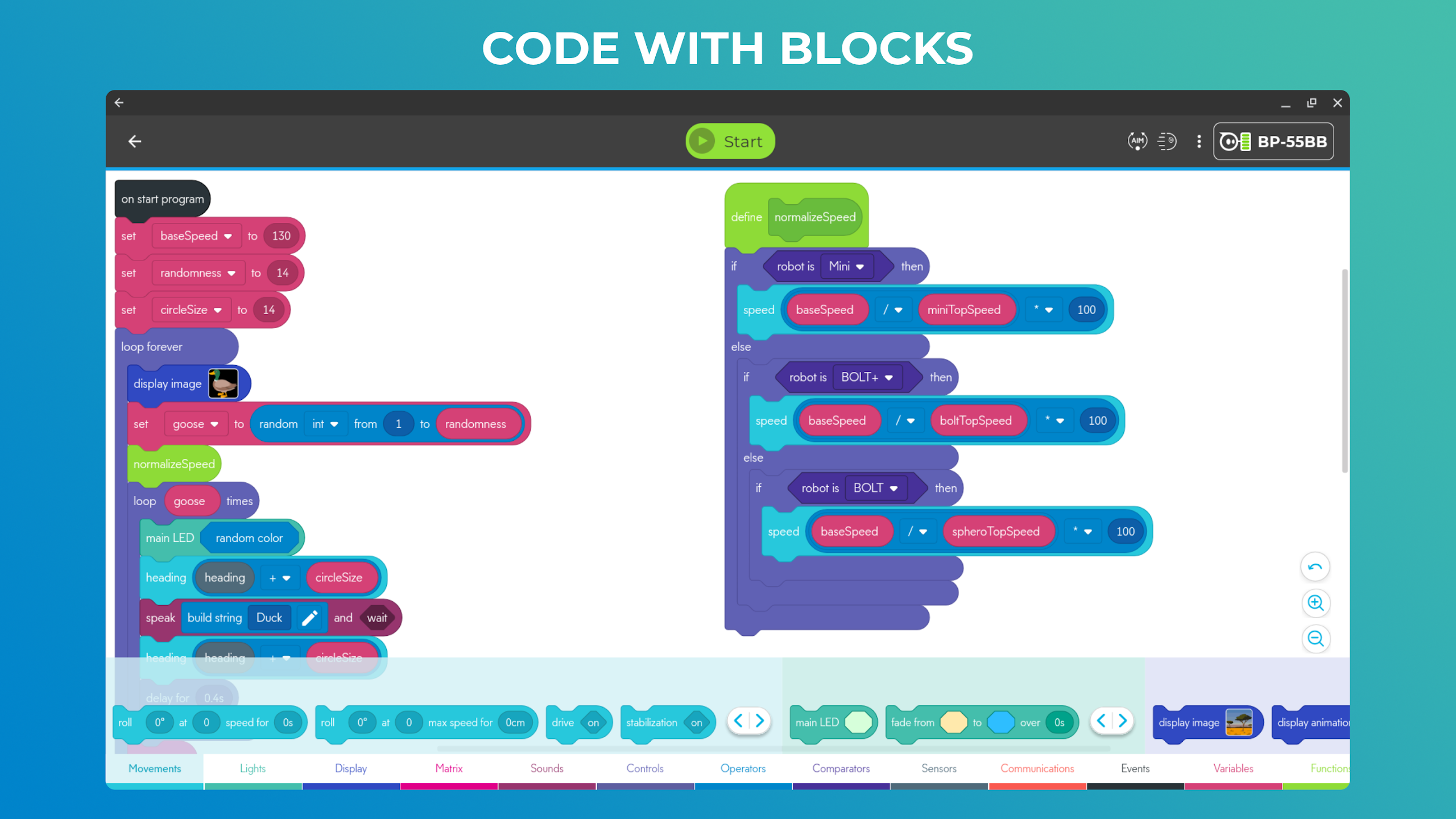
❤ Versatile Programming Options: Sphero Edu allows users to program their robots in three different ways, catering to beginners and advanced programmers alike.
❤ Sensor Data Access: Users can access real-time data on location, accelerometer, gyroscope, velocity, and distance through visual graphs, enhancing the learning experience.
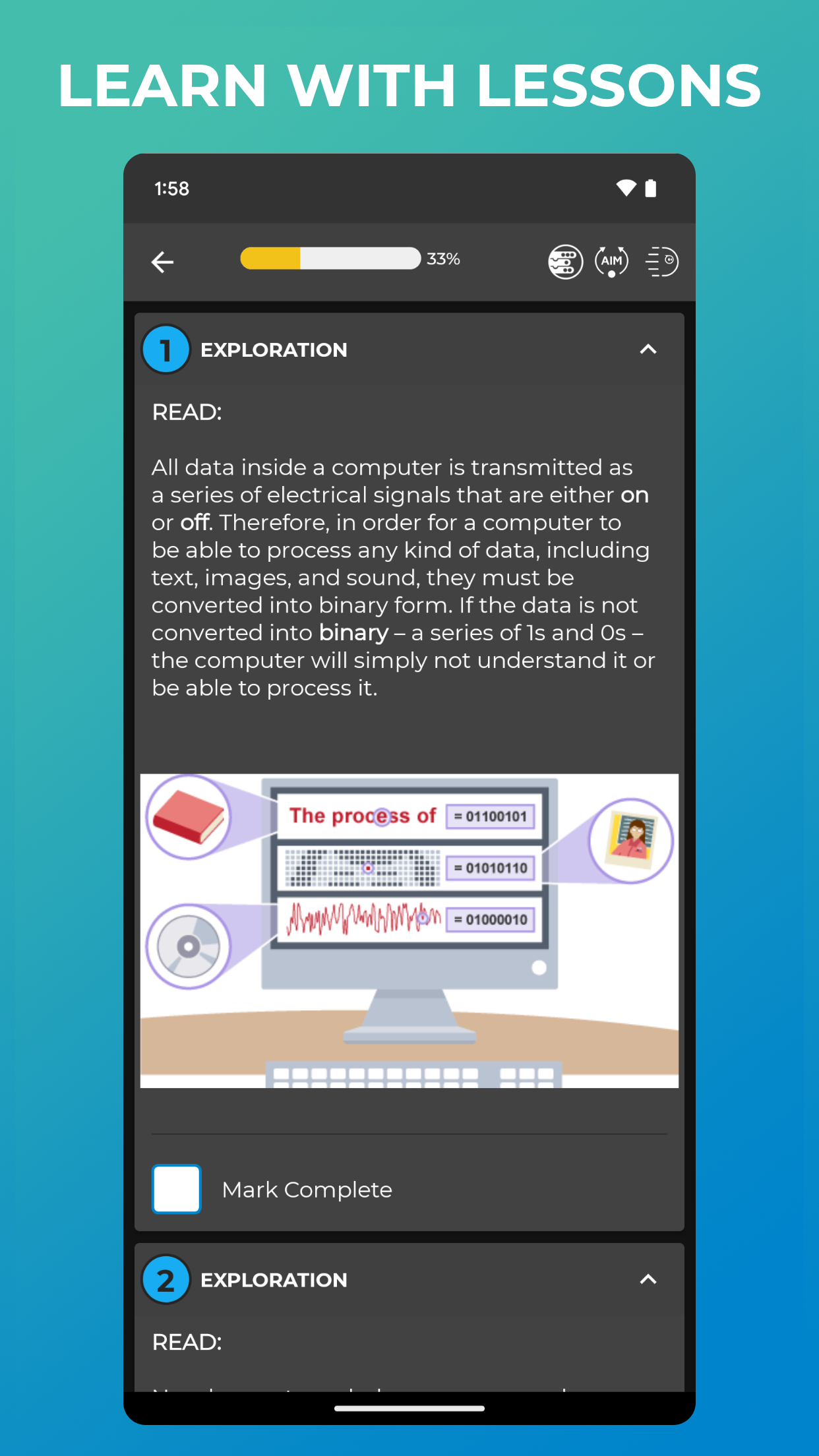
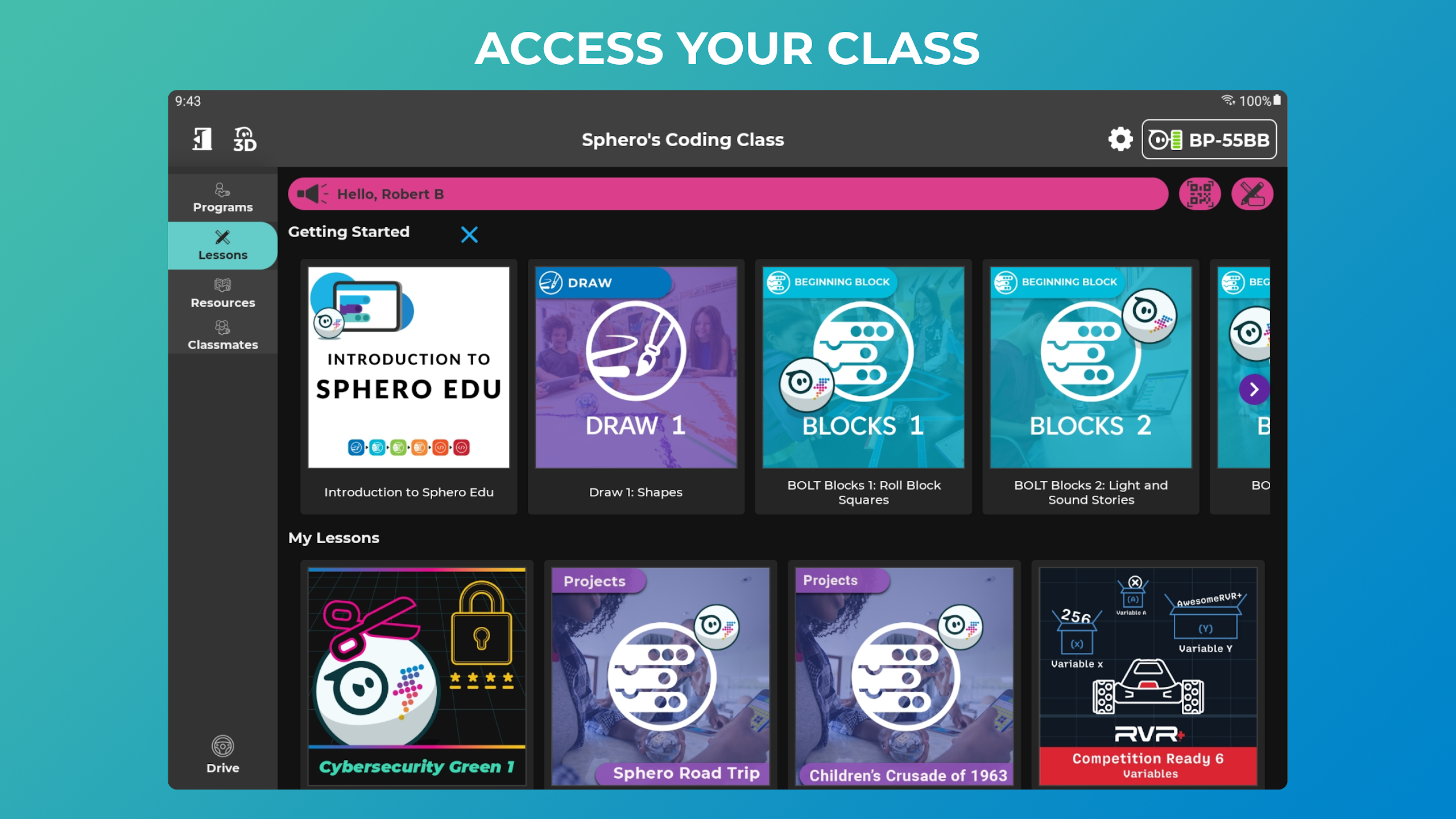
❤ Engaging Lessons: From creating programmed paintings to simulating the solar system, the platform offers a wide range of lessons to spark creativity and curiosity.
❤ Drive Mode: Take a break from programming and have fun by changing LED colors on your robot and racing around in Drive mode.
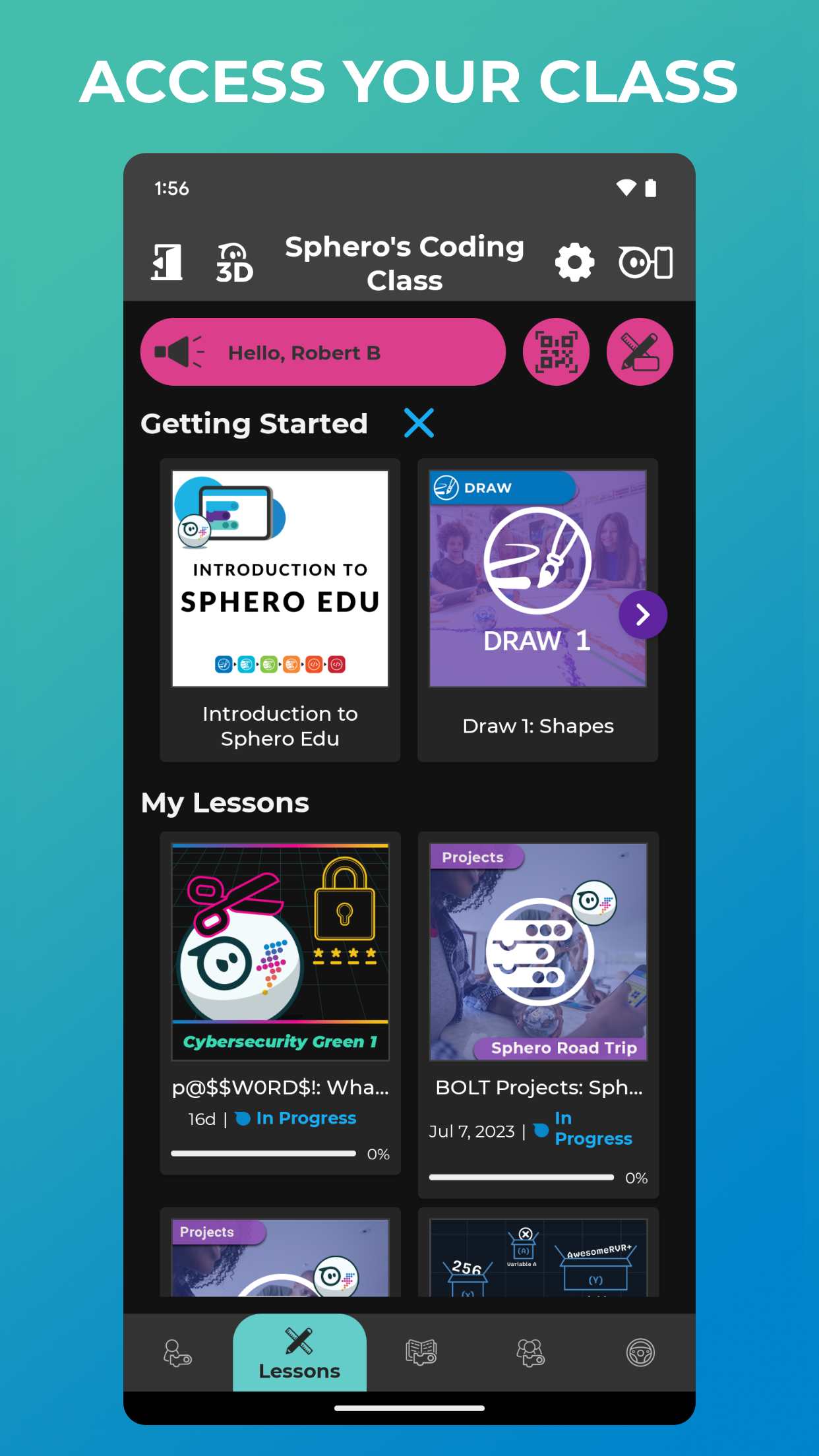
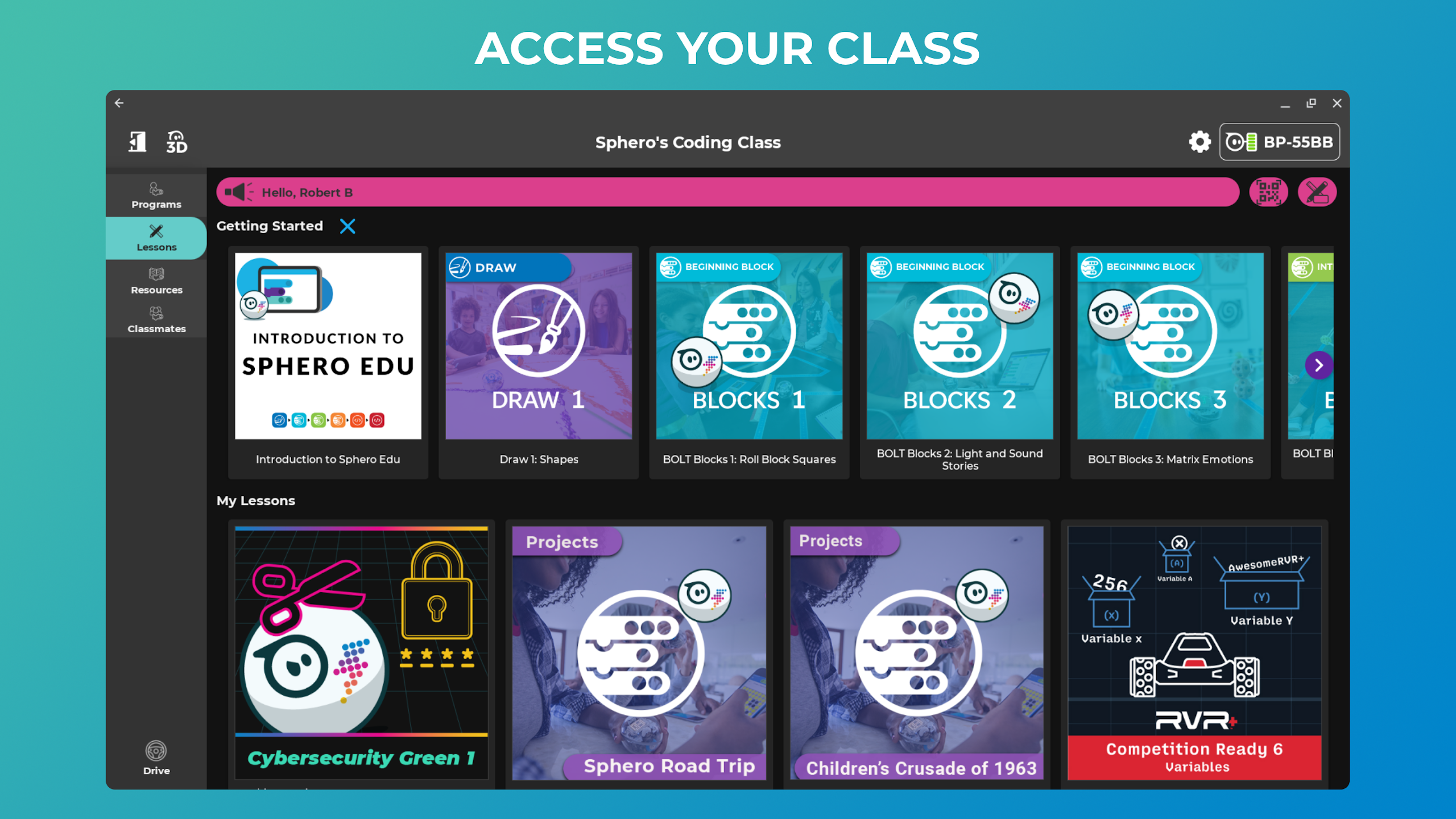
❤ Classroom Integration: Educators can easily track student progress by creating lessons and assignments within the app, making it a valuable tool for teachers and parents.
Playing Tips:
❤ Start with the Basics: Beginners should begin by sketching routes for their robots to follow in Draw mode before progressing to more advanced programming techniques.
❤ Experiment with Sensor Data: Intermediate users can explore sensor data and observe how different movements affect the data output, providing a hands-on learning experience.
❤ Collaborate and Share: Utilize the platform's integration features to sync classrooms with Google and Clever accounts, enabling seamless collaboration and sharing of lessons and assignments.
Conclusion:
With its versatile programming options, engaging lessons, and easy integration features, Sphero Edu offers a dynamic learning environment for students, teachers, and parents. Whether you're new to programming or a seasoned coder, this platform provides valuable tools and resources to enhance STEAM education and spark creativity. Join Sphero Edu today and embark on an exciting learning journey with your robot companion.
- No virus
- No advertising
- User protection
Information
- File size: 165.60 M
- Language: English
- Latest Version: 7.0.2
- Requirements: Android
- Votes: 439
- Package ID: com.sphero.sprk
- Developer: Sphero, Inc.
Screenshots



















Explore More
Equip yourself with our all-in-one toolbox app for everyday tasks and projects. Instantly convert between units, calculate tips, scan documents, manage files, and more with handy productivity tools. Includes a level, compass, QR code reader, ruler, speedometer, decibel meter, and flashlight. Save frequently used tools to your customizable dashboard for one-tap access. Track billable hours, wages, budgets, and invoices. Annotate screenshots, magnify labels, and sign PDFs on the go.

MEXC Global: BTC, ETH, Gamefi

Text Art - Write Text On Photo

MERA PROXY PRO

Domino's Pizza Sri Lanka

Halloween Photo Editor -Makeup

Connecting - Friends Near Me

Cartola

HFonts - font & emoji manager