

Introduction
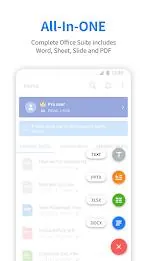
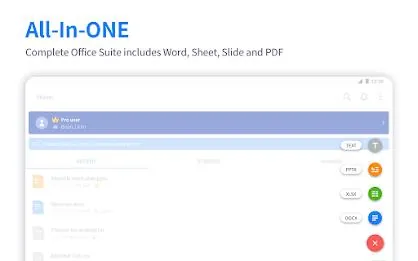
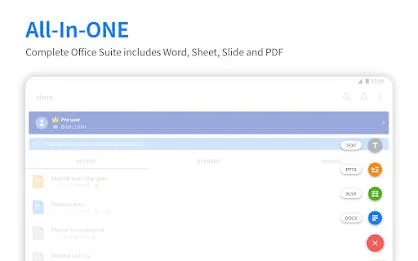
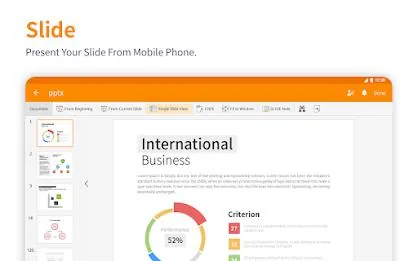
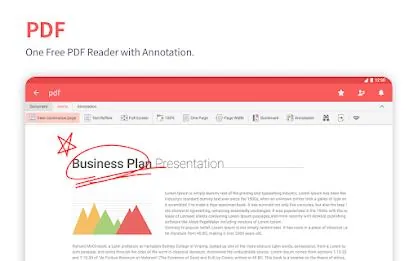
Polaris Office: Edit&View, PDF is a compact, all-in-one Android office suite that lets you open, edit and save Word, Excel, PowerPoint and PDF files and includes document-based AI tools to speed content creation. Polaris Office: Edit&View, PDF supports many common formats and provides handwriting and multimedia input while keeping documents in sync via built-in cloud storage or other cloud services. If you need a lightweight editor for viewing, annotating and basic collaboration on the go, Polaris Office: Edit&View, PDF delivers a straightforward and easy-to-use solution.
Key Features
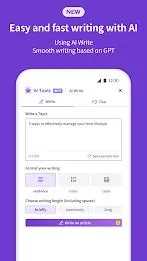
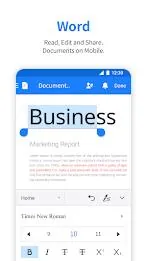
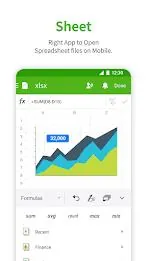
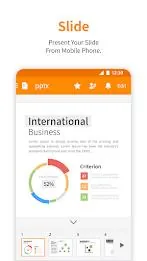
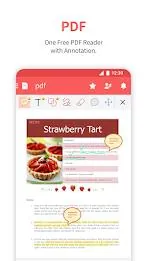
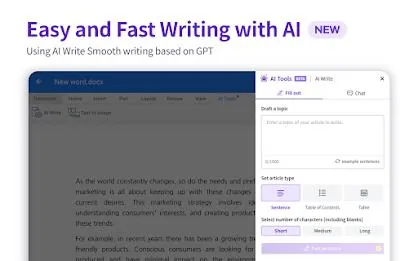
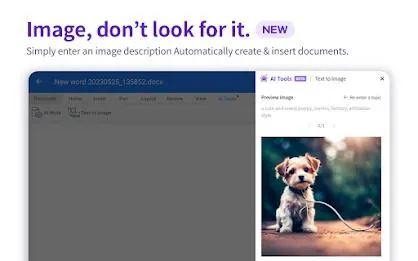
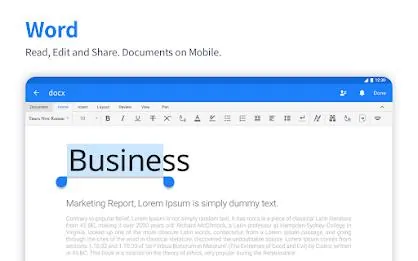
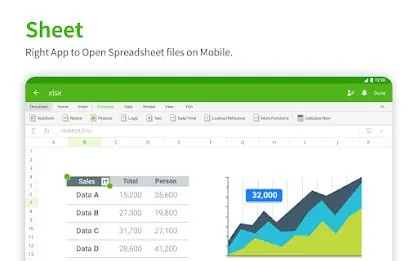
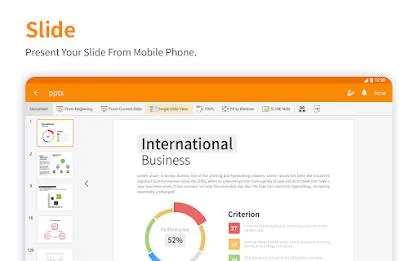
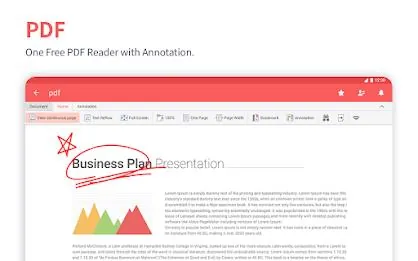
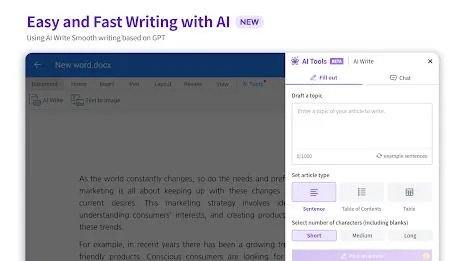
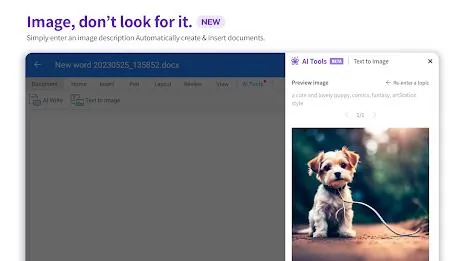
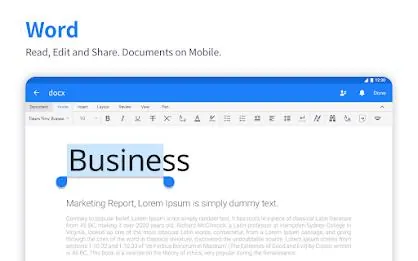
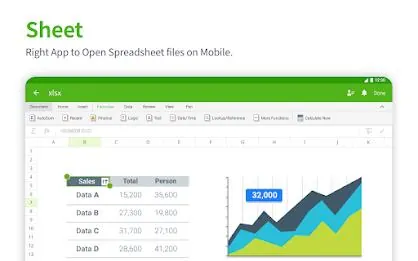
The app supports a broad range of file formats including DOC/DOCX, XLS/XLSX, PPT/PPTX, TXT, HWP, ODT, PDF and CSV and maintains compatibility with Microsoft Office files so you can open and save documents reliably. Built-in document-based AI tools help generate and revise content directly inside files, while handwriting input, drawing tools, camera insertion and video embedding let you create richer documents. A multi-language interface covers 18 languages and cloud synchronization keeps files consistent across desktop, tablet and phone.
Advantages
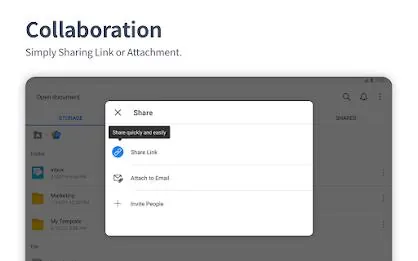
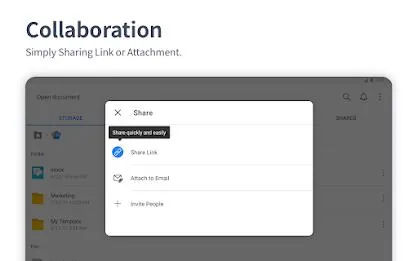
Polaris Office: Edit&View, PDF combines viewing, editing and PDF annotation in a single app that remains relatively small in size (around 60 MB). Cross-device synchronization works with the app's cloud storage or other cloud providers, and the core functionality is available for free with optional subscription plans for advanced features and increased cloud capacity. Practical collaboration features allow sharing document links, leaving comments and reviewing changes before finalizing files, and support for handwriting and multimedia inputs makes on-the-go editing more flexible.
Disadvantages
The app requires Android Lollipop (5.0) or newer, so older devices are not supported. Some advanced features and larger cloud allowances require a paid subscription, and those subscriptions are recurring and will renew automatically unless cancelled.
Market Performance
Polaris Office: Edit&View, PDF has reached a large user base and received industry recognitions such as Editors' Choice, a 2015 Best App citation and Top Developer awards, which reflect its wide adoption and ongoing development efforts.
Version Information
Recent releases keep the app lightweight and compatible, with minimum Android 5.0 support, an install size around 60 MB, added CSV support and continued language updates. Paid tiers are offered for users who need more features or storage and include Smart ($3.99/month or $39.99/year), Pro ($5.99/month or $59.99/year), AI ($12.99/month or $129.99/year) and AI-Plus ($20.99/month or $209.99/year), plus an option to remove ads for a one-time fee.
- No virus
- No advertising
- User protection
Information
- File size: 51.00 M
- Language: English
- Latest Version: 9.8.5
- Requirements: Android
- Votes: 365
- Package ID: com.infraware.office.link
- Developer: Polaris Office Corp.
Screenshots


















Explore More
Enjoy your favorite media anywhere with our sleek new all-in-one multimedia app! Stream video, music, and podcasts online or offline, downloaded directly to your device. Customize playlists and get smart recommendations based on your tastes. Adjust audio settings and enable bass boost for the ultimate listening experience. Easily cast and share to other devices. With a gorgeous, intuitive interface, media controls at your fingertips, and no distracting ads, this is the ultimate personal media hub.

All Recovery - Photos & Videos

MX Player Codec (ARMv6)

Les Rencontres d’Arles

ASD Player

TriviaMaker

Billund Kommune Ældreområdet+

Estados do Brasil

Hitler Ki Wapsi Urdu Novel By Aleem Ul Haq Haqqi





























