

Introduction
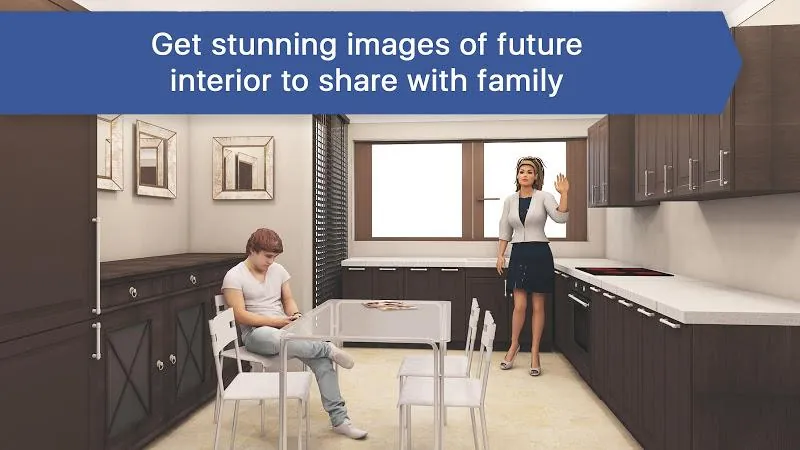
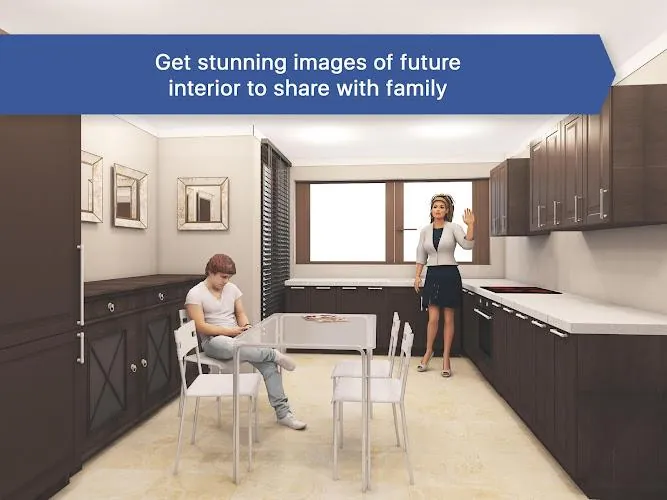
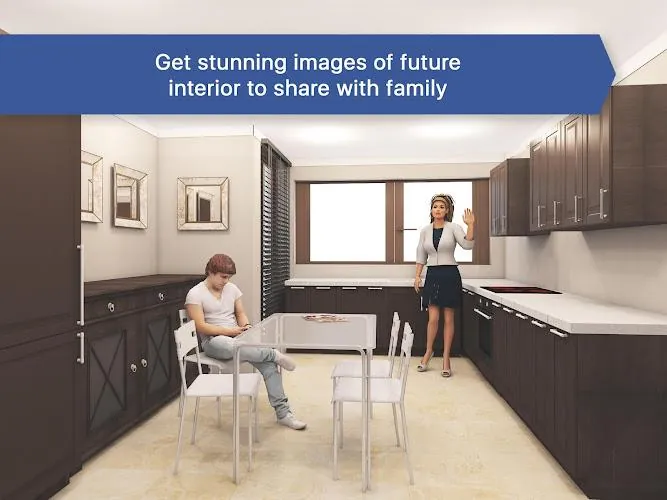
Kitchen Design: 3D Planner is a practical design tool for homeowners and renovators who want to plan a kitchen or dining room and produce photorealistic images before buying materials or furniture. The app lets you sketch layouts, try different colors and finishes for floors and walls, and experiment with cabinet styles and decor so you can see realistic results. Whether you need to redesign a compact apartment kitchenette or plan a spacious country-style or modern kitchen, the app speeds up decisions and makes it easy to share ideas with partners, flatmates or contractors.
Key Features
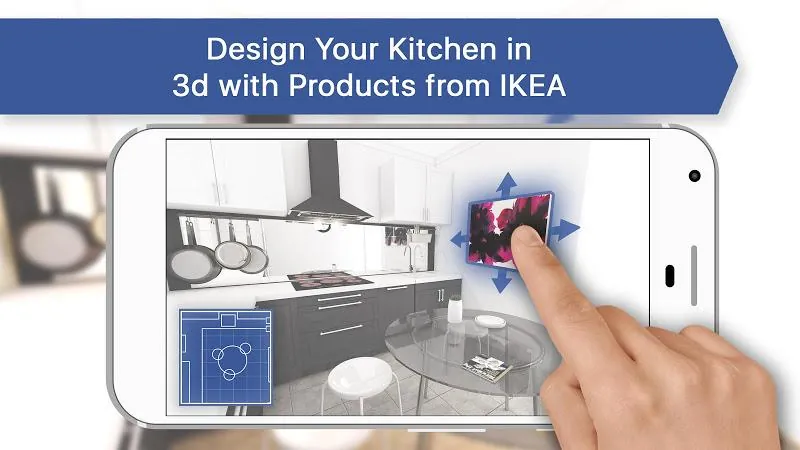
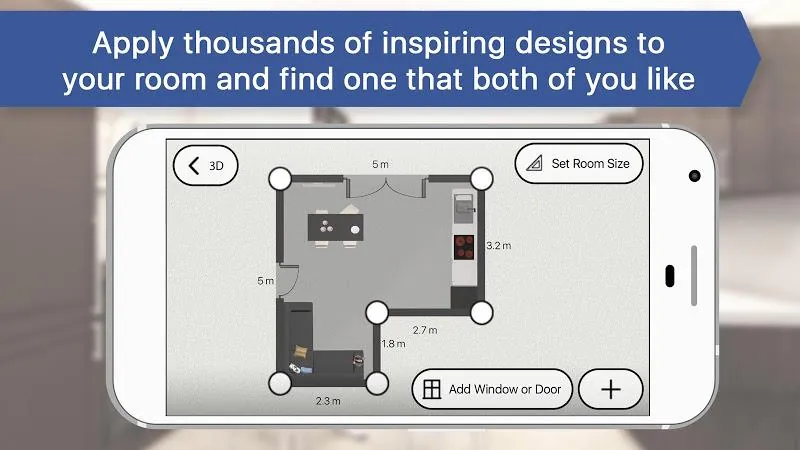
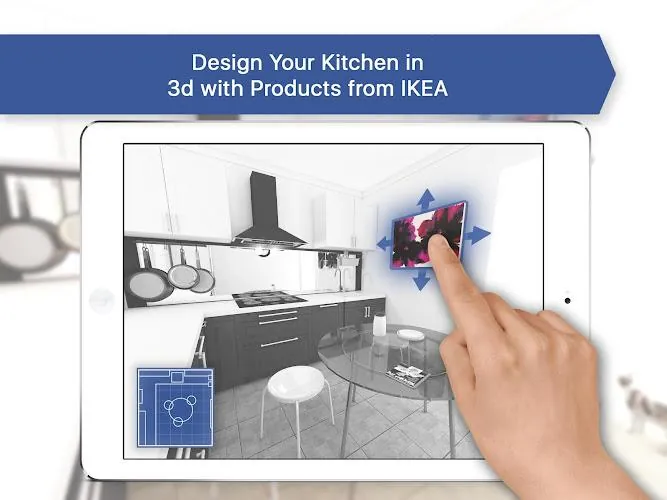
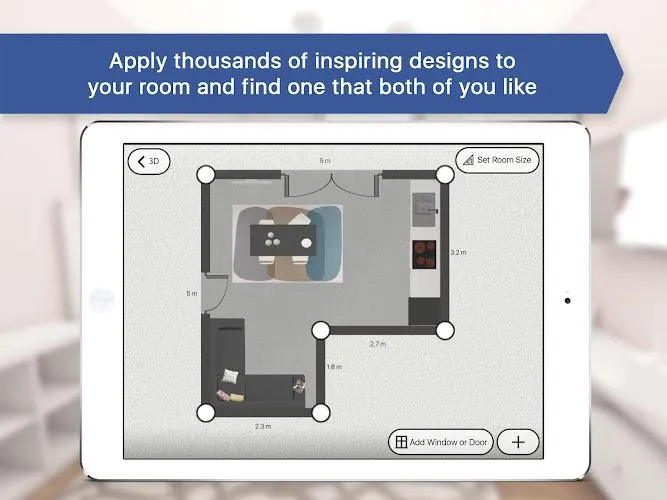
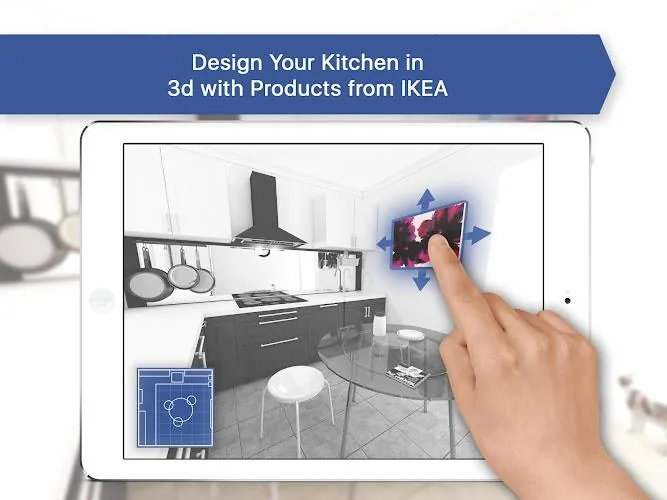
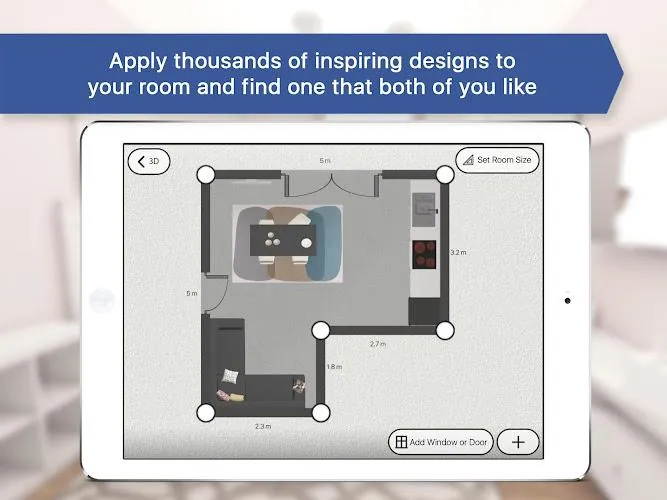
Kitchen Design: 3D Planner provides layout and 3D visualization tools that let you draw a remodel from scratch or start from handcrafted templates and view the room from multiple angles to create photorealistic snapshots. Material and color selection for floors, walls and cabinets includes high-definition rendering to preview finishes and combinations before committing. A large gallery of ready-made kitchen designs in loft, traditional and modern styles offers inspiration and quick starting points. The furniture library contains about 100 pieces in the free version and expanded libraries of 1,000+ items from well-known brands in paid tiers. Upgrade options (BASIC/PRO) unlock more precise room sizing, additional realistic renders, faster high-resolution outputs and export for professional 3D workflows.
Advantages
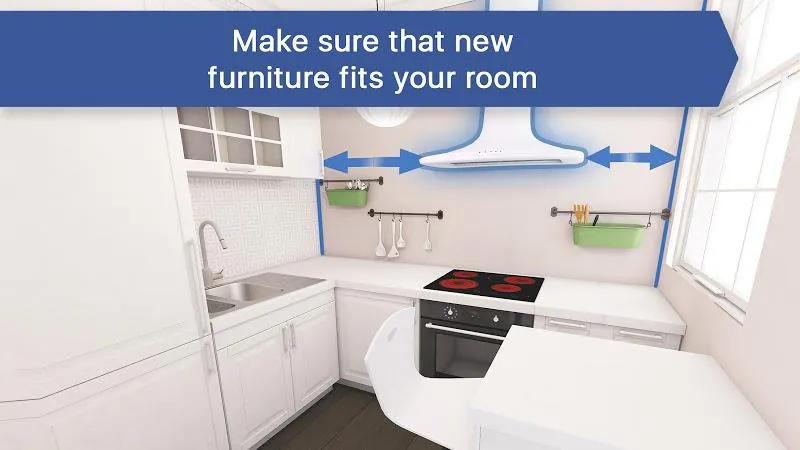
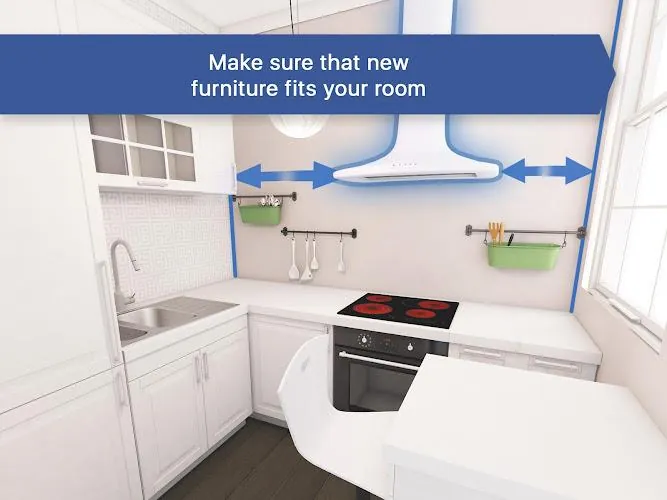
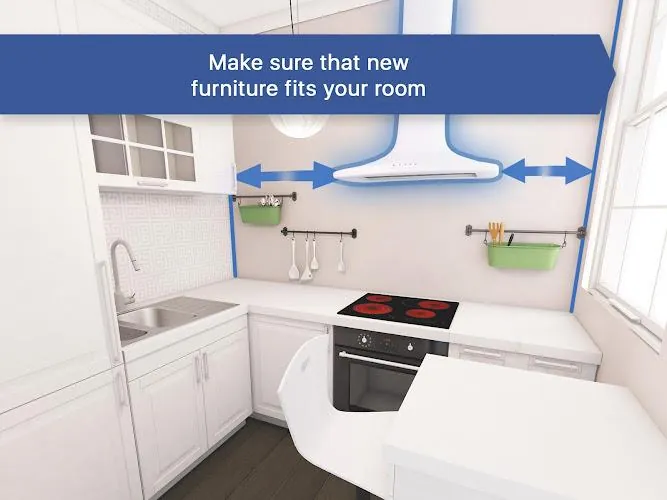
With Kitchen Design: 3D Planner you can visualize a finished room and get a much clearer idea of layout, scale and material combinations before renovation begins. The app includes designer-made templates and a large idea gallery to jump-start creativity and save time on planning. Multiple furniture and finish options allow you to mix and match items from recognizable brands to see how they fit your space. Paid tiers provide higher-resolution renders, faster processing, more accurate room dimensions and tools geared toward professional use.
Disadvantages
The free version limits you to approximately 100 furniture pieces and a small number of realistic room photos, so advanced work requires an upgrade. More accurate room sizing, larger product libraries and professional export options are available only in the paid BASIC or PRO versions. Cost estimates provided by the PRO tier are approximate and intended as guidance rather than final quotes.
- No virus
- No advertising
- User protection
Information
- File size: 89.72 M
- Language: English
- Latest Version: 1186
- Requirements: Android
- Votes: 192
- Package ID: com.icandesignapp.kitchen
Screenshots
















Explore More
Equip yourself with our all-in-one toolbox app for everyday tasks and projects. Instantly convert between units, calculate tips, scan documents, manage files, and more with handy productivity tools. Includes a level, compass, QR code reader, ruler, speedometer, decibel meter, and flashlight. Save frequently used tools to your customizable dashboard for one-tap access. Track billable hours, wages, budgets, and invoices. Annotate screenshots, magnify labels, and sign PDFs on the go.

Text Art - Write Text On Photo

MERA PROXY PRO

Domino's Pizza Sri Lanka

Hatekhori Shongkha

Halloween Photo Editor -Makeup

Connecting - Friends Near Me

HFonts - font & emoji manager

Virink





























