Introduction
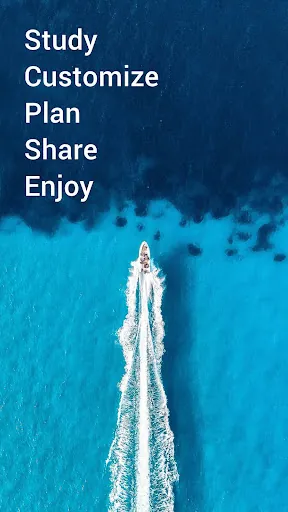
Navionics® Boating brings detailed, up-to-date marine charts and navigation tools to your phone or tablet, with offline access and features for cruising, fishing, sailing and diving. The app includes high-resolution nautical charts, SonarChart™ HD bathymetry and government charts where available, plus planning tools such as Auto Guidance+, weather and tide information, track recording and sharing. A free trial is available for a limited time, and continued access to charts and premium tools requires a yearly auto-renewable subscription.
Key Features
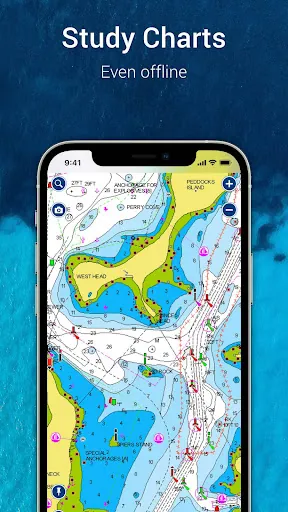
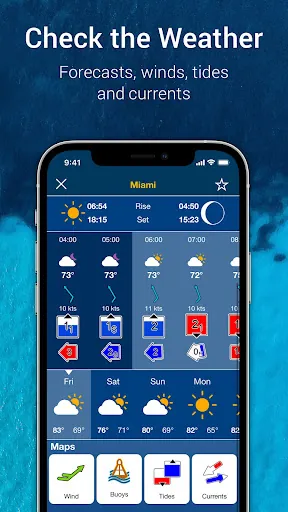
Navionics® Boating provides internationally recognized nautical charts and SonarChart™ HD bathymetry with NOAA coverage where supported, all usable offline with multiple overlays. Auto Guidance+ technology suggests dock-to-dock routes and supplies ETA, distance, heading to waypoint and fuel consumption estimates for trip planning. Weather, tides and currents are available in real time with daily and hourly forecasts and access to wind data and weather buoys. The app supports markers, tracks and multimedia so you can record anchorages and catches, import and export GPX files, share map objects and view Community Edits and ActiveCaptain® entries. Connectivity with external devices supports Plotter Sync, SonarChart Live mapping and AIS receivers to create maps in real time and monitor nearby traffic.
Advantages
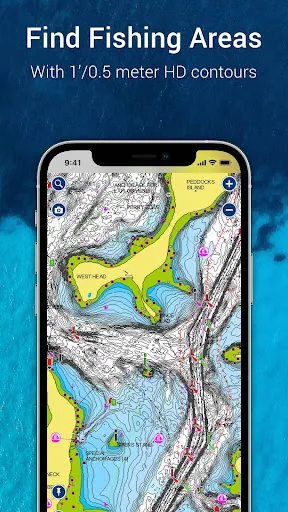
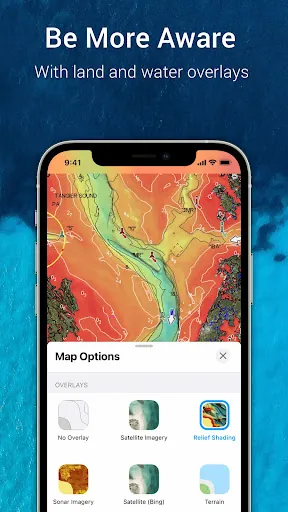
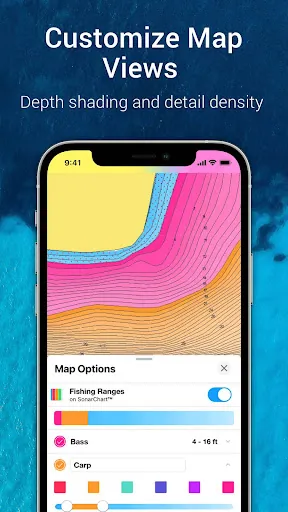
With Navionics® Boating you get reliable offline charting and multiple overlay options that make route planning and preparation for fishing or diving more straightforward. Detailed 1' SonarChart HD bathymetry and relief shading help improve bottom understanding for anglers and divers. Community-sourced edits and ActiveCaptain contributions keep local information current and help locate marinas, services and hazards. Device and accessory support lets you sync routes and markers with compatible chartplotters and create live maps when paired with supported sonar.
Disadvantages
Continued access to charts and advanced features requires a yearly auto-renewable subscription, which may not suit occasional users. Auto Guidance+ is intended for planning purposes only and does not replace safe navigation practices or onboard instruments. Some advanced features such as SonarChart Live and AIS require compatible external hardware and Wi-Fi connectivity to function. The app requires Android 7.0 or higher and tablets without GPS may only estimate position when connected to Wi-Fi.
- No virus
- No advertising
- User protection
Information
- File size: 248.94 M
- Language: English
- Latest Version: 17.0.2
- Requirements: Android
- Votes: 338
- Package ID: it.navionics.singleAppMarineLakesHD
- Developer: Garmin Italy Technologies srl
Screenshots
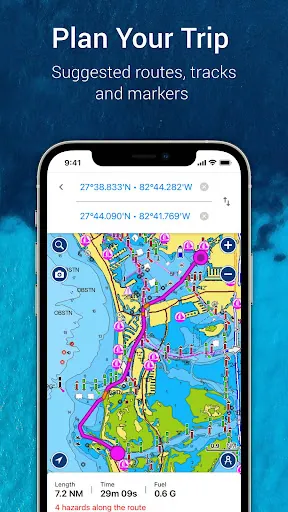
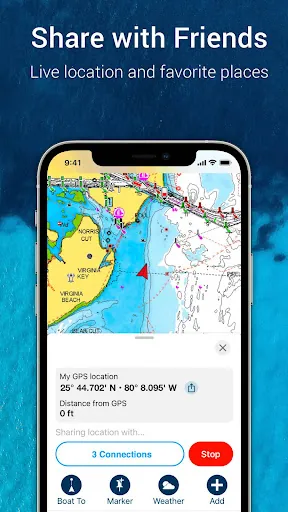
















Explore More
Enjoy your favorite media anywhere with our sleek new all-in-one multimedia app! Stream video, music, and podcasts online or offline, downloaded directly to your device. Customize playlists and get smart recommendations based on your tastes. Adjust audio settings and enable bass boost for the ultimate listening experience. Easily cast and share to other devices. With a gorgeous, intuitive interface, media controls at your fingertips, and no distracting ads, this is the ultimate personal media hub.

All Recovery - Photos & Videos

MX Player Codec (ARMv6)

Les Rencontres d’Arles
ASD Player
TriviaMaker

Billund Kommune Ældreområdet+

Estados do Brasil

Hitler Ki Wapsi Urdu Novel By Aleem Ul Haq Haqqi