Introduction
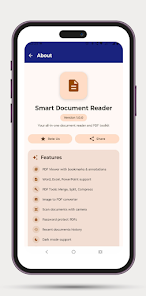
Smart Document Reader is a compact all-in-one document viewer and PDF toolkit for Android that lets you open, read and manage PDFs, Office files, plain text and images directly on your device. If you handle reports, study materials or scanned paperwork on your phone, this app combines fast viewing, basic editing and conversion tools with a clean interface and local processing so your files stay private and under your control.
Key Features
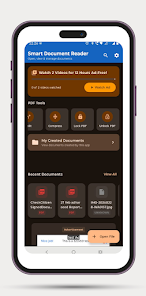
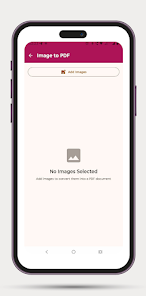
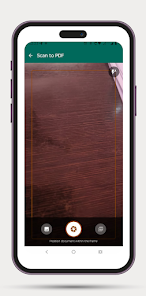
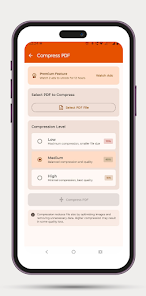
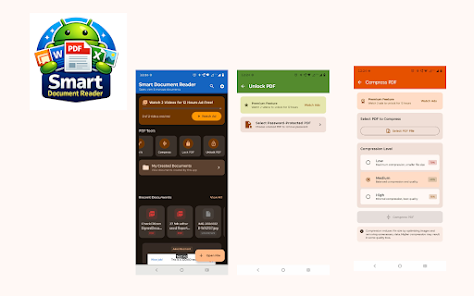
Smart Document Reader offers smooth PDF rendering with fast page display, pinch-to-zoom, instant page jump, bookmarks, text search and a night mode for low-light reading. It includes a PDF toolkit to merge, split and compress documents, convert images to PDF and scan paper using your camera, plus the ability to lock and unlock files. The office document viewer opens Word, Excel and PowerPoint formats while preserving formatting, and image handling supports JPG, PNG, BMP and WEBP with rotate, reorder and multi-image conversion into a single PDF. A simple file management area keeps recent and created documents and lets you mark favorites for quick access.
Advantages
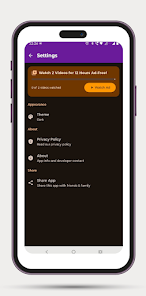
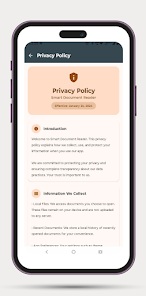
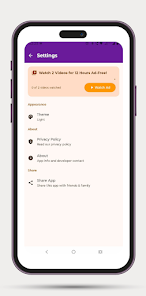
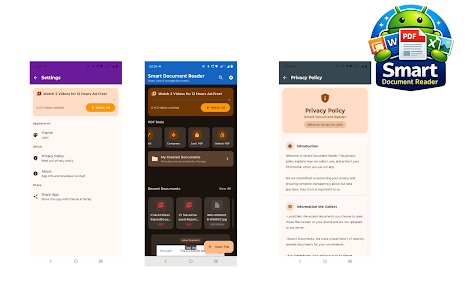
Smart Document Reader runs document processing locally on your device so files are not uploaded to external servers, and it offers AES-256 password encryption to protect sensitive PDFs. The interface follows modern Material Design 3 principles with light, dark and system themes. Most features are available at no cost with ads, and some premium tools can be unlocked temporarily by watching a short video rather than requiring a subscription.
Disadvantages
The free version contains advertisements that appear during use. Some advanced functions such as compression or file locking are gated behind temporary unlocks via short videos rather than being permanently free.
- No virus
- No advertising
- User protection
Information
- File size: 13.00 M
- Language: English
- Latest Version: 1.1
- Requirements: Android
- Votes: 413
- Package ID: com.anujtech.smartdocumentreader
- Developer: ANUJ TIRKEY
Screenshots
















Explore More
Equip yourself with our all-in-one toolbox app for everyday tasks and projects. Instantly convert between units, calculate tips, scan documents, manage files, and more with handy productivity tools. Includes a level, compass, QR code reader, ruler, speedometer, decibel meter, and flashlight. Save frequently used tools to your customizable dashboard for one-tap access. Track billable hours, wages, budgets, and invoices. Annotate screenshots, magnify labels, and sign PDFs on the go.

1xSlots Casino

NeoSpin Casino

LifePad

SocialTech VPN

Desire by Lovehoney

888bets moçambique Apk

TogelUp

HOMETOGEL