Introduction
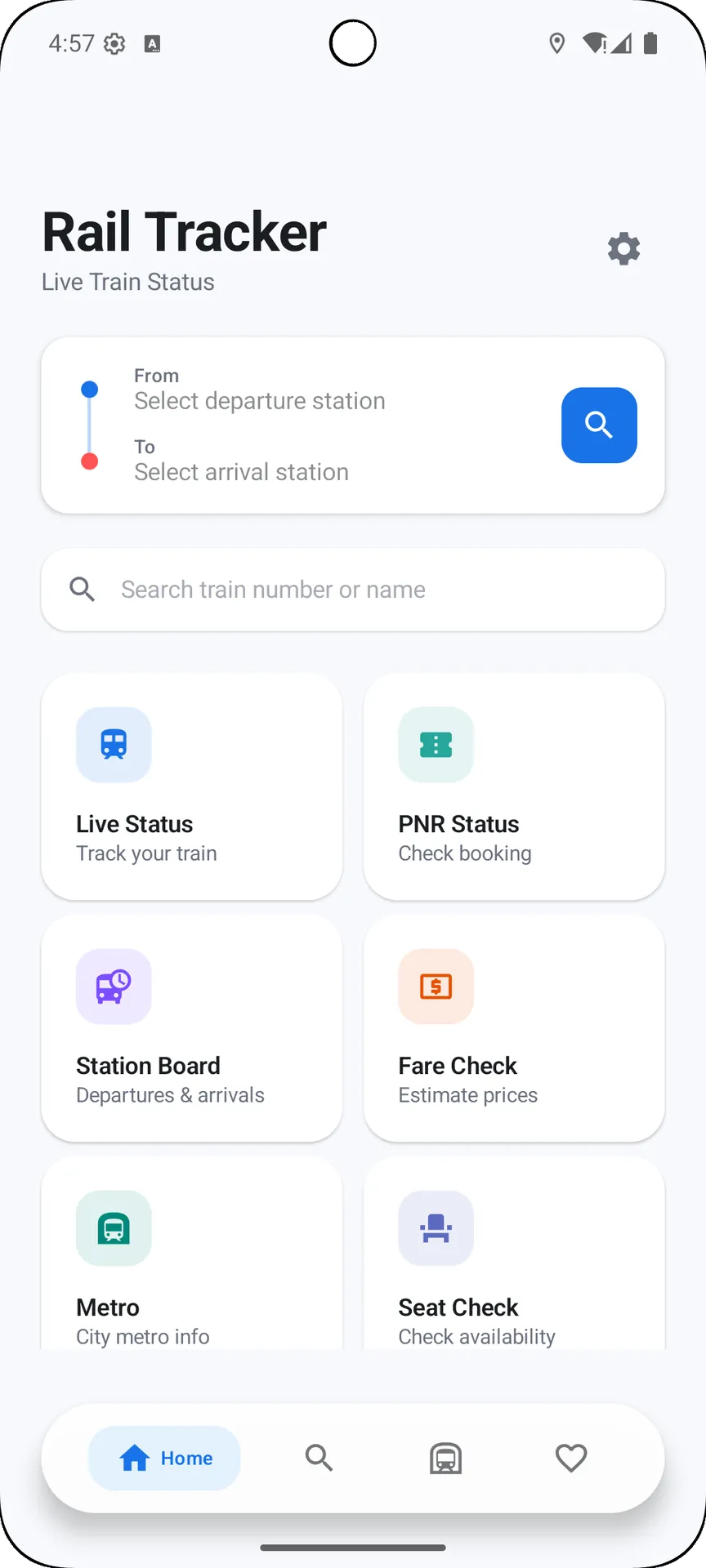
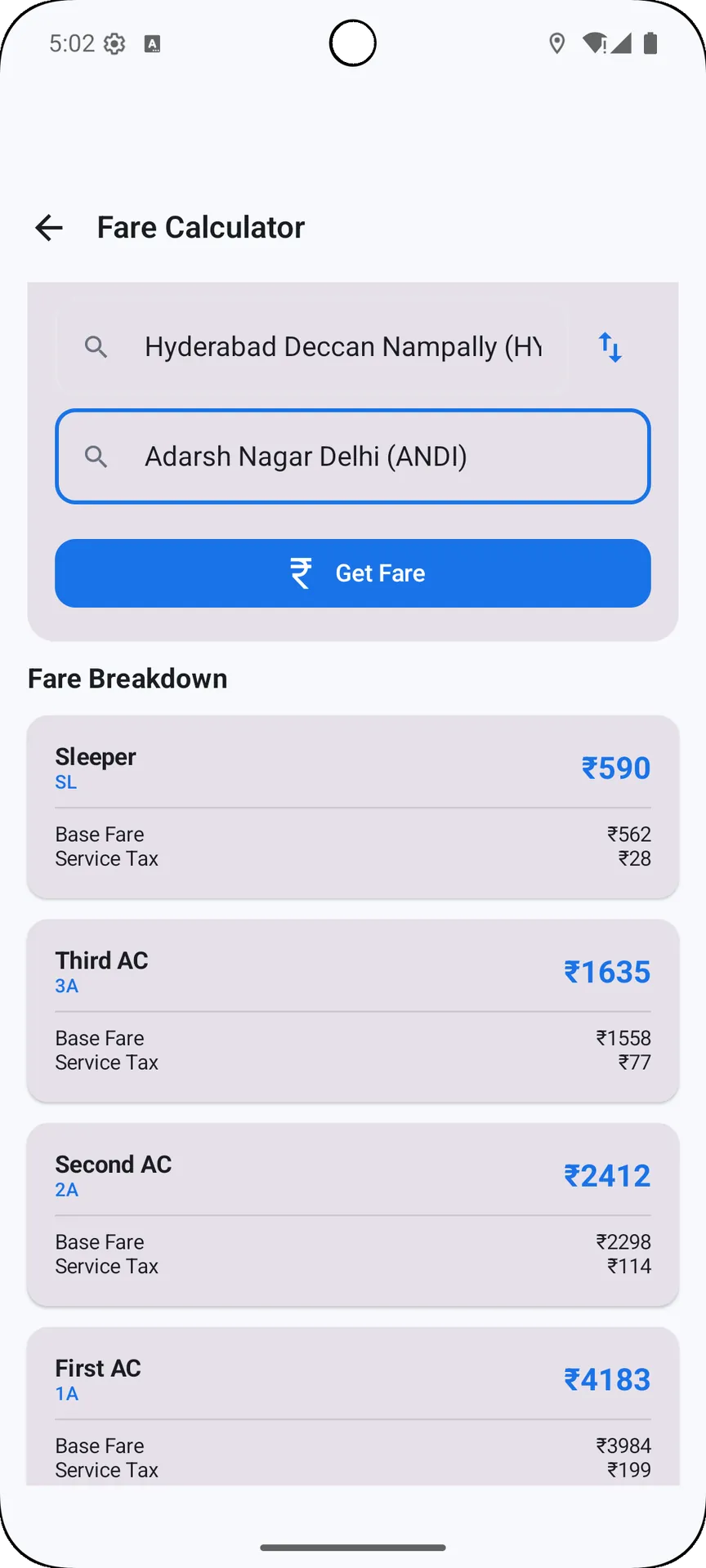
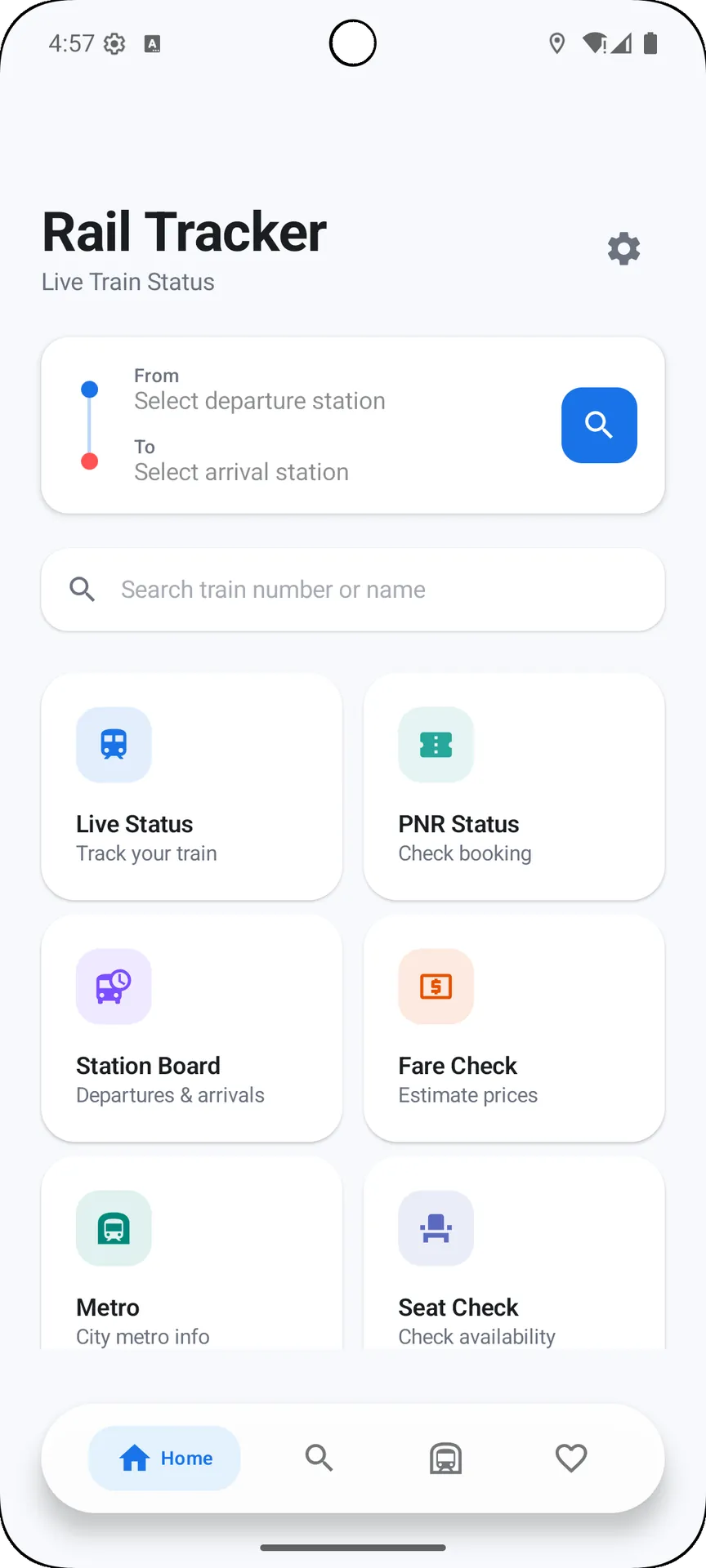
Rail Tracker is an all-in-one Indian Railways companion that helps commuters and occasional travelers plan, monitor and manage train journeys across India. Rail Tracker places live train tracking, PNR checks, route and schedule details, station boards and a compact metro reference in a lightweight Material Design interface so you can check delays, expected arrivals and intermediate stops quickly and with minimal data usage.
Key features and what they do
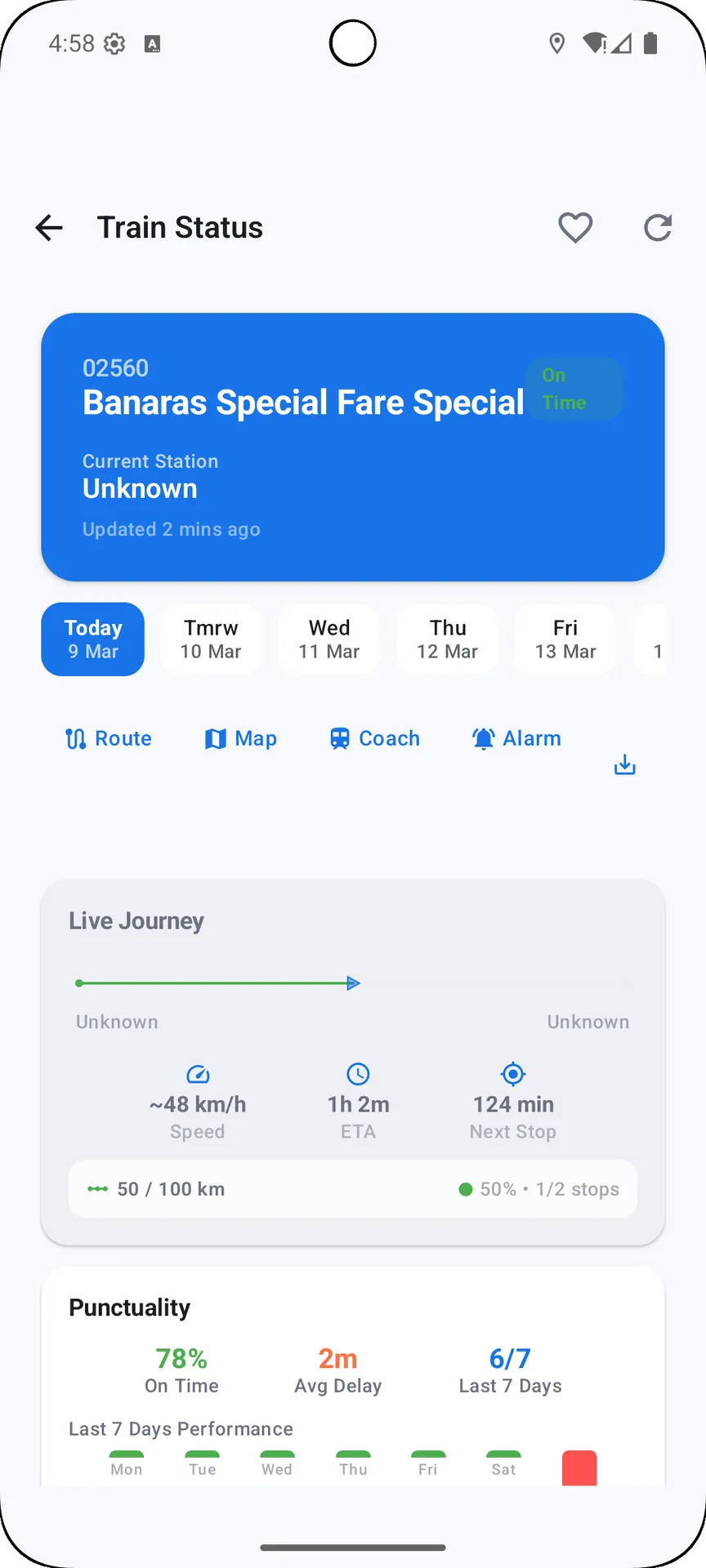
Live train status in Rail Tracker shows the current location of a running train and gives delay information at every scheduled stop. The app presents expected arrival and departure times in an easy-to-scan timeline so you can see where a service is running late and how that affects connections on the route.
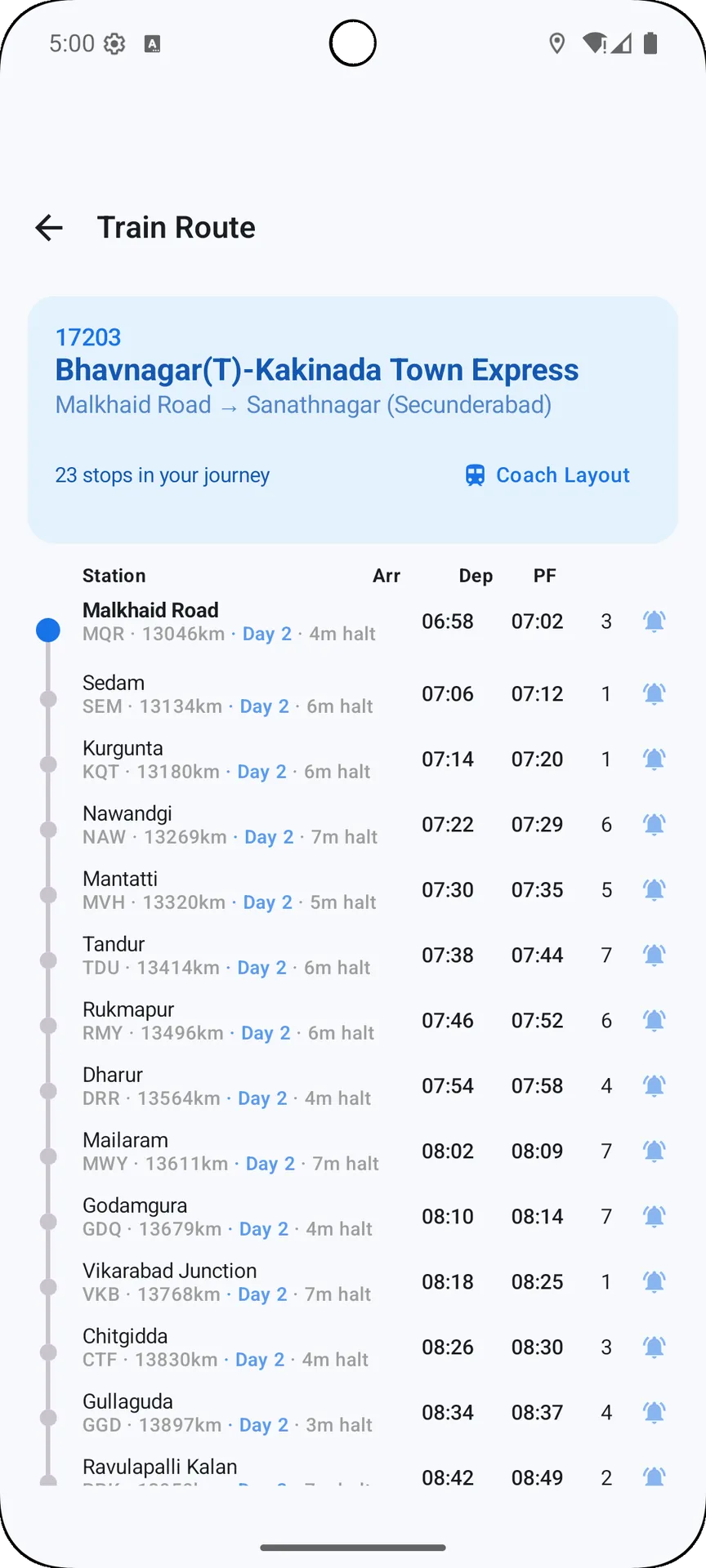
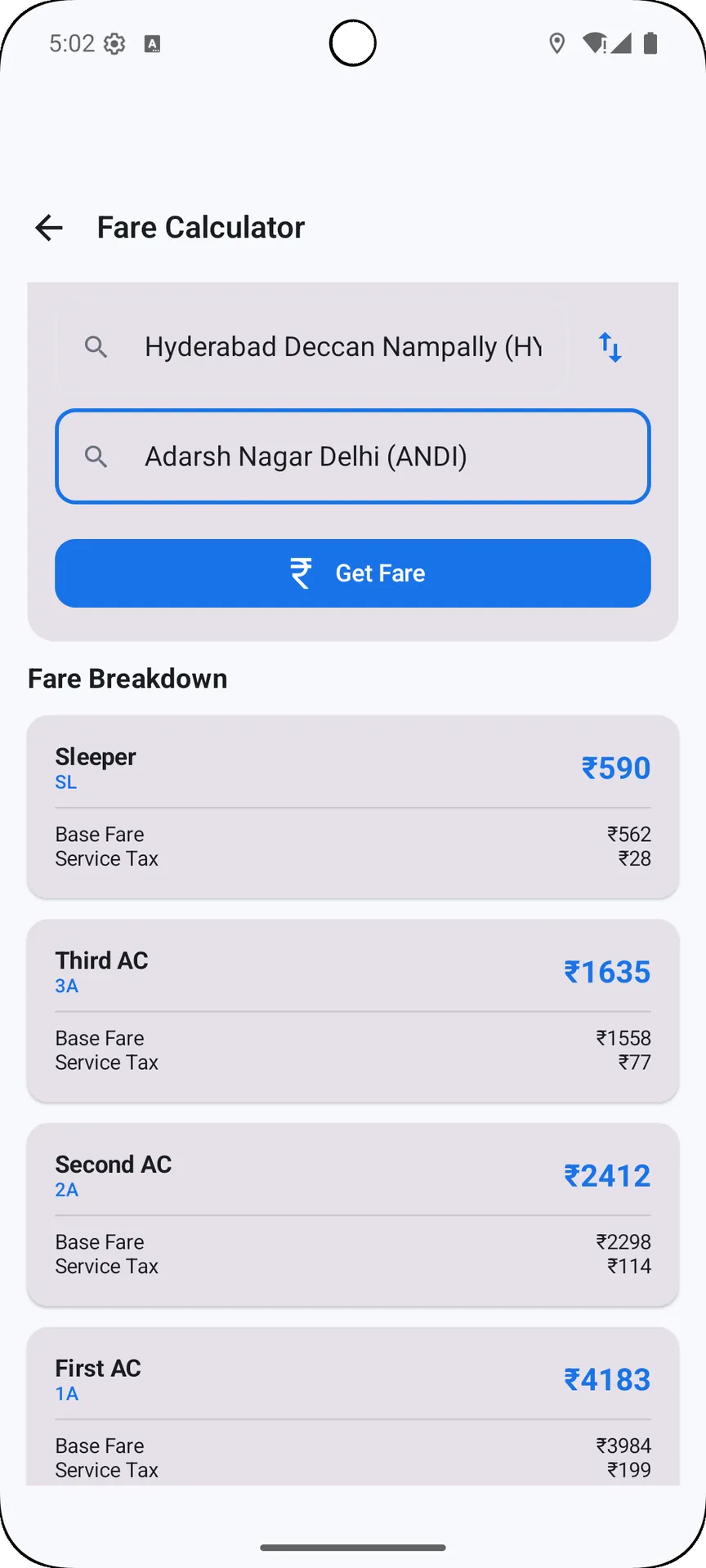
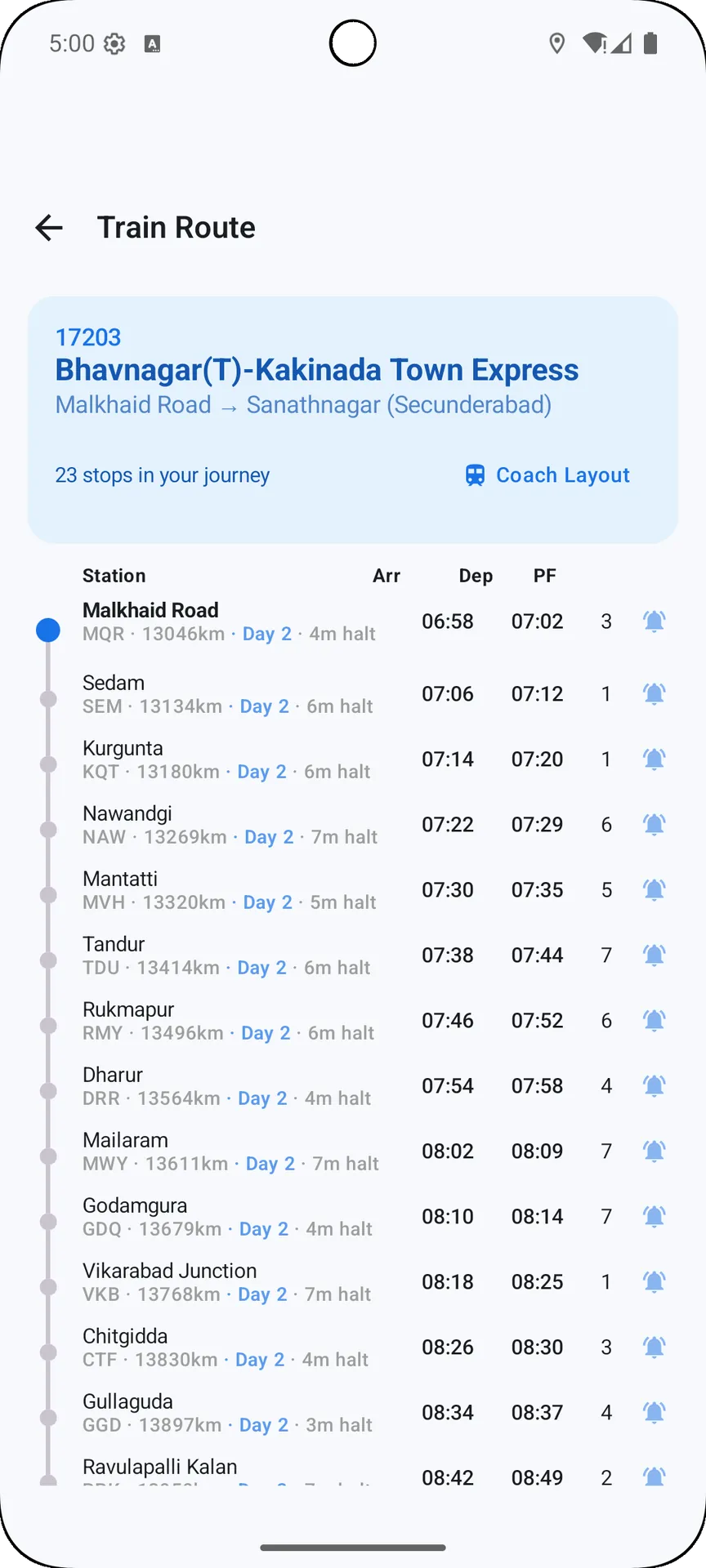
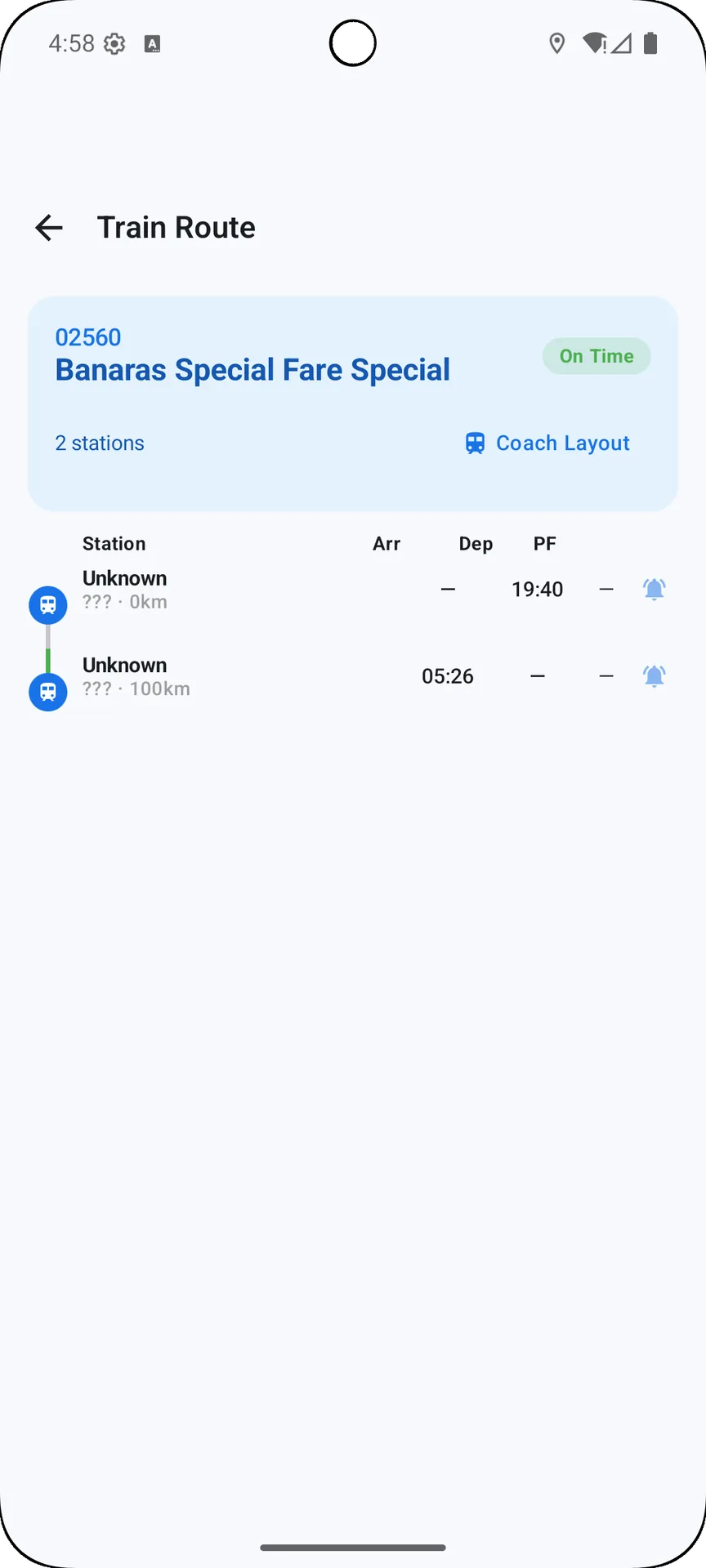
Train search works by number or name and returns full schedules, running days and route details. Search results include clear stop lists with arrival and departure times, halt durations and cumulative distances to help you estimate travel time between stations.
PNR status checks display booking information and current confirmation or waitlist position for each passenger. The PNR view keeps passenger berth categories and the latest booking status visible so you can verify reservations before you travel.
Station board and trains-between-stations screens show live arrivals and departures and give a concise list of services that stop at a chosen station. Use the trains-between-stations view to compare options by duration and days of operation, simplifying planning for less frequent or indirect routes.
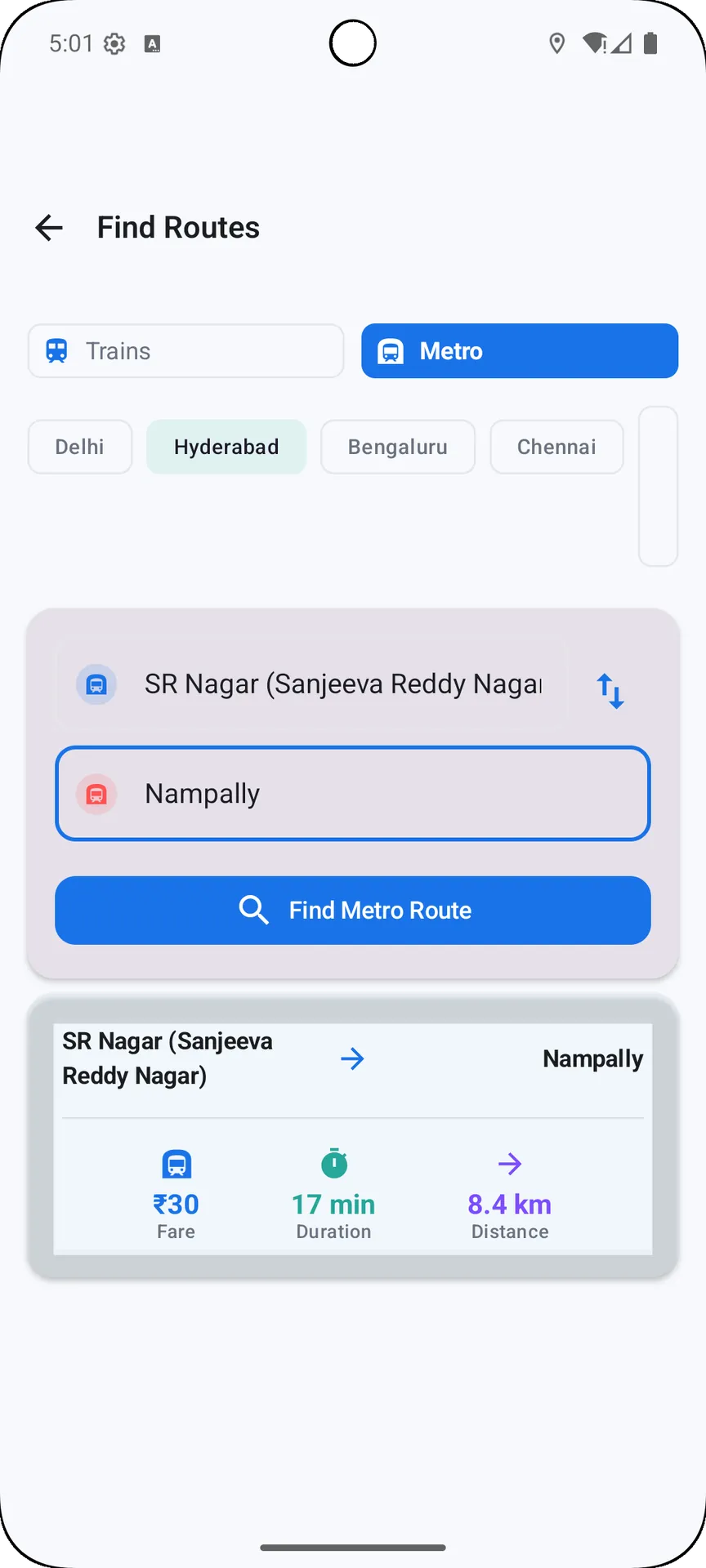
The app also includes a simple metro rail reference for major Indian cities. This reference is designed to complement national train data with quick lookup of common metro lines and transfer points, making it easier to plan last-mile journeys after arriving at a mainline station.
How it works and controls
Search and navigation controls are intentionally straightforward: type a train number or station name to begin, refine results with suggested completions, and tap any result to open a detailed route or status view. Gesture-based refresh and clear back navigation keep interaction fast, while saving a train to your favorites gives one-tap access to the routes you check most often.
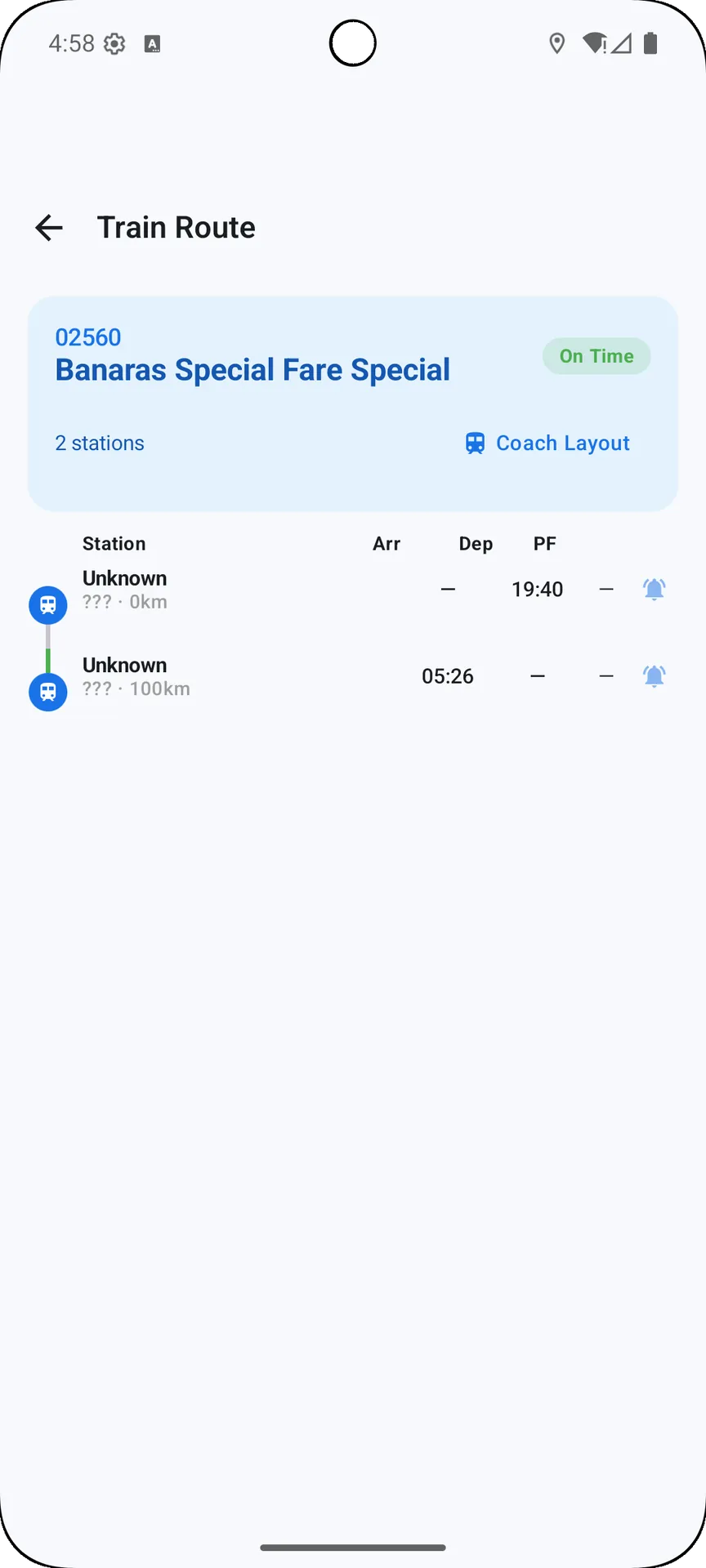
Information is presented both as a list and on a compact route timeline so you can choose the view that fits the task. Timelines show stop order, expected delays and platform fields when available. Station boards and route pages include quick links to jump between a specific halt and the full schedule for that service.
User experience, visual style and accessibility
The interface follows Material Design principles with a focus on readable typography, uncluttered screens and fast load times. Rail Tracker aims to remain responsive on a wide range of Android devices by minimizing background processes and using efficient data layouts.
Accessibility is considered through support for Android's system font scaling and work with standard screen reader tools. Buttons and tappable areas are sized to be reachable on phones of different sizes, and color contrasts are chosen for visibility on both bright and dim displays.
Customization, saved data and effective use
You can organize favorites and saved routes to match your commute patterns or trip plans, reordering items for one-tap access and reducing the number of interactions needed to find important information. Saved trains are stored locally so their latest viewed status and schedule are available quickly while you are reconnecting or checking the app between trips.
Customization focuses on display and sorting rather than complex account setup: choose how schedules are sorted, set the default station for the station board, and control whether the app shows distances or only timing information. These small adjustments help tailor the app to daily commuting or occasional long-distance travel.
Limitations and practical notes
Real-time tracking and PNR updates depend on timely feeds from rail network sources and require an active internet connection to reflect the latest information. Rail Tracker caches recently viewed pages to reduce repeated data use and speed up access when connectivity is intermittent, but cached content is not a substitute for live updates.
Ticket booking and in-app payment are not provided by the app; Rail Tracker is focused on planning and monitoring rather than transaction processing. This keeps the app lightweight and centered on accurate timetable and status information.
For regular commuters and occasional travelers alike, Rail Tracker provides a compact, efficient way to check train status, plan transfers and keep a shortlist of important trains and stations. The app's straightforward controls, clear visual presentation and emphasis on essential rail data make it a practical tool for navigating India's rail network.
- No virus
- No advertising
- User protection
Information
- File size: 23.85 M
- Language: English
- Latest Version: 1.0.1
- Requirements: Android
- Votes: 478
- Package ID: com.railtracker.app
- Developer: Samuel Paul
Screenshots
















Explore More
Discover your next great read with our innovative book apps. Access millions of ebooks, audiobooks, and comics on any device. Get personalized recommendations from our advanced algorithms so you always have your next great story lined up. Track your reading habits and browse curated lists for inspiration. Join online book clubs to connect with fellow bibliophiles. Listen to samples and download seamlessly with our integrated stores.

Sahifah Sajjadiyyah

Biblia SBU

Time to Henna

Buku Pintar Batu Permata

TCDC Digital Resource

Homemade Magical Double Hair Growth Oil Remedy

History of Yugoslavia

Sad Poetry - Dukhi Shayari