Introduction
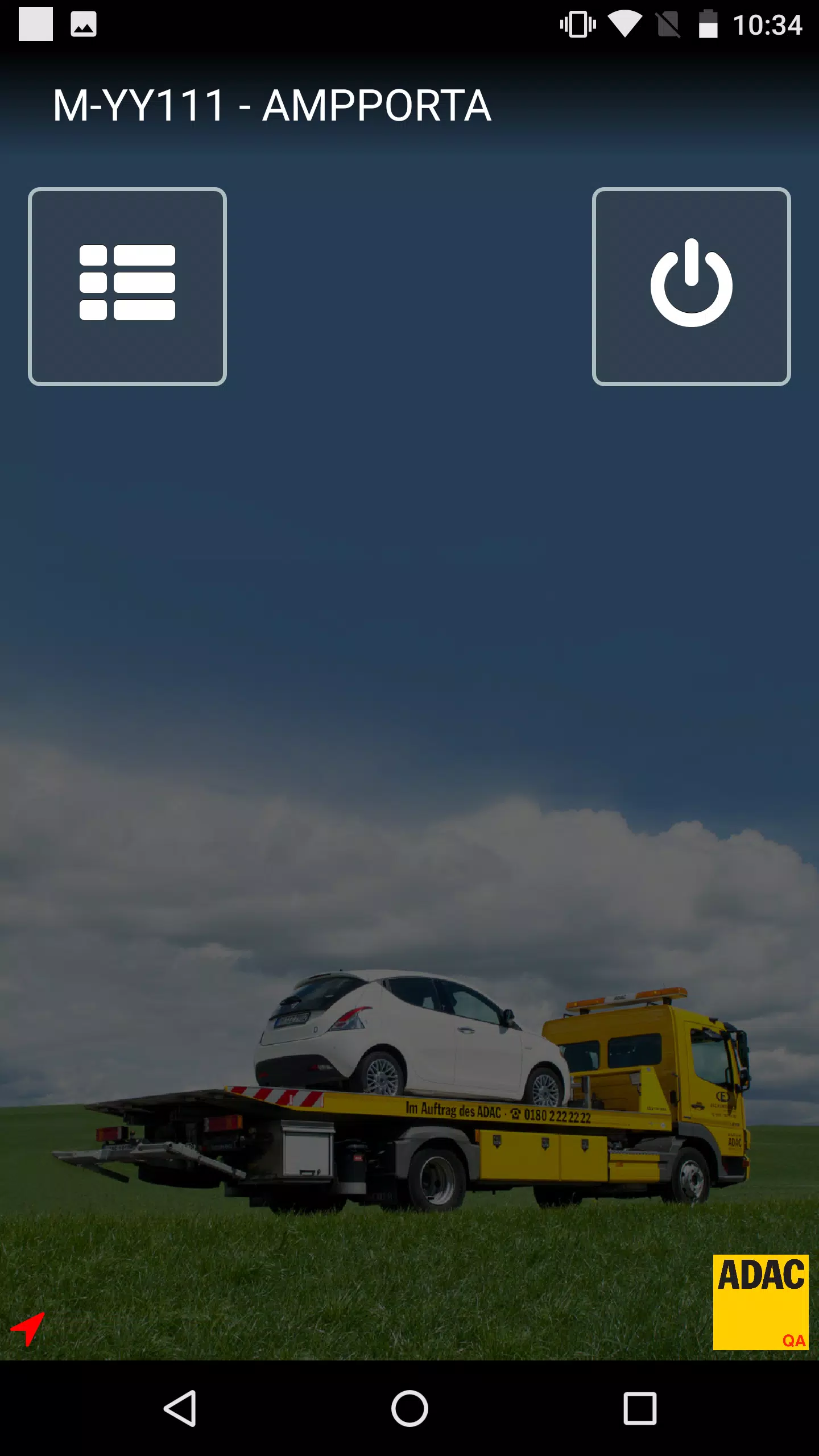
AMPPORTA is a mobile companion for ADAC Mobility staff and authorized partners that provides a portable interface to the PORTA II assignment system. AMPPORTA brings assignment delivery, status updates and navigation support to smartphones so field teams can receive jobs, confirm receipt and update progress without returning to a desktop or dispatch office.
Key Features
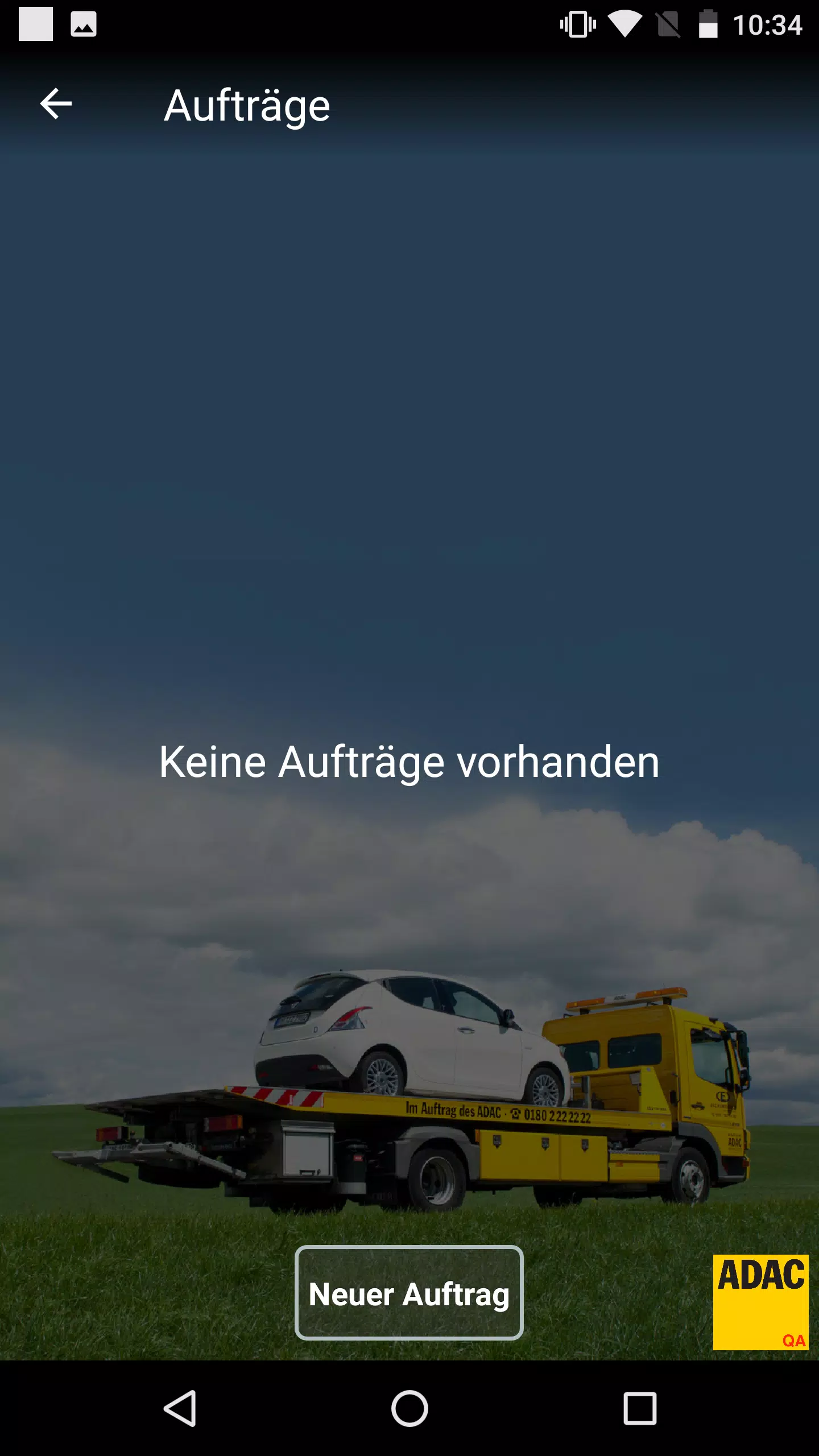
The app receives assignments from the PORTA II backend and displays them in a concise job queue with clear timestamps and priority indicators. Real-time status feedback allows users to acknowledge tasks, mark stages such as en route, on-scene and completed, and add short notes or photos where permitted. Navigation integration links each assignment to third‑party mapping apps already installed on the device, opening routes directly from the job screen. An emergency contact action provides quick calling to designated Havarist numbers. Access controls restrict visibility and assignment delivery to authenticated ADAC partners and defined roles within partner organizations.
Workflow and Controls
AMPPORTA is designed for one‑hand operation in the field. Primary controls are large, context‑sensitive buttons for accept, decline and status transitions; swipes and taps advance a job through its lifecycle. Inline confirmation prompts reduce accidental changes and a simple notes field allows technicians to capture brief situational information. When a photo is attached to an update, the app timestamps and links images to the associated assignment. Push notifications alert users to new tasks and critical updates while the job list maintains a clear unread indicator so nothing is missed during shifts.
Progression and Task Structure
Assignments in AMPPORTA follow a straightforward progression model to mirror operational practice: new assignment → accepted → en route → on scene → resolved → closed. Each stage records a time and optional comment, creating an audit trail for reporting and handover. Tasks may include priority flags or special handling instructions to guide response order. This progression supports multi‑shift operations by allowing handoff notes and explicit closure so downstream teams know when a job is complete.
Interface and Visual Style
The visual design favors clarity and quick comprehension: high‑contrast text, color cues for status, and a compact summary card for each assignment. Map previews are embedded in the job view when location data is present, with an option to expand to the full mapping app. Fonts and button sizes are chosen to remain legible in bright daylight and while driving, and the UI minimizes clutter so essential information is visible at a glance.
Customization and Settings
Users can tailor notifications, set quiet hours, and filter the assignment list by time, priority or type to match their workflow. Sound and vibration preferences help distinguish routine messages from urgent calls, and configurable display options allow teams to prioritize the fields they need most. These settings help AMPPORTA adapt to different partner roles, vehicle environments and operational procedures.
Offline Support and Reliability
Because connectivity can vary on the road, the app caches recent assignments and allows limited offline review of job details. Status updates made while offline are queued and transmitted automatically when a connection is reestablished, reducing manual reconciliation. The app also provides clear indicators when network conditions prevent immediate delivery so users understand when an update is pending.
Security and Access
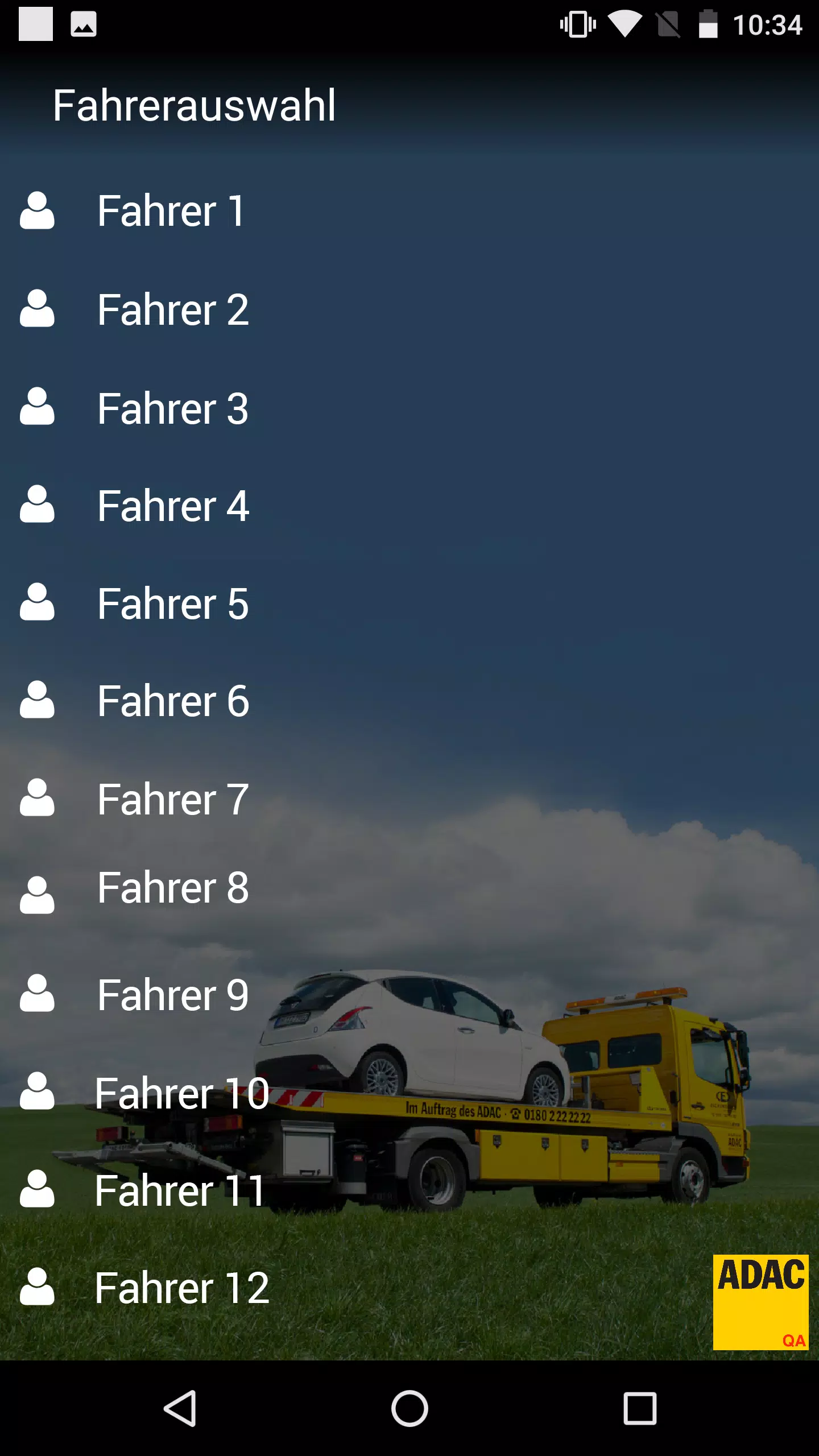
Access to AMPPORTA is limited to authorized ADAC partners and is managed through organizational credentials and role‑based permissions. Data transmitted to and from PORTA II is handled according to standard operational security practices to protect assignment details and contact information. Administrators can control who receives specific assignment types and adjust access at the partner or individual level.
Accessibility and User Experience
The app includes adjustable text sizes and supports high contrast modes to assist users with visibility needs. Interaction patterns are kept consistent to reduce training time, and in‑app prompts help new users learn the core tasks quickly. Battery usage is optimized by limiting background activity to essential sync operations and by deferring noncritical updates when the device is low on power.
Typical Use Cases and Ongoing Value
Field technicians and partner coordinators use AMPPORTA for immediate job reception, rapid acknowledgement, and clear progress reporting that keeps dispatchers and clients informed. The predictable progression model and concise reporting help reduce handover errors and improve overall response times. Regular use yields operational continuity: teams rely on the app to centralize task handling and maintain accountability across shifts.
Advantages and Limitations
AMPPORTA streamlines communication and task management for ADAC partner networks and reduces the need to return to base for updates. Its lightweight interface and integration with existing map apps make it practical for on‑the‑road use. Limitations include availability exclusively to authorized partners and dependence on third‑party navigation apps for routing; some functionality, such as queued transmissions, relies on eventual network restoration to synchronize with the central system.
- No virus
- No advertising
- User protection
Information
- File size: 38.50 M
- Language: English
- Latest Version: 1.13.0
- Requirements: Android
- Votes: 212
- Package ID: de.adac.porta.II
- Developer: Allgemeiner Deutscher Automobil-Club e.V. (ADAC)
Screenshots
















Explore More
Connect deeper through meaningful conversations with our communication apps. Enjoy crystal-clear calls, video chats, messaging, and file sharing. Find the perfect emojis, GIFs, and stickers to express yourself. Keep the non-stop group banter organized in one place. Block unwanted interactions at the source. Meet new people worldwide through our global community features.

IZI: play, listen, watch, call

OnDjoss

Connecting - Friends Near Me

TryController

DATING SITES

TownSq Community

69ers

LR Store