

Introduction
Creative With Rags turns leftover and discarded fabrics into a practical, creative workshop on your phone, guiding users through patchwork projects, layout planning and mindful reuse. The Creative With Rags app is built for makers who want step-by-step instruction, visual inspiration and easy-to-follow tools that make upcycling approachable for beginners and rewarding for experienced crafters. With an emphasis on sustainability and slow crafting, the app helps you move from scattered scraps to finished quilts, cushions, bags and decorative items while keeping materials, costs and waste in mind.
Key features
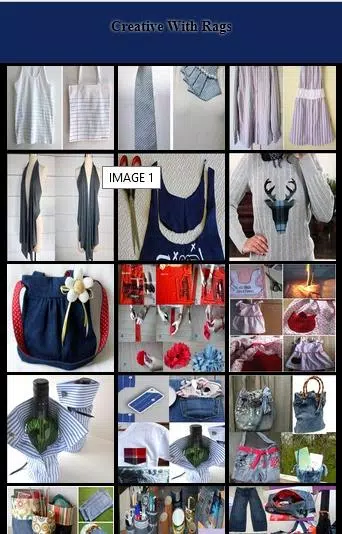
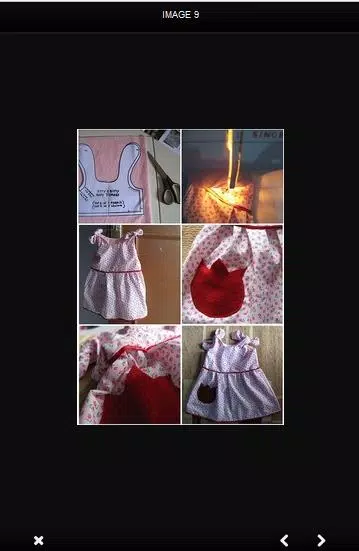
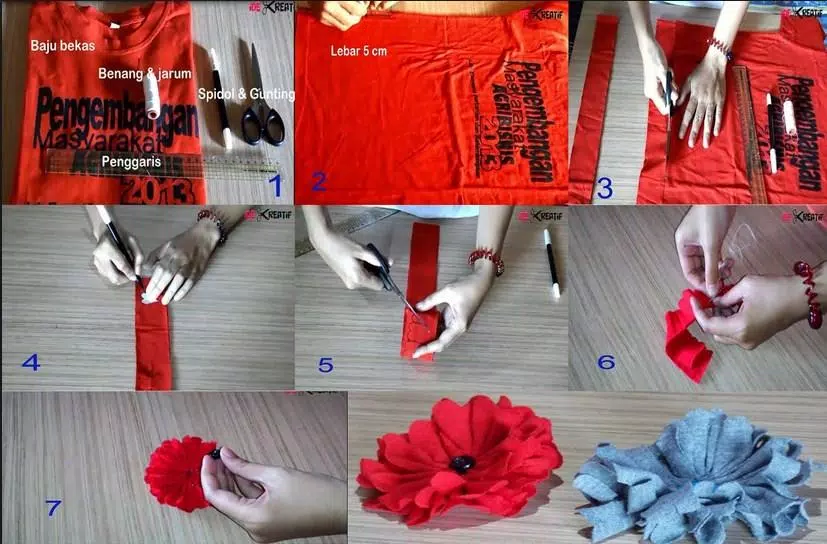
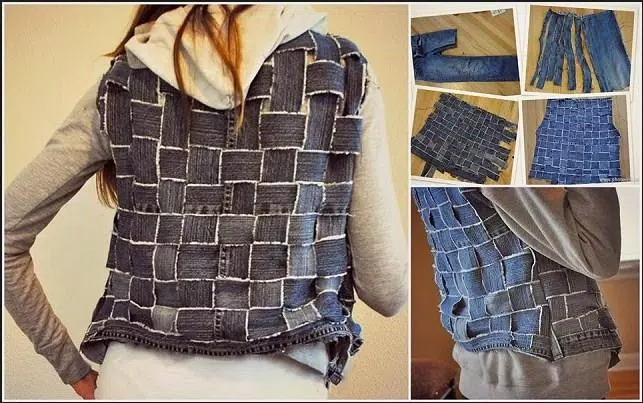
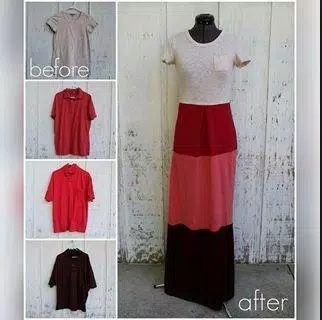
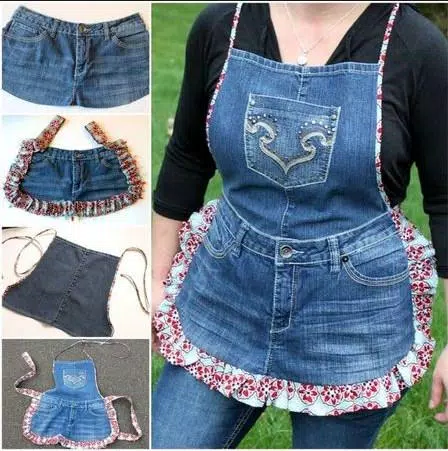
The app offers a searchable project library that groups ideas by project type and suggested difficulty so you can pick a quick beginner patch or a multi-piece quilt pattern. Each project includes a clear materials list, estimated hands-on time and an illustrated sequence of steps that explains basic techniques such as piecing, seam allowance, pressing and finishing touches. Built-in planning tools simulate layouts so you can drag, drop and rearrange fabric swatches on a virtual grid, test color and pattern combinations, and preview how a final piece will look before you start cutting. Visual references combine photos and annotated diagrams to bridge the gap between digital planning and real-world sewing.
How it works: controls and progression
The interface relies on familiar touch controls: pinch to zoom, two-finger rotate for pattern orientation, and simple drag-and-drop to position patches on a layout. Undo and redo controls let you experiment without penalty. Projects are presented in a progressive sequence that guides learners from basic single-block exercises to more complex multi-block layouts; suggested next steps appear at the end of each tutorial so you can build skills in a logical order. Progress is personal rather than competitive: the app encourages saving notes and photographs of completed projects so you can track improvements, revisit favorite templates and plan variations over time.
Visual style and customization
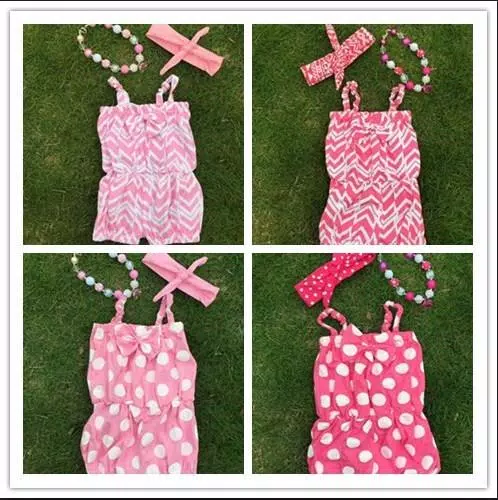
Creative With Rags emphasizes cloth-forward imagery: high-quality swatches, close-up photos of seams and texture-rich mockups help you judge color, scale and contrast. Customization tools let you swap fabric swatches within a layout, change scale and rotate motifs to test visual impact, and label pieces with measurements and cutting instructions. The app keeps design choices reversible, making it easy to test bold combinations or subtle tonal shifts and to iterate until a layout feels right. Saved layouts become a personal style library you can reuse and adapt for new projects.
Level structure, challenges and replay value
Projects are organized into tiers by estimated time and technical skill so you can choose a weekend cushion or a longer-term quilt at a glance. Replay value comes from variation: the same template can yield many different outcomes when you swap fabrics, adjust block sizes, or alter binding and finishing techniques. Creative With Rags also includes optional prompts and practice exercises that nudge you to try constrained challenges—such as using only two fabrics or creating a unified palette from mixed scraps—helping you sharpen color sense and composition skills without requiring additional tools.
User experience and accessibility
The app is designed for clear, calm navigation that favors imagery and short, actionable steps rather than dense text. Many instructional screens are laid out with large, legible labels and clear step markers so users can follow along while working. Where connectivity is limited, core planning tools and downloaded project pages remain available offline so you can design and follow recipes at the worktable without an internet connection. Settings to adjust font size, toggle simplified views and use icon-based navigation improve accessibility for users who prefer larger controls or minimal on-screen clutter.
Practical considerations and audience
Creative With Rags is intended for anyone who enjoys hands-on making, sustainable craft or low-cost creative outlets: hobby sewists, small-batch makers and people learning patchwork for the first time. The app does require access to basic sewing supplies and some hands-on time, so it complements rather than replaces traditional workshop classes. For makers who want to turn hobby projects into small-sale goods, the app’s focus on durable finishes and consistent layout planning provides practical guidance for producing marketable items without wasteful overspending.
Limitations and tips
Because Creative With Rags centers on patchwork and fabric reuse, users seeking advanced garment pattern drafting or full-suit tailoring workflows may find the scope limited. To get the most from the app, start with simple two- or four-block projects to learn cutting accuracy and seam consistency, and use the planning tools to avoid costly mistakes. Save project notes and photos as a growing reference that documents fabrics, measurements and successful combinations for future work.
- No virus
- No advertising
- User protection
Information
- File size: 8.80 M
- Language: English
- Latest Version: 5.0
- Requirements: Android
- Votes: 90
- Package ID: com.CreativeWithRags.thequeen
- Developer: thequeen
Screenshots
















Explore More
Equip yourself with our all-in-one toolbox app for everyday tasks and projects. Instantly convert between units, calculate tips, scan documents, manage files, and more with handy productivity tools. Includes a level, compass, QR code reader, ruler, speedometer, decibel meter, and flashlight. Save frequently used tools to your customizable dashboard for one-tap access. Track billable hours, wages, budgets, and invoices. Annotate screenshots, magnify labels, and sign PDFs on the go.

MEXC Global: BTC, ETH, Gamefi

MERA PROXY PRO

Domino's Pizza Sri Lanka

Hatekhori Shongkha

Connecting - Friends Near Me

Cartola

Virink

RegenRadar





























