

Introduction
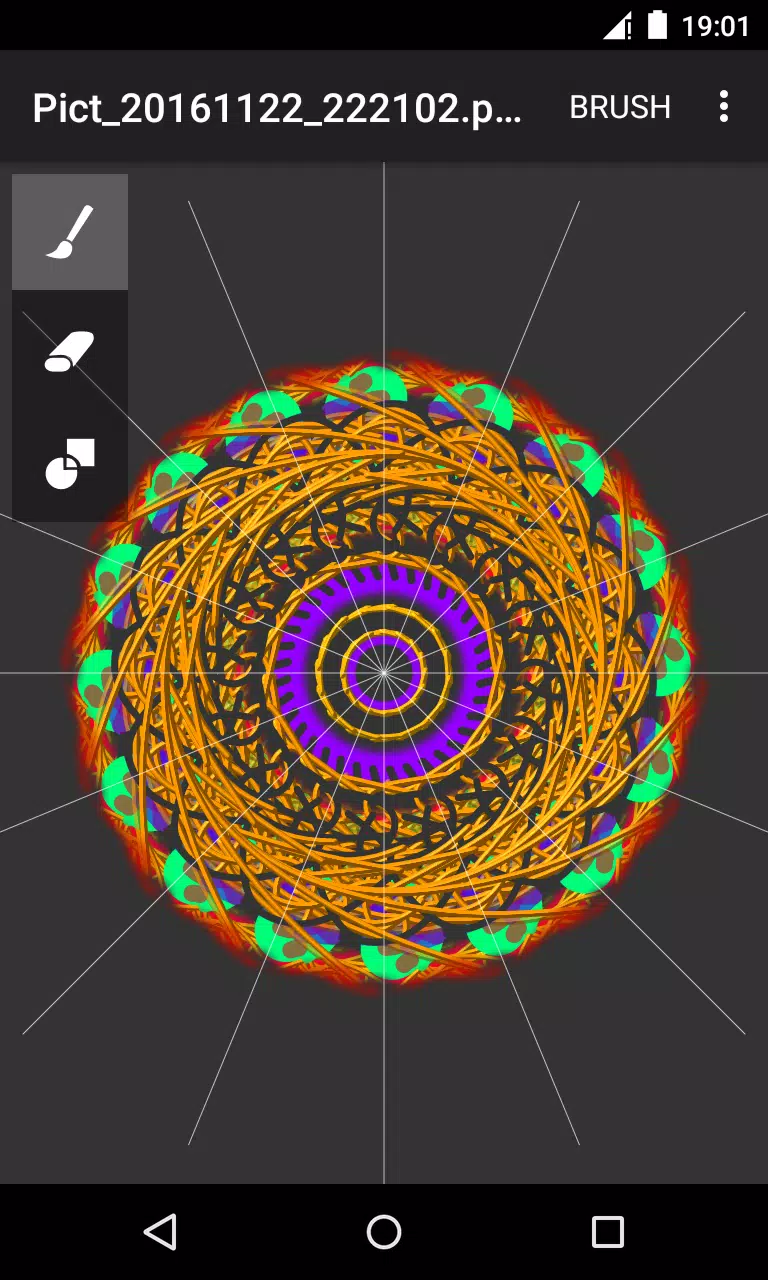
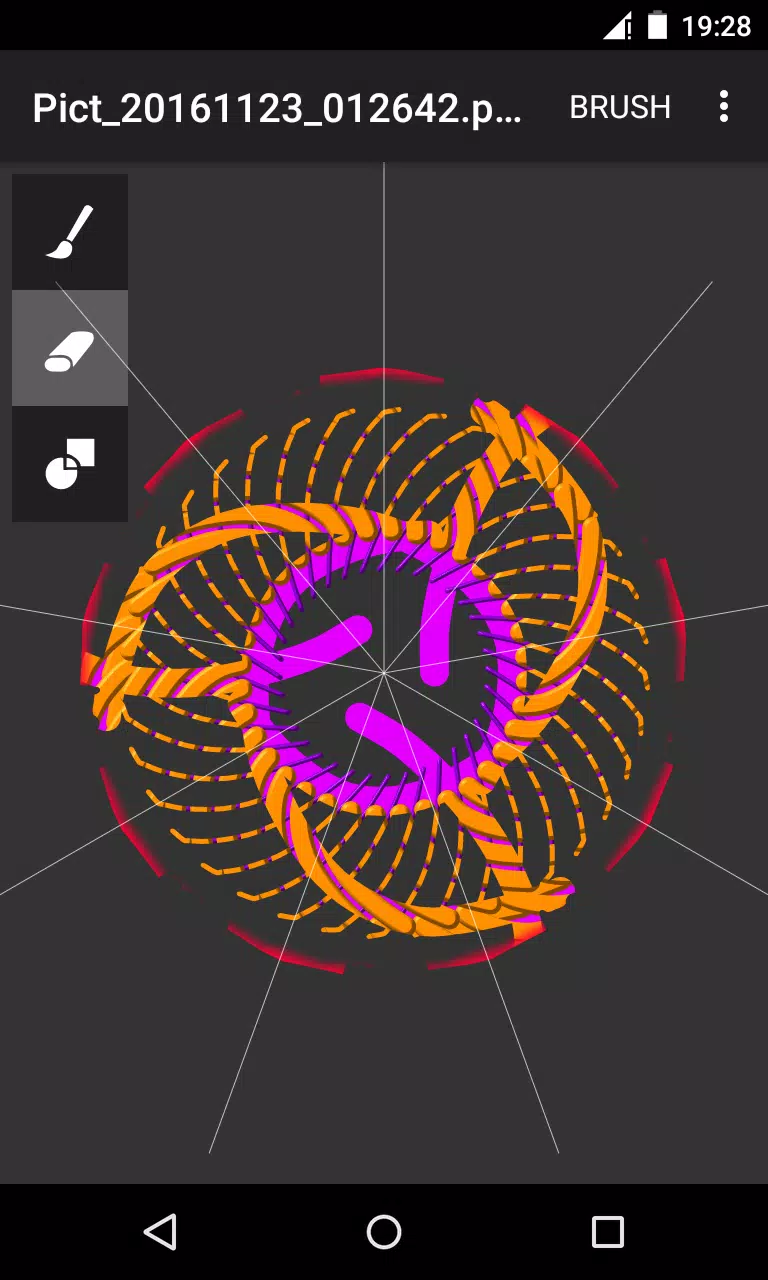
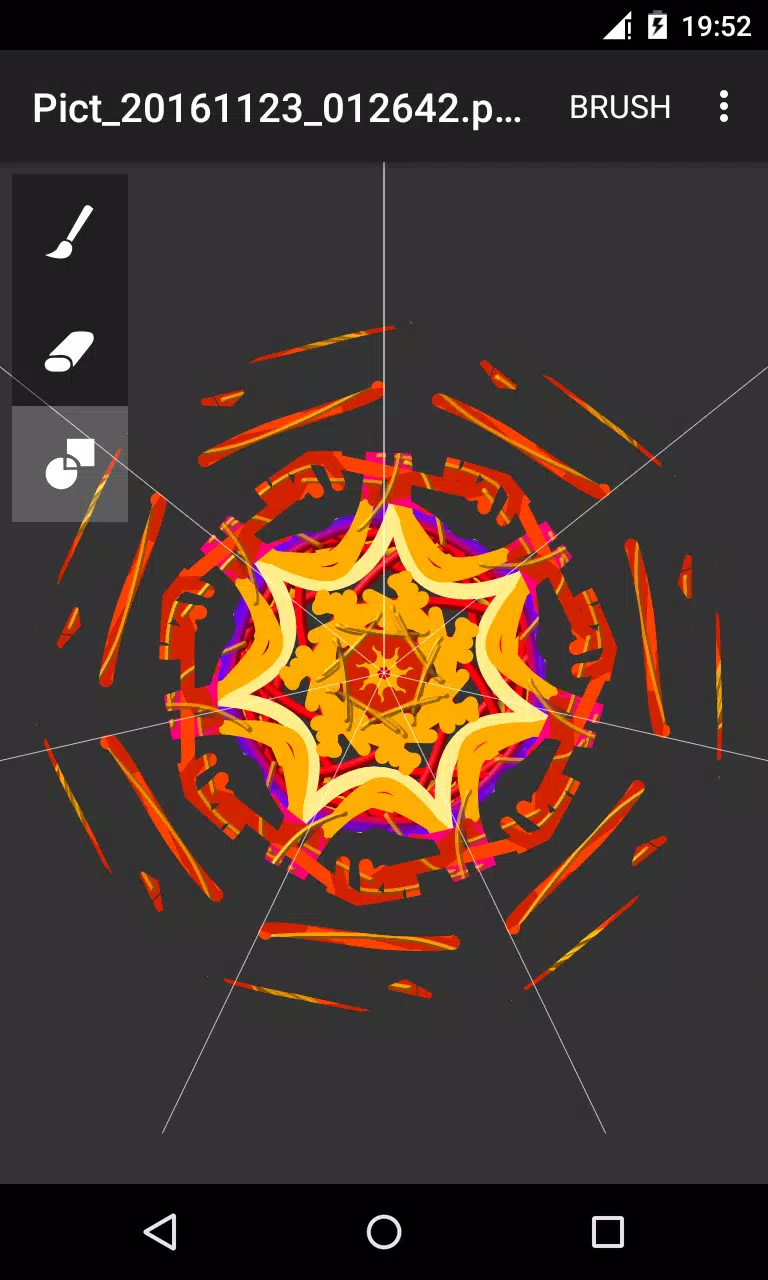
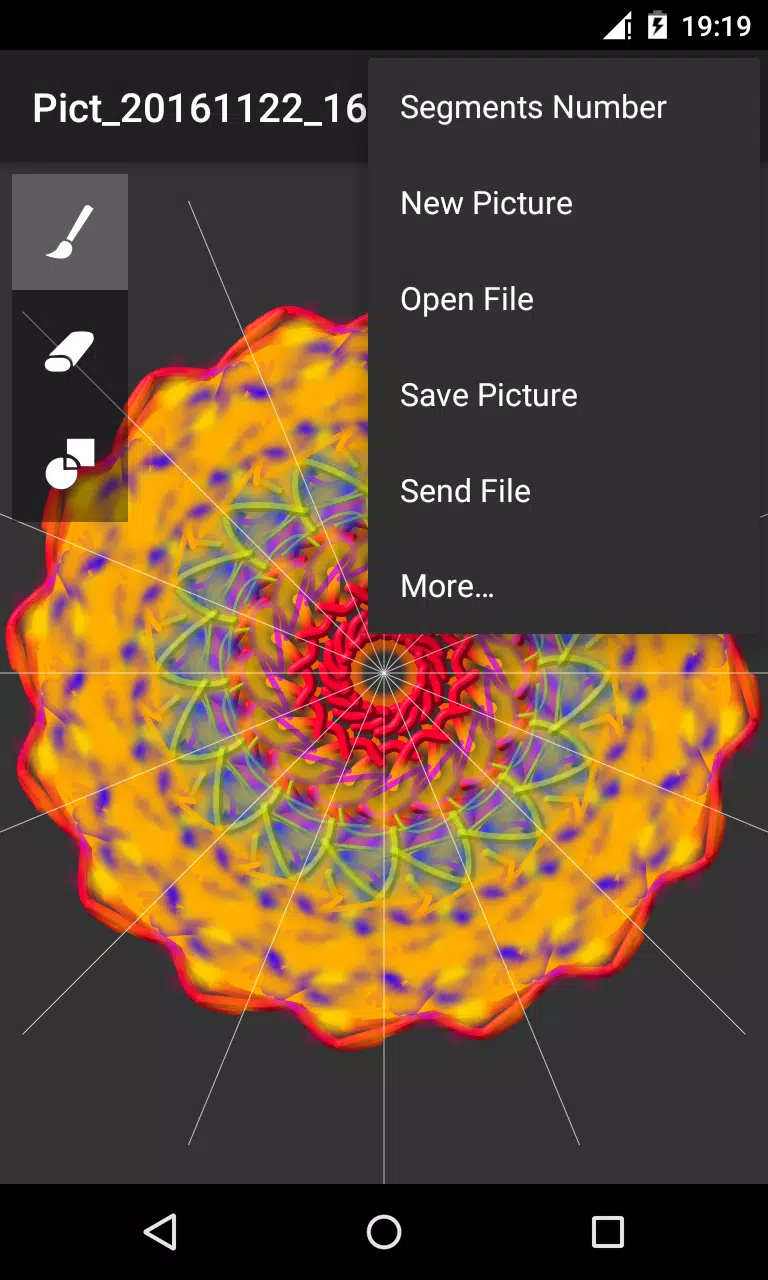
Circle Painter, Circle Painter, Circle Painter puts radial symmetry at the center of your mobile art practice with a touch-first drawing surface that duplicates each stroke across configurable circle segments so you can build mandalas, radial patterns and decorative designs quickly and without manual repetition. The app focuses on a compact, approachable workflow: three primary tools (brush, eraser and an overlay paint mode), adjustable brush parameters including color, transparency, size, emboss and blur, and a straightforward export path that saves high-quality PNG images by default to the /sdcard/Circle Pictures folder for easy sharing.
Key features
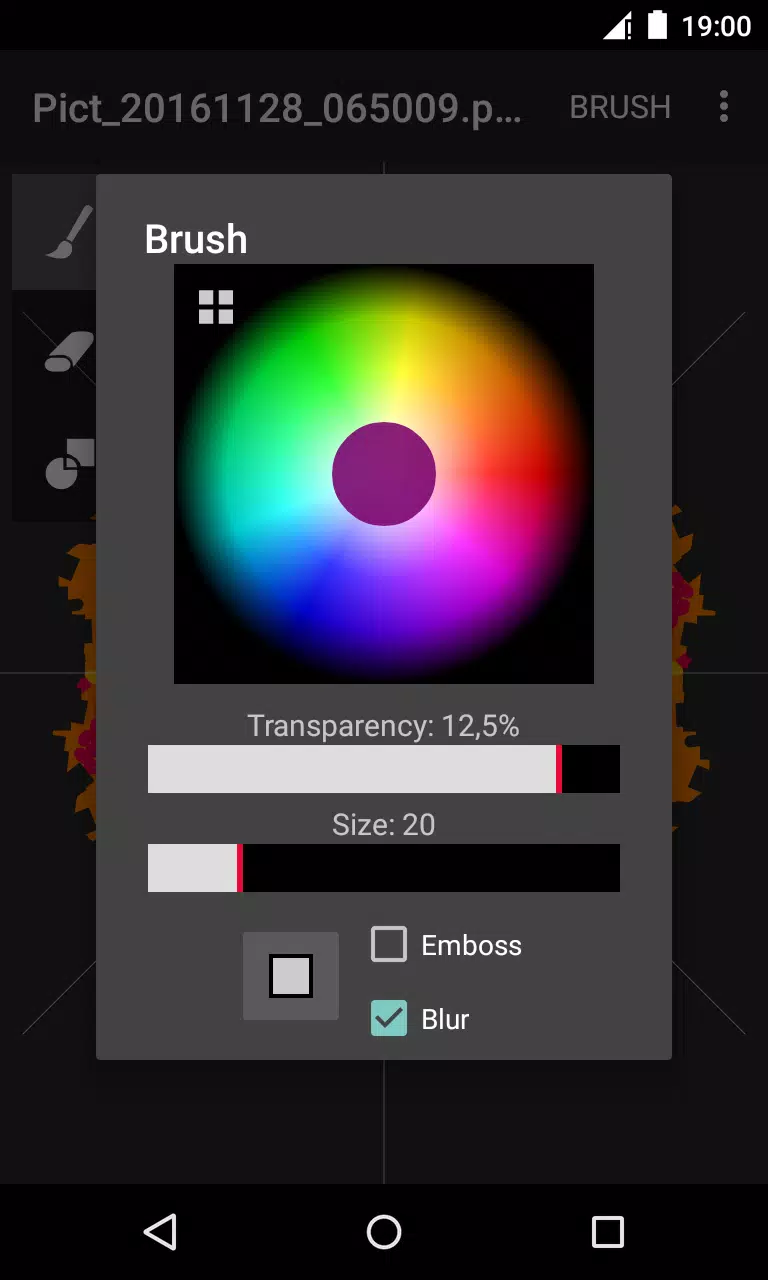
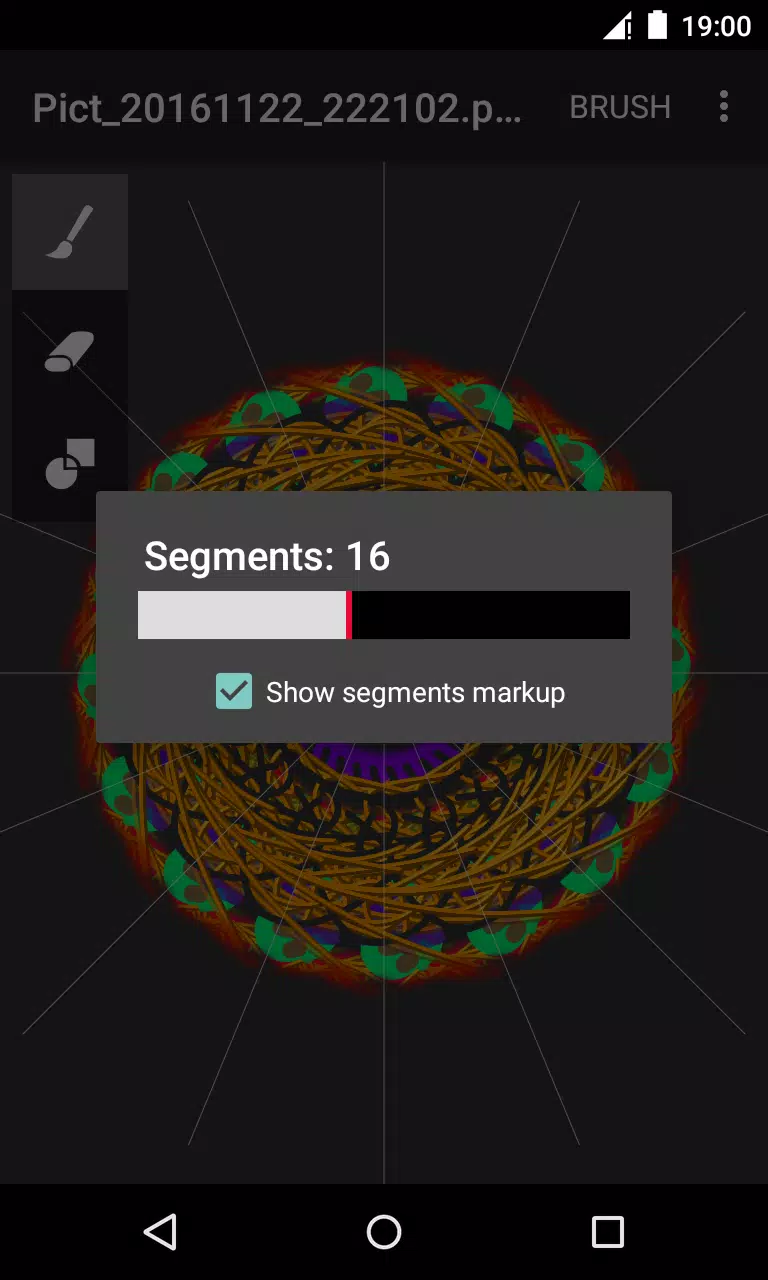
The symmetry engine automatically replicates your input across a configurable number of segments to produce balanced, radial compositions with minimal effort. Brushes are highly adjustable so you can move from crisp line work to soft, blended textures by fine-tuning size, opacity and blur, and by enabling embossing for raised-effect strokes. Switching between brush, eraser and overlay paint mode gives you basic non-destructive editing options during a session, and tapping any tool twice opens a settings dialog where those controls are available. Exported artwork is produced as a PNG file suitable for printing or for further editing in other image apps, and sharing options let you send images via email, messaging apps or social media without leaving your device.
Drawing mechanics and creative flow
Circle Painter replicates each stroke across the selected segments in real time, so composition is driven by gesture rather than manual duplication. You draw with your finger or a stylus on a single canvas; every stroke is mirrored around the center point, which encourages experimentation with rhythm and repetition. The overlay paint mode acts like a translucent layer of color that you can use to blend or tint existing strokes without immediately removing underlying detail. Because tool settings are accessible through a simple double-tap, iteration is fast: adjust brush attributes, continue sketching, and refine symmetry choices until the pattern feels balanced.
Controls and user interface
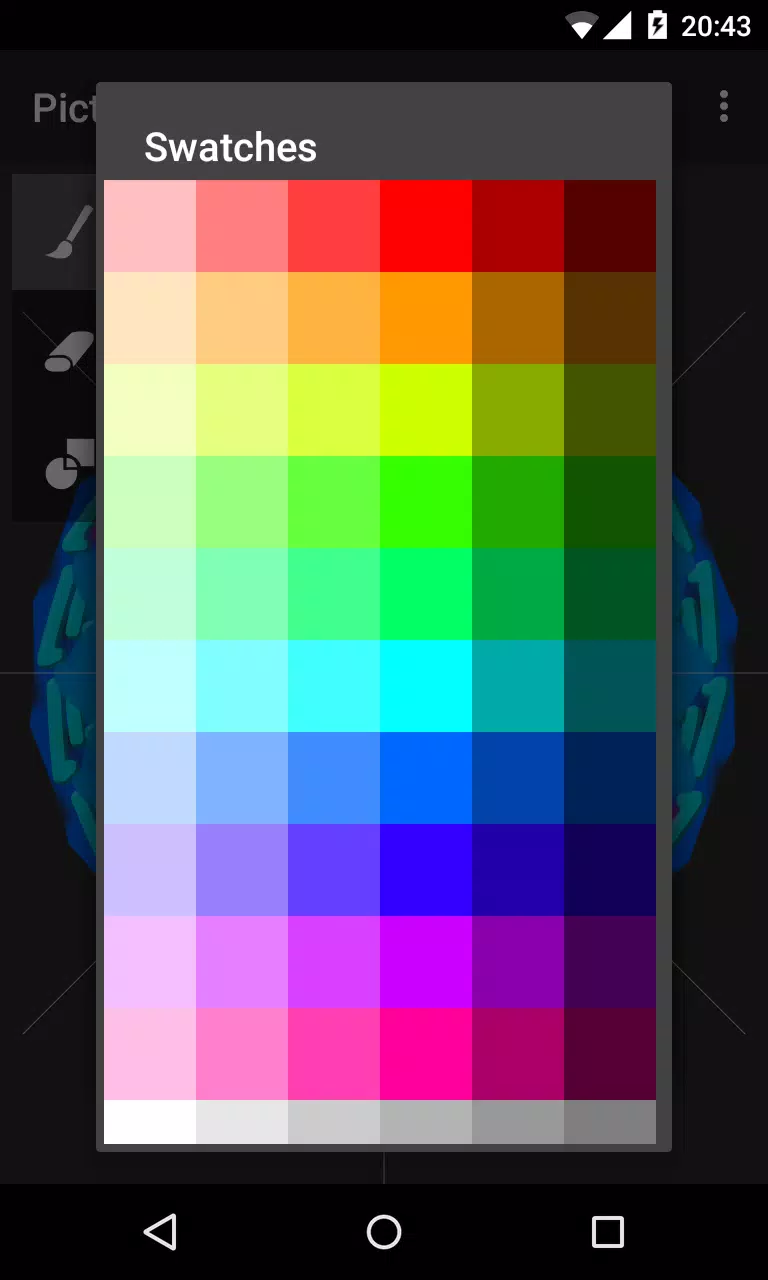
The interface is optimized for touch: primary tools are large and clearly labeled for quick selection, and common actions are completed with straightforward gestures such as tap and drag. Double-tapping a tool opens its customization dialog so you can adjust color, transparency, size, emboss and blur without hunting through nested menus. Dialogs are designed to be compact and easy to dismiss so the canvas remains the focus. The app avoids cluttered palettes and keeps essential controls readily available to maintain a smooth creative flow on phones and tablets.
Progression and developing skills
Circle Painter does not use gamified levels; progression is artistic and self-directed. As you grow more comfortable with segment counts, brush dynamics and overlay techniques, you can move from simple repeating forms to more intricate mandalas and layered radial designs. Practicing symmetry control and brush modulation is the primary pathway to better compositions, and each exported image serves as a milestone you can review and learn from. The app supports repeated sessions of practice, helping users develop a personal visual language over time.
Customization and visual style
Customization centers on brush behavior and symmetry density. Changing the number of segments alters the visual rhythm of every stroke, while emboss and blur adjustments shift surface texture between crisp and soft aesthetics. Colors and transparency levels let you create high-contrast graphic motifs or subtle, painterly blends. The app excels at producing mandala-style geometry and decorative circular patterns that can be used as digital prints, social-media art, or starting points for more complex compositions edited in other image tools.
Accessibility, offline use and user experience
Circle Painter is designed for quick access and offline creativity, so you can sketch without an internet connection. Large touch targets and simple dialogs make the app approachable for new users while the brush parameter controls provide depth for experienced creators. The overall experience is responsive and minimal, emphasizing immediacy: open the app, choose segment count and brushes, and begin creating with an interface that stays out of the way of the art.
Exporting, sharing and limitations
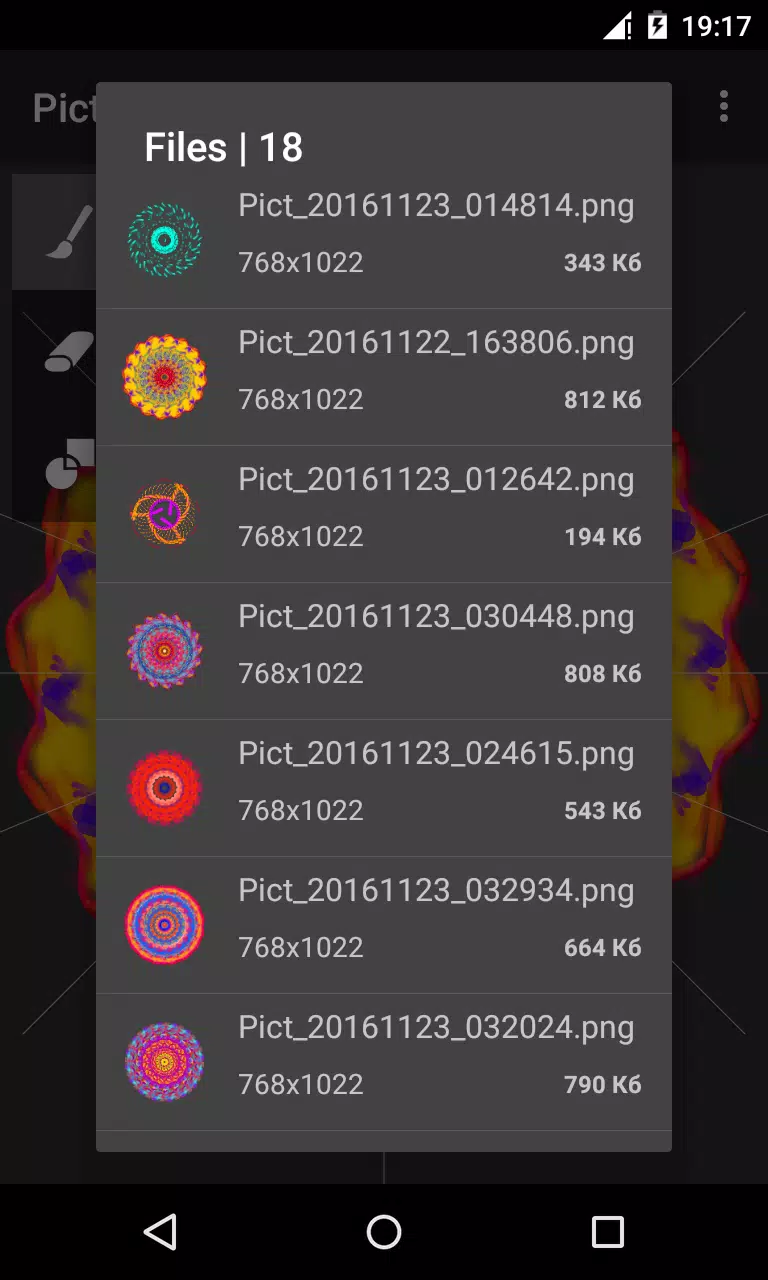
Finished pieces export as high-quality PNG files saved by default to the /sdcard/Circle Pictures folder, which simplifies file management and sharing. You can send creations through messaging apps or attach them to emails directly from your device. Limitations to be aware of: the app is intentionally focused on circular and radial work and does not offer a broad suite of photo-editing features such as layer management or multiple export formats beyond PNG. Users seeking general-purpose freehand painting or advanced image compositing may find the toolset specialized rather than comprehensive.
Replay value and creative challenges
Replay value comes from creative exploration rather than structured levels. Experimenting with different segment counts, brush combinations and overlay techniques yields near-endless variations, and many users create informal challenges for themselves—such as working with a limited palette or increasing segment complexity—to push their skills. The app encourages repeated sessions of discovery and refinement, making it a useful tool for artists, hobbyists and anyone interested in symmetry-driven digital drawing.
- No virus
- No advertising
- User protection
Information
- File size: 0.60 M
- Language: English
- Latest Version: 1.7
- Requirements: Android
- Votes: 387
- Package ID: com.lapay.circlepainter
- Developer: Dmitriy Lapayev
Screenshots
















Explore More
Equip yourself with our all-in-one toolbox app for everyday tasks and projects. Instantly convert between units, calculate tips, scan documents, manage files, and more with handy productivity tools. Includes a level, compass, QR code reader, ruler, speedometer, decibel meter, and flashlight. Save frequently used tools to your customizable dashboard for one-tap access. Track billable hours, wages, budgets, and invoices. Annotate screenshots, magnify labels, and sign PDFs on the go.

MEXC Global: BTC, ETH, Gamefi

MERA PROXY PRO

Domino's Pizza Sri Lanka

Hatekhori Shongkha

Connecting - Friends Near Me

Cartola

Virink

RegenRadar





























