


Introduction
Tattoo Designs is a mobile app that helps you explore, customize, and preview tattoo artwork through a simple visual workflow. Tattoo Designs places a curated gallery, editable templates, and on-photo preview tools within reach so you can test placement, scale, and color before visiting a studio. Designed for people planning their first tattoo as well as for artists sketching ideas, the app balances an approachable interface with practical tools for organizing references and refining concepts.
How it works
The core interaction follows a clear browse-and-edit progression: start by browsing themed galleries and template categories, select a design to load onto a blank canvas or a photo, then use touch-based controls to adjust size, rotation, opacity and color. Pinch-to-zoom and two-finger rotate make placement intuitive, while a simple color picker and hue/saturation sliders let you test different palettes. Adjustments are non-destructive so you can compare variations and return to previous versions during a session.
Controls and user flow
Controls are optimized for touch devices: tap to select, drag to move, pinch to scale and twist to rotate. The app groups common actions into an unobtrusive toolbar so editing tools are accessible without cluttering the visual workspace. Photo preview mode integrates layering so a design sits naturally on top of a user photo; sliders for opacity and blending mode help simulate tattoos at different distances and skin tones. The streamlined flow reduces friction and keeps the focus on quick experimentation rather than complex menus.
Customization and creativity
Customization centers on editable templates and fine-grain adjustments. Templates can be recolored, resized, mirrored or combined to form composite layouts. Users can add spacing guides and alignment helpers to plan wrap-around, forearm or shoulder placement. While Tattoo Designs does not replace a professional consultation, it provides enough detail to iterate ideas, create a reference board for your artist, and test multiple variations so you arrive at a studio appointment with clear visual directions.
Progression and organization
Rather than a game-like leveling system, progression in this app is practical: you move from inspiration to design refinement to planning. The app supports saving favorites and building reference boards that collect multiple concepts for comparison. Over time you can tag and organize designs into folders for different projects, tracking how a concept evolves from initial idea to near-final mockup. This organizational progression helps both casual users and professionals maintain a clear design history.
Visual style and presentation
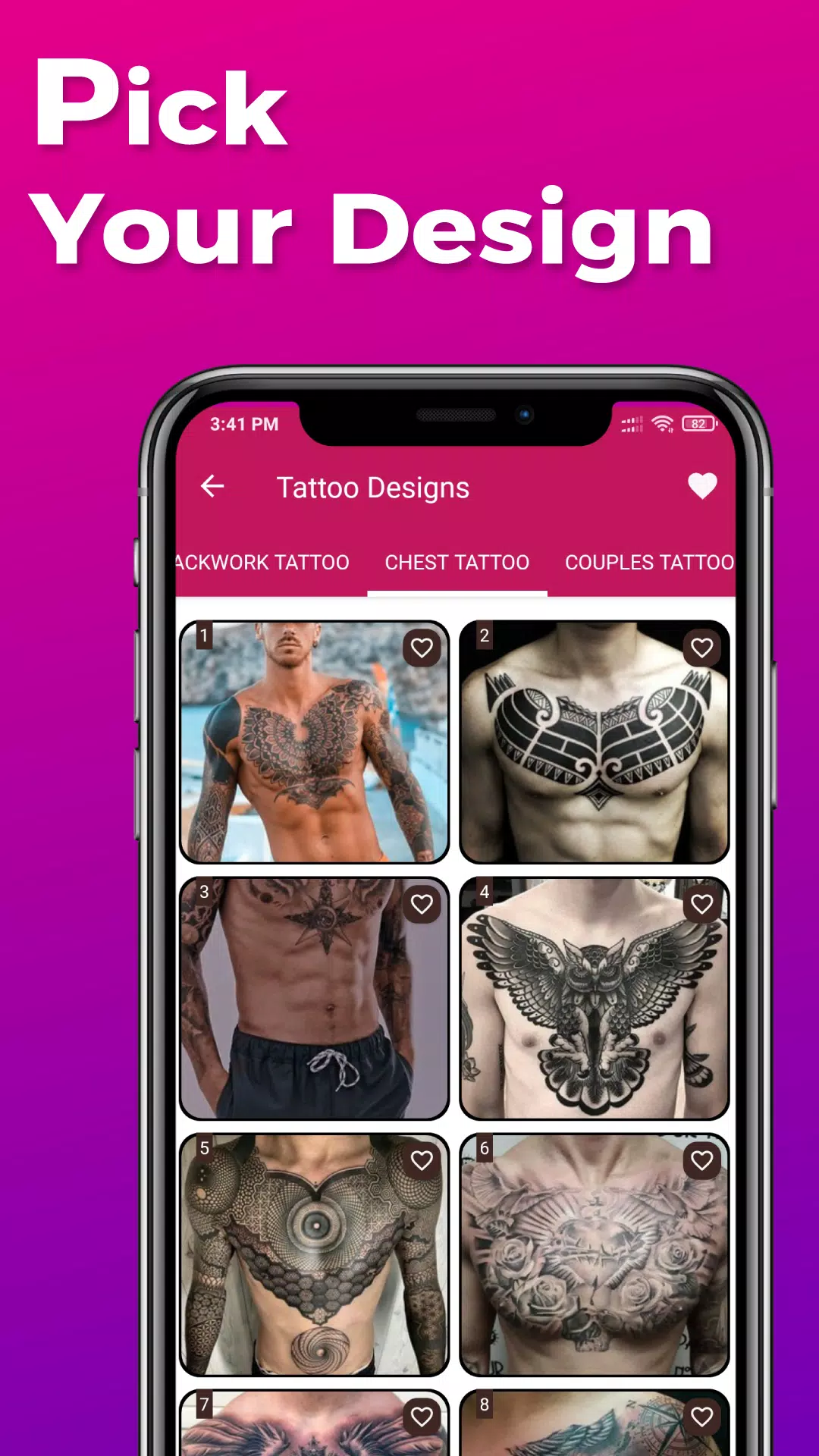
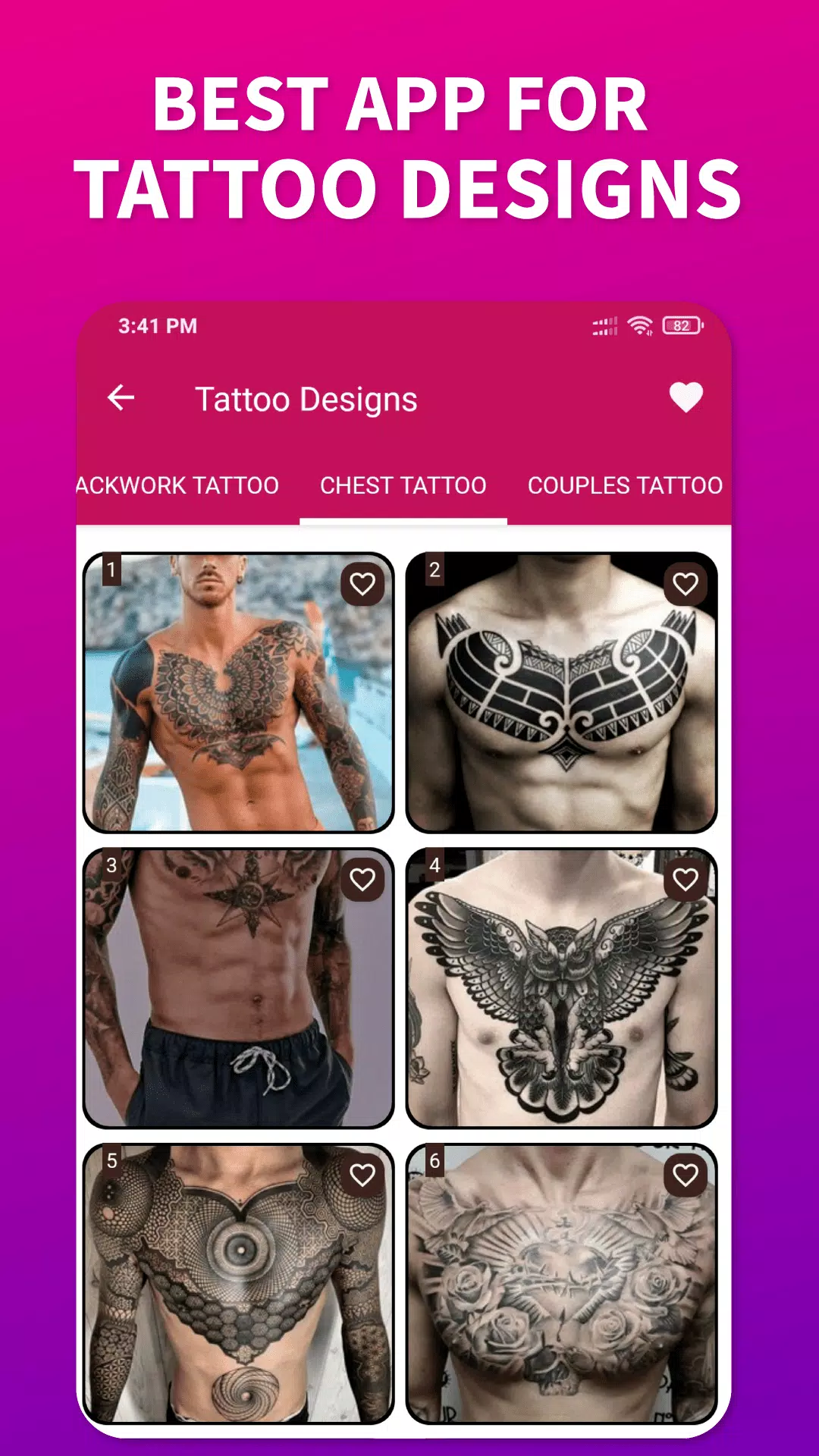
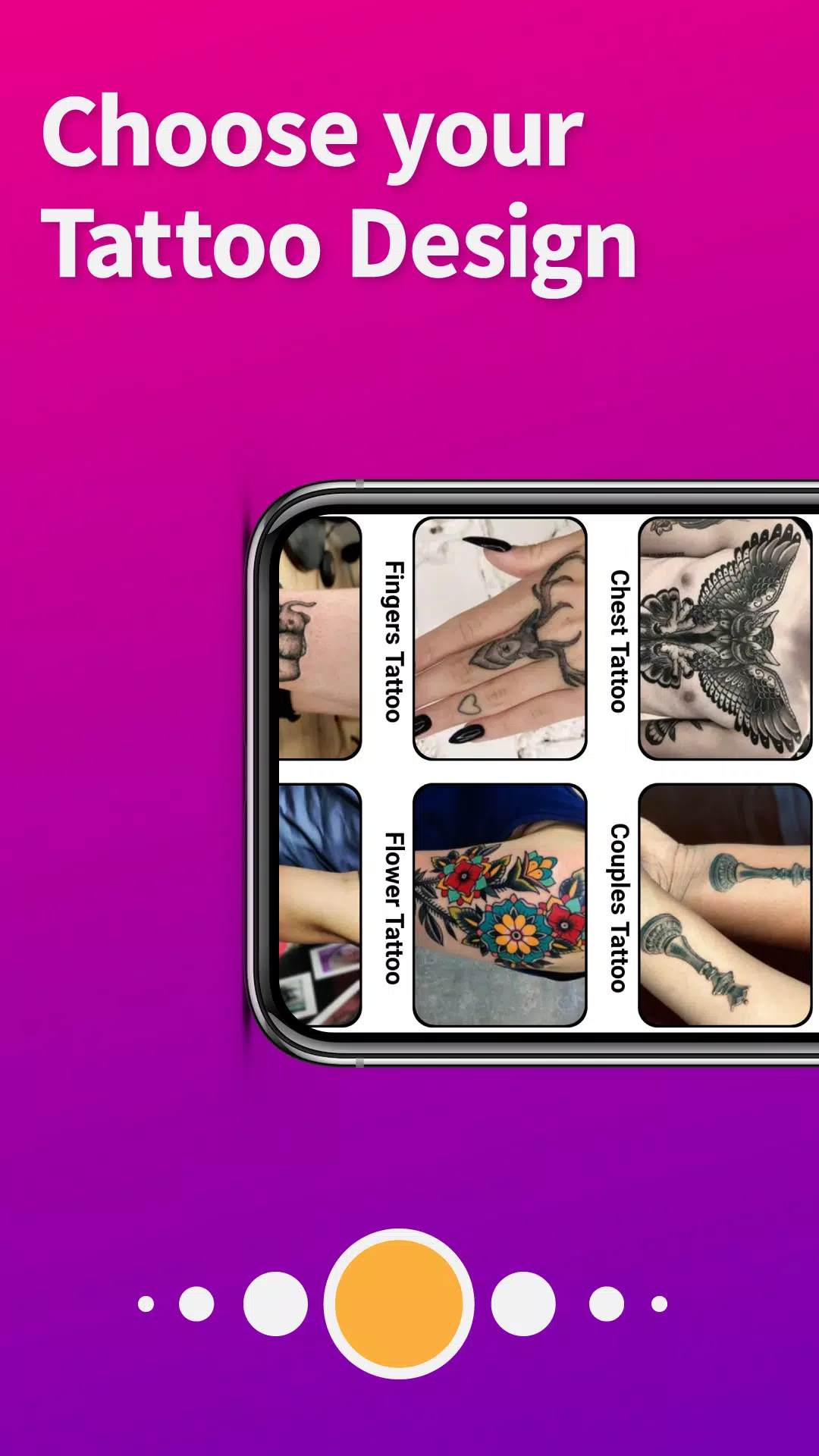
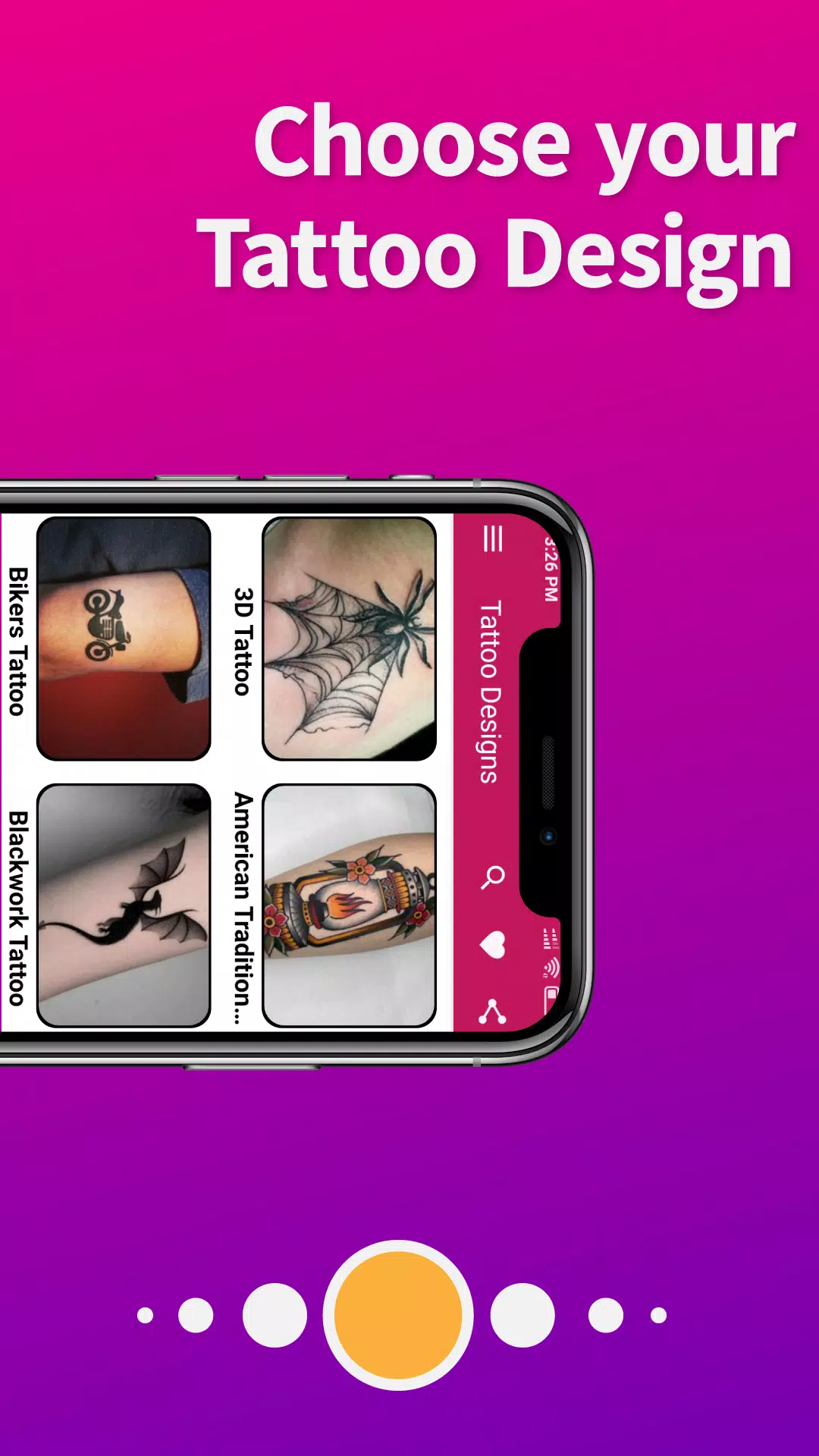
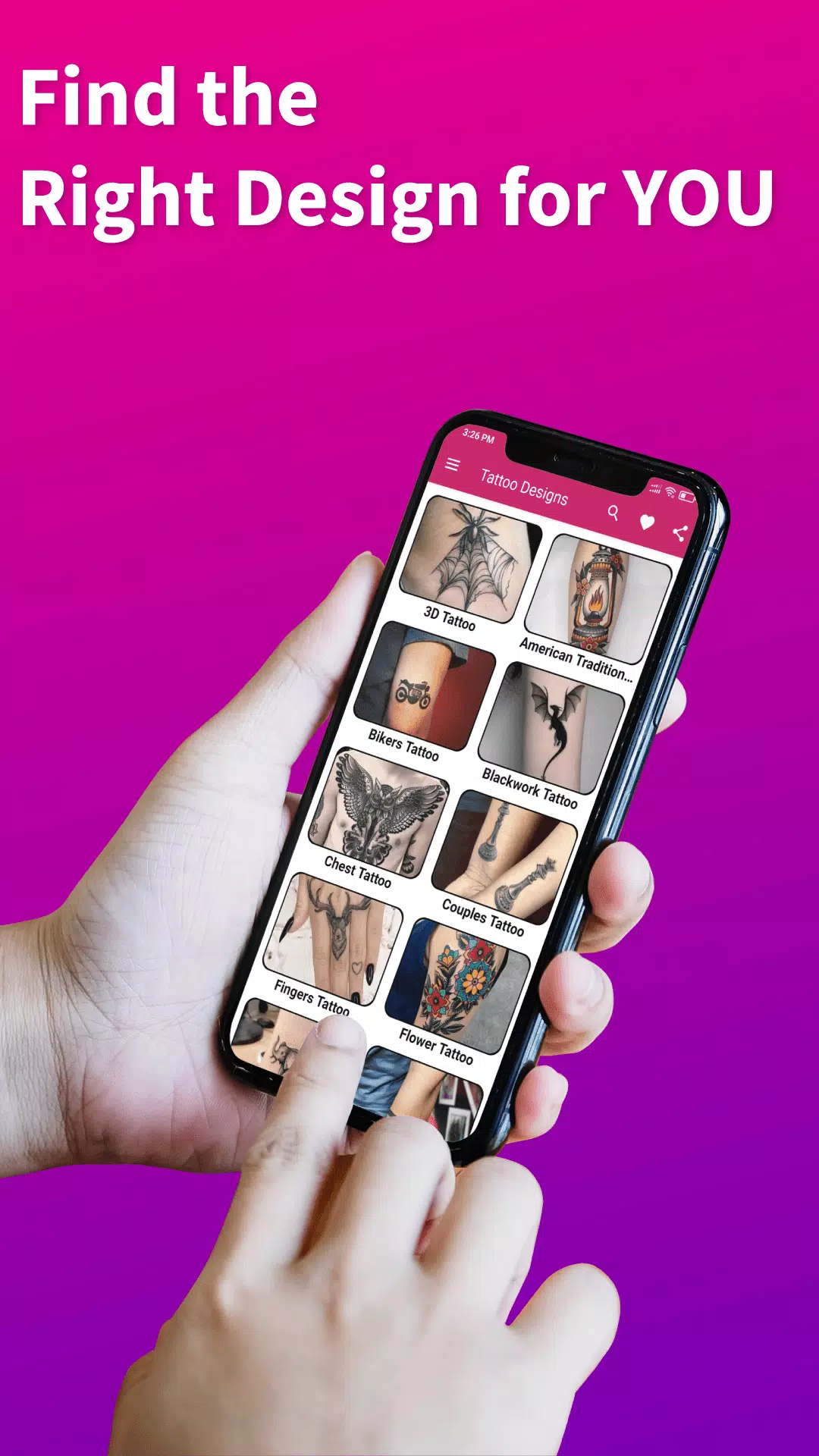
The app emphasizes clean, high-contrast previews so lines and shading read clearly on-screen. Gallery thumbnails are presented in consistent lighting and scale to make side-by-side comparisons easier. When a design is overlaid on a photo, the app attempts to preserve realistic proportions and alignment, offering a variety of canvas backgrounds (skin tones, flat surfaces) and zoom levels for assessing detail and readability at different sizes.
Replay value and experimentation
Tattoo Designs encourages repeated use through iterative experimentation. Try the same motif with different scales, colors and placements; combine templates to explore hybrids; or use the photo preview repeatedly with different body angles to vet a placement. The ability to save multiple versions and quickly toggle between them gives the app strong replay value for anyone who enjoys refining an idea until it feels right.
Accessibility and offline use
The interface is intentionally simple to accommodate users with varying levels of experience. Controls are large and clearly labeled, and contrast options improve visibility in bright conditions. Core features such as browsing downloaded templates, editing saved designs, and previewing on local photos work offline so you can plan even without an internet connection. Sync and online updates are optional; saved projects remain available on the device.
Limitations and best practices
Tattoo previews are informative but not definitive: skin texture, individual anatomy, and artist technique influence final results. Use the app to explore and communicate ideas, and consult a professional artist for placement, stencil transfer, and technical decisions. Advanced desktop design tools may offer finer control for complex vector work, but Tattoo Designs prioritizes ease of use and rapid iteration on mobile devices.
Who will benefit
This app is useful for first-timers seeking inspiration, experienced clients planning touch-ups or cover-ups, and artists sketching concepts or assembling client reference boards. Tattoo Designs streamlines the planning process so conversations with a studio start from a clearer visual place, reducing guesswork and helping ensure everyone involved shares the same reference during consultations.
- No virus
- No advertising
- User protection
Information
- File size: 14.50 M
- Language: English
- Latest Version: 1.2.7
- Requirements: Android
- Votes: 494
- Package ID: com.mimiapps.tattoo
- Developer: MyBell Apps
Screenshots

















Explore More
Equip yourself with our all-in-one toolbox app for everyday tasks and projects. Instantly convert between units, calculate tips, scan documents, manage files, and more with handy productivity tools. Includes a level, compass, QR code reader, ruler, speedometer, decibel meter, and flashlight. Save frequently used tools to your customizable dashboard for one-tap access. Track billable hours, wages, budgets, and invoices. Annotate screenshots, magnify labels, and sign PDFs on the go.

MEXC Global: BTC, ETH, Gamefi

MERA PROXY PRO

Domino's Pizza Sri Lanka

Hatekhori Shongkha

Connecting - Friends Near Me

Cartola

Virink

RegenRadar





























