


Introduction
AppIHC is a mobile companion designed to help attendees navigate the XVI Brazilian Symposium on Human Factors in Computing Systems (IHC 2017). AppIHC places the full conference program at your fingertips, letting you search sessions by topic, time and location, mark favorites to build a personal agenda and receive timely updates during the event. The interface is intended to make it simple to plan each day, connect with colleagues and participate in interactive moments such as live polls and Q&A, and AppIHC keeps this functionality straightforward and focused for registered participants.
Key features and how they work
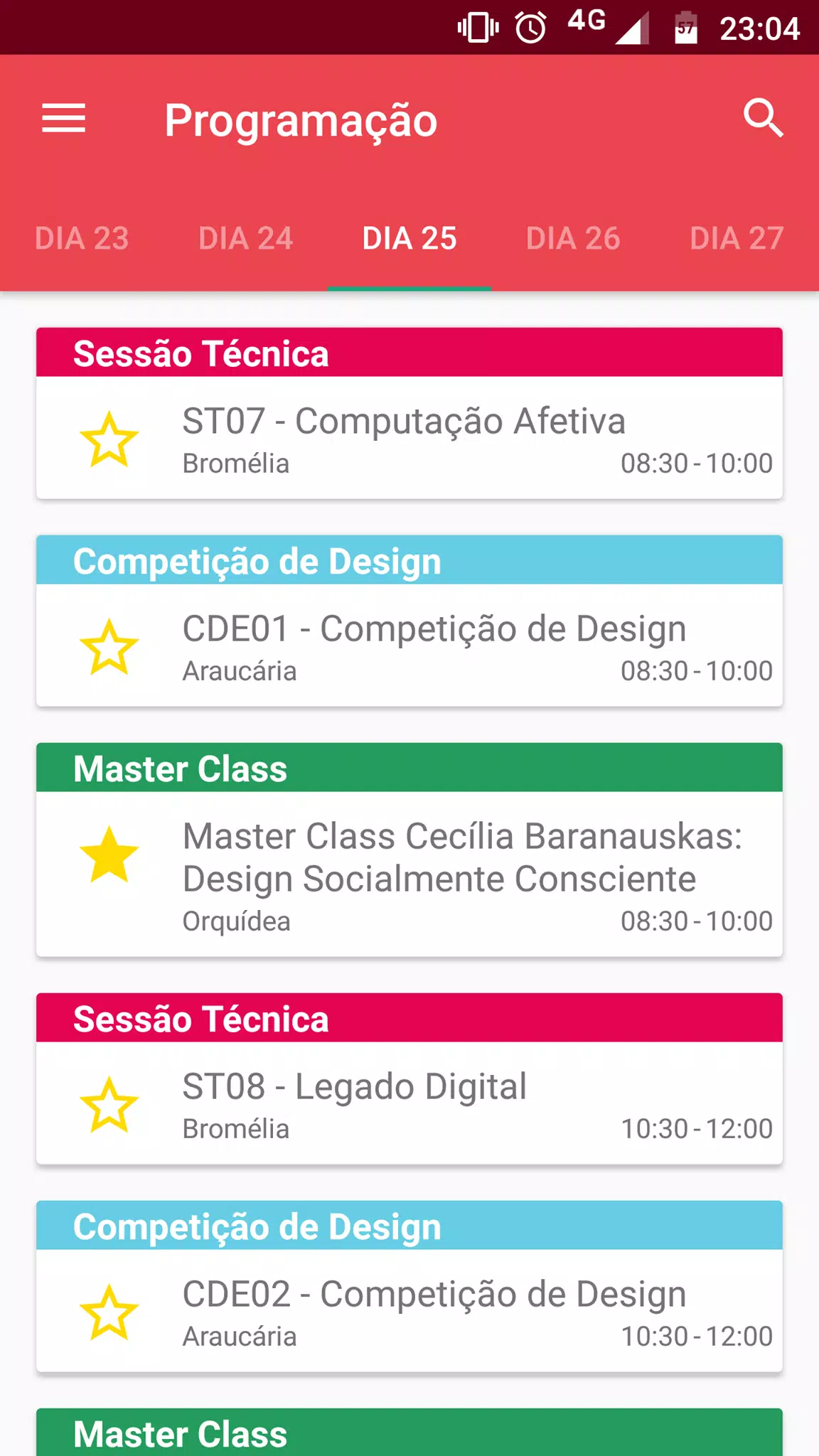
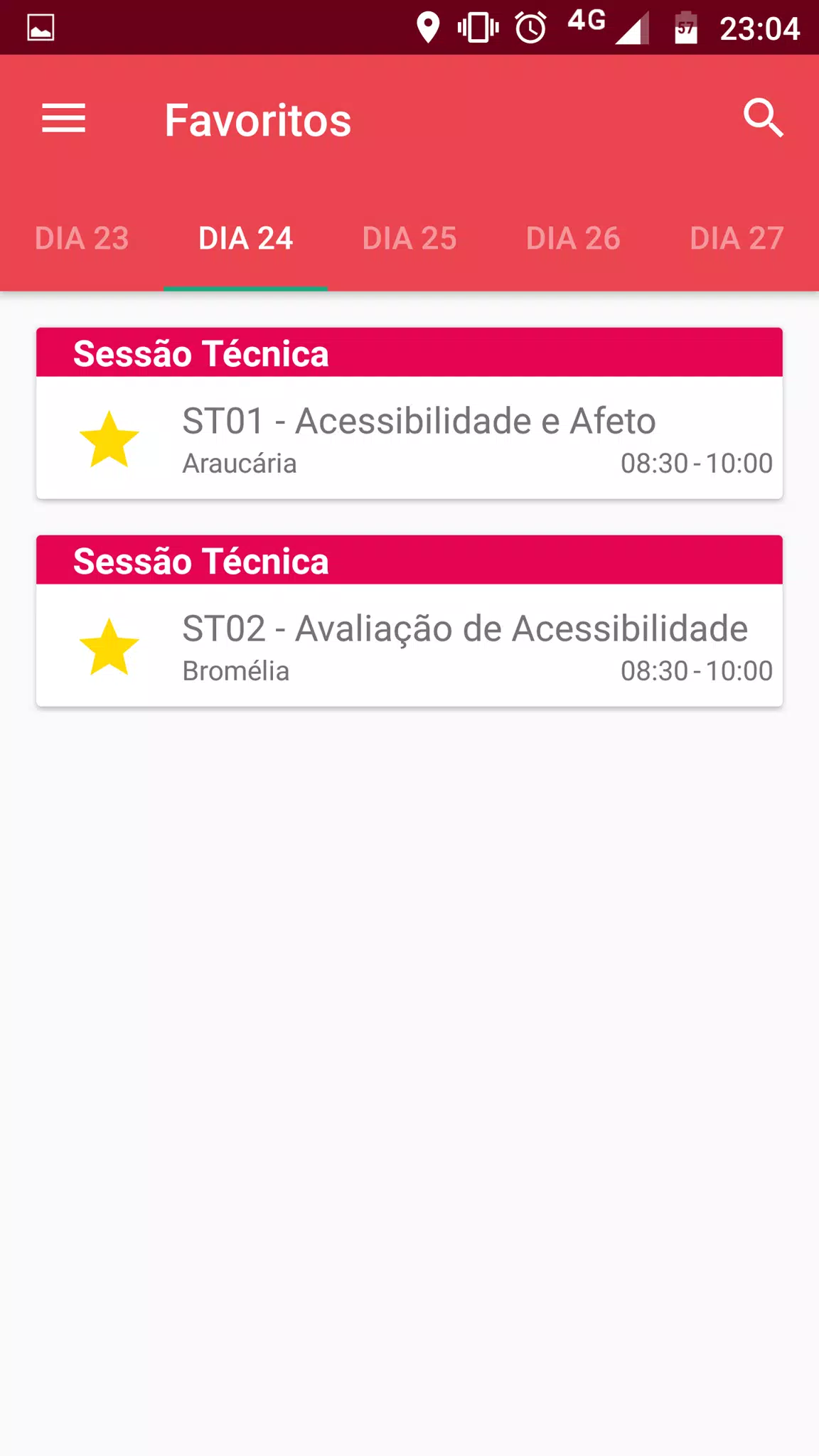
The searchable schedule in AppIHC supports keyword search, multi-criteria filters and quick sorting so you can narrow results by track, presenter name or room. Controls are familiar and touch-friendly: tap an item to open details, swipe between days, and use the search bar at the top to refine results instantly. Favorite a session with a single tap to add it to your personalized agenda; that agenda aggregates your choices by day and time so you can view conflicts and plan breaks. Interactive tools—live polls, moderated Q&A and session feedback forms—appear inline on the session page when organizers enable them, enabling immediate participation without navigating away from the schedule.
User experience, progression and personalization
The app’s progression model is centered on personalization rather than game-like levels. As you use AppIHC, your profile accumulates virtual badges and participation markers that reflect activities such as attending workshops, asking questions or completing feedback forms; these visual cues make it easier to identify active participants and areas of interest. Personalization settings let you prioritize particular tracks or keywords so the schedule view highlights sessions most relevant to you. Onboarding guides walk new users through common tasks—searching, saving favorites, joining live polls—so you can be productive within minutes of installation.
Controls, navigation and accessibility
Navigation emphasizes clarity and low friction: clear labels, predictable navigation patterns and a consistent back path that returns you to your filtered schedule. AppIHC includes accessibility considerations such as scalable text sizes, high-contrast color schemes for better readability and support for screen readers where available on the device. Buttons and interactive elements are sized for comfortable tapping in crowded venues, and status indicators show when a session has live interaction available or when schedule updates have been posted.
Offline use, data caching and reliability
To remain useful in areas with limited connectivity, AppIHC caches recently viewed schedule pages and your saved agenda so you can reference session times and room locations offline. When a network connection is re-established, the app synchronizes any feedback or poll responses you submitted while offline and pulls the latest announcements. Real-time updates are pushed when possible, with a clear timestamp so you can judge how fresh the information is. The app minimizes data usage by requesting only changed content rather than reloading the entire program repeatedly.
Event resources, networking and customization
Session pages consolidate practical details: abstracts, speaker names and room numbers, plus links to external resources when event organizers include them. Social profiles and virtual badges help with in-person networking by surfacing common interests and roles; you can opt to share contact details or keep a minimal public profile. Visual customization options include light and dark themes and adjustable font sizes to match your reading preference during long conference days. These choices reduce eye strain and make extended browsing more comfortable.
Limitations and intended audience
AppIHC is purpose-built for attendees and organizers of IHC 2017, so its primary value is concentrated around the symposium dates and the provided program content. Some interactive features depend on session organizers enabling polls and Q&A; the app itself facilitates participation but relies on event-side support for maximum effectiveness. Outside the context of the event, the schedule and networking features have limited utility, although the cached agenda and saved profile information remain accessible for reference.
Practical tips for attendees
For the smoothest experience, install AppIHC before arriving, review the schedule and favorite sessions to pre-build your agenda, and enable notifications to receive important announcements. Use filters to discover sessions that match your research interests and check session pages shortly before each talk in case of last-minute room changes. If accessibility settings help you read more comfortably, configure them early so the app behaves consistently across the symposium. AppIHC is a focused tool to streamline planning and participation at IHC 2017 while keeping interaction and networking simple and transparent.
- No virus
- No advertising
- User protection
Information
- File size: 3.10 M
- Language: English
- Latest Version: 2.2
- Requirements: Android
- Votes: 357
- Package ID: ihc.ihc_app
- Developer: Isabela Gasparini - Udesc
Screenshots
















Explore More
Equip yourself with our all-in-one toolbox app for everyday tasks and projects. Instantly convert between units, calculate tips, scan documents, manage files, and more with handy productivity tools. Includes a level, compass, QR code reader, ruler, speedometer, decibel meter, and flashlight. Save frequently used tools to your customizable dashboard for one-tap access. Track billable hours, wages, budgets, and invoices. Annotate screenshots, magnify labels, and sign PDFs on the go.

Text Art - Write Text On Photo

MERA PROXY PRO

Domino's Pizza Sri Lanka

Hatekhori Shongkha

Halloween Photo Editor -Makeup

Connecting - Friends Near Me

HFonts - font & emoji manager

Virink





























