Introduction
Square No Crop is a compact photo editing tool that preserves full images while preparing them for social feeds. It adds padding, backgrounds, and basic adjustments so photos fit square formats without cropping important details. Quick controls and export options make it practical for everyday social media posting and sharing.
Key Features
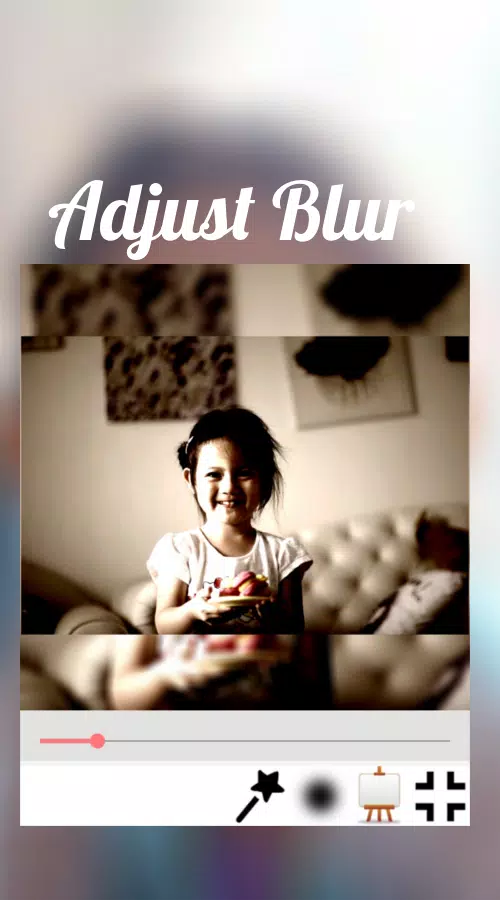
Square No Crop focuses on making non-destructive square images quickly. The app offers automatic canvas resizing, intelligent background fills, and alignment tools so visuals look balanced on platforms that enforce square dimensions. You can also access simple filters, sticker overlays, and a history of recent edits for easy reversion.
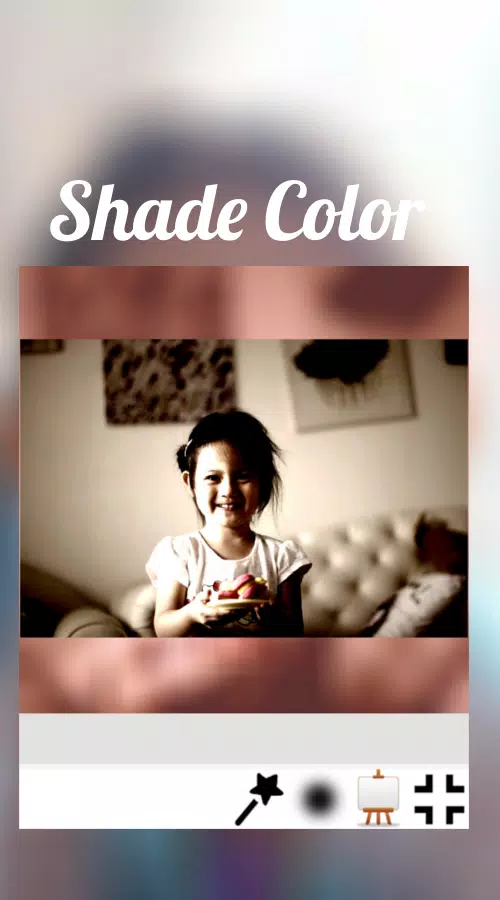
- Canvas Padding — Add borders or blurred extensions so the entire photo remains visible within a square frame.
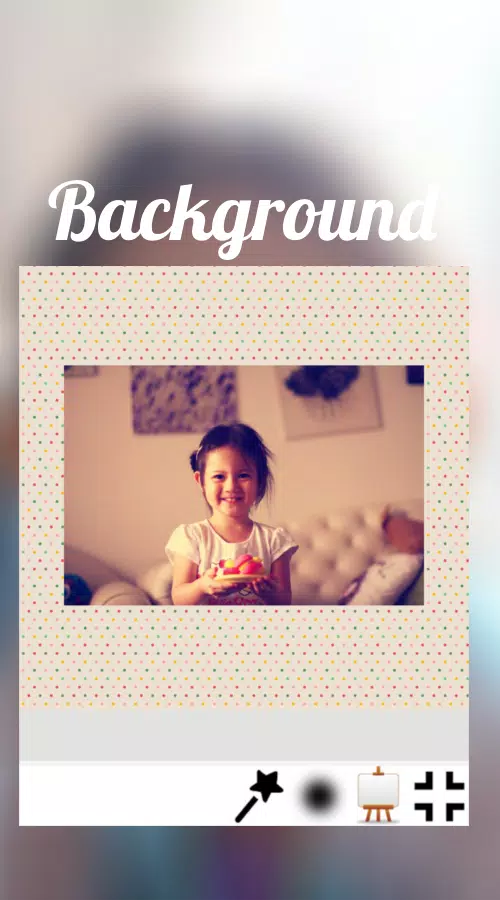
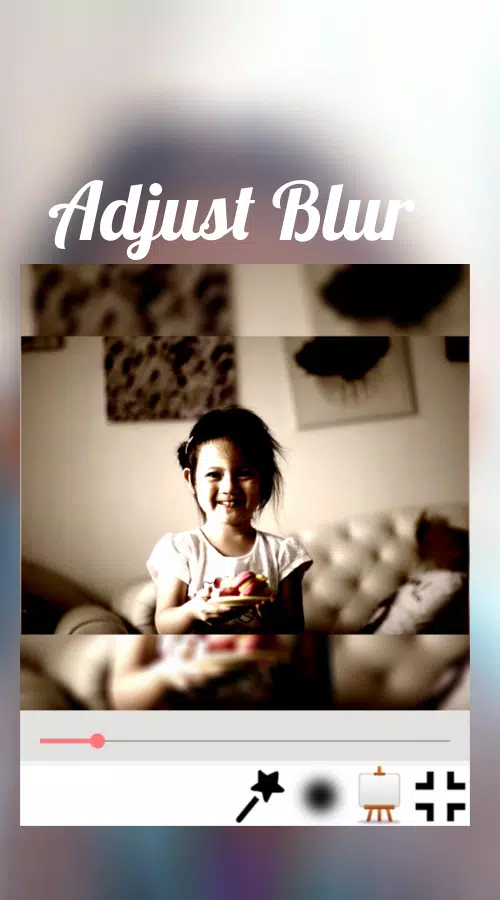
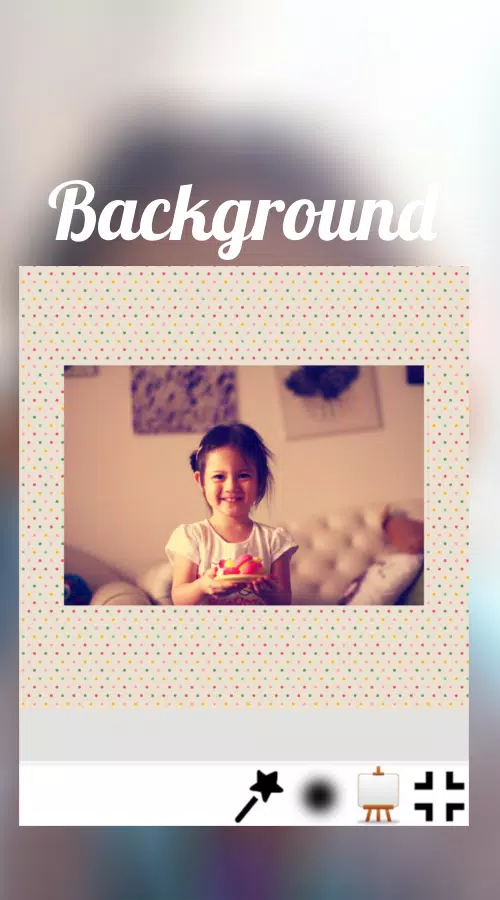
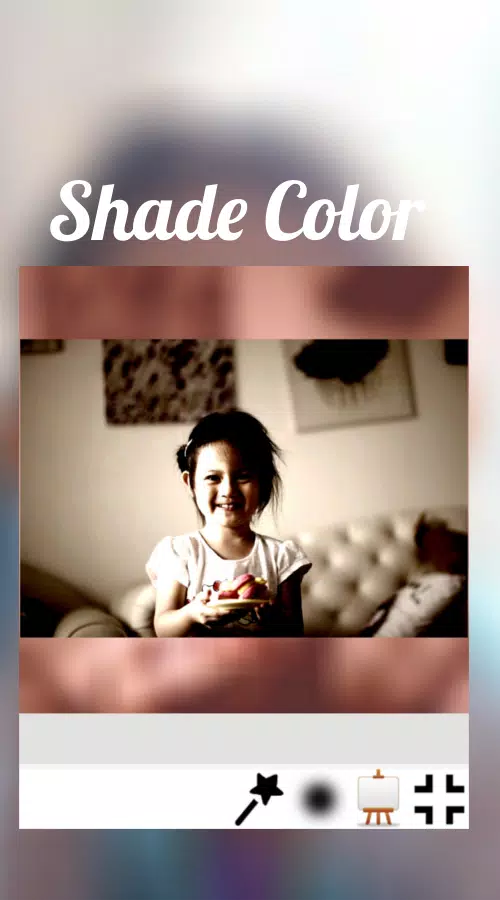
- Background Options — Choose solid colors, gradients, patterns, or blurred versions of the original photo to create a cohesive look.
- Basic Adjustments — Crop-free resizing, brightness, contrast, saturation, and sharpness controls.
- Borders & Stickers — Decorative frames and graphic elements to personalize posts.
- Quick Export — Save in common formats and share directly to social apps with preserved quality.
How the App Works
The workflow centers on a simple three-step process: import, frame, and export. After selecting a photo, the app calculates the best way to fit it into a square canvas without cutting content. Users can pick an automated background style or fine-tune the padding manually. Final adjustments, such as applying filters or adding text, are optional before saving or sharing.
Editing Tools and Customization
Although it doesn’t aim to replace full-featured image editors, Square No Crop provides focused tools tailored to square formatting. The interface groups functionality so you can toggle between canvas settings and image editing with minimal taps. Sliders and presets speed up adjustments while precise controls remain available for users who want to fine-tune every detail.
- Presets — Ready-made padding and background combos for fast results.
- Manual Adjustment — Control padding size, corner radius, and alignment to match your composition.
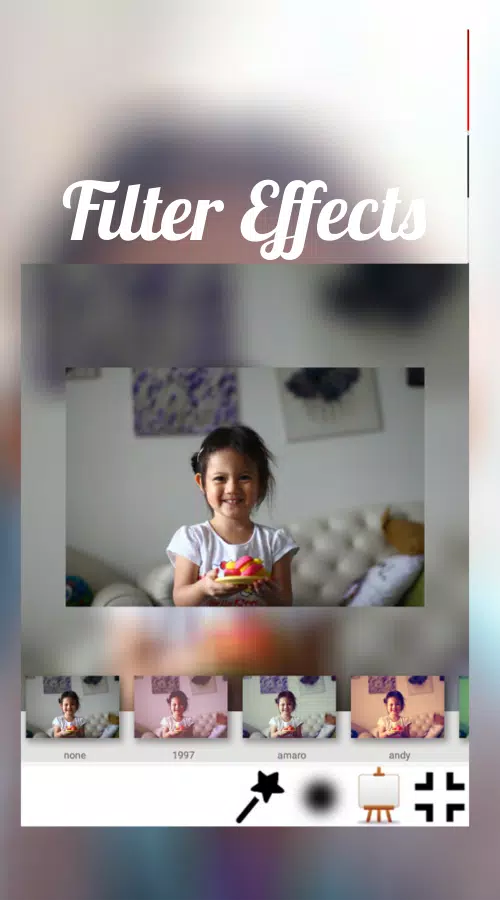
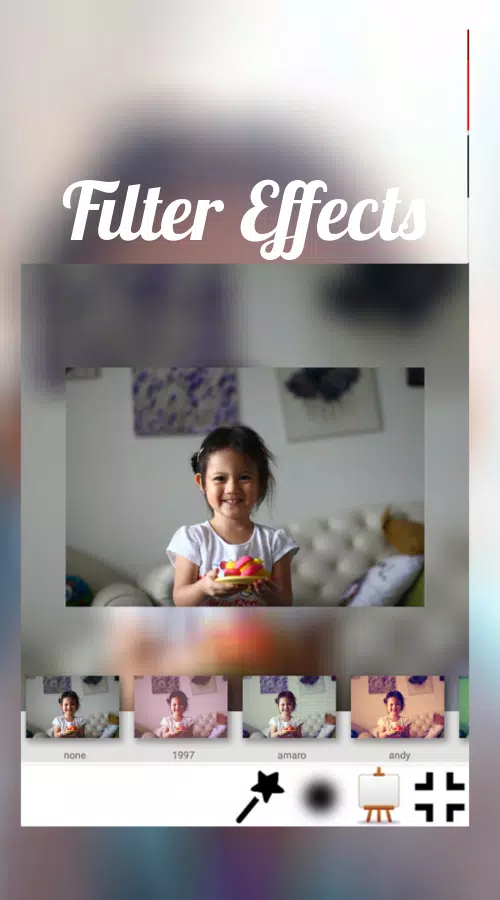
- Filter Library — Lightweight effects to enhance mood without heavy processing.
- Text & Stickers — Add captions or decorative elements and position them with snap-to guides.
Workflow and Sharing
The export process emphasizes convenience. After preparing an image, you can choose resolution, file type, and compression level. Sharing shortcuts link to popular social networks, messaging apps, or cloud storage. Batch processing support speeds up handling multiple photos for consistent aesthetic across a feed.
Performance and Compatibility
Square No Crop is optimized for quick edits on mid-range hardware. The app minimizes memory use by applying non-destructive changes and rendering previews at lower resolution until final export. It supports a wide range of Android versions and common aspect ratios, so images from different devices integrate smoothly.
Practical Tips for Better Results
To get the most from Square No Crop, start by deciding the visual role of your background: subtle blurred backgrounds keep focus on the subject, while contrasting borders add a graphic feel. For consistent branding, save a few presets with your preferred padding and color scheme. When working in batches, apply the same preset to all photos to maintain a uniform feed.
Square No Crop is particularly helpful for photographers, small businesses, and social creators who need to adapt portrait or landscape shots to square formats without losing context. The app’s focused toolset reduces the time spent on layout decisions so you can post more frequently with a consistent look.
Overall, the app balances simplicity and control: it provides the essentials required to create polished square images while avoiding unnecessary complexity. Whether you want a quick resize for a single post or consistent formatting across many images, Square No Crop delivers a straightforward, efficient solution.
- No virus
- No advertising
- User protection
Information
- File size: 16.50 M
- Language: English
- Latest Version: 1.0.5
- Requirements: Android
- Votes: 295
- Package ID: com.isarainc.square
- Developer: Isara Inc
Screenshots
















Explore More
Equip yourself with our all-in-one toolbox app for everyday tasks and projects. Instantly convert between units, calculate tips, scan documents, manage files, and more with handy productivity tools. Includes a level, compass, QR code reader, ruler, speedometer, decibel meter, and flashlight. Save frequently used tools to your customizable dashboard for one-tap access. Track billable hours, wages, budgets, and invoices. Annotate screenshots, magnify labels, and sign PDFs on the go.

Board Game Stats

MEXC Global: BTC, ETH, Gamefi

Text Art - Write Text On Photo

MERA PROXY PRO

Domino's Pizza Sri Lanka

Hatekhori Shongkha

Halloween Photo Editor -Makeup

Connecting - Friends Near Me