Introduction
PicTrim is a compact photo editor designed for quick cropping, precise trimming, and easy export across social platforms. It combines simple gesture controls with layer-aware editing and batch processing, letting casual users and mobile content creators tidy images fast without navigating deep menus.
What PicTrim does best
PicTrim focuses on the core tasks most people need when preparing photos for social feeds or product listings. The app centers on non-destructive cropping, straightening, and aspect-ratio presets while adding subtle correction tools like exposure, white balance, and noise reduction. Its strength lies in a short learning curve paired with features that scale from casual edits to repeatable workflows.
Key tools explained
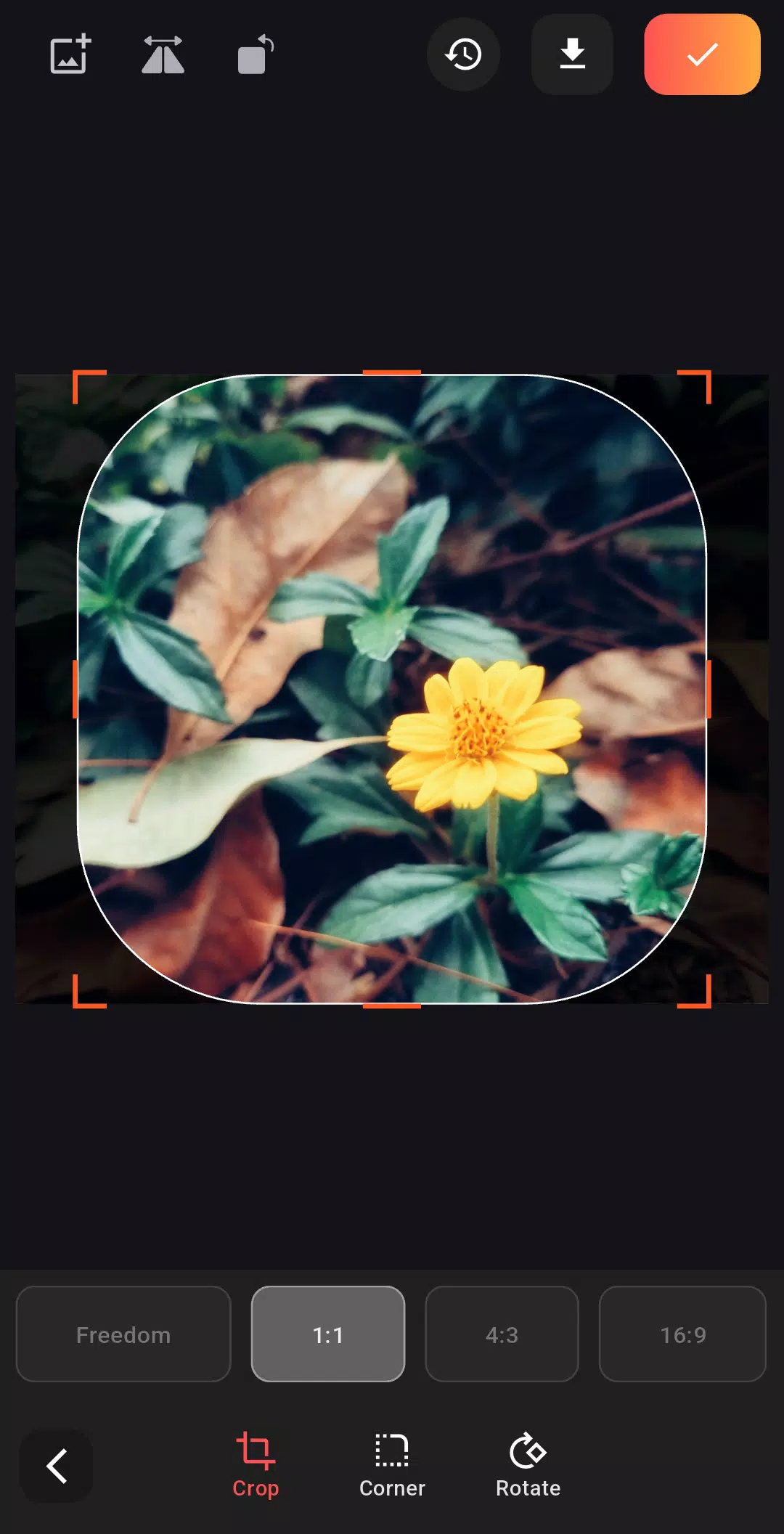
- Smart Crop — automatic subject detection suggests crop boundaries based on composition rules and face alignment.
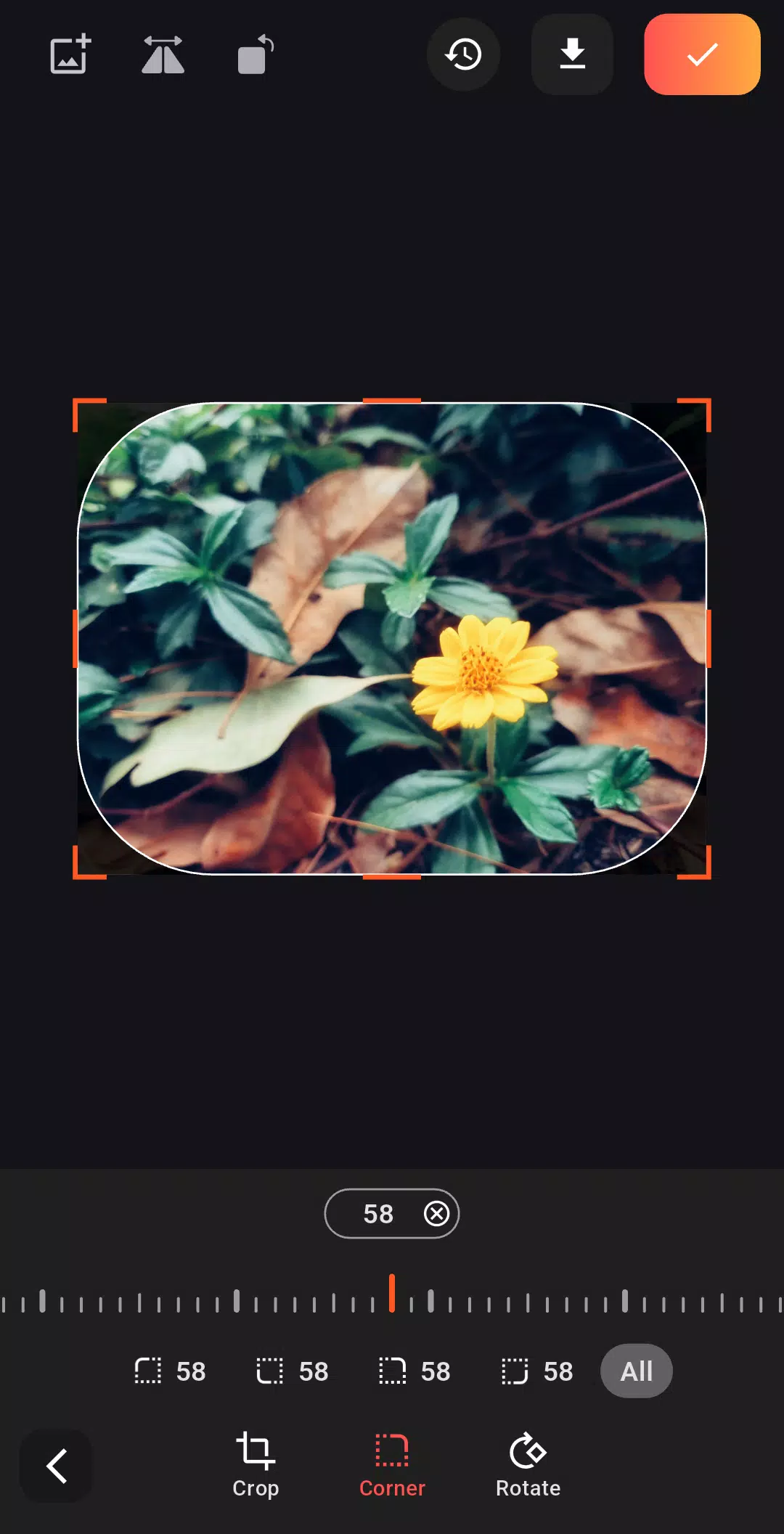
- Trim & Rotate — precise angle control plus visual grid overlays for alignment.
- Batch Processing — apply a set of edits to multiple images and export in one pass.
- Quick Filters — subtle, adjustable presets designed for natural color correction rather than heavy stylization.
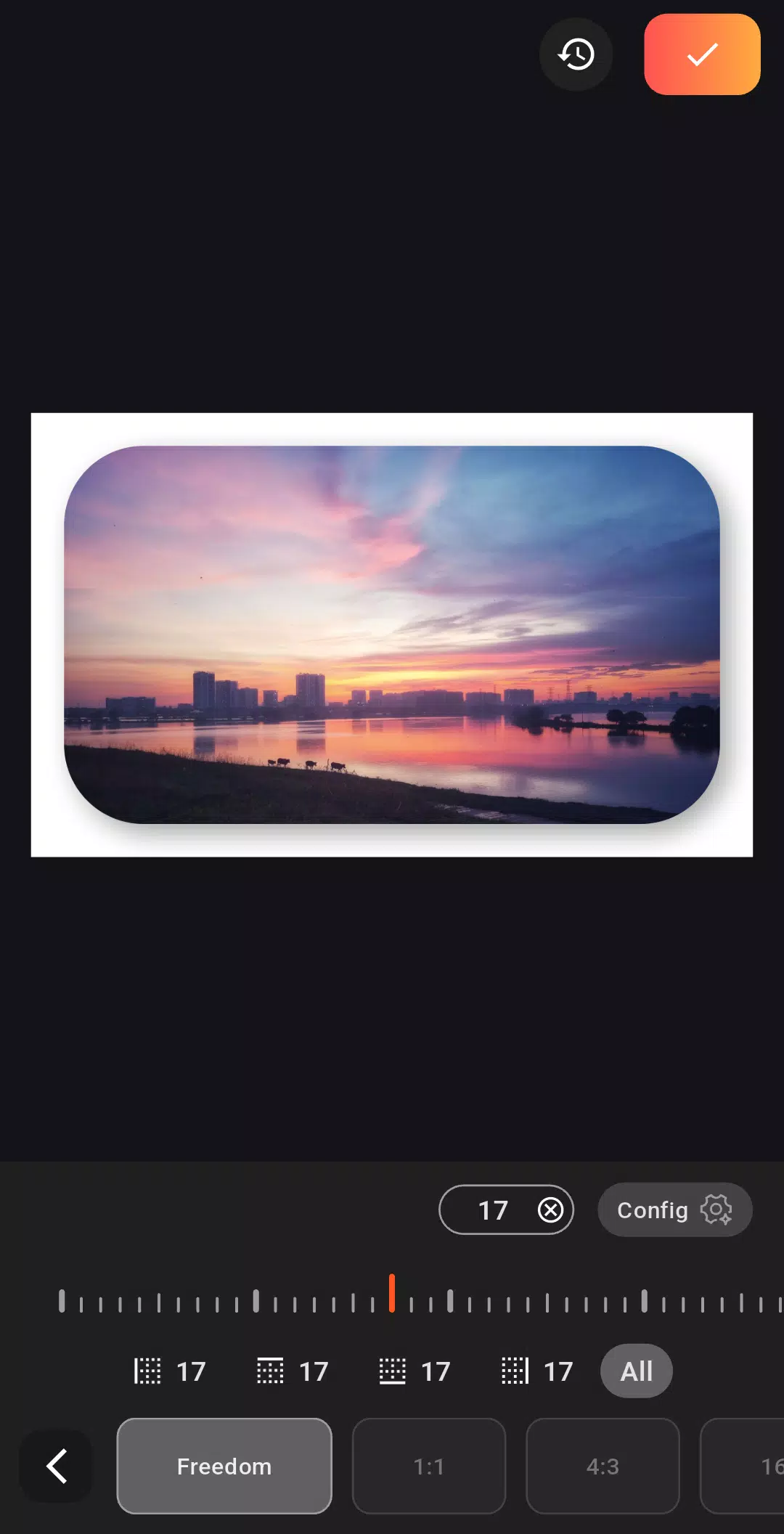
- Export Options — select quality, format, and social-size presets for different platforms.
User interface and performance
The interface is intentionally minimal. A bottom toolbar organizes primary actions while a collapsible panel exposes advanced sliders. PicTrim responds smoothly on mid-range devices, with GPU-accelerated rendering keeping live previews fluid even when applying multiple adjustments. Cache management and optional low-resolution previews help conserve memory on older phones.
How it handles real-world use
Workflow is straightforward: import photos, select an edit or apply a preset, refine with sliders, then export. PicTrim saves edits as a layer stack, so you can revert changes or fine-tune later. For sellers and creators who need consistent output, the batch module can standardize crops and white balance across dozens of images within minutes.
Customization and workflow tools
Beyond the core editing tools, PicTrim includes utilities that speed repetitive tasks. Create and save your own presets, define custom aspect ratios, and assign favorite tools to gesture shortcuts. The app supports naming and tagging images to keep projects organized inside its gallery, which is useful for handling multiple client sets or campaign batches.
Advanced options for power users
- Manual curve editor — fine control over tones for experienced editors.
- Selective adjustments — brush and radial masks let you target edits to precise areas.
- Metadata editing — adjust EXIF fields and add copyright notes before export.
Usability tips for new users
Start with Smart Crop to find a good composition quickly, then use the exposure and color sliders to match your intended look. Save a preset once you land on a style you like — it becomes a time-saver for subsequent sessions. If device storage is limited, enable low-resolution previews and only export final images at full quality.
Problems it avoids
PicTrim reduces common friction points: no intrusive ads, a clear undo history, and intuitive icons make it hard to lose work. The app also checks image resolution before export and warns about upscaling to prevent low-quality uploads.
Who should consider PicTrim
Whether you edit product photos, prepare images for a blog, or quickly touch up social posts, PicTrim offers a balance of speed and control. It’s not a full desktop replacement for pixel-level manipulation, but it covers 80–90% of daily photo tasks on a mobile device and does so with fewer taps than many competitors.
Installation and first run
Installation is straightforward. On first launch, PicTrim offers a short guided tour that highlights the main tools and suggested gestures. Granting permission to access your photos enables the in-app gallery and batch features. For privacy-conscious users, local-only editing is supported; nothing is uploaded unless you explicitly choose cloud export.
For mobile creators seeking an efficient, well-designed editor, PicTrim is worth trying. It blends approachable controls with practical power features, and its batch and preset systems pay dividends when you need consistent results quickly.
- No virus
- No advertising
- User protection
Information
- File size: 14.20 M
- Language: English
- Latest Version: 1.7.3
- Requirements: Android
- Votes: 145
- Package ID: com.duc_app_lab_ind.pic_trim_app
- Developer: Duc's Innovation Lab, Ind.
Screenshots
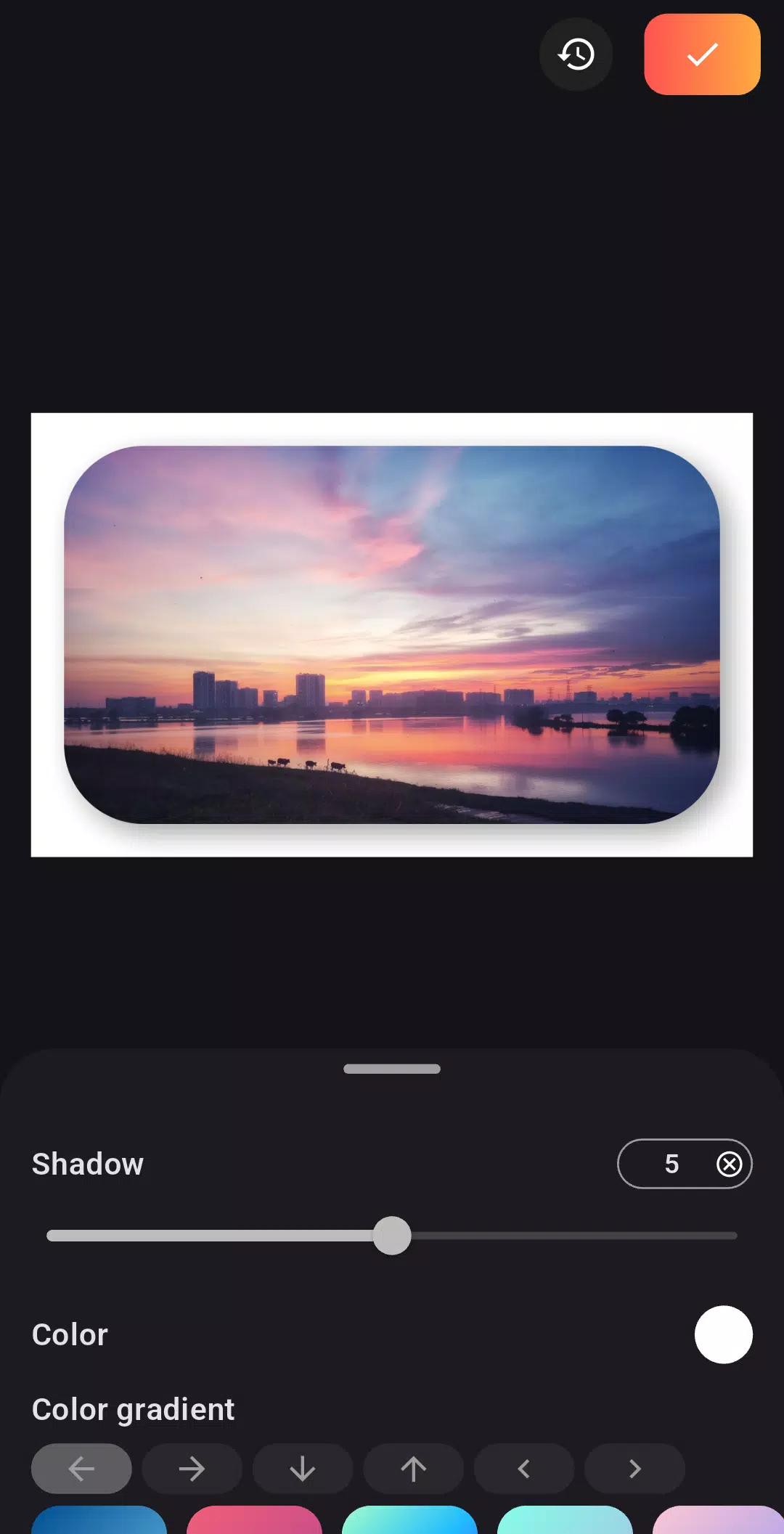
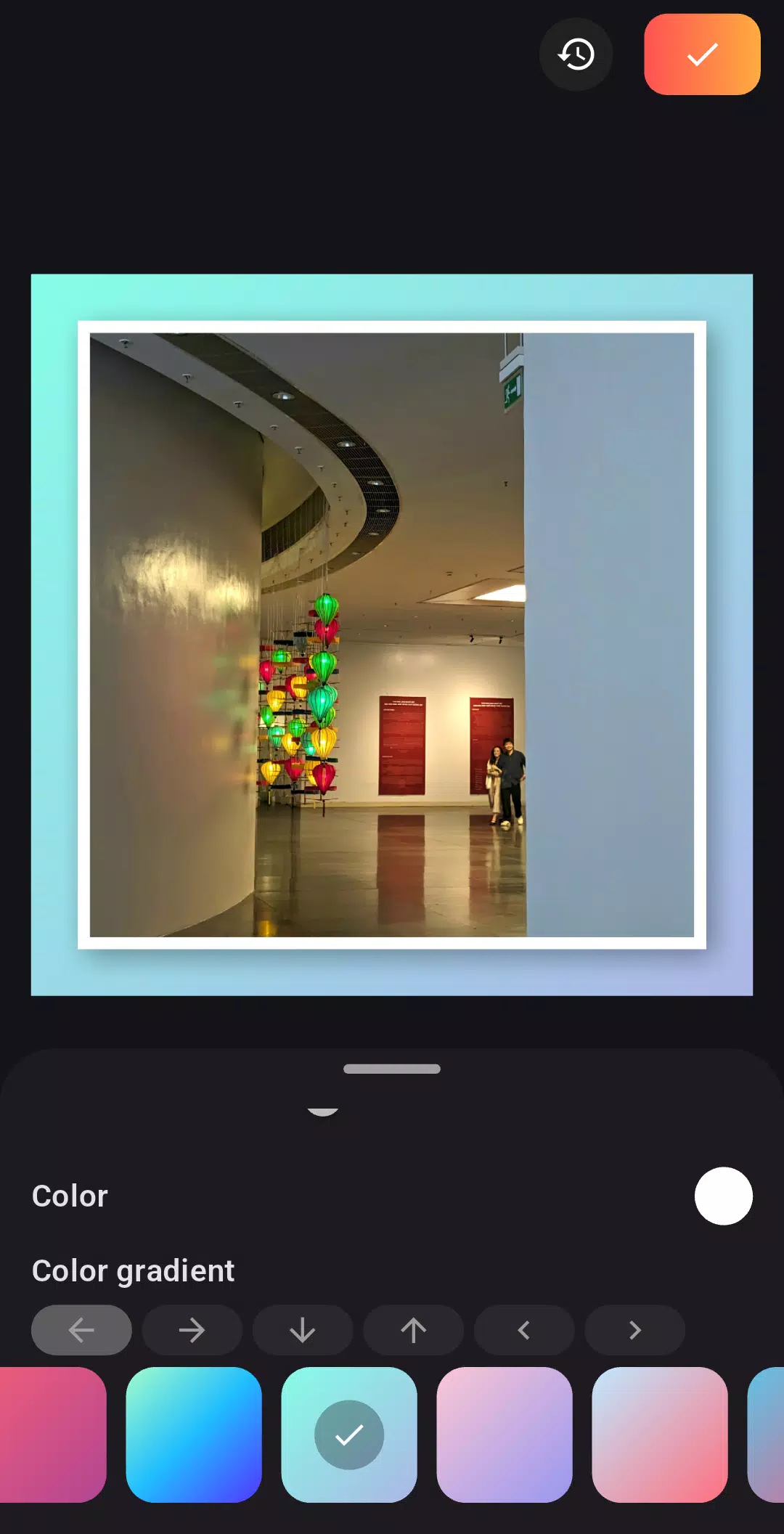
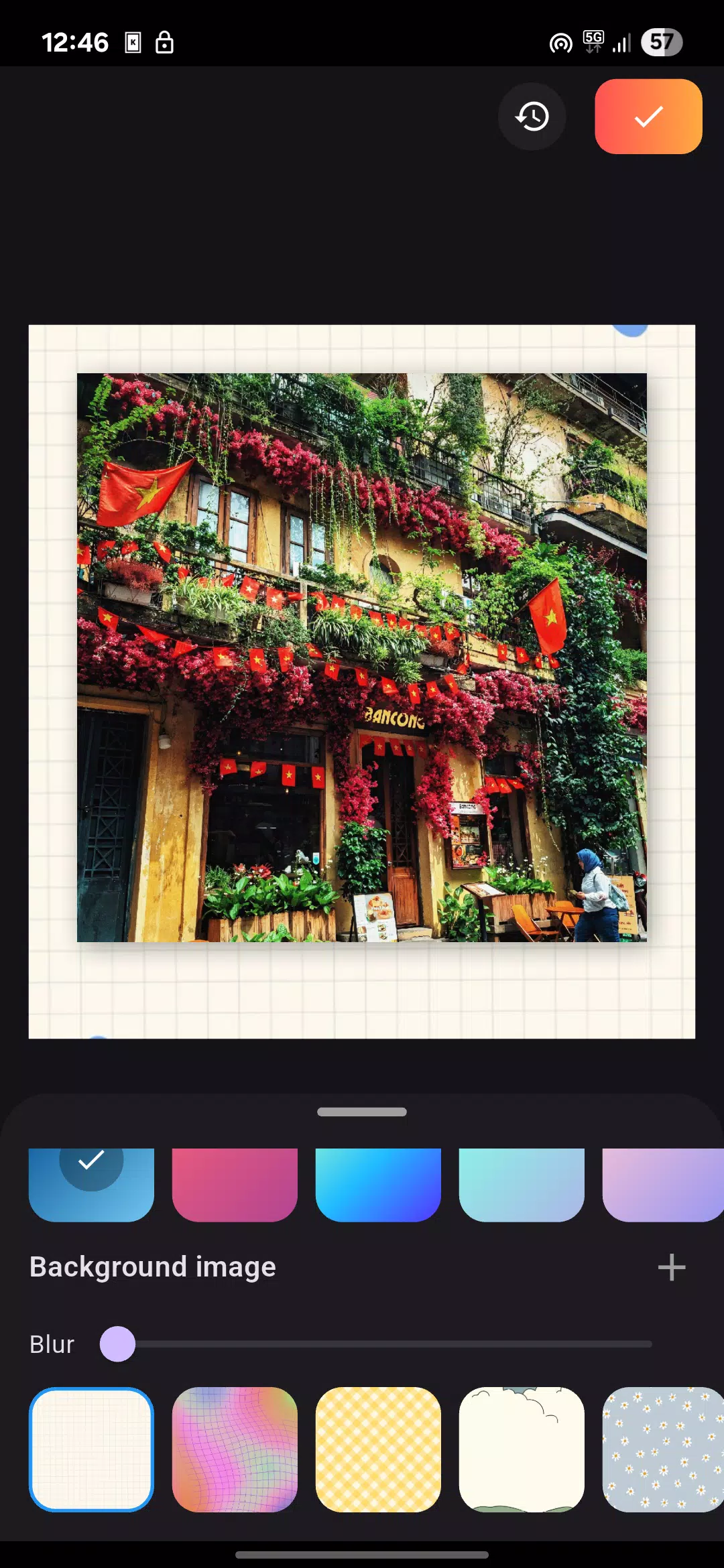
















Explore More
Equip yourself with our all-in-one toolbox app for everyday tasks and projects. Instantly convert between units, calculate tips, scan documents, manage files, and more with handy productivity tools. Includes a level, compass, QR code reader, ruler, speedometer, decibel meter, and flashlight. Save frequently used tools to your customizable dashboard for one-tap access. Track billable hours, wages, budgets, and invoices. Annotate screenshots, magnify labels, and sign PDFs on the go.

Board Game Stats

MEXC Global: BTC, ETH, Gamefi

Text Art - Write Text On Photo

MERA PROXY PRO

Domino's Pizza Sri Lanka

Hatekhori Shongkha

Halloween Photo Editor -Makeup

Connecting - Friends Near Me