
Introduction
Diagnosticum is a compact diagnostic toolkit for Android that simplifies device maintenance and troubleshooting. It gathers system indicators, runs hardware checks, and logs errors so users and technicians can pinpoint issues quickly. The app balances depth and clarity, making complex diagnostic tasks accessible without steep learning curves.
Quick overview
Diagnosticum targets users who need clear, actionable information about their device health. It combines live monitoring and one-off tests in a single interface. Whether you are a technician checking a handset before resale or a savvy user tracking battery performance, Diagnosticum consolidates diagnostics that would otherwise require multiple utilities.
Core capabilities at a glance
- Real-time system monitoring: CPU, memory, temperature, and battery metrics updated continuously.
- Hardware tests: Cameras, sensors, touch input, speakers, and network radios can be validated with guided checks.
- Error logging: Persistent logs capture failures and events for later review or sharing.
- Connectivity diagnostics: Wi‑Fi, Bluetooth, NFC and cellular signal strength and protocol details.
How it functions
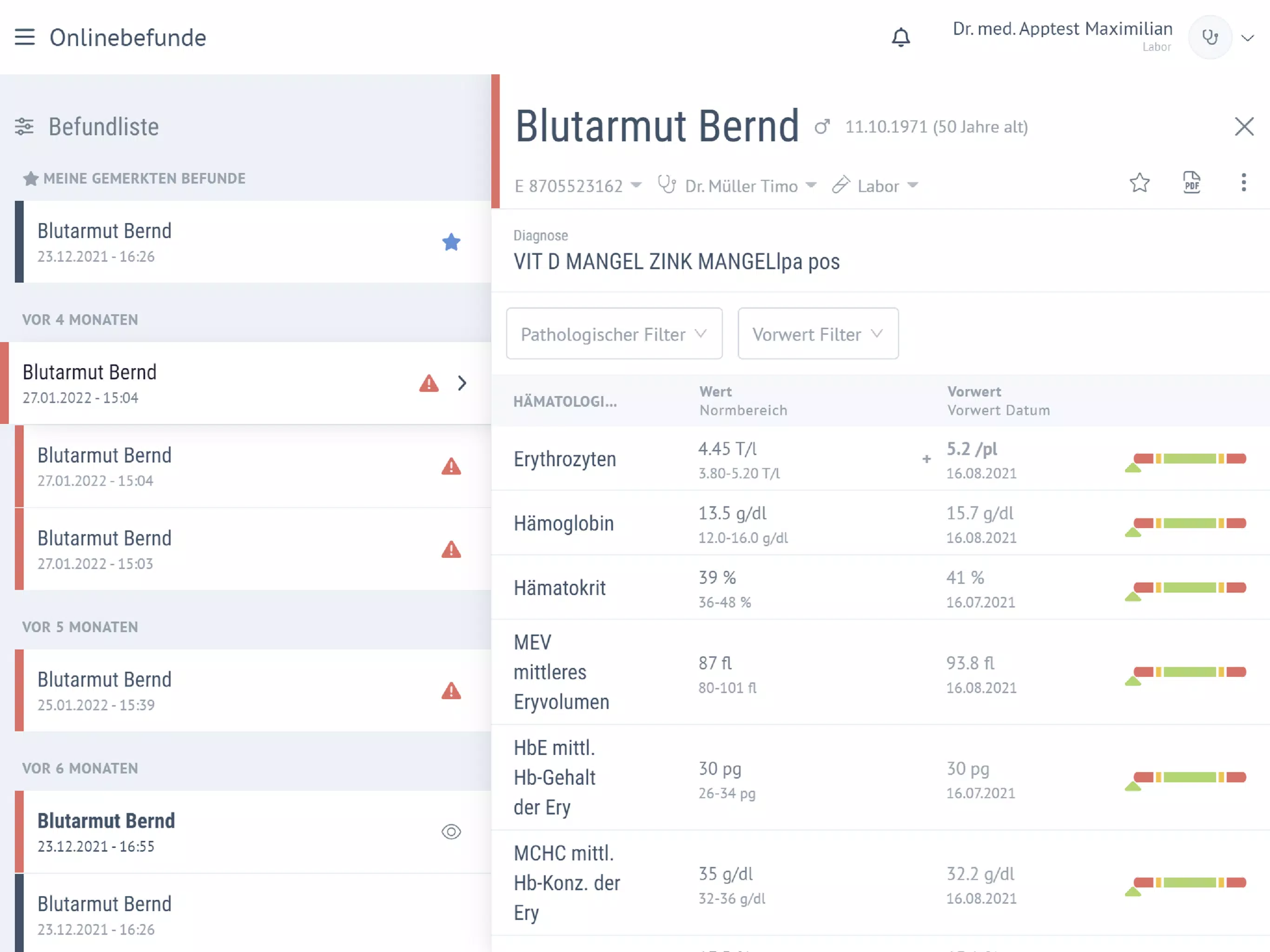
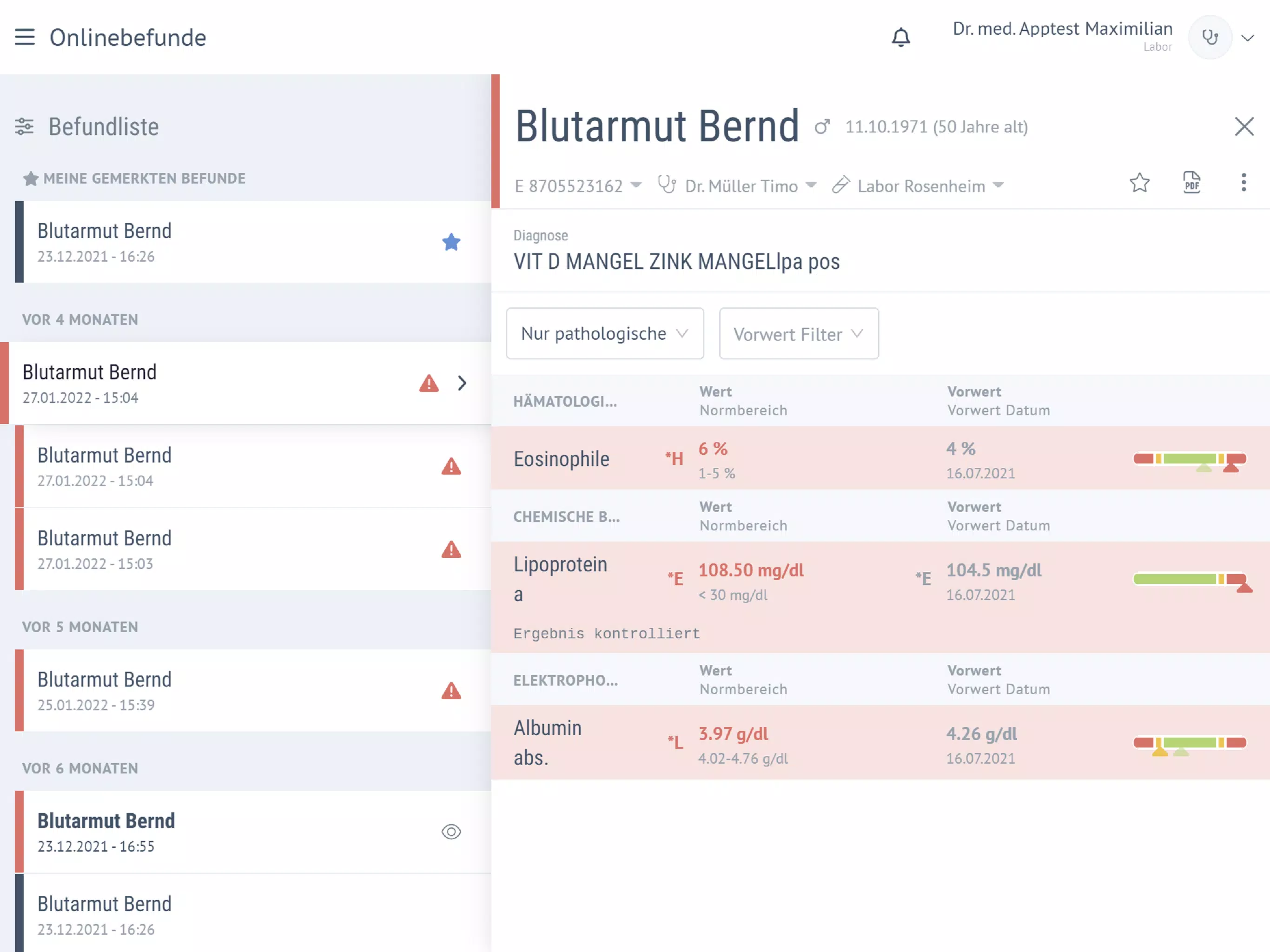
The workflow in Diagnosticum is straightforward. Start with a quick scan to get a baseline snapshot, then select targeted tests for any component that raises a flag. Each test includes a brief description of what it checks and recommended next steps if something fails. Results are presented in plain language plus technical readouts for deeper analysis.
Test modes explained
- Snapshot: Fast overview for a single glance at core system health.
- Intensive: Longer benchmarks and stress tests for CPU and thermal behavior.
- Sensor validation: Live feedback for accelerometer, gyroscope, proximity and more.
Interface and performance
Diagnosticum emphasizes clarity. The UI groups related metrics, uses color-coding to flag anomalies, and keeps controls one tap away. Animations and graphs are minimal and purposeful, so the app remains responsive even during intensive tests. Background battery impact is clearly indicated before running prolonged diagnostics.
Design choices that matter
- Readable dashboards that avoid dense technical jargon.
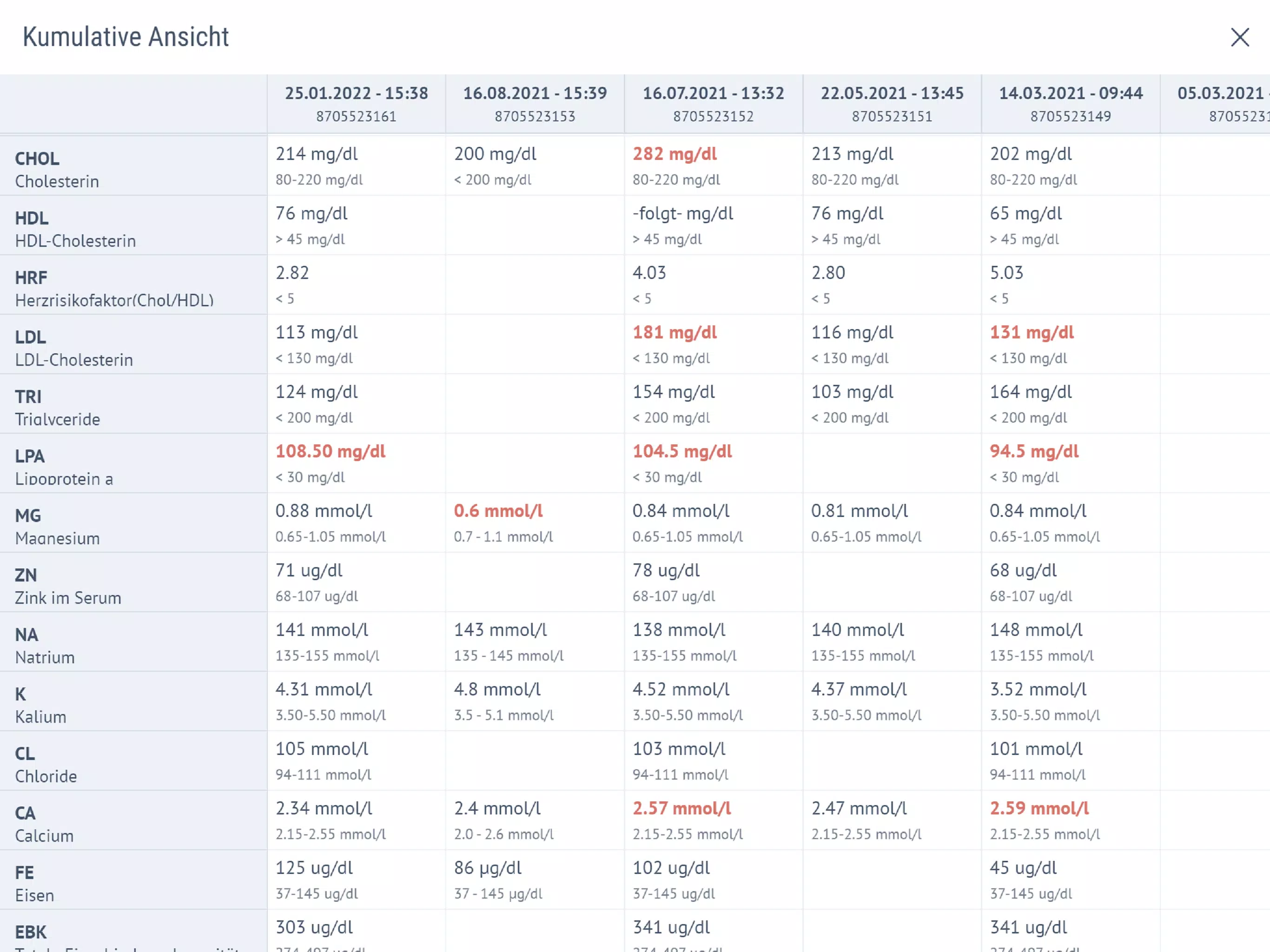
- Exportable reports in plain text or CSV for troubleshooting workflows.
- Low memory footprint designed for older devices as well as recent flagships.
Practical use cases
For repair technicians, Diagnosticum speeds up triage: a single app handles display, audio, and connectivity validation without swapping tools. For informed consumers, the battery and network modules help spot slow drain or poor reception sources. The app is also useful when preparing devices for sale — you can generate a shareable report to prove working condition.
Integration with regular maintenance
- Run quick snapshots weekly to detect degrading components early.
- Use stress tests before large OS updates or battery replacements.
- Attach logs to support tickets to accelerate warranty or repair processes.
Tips for first-time users
When you open Diagnosticum, begin with the snapshot view to establish a baseline. If a metric seems off, follow the guided test sequence for that component. Keep the device on a stable surface during sensor checks and maintain adequate charge for longer stress tests. Export logs before uninstalling or handing the device to another party.
Why people rely on it
People choose Diagnosticum because it reduces guesswork. The combination of human-readable summaries and deeper technical metrics makes it suitable for a wide audience. Regular use helps detect problems earlier, lowering repair costs and avoiding data loss due to hardware failures.
Installing and getting started
Installation is straightforward from a trusted app repository. After launch, grant the minimal permissions requested to enable specific tests — for example, microphone access for speaker diagnostics or location access for accurate Wi‑Fi scanning. Diagnosticum provides in-app help and short tutorials for each major feature to shorten the learning curve.
Diagnosticum strikes a practical balance between power and simplicity. It brings together monitoring, testing, and reporting into a single app that fits both professional workflows and home maintenance routines, helping users keep their Android devices running reliably.
- No virus
- No advertising
- User protection
Information
- File size: 18.60 M
- Language: English
- Latest Version: 7.59.7
- Requirements: Android
- Votes: 132
- Package ID: de.labuniq.diagnosticum
- Developer: LABUNIQ ServicegesellschaftmbH
Screenshots
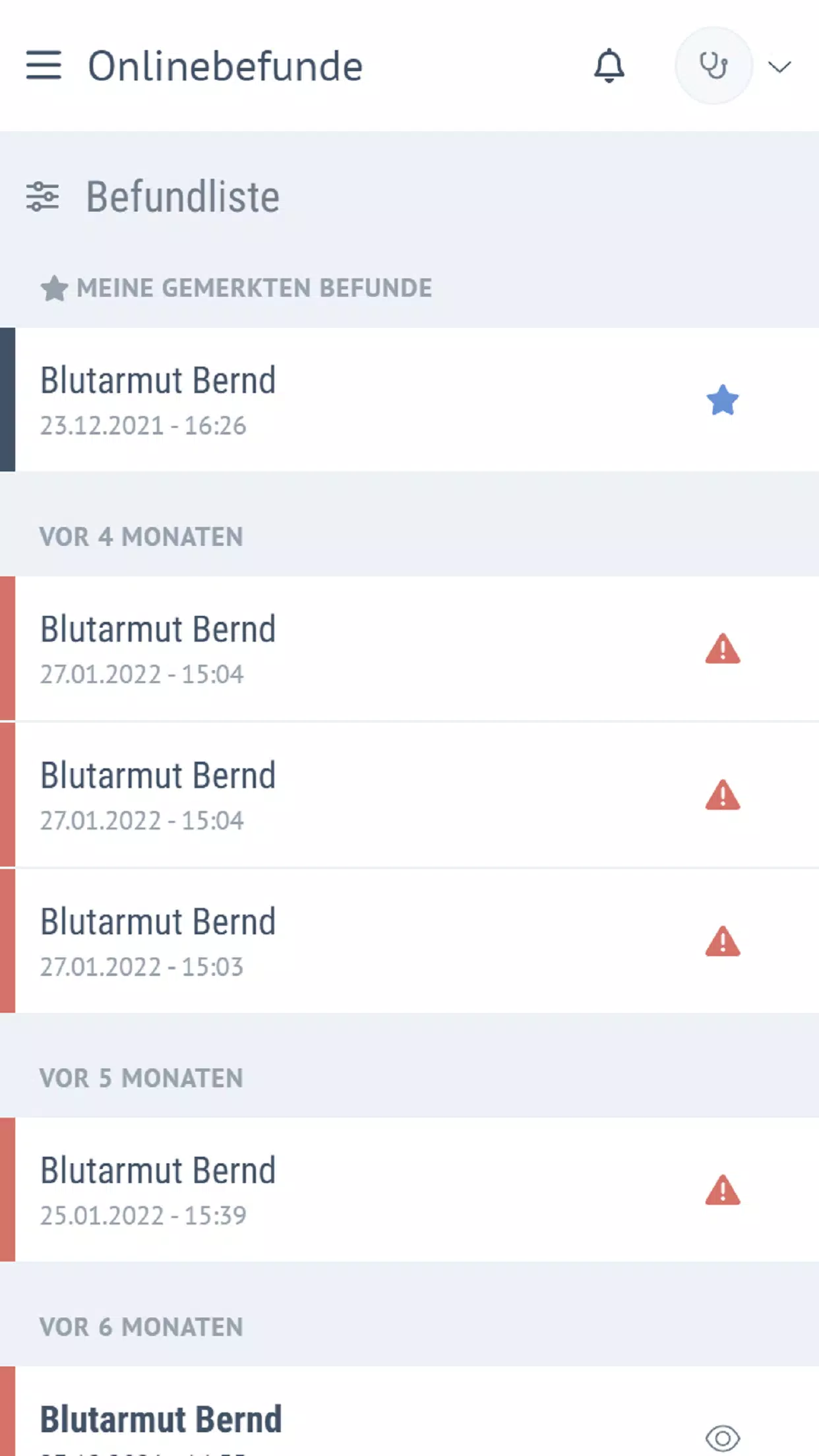
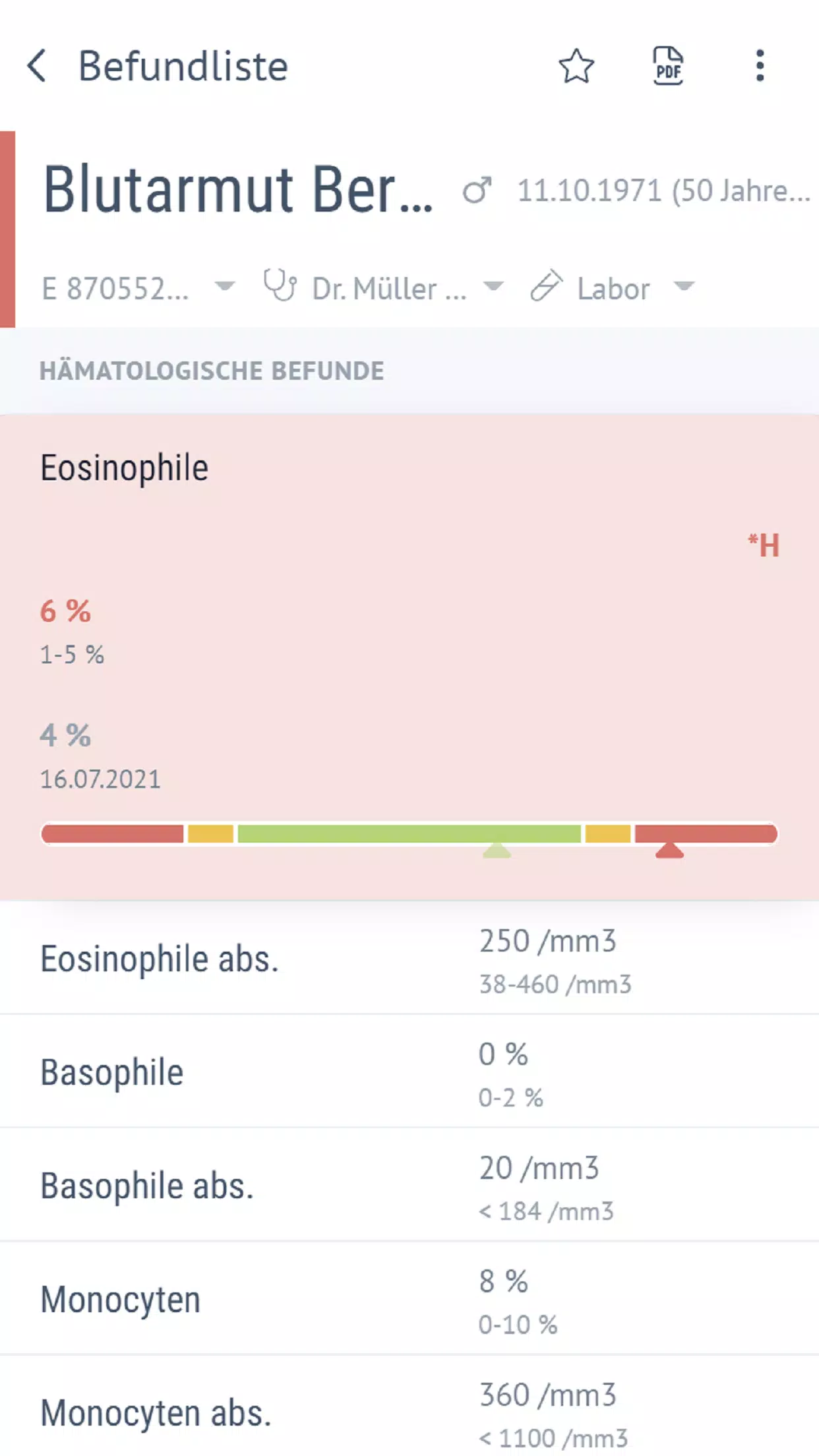
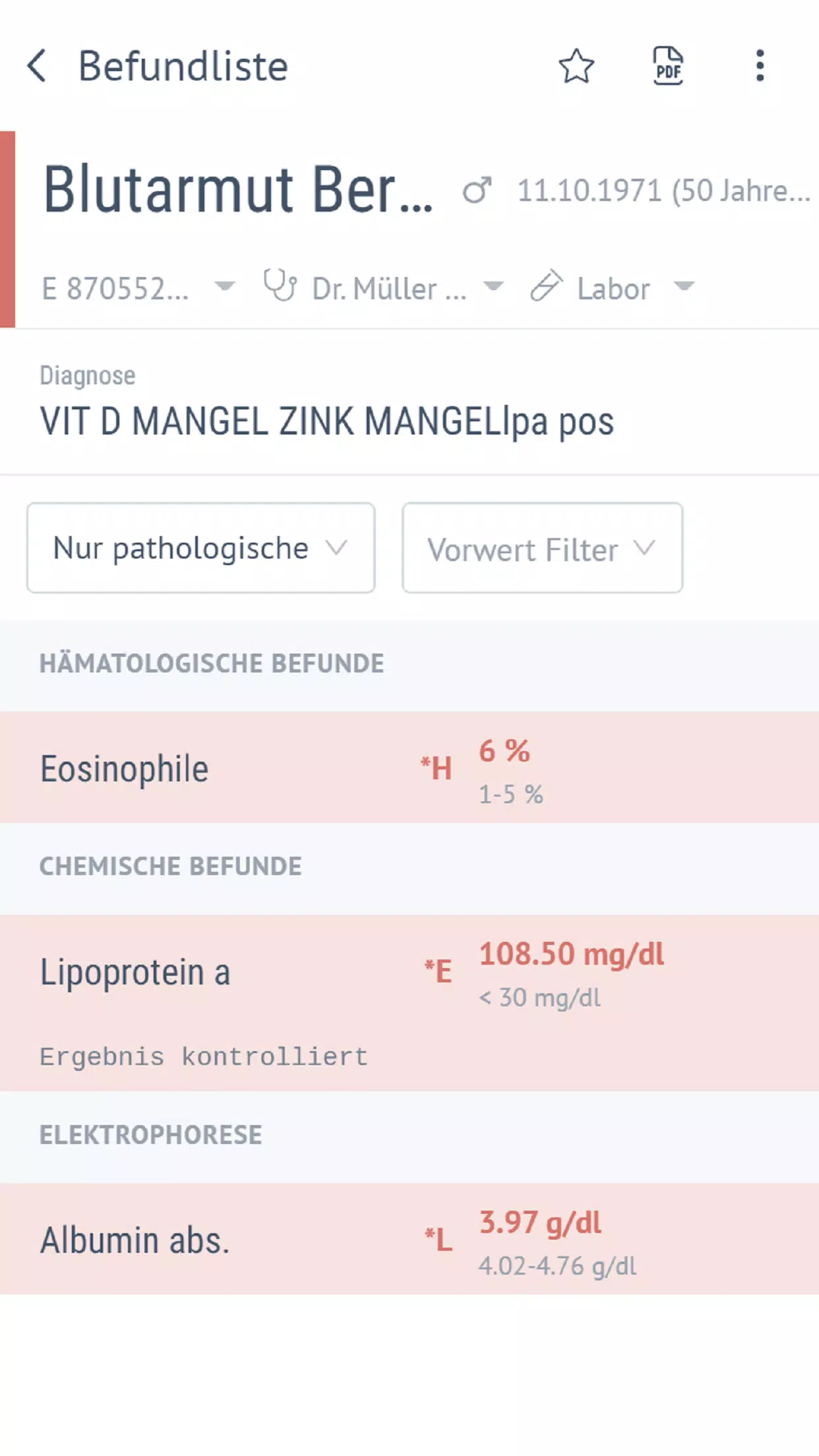
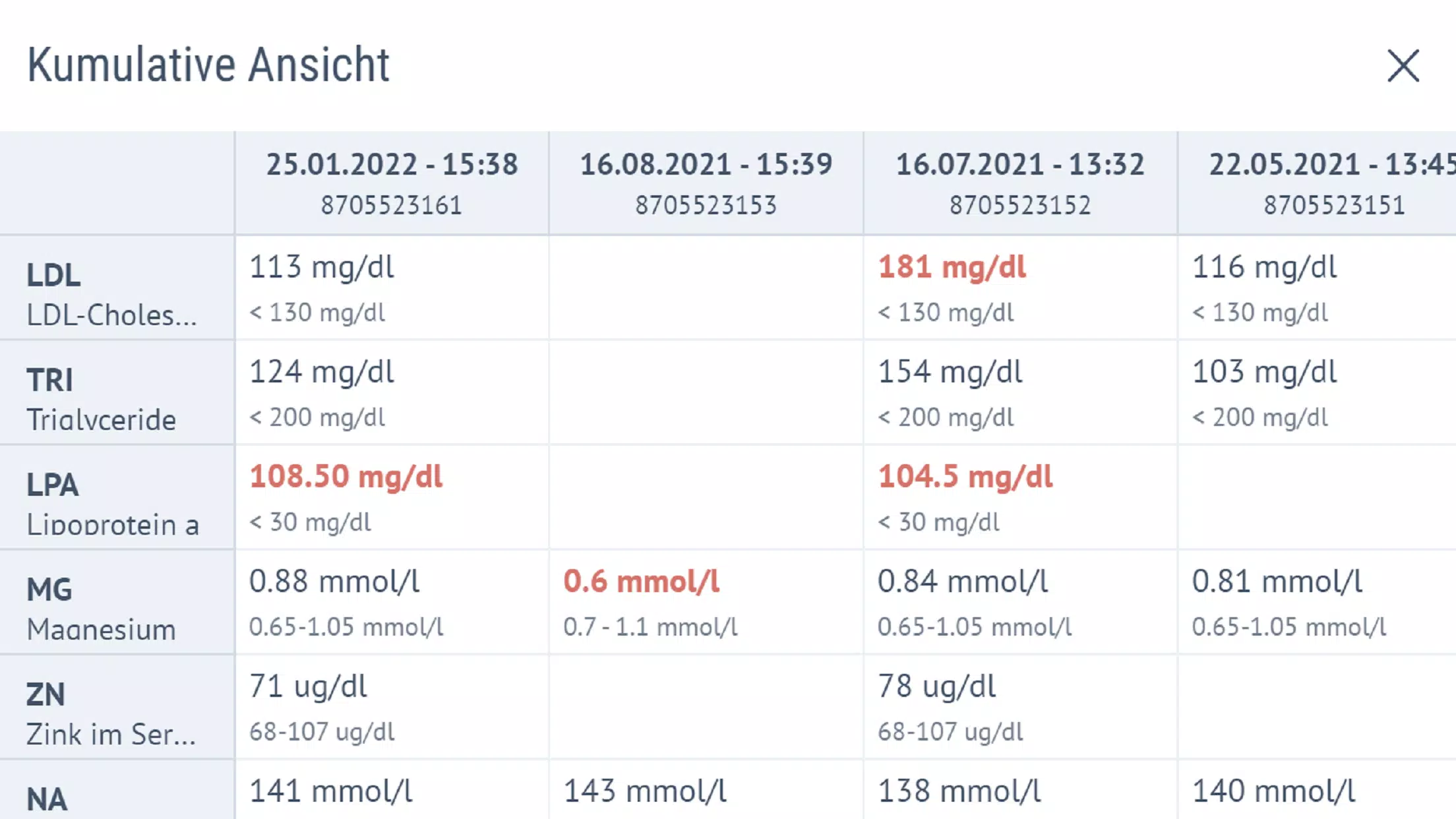

















Explore More
Make your house a home with our suite of helpful home apps. Discover clever tools to organize closets, streamline chores, and simplify cooking. Take the stress out of cleaning and maintenance with handy checklists and schedules. Enhance security and control appliances and lighting with our smart home integrations. Design, visualize, and renovate like a pro using our 3D planning software.

All Recovery - Photos & Videos

Tax Calculator India 2024-2025

OnDjoss

Park4Me

Scary sound effects

Home Workouts - Lose Weight

Juice Recipes

HFonts - font & emoji manager