


Introduction
Gold Damon Ps2 brings PlayStation 2 gaming to modern Android devices with a focus on speed, compatibility, and user-friendly controls. This emulator replicates console performance, supports a wide library of titles, and offers customizable settings to balance visuals and battery life for mobile play.
What Gold Damon Ps2 Offers
Gold Damon Ps2 is designed for gamers who want to play classic PS2 titles on phones and tablets. It provides a configurable environment where graphics upscaling, frame rate adjustment, and input mapping let you tailor gameplay to your device’s strengths. The app prioritizes fluid performance while exposing options for power users who want sharper visuals or expanded control schemes.
Key Features and Tools
The feature set in Gold Damon Ps2 focuses on practical improvements and compatibility:
- Dynamic Graphics Settings: Change resolution, enable texture filters, and toggle enhancements to improve clarity without overwhelming the hardware.
- Frame Rate Controls: Lock or boost frame rates for smoother animation or conserve battery life depending on your preferences.
- Controller and Touch Input: Map on-screen buttons, connect Bluetooth controllers, and customize dead zones and sensitivity for precise control.
- Save States and Memory Management: Quick save/load slots let you resume play instantly, while memory settings help manage performance across different titles.
- File Handling: Support for common game image formats and compressed archives simplifies loading your legally owned games.
User Interface and Controls
The interface is arranged to keep core controls accessible while exposing deeper settings in a separate configuration menu. Gold Damon Ps2 places an emphasis on clarity: the main screen lists available images and profiles, while in-game overlays provide quick access to save states, frame skips, and screenshots. Controller pairing and button mapping are presented with visual guidance so you can set up a Bluetooth pad or customize touch layout in minutes.
Performance and Compatibility Considerations
Performance varies with device hardware and game complexity. Gold Damon Ps2 benefits from multi-core processors and devices with higher GPU capabilities, which allow higher resolution rendering and better frame stability. The app includes options to reduce CPU load, like frame skipping and lowering internal resolution, useful for older phones. Compatibility is broad, but a small set of titles may require tweaking of specific settings to run smoothly.
How to Optimize Gameplay
Getting the best results from Gold Damon Ps2 involves a few straightforward adjustments. Begin by selecting an appropriate rendering mode and set the internal resolution to match your device’s native display. If you encounter stutter, enable frame limiting and reduce background processes on your phone. For visual improvements, try anisotropic filtering and moderate texture enhancement; if performance drops, dial those back. Regularly update the app to benefit from performance patches and improved compatibility.
Practical Tips for Daily Use
To enjoy longer sessions with minimal interruptions, use a power-saving plan that still allows high-performance CPU bursts when needed. Pair a reliable Bluetooth controller for titles that demand precision, and create profiles for different games so you don’t have to reconfigure controls or graphics each time. Use save states for difficult sections, and maintain organized folders for game images to streamline browsing.
Getting Started
Installing Gold Damon Ps2 is straightforward: after granting necessary permissions, add your legally owned PS2 game images into the app’s accessible folder. Configure a default control profile, choose a rendering mode that fits your device, and test a few settings in a short session. The app’s built-in help and community forums contain additional setup recommendations and profiles shared by other users.
Why Choose This Emulator
Gold Damon Ps2 strikes a balance between ease of use and advanced customization. It allows casual players to jump in quickly while offering deeper configuration for those who want to fine-tune performance and visuals. Regular updates aim to expand compatibility and refine controls, making it a solid option for mobile PS2 enthusiasts seeking a portable way to revisit classic titles.
- No virus
- No advertising
- User protection
Information
- File size: 4.50 M
- Language: English
- Latest Version: 1.0
- Requirements: Android
- Votes: 210
- Package ID: gold.damn.p2s
- Developer: Thao Kaliur
Screenshots
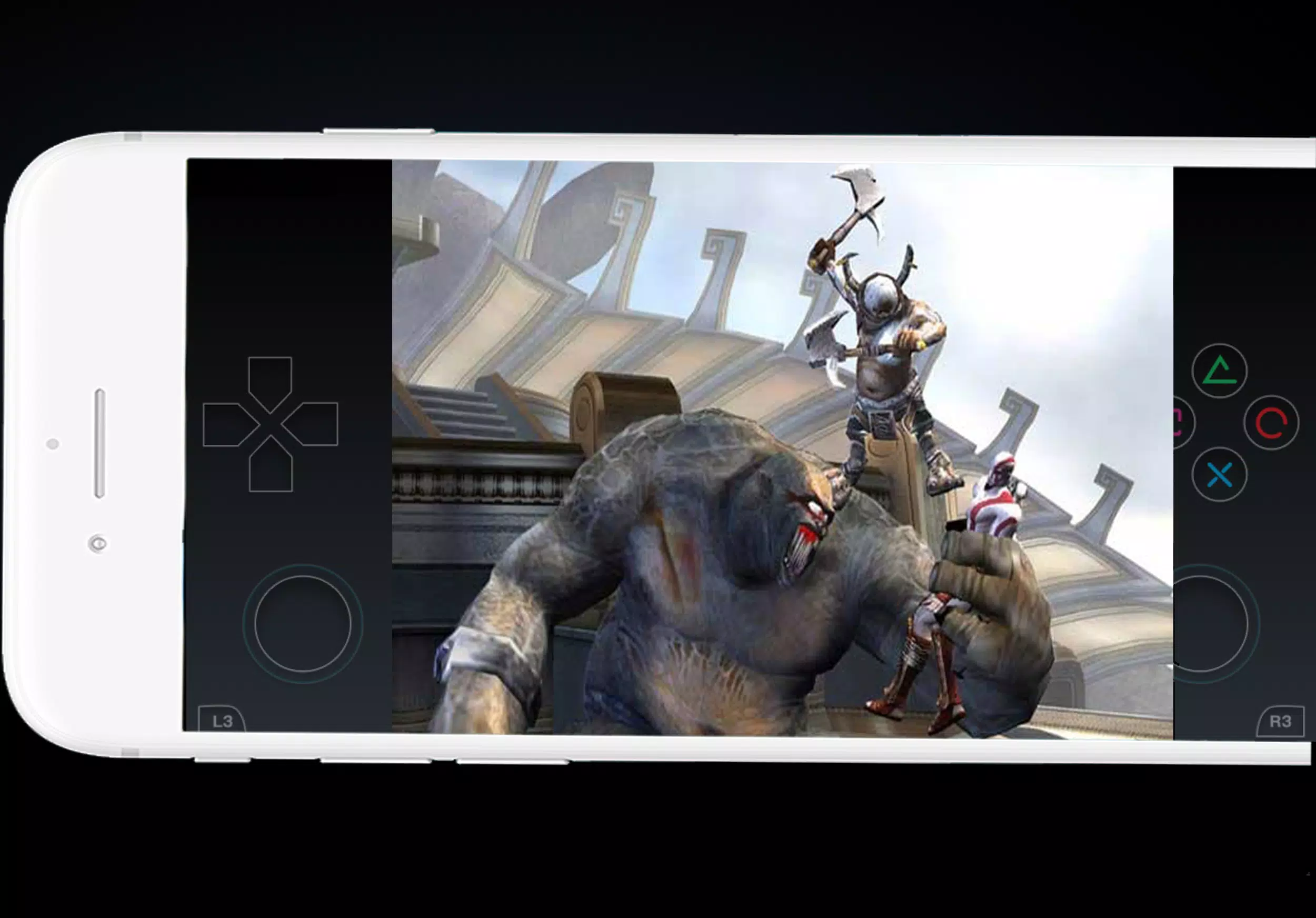
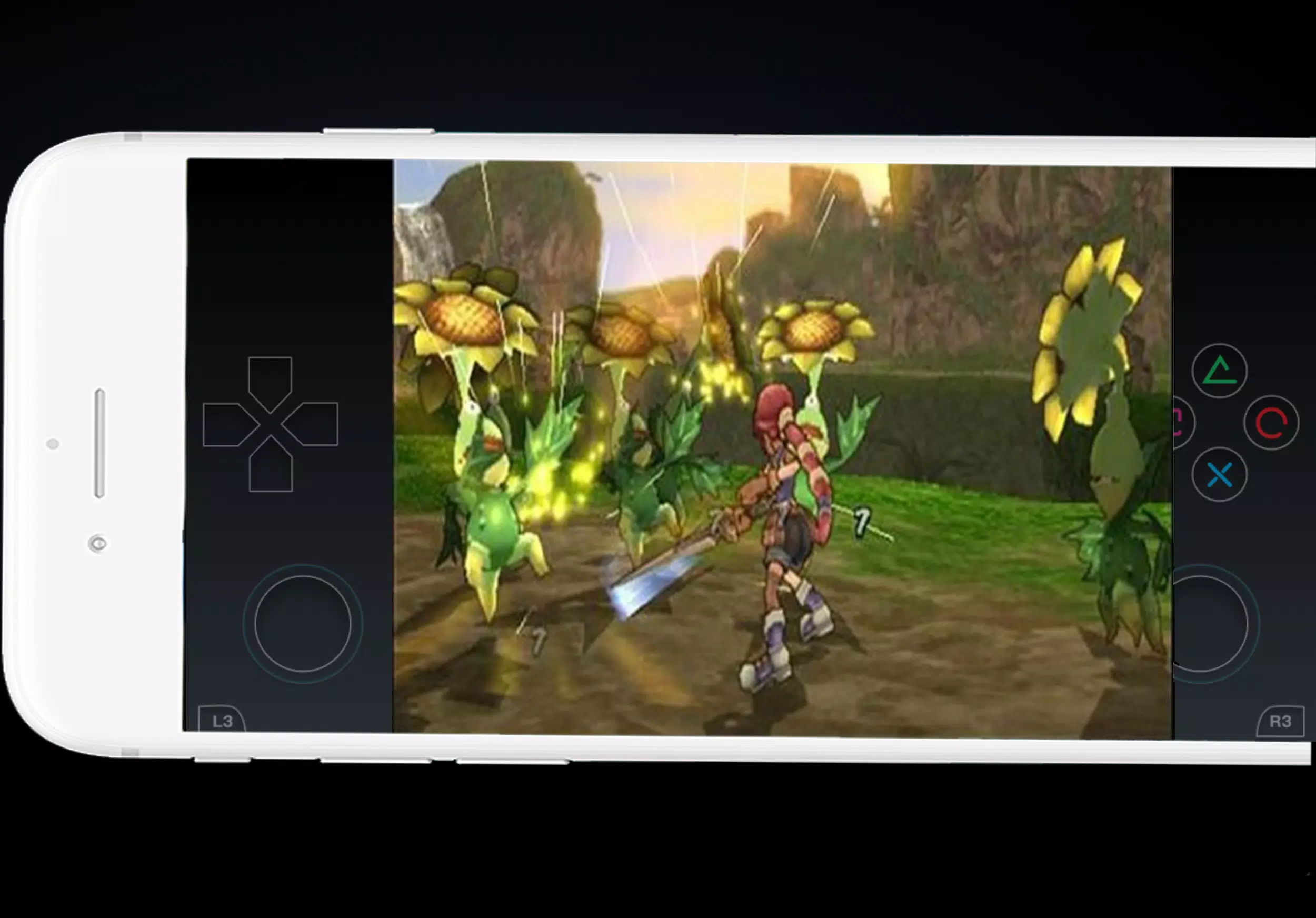
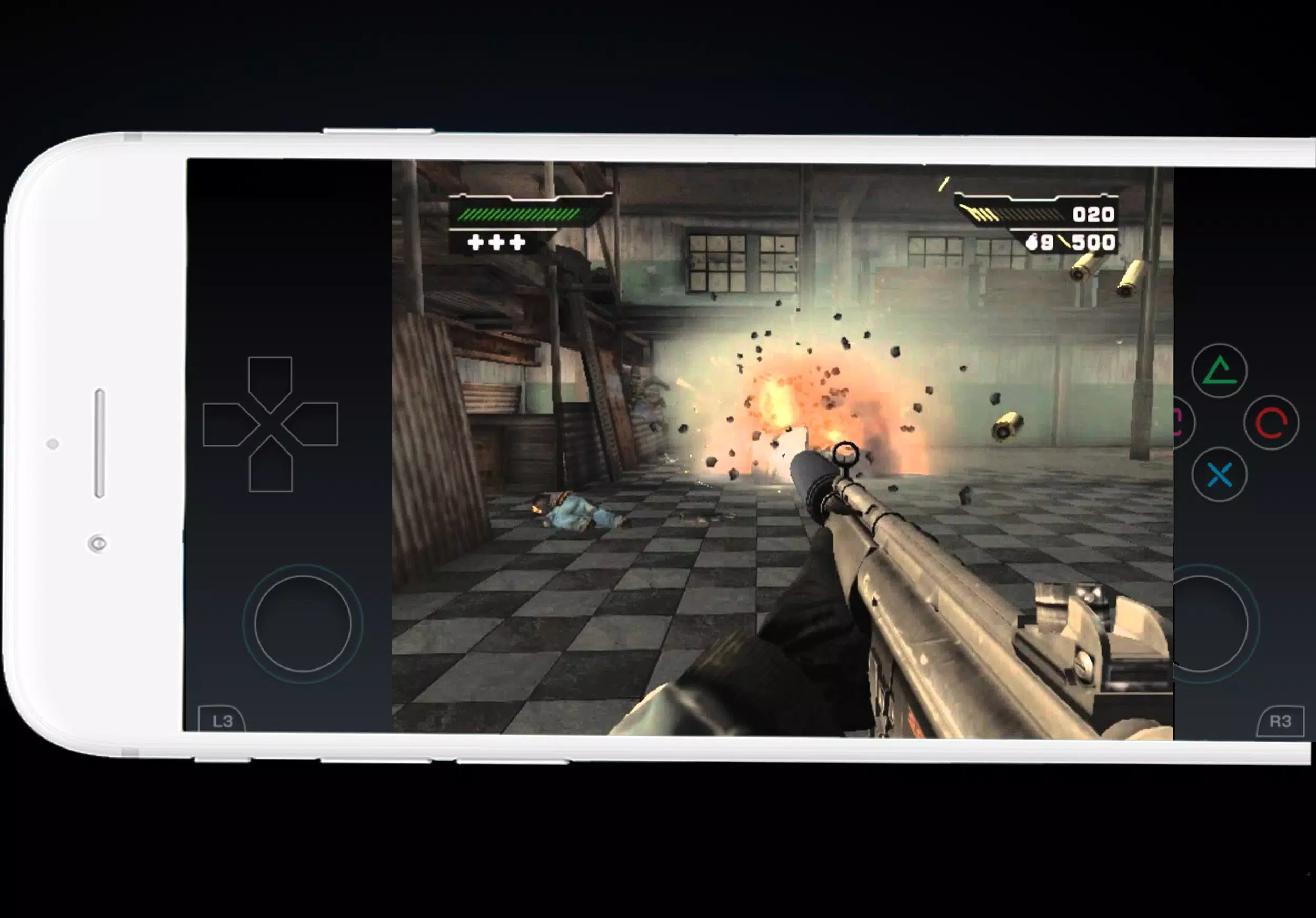
















Explore More
Equip yourself with our all-in-one toolbox app for everyday tasks and projects. Instantly convert between units, calculate tips, scan documents, manage files, and more with handy productivity tools. Includes a level, compass, QR code reader, ruler, speedometer, decibel meter, and flashlight. Save frequently used tools to your customizable dashboard for one-tap access. Track billable hours, wages, budgets, and invoices. Annotate screenshots, magnify labels, and sign PDFs on the go.

Board Game Stats

MEXC Global: BTC, ETH, Gamefi

Text Art - Write Text On Photo

MERA PROXY PRO

Domino's Pizza Sri Lanka

Hatekhori Shongkha

Halloween Photo Editor -Makeup

Connecting - Friends Near Me





























